QuickBooks Desktop for Mac 2025: Features, Requirements, and Migration Guide
QuickBooks Desktop for Mac 2025 is a dedicated accounting solution designed specifically for the macOS ecosystem, offering native integration with Apple hardware and software features. Moving to a subscription-only "Plus" model, it pro...
QuickBooks Desktop for Mac 2025 is a dedicated accounting solution designed specifically for the macOS ecosystem, offering native integration with Apple hardware and software features. Moving to a subscription-only "Plus" model, it provides localized data control, advanced reporting, and optimized performance for users on Intel and Apple Silicon (M-series) processors.
Contents
As we move through 2026, the landscape of accounting software continues to shift toward cloud-based environments. However, for many small business owners and finance professionals, the reliability and specific user interface of QuickBooks Desktop for Mac remain a preference. The 2025 edition represents Intuit’s commitment to providing a high-performance, desktop-bound experience for Mac users, even as the company prioritizes its QuickBooks Online (QBO) ecosystem. This guide examines the current status of the software, its technical capabilities, and the strategic considerations for businesses deciding whether to remain on the desktop platform.
The Evolution of QuickBooks Desktop for Mac in 2026
In 2026, QuickBooks Desktop for Mac 2025 stands as the primary version for those who resisted the complete transition to the cloud. It is important to note that Intuit has transitioned this product into a Plus subscription model. Unlike older versions of QuickBooks that allowed for a one-time purchase (perpetual license), the 2025 version requires an annual fee to maintain access to the software and its integrated services, such as bank feeds and payroll.
The 2025 release was specifically engineered to bridge the gap between traditional accounting workflows and the modern security requirements of macOS. As Apple continues to iterate on its operating systems, the 2025 version remains the baseline for compatibility with the latest security protocols and hardware optimizations. For businesses currently using this version in 2026, it serves as a stable environment that avoids the latency sometimes associated with web-based browsers while offering the deep "command-key" integration that Mac power users expect.
Key Features and Enhancements
The 2025 version introduced several quality-of-life improvements and backend optimizations that distinguish it from the 2022 and 2023 iterations.
Optimized for Apple Silicon
One of the most significant technical updates in the 2025 edition is the deep optimization for M1, M2, and M3 chips. While previous versions ran through Rosetta 2 translation, the 2025 version leverages native ARM architecture. This results in significantly faster report generation, quicker file opening times, and reduced battery drain for users working on MacBook Pro or Air models.
Advanced Receipt Management
Building on previous iterations, the 2025 version features an improved receipt management system. Users can upload receipts directly to the software, where the OCR (Optical Character Recognition) engine categorizes expenses and matches them to existing transactions. In 2026, this feature has become more refined, allowing for better accuracy in identifying vendors and tax categories, which minimizes manual data entry during tax season.
Dark Mode and Native UI Integration
Unlike the Windows version, which often feels like a legacy application, QuickBooks Desktop for Mac 2025 utilizes macOS-specific design languages. This includes full support for System-Wide Dark Mode, making the interface easier on the eyes during late-night accounting sessions. It also integrates with Apple’s "Full Screen" and "Split View" modes, allowing users to keep their accounting software side-by-side with bank statements or spreadsheets.
Improved Reporting and Dashboards
The "Company Snapshot" and reporting modules received updates to allow for more granular filtering. Users can now create customized report templates that track specific KPIs (Key Performance Indicators) relevant to Mac-centric industries, such as creative agencies, architectural firms, and software developers.
System Requirements and Technical Specifications
Before installing or upgrading to QuickBooks Desktop for Mac 2025, it is vital to ensure your hardware meets the necessary benchmarks. Operating an accounting database on underpowered hardware can lead to data corruption or sluggish performance.
| Requirement | Minimum Specification | Recommended Specification |
|---|---|---|
| Operating System | macOS Sonoma 14.0 | macOS Sequoia 15.0 or later |
| Processor | Intel Core i5 or M1 Chip | Apple M2 or M3 Chip |
| RAM | 8 GB | 16 GB or higher |
| Storage | 2 GB available disk space | SSD with 10 GB+ for data files |
| Internet | Required for activation/feeds | High-speed for Payroll/Bank Feeds |
| Display | 1280 x 800 resolution | Retina Display (High DPI) |
The move to macOS Sonoma as the minimum requirement for the 2025 version was a tactical decision by Intuit to ensure that the software could utilize the latest Apple security frameworks. For users still on older hardware or legacy versions of macOS, a hardware upgrade or an OS update is mandatory before deployment.
Pricing and Subscription Model
As of 2026, the "Plus" subscription is the only way to officially license QuickBooks Desktop for Mac. Intuit has moved away from the three-year support cycle of the past. Now, the subscription must be renewed annually to maintain "Live" features.
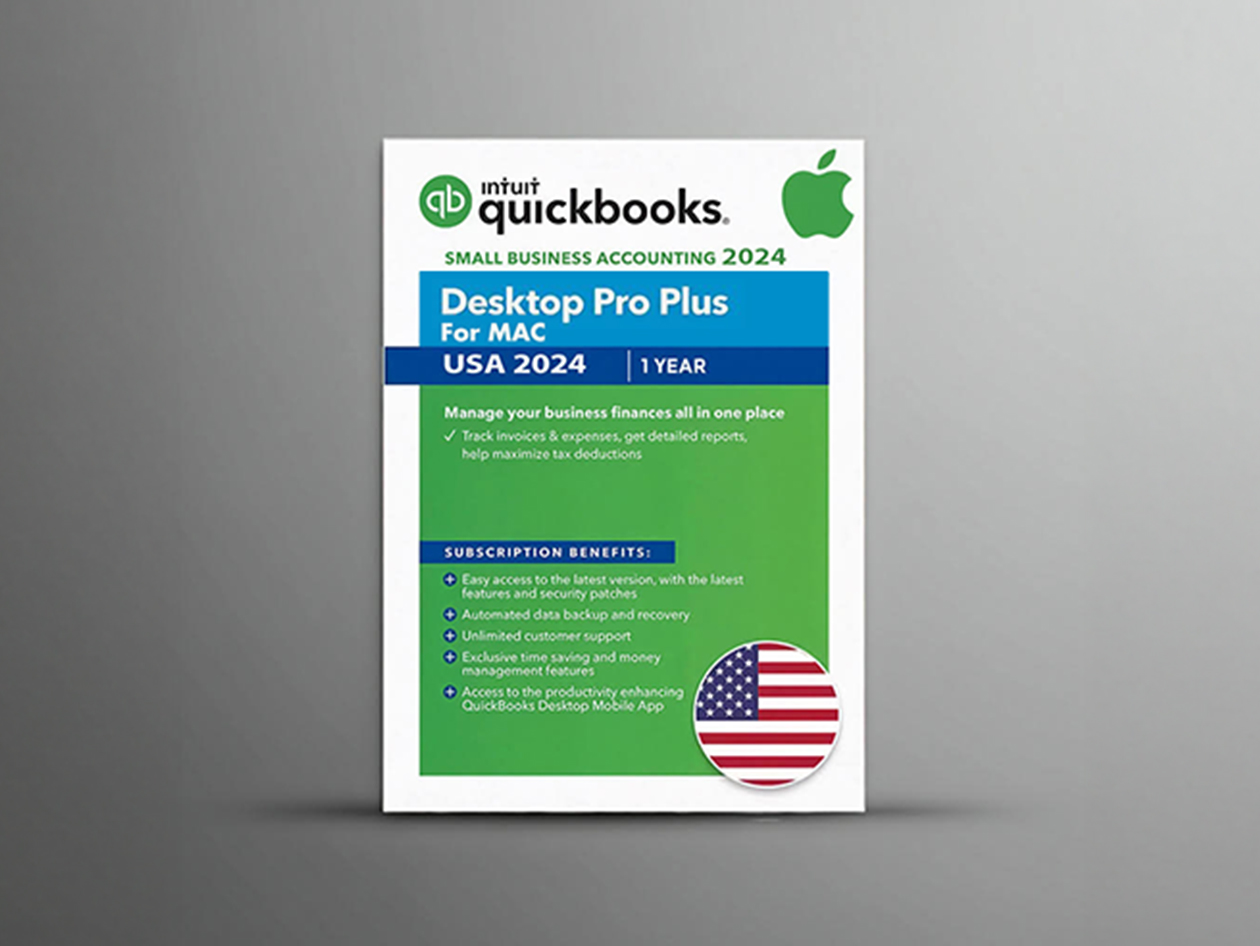
- QuickBooks Desktop Mac Plus: Typically priced around $649 per year. This includes the core accounting software, automated data backups, and access to customer support.
- Payroll Add-ons: For businesses with employees, an additional monthly and per-employee fee applies for Enhanced Payroll services.
- Multi-User Access: If your business requires multiple people to access the file simultaneously, you must purchase additional seats within the subscription.
While the subscription model is more expensive over a five-year period than the old perpetual licenses, Intuit justifies this cost by including unlimited customer support and automatic data backups to their secure cloud servers, providing a safety net against local hardware failure.
Desktop for Mac vs. QuickBooks Online (QBO)
Many users in 2026 face the dilemma of choosing between the 2025 Desktop version and the Online version. The choice often comes down to where you want your data stored and how you prefer to work.
- Data Control: Desktop users store their company files locally (on their Mac or a local server). This is preferable for those with sensitive data who do not want their full financial history sitting on a third-party cloud.
- Feature Depth: The Mac Desktop version offers better "Batch" processing and more robust inventory management than the lower-tier QBO plans.
- Mobility: QBO wins on mobility. While Desktop for Mac allows for remote access via third-party tools, QBO is natively accessible from any browser or mobile device worldwide.
- Internet Dependence: QuickBooks Desktop for Mac 2025 can perform core accounting tasks without an internet connection, whereas QBO requires a constant, stable connection to function.
Installation and Data Migration Procedures
Migrating from an older version of QuickBooks or from a Windows environment to QuickBooks Desktop for Mac 2025 requires a systematic approach to prevent data loss.
Step 1: Preparation and Backup
Before beginning the installation, ensure your current company file is error-free. Run the "Verify Data" and "Rebuild Data" utilities in your existing QuickBooks version. Create a manual backup (.dmg or .qbb) and store it on an external drive or secure cloud storage.
Step 2: Installation
Download the installer from the official QuickBooks website. Open the .dmg file and drag the QuickBooks icon to your Applications folder. Upon first launch, you will be prompted to enter your license and product numbers, which are provided in your subscription confirmation email.
Step 3: Converting the Company File
When you open your old file in the 2025 version, QuickBooks will prompt you to update the file format. This process is irreversible. Once a file is upgraded to the 2025 format, it cannot be opened by older versions like 2022 or 2021. The software will create a backup of the old file automatically before the conversion begins.
Step 4: Setting Up Bank Feeds
One of the primary benefits of the 2025 version is the modernized connection to financial institutions. You will need to re-authenticate your bank connections using the "Bank Feeds" center to ensure that transactions continue to download seamlessly.
Troubleshooting and Performance Optimization
Even with a high-end Mac, users may occasionally encounter performance bottlenecks. In 2026, most issues with the 2025 version stem from file size bloat or permission conflicts within macOS.
- File Size Management: If the software feels sluggish, check the size of your company file. If it exceeds 500MB, consider condensing the data or starting a new company file for the new fiscal year.
- Permissions: macOS Sequoia and Sonoma have strict "Full Disk Access" requirements. Ensure that QuickBooks has been granted these permissions in System Settings > Privacy & Security > Full Disk Access.
- Reindexing: If reports show incorrect balances, use the "Rebuild Data" utility found under the Utilities menu. This resets the internal index of the database and often resolves minor discrepancies.
Frequently Asked Questions
Can I run QuickBooks Desktop for Mac 2025 on the new MacBook Pro with the M4 chip?
Yes. QuickBooks Desktop for Mac 2025 is fully compatible with all Apple Silicon chips, including the M1, M2, M3, and the newer M4 series. The software runs natively on these processors, providing the best possible performance without the need for translation layers.
Is QuickBooks Desktop for Mac being discontinued?
Intuit has stopped selling new subscriptions to QuickBooks Desktop for Windows for most small businesses, but they have continued to support existing Desktop for Mac subscribers. In 2026, while the push toward QuickBooks Online is stronger than ever, the 2025 Desktop for Mac version remains supported for those currently on the Plus subscription.
Can I share my Mac company file with my accountant who uses Windows?
Yes, but it requires a conversion process. You must go to File > Export > To QuickBooks for Windows. This creates a .qbb file that a Windows user can open. Note that some Mac-specific formatting may be lost during the transition, so it is best to check with your accountant regarding their preferred file format.
Does the 2025 version include integrated payroll?
The "Plus" subscription provides the platform for payroll, but the actual payroll service is an additional paid add-on. You can choose from various tiers of payroll service depending on whether you want to file your own taxes or have Intuit handle them automatically.
What happens if I stop paying my annual subscription?
If your "Plus" subscription expires, you will lose access to the software. Unlike older versions where you could still view your data after support ended, the subscription model requires an active payment to open the application and interact with your company files.
Final Recommendation for 2026
If your business relies on macOS and you prefer a local, high-speed accounting experience, QuickBooks Desktop for Mac 2025 remains the gold standard. It is particularly well-suited for businesses that do not require the constant remote access offered by cloud solutions and for those who work with large volumes of transactions where browser latency would be a hindrance.
However, users should be mindful of the subscription costs and the clear industry trend toward cloud accounting. It is advisable to maintain a modern hardware setup (M-series chip with at least 16GB of RAM) to fully realize the performance benefits of the 2025 edition. For businesses looking to future-proof their operations beyond the next few years, evaluating a migration to QuickBooks Online while continuing to use the 2025 Desktop version as a transitionary tool is a prudent strategic move.
Image Gallery