Top APK App Selection: Choosing the Best for Android Power Users in 2026
Choosing the best APK apps for Android power users in 2026 requires balancing advanced functionality with strict security protocols. Power users should prioritize verified repositories like F-Droid or APKMirror, focusing on tools that...
Choosing the best APK apps for Android power users in 2026 requires balancing advanced functionality with strict security protocols. Power users should prioritize verified repositories like F-Droid or APKMirror, focusing on tools that utilize Shizuku or Root access to unlock system-level customization, automated workflows, and enhanced privacy controls while bypassing standard Play Store limitations.
Contents
The Android landscape in 2026 has become increasingly complex. With the maturation of Android 16 and early iterations of Android 17, Google has implemented tighter restrictions on "sideloading"—the process of installing apps via Android Package (APK) files from outside the official Google Play Store. For the power user, these restrictions are not just hurdles; they are the motivation for seeking specialized tools that restore control over hardware and software.
Understanding the 2026 Sideloading Ecosystem
Sideloading is no longer just about finding "free" versions of paid apps, which is a practice fraught with security risks. In 2026, power users sideload APKs to access "de-Googled" applications, older versions of software that maintain deprecated features, or specialized system utilities that Google’s policies prohibit from the Play Store.
The "Power User" profile in 2026 typically falls into one of three categories:
- The Privacy Advocate: Users who want to strip trackers from their devices and use apps that do not rely on Google Play Services.
- The Customizer: Users who find stock Android too restrictive and want to modify the kernel, UI, or system behavior.
- The Automation Expert: Users who use their mobile device as a primary workstation, requiring complex macros and system-level triggers.
The Role of Shizuku and Root Access
By 2026, "Rooting" (gaining administrative access to the Android file system) has become more difficult due to hardware-backed security like Knox and Google’s Play Integrity API. As a result, Shizuku has emerged as the most critical tool for power users. Shizuku allows third-party APKs to access system APIs by leveraging the Android Debug Bridge (ADB) permissions. This provides a "middle ground" where users can enjoy elevated permissions—such as freezing system apps or modifying hidden settings—without the stability risks of a full root.
Criteria for Selecting High-Performance APKs
Not all APKs are created equal. When operating outside the curated environment of the Play Store, the burden of verification falls entirely on the user. To choose the "best" apps, power users follow a rigorous selection framework.
1. Source Credibility and Repository Trust
The first rule of 2026 power-using is never to download APKs from "aggregator" sites that promise cracked software. Instead, stick to:
- F-Droid: The gold standard for Free and Open Source Software (FOSS). Every app here is compiled from source by the F-Droid team, ensuring no hidden malicious code.
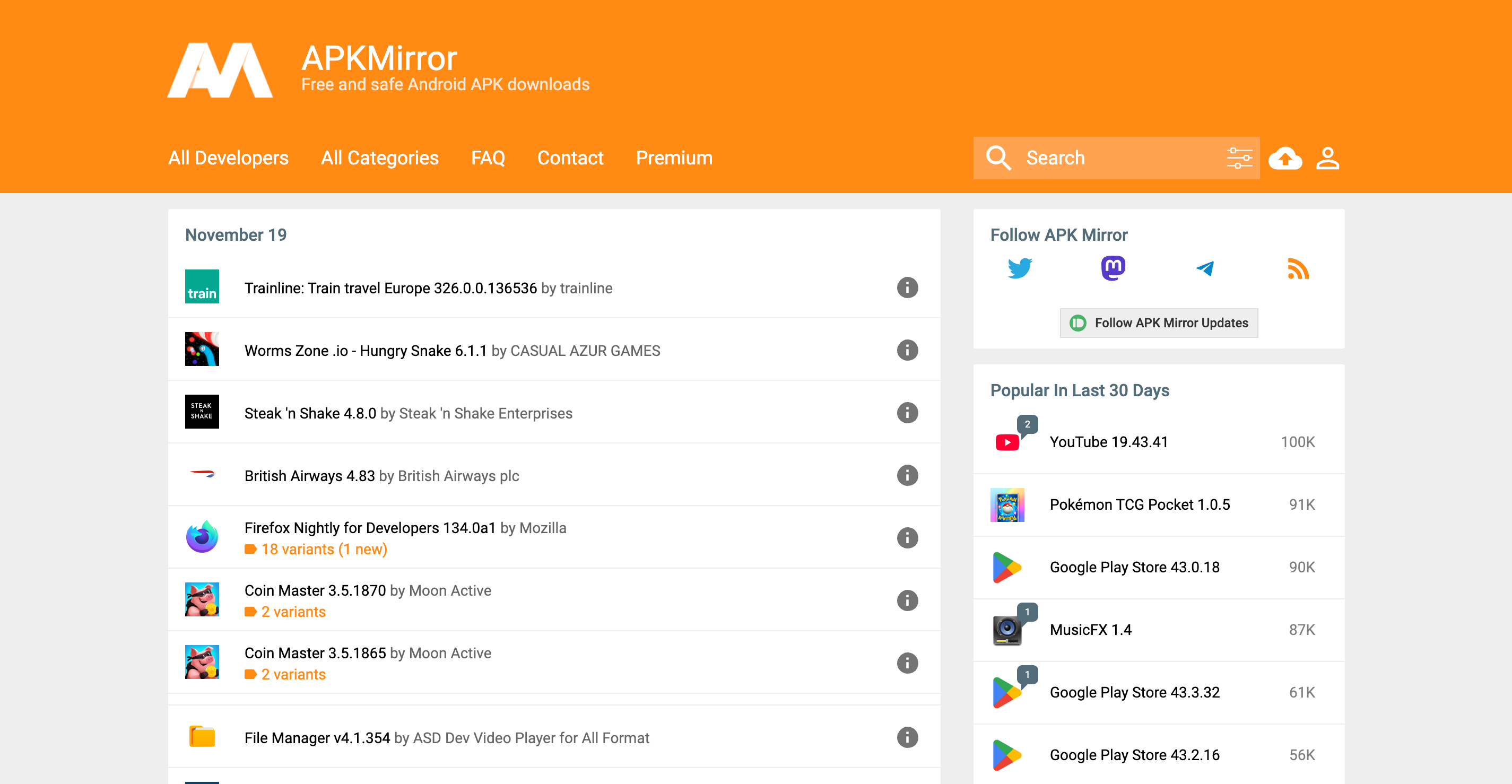
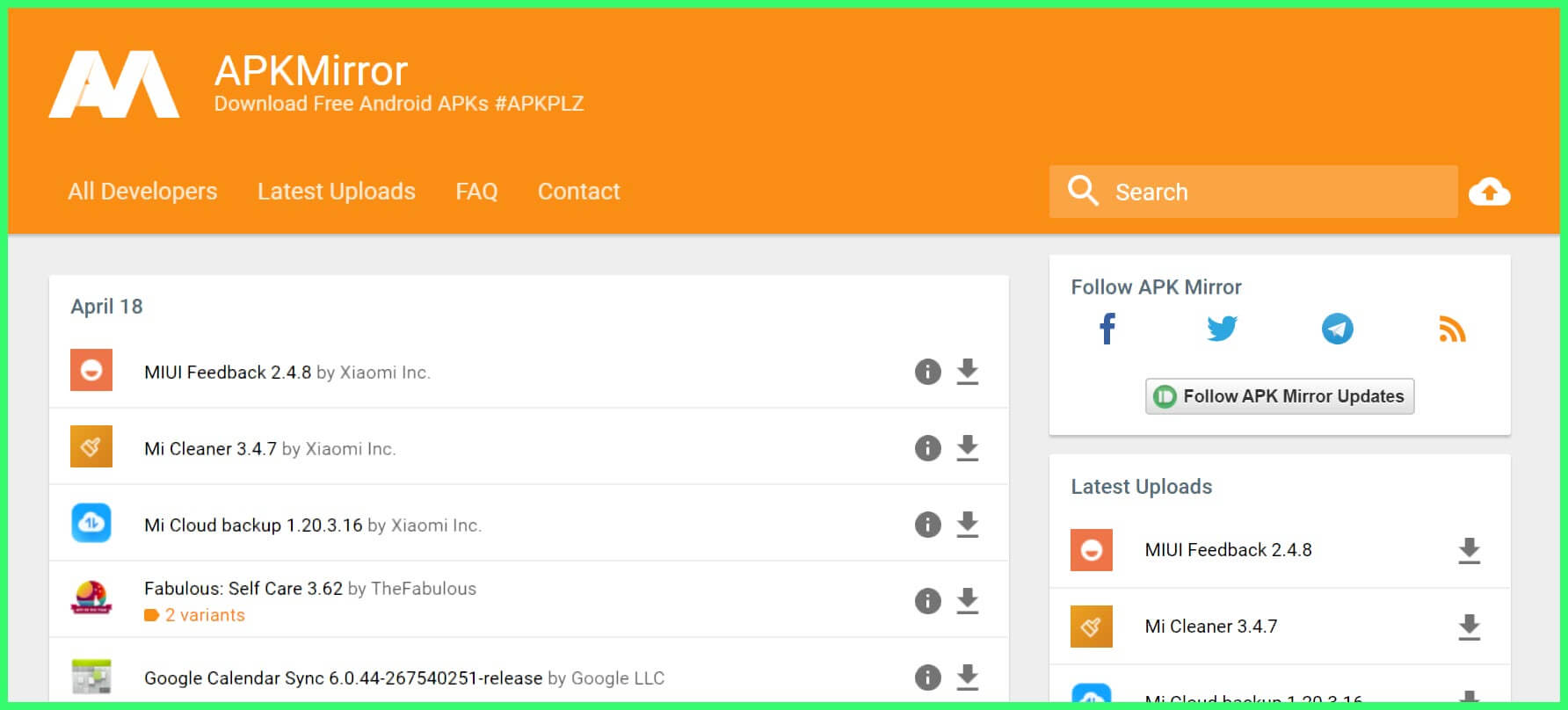
- APKMirror: Operated by Android Police, this site verifies the cryptographic signatures of APKs to ensure they match the original developer's version.
- GitHub/GitLab: Many developers host their "bleeding edge" releases here. Power users often follow specific repositories to get updates before they hit any store.
2. Signature Verification
Every APK is signed by its developer. When updating an app via an APK, the system checks if the new signature matches the old one. If you are installing a new app, you can use tools like APKSigCheck to verify that the signature belongs to the legitimate developer. This prevents "man-in-the-middle" attacks where a malicious actor injects code into a popular app.
3. Permission Granularity
A top-tier power user app should request only the permissions it needs. In 2026, Android's "Privacy Dashboard" makes this easier to monitor, but power users go further by using apps like Permission Pilot or App Ops. These tools allow you to "mock" permissions—telling an app it has access to contacts while actually providing an empty list.
Essential APK Categories for Power Users in 2026
To maximize the utility of an Android device, certain categories of apps are indispensable. Below are the specific types of APKs that define the 2026 power user experience.
System Management and Optimization
Standard Android settings provide only a surface-level view of system health. Power users require granular control over background processes and battery cycles.
- Swift Backup: While Google provides cloud backups, Swift Backup (via APK) allows for local backups of encrypted app data, WiFi networks, and even call logs. It is essential for those who frequently switch between custom ROMs.
- Naptime: Developed to optimize Android’s "Doze" mode, this app forces the phone into a deep sleep state the moment the screen turns off, significantly extending battery life on high-refresh-rate displays common in 2026.
Advanced Automation
Automation separates a smartphone from a pocket computer.
- Tasker: Though available on the Play Store, the version often distributed via the developer's site or specialized APK channels sometimes includes plugins that circumvent Play Store's increasingly rigid "Target API" requirements.
- MacroDroid: A more user-friendly alternative to Tasker that, when granted Shizuku permissions via APK-based helpers, can automate everything from Bluetooth toggles based on location to auto-replying to messages across different platforms.
Privacy and Network Control
In an era of pervasive data harvesting, network-level blocking is a priority.
- RethinkDNS: This is a combination of a DNS-over-HTTPS client and a firewall. The APK version allows users to block individual apps from accessing the internet entirely, a feature that is often throttled in store-version firewalls.
- Neo Store: A modern frontend for F-Droid that offers a superior UI and faster metadata updates, making it the preferred way to manage FOSS APKs.
Technical Comparison of Top Power User Tools (2026)
The following table compares the primary methods and tools power users utilize to manage their Android environment in 2026.
| Tool Name | Primary Function | Requirement | Open Source? | Best For |
|---|---|---|---|---|
| Shizuku | System API Access | ADB / Wireless Debugging | Yes | Non-root system mods |
| Magisk | Root Management | Unlocked Bootloader | Yes | Deep system modification |
| Termux | Terminal Emulator | None (Standard APK) | Yes | Running Linux environments |
| MiXplorer | File Management | Optional Root | No | Advanced file operations |
| AdAway | Ad Blocking | Root or VPN-mode | Yes | Network-wide ad filtering |
| Lucky Patcher | App Modification | Root | No | Removing license verification |
Verification and Safety Workflow
Before installing any "Top APK," a power user follows a strict verification workflow to ensure device integrity.
- Download from a Trusted Source: Ensure the URL is the official site or a known repository like APKMirror.
- Hash Verification: Compare the SHA-256 hash of the downloaded file with the hash provided by the developer on GitHub or their official site.
- VirusTotal Scan: Upload the APK to VirusTotal. Even if one or two engines flag it as "Riskware," this is often a false positive for power user tools (like those that modify system files). Look for consensus among major engines like Bitdefender, Kaspersky, or Symantec.
- Sandbox Testing: If the app is highly experimental, run it first in an isolated environment like Shelter or Island, which uses Android's "Work Profile" to keep the app away from personal data.
Common Pitfalls to Avoid
Even experienced users can make mistakes when managing a large library of sideloaded apps.
- Neglecting Updates: Unlike Play Store apps, sideloaded APKs don't always auto-update. Using an outdated APK can leave your device vulnerable to security exploits that have been patched in newer versions. Use an app like Obtainium, which tracks app updates directly from source pages (GitHub, GitLab, etc.) and notifies you when a new APK is available.
- Ignoring Play Integrity: Some banking and high-security apps will refuse to run if they detect "Uncertified" apps or an unlocked bootloader. Power users must often use Play Integrity Fix (a Magisk module) to "spoof" a certified device state.
- Over-Permissioning: Just because an app is "Top Rated" on a forum doesn't mean it needs access to your microphone. Always review permissions at the first launch.
Frequently Asked Questions
Is installing APKs legal in 2026?
Yes, installing APKs is a native feature of the Android Open Source Project (AOSP). It is entirely legal to sideload apps. However, using APKs to bypass payment for copyrighted software (piracy) is illegal and carries significant malware risks.
Can sideloaded APKs brick my phone?
A standard APK cannot "brick" (permanently disable) your phone because it runs within the Android application sandbox. However, if you grant an APK Root access or use it to flash a system partition, you could cause a "boot loop." Always have a system backup before using root-level APKs.
Why do some APKs fail to install with a "Package appears to be invalid" error?
This is usually due to an architecture mismatch. Modern phones in 2026 primarily use ARM64-v8a. If you try to install an older 32-bit (armeabi-v7a) APK or a version meant for an x86 emulator, the installation will fail. Always look for the "v8a" or "universal" variant.
How do I manage multiple APK sources efficiently?
The best approach is to use a "Meta-Store" like Obtainium. It allows you to input the URL of a developer's GitHub or website, and it will automatically check for, download, and prompt you to install the latest APK whenever a release is detected.
Does sideloading void my warranty?
Simply installing an APK does not void your warranty. However, the actions often associated with power usage—such as unlocking the bootloader to gain Root access—may void the software warranty with certain manufacturers like Samsung or Google, depending on your region.
Final Recommendation for 2026
For the contemporary Android power user, the "best" APK is not necessarily the one with the most features, but the one with the most transparency. Prioritize apps found on F-Droid or official GitHub repositories. Start your journey by setting up Shizuku via wireless debugging; this single step unlocks 90% of the power user capabilities (like advanced debloating and system UI tweaks) without the security compromises of traditional rooting. Always maintain a regular backup schedule using Swift Backup to ensure that your customized environment can be restored in minutes should a configuration error occur.
Image Gallery