How Cloud Sharing Security Protects Data: Advanced Mechanisms and Strategies
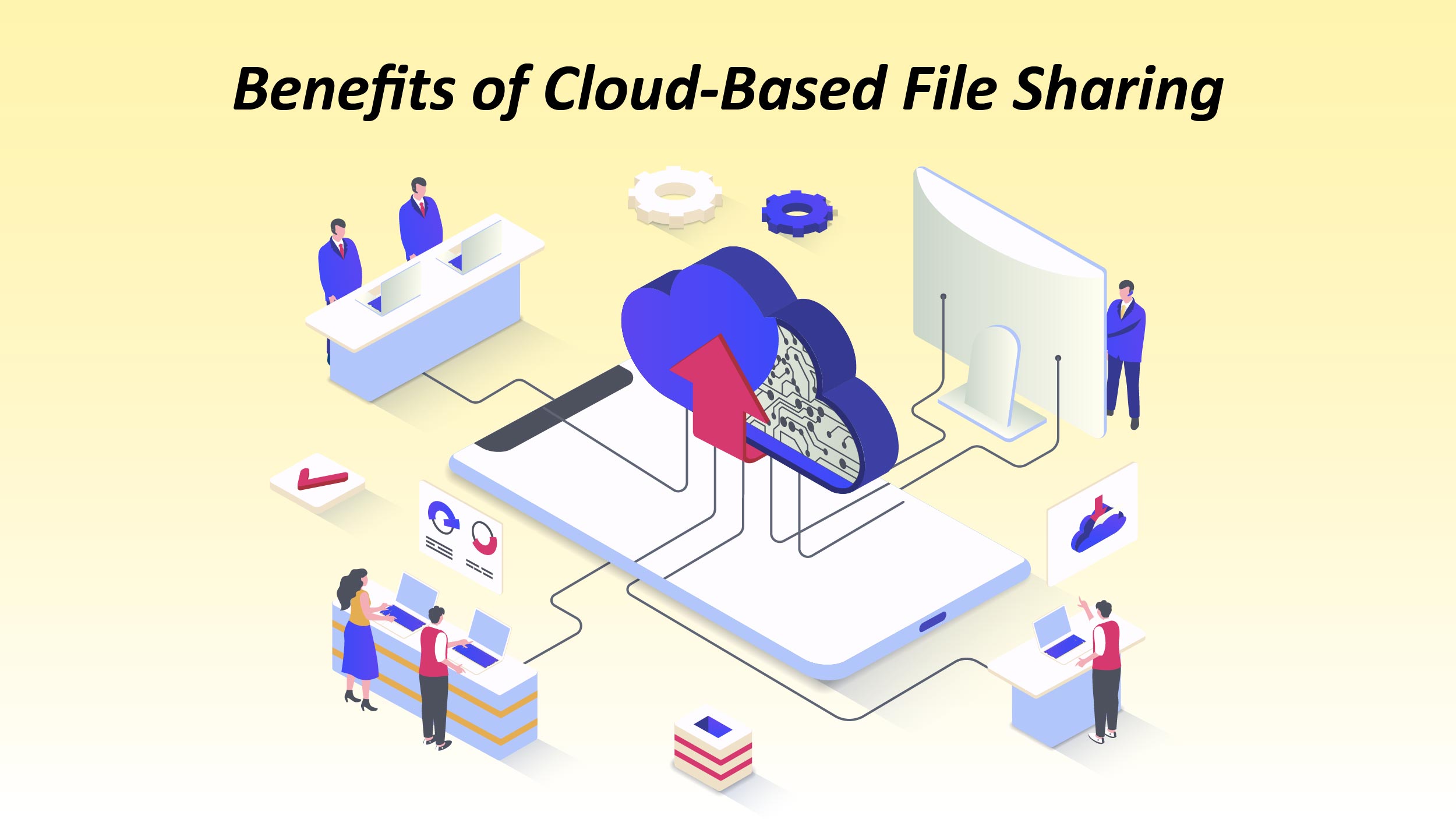
Cloud sharing security protects data by implementing a multi-layered defense strategy consisting of end-to-end encryption, strict identity verification, and automated monitoring. By combining technical controls like Zero Trust Architec...
Cloud sharing security protects data by implementing a multi-layered defense strategy consisting of end-to-end encryption, strict identity verification, and automated monitoring. By combining technical controls like Zero Trust Architecture with granular user permissions, these systems ensure that sensitive information remains confidential and integral, even when accessed across diverse geographic locations and devices.
Contents
The shift toward decentralized work and the proliferation of Software-as-a-Service (SaaS) platforms have made cloud sharing a fundamental business operation. However, sharing files outside a traditional network perimeter introduces significant risks, including unauthorized access, data leaks, and compliance violations. To mitigate these, modern cloud security frameworks employ sophisticated technologies that follow the data wherever it travels, rather than just guarding the storage container itself.
The Shared Responsibility Model: The Foundation of Protection
Understanding cloud sharing security requires a clear grasp of the Shared Responsibility Model. This framework, utilized by major providers such as Amazon Web Services (AWS), Microsoft Azure, and Google Cloud, dictates that security is a partnership between the provider and the user.
In this model, the cloud service provider (CSP) is responsible for the "Security of the Cloud." This includes the physical infrastructure, power, cooling, and the underlying software layers that run the cloud services. The user, or customer, is responsible for "Security in the Cloud." This encompasses data classification, Identity and Access Management (IAM), and the configuration of sharing settings.
Data protection in 2026 hinges on the user's ability to correctly configure these tools. If a user shares a sensitive folder with "anyone with the link" and no password, the CSP's robust physical security cannot prevent a data breach. Consequently, cloud sharing security is as much about policy and configuration as it is about advanced cryptography.
Advanced Encryption Standards (AES) and Data States
Encryption is the primary mechanism for rendering data unreadable to unauthorized parties. In the context of cloud sharing, data exists in three distinct states, each requiring specific cryptographic protections.
Data at Rest
Data at rest refers to files stored on the cloud provider's physical drives or virtualized storage blocks. In 2026, the industry standard remains AES-256 (Advanced Encryption Standard with a 256-bit key). This symmetric encryption is considered computationally secure against even modern brute-force attacks. Cloud providers often automate this process, but enterprise-grade security frequently involves Customer-Managed Keys (CMK), allowing organizations to retain control over the encryption keys rather than delegating that authority to the provider.
Data in Transit
When you share a file, it travels across the internet. Cloud sharing security protects this movement using Transport Layer Security (TLS) 1.3. This protocol encrypts the communication channel between the user’s device and the cloud server, preventing "man-in-the-middle" (MITM) attacks where a hacker might attempt to intercept the data packets as they move through various routers and switches.
Data in Use
One of the more complex areas of cloud security involves protecting data while it is being actively edited or processed. Technologies like Confidential Computing use hardware-based Trusted Execution Environments (TEEs) to isolate data in memory. This ensures that even if the underlying operating system is compromised, the data being shared and edited remains encrypted and inaccessible to unauthorized processes.
Zero Trust Architecture (ZTA) in Cloud Collaboration
The traditional "castle and moat" approach to security—where everything inside a network is trusted and everything outside is not—is obsolete in the era of cloud sharing. Modern security is built on Zero Trust Architecture (ZTA), which operates on the principle of "never trust, always verify."
When a user attempts to access a shared file, Zero Trust does not just check their password. It evaluates a variety of signals:
- Identity Verification: Is the user who they claim to be? This is verified through Multi-Factor Authentication (MFA).
- Device Posture: Is the device being used to access the file managed by the company? Does it have the latest security patches?
- Contextual Logic: Is the user accessing the data from an unusual geographic location or at an odd time?
- Least Privilege Access: Does this user actually need "Editor" rights, or would "Viewer" rights suffice?
By constantly re-verifying these factors, cloud sharing security ensures that a compromised set of credentials does not lead to a total data breach.
Data Loss Prevention (DLP) and Automated Governance
Cloud sharing security is not merely reactive; it is increasingly proactive through Data Loss Prevention (DLP) engines. These systems use machine learning and pattern matching to scan files for sensitive information—such as Social Security numbers, credit card details, or proprietary source code—before or during the sharing process.
If a DLP policy is triggered, the system can take several automated actions:
- Encryption Enforcement: Automatically encrypting a file if it contains PII (Personally Identifiable Information).
- Sharing Restrictions: Preventing a user from sharing a specific document with an external email domain.
- Alerting: Notifying the security operations center (SOC) of a potential policy violation.
- Watermarking: Applying a digital watermark to shared documents to trace the source of a leak if a recipient takes a screenshot or photo of the screen.
In 2026, DLP has evolved to understand context through Natural Language Processing (NLP), distinguishing between a random string of numbers and a protected health record, thereby reducing "false positives" that can hinder productivity.
Comparison of Cloud Sharing Security Controls
| Security Control | Primary Function | Business Benefit |
|---|---|---|
| AES-256 Encryption | Protects data at rest on cloud servers. | Ensures data is useless if physical hardware is stolen. |
| MFA (Multi-Factor) | Adds a secondary layer of identity verification. | Prevents 99% of bulk credential-based attacks. |
| Granular Permissions | Limits user actions (View, Edit, Comment). | Reduces the risk of accidental data deletion or modification. |
| Link Expiration | Automatically revokes access after a set time. | Minimizes "permission creep" and long-term exposure. |
| CASB Integration | Monitors traffic between users and cloud apps. | Provides visibility into "Shadow IT" and risky sharing. |
| Version Control | Maintains a history of file changes. | Allows for recovery from ransomware or accidental errors. |
Cloud Access Security Brokers (CASBs)
For organizations using multiple cloud platforms (e.g., Google Workspace, Slack, and Salesforce), Cloud Access Security Brokers (CASBs) act as a vital security gateway. A CASB sits between the cloud service users and the cloud applications, enforcing corporate security policies across all platforms simultaneously.
CASBs provide "Shadow IT" discovery, identifying when employees are using unauthorized cloud storage services to share company data. They also provide deep visibility into sharing patterns, such as identifying files that have been shared "publicly" or with "anyone with the link," allowing administrators to remediate these risks from a single dashboard.
Granular Permissions and Link Management
The most common point of failure in cloud sharing is human error. Cloud sharing security mitigates this by offering highly granular controls that go beyond "on" or "off."
When sharing a document in 2026, users can typically:
- Disable Downloads: The recipient can view the file in a browser but cannot save a local copy.
- Password Protect Links: Even if a link is intercepted, it remains inaccessible without the unique password.
- Set Expiration Dates: Access is automatically terminated after a project ends, ensuring that external contractors do not maintain permanent access to internal files.
- Limit by Domain: Restricting sharing only to specific verified partner organizations.
These settings create a "safety net" that allows for collaboration while maintaining a tight grip on where the data resides.
Frequently Asked Questions
Does cloud sharing security prevent ransomware?
Yes, primarily through versioning and immutable backups. Most enterprise cloud sharing platforms maintain a history of file changes. If a shared folder is encrypted by ransomware, administrators can "roll back" the files to a version created before the infection. Additionally, many cloud providers now use AI to detect the rapid file-renaming patterns typical of ransomware and will automatically suspend syncing to prevent the spread.
Is "End-to-End Encryption" (E2EE) necessary for cloud sharing?
For highly sensitive data, yes. Standard cloud encryption allows the provider to hold the keys (to enable features like search and indexing). E2EE ensures that only the sender and the recipient can decrypt the data; the cloud provider sees only encrypted gibberish. While E2EE can limit some collaborative features, it provides the highest level of privacy for legal or financial documents.
How does Zero Trust differ from a standard login?
A standard login typically relies on a username and password (and perhaps a one-time code). Zero Trust is an ongoing process. It evaluates the risk of the session every time a new file is opened or a high-privilege action is taken. If your device suddenly changes its IP address to a high-risk country mid-session, a Zero Trust system will prompt for re-authentication or terminate the session entirely.
Can cloud providers see my shared data?
It depends on the encryption configuration. If you use standard server-side encryption provided by the CSP, they technically have the ability to access the keys (though this is strictly governed by legal and technical audits). If you use Client-Side Encryption (CSE) or E2EE, the provider has no way to view the content of your files, as the encryption happens on your device before the data ever reaches their servers.
What is the biggest risk to cloud sharing today?
Misconfiguration remains the leading cause of data exposure. This includes leaving folders open to the public, failing to revoke access for former employees, and not enforcing MFA. While the technical security of the cloud is incredibly high, the "human layer" of security—how people choose to share those files—is where most vulnerabilities lie.
Practical Recommendation for Data Protection
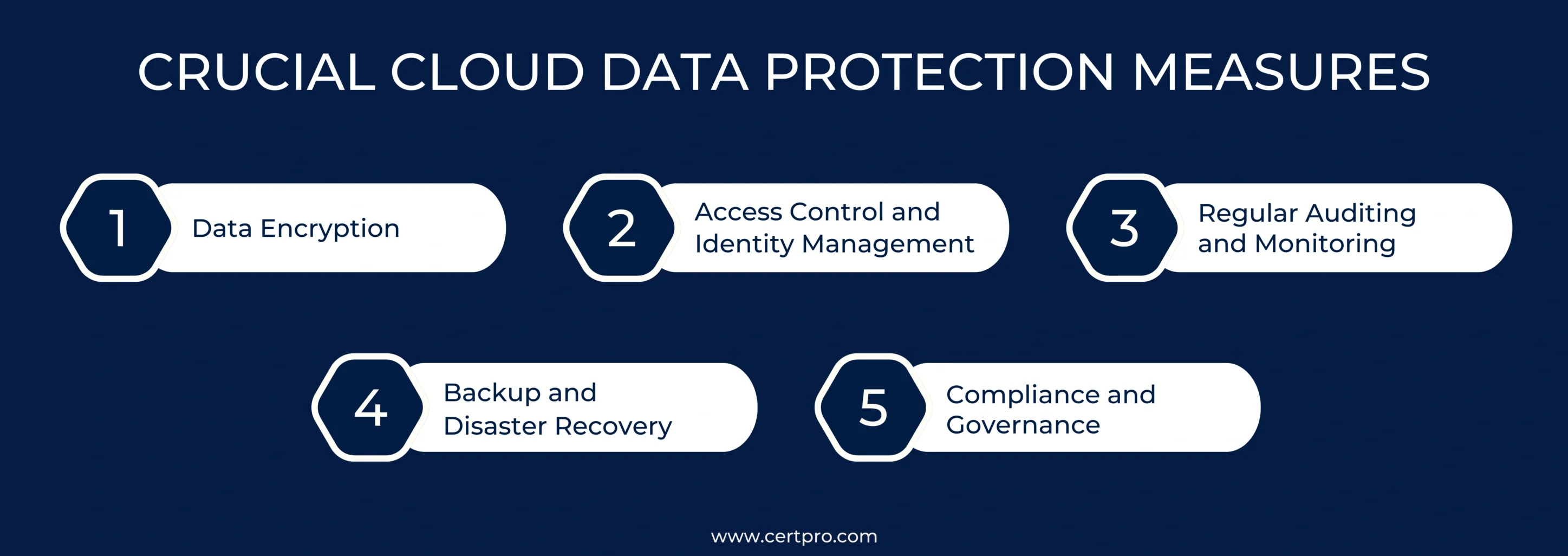
To maximize the security of your shared data, you should immediately implement a "Privileged Access" policy. Stop using "Public Link" sharing for any internal document. Instead, require users to share files with specific email addresses, enforce Multi-Factor Authentication (MFA) across the entire organization, and conduct a monthly "access audit" to revoke permissions that are no longer necessary. For organizations handling sensitive intellectual property, deploying a Cloud Access Security Broker (CASB) is the most effective way to gain visibility and control over data movement across diverse cloud environments.
Image Gallery