Best Desk Chairs for Back Problems
Finding the best desk chairs for back problems requires evaluating ergonomics, lumbar support customization, seat pan adjustability, and long-term durability to relieve spinal pressure during extended periods of sitting. Sitting for lo...
Finding the best desk chairs for back problems requires evaluating ergonomics, lumbar support customization, seat pan adjustability, and long-term durability to relieve spinal pressure during extended periods of sitting.
Contents
Sitting for long stretches at a desk places continuous biomechanical stress on the lumbar and thoracic regions of the spine. When an office chair lacks proper contouring, the natural inward curve of the lower back flattens, forcing the pelvis backward and straining surrounding ligaments and paraspinal muscles. For individuals experiencing chronic lower back pain, herniated discs, or stiffness, standard task seating rarely provides sufficient relief.
The most effective desk chairs for back problems combine active lumbar support systems, adjustable seat depths, synchronous tilt mechanisms, and breathable mesh or high-density foam upholstery. Understanding how these features interact with human biomechanics helps buyers select a seating solution that promotes neutral posture, reduces axial load on the intervertebral discs, and accommodates individual anthropometric measurements.
Understanding Spinal Biomechanics and Desk Seating
Human spines possess natural curves that distribute axial weight evenly across vertebrae and intervertebral discs. When seated without support, gravity pulls the upper body downward, causing the pelvis to tilt posteriorly. This posture flattens the lumbar lordosis and stretches the posterior spinal muscles, leading to fatigue and localized pain.
An ergonomic desk chair interrupts this cycle by supporting the pelvis and maintaining the lumbar curve. Dynamic lumbar support adapts to movement, ensuring constant pressure against the lower back whether the user reclines or sits upright. Furthermore, armrest adjustability plays a crucial role by supporting the weight of the arms, which otherwise transfers stress directly to the upper shoulders and cervical spine.
Key Ergonomic Features to Evaluate
When shopping for a desk chair to mitigate back pain, buyers must look beyond aesthetic design and evaluate specific mechanical adjustments. Each feature contributes to spinal alignment and pressure distribution.
Adjustable Lumbar Support Systems
Lumbar support should be adjustable in both height and depth. Fixed lumbar pads often force users into unnatural postures if the contour does not match their specific spinal height. A mechanism that moves independently allows the user to position the apex of the support directly into the lumbar curve, usually between the L1 and L5 vertebrae.
Seat Depth and Pan Adjustment
Seat depth determines how much of the thigh rests on the chair. If the seat is too deep, the user must slouch forward to bend their knees, losing contact with the backrest. If it is too shallow, pressure concentrates on the ischial tuberosities (sit bones). An adjustable seat slide allows users to maintain a two- to three-finger gap between the front edge of the seat and the back of their knees.
Synchronous Tilt and Recline Resistance
A synchronous tilt mechanism ensures that the backrest and seat pan recline at a proportional ratio—typically 2:1. This movement opens the hip angle without lifting the feet off the floor or causing the seat edge to cut into the thighs. Tension control knobs let users match the recline resistance to their body weight, preventing sudden backward tipping.
Comparison of Ergonomic Desk Chair Categories
| Chair Category | Primary Lumbar Mechanism | Best Suited For | Key Advantages | Potential Limitations |
|---|---|---|---|---|
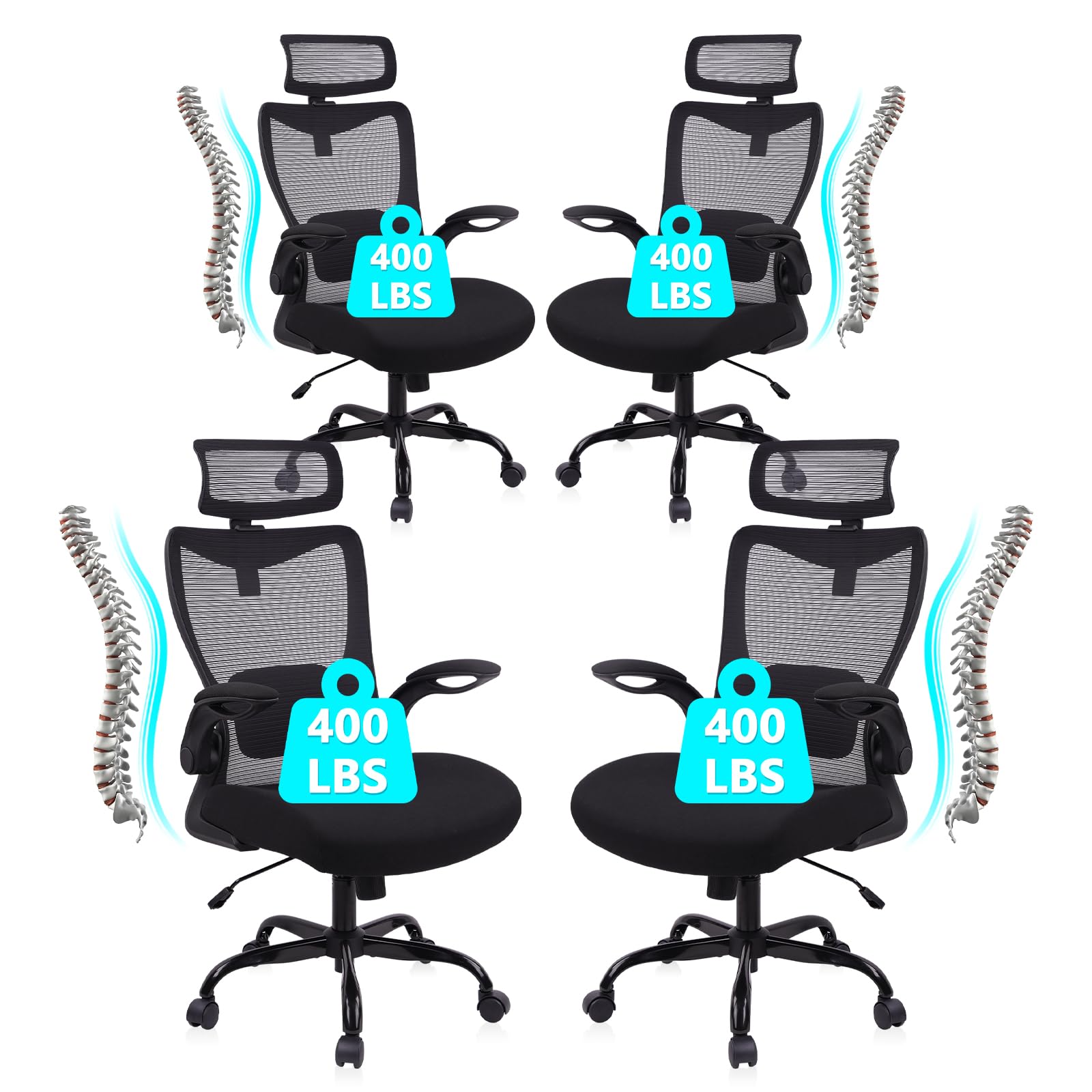
| High-End Ergonomic Mesh | Dynamic, flexible mesh frames or floating pads | All-day desk workers, chronic lower back pain sufferers | Superior airflow, precise adjustments, highly durable | High price point, firm seating surfaces |
| Padded Executive Task | Thick contoured foam with integrated or adjustable pads | Users seeking plush comfort, traditional office environments | Soft cushioning, professional appearance | Foam can compress over time, less breathability |
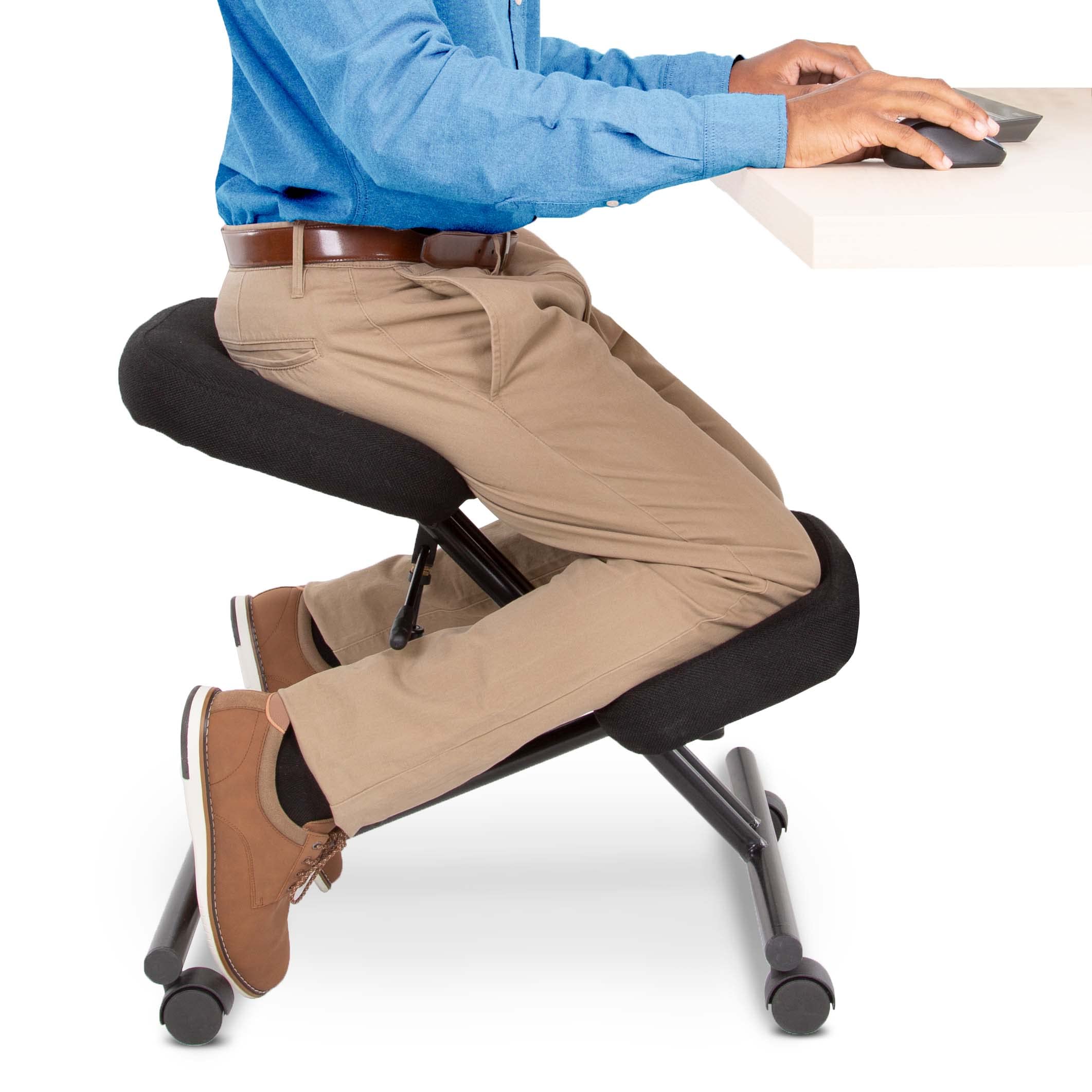
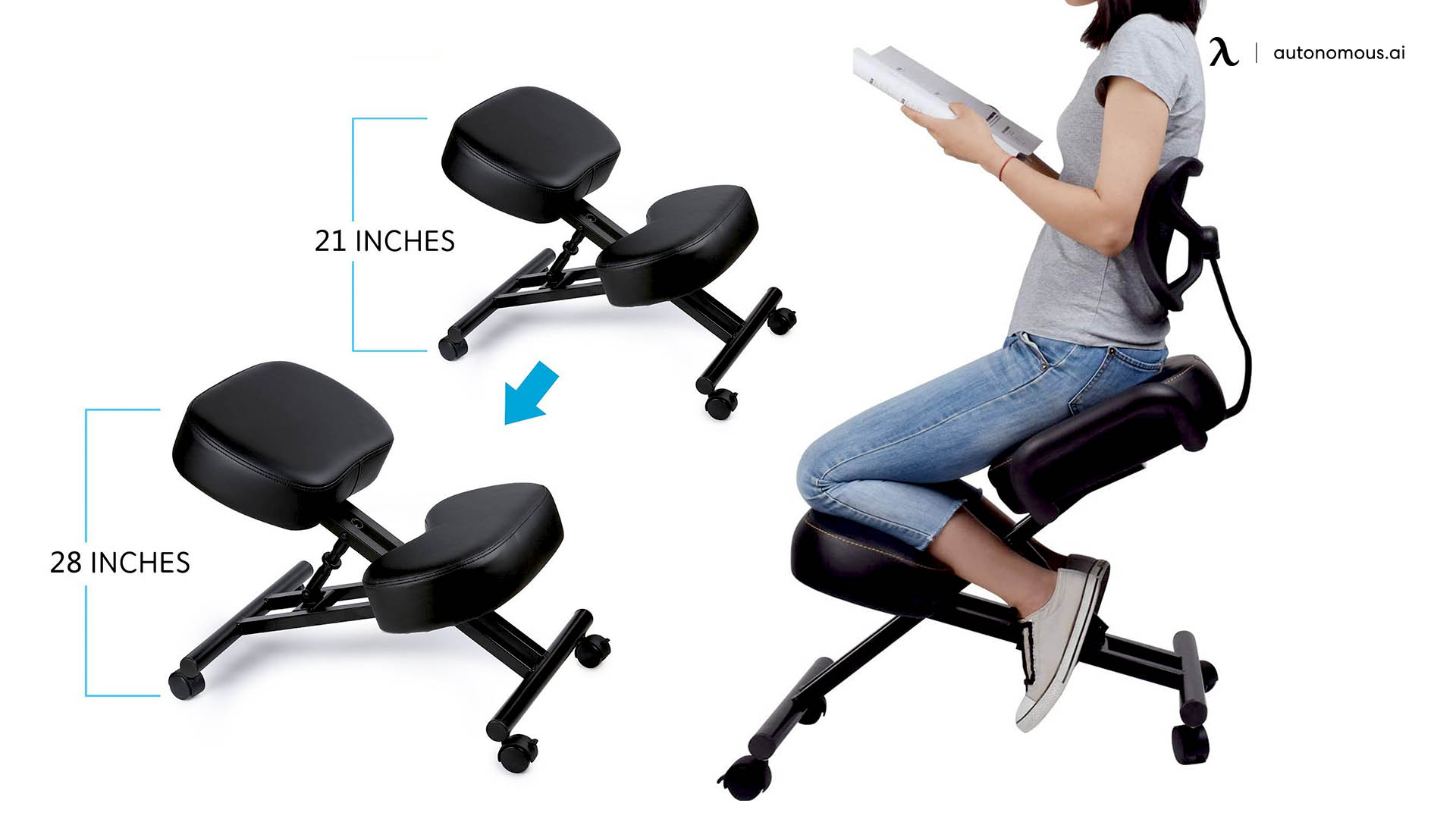
| Active Sitting / Balancing | Minimalist support relying on core engagement | Short work intervals, active posture training | Encourages core activation, prevents static slouching | Unsuitable for extended uninterrupted sitting |
| Ergonomic Gaming Chairs | Included pillow cushions or internal mechanical lumbar | Multi-use environments, users preferring bucket-seat styles | High adjustability in back angle, robust armrests | Pillow cushions can shift, side bolsters restrict movement |
Selecting Materials: Mesh vs. Upholstered Foam
The choice between a mesh backrest and an upholstered foam cushion impacts both thermal comfort and pressure distribution. High-performance elastomeric mesh distributes body weight evenly across the frame, eliminating pressure points and preventing heat buildup during long work sessions. However, some users find mesh frames too firm or restrictive.
Upholstered foam chairs utilize molded polyurethane foam that contours to the body shape. While high-density foam offers exceptional plushness and initial comfort, lower-quality foam eventually bottoms out, losing its supportive properties. For individuals with severe back issues, high-density molded foam combined with an independent adjustable lumbar mechanism often provides the firmest, most reliable foundation.
Common Mistakes When Choosing a Chair for Back Pain
Many buyers make avoidable errors that exacerbate back issues rather than resolving them. Recognizing these pitfalls ensures a more effective purchasing decision.
- Prioritizing Aesthetics Over Ergonomics: Sleek, minimalist mid-century chairs often lack height-adjustable armrests, lumbar support, and recline mechanisms, leading to rapid postural fatigue.
- Ignoring Weight Capacity and Dimensions: Chairs designed for smaller frames cannot adequately support larger users, leading to premature mechanical failure and inadequate surface area distribution.
- Overlooking Armrest Adjustability: Fixed armrests force users to either hunch their shoulders or slouch to one side, transferring tension into the neck and upper back.
- Failing to Test Adjustments: Buying a chair without verifying the range of seat height and depth adjustments often results in poor ergonomic fit.
Frequently Asked Questions
Will a good desk chair completely cure my back pain?
An ergonomic chair is a critical tool for spinal health, but it cannot completely cure back pain caused by underlying medical conditions, weak core muscles, or poor overall ergonomics. It reduces mechanical stress while sitting, which should be paired with regular movement, stretching, and an appropriately positioned monitor and keyboard.
How high should my desk chair be adjusted?
Your chair height is correct when your feet rest flat on the floor and your knees form a 90-to-100-degree angle, with your thighs parallel to the ground. Your forearms should also rest parallel to the desktop while typing.
Are mesh chairs better for back pain than leather chairs?
Neither material is universally better; support comes from the underlying frame and mechanics. Mesh provides superior airflow and contouring suspension, while leather or fabric-upholstered foam offers denser, warmer cushioning. The choice depends on personal preference for firmness and thermal regulation.
How often should an office chair be replaced?
High-quality ergonomic office chairs typically last between 8 to 12 years under normal daily use. Signs that a chair needs replacement include sagging foam that no longer provides cushioning, broken recline mechanisms, and persistent squeaking or instability in the gas cylinder.
Can I add an aftermarket lumbar pillow to a standard chair?
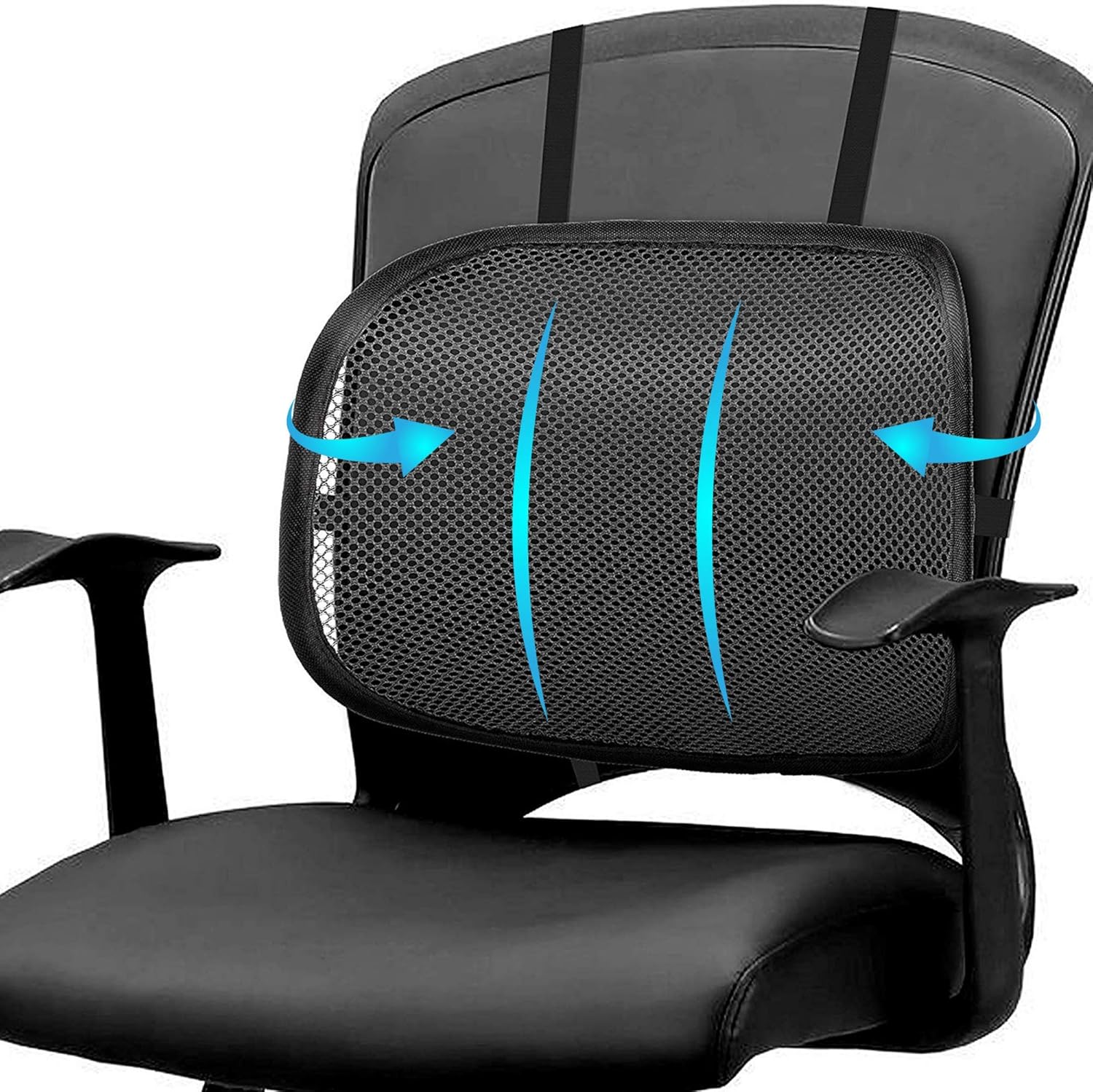
Yes, an ergonomic lumbar pillow or mesh insert can temporarily improve support on a chair that lacks built-in adjustment. However, ensure the pillow matches the natural curve of your lower back and does not push your pelvis too far forward, which can create secondary strain in the upper spine.
Next Actions for Buyers
Before purchasing a desk chair for back problems, measure your desk height, body height, and weight to cross-reference with manufacturer specifications. Whenever possible, test chairs in a showroom to evaluate the range of motion in the tilt mechanism and the tactile feel of the lumbar support. Pair your new seating investment with a properly configured workstation, including a monitor raised to eye level and a keyboard tray that maintains neutral wrist alignment, to create a truly spine-friendly environment.
Image Gallery