How to Perform a Cisco Router Factory Reset
Performing a factory reset on a Cisco router, formally known as the password recovery or configuration register procedure, restores the device to its default state by bypassing or erasing the existing startup configuration. This proces...
Performing a factory reset on a Cisco router, formally known as the password recovery or configuration register procedure, restores the device to its default state by bypassing or erasing the existing startup configuration. This process is essential when administrative passwords are lost or when preparing a device for redeployment in a new network environment.
Contents
Understanding the Factory Reset Process
When you reset a Cisco router, you are essentially instructing the device to ignore the saved configuration file stored in Non-Volatile Random Access Memory (NVRAM) during the boot sequence. Because Cisco IOS (Internetwork Operating System) devices do not have a simple "reset" button that wipes all data instantaneously like a consumer-grade home router, the process requires physical console access and specific command-line interventions.
The core of this task involves changing the configuration register. The register tells the router how to boot and whether to load the startup configuration. By setting this register to a specific value—typically 0x2142—you force the router to bypass the startup configuration during the next boot, allowing you to access the device without authenticating against the existing, potentially unknown, password.
Essential Prerequisites
Before initiating the procedure, you must ensure you have the proper physical and logical environment prepared. Attempting these steps without the correct equipment will result in a failure to access the device.
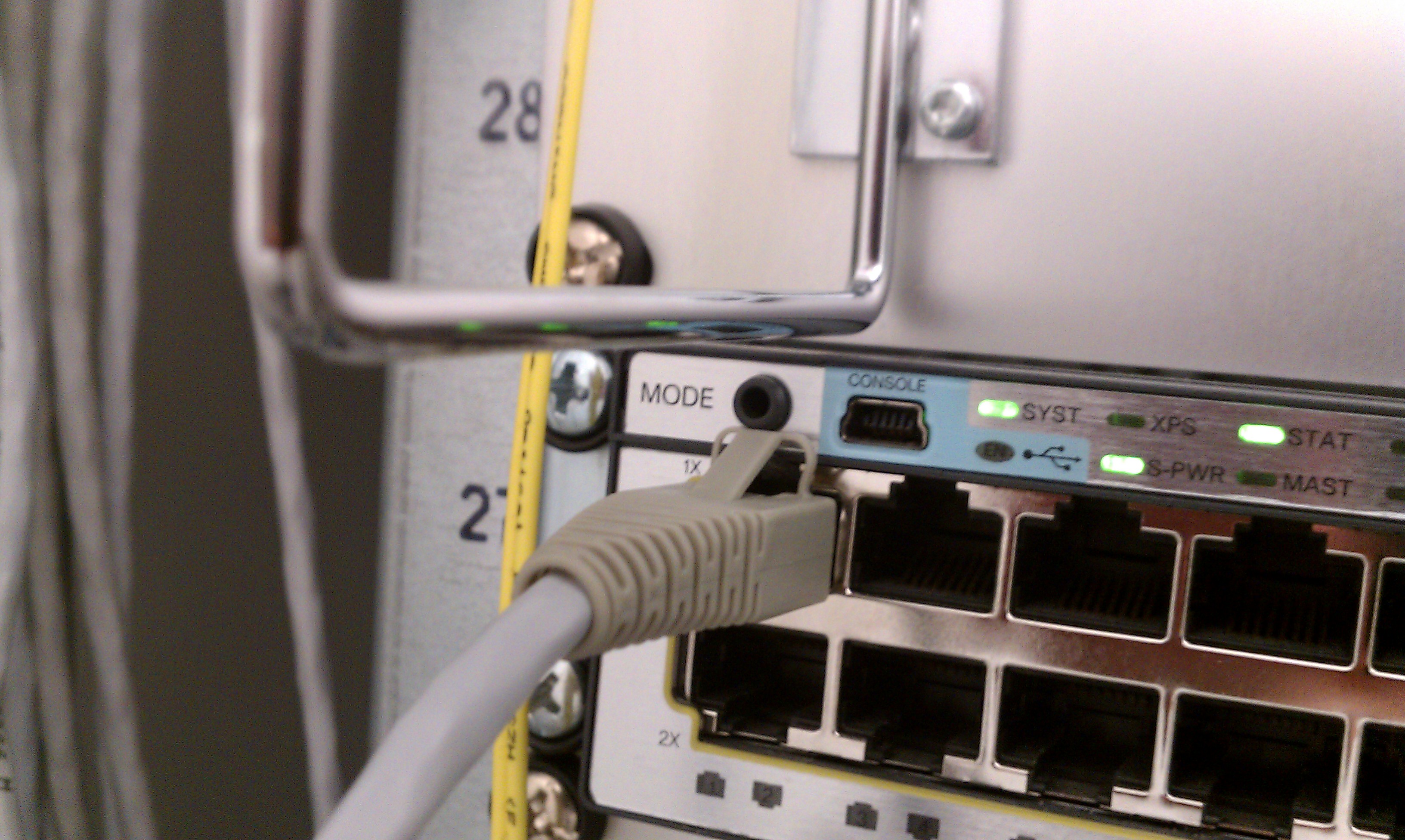
- Console Cable: You must have a physical console cable (typically an RJ-45 to DB-9 or USB-to-Console adapter) to connect your workstation directly to the router's console port. Telnet or SSH access is insufficient, as the purpose of the reset is often to regain access after losing credentials.
- Terminal Emulation Software: You need software such as PuTTY, Tera Term, or Minicom. The standard communication settings for Cisco devices are 9600 baud, 8 data bits, no parity, 1 stop bit, and no flow control.
- Physical Access: You must have direct physical access to the router to power-cycle the device, which is a mandatory step in the sequence.
- Backup of Current Config (If Possible): If you are resetting for maintenance rather than a lost password, ensure you have a backup of the current running configuration via TFTP or SCP, as the reset will clear it.
Step-by-Step Procedure
The following steps apply to most traditional Cisco ISR and enterprise-grade routers.
- Connect and Configure: Connect your console cable from your PC to the router. Open your terminal software and configure the session settings mentioned above.
- Power Cycle: Turn the router off and then back on.
- Initiate Break Sequence: Within 60 seconds of the power-up, press the "Break" key sequence on your keyboard (often
Ctrl+Breakin PuTTY). This interrupts the boot process and places the router into "ROM Monitor" mode (rommon>). - Set the Configuration Register: At the
rommon 1>prompt, typeconfreg 0x2142and press Enter. This tells the device to ignore the NVRAM configuration on the next boot. - Reset the Device: Type
resetto reboot the router. - Skip Initial Setup: Once the router reboots, it will prompt you to enter the initial configuration dialog. Answer
noto skip this. - Enter Privileged Mode: You will be at the user prompt (
Router>). Typeenableto enter privileged EXEC mode. - Load the Startup Config: Type
copy startup-config running-configto bring the previously ignored configuration into your active memory. - Reset Passwords: You can now see the current configuration. Use
configure terminalto change any forgotten passwords or remove unwanted security settings. - Restore Configuration Register: You must change the configuration register back to its default state so the router loads the configuration on future boots. Enter
config-register 0x2102. - Save Changes: Exit configuration mode and type
write memoryorcopy running-config startup-configto save the updated settings.
Comparing Methods of Reset
| Method | Best Used For | Complexity | Data Retention |
|---|---|---|---|
| Password Recovery | Recovering lost credentials | Medium | Retains config |
| Write Erase | Wiping for redeployment | Low | Erases all data |
| Factory Image Reload | Corrupt IOS / Brick state | High | Restores OS |
Potential Risks and Common Mistakes
The most common error during this process is failing to reset the configuration register back to 0x2102. If you leave it at 0x2142, the router will ignore its startup configuration every time it reboots, causing your changes to disappear upon the next power cycle. Always verify the register setting using the show version command after completing the reset.
Another risk involves the write erase command. If you execute this command while in privileged mode, the NVRAM is wiped clean. This is an irreversible action that removes all interfaces, IP addresses, routing protocols, and security policies. Ensure this is your intended outcome before executing.
Troubleshooting Persistent Issues
If the router does not enter the ROM monitor mode when you send the break sequence, verify your terminal emulator settings. Some laptop USB-to-serial adapters may not correctly transmit the break signal. If this occurs, try using a different terminal program or a different serial adapter. Additionally, ensure the console speed matches the router’s expected baud rate; if the baud rate is set incorrectly, the terminal window will display gibberish characters instead of the boot sequence.
Frequently Asked Questions
Can I reset a Cisco router without a console cable? No. Physical access to the console port is required. Security design dictates that administrative control cannot be bypassed via remote network connections, as this would be a major vulnerability.
What is the difference between 0x2142 and 0x2102? The value 0x2142 instructs the router to ignore the startup configuration, while 0x2102 is the standard factory-default register value that instructs the router to load the configuration stored in NVRAM.
Will I lose my IOS image during a factory reset? No. Performing a password recovery or configuration wipe affects the configuration file (startup-config), not the Cisco IOS system software (the image stored in Flash memory).
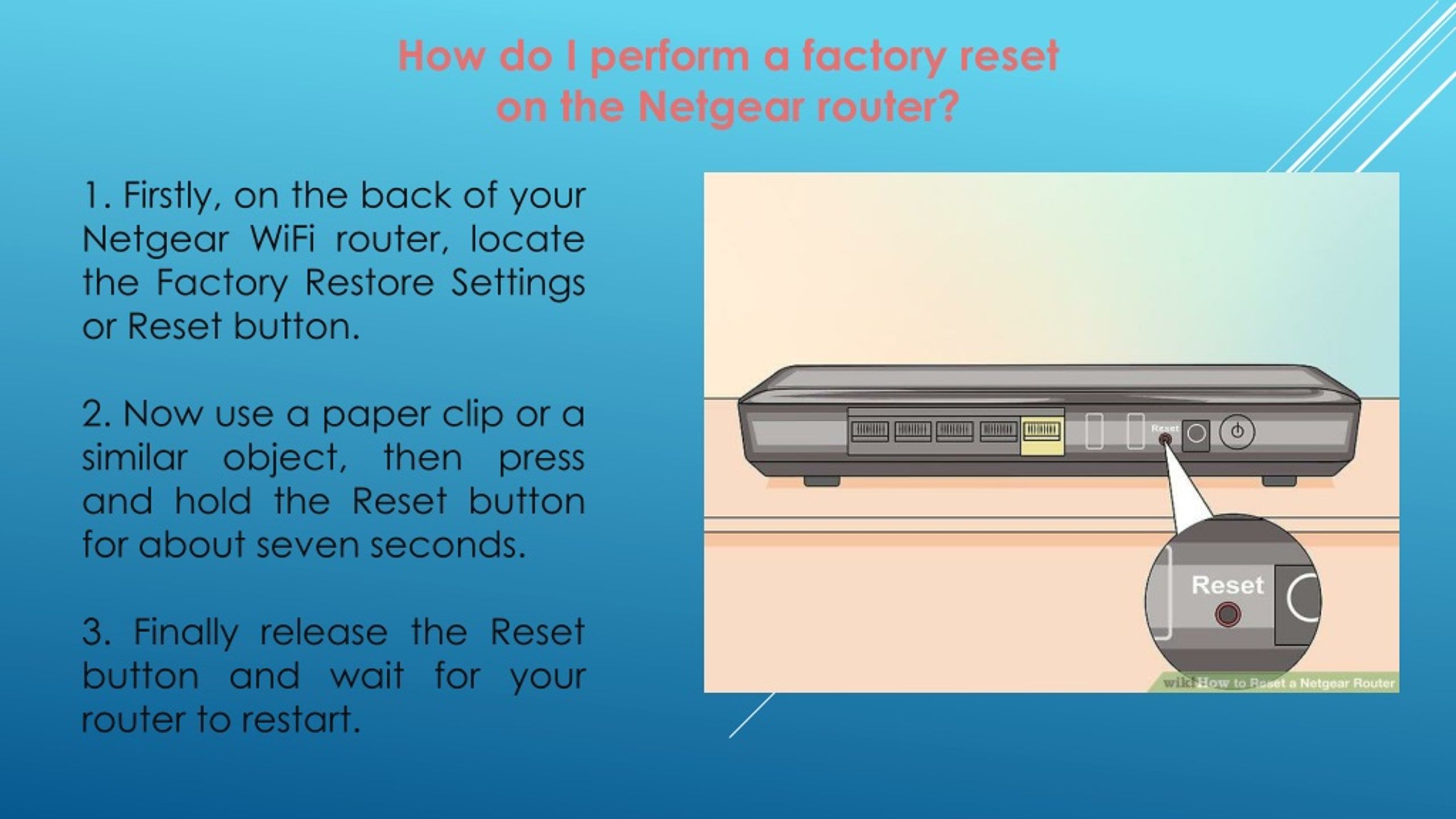
Is there a physical reset button on all Cisco routers? Most enterprise-grade routers do not have a physical "reset" button. Smaller, branch-office, or integrated services routers (ISR) may occasionally have specific reset procedures, but the CLI-based ROM monitor method is the universal standard for the platform.
What should I do if the router fails to boot after a reset? If the router enters a boot loop or cannot find the IOS image, the flash memory might be corrupted. You may need to perform a TFTP image recovery, which involves loading a fresh copy of the Cisco IOS image via a TFTP server through the ROM monitor mode.
Final Next Steps
Once you have successfully reset the device and verified that the configuration register is set back to 0x2102, perform a final reload of the router to confirm that it boots correctly and loads your intended configuration. Document the new administrative credentials in a secure, centralized vault to prevent the need for repeating this manual recovery process in the future.
Image Gallery