Does PayPal Credit Have a Card Number? Virtual Credit Explained
PayPal Credit is a proprietary, digital-only revolving line of credit that does not have a physical card or a standard 16-digit card number. Instead of using a traditional number, CVV, and expiration date, it is linked directly to your...
PayPal Credit is a proprietary, digital-only revolving line of credit that does not have a physical card or a standard 16-digit card number. Instead of using a traditional number, CVV, and expiration date, it is linked directly to your PayPal account and is selected as a payment method during checkout at participating online merchants.
Contents
Understanding the Virtual Nature of PayPal Credit
As of 2026, PayPal Credit remains a pioneer in the "virtual-first" lending space. Managed by Synchrony Bank, it is fundamentally different from the credit cards found in a traditional wallet. When you are approved for a PayPal Credit line, you are granted a specific credit limit, but you are never mailed a piece of plastic. This digital-only architecture is intentional, designed to streamline online transactions while reducing the physical security risks associated with lost or stolen cards.
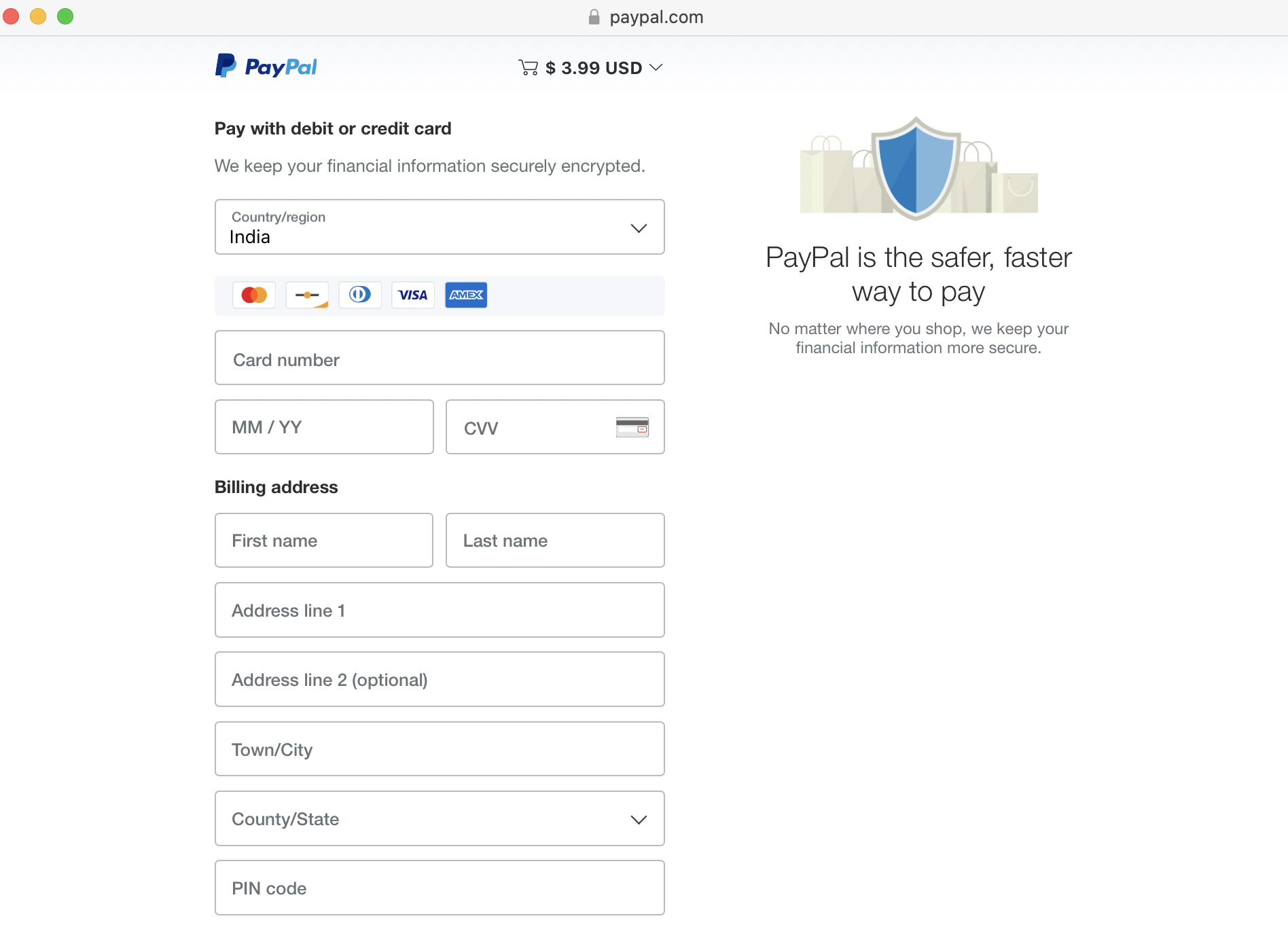
The primary point of confusion for many users stems from the expectation that all credit products must follow the ISO/IEC 7812 standard, which dictates the 16-digit format. PayPal Credit operates as a "closed-loop" or "semi-closed-loop" system. Because it is integrated into the PayPal checkout flow, the "handshake" between the merchant, PayPal, and Synchrony Bank happens via encrypted tokens rather than the transmission of a static card number. This means that if you are looking for a number to type into a field on a website that doesn't accept PayPal, you will not find one.
Why PayPal Credit Does Not Issue a 16-Digit Number
The absence of a card number is not a technical oversight; it is a core feature of the product's security and business model. By removing the 16-digit number from the equation, PayPal eliminates several layers of potential fraud. Traditional credit card numbers are vulnerable to "skimming," "shimming," and "credential stuffing" attacks where hackers attempt to use stolen numbers across various platforms.
Without a card number, a bad actor cannot simply find your account details and go on a shopping spree at a non-PayPal merchant. To use your credit line, someone would need full access to your PayPal account, which is typically protected by two-factor authentication (2FA), biometric login, and PayPal’s proprietary fraud monitoring systems.
Furthermore, the lack of a card number simplifies the merchant relationship. Merchants who accept PayPal don't need to handle your sensitive credit data directly. They receive a confirmation from PayPal that the funds are authorized, and PayPal handles the debt reconciliation with Synchrony Bank. This setup reduces the merchant's PCI (Payment Card Industry) compliance burden and enhances consumer privacy.
PayPal Credit vs. Other PayPal Cards: Clearing the Confusion
One reason users frequently ask for a "PayPal Credit card number" is that PayPal offers several other products that do have physical cards and 16-digit numbers. It is vital to distinguish between these to understand what you have in your digital wallet.
- PayPal Credit: This is the virtual line of credit. It has no physical card, no 16-digit number for general use, and is used strictly through the PayPal checkout interface.
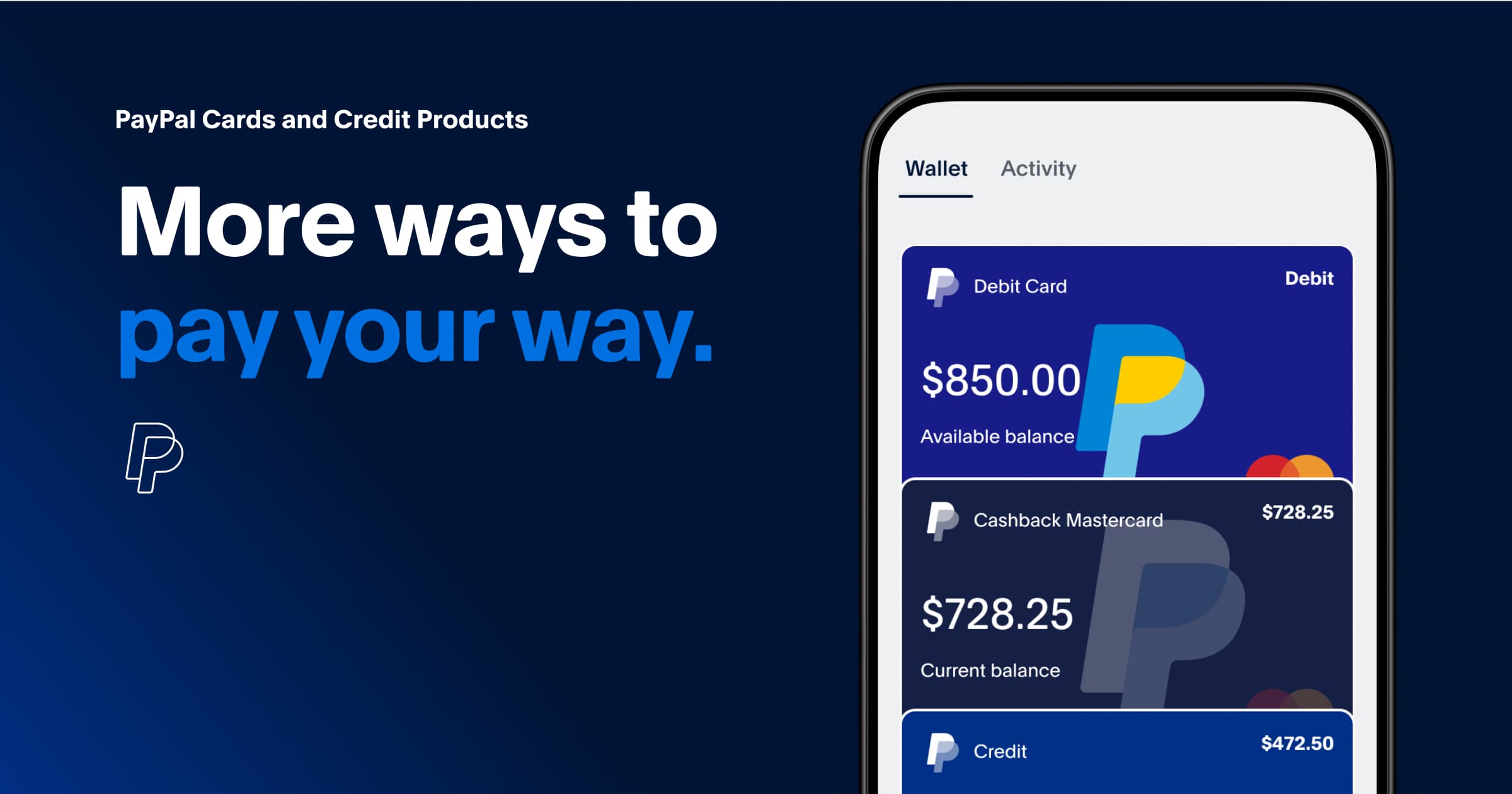
- PayPal Cashback Mastercard®: This is a traditional credit card issued by Synchrony Bank. It comes with a physical card, a 16-digit number, and can be used anywhere Mastercard is accepted, both online and in physical stores.
- PayPal Extras Mastercard®: Similar to the Cashback Mastercard, this is a physical credit card with a rewards points system.
- PayPal Debit Mastercard®: This card is linked to your PayPal Balance (not your credit line). It allows you to spend the money you have in your account at physical or online retailers.
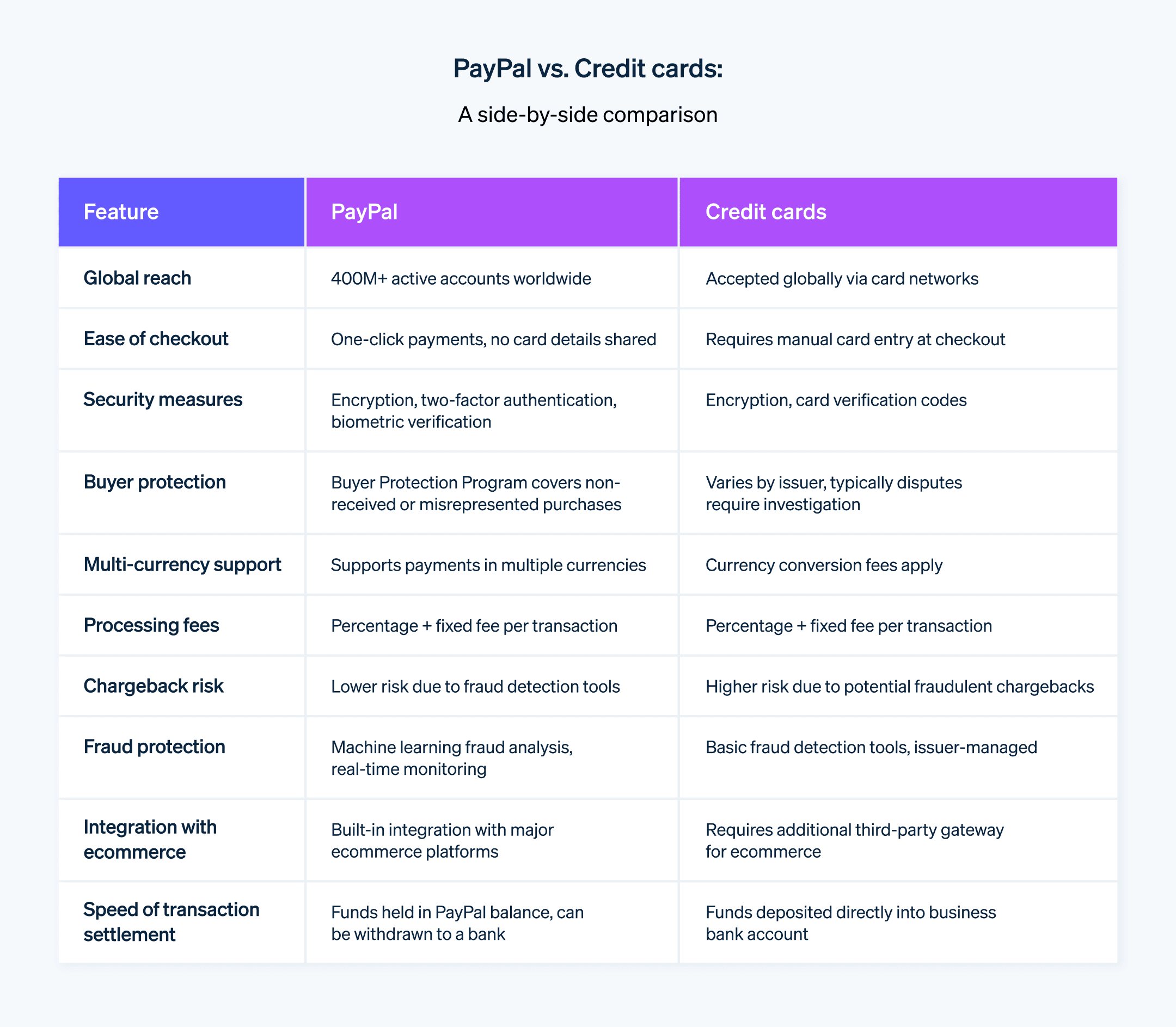
Comparison of PayPal Financial Products (2026)
| Feature | PayPal Credit | PayPal Cashback Mastercard | PayPal Debit Card |
|---|---|---|---|
| Physical Card | No | Yes | Yes |
| 16-Digit Number | No | Yes | Yes |
| Issuer | Synchrony Bank | Synchrony Bank | The Bancorp Bank / Stride Bank |
| Usage | PayPal Checkout Only | Everywhere Mastercard is accepted | Everywhere Mastercard is accepted |
| Credit Check | Yes (Hard Inquiry) | Yes (Hard Inquiry) | No (Uses Balance) |
| Interest/APR | Yes (Variable) | Yes (Variable) | No |
How to Find Your PayPal Credit Account Information
While you don't have a card number, you do have an account number for administrative and legal purposes. This number is used for internal tracking by Synchrony Bank and is what you would provide if you were setting up a third-party bill pay service or discussing your account with a customer service representative.
To locate your account details:
- Log in to your PayPal account via a desktop browser or the mobile app.
- Navigate to the "Wallet" or "PayPal Credit" section.
- Click on "Manage PayPal Credit."
- View your statements. Your statement will contain a "Reference Number" or "Account Number." Note that this number is usually 10 to 12 digits and cannot be used as a credit card number at checkout.
In 2026, the PayPal interface has been optimized to show your available credit, current balance, and "Promotional Purchases" (such as 6-month interest-free periods on purchases over $99) prominently. This data is updated in real-time, providing more transparency than a traditional monthly statement cycle.
How to Use PayPal Credit at Checkout
Since you cannot type in a card number, the usage flow is slightly different from a standard credit card. To use your credit line, follow these steps:
- Select PayPal at Checkout: When you are ready to pay on a merchant’s site, look for the PayPal button.
- Log In: Enter your credentials or use biometric authentication to access your PayPal account.
- Choose Your Source: In the "Pay With" section, you will see your linked bank accounts, debit cards, and credit cards. Select "PayPal Credit."
- Review Offers: If the purchase is $99 or more, PayPal may display the specific interest-free terms available for that transaction.
- Confirm and Pay: Complete the purchase. The amount will be deducted from your available PayPal Credit limit.
This process ensures that the credit line is only used within the secure PayPal environment. If a merchant does not offer PayPal as a payment option, you generally cannot use PayPal Credit to fund that purchase, as there is no card number to bypass the PayPal gateway.
Limitations and Workarounds
The primary limitation of not having a card number is the inability to use the credit line at brick-and-mortar stores or on websites that only accept direct card entries (like some government utility portals or niche retailers).
The Google Pay and Apple Pay Question
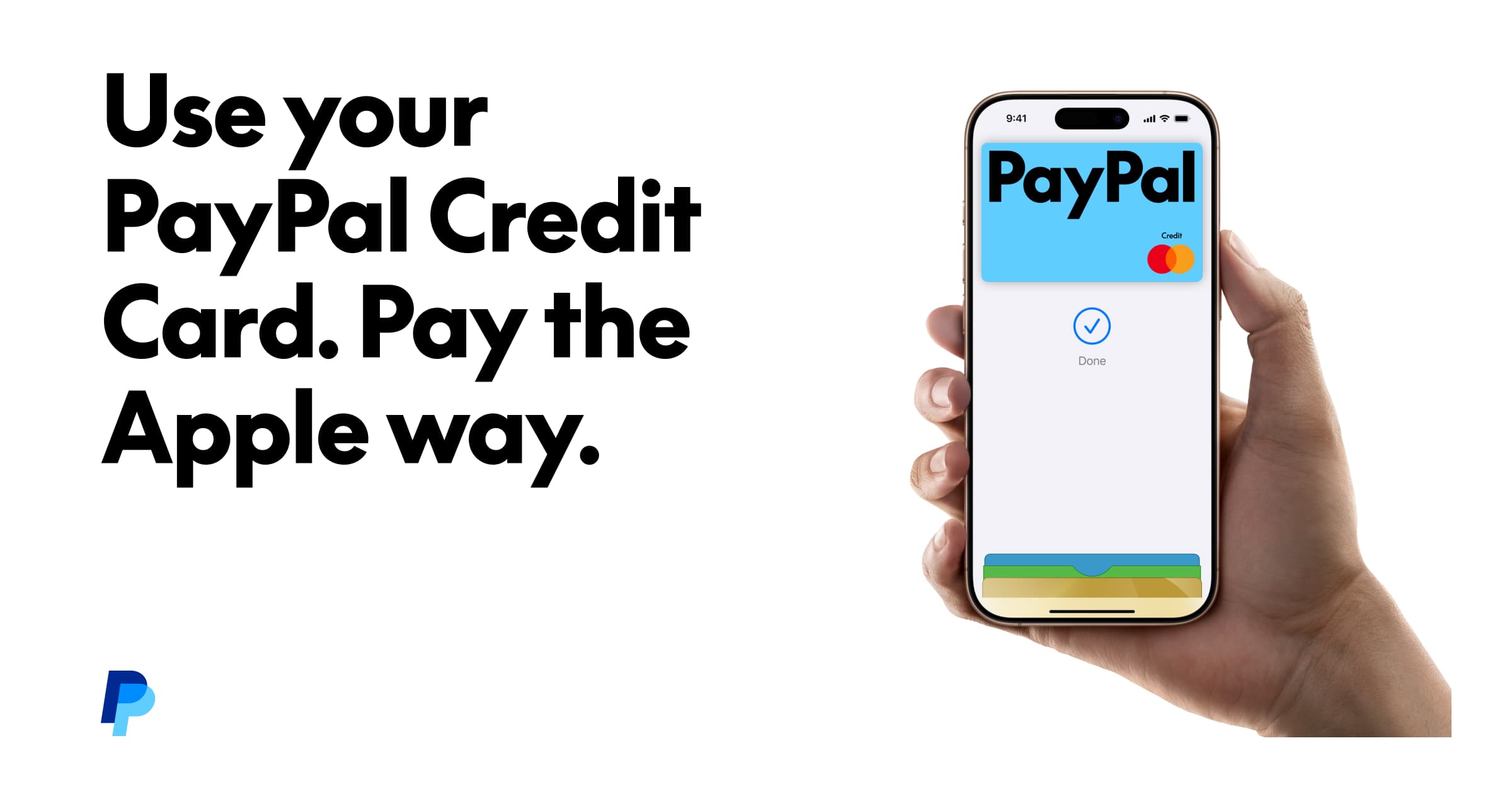
In 2026, integration between virtual lines of credit and mobile wallets has improved, but restrictions still apply. While you can often link your PayPal account to Google Pay, PayPal Credit is specifically excluded from "Tap to Pay" functionality in many regions unless it is being used for an online purchase through the Google Pay interface. Because there is no physical "tokenized" card number compatible with NFC (Near Field Communication) terminals, you cannot simply tap your phone at a grocery store and have it bill your PayPal Credit line.
Virtual Card Generators
Users often ask if they can use a virtual card generator (like Privacy.com) to "wrap" their PayPal Credit line into a usable 16-digit number. Generally, this is not possible. Most virtual card services require a funding source that is either a bank account (via ACH) or a debit card. Since PayPal Credit is a debt instrument and not a deposit account, it cannot be used to fund these third-party virtual cards.
Managing Your Account via Synchrony Bank
While PayPal provides the user interface for daily transactions, the underlying financial engine is Synchrony Bank. For more complex tasks, such as disputing a charge or requesting a credit limit increase, you may be redirected to the Synchrony Bank portal.
When you apply for PayPal Credit, Synchrony performs a hard credit inquiry, which may affect your credit score. Once the account is open, Synchrony reports your payment history and credit utilization to the major credit bureaus (Equifax, Experian, and TransUnion). Even though you don't have a physical card, this is a real credit account that impacts your financial profile. Staying under your credit limit and making on-time payments is essential for maintaining a healthy credit score in 2026.
Safety and Security Measures
The digital-only nature of PayPal Credit offers unique protections:
- Purchase Protection: Most purchases made with PayPal Credit are covered by PayPal's Purchase Protection program. If an item doesn't arrive or is significantly different than described, you can open a dispute.
- Zero Liability: Like most modern credit products, you are not held responsible for unauthorized charges, provided you report them promptly.
- Encrypted Transactions: Because no card number is transmitted, there is no "data in flight" for hackers to intercept at the merchant level.
- Instant Alerts: In 2026, the PayPal app provides push notifications for every transaction, allowing you to catch any fraudulent activity within seconds.
Troubleshooting: Why PayPal Credit Isn't Showing Up
Sometimes, even if you have a PayPal Credit line, it may not appear as an option during checkout. This often happens for one of three reasons:
- Merchant Restrictions: Some merchants or specific types of purchases (like certain gift cards or high-risk items) are ineligible for PayPal Credit financing.
- Risk Assessment: PayPal’s internal security system may occasionally block the use of the credit line for a specific transaction if it deems the purchase out of character or too risky.
- Currency Mismatch: PayPal Credit is typically restricted to transactions in the currency of your home country. If you are trying to buy something in a foreign currency, the option may disappear.
If you encounter these issues, there is no "card number" you can use as a backup. You must either contact PayPal support or select a different payment method within your wallet.
Frequently Asked Questions
Can I use PayPal Credit on Amazon?
Amazon does not natively accept PayPal at checkout, and because PayPal Credit has no card number, you cannot add it to your Amazon payment methods. To use your credit line for Amazon purchases, you would typically need to use your PayPal Credit to buy an Amazon gift card from a site that does accept PayPal, or use the PayPal Cashback Mastercard instead.
Is there an expiration date for PayPal Credit?
Since there is no physical card, there is no expiration date to worry about. Your credit line remains active as long as your account is in good standing. If the account remains inactive for a significant period (usually 12–24 months), Synchrony Bank may choose to close the account, but the digital "card" itself never "expires" in the traditional sense.
How do I pay my PayPal Credit bill?
You can pay your bill using your PayPal Balance or a linked bank account. Payments can be scheduled via the PayPal app or website. Because there is no card number, you cannot pay your PayPal Credit bill using another credit card.
Can I get a physical card for PayPal Credit?
No. If you want a physical card that earns rewards and can be used anywhere, you should apply for the PayPal Cashback Mastercard. PayPal Credit is designed specifically to remain a virtual-only product.
Does PayPal Credit have a CVV?
No. CVV (Card Verification Value) codes are specific to the 16-digit card infrastructure. Since PayPal Credit uses a secure login and tokenized authorization, a CVV is not required for transactions.
Practical Recommendation
If you are a frequent online shopper who values security and enjoys the benefit of "no interest if paid in full in 6 months" on larger purchases, PayPal Credit is an excellent tool. However, do not wait for a physical card to arrive in the mail or search for a 16-digit number in your account settings.
If your goal is to have a line of credit that you can use at physical stores or websites that do not accept PayPal, your best course of action is to apply for the PayPal Cashback Mastercard. This provides the best of both worlds: a physical card with a standard number for universal use, and deep integration with your PayPal digital wallet for online convenience. Always remember to monitor your credit utilization, as this virtual line of credit is reported to credit bureaus and affects your overall financial health.
Image Gallery