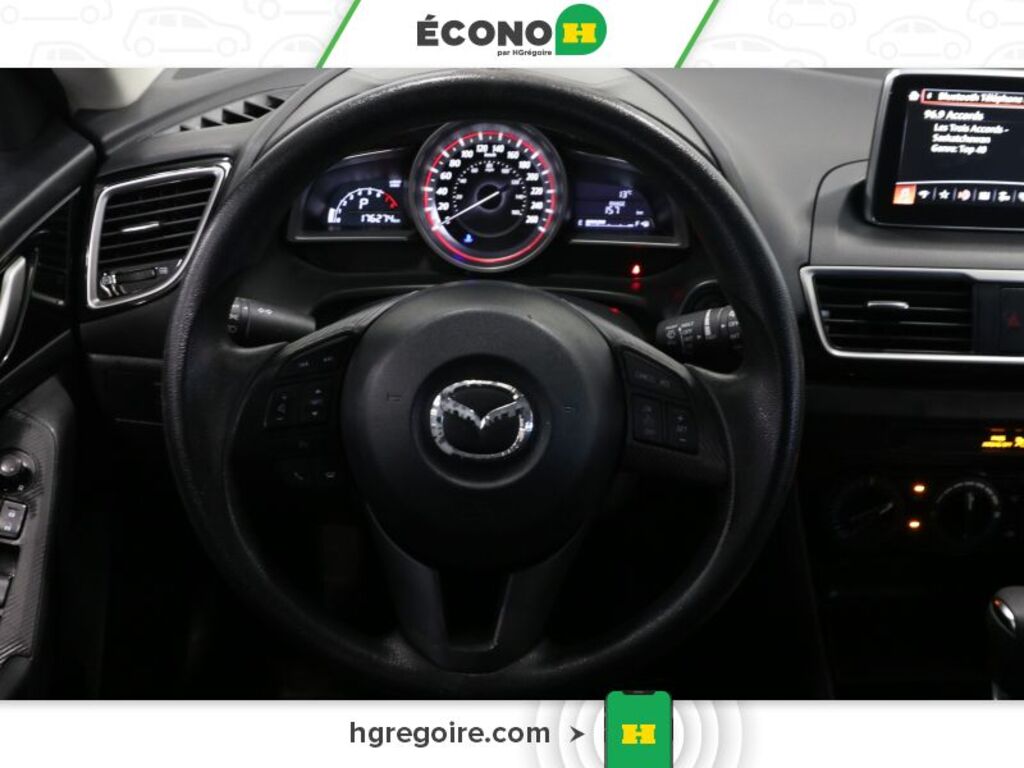
Troubleshooting Mazda Bluetooth Connectivity Issues
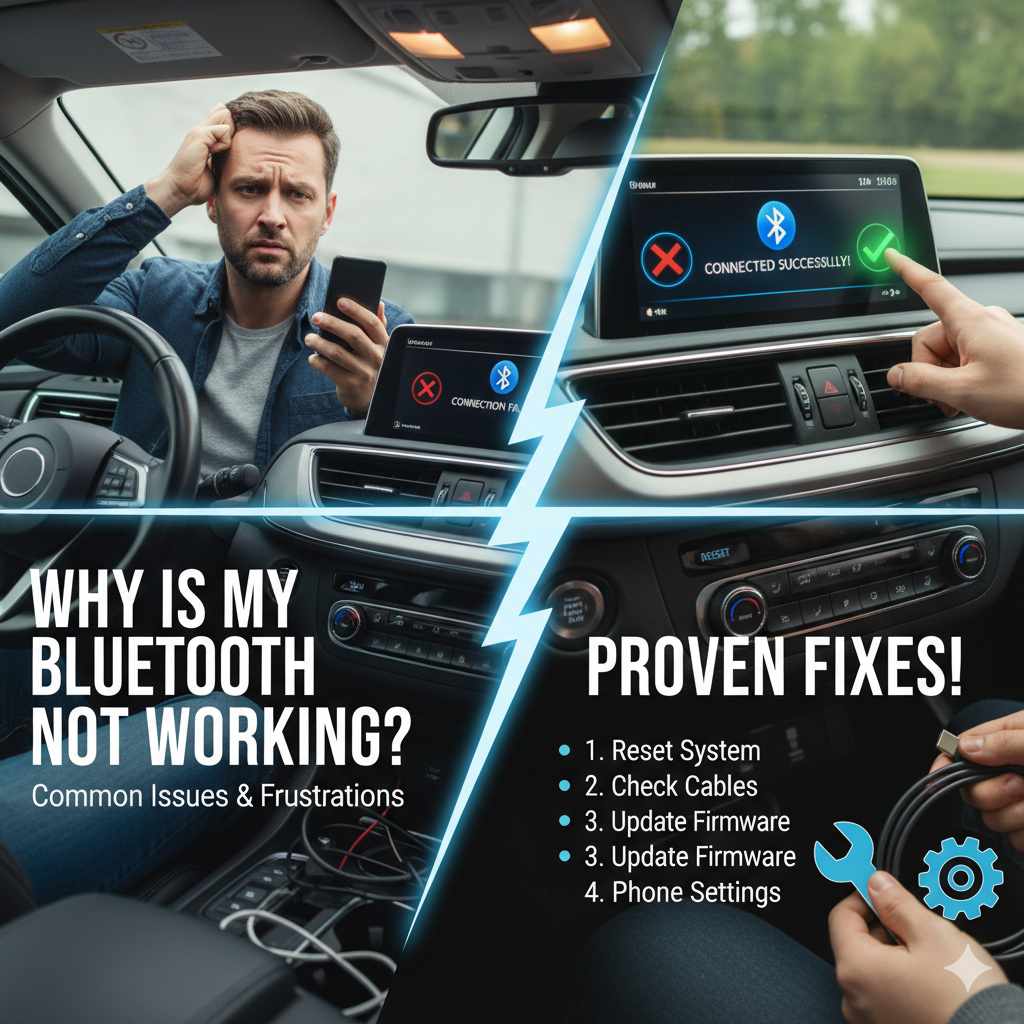
When your Mazda Bluetooth connection stops functioning, the issue is typically caused by a mismatch between the vehicle’s infotainment system cache, outdated smartphone software, or an accumulation of too many stored device profiles. R...
When your Mazda Bluetooth connection stops functioning, the issue is typically caused by a mismatch between the vehicle’s infotainment system cache, outdated smartphone software, or an accumulation of too many stored device profiles. Resolving this often requires a systematic approach involving clearing the communication link, performing a factory reset of the pairing profile, and verifying the compatibility of the Bluetooth protocols between your mobile device and the Mazda Connect system.
Contents
Understanding the Mazda Bluetooth Architecture
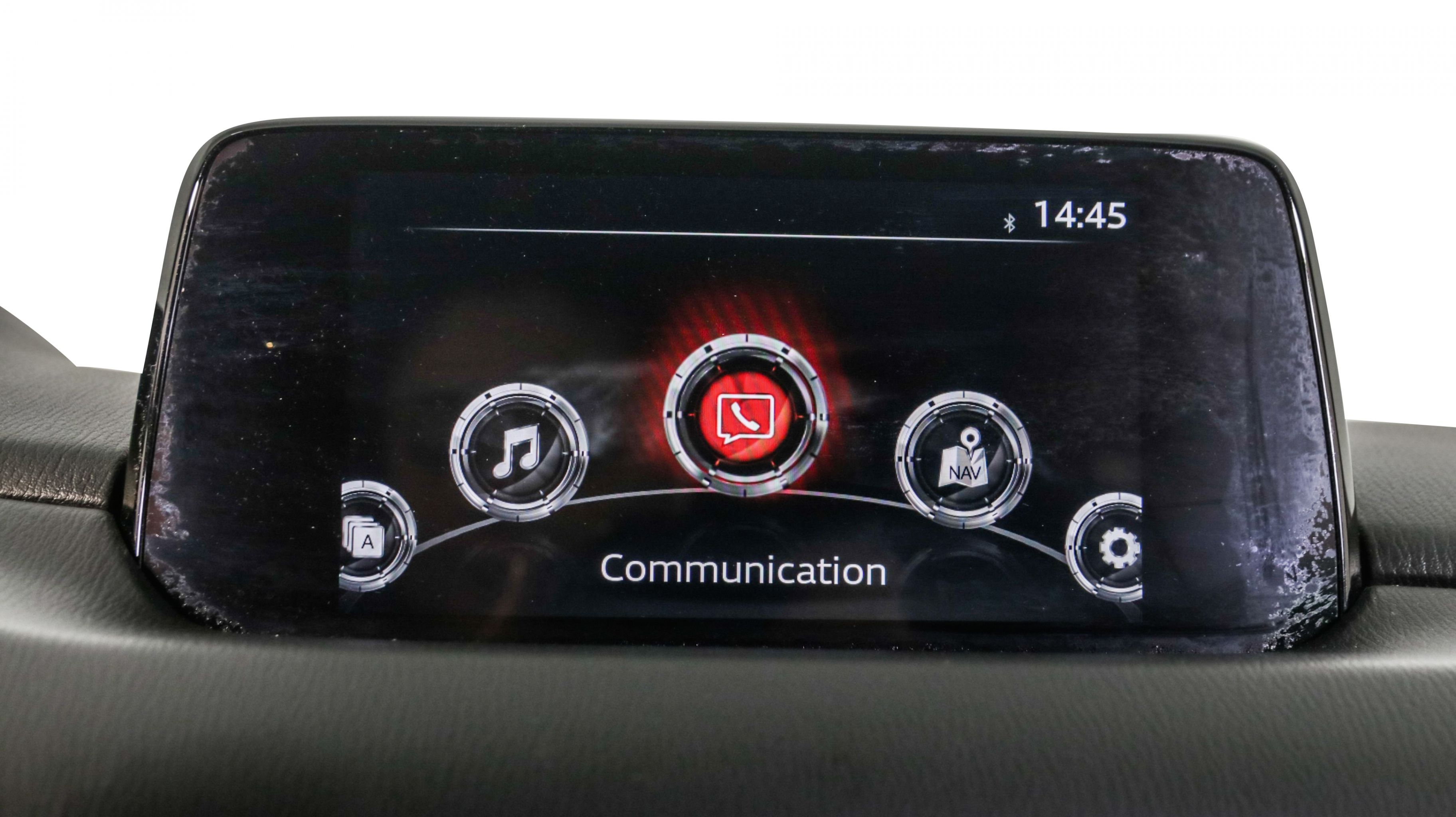
Mazda vehicles utilize two primary infotainment architectures: the legacy Mazda Connect system found in models from roughly 2014 to 2018, and the updated Mazda Connect system (sometimes featuring the wide-format display) found in newer models. While the user interface differs significantly between these generations, the underlying Bluetooth communication protocol—the Advanced Audio Distribution Profile (A2DP) and the Hands-Free Profile (HFP)—remains consistent.
Bluetooth connectivity failures occur when the "handshake" process between your phone and the vehicle is interrupted or corrupted. This is frequently triggered by a recent operating system update on your smartphone, which may change the security requirements or encryption protocols the phone uses to identify itself to your car. Because the Mazda system is a static environment, it cannot "learn" these new security parameters automatically, leading to a persistent connection error.
Step-by-Step Troubleshooting Sequence
Before attempting complex software updates or visiting a service center, you must address the pairing conflict at both the vehicle and the device level. Follow this sequence strictly to ensure no residual data triggers a repeat failure.
1. Removing the Stale Profile
You must purge the existing connection from both devices. A common mistake is deleting the connection from the phone but leaving the "ghost" profile inside the Mazda infotainment menu.
- On the Phone: Go to Settings > Bluetooth, locate the Mazda device, and select "Forget This Device" or "Unpair."
- On the Mazda: Navigate to Settings > Bluetooth. Select the list of paired devices and delete any reference to your smartphone. If the system allows, clear all paired devices to ensure a completely clean slate.
2. Clearing the Infotainment Cache
If the infotainment system continues to behave erratically after the deletion, you may need to power-cycle the unit. With the vehicle in Park, turn the ignition to the "On" position, then turn the vehicle completely off and open the driver’s side door for at least 30 seconds. This procedure ensures the infotainment system’s volatile memory (RAM) is fully discharged, forcing it to reload the Bluetooth module driver upon the next start.
3. Re-Pairing Procedures
Once the system has rebooted, initiate the pairing process from the car side rather than the phone side. Select "Add New Device" in the Mazda Bluetooth menu and set the system to "Discoverable." Only then should you open the Bluetooth settings on your mobile device to scan for the vehicle. This method ensures the Mazda system acts as the master controller during the initial encryption exchange.
Comparing Connectivity Methods and Common Failures
| Feature | Mazda Connect (Early) | Mazda Connect (Late) | Common Symptom |
|---|---|---|---|
| Sync Speed | Moderate | Fast | Delayed audio playback |
| Profile Limit | 5-7 Devices | 10+ Devices | System refuses new pairs |
| Primary Failure | Hardware Timeout | Cache Corruption | Connection drops |
| Reset Method | System Menu Wipe | Master Factory Reset | Requires PIN re-entry |
Advanced Troubleshooting: When Standard Steps Fail
If you have successfully deleted and re-paired the devices but the issue persists, the problem may lie in the Bluetooth visibility settings or background app interference on your smartphone.
Smartphone Software Compatibility
Check your phone for any pending security patches. Occasionally, smartphone manufacturers push updates that cause temporary instability with automotive Bluetooth modules. Ensure your phone’s "Bluetooth Address" has not been randomized by a privacy setting. Some modern smartphones use "MAC Address Randomization" for security; when connected to a car, this can cause the vehicle to believe a different device is attempting to connect every time, leading to a rejected request. Disable "Private Wi-Fi Address" or "Randomize MAC" settings for your Bluetooth interactions if this option exists.
Infotainment Firmware Updates
If your Mazda vehicle has not received a firmware update in several years, the software may be incapable of communicating with newer versions of Bluetooth (such as Bluetooth 5.2 or 5.3). You can check your current firmware version in the "System Information" or "About" menu within the Mazda settings. If the firmware is dated, contact an authorized Mazda dealership to inquire about available "Mazda Connect" updates. Note that these are not typically over-the-air (OTA) updates and must be installed via a USB service tool at a dealer.
Frequently Asked Questions
Why does my Mazda disconnect Bluetooth only during phone calls?
This usually indicates an issue with the "Hands-Free Profile" (HFP) rather than the "Advanced Audio Distribution Profile" (A2DP). The car prioritizes the phone call over music, but if the HFP handshake is unstable, the system drops the connection entirely to prevent audio feedback. Try disabling your phone's "Sync Contacts" feature, as a corrupted contact file can crash the HFP session during a call.
Does the number of paired devices affect connection stability?
Yes. Many Mazda infotainment units have a finite buffer for paired devices. When the list is full, the system may struggle to allocate the memory necessary to establish a high-bitrate connection with your phone. Deleting old, unused device profiles often resolves mysterious lag or failure-to-connect issues.
Can a low vehicle battery cause Bluetooth failures?
Yes. Mazda infotainment systems are sensitive to voltage fluctuations. If your vehicle battery is weak or the alternator is failing, the system may enter a power-saving mode, which selectively disables high-drain modules like Bluetooth or Wi-Fi to preserve enough power for the engine ignition sequence.
Is there a "Factory Reset" that clears all settings?
Yes, most Mazda vehicles allow for a "Factory Reset" under the System Settings menu. Be aware that this will delete all navigation favorites, audio presets, and saved phone pairings. This should be considered a last-resort measure after standard troubleshooting fails to restore functionality.
Do I need to be at a dealership to update my Bluetooth drivers?
For the vast majority of Mazda models, yes. Bluetooth updates are bundled into the primary operating system software of the infotainment unit. These are proprietary files that must be flashed using specific service equipment.
Next Steps and Professional Guidance
If you have performed a complete factory reset of the vehicle’s infotainment system and deleted the phone's profile, yet the vehicle still refuses to hold a connection, the issue is likely a hardware failure within the Bluetooth antenna or the communication module itself.
Before committing to a potentially expensive repair, test the system by pairing a completely different phone to your Mazda. If a second device pairs and maintains a connection, the issue is software-specific to your original smartphone. If the second device also fails to connect, the vehicle's infotainment hardware is likely the root cause. In this case, schedule an appointment with your local authorized service center and provide them with the exact model of your smartphone and your current Mazda firmware version to expedite the diagnostic process.
Image Gallery