How to Choose an Open Workflow for Your Team
Choosing an open workflow requires balancing technical interoperability, team collaboration needs, and the ability to integrate external tools without vendor lock-in. To select the right system, evaluate your current data silos, identi...
Choosing an open workflow requires balancing technical interoperability, team collaboration needs, and the ability to integrate external tools without vendor lock-in. To select the right system, evaluate your current data silos, identify the necessary APIs for your existing software stack, and ensure the chosen framework supports open-standard file formats and permission-based transparency.
Contents
Understanding the Open Workflow Philosophy
An "open workflow" is not a specific software product, but rather an operational methodology that prioritizes transparency, modularity, and data portability. Unlike closed or proprietary systems that force all work into a single, walled-off ecosystem, an open workflow allows organizations to piece together best-in-class tools that communicate via standardized protocols.
The shift toward open workflows is driven by the need for agility. In 2026, the complexity of modern business operations—spanning asynchronous global teams, automated deployment pipelines, and multi-cloud infrastructure—makes monolithic, closed platforms a liability. When you select an open workflow, you are opting for a system where data can move freely between your project management board, your codebase, your communication suite, and your financial reporting tools.
Assessing Your Organizational Maturity
Before evaluating specific technologies, you must determine your team's readiness for an open workflow. This requires a diagnostic approach to how information currently flows through your organization.
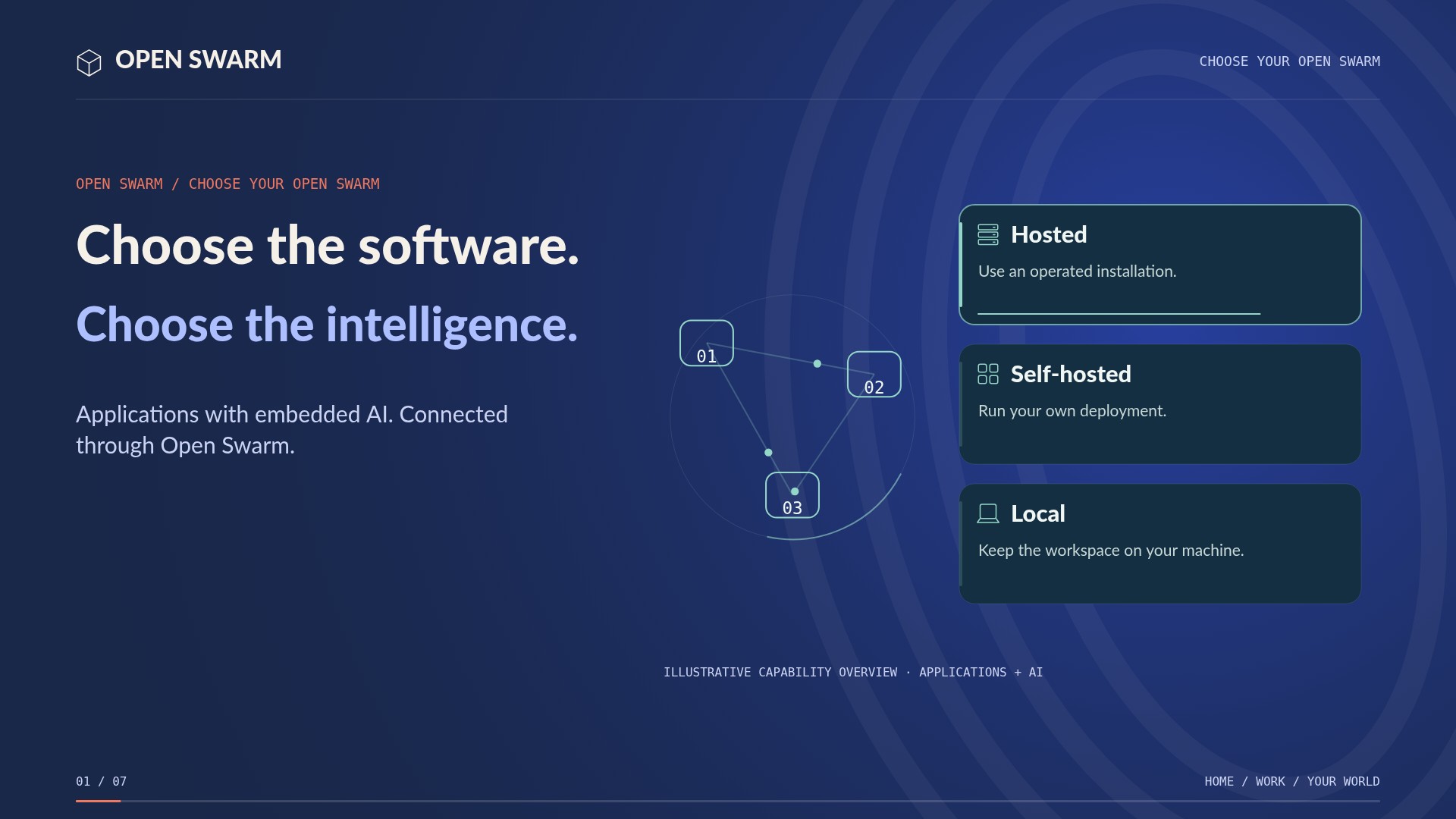
- Data Sovereignty Requirements: Do you have strict compliance requirements regarding where data is stored? Open workflows often rely on self-hosted or hybrid cloud models. If you lack the internal engineering resources to manage infrastructure, your "open" choice must be a managed service that adheres to open standards rather than a raw, self-managed codebase.
- Tool Interoperability: Map your current tech stack. List every service that touches your primary workflow. Are they connected via proprietary integrations, or do they offer robust, well-documented REST APIs or GraphQL endpoints? A workflow is only as "open" as its weakest integration.
- Cultural Transparency: Open workflows thrive on visibility. If your organizational culture requires granular, restrictive control over who sees which piece of information at every micro-stage, an open workflow may feel obstructive. You must define your permission structures before selecting a platform.
Key Technical Criteria for Evaluation
When comparing potential platforms or frameworks, focus on these four technical pillars. If a tool fails to meet these, it will eventually become a bottleneck for your operations.
1. API-First Architecture
An open workflow must be programmatic. This means that every action you can perform in the user interface—creating a task, updating a status, uploading a file—must be equally achievable via an API. If the API is an afterthought or an "add-on," you will find it difficult to automate your processes later.
2. Open Standard Compliance
Prioritize tools that utilize open standards for data exchange, such as JSON or XML for data serialization, and standard authentication protocols like OAuth 2.0 or OpenID Connect. Avoid platforms that utilize proprietary file formats that cannot be opened by third-party software.
3. Extensibility and Plugin Ecosystems
A truly open system is designed to be modified. Look for platforms that support webhooks and have an active community or marketplace for plugins. This extensibility allows you to build custom middleware that bridges the gap between specialized niche software and your core management workflow.
4. Vendor Neutrality and Data Portability
How easy is it to leave? An open workflow should allow you to export your entire data history in a readable, structured format. If the vendor does not offer a clear "data gravity" exit strategy, the risk of vendor lock-in remains high, regardless of their claims regarding "openness."
Comparison Table: Workflow Architecture Types
| Feature | Closed/Proprietary | Managed Open Service | Self-Hosted Open Source |
|---|---|---|---|
| Customization | Limited to UI settings | High via API/Webhooks | Unlimited via Source Code |
| Maintenance | None (Vendor handles) | Minimal | High (Requires DevOps) |
| Data Control | Shared/Controlled | Regulated | Complete |
| Cost Model | Subscription/User Fees | Subscription Fees | Infrastructure/Labor |
| Vendor Lock-in | High | Low | None |
Implementing Your Chosen Workflow
Once you have selected the components for your workflow, follow these steps to ensure a stable rollout.
Step 1: The Pilot Migration Do not overhaul the entire company's process overnight. Select a single, non-critical project to test the integration between your new open-workflow hub and your existing tools. Verify that data synchronization is occurring in real-time and that API rate limits are not being exceeded by your automated triggers.
Step 2: Defining Standard Operating Procedures (SOPs) Open workflows can quickly become disorganized if there are no rules. Create documentation that defines the "source of truth." For instance, if a task moves to "Done" in your management tool, does the system automatically trigger a status update in your internal communication channel? Define these chains of causality clearly to prevent ghost tasks or redundant status updates.
Step 3: Security and Permission Mapping With an open architecture comes a larger attack surface. Because your tools are connected, a breach in one may affect others. Ensure that your API tokens are stored securely in environment variables or secret management services, not hardcoded into scripts. Use the principle of least privilege: each integration should only have the permissions necessary to perform its specific function.
Troubleshooting Common Bottlenecks
Even with a well-planned strategy, you will likely encounter friction. The most common issue in 2026 is "Integration Fatigue," where a workflow becomes so complex that managing the automations takes more time than the work itself.
- Synchronization Latency: If you notice delays in data reflecting across your stack, check your webhook payload handling. Ensure your middleware is processing incoming events asynchronously rather than waiting for a full round-trip confirmation.
- Version Mismatch: When third-party software updates their API, your custom integration may break. Establish a monitoring system—such as a simple heartbeat check—that alerts your team when an integration endpoint returns a non-200 HTTP status code.
- Documentation Debt: As you customize your workflow, document every custom script or "glue code" you write. An open workflow that is poorly documented is effectively a proprietary, fragile system that no one on the team understands.
Frequently Asked Questions
What is the difference between open source and an open workflow? Open source refers to the availability of the source code for modification. An open workflow refers to the operational design of your systems to facilitate interoperability and transparency. You can build an open workflow using proprietary tools if they are sufficiently API-enabled and follow open standards, though open-source tools often make this easier.
How do I balance security with an open workflow? Security in an open workflow is achieved through strict API management and zero-trust principles. Do not assume that because two tools are "open," they are safe to connect. Always validate data payloads and use dedicated service accounts with limited scopes for all automated integrations.
Does an open workflow require a dedicated developer? It depends on the complexity. Basic "no-code" automation tools can facilitate open workflows without deep programming knowledge. However, as the workflow scales to include custom business logic or proprietary data schemas, having a staff member with API and scripting experience becomes essential to maintain the integrity of the data pipelines.
Is moving to an open workflow cost-effective? Initially, it may be more expensive due to the integration labor required. However, the long-term cost is usually lower because you avoid the "platform tax" associated with vendor lock-in, and you can swap out individual components as your needs change without re-platforming the entire company.
Next Steps for Implementation
Begin by identifying your primary "system of record"—the application that holds your most important data—and ensure it supports webhooks. Audit your secondary tools and confirm they support OAuth 2.0. If you are starting from scratch, prioritize selecting a central project management tool that boasts a top-tier API documentation suite. Execute a small pilot, verify your data backups, and document your integration logic before scaling.
Image Gallery