How to Find Who is the Owner of a Domain Name in 2026
To identify the owner of a domain, use an RDAP (Registration Data Access Protocol) or WHOIS lookup tool, such as the official ICANN Lookup service. Enter the domain name to view the registrant’s details. If the information is redacted...
To identify the owner of a domain, use an RDAP (Registration Data Access Protocol) or WHOIS lookup tool, such as the official ICANN Lookup service. Enter the domain name to view the registrant’s details. If the information is redacted for privacy, you may need to contact the registrar directly or use historical records.
Contents
The landscape of domain ownership information has transformed significantly over the last decade. As of 2026, the process of finding out who is the owner of a domain is no longer as straightforward as it was in the early 2000s. Global privacy regulations and evolving internet protocols have moved the industry toward a "privacy-by-default" stance. However, whether you are looking to purchase a premium domain, resolving a trademark dispute, or investigating a cybersecurity threat, there are still established methods to uncover or contact a domain registrant.
The Evolution of Domain Discovery: From WHOIS to RDAP
For decades, the WHOIS protocol was the primary method for querying databases that store the registered users or assignees of an internet resource. However, WHOIS had several technical limitations, including a lack of standardized data formats and no native support for non-ASCII characters.
By 2026, the internet has largely transitioned to RDAP (Registration Data Access Protocol). RDAP was designed by the Internet Engineering Task Force (IETF) to replace WHOIS. It offers several improvements:
- Structured Data: It returns information in JSON format, making it easier for automated tools to parse.
- Secure Access: It supports HTTPS, ensuring that the queries and the data returned are encrypted.
- Tiered Access: It allows registries to provide different levels of information based on the user's authorization, which is critical for complying with modern privacy laws.
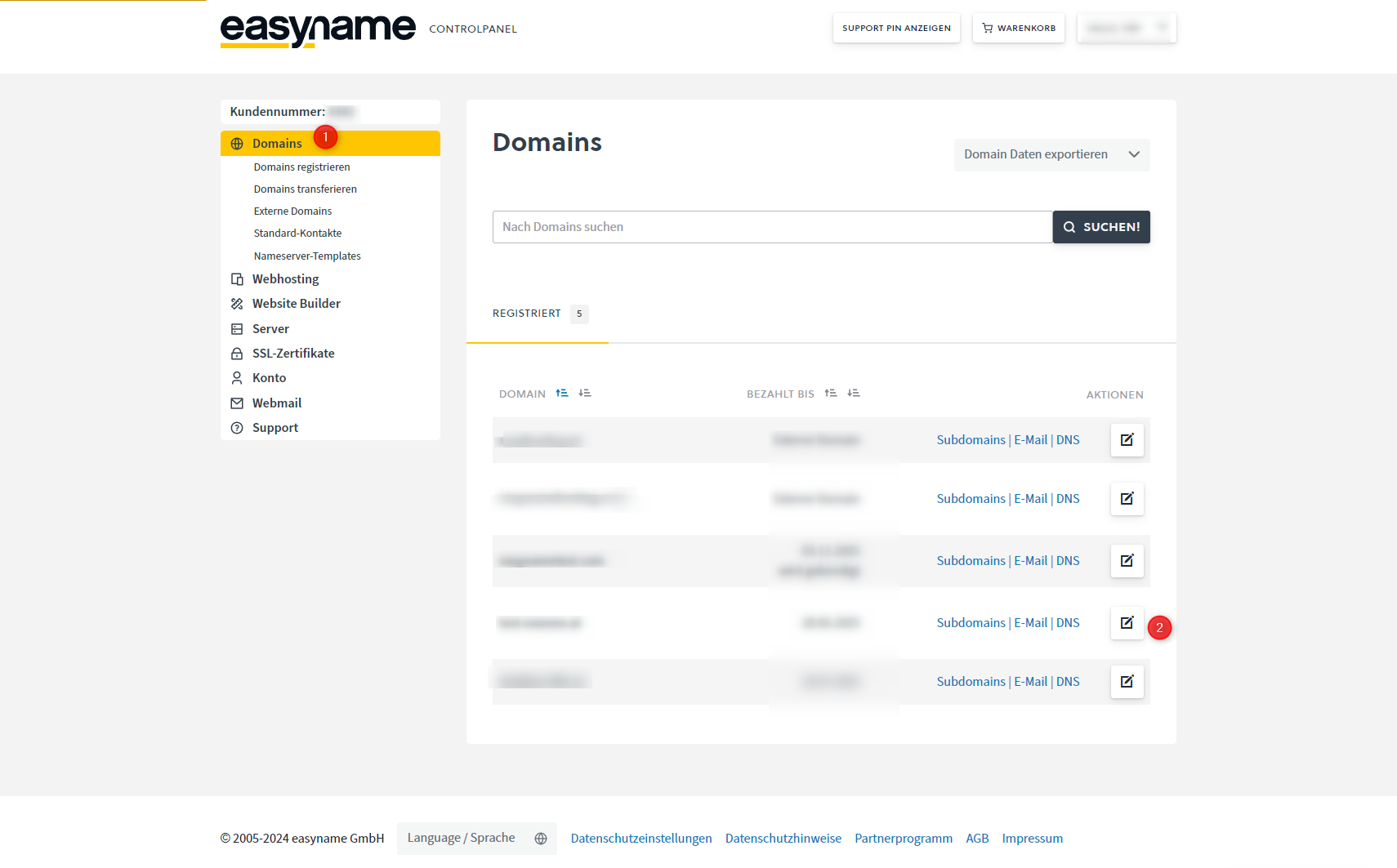
When you search for a domain owner today, you are likely using an RDAP client behind a web interface. These tools query the authoritative registry (the organization managing the TLD, like Verisign for .com) or the registrar (the company where the domain was bought, like Namecheap or GoDaddy) to find the Registrant—the legal entity or person who holds the rights to the domain.
Why Domain Ownership Information is Often Hidden
If you perform a lookup and see "Data Redacted" or "Redacted for Privacy," this is not a technical error. It is a result of a massive shift in digital rights management.
The Impact of GDPR and Global Privacy Laws
The General Data Protection Regulation (GDPR), which took effect in 2018, fundamentally changed how ICANN (the Internet Corporation for Assigned Names and Numbers) manages registration data. Because domain registration requires personal data (name, address, email, phone number), registries and registrars must protect this information for individuals in the European Economic Area.
Following the GDPR, other jurisdictions implemented similar laws, such as the CCPA/CPRA in California. Consequently, most registrars now apply these privacy protections globally to simplify their operations. In 2026, finding the specific name of a private individual via a public lookup is rare unless they have explicitly opted to make their data public.
Domain Privacy and Proxy Services
Even before GDPR, many users paid for Domain Privacy (often called WHOIS Privacy or Proxy Services). These services replace the owner's personal information with the contact details of a third-party service provider. If you see an address in Panama or a generic "Privacy Service" email, the owner is using a proxy. This is common for individuals and small businesses who wish to avoid spam and identity theft.
Step-by-Step Methods to Identify a Domain Owner
Despite these privacy barriers, you can use the following methods to track down the person or organization behind a website.
1. Use the Official ICANN Lookup Tool
The first step should always be the official ICANN registration data lookup. It is the most reliable aggregator of RDAP data from all accredited registrars.
- Navigate to the ICANN Lookup website.
- Enter the domain name (e.g., example.com).
- Review the "Registrant" section.
- If the name is hidden, look for the Registrar Abuse Contact Email or the Registrant Email (which may be a forwarded proxy address).
2. Check the Registrar’s Own WHOIS/RDAP Tool
Sometimes, the registrar who manages the domain provides more detailed information on their own website than what is shared with aggregate tools. Identify the registrar from the ICANN lookup (e.g., Tucows, MarkMonitor) and visit that registrar's specific WHOIS search page.
3. Analyze Historical WHOIS Records
If the domain was registered many years ago, its ownership information might have been public before the current privacy regulations were strictly enforced. Databases like WhoisXML API or DomainTools maintain archives of historical records. By looking at a domain's history from 2015 or 2017, you might find the original registrant's name before they enabled privacy settings.
4. Search for "About" Pages and Legal Disclaimers
Often, the most accurate information is not in the domain registry but on the website itself. Professional organizations usually list their physical address, tax ID, or legal name in:
- The About Us page.
- The website Footer.
- The Terms of Service or Privacy Policy.
- LinkedIn (searching for employees of the website's brand).
5. Reverse IP and DNS Lookups
While this doesn't give you a person's name, it tells you who is hosting the site. Tools like ViewDNS.info can show you other domains hosted on the same IP address. If a "mysterious" domain shares an IP with a known corporate domain, they are likely owned by the same entity.
| Method | Best For | Level of Difficulty |
|---|---|---|
| ICANN RDAP Lookup | Official verification of registrar and status. | Easy |
| Registrar Contact Form | Sending a direct message to a hidden owner. | Easy |
| Historical WHOIS | Finding owners of older, established domains. | Intermediate |
| Reverse IP Tracking | Identifying corporate ownership via server footprint. | Advanced |
| UDRP/Legal Filing | Resolving trademark or copyright infringement. | Professional/Legal |
How to Contact an Owner When Data is Redacted
If the domain owner has redacted their information, you cannot see their name, but you are not necessarily blocked from contacting them. Registrars are generally required to provide a way to reach the registrant.
Using the Proxy Email
Look for an email address that looks like abc123xyz@proxy-registrar.com. This is a forwarding address. Any email sent to this address is automatically redirected to the owner’s real, private email inbox. This allows you to communicate without the owner ever revealing their identity to the public.
The Registrar’s Contact Form
Many registrars provide a web-based form. You fill out your name, contact info, and message, and the registrar sends it to the registrant on your behalf. This is the standard protocol for inquiring about purchasing a domain.
Requesting Non-Public Data for Legal Reasons
In 2026, there are specific "Tiered Access" models for those with a "legitimate interest" in identifying a domain owner. If you are a law enforcement official, a trademark attorney, or a cybersecurity researcher, you can file a formal Request for Disclosure.
- Identify the Registrar: Find the company managing the domain.
- Submit a Disclosure Request: Most large registrars have a dedicated portal for legal requests.
- Provide Evidence: You must demonstrate why your right to the data outweighs the registrant's right to privacy (e.g., proof of trademark infringement or evidence of a phishing attack).
- Review Process: The registrar’s legal team reviews the request. If approved, they will reveal the unredacted contact information.
Common Obstacles in Domain Ownership Searches
Even with the best tools, you may encounter several roadblocks:
- Cybersecurity "Bulletproof" Hosting: Some domains are registered through offshore registrars that ignore ICANN regulations and international subpoenas. These are often used for illicit activities.
- Falsified Data (WHOIS Inaccuracy): Some owners provide fake names or addresses. While this is a violation of the registration agreement, it is difficult to police unless someone reports the "WHOIS Inaccuracy" to the registrar.
- Corporate Shells: Large companies often register domains under holding companies or shell corporations (e.g., "Generic Assets LLC") to keep their future projects secret from competitors.
Frequently Asked Questions
Is it free to check who is the owner of a domain?
Yes, basic RDAP and WHOIS lookups are free through the ICANN website and most registrars. However, services that provide historical records or deep-dive ownership reports often charge a subscription or one-time fee.
Why does the owner show up as "Contact Privacy" in Panama?
This indicates the owner is using a domain privacy service. Many of these services are headquartered in jurisdictions like Panama or the Cayman Islands to take advantage of strict local privacy laws, making it harder for third parties to unmask the true owner.
Can I find out how much someone paid for a domain?
Ownership records do not include the purchase price. To find out what a domain sold for, you would need to check public sales databases like NameBio or DNJournal, though these only track sales that are voluntarily reported by brokers or marketplaces.
Does a domain owner actually "own" the name forever?
No. Domain names are technically "leased" for periods ranging from one to ten years. If the registrant fails to pay the renewal fees, the domain expires and can be purchased by someone else. The person currently listed is the "Registrant" for the duration of their active term.
What should I do if a domain owner is infringing on my trademark?
You should not only try to find the owner but also contact the Registrar's Abuse Team. If the owner's information is hidden, filing a Uniform Domain-Name Dispute-Resolution Policy (UDRP) claim is the standard legal pathway to seize an infringing domain.
Practical Recommendation for Next Actions
If you need to find a domain owner today, start by performing an ICANN RDAP lookup. If the data is redacted, do not be discouraged; use the forwarding email address provided in the results to send a polite inquiry. If the matter is urgent or involves legal rights, consult with a digital forensics expert or a trademark attorney who can navigate the Tiered Access request process to obtain non-public registrant data. For those looking to buy a domain, using a professional domain broker is often more effective than trying to contact a hidden owner yourself, as brokers have access to proprietary databases and established relationships with registrar legal departments.
Image Gallery