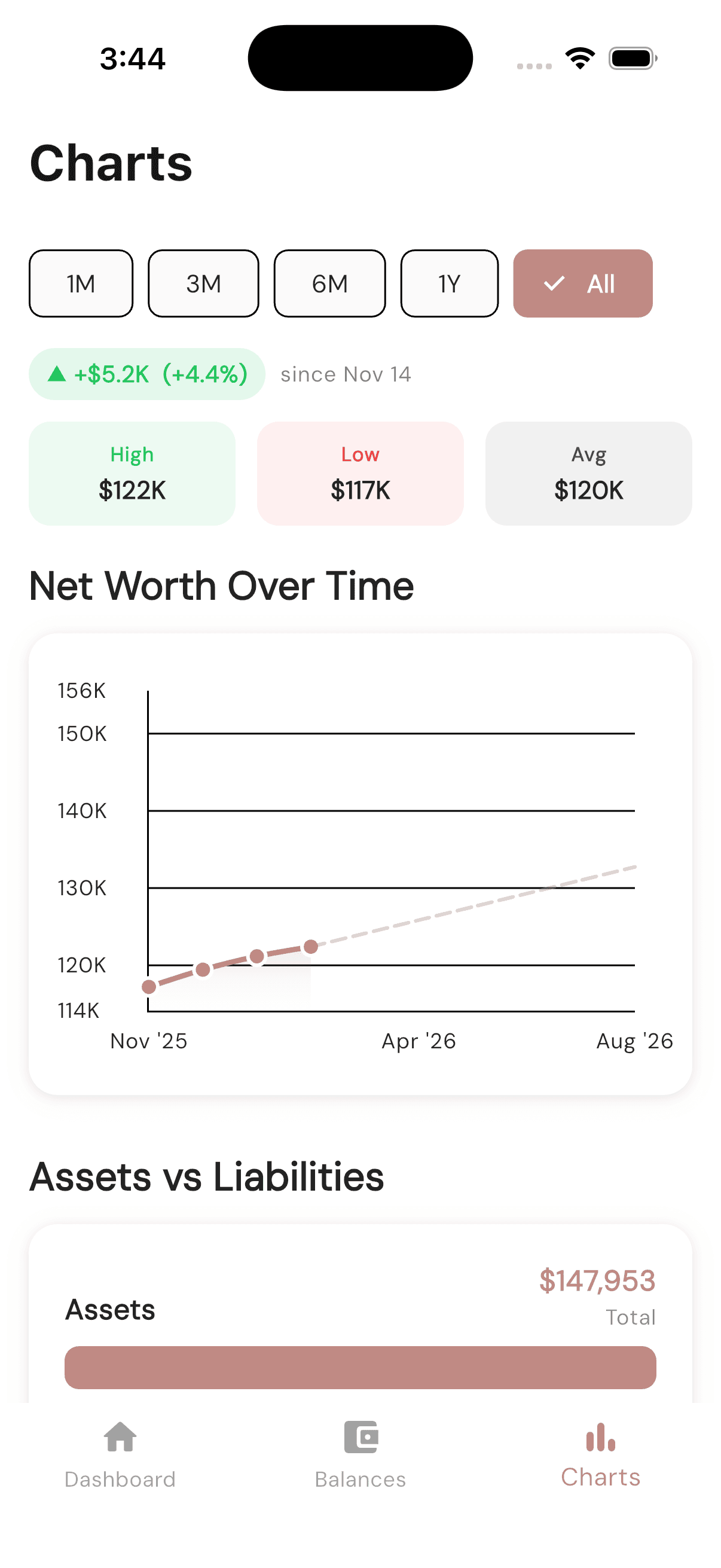
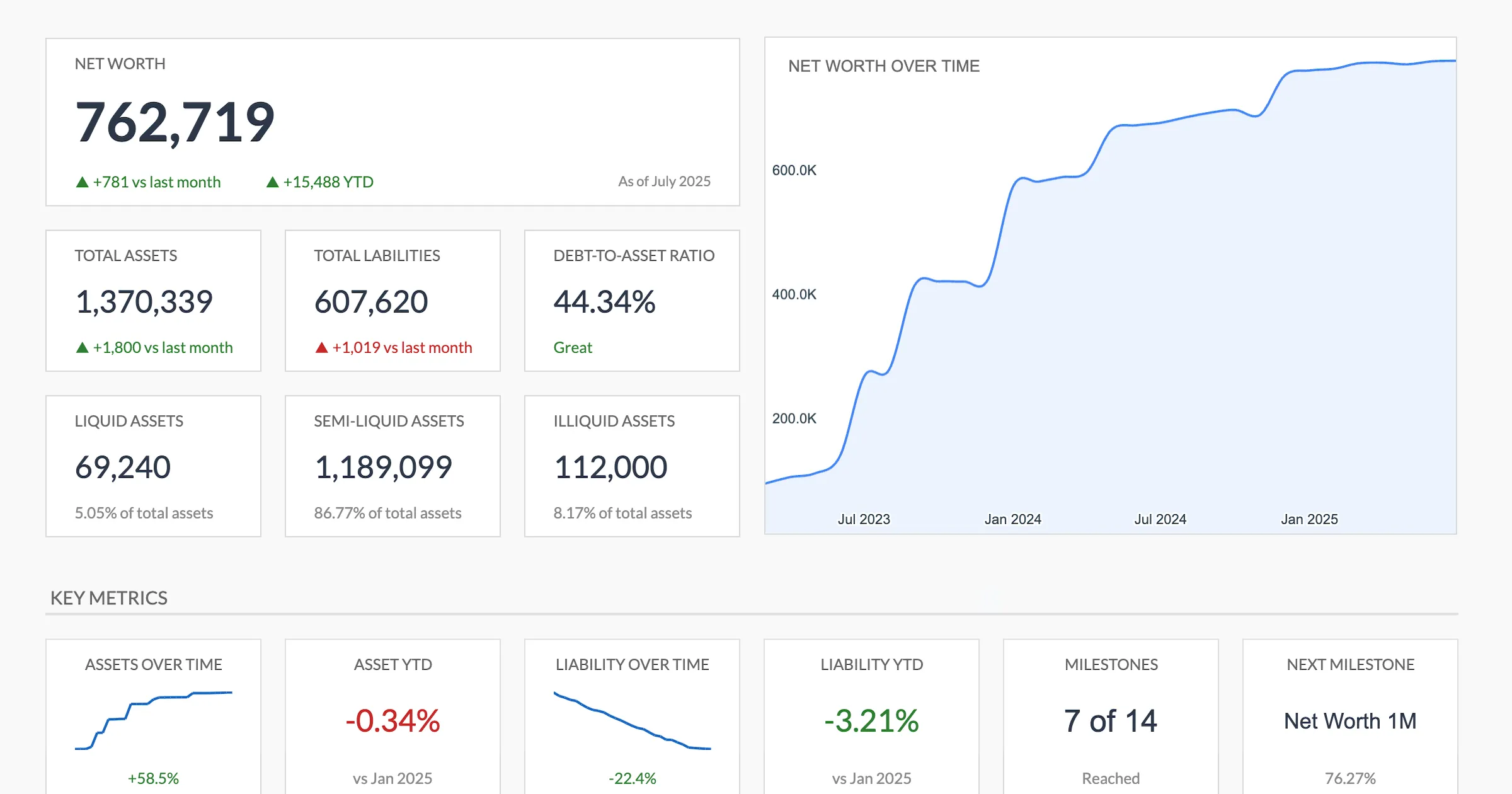
Mastering Your Custom Net Worth Trend in Mint
Tracking your net worth trend within the Mint ecosystem—or its successors—requires a precise approach to data aggregation, account categorization, and historical manual adjustments. As of 2026, users seeking to visualize their financia...
Tracking your net worth trend within the Mint ecosystem—or its successors—requires a precise approach to data aggregation, account categorization, and historical manual adjustments. As of 2026, users seeking to visualize their financial progression must navigate the transition from legacy budgeting tools to modern alternatives while ensuring historical data integrity remains intact. By manually calibrating asset and liability snapshots, you can maintain a high-fidelity record of your wealth accumulation over time.
Contents
Understanding Net Worth Tracking in Financial Software
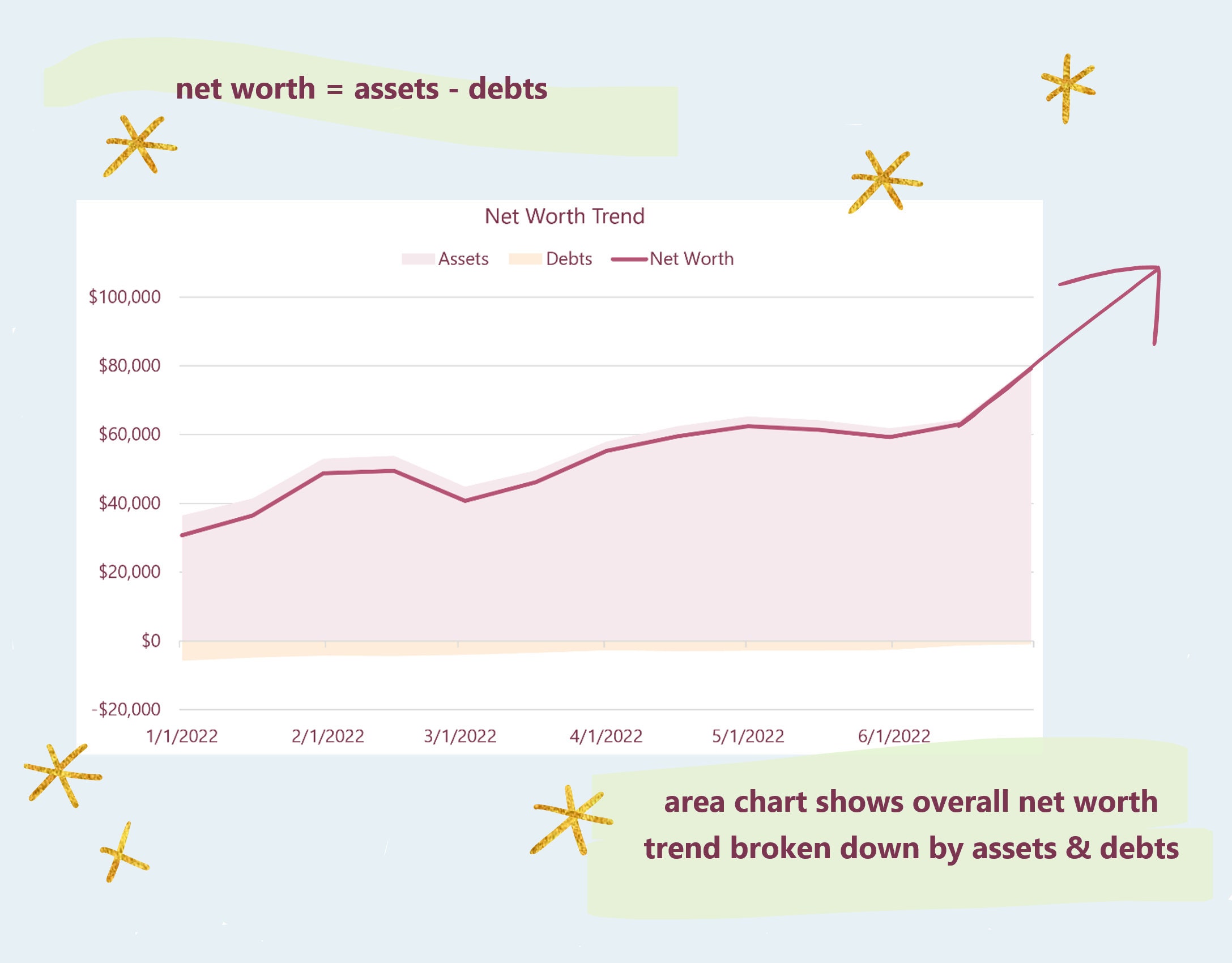
Net worth is defined as the total value of all assets minus the total value of all liabilities. In personal finance software, this figure is rarely static; it fluctuates based on market performance, debt repayment, and periodic savings contributions. When users refer to a "custom net worth trend" in the context of Mint, they are typically seeking to curate which accounts contribute to their bottom line versus those that represent transactional or depreciating assets.
For many, the standard automated calculation is insufficient. For instance, you might want to exclude a primary vehicle's depreciating value or include a high-value collectible that the software does not automatically track. Customizing this trend involves overriding automatic data pulls with manual entries or filtering out specific accounts that distort the "true" investable net worth picture.
Prerequisites for Accurate Trend Analysis
Before you can effectively visualize your net worth, you must ensure your underlying data is "clean." Financial software often struggles with orphaned accounts, miscategorized debt, or double-counting assets (such as when both a brokerage account and the individual stocks within it are synced).
- Account Consolidation: Audit your linked accounts to ensure only active, relevant financial instruments are included.
- Manual Asset Entries: For non-liquid assets like real estate or private equity, ensure you have established a recurring manual update schedule.
- Historical Data Extraction: If you are migrating away from the legacy Mint platform, ensure you have exported your CSV transaction and balance history. Modern aggregators, such as Monarch Money or Quicken Simplifi, allow for the importation of these files, which is critical for maintaining a multi-year trend line.
- Categorization Rules: Define which categories represent "Net Worth" assets (investments, cash, retirement) and which represent "Non-Impact" accounts (credit cards with monthly payoffs, transactional checking accounts).
Implementing Custom Adjustments to Your Trend Line
If you are using a platform that allows for custom trend reporting, the goal is to filter the data to reflect your financial philosophy. Follow these steps to refine your trend visualization:
Step 1: The Exclusion Method
Identify accounts that provide "noise" rather than signal. For example, a credit card that you pay in full every month is technically a liability, but its fluctuating balance on a daily basis can cause your net worth graph to look unnecessarily volatile. Many power users choose to hide or exclude these from net worth calculations to create a smoother, more accurate trend line that reflects long-term growth.
Step 2: The Manual Snapshotting Technique
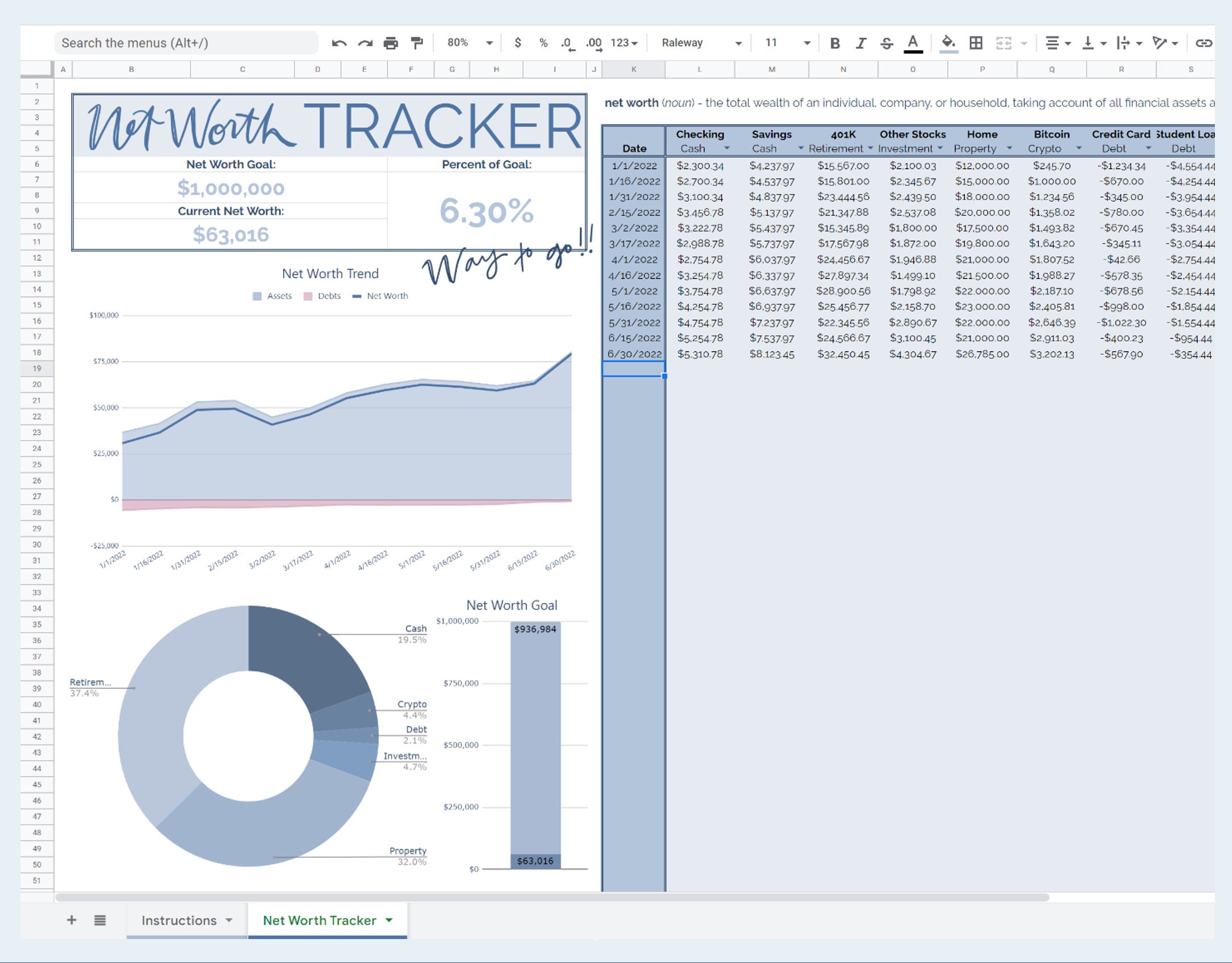
If your current software does not allow for a truly "custom" formula, the most reliable method is to perform a quarterly snapshot. Create a spreadsheet where you record the total value of your core assets and liabilities on the first day of every quarter. This manual trend line is immune to API errors, connection drops, or platform-wide outages, providing a "source of truth" that you can rely on indefinitely.
Step 3: Handling Historical Gaps
If you have moved data from the old Mint system to a new service, you may find gaps in your historical data. You can "patch" these trends by creating manual balance adjustments in your new platform. By manually entering the balance of your accounts as they stood on specific dates in the past, you can "force" the trend line to align with your historical records.
Comparing Financial Tracking Platforms in 2026
Since the closure of the original Mint interface, the landscape of financial tracking has fragmented. Choosing the right tool depends on whether you prioritize automated bank syncing or the ability to deeply customize your reports.
| Feature | Legacy Mint (Historical) | Modern Aggregator (e.g., Monarch/Simplifi) | Manual Spreadsheet |
|---|---|---|---|
| Automation | High | High | None |
| Custom Formulas | Low | Moderate | Unlimited |
| Data Ownership | Low (Proprietary) | Moderate (Exportable) | High (Local) |
| Historical Continuity | Ceased | High (via CSV Import) | Infinite |
Common Mistakes in Net Worth Reporting
The most frequent error users make is the inclusion of "transactional assets." Including the balance of a checking account that fluctuates by thousands of dollars each month due to payroll and bill payments creates an artificial "sawtooth" pattern on your graph. This pattern masks the actual growth of your long-term wealth, such as the compounding interest in your 401(k) or the principal pay-down on your mortgage.
Another common pitfall is failing to adjust the value of real estate or illiquid assets. If your house value is set to the price you paid ten years ago, your net worth trend will appear significantly lower than it is. Aim to update manual assets at least twice annually, or more frequently if you are in a volatile real estate market.
Troubleshooting Data Discrepancies
When your custom trend line does not align with your actual bank balances, look for these three culprits:
- Double Counting: Check if you have linked both a credit card and a payment account that reflects the same debt.
- Currency Issues: Ensure all assets are converted to the same base currency, especially if you hold international stocks or foreign bank accounts.
- Stale Connections: In 2026, many API-driven aggregators experience intermittent connection failures. If your trend line suddenly drops or spikes, check the "Account Status" page to see if a link has been broken, causing the software to read a zero balance for that specific institution.
Frequently Asked Questions
Can I still use my old Mint data to build a new trend line? Yes. You can export your historical balance and transaction data from the legacy Mint archives into a CSV format. Most modern financial platforms have an "Import" feature that allows you to upload these CSVs to populate your historical trends, ensuring your new dashboard shows years of progress rather than starting from zero.
Should I include my vehicle value in my custom net worth? It is a matter of preference. If you want a "realizable" net worth—the amount you could actually spend today—you should either exclude the vehicle or account for its depreciation. If you want a comprehensive total of your personal balance sheet, include it, but update the value once a year to reflect current market rates.
How often should I manually adjust my net worth trend? Quarterly is the industry standard for most households. This frequency is high enough to capture significant growth or changes in debt, but low enough to avoid the fatigue of monthly manual data entry.
Why does my trend line fluctuate so much? Volatility in your trend line is usually caused by the inclusion of high-frequency transactional accounts. To fix this, try excluding your primary checking account or monthly credit card accounts from your net worth calculation, focusing instead on long-term assets like investments, home equity, and retirement savings.
Final Recommendation for Your Financial Strategy
To build a resilient and actionable custom net worth trend, move away from reliance on real-time, automated "all-account" views. Instead, build a "Core Growth" view. Select only your investment, retirement, and major debt accounts to include in your trend reporting. This filters out the daily noise of your spending and highlights the variables that actually move the needle on your long-term wealth. Maintain this data in an external spreadsheet or a high-end aggregator that supports CSV imports, ensuring that regardless of which software provider is popular in 2026 and beyond, your historical record remains entirely under your control.
Image Gallery