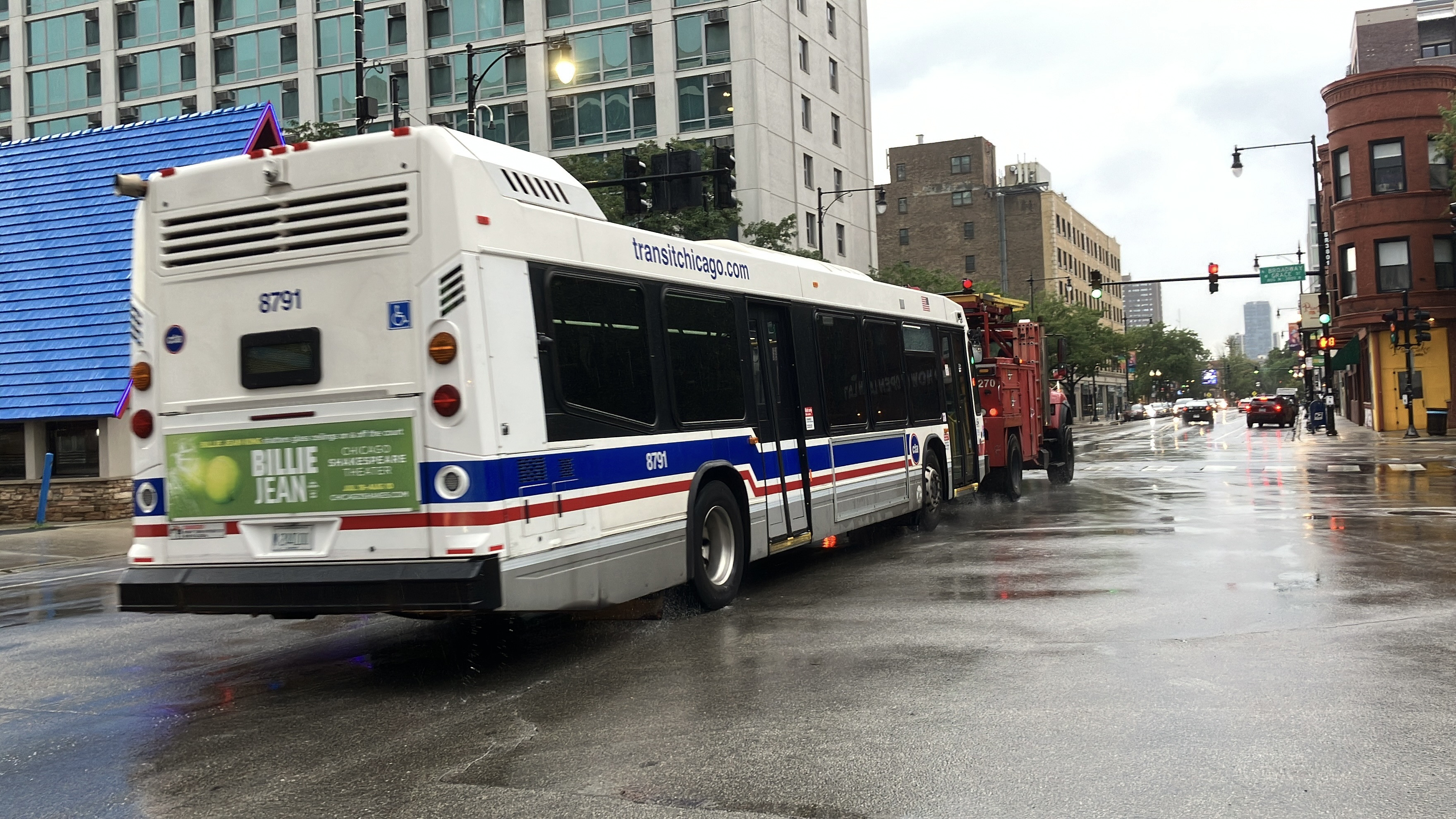
How to Pay for a CTA Bus Ride: A Comprehensive Guide
Paying for a CTA bus ride in Chicago involves using a Ventra card, a contactless bank card, or a mobile wallet app at the bus farebox. Passengers can tap their payment method on the reader located near the bus driver, wait for the chim...
Paying for a CTA bus ride in Chicago involves using a Ventra card, a contactless bank card, or a mobile wallet app at the bus farebox. Passengers can tap their payment method on the reader located near the bus driver, wait for the chime or screen confirmation, and proceed. Cash is accepted but requires exact change, as drivers do not provide change cards or currency.
Contents
Understanding the CTA Fare System
The Chicago Transit Authority (CTA) operates an integrated fare system designed to facilitate seamless travel across its bus and train network. As of 2026, the transit authority utilizes the Ventra system, a fare collection platform that supports multiple payment technologies. Understanding how these systems interact is the first step toward efficient travel. When you board a CTA bus, you are interacting with a centralized reader that verifies your payment method's validity and deducts the appropriate fare automatically.
The standard fare structure is designed to reward frequent riders through transfers. When you use a registered Ventra card or a contactless payment method, the system automatically recognizes your transit behavior. If you transfer between CTA buses or between buses and trains within a two-hour window, the system handles the fare adjustment automatically, provided you use the same payment method for each leg of your journey.
Available Payment Methods
Navigating the payment options for a CTA bus requires choosing the method that best aligns with your frequency of travel and your personal preference for technology versus physical assets.
The Ventra Card
The Ventra card is a reloadable, contactless transit card that serves as the primary currency for regular commuters. You can purchase these cards at vending machines located at all CTA rail stations, at various retail locations throughout the city, or online via the official Ventra website. Once you have a card, you can load it with transit value (stored cash) or choose from various CTA passes, such as the 1-day, 3-day, 7-day, or 30-day options.
Contactless Bank Cards
If you carry a credit or debit card with a "contactless" symbol (a wave-like icon), you can use it directly at the fare reader. This removes the need to purchase or reload a separate transit card. When you tap your bank card, the system processes it similarly to a Ventra card. It is important to note that you must use the same card for every transfer to qualify for free or reduced-fare transfers.
Mobile Wallets
For those who prefer a smartphone-centric experience, CTA fare boxes support mobile wallet services, including Apple Pay, Google Pay, and Samsung Pay. To use this, add your Ventra card to your phone's digital wallet, or simply tap your phone using a linked credit or debit card. Ensure that your device has NFC (Near Field Communication) enabled, as this is the underlying technology required for the reader to communicate with your mobile device.
Cash Payments
Cash is accepted on CTA buses; however, it is the least efficient method for the rider and the transit system. If you pay with cash, you must deposit the exact fare into the farebox. CTA bus drivers are strictly prohibited from handling money or providing change. If you overpay, the excess amount is lost. Furthermore, cash payments do not support the automatic transfer benefits available to digital payment users. If you plan to transfer to another bus or a train, you will be required to pay the full fare again unless you use a digital payment method that tracks your transfer eligibility.
Comparison of Payment Methods
| Payment Method | Supports Transfers | Reloadable | Best For |
|---|---|---|---|
| Ventra Card | Yes | Yes | Daily/Regular Commuters |
| Contactless Credit/Debit | Yes | N/A | Occasional Riders/Visitors |
| Mobile Wallet | Yes | Yes | Tech-focused Commuters |
| Cash | No | No | Emergency/One-time trips |
How to Properly Tap Your Fare
Using the farebox correctly ensures a smooth boarding process and prevents delays for you and other passengers. The reader is located at the front of the bus, immediately to the right of the driver.
- Wait for your turn: Allow passengers to finish boarding and the driver to signal that the bus is ready.
- Locate the target: Look for the contactless reader, which is typically marked with the Ventra logo.
- Position your device/card: Hold your Ventra card, contactless bank card, or phone about one to two inches away from the reader.
- Listen for the indicator: A successful tap will result in a clear, audible chime and a green light on the display. If the light turns red, or if there is no sound, the payment was likely unsuccessful. Check your balance or try repositioning your card.
- Moving through: Once confirmed, move toward the back of the bus to allow the next passenger to board.
Prerequisites and Best Practices
Before you head to your bus stop, ensure your payment method is ready for use. If you are using a Ventra card, you can check your balance at any rail station vending machine or through the Ventra app. If you use a mobile wallet, ensure your device is charged. A dead battery will prevent you from using your phone as a fare medium, potentially leaving you stranded if you do not carry a backup payment method.
It is also vital to keep your cards separate. A common mistake among commuters is holding a wallet containing multiple transit-capable cards near the reader. This can lead to "card clash," where the reader attempts to charge multiple cards at once, resulting in an error message or an unintended payment from the wrong account. Always remove the specific card or device you intend to use from your wallet or bag before tapping.
Troubleshooting Common Issues
If you encounter a "Contactless Error" or a red light at the farebox, remain calm and verify the following:
- Insufficient Funds: If you are using a registered Ventra card, check if your transit balance has dropped below the required fare.
- Expired Card: Physical Ventra cards have an expiration date printed on them. If your card has expired, it will no longer function.
- Connectivity Issues: For mobile wallets, ensure the NFC setting is turned on in your phone’s settings menu.
- Bank Declines: If using a credit card, ensure the card is active and has not been reported lost or stolen. Occasionally, banks may flag high-frequency transit transactions as suspicious; if this happens, contact your bank to authorize transit-based charges.
Frequently Asked Questions
Can I pay for multiple people with one Ventra card? Yes, you can pay for multiple riders using the transit value (stored cash) on a single Ventra card. Inform the bus driver of your intent, and they will adjust the farebox settings to allow for multiple taps or direct charges. Note that this does not apply to passes (e.g., 7-day passes), which are generally intended for individual use.
What happens if I don't have enough money on my card? If your balance is insufficient, the reader will produce an error sound. If you are using a bank card or a Ventra card with an auto-load feature, the system may process the transaction, but you should always ensure sufficient funds are available to avoid negative account balances or service disruptions.
Are there discounts available for specific groups? The CTA offers reduced fares for students, seniors, military personnel, and individuals with disabilities. These individuals must apply for a specific Reduced Fare Ventra card through the CTA or the Regional Transportation Authority (RTA). Standard contactless cards and generic Ventra cards do not automatically apply these discounts.
How do I get a transfer if I pay with cash? Cash users cannot receive the automatic transfer benefit. To get free or discounted transfers, you must use a digital payment method (Ventra card or contactless bank card) that tracks your trip history within the two-hour transfer window.
What should I do if I lose my Ventra card? If you have registered your Ventra card online, you can protect your balance. Log into your account via the Ventra website or app, report the card as lost or stolen, and you can transfer the remaining balance to a new card. Unregistered cards cannot be protected.
Final Recommendation
For the most efficient and cost-effective experience, carry a registered Ventra card or link a contactless payment method to your smartphone. Avoid cash payments whenever possible to take advantage of the CTA's free transfer policy, which significantly reduces the cost of multi-leg trips. Regularly monitor your balance via the Ventra app to ensure your payment method is ready for your next commute.
Image Gallery