How to Protect Yourself from Ransomware: A Comprehensive Defense Guide
Protecting yourself from ransomware requires a multi-layered security strategy focused on prevention, robust data backups, regular software patching, and cautious digital habits. Because ransomware locks files or entire systems and dem...
Protecting yourself from ransomware requires a multi-layered security strategy focused on prevention, robust data backups, regular software patching, and cautious digital habits. Because ransomware locks files or entire systems and demands payment for access, neutralizing the threat before infection occurs remains the single most effective defense strategy for both individuals and organizations.
Contents
Understanding how ransomware operates and implementing systematic defense mechanisms can drastically reduce your vulnerability. This guide examines the technical components of ransomware attacks, the most critical defensive vectors, and step-by-step procedures to safeguard your digital assets.
Understanding Ransomware and Attack Vectors
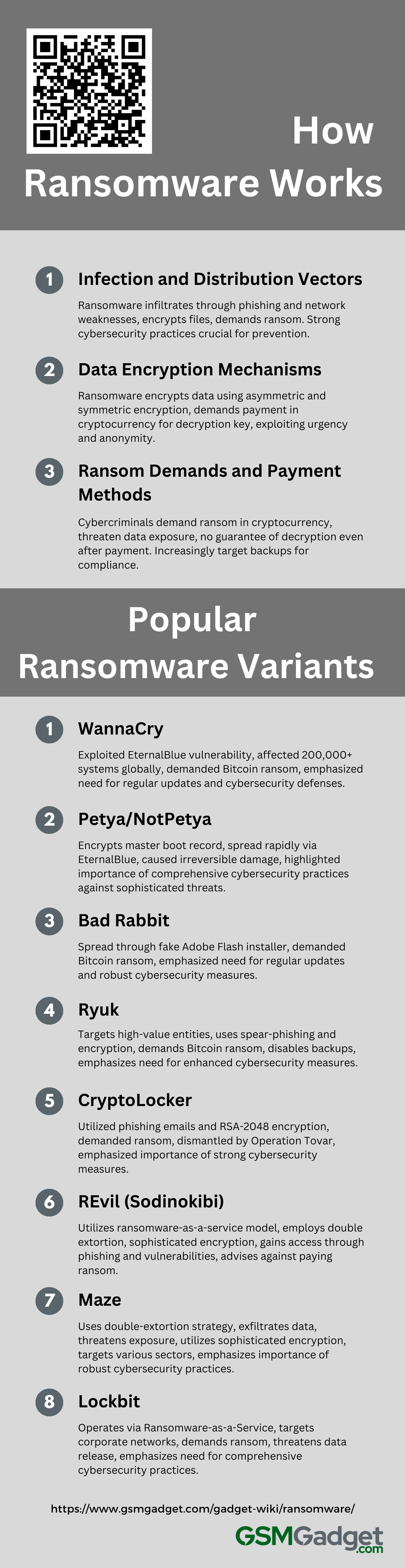
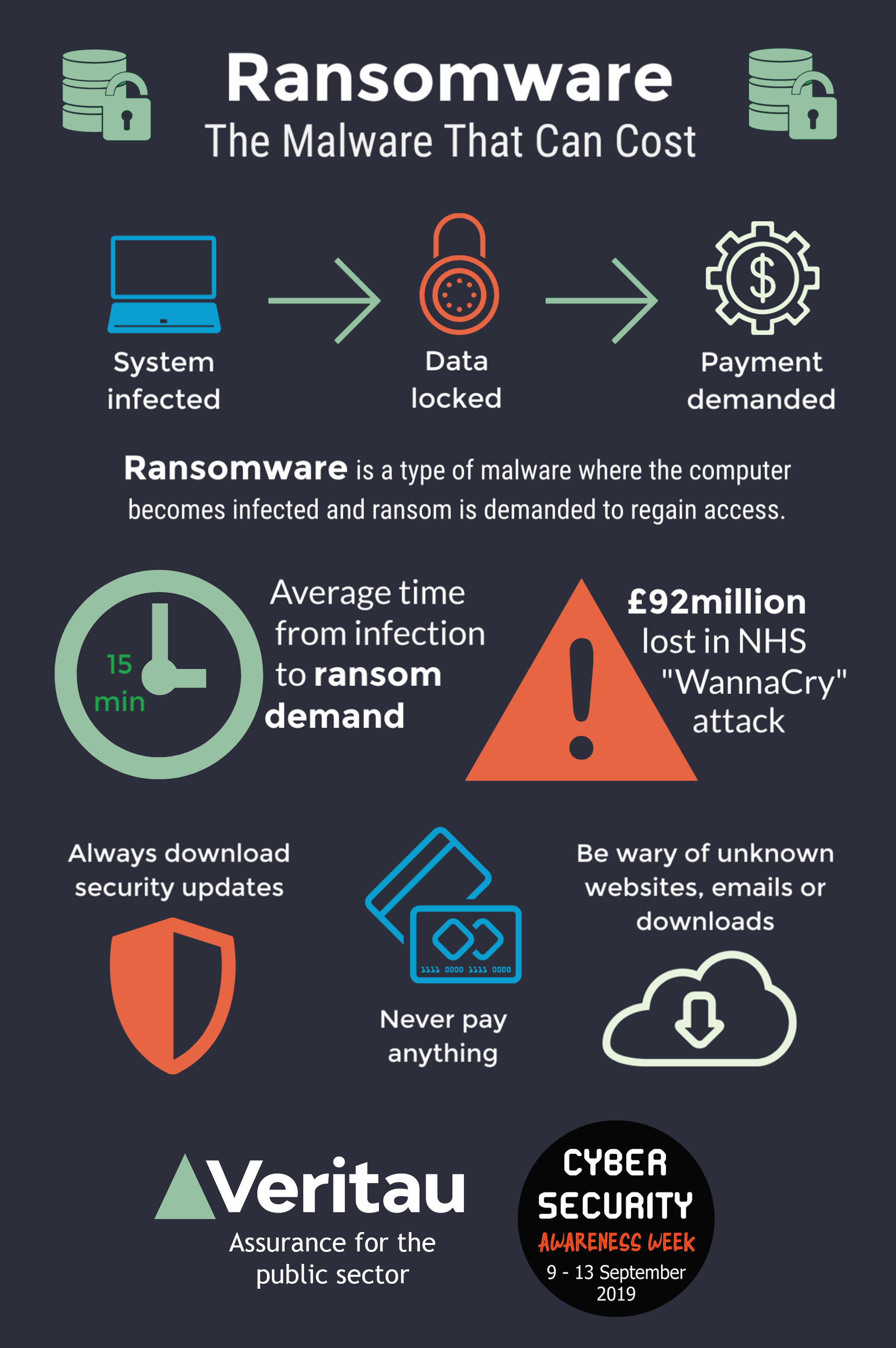
Ransomware is a specialized subset of malware that encrypts files on a victim's computer or network, rendering them inaccessible. Cybercriminals then demand a ransom—typically payable in cryptocurrency—in exchange for the decryption key. Modern ransomware families often employ double-extortion tactics, meaning they exfiltrate sensitive data before encryption and threaten to leak it publicly if the ransom is unpaid.
To build an effective defense, you must understand how these malicious payloads infiltrate systems. Attackers rely primarily on human error and software vulnerabilities rather than breaking complex cryptography directly.
Common Entry Points
- Phishing Emails: Deceptive emails containing malicious attachments (such as weaponized Word or PDF documents) or links to malicious websites are the most frequent delivery mechanism.
- Unpatched Software: Exploiting known vulnerabilities in operating systems, web browsers, third-party plugins, and network edge devices allows attackers to bypass perimeter security.
- Exposed Remote Access: Misconfigured Remote Desktop Protocol (RDP) ports and weak credentials allow direct network entry for attackers scanning the public internet.
- Compromised Credentials: Stolen usernames and passwords obtained through credential-stuffing attacks or infostealer malware grant unauthorized access to corporate networks and personal accounts.
Core Defensive Strategies
Mitigating the risk of a ransomware infection involves implementing technical controls that minimize the attack surface and limit lateral movement if a breach occurs.
1. Maintain Comprehensive and Isolated Backups
A resilient backup strategy serves as your ultimate safety net. If ransomware encrypts your primary data, clean backups allow you to restore systems without paying criminals.
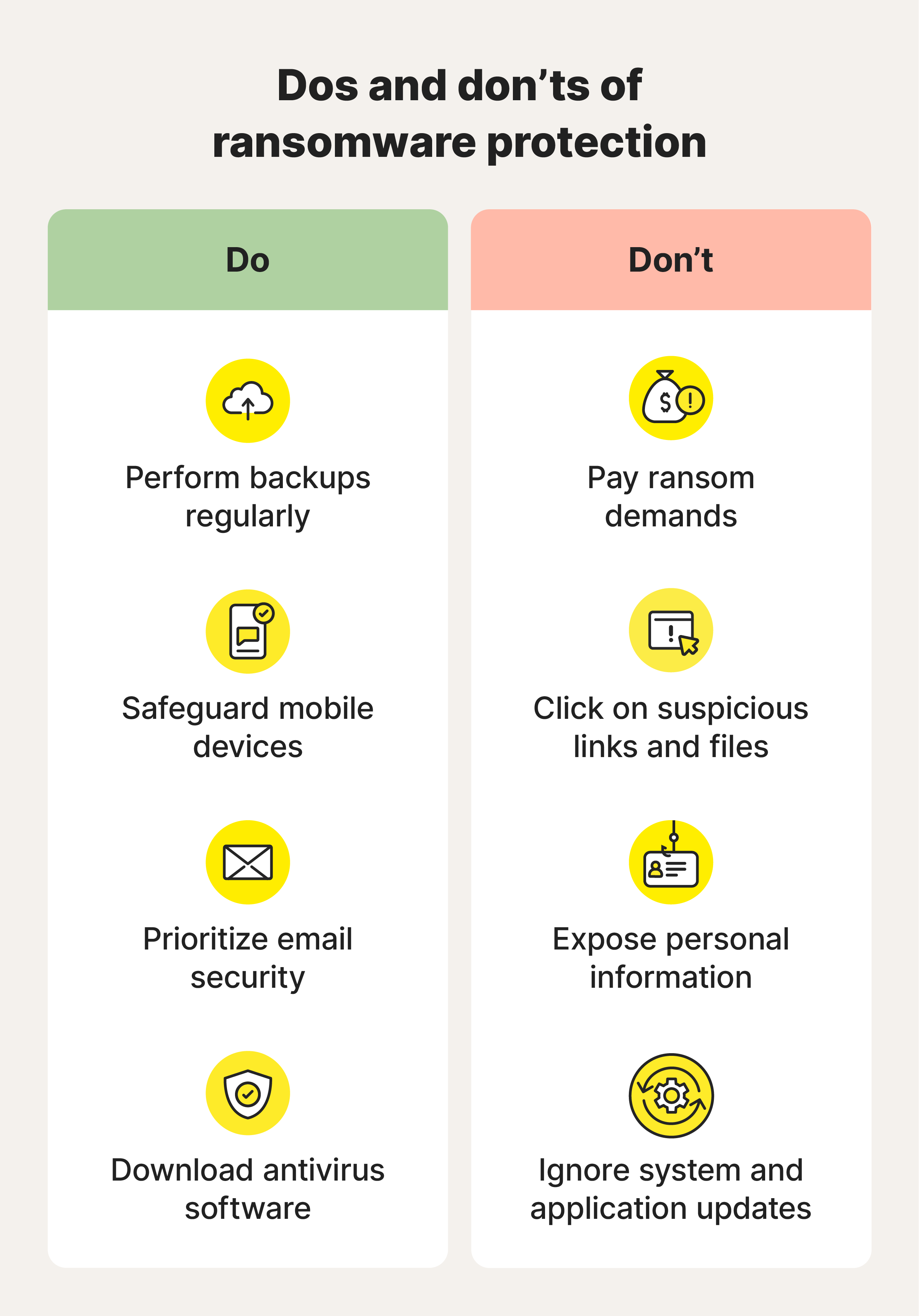
- The 3-2-1 Backup Rule: Maintain at least three copies of your data, across two different types of storage media, with at least one copy stored offsite or offline.
- Air-Gapped Backups: Ensure that a portion of your backups is physically or logically disconnected from your network. Ransomware frequently targets and encrypts connected network-attached storage (NAS) and shared drives.
- Regular Verification: Periodically test your backup restoration procedures to verify data integrity and ensure you can recover systems within an acceptable timeframe.
2. Prioritize Patch Management and Software Updates
Software developers constantly discover and patch security flaws. Cybercriminals weaponize these flaws shortly after disclosure to compromise unupdated systems.
- Automated Updates: Enable automatic updates for your operating system, web browsers, security software, and frequently used applications.
- Vulnerability Scanning: For organizations, conduct regular vulnerability assessments to identify outdated or unsupported software lurking on the network.
- Zero-Day Awareness: Recognize that zero-day vulnerabilities (flaws unknown to the vendor) require secondary defenses, such as behavior-based endpoint detection, because no patch exists yet.
3. Deploy Advanced Endpoint Protection
Traditional antivirus software relying solely on static signature detection is insufficient against modern, polymorphic ransomware strains that mutate to evade recognition.
- Endpoint Detection and Response (EDR): Deploy EDR solutions that monitor system behavior in real-time. These tools can detect suspicious activities—such as mass file modifications or unauthorized attempts to delete Volume Shadow Copies—and automatically isolate infected machines.
- Application Whitelisting: Restrict system execution privileges so that only authorized, verified applications can run, blocking unauthorized executable files from launching.
Best Practices for Safe Digital Habits
Technical controls must be paired with disciplined human behavior. Security awareness training helps individuals recognize social engineering attempts before they result in a compromise.
| Attack Vector | User Risk | Recommended Mitigation |
|---|---|---|
| Phishing Emails | Clicking malicious links or opening dangerous attachments. | Verify sender addresses, hover over links before clicking, and never enable macros in unsolicited documents. |
| Weak Passwords | Unauthorized access via brute-force or credential reuse. | Implement unique, complex passwords paired with multi-factor authentication (MFA) across all accounts. |
| Public Wi-Fi | Interception of unencrypted traffic or man-in-the-middle attacks. | Use a reputable Virtual Private Network (VPN) when connecting to untrusted public networks. |
| Unverified Downloads | Installing pirated software, cracks, or unofficial tools bundled with malware. | Download software exclusively from official vendors or trusted, verified application repositories. |
Strengthening Authentication with Multi-Factor Authentication (MFA)
Passwords alone can be stolen through phishing, keyloggers, or data breaches. Multi-factor authentication adds an extra layer of verification—such as a time-based one-time password (TOTP) from an authenticator app or a hardware security key. Enabling MFA on email accounts, cloud storage, banking portals, and remote work infrastructure significantly reduces the likelihood of unauthorized account access.
Action Plan: What to Do If Infected
If you suspect or confirm that your device has been infected with ransomware, swift action can limit the scope of the damage.
- Isolate the Device Immediately: Disconnect the infected computer from the internet and local network. Unplug ethernet cables, disable Wi-Fi, and turn off Bluetooth to prevent the malware from spreading to network shares, external drives, or other connected devices.
- Identify the Ransomware Strain: Do not immediately wipe the machine if you need evidence, but examine the ransom note and file extensions. Tools provided by initiatives like NoMoreRansom help identify specific ransomware strains and sometimes offer free decryption keys for older or poorly coded variants.
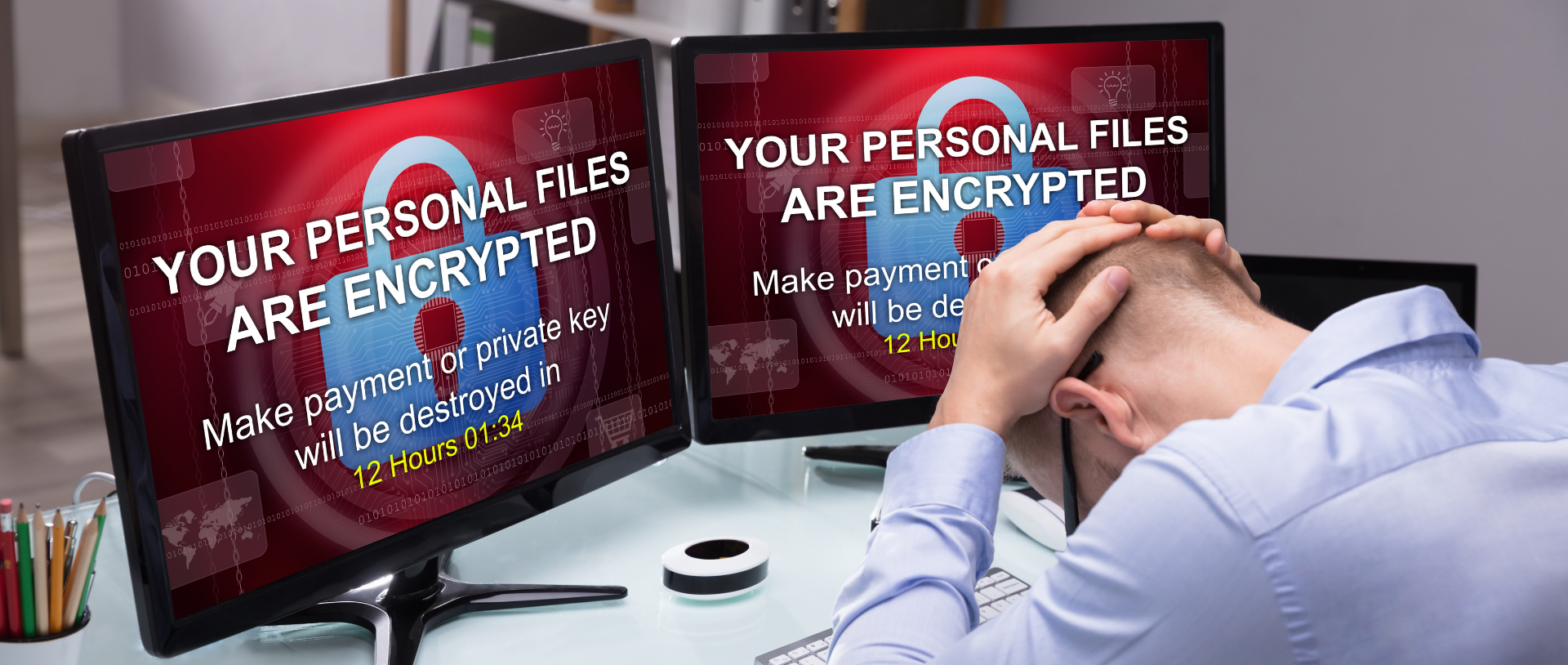
- Preserve Evidence: Take photographs or screenshots of the ransom note and save encrypted files. This information assists cybersecurity professionals and law enforcement in investigating the incident.
- Report the Incident: Report cyber extortion attempts to appropriate authorities, such as the Internet Crime Complaint Center (IC3) in the United States or local law enforcement agencies.
- Restore from Clean Backups: Once the infection source is identified and neutralized, wipe the affected system clean, reinstall the operating system, and restore your files from verified, uncompromised backups. Law enforcement and cybersecurity experts generally advise against paying ransoms, as payment does not guarantee data recovery and directly funds criminal enterprises.
Frequently Asked Questions
Can free antivirus software completely protect me from ransomware?
Free antivirus software offers basic protection against known malware signatures, but it often lacks advanced behavioral monitoring, automated isolation features, and enterprise-grade endpoint detection and response (EDR) capabilities. Comprehensive protection typically requires a combination of behavioral analysis tools, secure backup infrastructure, and diligent patch management.
Should I pay the ransom if my files are locked?
Security agencies, cybersecurity experts, and government bodies strongly advise against paying ransoms. Paying cybercriminals finances further illegal operations and offers zero guarantee that they will provide a functional decryption key or refrain from leaking your stolen data. Maintaining offline, immutable backups remains the only guaranteed method of recovery without yielding to extortion.
How often should I test my data backups?
You should verify and test your backup restoration process at least quarterly, as well as immediately after making major changes to your hardware or software infrastructure. Discovering that a backup is corrupted or incomplete during an active ransomware crisis renders the backup strategy ineffective.
What is an air-gapped backup?
An air-gapped backup is a data storage mechanism that is physically and logically isolated from any network connected to the internet. Because the backup medium has no network interface during storage, ransomware cannot traverse the network to locate, encrypt, or delete the backup files.
Next Steps
Begin your defensive overhaul today by auditing your current backup systems and ensuring they are physically or logically disconnected from your daily workstation. Next, verify that multi-factor authentication is active on all critical email, financial, and cloud storage accounts. By treating digital security as an ongoing process rather than a one-time setup, you can dramatically lower your risk profile against modern ransomware threats.
Image Gallery