The Best Wireless Color Printer for Modern Offices
Modern offices require wireless color printers that deliver fast throughput, robust network security, low operating costs, and seamless compatibility with hybrid work environments. The top overall choice for modern offices is the Canon...
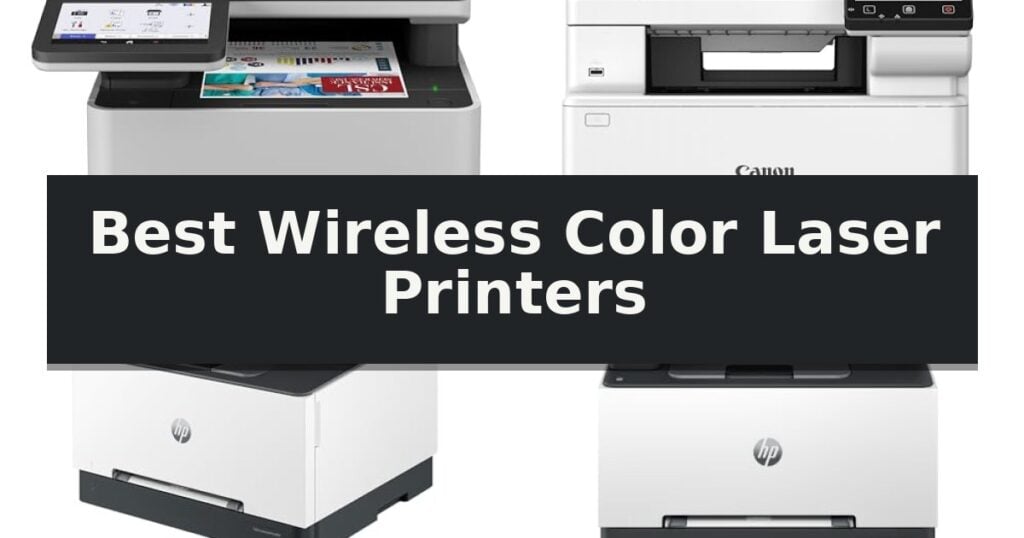
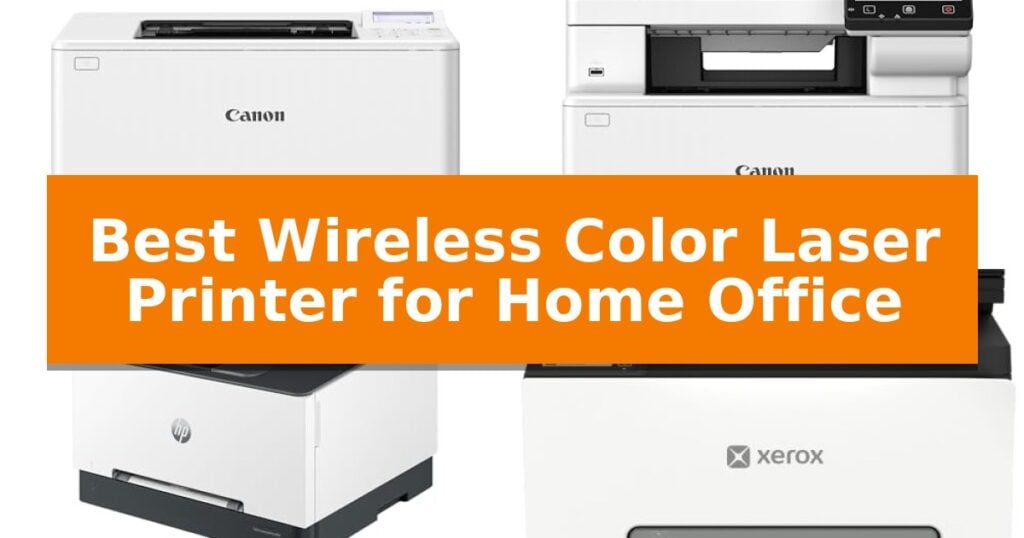
Modern offices require wireless color printers that deliver fast throughput, robust network security, low operating costs, and seamless compatibility with hybrid work environments. The top overall choice for modern offices is the Canon imageCLASS MF753Cdw, which offers exceptional speed, flexible dual-band wireless connectivity, and comprehensive enterprise security features. For high-volume teams prioritizing operating costs, ink-tank solutions like the Epson EcoTank Pro ET-5850 provide an unbeatable cost per page, while the HP Color LaserJet Pro MFP 4301fdw leads in fleet management and IT security integrations.
Contents
Defining the Modern Office Printing Environment
The operational dynamics of modern office spaces have transformed significantly. Traditional local area networks (LANs) dominated by Ethernet drop cables have largely given way to dynamic, Wi-Fi-first architectures designed for unassigned desks, flexible workspaces, and hybrid employee schedules. In this context, a business-grade printer can no longer function merely as a peripheral attached to a single workstation; it must act as an autonomous, secure network endpoint capable of handling print requests from laptops, smartphones, cloud environments, and remote networks without friction.
Selecting the right wireless color printer requires evaluating several core technical criteria beyond raw print speed:
- Wireless Infrastructure Compatibility: Support for dual-band Wi-Fi (2.4 GHz and 5 GHz networks), Wi-Fi Direct, dynamic channel selection, and modern encryption standards like WPA3.
- Total Cost of Ownership (TCO): Balancing the upfront hardware purchase price against consumables (toner or ink), maintenance kits, and energy consumption over a 3- to 5-year lifecycle.
- Security Architecture: Native support for TLS 1.3 encryption, IPsec protocols, user authentication (PIN or NFC pull-printing), and automated firmware verification to prevent endpoint breaches.
- Cloud Print Ecosystem Support: Native integration with services such as Microsoft Universal Print, Apple AirPrint, Mopria Print Service, and vendor-specific cloud management portals.
- Paper Handling and Duty Cycles: Trays capable of holding full reams of paper (250 to 550+ sheets) and recommended monthly page volumes aligned with workgroup demands.
Top Wireless Color Printers Evaluated for Modern Offices
Selecting the ideal printer depends on specific workgroup sizes, monthly volume expectations, and existing IT infrastructure. Below is an in-depth analysis of the leading wireless color printers designed for business use.
1. Best Overall for Mid-Sized Workgroups: Canon imageCLASS MF753Cdw
The Canon imageCLASS MF753Cdw is a versatile multifunction laser printer designed for medium-sized teams requiring high print volume, rich color accuracy, and reliable wireless connectivity.
| Feature | Canon imageCLASS MF753Cdw |
|---|---|
| Technology | Color Laser Multifunction (Print, Scan, Copy, Fax) |
| Print Speed | Up to 35 pages per minute (ppm) letter |
| Wireless | Wi-Fi 802.11b/g/n (2.4GHz / 5GHz), Wi-Fi Direct |
| Security | System at Startup Verification, TLS 1.3, Secure Print |
| Capacity | 250-sheet standard cassette + 50-sheet multipurpose |
Performance and Print Quality
With print speeds reaching up to 35 pages per minute (ppm) for both mono and color documents, the MF753Cdw eliminates queues in busy office environments. Its V2 (Vivid and Vibrant) Color technology produces crisp text and faithful graphic representations, making it ideal for client proposals, marketing collaterals, and financial reports.
Wireless and Infrastructure Integration
The MF753Cdw supports dual-band Wi-Fi (2.4 GHz and 5 GHz), ensuring reliable wireless performance even in dense RF environments congested by corporate routers and employee devices. It integrates directly with Apple AirPrint, Mopria, and the Canon PRINT Business application. Network administrators can easily configure static IP addresses or leverage DHCP reservation protocols for consistent cloud routing.
Security and Administration
Canon equips the MF753Cdw with "Verify System at Startup" functionality to protect against malicious code execution. It supports encrypted Secure Print, requiring users to enter a PIN code at the device's 5-inch color touchscreen before sensitive documents are produced.
2. Best for IT Security and Fleet Integration: HP Color LaserJet Pro MFP 4301fdw
HP’s Color LaserJet Pro MFP 4301fdw is built for IT-managed environments that require centralized monitoring, robust network endpoint defense, and fast single-pass duplex scanning.
| Feature | HP Color LaserJet Pro MFP 4301fdw |
|---|---|
| Technology | Color Laser Multifunction (Print, Scan, Copy, Fax) |
| Print Speed | Up to 35 ppm (Letter/A4) |
| Wireless | Dual-band Wi-Fi with self-healing reset, Bluetooth LE |
| Security | HP Wolf Pro Security, Embedded Firewall, WPA3 |
| Capacity | 250-sheet main tray, 50-sheet multipurpose tray |
Enterprise Security Integration
The standout feature of the HP 4301fdw is HP Wolf Pro Security. Out of the box, the printer includes pre-configured security settings, embedded firewall capabilities, and dynamic memory isolation to block zero-day exploits. IT teams managing larger deployments can register the unit with HP Web Jetadmin for centralized policy management, remote driver deployment, and fleet monitoring.
Connectivity and Workflow Efficiency
Featuring dual-band Wi-Fi with self-healing capabilities, the printer continuously monitors connection quality and automatically resolves minor network dropouts without manual reboots. The 50-sheet single-pass dual-head duplexing Auto Document Feeder (ADF) allows staff to scan both sides of a two-sided document in a single pass, drastically speeding up digital archivation.
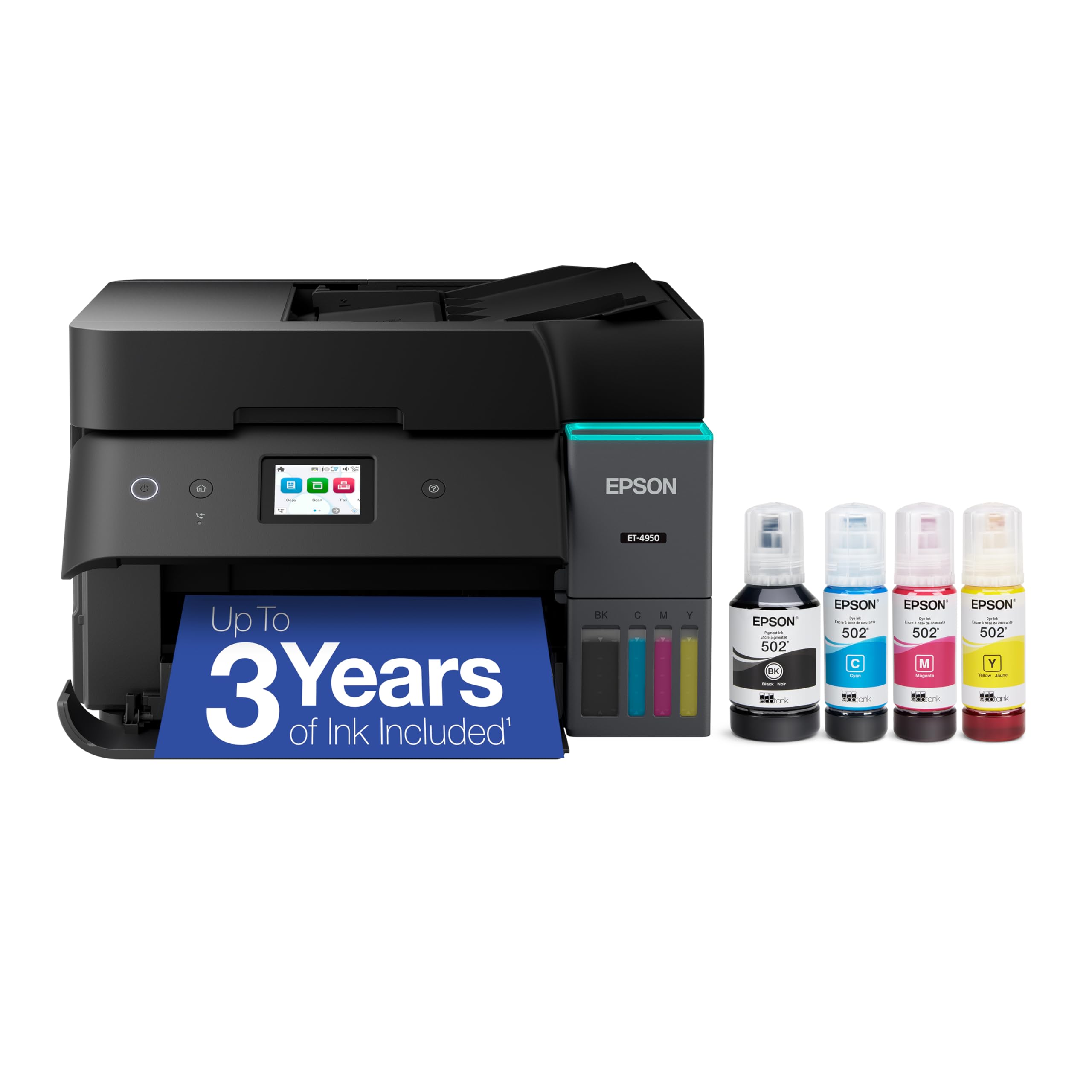
3. Best for Lowest Long-Term Operating Costs: Epson EcoTank Pro ET-5850
For offices focused on minimizing ongoing operating expenses without sacrificing print quality or wireless flexibility, the Epson EcoTank Pro ET-5850 represents a significant shift from traditional cartridge-based systems.
| Feature | Epson EcoTank Pro ET-5850 |
|---|---|
| Technology | PrecisionCore Heat-Free Inkjet Multifunction |
| Print Speed | Up to 25 ppm (Black and Color ISO) |
| Wireless | Wi-Fi 5 (802.11ac), Wi-Fi Direct, Ethernet |
| Security | WPA3-Enterprise, Secure PDF scanning, PIN print |
| Capacity | Dual 250-sheet front cassettes (500 total) + rear feed |
Total Cost of Ownership (TCO) Advantage
Unlike laser printers that rely on high-cost toner cartridges and separate drum units, the ET-5850 uses high-capacity ink reservoirs refilled via spill-free replacement ink bottles.
- Average Cost Per Page (CPP): Less than 1 cent per black-and-white page and approximately 2 cents per color page.
- Comparative Laser Cost: Traditional laser color prints often cost between 8 to 15 cents per page for color documents.
- Energy Efficiency: Epson's PrecisionCore Heat-Free Technology consumes up to 85% less electrical power than comparable laser engines, as it requires no heat to fuse toner to paper.
Media Capacity and Enterprise Usability
The ET-5850 features two 250-sheet front paper trays, allowing offices to load standard letter paper in one tray and legal or letterhead paper in the other simultaneously. Despite being an inkjet system, Epson's DURABrake pigment inks yield instantly dry, smudge-resistant, and water-resistant prints suitable for legal and corporate documentation.
4. Best for Heavy Workloads and Expandability: Brother HL-L9410CDN / MFC-EX910 Series
For larger workgroups demanding high duty cycles, rapid print speeds, and expandable paper input capacities, Brother’s commercial color printing series stands out for sheer mechanical reliability.
| Feature | Brother Business Color Series |
|---|---|
| Technology | Enterprise Color Laser |
| Print Speed | Up to 42 ppm (Black and Color) |
| Wireless | Dual-band Wireless (via optional module or native) |
| Security | Triple Layer Security, Active Directory, NFC card reader |
| Capacity | 520-sheet standard tray (expandable up to 2,050) |
Volume Capability and Scalability
Designed for offices that print thousands of pages monthly, these enterprise units support recommended monthly volumes of up to 5,000 pages, with maximum monthly duty cycles exceeding 100,000 pages. Optional lower paper tower trays allow IT departments to scale paper capacity up to 2,050 sheets, reducing manual paper replenishment interventions.
User Authentication and Access Controls
Brother integrates Triple Layer Security features designed for compliance-regulated industries (such as healthcare, legal, and finance). Built-in NFC card readers allow enterprise environments to implement badge-based authentication, ensuring documents are printed only when the authorized user swipes their employee ID badge at the printer interface.
Technical Comparison Matrix
The table below provides a direct technical comparison of the leading wireless color printers evaluated for modern office deployments.
| Model | Technology | Speed (Color/Mono) | Primary Wireless Standards | Cost Per Color Page (Est.) | Standard Paper Capacity | Recommended Monthly Volume |
|---|---|---|---|---|---|---|
| Canon imageCLASS MF753Cdw | Color Laser | 35 ppm | Dual-band Wi-Fi 4/5, Wi-Fi Direct | $0.11 - $0.14 | 300 Sheets | 750 - 4,000 Pages |
| HP Color LaserJet Pro 4301fdw | Color Laser | 35 ppm | Dual-band Wi-Fi, Bluetooth LE | $0.12 - $0.15 | 300 Sheets | 750 - 4,000 Pages |
| Epson EcoTank Pro ET-5850 | Heat-Free Inkjet | 25 ppm | Wi-Fi 5 (802.11ac), Wi-Fi Direct | $0.02 - $0.03 | 500 Sheets | 500 - 3,300 Pages |
| Brother MFC-L8900CDW | Color Laser | 33 ppm | Wi-Fi 802.11b/g/n, Wi-Fi Direct | $0.10 - $0.13 | 250 Sheets | 1,000 - 4,000 Pages |
| Brother HL-L9410CDN | Enterprise Laser | 42 ppm | Dual-band Wi-Fi (via module/native) | $0.07 - $0.09 | 520 Sheets | Up to 5,000 Pages |
Core Selection Criteria for Modern Office Printing
When selecting a wireless color printer, modern IT buyers must look beyond basic marketing claims. Evaluating core technical criteria ensures the device aligns with your business's network topology, workflow demands, and budget.
- Core Selection Architecture
- Network & Wi-Fi Connectivity
- Dual-band 5GHz
- Wi-Fi Direct
- Cloud Print
- Security & Compliance
- WPA3 Enterprise
- TLS 1.3 / IPsec
- Pull Printing
- TCO & Page Yields
- High-yield Toner
- Refillable Ink
- Low Idle Energy
- Network & Wi-Fi Connectivity
1. Advanced Wireless Architecture & Protocol Support
Modern office networks frequently isolate dynamic clients on 5 GHz spectrum bands while utilizing 2.4 GHz for legacy IoT hardware. A business printer must support dual-band Wi-Fi (2.4 GHz / 5 GHz) to avoid network congestion and maintain high data transfer rates when receiving large, vector-heavy PDF design files.
Key wireless features to verify include:
- Wi-Fi Direct: Enables guests or visiting clients to print securely directly to the hardware without granting them access to the primary corporate intranet SSID.
- WPA3 Enterprise Support: Ensures compatibility with corporate Radius authentication servers using 192-bit cryptographic security strength, as defined by the Wi-Fi Alliance standards.
- Zero-Configuration Networking (mDNS/Bonjour): Facilitates automatic discovery on Apple macOS and iOS platforms without tedious driver setups.
2. Network Security & Data Compliance
Printers are mini-computers equipped with onboard memory, storage, operating systems, and network interface cards. Unsecured printers can act as vectors for lateral network breaches.
Essential enterprise security protocols include:
- Data at Rest Encryption: Hard drives or solid-state memory within the printer must encrypt print queues containing sensitive employee or client data.
- Pull Printing / Secure Release: Print jobs remain buffered on a secure server or encrypted in printer memory until the user authenticates at the device via PIN, password, or badge swipe.
- Automated Firmware Updates & Verification: Systems like HP Wolf Security or Canon's Startup Verification check digital signatures on device firmware during boot sequences to prevent unauthorized code injection.
3. Total Cost of Ownership (TCO) vs. Purchase Price
Calculating printer expenses based solely on hardware acquisition costs leads to inaccurate budgeting. Operating expenses over three years often far exceed the initial printer purchase price.
$$\text{Total Cost of Ownership (TCO)} = \text{Hardware Cost} + (\text{Monthly Print Volume} \times \text{Cost Per Page} \times \text{Months}) + \text{Energy Costs}$$
- Low Volume (< 500 pages/month): Standard high-yield laser printers offer reliable uptime with minimal risk of print head drying, despite higher consumable costs per cartridge.
- High Volume (> 1,500 pages/month): Ink-tank systems (such as the Epson EcoTank Pro) or enterprise-tier laser printers with high-yield toner options significantly reduce TCO over time.
Common Deployment Challenges and Troubleshooting
Deploying wireless printers within corporate or hybrid office environments can introduce unique network and operational challenges. Below are proven remedies for common deployment issues.
1. Intermittent Wireless Disconnections
Wireless printers placed in physical locations with dense interference or weak signal strength may drop off the network, requiring a hard reboot.
- Static IP Assignment: Avoid relying solely on dynamic DHCP leases. Assign a static IP address outside the DHCP pool or set up a permanent DHCP reservation linked to the printer's MAC address.
- Band Steering Isolation: If your Wi-Fi access points use a single SSID for both 2.4 GHz and 5 GHz bands, force the printer to connect exclusively to the 5 GHz band (for speed) or the 2.4 GHz band (for extended physical range through walls).
2. Print Queue Latency on Corporate VLANs
When users on a guest or employee VLAN attempt to print to a device located on a isolated management VLAN, print jobs may stall or time out.
- mDNS Reflector / Bonjour Gateway Configuration: Enable mDNS forwarding on your corporate router or firewall (e.g., Cisco Meraki, Fortinet, or UniFi) to allow broadcast discovery packets to cross network subnets cleanly.
- Direct IP Printing: Configure print drivers on endpoint laptops to send jobs via Standard TCP/IP Port (Port 9100) or IPP (Internet Printing Protocol over HTTPS - Port 631) using the explicit IP address, bypassing broadcast discovery dependencies.
Strategic Recommendation and Next Actions
To select and deploy the best wireless color printer for your organization, follow this structured action plan:
- Assess Average Monthly Print Volume: Check your current printer's status page or managed service portal to determine your team's average monthly page output.
- If under 3,000 pages/month with heavy graphics/text: Select the Canon imageCLASS MF753Cdw for fast output and sharp text.
- If over 1,500 pages/month with focus on cost reduction: Choose the Epson EcoTank Pro ET-5850.
- If enterprise security policies demand strict endpoint management: Deploy the HP Color LaserJet Pro MFP 4301fdw.
- Verify Network Architecture: Ensure your office wireless routers or access points support dual-band connections and offer isolated guest networks or VLAN routing if external visitors need print access.
- Enforce Secure Release Controls: Configure PIN-protected printing or badge access upon initial setup to ensure sensitive financial, legal, or personnel files are never left unattended in output trays.
Frequently Asked Questions
Is a laser printer or an inkjet printer better for a modern office?
Laser printers are generally better suited for offices prioritizing high print speeds, sharp text rendering on standard copy paper, and long shelf-life consumables that won't dry out during periods of inactivity. However, high-end business inkjets (such as ink-tank systems) offer substantially lower costs per page, reduced power consumption, and excellent print quality for high-volume environments.
What is Microsoft Universal Print, and do all wireless printers support it?
Microsoft Universal Print is a cloud-based printing solution built into Microsoft 365. It eliminates the need for on-premises print servers and local driver installations. While native support is available in enterprise-focused printers from Canon, HP, and Brother, non-native printers can still connect to Microsoft Universal Print by running a lightweight proxy connector software on a network workstation.
How does WPA3 security benefit wireless office printing?
WPA3 provides advanced encryption standards (including 192-bit enterprise-grade security cryptographic suites) that protect data transmitted wirelessly between laptops and printers from eavesdropping. It also prevents offline dictionary attacks, ensuring that unauthorized devices cannot easily brute-force their way into the corporate network via the printer’s wireless connection.
How often do office laser printer drums and maintenance kits need replacement?
Unlike toner cartridges, which may be replaced every few thousand pages, imaging drums, transfer belts, and fuser units generally last between 30,000 and 100,000 pages depending on the printer class. Modern office printers provide proactive web dashboard alerts when these components reach 10% remaining life.
Can guests print wirelessly without accessing our internal corporate network?
Yes. Printers equipped with Wi-Fi Direct create a peer-to-peer wireless signal directly between the visitor's mobile device or laptop and the printer itself. This allows guests to transmit documents to the printer without connecting to your secure internal intranet or requiring corporate network credentials.
Image Gallery