Choosing the Right Shopping Cart Software for Your E-Commerce Business
Selecting the right shopping cart software requires evaluating your technical capabilities, product catalog complexity, transaction volume, and operational budget. Merchants must decide between hosted Software-as-a-Service (SaaS) platf...
Selecting the right shopping cart software requires evaluating your technical capabilities, product catalog complexity, transaction volume, and operational budget. Merchants must decide between hosted Software-as-a-Service (SaaS) platforms, self-hosted open-source solutions, and headless API-first frameworks based on total cost of ownership, payment gateway integrations, security requirements, and long-term scalability.
Contents
Understanding Shopping Cart Software Architecture
Shopping cart software serves as the engine of an online store, managing product catalogs, processing customer payments, calculating taxes, and transferring order data to fulfillment systems. How these systems are architected dictates your team’s operational overhead, customization limits, and overall infrastructure control.
Software-as-a-Service (SaaS) Platforms
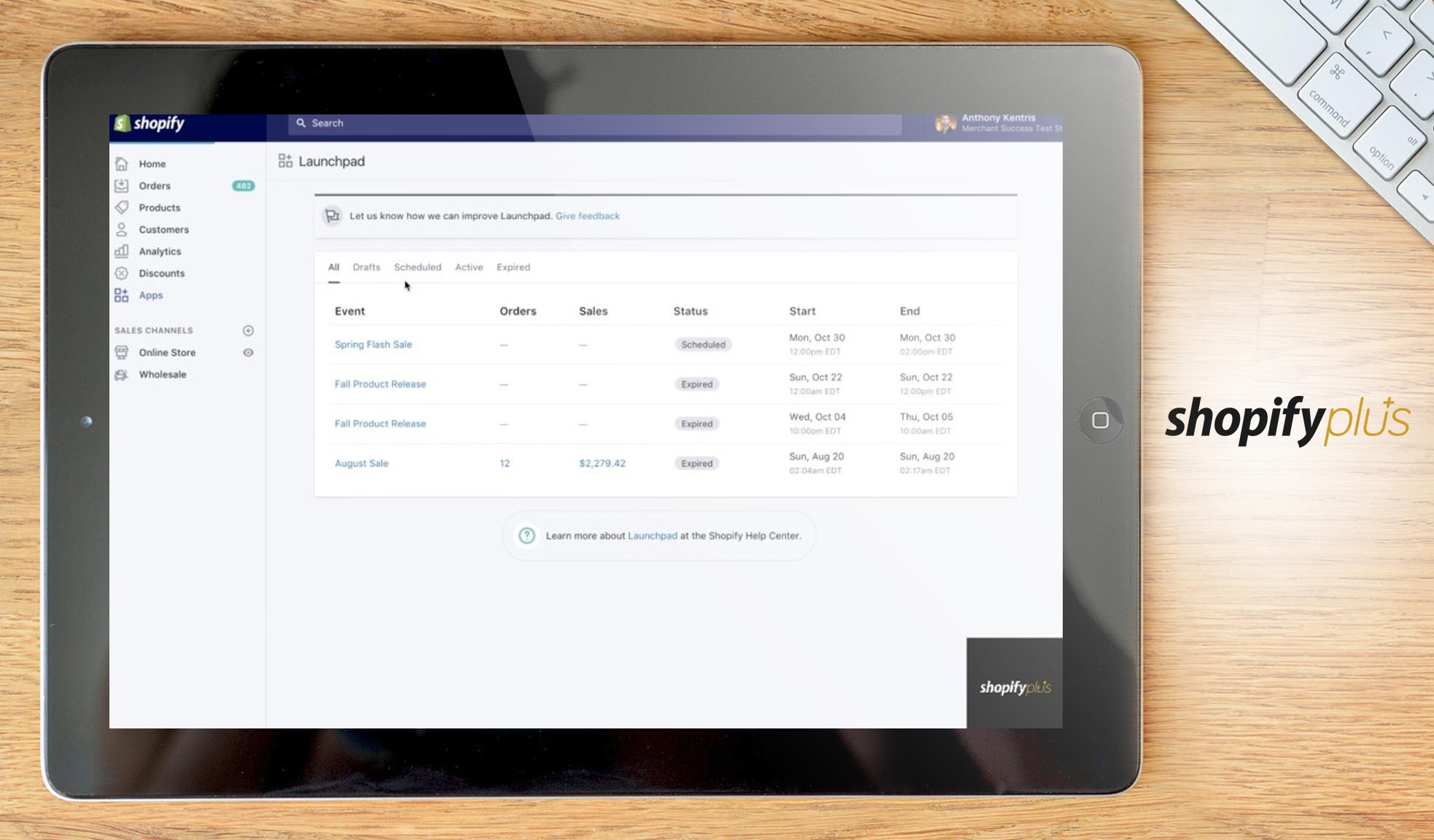
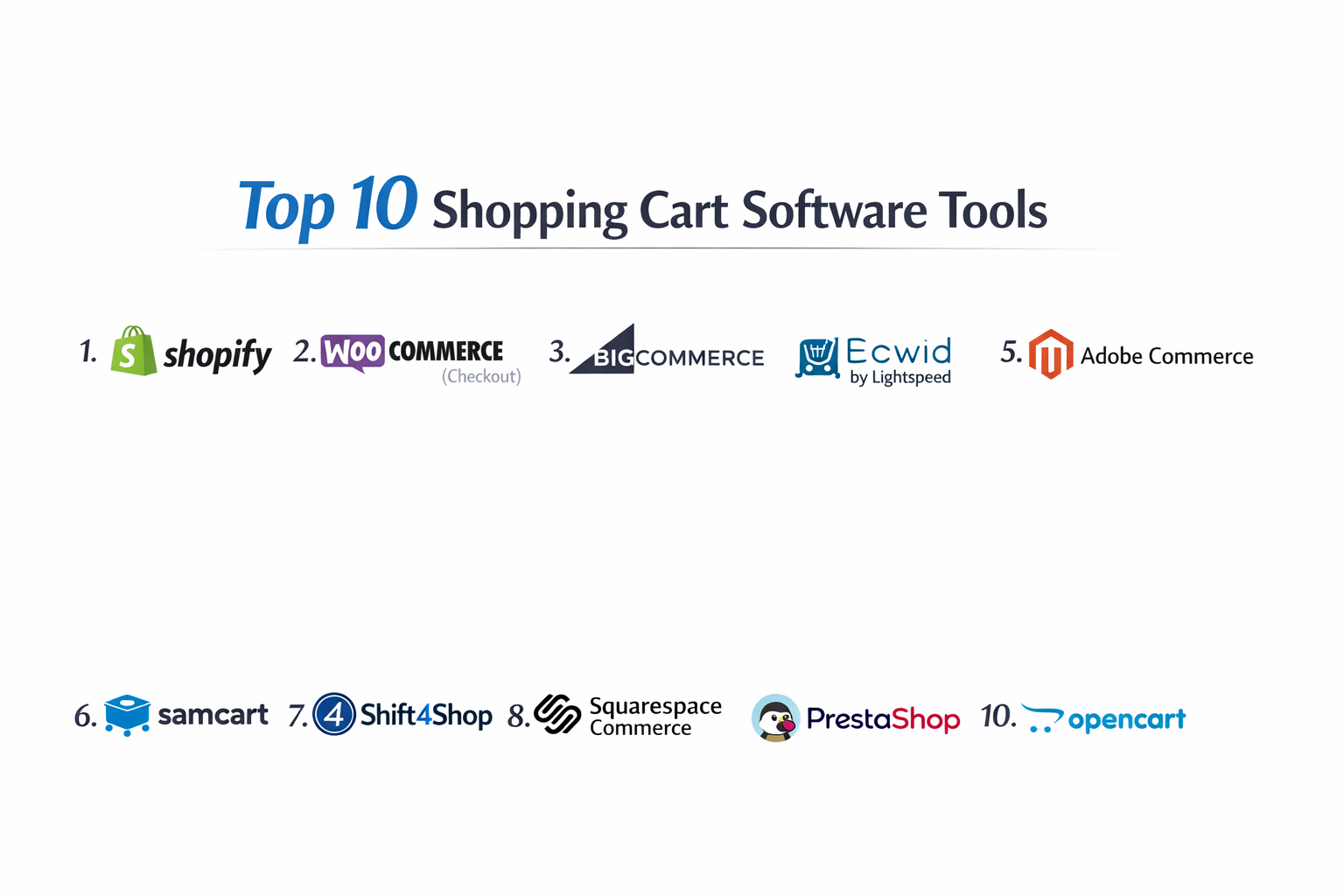
SaaS shopping carts host application logic, database storage, and security infrastructure on cloud networks managed by the software provider. Platforms such as Shopify, BigCommerce, and Squarespace provide all-in-one environments where server maintenance, software updates, and basic PCI compliance fall entirely on the vendor.
- Pros: Minimal technical setup, predictable operating expenses, managed security, and fast deployment times.
- Cons: Monthly transaction surcharges unless using proprietary gateways, restricted backend customizability, and vendor lock-in.
Self-Hosted Open-Source Software
Self-hosted platforms grant full access to the underlying application source code. Merchants host platforms like WooCommerce, Magento (Adobe Commerce Open Source), or OpenCart on their own cloud infrastructure, managed servers, or virtual private servers (VPS).
- Pros: Unlimited code customization, full control over enterprise database configurations, zero platform commission fees, and complete ownership of customer data.
- Cons: Requires dedicated technical support, explicit responsibility for server maintenance, manual software patching, and higher vulnerability to cyber threats if misconfigured.
Headless and API-First Commerce Solutions
Headless commerce decouples the customer-facing front end (the presentation layer) from the backend transactional engines via RESTful or GraphQL APIs. Content management platforms or custom JavaScript frameworks (such as Next.js or React) handle the user interface, while enterprise backend software manages cart operations, payment processing, and inventory rules.
- Pros: Total front-end design flexibility, omnichannel store distribution (mobile apps, IoT devices, smart displays), and superior site performance.
- Cons: High initial development costs, complex multi-system architecture, and requirement for specialized developer talent.
Essential Features and Technical Evaluation Criteria
When evaluating commercial shopping cart software, features should be prioritized based on direct revenue impact, operational efficiency, and legal compliance.
- Core Evaluation Matrix
- Security & Safety
- PCI DSS Compliance
- Data Privacy (GDPR)
- Fraud Prevention
- Financial Operations
- Payment Gateways
- Automated Tax Engines
- Multi-currency Handling
- System Workflows
- ERP & CRM Integration
- Inventory Syncing
- Mobile UX & Speed
- Security & Safety
Payment Gateway Compatibility and Fee Structures
A shopping cart must integrate natively with the payment service providers (PSPs) operating in your customer markets, such as Stripe, PayPal, Adyen, or regional providers. Evaluate both native integration support and processing costs. Certain SaaS platforms enforce a penalty fee (ranging from 0.5% to 2.0%) on transactions processed through third-party payment gateways, significantly impacting profit margins at high transaction volumes.
Security and PCI DSS Compliance
Handling credit card data mandates adherence to the Payment Card Industry Data Security Standard (PCI DSS).
- SaaS Platforms: Maintain Level 1 PCI DSS compliance out of the box, shifting the regulatory burden to the provider.
- Self-Hosted Engines: Require merchants to secure server environments, implement SSL/TLS encryption, configure firewalls, and perform periodic vulnerability assessments to submit Self-Assessment Questionnaires (SAQ-A-EP or SAQ-D).
Additionally, shopping carts must comply with data privacy mandates, including the EU General Data Protection Regulation (GDPR) and the California Consumer Privacy Act (CCPA), featuring granular consent mechanisms for cookies and customer tracking.
Inventory and Catalog Management Capabilities
Catalog requirements dictate cart complexity. Simple stores selling under 100 stock-keeping units (SKUs) with zero variants can operate efficiently on lightweight frameworks. Conversely, enterprise catalogs requiring multi-dimensional product variants (e.g., size, color, material), configurable products, digital downloads, matrix pricing, or localized tax rules demand robust database architecture with high-performance database indexing.
Performance, Page Speed, and Mobile Responsiveness
Checkout friction directly reduces conversion rates. Shopping cart software must deliver rapid response times, utilizing content delivery networks (CDNs), optimized asset compression, and server-side caching. Mobile responsiveness is non-negotiable; modern checkout flows should natively support mobile wallets like Apple Pay, Google Pay, and localized digital wallets.
Total Cost of Ownership (TCO) Breakdown
Evaluating shopping cart software based solely on sticker prices creates hidden budget shortfalls. Total Cost of Ownership (TCO) must be calculated across a 3-to-5-year operational lifecycle.
| Cost Component | SaaS Platforms (e.g., Shopify, BigCommerce) | Open-Source (e.g., WooCommerce, Magento) | Headless / API-First Architectures |
|---|---|---|---|
| Base Software Cost | $30 – $2,000+ per month | $0 (Core code is open source) | $1,000 – $10,000+ per month |
| Infrastructure & Hosting | Included in subscription | $20 – $1,500+ per month | $200 – $2,000+ per month (Edge hosting) |
| Development & Setup | Low to Moderate ($1,000 – $15,000) | Moderate to High ($5,000 – $50,000+) | High to Enterprise ($30,000 – $200,000+) |
| Transaction Fees | Gateway fees + platform penalty (if applicable) | Standard payment gateway processing fees only | Standard payment gateway processing fees only |
| Maintenance & Upgrades | Managed by vendor | $100 – $2,000+ per month (Developer retainer) | $500 – $5,000+ per month |
| Extensions & Apps | $50 – $500+ per month | $0 – $1,000 per year (One-time or subscriptions) | Varies (API subscriptions) |
Step-by-Step Decision Framework
To choose the optimal shopping cart platform without over-engineering your technical stack, execute the following four-step framework:
Step 1: Define Catalog Scale and Order Volume
Quantify your key operational metrics:
- Total active SKU count and expected monthly order volume.
- Specific product types (physical goods, digital downloads, subscriptions, custom print-on-demand).
- Wholesale (B2B) requirements, such as custom pricing tiers, bulk order forms, net terms, and customer group permissions.
Step 2: Conduct an Internal Technical Audit
Determine your team's available technical resource level:
- Non-Technical Teams: Prioritize fully hosted SaaS applications. Focus on visual drag-and-drop page builders, automated tax integrations (such as Avalara or TaxJar), and turnkey ecosystem apps.
- In-House Engineering Teams: Consider open-source or API-first frameworks where custom database logic, proprietary workflows, and tailored user interfaces yield competitive market advantages.
Step 3: Audit Integration Requirements
Map every software application that must interface with your shopping cart system via API or webhooks:
- Enterprise Resource Planning (ERP): Netsuite, SAP, Microsoft Dynamics.
- Customer Relationship Management (CRM): Salesforce, HubSpot.
- Warehouse Management Systems (WMS): ShipStation, Logiwa, Manhattan Associates.
- Email & Marketing Automation: Klaviyo, Omnisend, Mailchimp.
Ensure candidate carts provide robust, well-documented REST or GraphQL APIs with high rate limits to prevent synchronization delays during traffic spikes.
Step 4: Evaluate Checkout Conversion Features
Test candidate platforms against standard conversion rate optimization metrics:
- Support for single-page or streamlined multi-stage checkouts.
- Guest checkout capabilities without forced account creation.
- Automated address verification and auto-complete services.
- Built-in dynamic tax calculation and automated shipping rate quoting from major carriers (UPS, FedEx, DHL).
Common Pitfalls to Avoid
E-commerce managers and technical architects often make critical structural missteps during the software selection process:
- Over-relying on Third-Party Plugins: Accumulating dozens of third-party plugins or apps on open-source frameworks like WooCommerce increases code bloat, slows page rendering speeds, introduces security vulnerabilities, and creates software conflict errors during major platform updates.
- Ignoring Platform Data Export Policies: Ensure your selected software permits full data ownership and straightforward data extraction. Select solutions that support automated, full-database CSV or JSON exports of order histories, customer files, and product databases to avoid high vendor lock-in migration costs later.
- Failing to Account for Bandwidth and Traffic Spikes: In self-hosted setups, under-provisioned server infrastructure frequently collapses during promotional events or viral product launches. If hosting open source, implement auto-scaling cloud compute instances via services like AWS or Google Cloud.
Frequently Asked Questions
What is the primary difference between a payment gateway and shopping cart software?
Shopping cart software manages the customer-facing store experience, catalog displays, product selections, tax calculations, and order creation. A payment gateway is the secure financial bridge that transmits payment card credentials between the shopping cart and payment processing networks to authorize financial transactions. Most modern shopping carts integrate directly with major payment gateways via native connectors.
Can I migrate my products and customer data to a new shopping cart later?
Yes, data migration is standard practice using automated data transport tools, platform APIs, or custom database scripts. However, while product catalogs and customer addresses migrate cleanly, customer passwords cannot be transferred between platforms due to cryptographic hashing standards. Customers must re-set passwords upon platform migration.
Which shopping cart options work best for B2B e-commerce?
Business-to-Business (B2B) e-commerce requires specialized features such as customer-specific contract pricing, corporate account hierarchies, purchase order (PO) processing, quote requests, and volume discount matrices. BigCommerce Enterprise, Shopify Plus, and Adobe Commerce (Magento) provide dedicated native B2B modules built specifically for complex wholesale channels.
Do I need a dedicated SSL certificate for my shopping cart?
Yes. Secure Sockets Layer / Transport Layer Security (SSL/TLS) encryption is essential for securing sensitive customer data and payment card info in transit. SaaS platforms include SSL certificates automatically. Self-hosted platforms require purchasing or generating free SSL certificates (such as Let's Encrypt) and maintaining correct server-side domain configurations.
Final Guidance and Implementation Roadmap
To minimize risk, begin by establishing a prioritized requirements document separating absolute operational requirements from optional feature enhancements. Request trial environments or sandbox development accounts from candidate platforms to build real-world catalog prototypes.
Run load tests, test payment authorization flows, measure mobile interface speeds, and verify API responsiveness against your internal systems. Selecting shopping cart software aligned with your real operational capacities guarantees high site performance, manageable operational overhead, and a smooth purchasing experience for your customer base.
Image Gallery