Avast Free for iPhone: Features, Setup, and Security Performance in 2026
Avast Free Security for iPhone provides essential protection against web-based threats, insecure Wi-Fi networks, and identity theft. Unlike traditional desktop antivirus software, it focuses on system integrity and data privacy within...
Avast Free Security for iPhone provides essential protection against web-based threats, insecure Wi-Fi networks, and identity theft. Unlike traditional desktop antivirus software, it focuses on system integrity and data privacy within Apple’s sandboxed environment. The app is available via the App Store and offers foundational security tools without requiring a paid subscription.
Contents
Understanding Security on iOS in 2026
To understand the role of Avast Free for iPhone, one must first recognize the architecture of the iOS operating system. Unlike Windows or macOS, iOS utilizes a "sandboxing" approach. This means every application runs in its own isolated environment and cannot access the data or code of other applications or the core operating system without explicit user permission. Consequently, the traditional "file scanning" that users expect from antivirus software—where the program looks through your folders for malicious code—is technically impossible and unnecessary on an iPhone.
By 2026, the threat landscape for mobile devices has shifted away from traditional viruses toward network-based attacks, social engineering, and identity fraud. Avast Free Security for iOS addresses these modern vectors. It acts as a defensive layer that monitors network traffic, audits system settings, and alerts users to data breaches involving their credentials. While Apple's built-in security is robust, third-party applications like Avast provide granular control and proactive alerts that are not always natively available in the iOS settings menu.
Core Features of the Avast Free Version
The free tier of Avast for iOS is designed to cover the most common vulnerabilities faced by mobile users. While it lacks some of the automated features found in the Premium version, the core toolkit is comprehensive enough for the average user concerned about privacy and network safety.
Web Shield and Safe Browsing
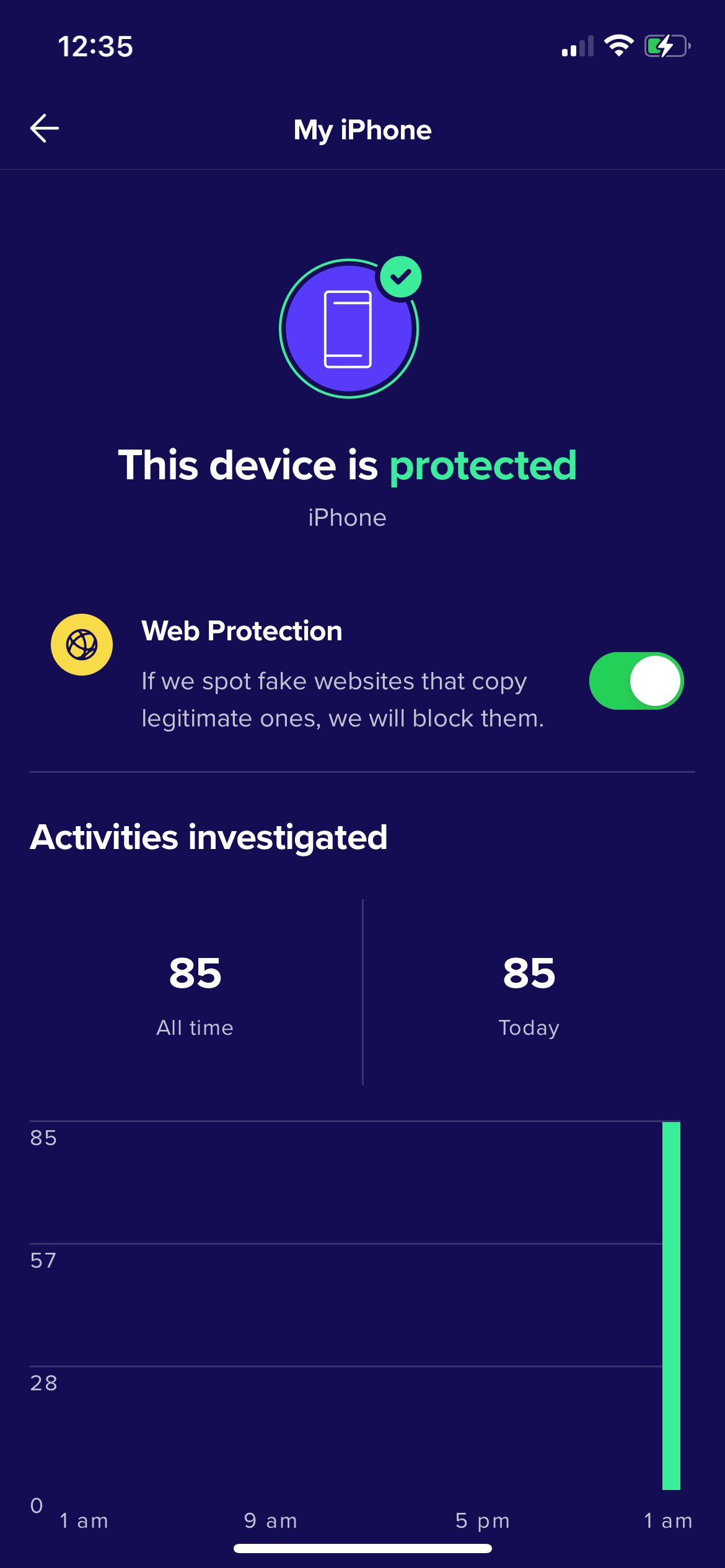
The Web Shield is perhaps the most critical component of the Avast suite. It functions by intercepting traffic at the network level to block known malicious websites, phishing scams, and fraudulent domains. Phishing remains the primary method for compromising iOS devices, often arriving via SMS (smishing), email, or calendar invites. Avast's database of malicious URLs is updated in real-time, providing a shield against "zero-day" phishing sites that have only been active for a few hours. This feature typically uses a local VPN profile to filter traffic without actually routing your data through a remote server, ensuring that your browsing speed remains high.
Wi-Fi Inspector
Public Wi-Fi networks in airports, cafes, and hotels are notorious for "Man-in-the-Middle" (MitM) attacks. The Wi-Fi Inspector in Avast Free scans the network your iPhone is currently connected to. It checks for vulnerabilities such as weak encryption, DNS hijacking, and "hijacked" routers that might be redirecting your traffic to spoofed login pages. If the scan detects that the network is insecure or that the router's settings have been compromised, it alerts you immediately, advising you to disconnect or use a VPN.
Identity Guard (Data Breach Monitoring)
Identity theft has become a dominant concern in 2026. Avast Free includes a basic version of Identity Guard, which allows users to monitor one email address for involvement in known data breaches. If a service you use is hacked and your credentials appear on the dark web, Avast sends a notification. This allows you to change your passwords before attackers can use the leaked information to access your financial or social media accounts.
Photo Vault
The Photo Vault provides an encrypted space within the app where you can hide sensitive images behind a PIN code, Touch ID, or Face ID. While Apple’s "Hidden" folder in the Photos app offers some protection, Avast’s Photo Vault adds an extra layer of encryption. In the free version, the number of photos you can store is usually limited to 40, encouraging users who need mass storage to upgrade to the paid tier.
Comparative Analysis: Avast Free vs. Premium
Deciding whether the free version is sufficient depends on your specific usage patterns and the sensitivity of the data on your device. The following table outlines the material differences between the free and paid versions as of 2026.
| Feature | Avast Free Security | Avast Premium Security |
|---|---|---|
| Web Shield | Included | Included |
| Wi-Fi Scanning | Manual Scans | Automatic/Real-time Scans |
| Identity Guard | 1 Email Address | Unlimited Email Monitoring |
| Photo Vault | Limit: 40 Photos | Unlimited Storage |
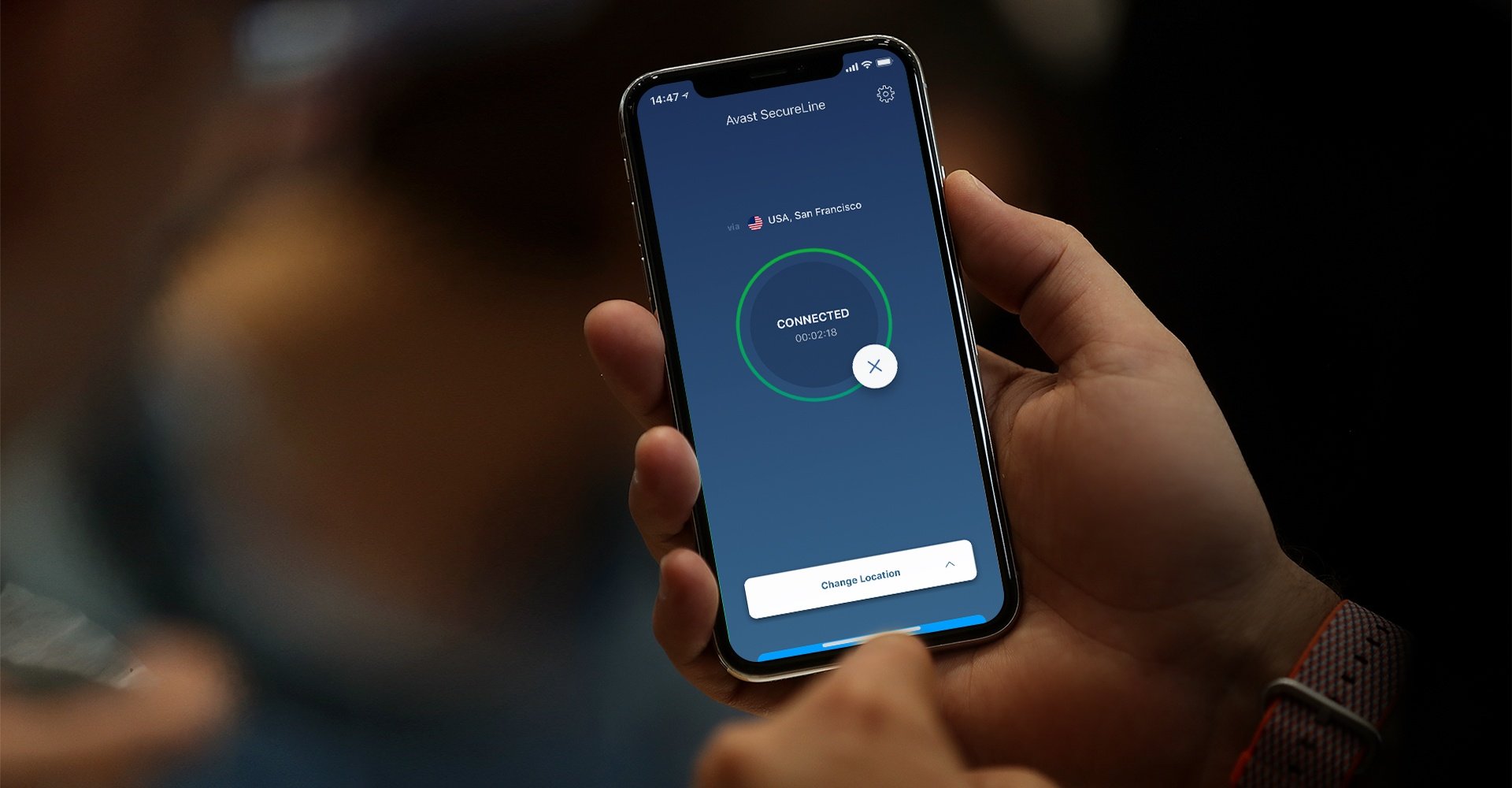
| VPN (Virtual Private Network) | Not Included | Included (Unlimited Data) |
| Automatic Updates | Manual | Automatic |
| Price | Free | Monthly/Annual Subscription |
Installation and Configuration Guide
To ensure Avast Free for iPhone functions correctly, it must be configured with the necessary permissions. Because iOS protects user privacy aggressively, the app cannot protect you if its permissions are restricted.
- Download from the App Store: Search for "Avast Security & Privacy" in the official Apple App Store. Ensure the publisher is "Avast Software s.r.o." to avoid copycat applications.
- Initial Permissions: Upon launching the app, you will be asked to grant permission for notifications. This is essential for receiving alerts about data breaches or insecure Wi-Fi.
- Setting up Web Shield: To enable Web Shield, the app will request to install a VPN configuration. You must click "Allow" and enter your device passcode. This is a local configuration; it does not mean your data is being sent to Avast's servers for storage.
- Identity Guard Setup: Navigate to the Identity Guard tab and enter your primary email address. You will likely need to verify the email via a confirmation link sent to your inbox to begin monitoring.
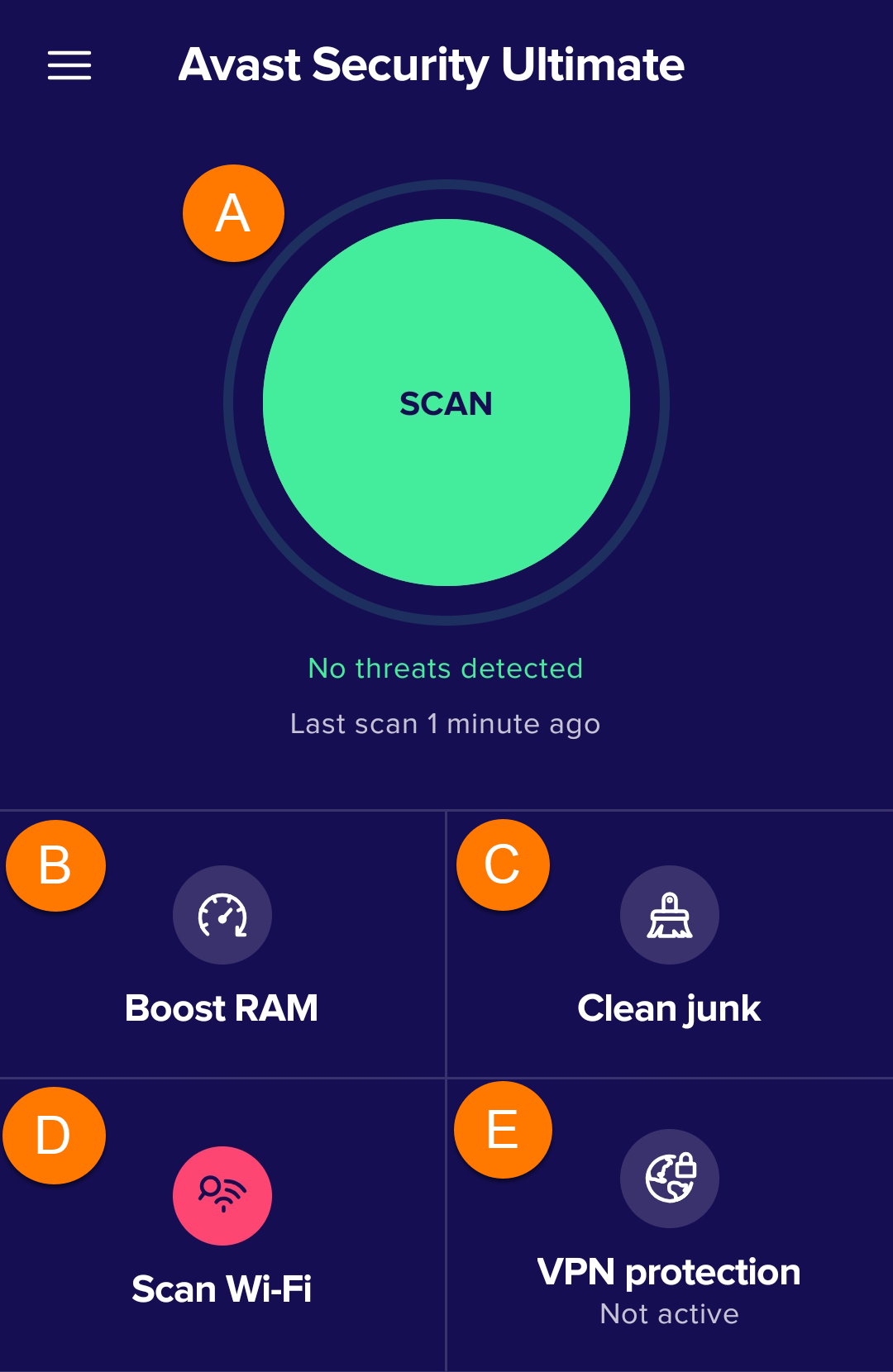
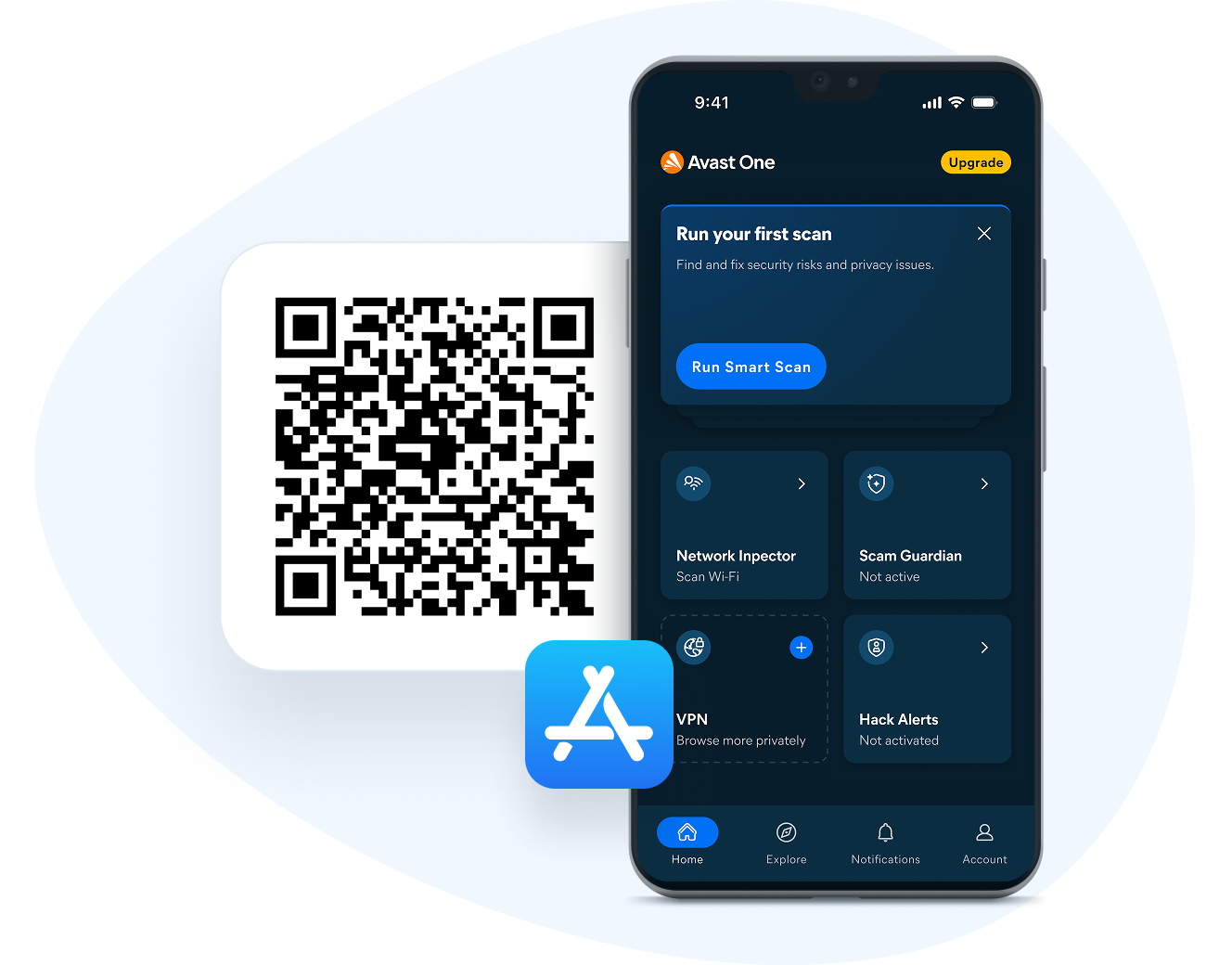
- Performing the First Scan: Run a "Smart Scan" from the home screen. This scan checks for outdated iOS software, network vulnerabilities, and potential privacy issues in your device settings.
System Impact and Performance
A common concern with security software is its impact on battery life and system responsiveness. On iOS, security apps are generally lightweight because they do not run continuous background file scans.
Avast Free for iPhone is optimized to have a negligible impact on battery health. The Web Shield uses a low-resource filtering method that only activates when active data transmission occurs. However, users should be aware that any app utilizing network extensions (like Web Shield) may appear in iOS battery settings as using a higher percentage of battery than it actually consumes, simply because the OS attributes network traffic energy to the app managing the filter.
In terms of storage, the app footprint is small, typically under 100MB. However, if you utilize the Photo Vault extensively, the storage usage will increase based on the number and size of the encrypted images stored within the app's local database.
Privacy and Data Handling
When using any "free" security product, it is vital to understand the trade-offs regarding data privacy. Avast has faced scrutiny in the past regarding how user data was handled through its former subsidiary, Jumpshot. Since then, the company has overhauled its privacy policies and moved toward a "privacy by design" philosophy.
For the iOS app in 2026, Avast collects "de-identified" diagnostic data to improve threat detection. Users can opt out of most data sharing within the app's settings under "Personal Privacy." It is recommended that users review these settings after installation to ensure they are comfortable with the level of telemetry being shared with the developer. The Avast Privacy Policy provides detailed disclosures on what is collected and how it is protected.
Troubleshooting Common Issues
Even with a streamlined app, users may encounter technical hurdles. Below are the most frequent issues reported with Avast Free on iOS and how to resolve them.
- VPN Configuration Failures: If Web Shield refuses to turn on, it is often because another VPN app is conflicting with it. iOS only allows one active VPN tunnel at a time. Ensure other VPN services are disconnected before enabling Avast's Web Shield.
- Missing Notifications: If you are not receiving breach alerts, check the iOS Settings menu. Navigate to Settings > Notifications > Avast Security and ensure "Allow Notifications" is toggled on.
- App Crashes During Scanning: This can occur if the device is extremely low on storage or if the iOS version is significantly outdated. Ensure you are running at least the minimum supported version of iOS (typically the current version minus two years) and that you have at least 500MB of free space.
- Incorrect Breach Alerts: Sometimes Identity Guard may flag a breach that seems unfamiliar. This often happens because a minor website you used years ago was part of a larger database leak. If you receive an alert, the best practice is to change the password for that email address across all sensitive platforms, even if the specific site mentioned seems irrelevant.
Frequently Asked Questions
Does Avast Free for iPhone remove viruses?
No, because iPhones generally do not get "viruses" in the traditional sense due to iOS sandboxing. Avast focuses on preventing threats before they reach your device by blocking malicious websites and scanning for network vulnerabilities. It does not "clean" infected files because iOS doesn't allow one app to touch another app's files.
Is the free version of Avast really free forever?
Yes, Avast offers a "freemium" model. The core features like Wi-Fi scanning and the basic Web Shield are available without a subscription. You will encounter occasional prompts to upgrade to the Premium version for features like the full VPN or unlimited Photo Vault storage, but the basic security tools do not expire.
Will Avast slow down my internet connection?
The Web Shield feature uses a local filtering process which should not noticeably impact your browsing speed. Unlike a traditional VPN that routes traffic to a distant server, the local filter checks URLs against a database on the device or via quick cloud queries. You should only notice a slowdown if you upgrade to the Premium version and activate the full VPN service.
Do I need Avast if Apple already provides security updates?
While Apple’s security is excellent, they primarily protect the integrity of the operating system. Apple does not proactively monitor your email address for dark web leaks, nor does it provide a dedicated "Photo Vault" with its own encryption layer separate from the system gallery. Avast acts as a supplementary layer for these specific privacy-focused needs.
Can Avast block spam calls and texts on my iPhone?
Avast Free for iPhone focuses primarily on web and network security. While it can block malicious links within texts if Web Shield is active, it is not a dedicated "call blocker" or "SMS filter" app. For those specific needs, users typically look for apps that utilize the iOS Call Directory extension.
Practical Recommendation
For the majority of users, Avast Free for iPhone is a valuable addition to their device’s security posture, particularly for the Wi-Fi Inspector and Identity Guard features. If you frequently connect to public Wi-Fi or use the same email address for multiple online accounts, the free version provides necessary alerts that iOS does not offer natively. However, if you already pay for a comprehensive VPN service or use an alternative identity theft protection service, the overlap might make Avast redundant. Users should start with the free version and only consider the Premium upgrade if they require an integrated VPN or have more than one email account that needs constant dark web monitoring.
Image Gallery