Comprehensive Guide to Indexing Your Website on Google in 2026
To index your site for Google, you must first verify your website ownership through Google Search Console. Once verified, generate and submit an XML sitemap to help Googlebot discover your pages. Additionally, ensure your technical fou...
To index your site for Google, you must first verify your website ownership through Google Search Console. Once verified, generate and submit an XML sitemap to help Googlebot discover your pages. Additionally, ensure your technical foundation is sound by checking that your robots.txt file and meta tags are not accidentally blocking search engines from accessing your content.
Contents
Indexing is the fundamental bridge between creating a website and appearing in search results. Without a presence in the Google Index, your site essentially does not exist for the billions of users searching daily. As of 2026, Google’s indexing systems have become significantly more selective, prioritizing high-quality, helpful content over "thin" or automated pages. Understanding the technical nuances of how Google discovers, parses, and stores your data is essential for any webmaster or business owner.
The Difference Between Crawling, Indexing, and Ranking
Before taking action, it is vital to understand the three distinct stages of the Google Search pipeline. Many site owners conflate these terms, leading to confusion when troubleshooting visibility issues.
Crawling is the discovery process. Google uses software known as "crawlers" or "spiders" (specifically Googlebot) to visit your website. It follows links from one page to another and reads the code of each page. If Google cannot crawl your site—due to server errors or robots.txt restrictions—it cannot move to the next step.
Indexing is the storage and categorization process. Once a page is crawled, Google attempts to understand what the page is about. It analyzes the content, images, and video files. If the page meets Google’s quality standards and is not a duplicate of another page, it is added to the Google Index—a massive database of all the web pages Google knows about.
Ranking is the final stage. Once a page is in the index, Google determines where it should appear for specific search queries based on relevance, authority, and user experience. You cannot rank without first being indexed.
Step 1: Setting Up Google Search Console (GSC)
The most direct way to communicate with Google is through Google Search Console. This free tool acts as the official portal between your website and Google’s search engine.
Verification Methods
To manage your site's indexing, you must prove you own the domain. There are several ways to do this:
- DNS Record Verification: This is the most robust method. You add a TXT record to your domain registrar (such as Namecheap or GoDaddy). This verifies the entire domain, including all subdomains (m.example.com, blog.example.com).
- HTML File Upload: You upload a unique HTML file provided by Google to your website’s root directory.
- HTML Tag: You add a specific
tag to thesection of your homepage. - Google Analytics/Tag Manager: If you already have these tools installed, you can often verify ownership with a single click.
Once verified, GSC provides access to the Indexing Report, which shows exactly which pages are indexed and why others are not.
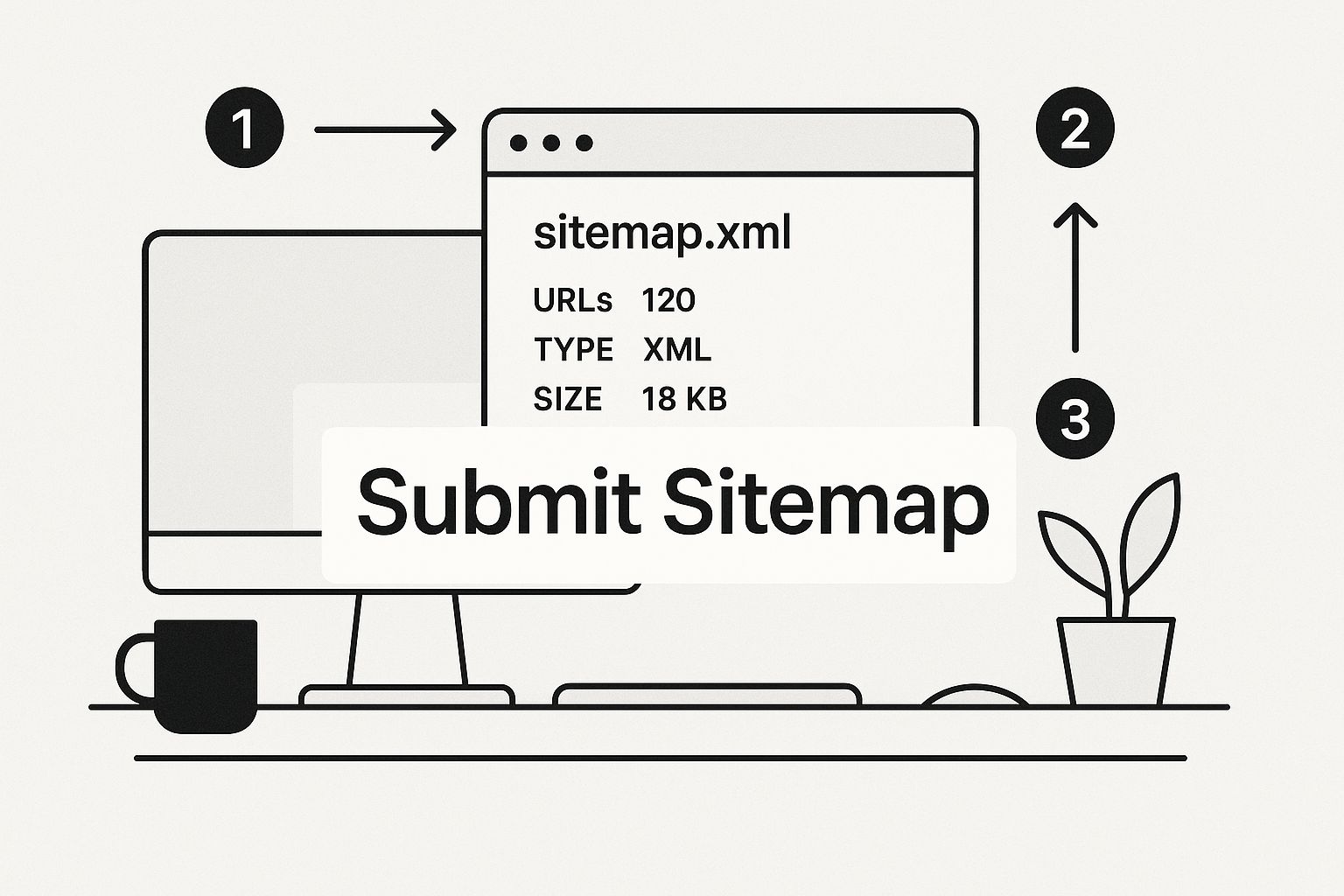
Step 2: Creating and Submitting an XML Sitemap
An XML sitemap is a roadmap for Googlebot. It lists all the URLs on your site that you want indexed, along with metadata about when they were last updated.
How to Generate a Sitemap
Most modern Content Management Systems (CMS) handle this automatically. For example, WordPress users typically use plugins like Yoast SEO or Rank Math, while platforms like Shopify and Wix generate sitemaps by default. Usually, your sitemap can be found at yourdomain.com/sitemap.xml.
Submitting to Google
- Log in to Google Search Console.
- Navigate to the Sitemaps section in the left-hand menu.
- Enter the URL of your sitemap (e.g.,
sitemap_index.xml). - Click Submit.
By submitting a sitemap, you ensure that Google discovers new or updated pages faster than if it were simply relying on following links. According to Google Search Central, sitemaps are particularly important for large sites, sites with large archives, or new sites with few external links.
Step 3: Technical Health Check (Robots.txt and Meta Tags)
A common reason for a site not being indexed is a "self-inflicted" technical block. You must ensure that your site's code is not telling Googlebot to stay away.
Analyzing the Robots.txt File
The robots.txt file is located at yourdomain.com/robots.txt. It tells search engine crawlers which parts of your site they should not visit. Ensure you do not have a command like this:
Disallow: /
This single line tells Google to ignore your entire website. Ensure that only private directories (like /wp-admin/ or user account pages) are disallowed.
The Noindex Meta Tag
Individual pages can be hidden from Google using the "noindex" directive. This is found in the HTML source code:
Web developers often use this during a site's staging phase and forget to remove it when the site goes live. Use the URL Inspection Tool in GSC to see if Google is detecting a noindex tag on your key pages.
Step 4: Forcing Immediate Indexing with the URL Inspection Tool
If you have a specific page that needs to be indexed immediately—such as a time-sensitive news article or a new product launch—you do not have to wait for Google’s scheduled crawl.
- Copy the URL of the page.
- Paste it into the search bar at the top of Google Search Console (the URL Inspection tool).
- Google will check the current status of the URL.
- If it is not indexed, click Request Indexing.
While this does not guarantee instant indexing, it places the URL in a priority queue. In 2026, this remains the most effective manual method for small-scale updates.
Step 5: The Role of Internal Linking and Site Structure
Googlebot discovers the vast majority of the web by following links. If a page is not linked to from anywhere else on your site (an "orphan page"), Googlebot is unlikely to find it, even if it is in your sitemap.
Best Practices for Site Structure
- Logical Hierarchy: Use a shallow architecture where any page can be reached within three clicks of the homepage.
- Breadcrumbs: These provide clear paths for both users and crawlers to navigate back to category pages.
- Internal Linking: When you write a new blog post, link to it from older, already-indexed posts. This passes "link equity" and signals to Google that the new page is important.
Comparison of Indexing Methods
| Method | Speed | Best For | Effort |
|---|---|---|---|
| Sitemap Submission | Medium | Large sites, new sites | Low (Automated) |
| URL Inspection Tool | Fast | Individual pages, urgent updates | High (Manual) |
| Google Indexing API | Fastest | Job postings, Livestream events | High (Technical) |
| Internal Linking | Variable | Organic growth, long-term SEO | Medium |
Troubleshooting "Crawled - Currently Not Indexed"
One of the most frustrating messages in GSC is "Crawled - currently not indexed." This means Google found the page and read it, but decided not to add it to the index. In 2026, this is usually a quality issue, not a technical one.
- Thin Content: The page lacks sufficient information to be useful to a searcher.
- Duplicate Content: The content is too similar to another page already in the index (or another page on your own site).
- Low Authority: For new sites, Google may limit indexing until the site demonstrates a baseline of reliability and E-E-A-T (Experience, Expertise, Authoritativeness, and Trustworthiness).
To fix this, you must improve the value of the content. Add unique insights, better imagery, or more comprehensive data. Once the page is significantly improved, you can re-request indexing.
Frequently Asked Questions
How long does it take for Google to index a new site?
For a brand-new website, indexing can take anywhere from a few days to several weeks. While submitting a sitemap speeds up the discovery process, Google still needs to evaluate the site's overall quality and security before committing it to the index.
Why is my site indexed but not showing up in search results?
If your site is indexed (verified by searching site:yourdomain.com in Google), but not ranking, the issue is Ranking, not Indexing. This usually means your content is not as competitive or relevant as other pages for your target keywords, or you lack the necessary backlinks and authority.
Does social media help with indexing?
Social media links (from X, Facebook, LinkedIn) are typically "nofollow," meaning they don't pass ranking power. However, they can help Googlebot discover your URL. High traffic from social media can signal to Google that a page is popular, which may trigger a faster crawl.
What is the Google Indexing API?
The Google Indexing API is a specialized tool that allows site owners to notify Google immediately when pages are added or removed. Currently, Google officially recommends it only for websites with short-lived content like Job Postings or Broadcast Events, though some SEOs use it for other types of content with varying success.
Can I remove a page from the Google index?
Yes. If you want a page removed, the fastest way is to add a noindex tag to the page and then use the Removals Tool in Google Search Console. This provides a temporary block (about six months) while Google processes the permanent noindex directive.
Next Actions for Site Owners
To ensure your site is properly indexed in 2026, follow this immediate checklist:
- Verify GSC: Ensure you have access to Google Search Console for your primary domain.
- Audit Robots.txt: Use a robots.txt tester to confirm you aren't blocking Googlebot.
- Submit Sitemap: Check that your XML sitemap is active and submitted via GSC.
- Inspect Key URLs: Use the URL Inspection tool on your most important 5-10 pages to ensure they are "Live" and indexable.
- Monitor Progress: Check the "Indexing" report weekly for any new errors or "Excluded" pages that require content improvements.
Image Gallery