What is Best Buy Geek Squad? A Complete 2026 Guide and Verdict
Geek Squad is Best Buy’s dedicated subsidiary for technical support, repair, and installation services. Operating both in-store and through home visits, it provides assistance for electronics ranging from computers and home theaters to...
Geek Squad is Best Buy’s dedicated subsidiary for technical support, repair, and installation services. Operating both in-store and through home visits, it provides assistance for electronics ranging from computers and home theaters to major appliances. It remains a primary destination for consumers seeking professional tech troubleshooting, hardware repairs, and comprehensive protection plans.
Contents
The Evolution and Identity of Geek Squad
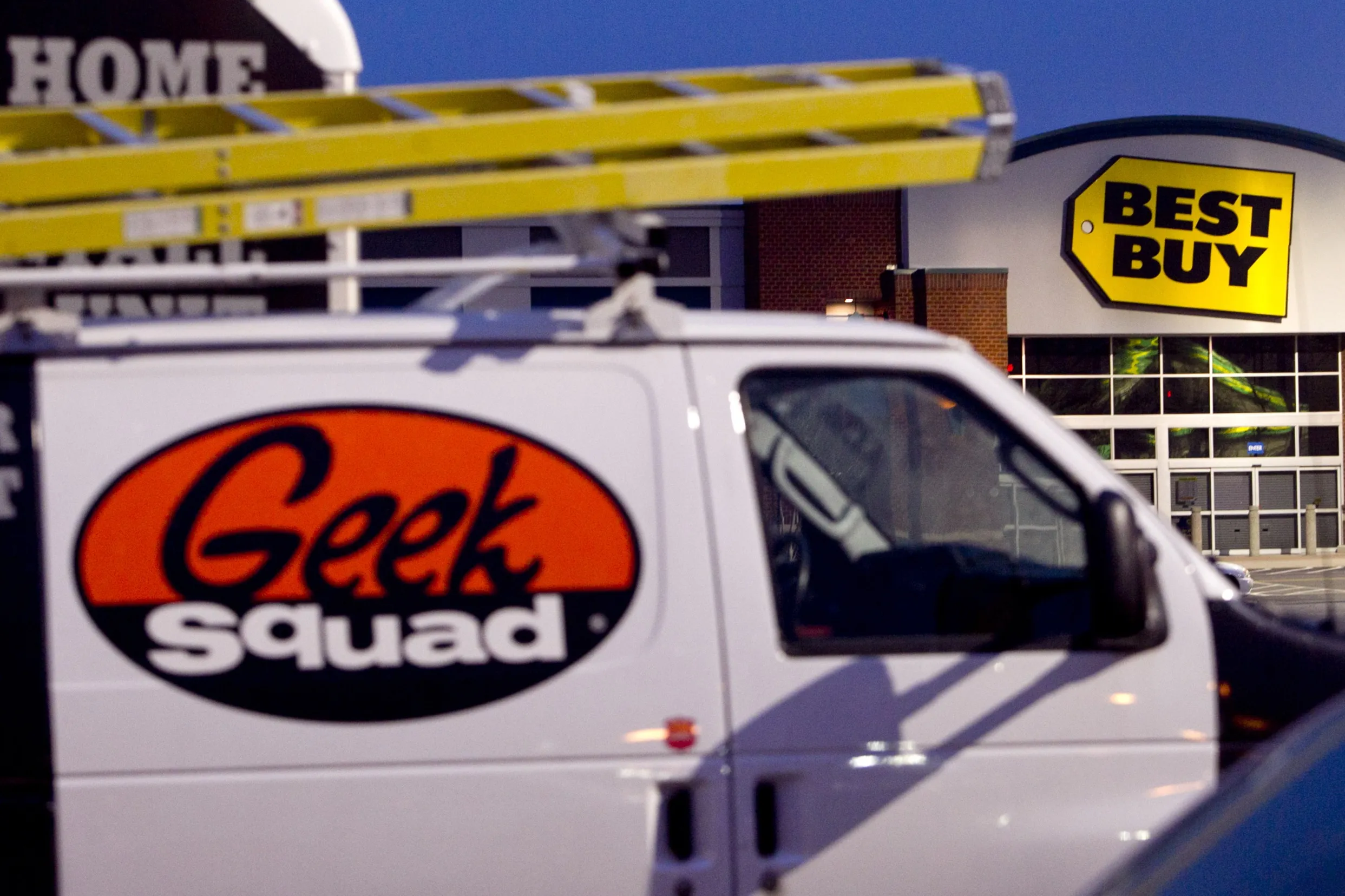
Founded in 1994 by Robert Stephens in Minneapolis with just $200 and a bicycle, Geek Squad began as an independent repair company. Its unique branding—featuring specialized uniforms that mimic "secret agents" and the iconic black-and-white "Geekmobile"—helped it stand out in a burgeoning tech market. Best Buy acquired the company in 2002, integrating it into their retail locations to provide a "services" anchor for their hardware sales.
As of 2026, Geek Squad has evolved far beyond simple PC repair. It functions as a massive logistics and technical infrastructure that supports the entire lifecycle of a product. Whether a consumer buys a smart refrigerator, a high-end gaming rig, or a car audio system, Geek Squad provides the bridge between the purchase and functional daily use. The "Agents" are categorized by expertise, with specialized training in networking, home theater, appliance diagnostics, and mobile device repair.
The organization operates under a philosophy of "demystifying technology." In an era where smart home ecosystems and AI-integrated appliances have become the standard, the average consumer often faces complex configuration issues that go beyond basic troubleshooting. Geek Squad positions itself as the outsourced IT department for the modern household, offering a safety net for those who lack the time or technical inclination to manage their own hardware maintenance.
Core Services Offered by Geek Squad
The scope of Geek Squad's operations is divided into several specialized precincts, each targeting a specific category of consumer electronics. Understanding these divisions helps users determine whether they need an in-store "Counter" appointment or an "In-Home" service call.
Computing and Mobile Support
This remains the most common entry point for customers. Agents handle virus and spyware removal, operating system upgrades, and hardware installations like RAM or SSD upgrades. For mobile devices, Geek Squad acts as an authorized service provider for major brands including Apple and Samsung. This means they use genuine parts for screen replacements and battery swaps, often maintaining the manufacturer’s warranty—a critical distinction compared to third-party "mall kiosks."
Data recovery is another high-value service. When a hard drive fails or a phone is water-damaged, Geek Squad utilizes specialized clean-room facilities for advanced data retrieval. This tiered service ranges from basic software-based recovery to physical hardware reconstruction.
Home Theater and Audio
As home cinema technology has advanced into 8K resolution and complex Dolby Atmos configurations, the "Home Theater Agent" role has become increasingly specialized. These services include:
- TV Mounting and Hiding Wires: Ensuring heavy displays are safely secured to wall studs and cables are routed according to fire codes.
- Calibration: Using professional software to adjust color balance, brightness, and contrast to cinematic standards.
- Network Optimization: Many "home theater" issues are actually Wi-Fi issues; Agents often install mesh networks to ensure 4K/8K streaming stability.
Major Appliances and Smart Home
Geek Squad manages the installation and repair of refrigerators, dishwashers, washing machines, and ovens. Because modern appliances are essentially computers that wash clothes or cool food, they require digital diagnostics. Furthermore, the "Smart Home" division focuses on the Internet of Things (IoT), setting up smart thermostats, security cameras (like Ring or Arlo), and integrated lighting systems that require a stable hub and secure configuration.
Understanding the My Best Buy Total Membership
In 2026, the most cost-effective way to utilize Geek Squad is often through the My Best Buy Total membership program. This subscription model replaced the older "Totaltech" system and provides a comprehensive umbrella of coverage for a yearly fee.
| Feature | Standalone Service | My Best Buy Total Membership |
|---|---|---|
| 24/7 Tech Support | Paid per incident | Included (Remote & In-Store) |
| Standard Installation | $129.99 - $249.99 | Significant Discounts/Included |
| Protection Plans | Paid per device | Included (Up to 2 years per device) |
| Labor for Repairs | Full Price | 20% Discount on average |
| AppleCare+ | Full Price | Included for Apple products |
The membership is designed for households with a high density of electronics. If a user buys a MacBook, an iPhone, and a Sony TV within the same year, the protection plans included with the membership often exceed the annual cost of the subscription itself. However, for a user who only needs a one-time virus removal, the standalone fee is usually the more logical choice.
The Repair Process: What to Expect
Navigating a Geek Squad service requires an understanding of their logistics. One cannot simply walk into a Best Buy and expect immediate service; the "Precinct" operates almost exclusively on an appointment basis.
- Scheduling: Customers book via the Best Buy website, the mobile app, or by calling 1-800-GEEK-SQUAD.
- The Diagnostic: In-store, an Agent performs a preliminary check. If the issue is software-based, it may be resolved within 24–48 hours. Hardware issues, especially on laptops, often require the device to be sent to a central service center (often referred to as "Juno" or "Service").
- In-Home Visits: For large items like 75-inch TVs or washing machines, Agents arrive in the Geekmobile. They provide a "pre-call" to narrow down the arrival window and ensure the workspace is ready.
- Remote Support: For software glitches, Agents can "tunnel" into a user's computer via a secure connection to fix issues without the customer leaving their home.
Pros and Cons of Using Geek Squad
Every service provider has trade-offs, and Geek Squad is no exception. While they offer the backing of a multi-billion dollar corporation, that scale can sometimes lead to bureaucratic hurdles.
The Advantages
- Accountability: Because they are a national brand, their repairs come with a 30-day or 90-day warranty. If they break something, they have the corporate resources to replace it.
- Authorized Repairs: Being an authorized service provider for Apple and Samsung is a major benefit. It ensures that the "Find My iPhone" features and water-resistance seals remain intact after a repair.
- All-in-One Solution: There are very few companies that can fix a broken laptop, install a dishwasher, and tune a car stereo under the same brand name.
The Disadvantages
- Premium Pricing: Standalone labor rates are significantly higher than those of local, independent "mom-and-pop" repair shops. You are paying for the brand name and the insurance backing.
- Turnaround Times: If a device must be sent to a regional service center, the customer might be without their primary computer for 2 to 3 weeks.
- Varying Expertise: While all Agents undergo "Geek Squad Academy" training, the experience level can vary from a seasonal hire to a 10-year veteran.
Alternatives to Geek Squad
Before committing to a Geek Squad repair, it is wise to consider other avenues of support. Depending on the age of the device and the complexity of the problem, alternatives might save time or money.
- Manufacturer Support: If a product is still under its one-year manufacturer warranty, going directly to the maker (e.g., Dell, HP, or LG) is often free, whereas Geek Squad may charge for labor unless you have a protection plan.
- Local Repair Shops: For out-of-warranty screen repairs or simple hardware swaps, local shops often provide same-day service and lower labor costs. However, they may not use OEM (Original Equipment Manufacturer) parts.
- Online Communities and DIY: Resources like iFixit provide step-by-step guides for those willing to open their own devices. This is the cheapest option but carries the highest risk of causing further damage.
The Final Verdict: Is Geek Squad Worth It in 2026?
The verdict on Geek Squad depends entirely on the user's "tech-fluency" and the number of devices in their home.
Geek Squad is worth it if:
- You are a member of the My Best Buy Total program. The bundled protection and free tech support provide immense value for multi-device households.
- You own high-end Apple or Samsung products and want to ensure repairs are done with authorized parts.
- You are uncomfortable opening electronics or dealing with complex wiring for home theaters.
Geek Squad is NOT worth it if:
- You are tech-savvy enough to perform your own software troubleshooting and OS reinstalls.
- You have a single, older device that is worth less than the cost of the repair (the "totaled" computer scenario).
- You have a trusted local technician who offers lower rates for simple hardware fixes.
In 2026, Geek Squad remains the most accessible, comprehensive tech support entity in North America. While it is not always the cheapest option, its integration with Best Buy’s retail footprint and its authorized status with major manufacturers make it a reliable, high-quality choice for those who prioritize convenience and peace of mind over the lowest possible price.
Frequently Asked Questions
Does Geek Squad only fix products bought at Best Buy? No, Geek Squad can repair and support most major brands of electronics and appliances regardless of where they were purchased. However, if you have a protection plan from another retailer (like Amazon or Costco), Geek Squad will not honor that plan; you would have to pay their standard out-of-pocket labor rates.
What is the difference between Geek Squad Protection (GSP) and My Best Buy Total? Geek Squad Protection is a standalone plan purchased for a specific item (e.g., a 5-year plan for a specific fridge). My Best Buy Total is a yearly membership that provides support and protection for all eligible products you buy at Best Buy while the membership is active. The membership is generally better for frequent shoppers, while GSP is better for a single, expensive purchase.
Can Geek Squad remove viruses remotely? Yes, as long as your computer can still connect to the internet, Geek Squad Agents can use a secure remote-connection tool to take control of your mouse and keyboard. They can then run diagnostic tools and manual removal scripts to clean your system without you having to bring the tower or laptop into a store.
How long does a typical Geek Squad repair take? In-store software fixes or mobile phone screen repairs are often completed within 24 to 48 hours. However, if a part needs to be ordered or if the device must be shipped to a regional service center for specialized soldering or motherboard repair, the timeline typically extends to 2 or 3 weeks.
Is there a fee just for Geek Squad to look at my device? Yes, there is typically a diagnostic fee (often around $99.99 for computers) if you do not have a membership. This fee covers the time the Agent spends identifying the root cause of the problem. In many cases, if you choose to proceed with the suggested repair, a portion of that diagnostic fee may be applied to the total labor cost.
Practical Recommendation
If you find yourself calling for tech support more than twice a year, or if you plan on purchasing more than $1,000 worth of electronics this year, sign up for the My Best Buy Total membership. The cost of a single out-of-warranty repair or a professional TV installation often equals the price of the annual membership, making the subscription an "even-money" bet that provides a year of security.
Image Gallery