How to Check Device Verizon Compatibility: The Complete 2026 BYOD Guide
To check if your device is compatible with Verizon, locate your 15-digit IMEI number by dialing *#06# or checking your phone's settings. Enter this number into the official Verizon BYOD portal to instantly verify if your hardware suppo...
To check if your device is compatible with Verizon, locate your 15-digit IMEI number by dialing *#06# or checking your phone's settings. Enter this number into the official Verizon BYOD portal to instantly verify if your hardware supports Verizon’s 5G Ultra Wideband and LTE frequencies.
Contents
Navigating the world of mobile carriers can be complex, especially when attempting to bring a device you already own to a new network. As of 2026, the transition to 5G Standalone (SA) networks has made device compatibility more nuanced than simply checking if a phone "turns on." To ensure you receive the full benefit of high-speed data, reliable voice-over-LTE (VoLTE), and international roaming capabilities, a thorough compatibility check is the essential first step in the Bring Your Own Device (BYOD) process.
Understanding Network Standards in 2026
The technical landscape of Verizon’s network has evolved significantly. While the legacy CDMA (Code Division Multiple Access) network was fully retired years ago, compatibility now hinges on a device’s ability to interface with specific LTE and 5G New Radio (NR) frequency bands. In 2026, a "compatible" device is one that can access Verizon’s three primary network layers: 5G Ultra Wideband (mmWave and C-Band), 5G Nationwide, and the 4G LTE anchor layer.
Hardware compatibility is determined by the internal modem and the antennas of your smartphone, tablet, or smartwatch. Even if two phones look identical, a model sold for a European carrier might lack the specific Band 13 (700 MHz) support that Verizon uses for rural coverage and building penetration. Without this specific frequency support, you may experience "dead zones" in areas where other Verizon customers have full bars.
The IMEI: Your Device’s Digital Fingerprint
The most reliable way to check compatibility is through the International Mobile Equipment Identity (IMEI) number. This 15-digit code is unique to your specific hardware. When you enter this number into Verizon’s database, the system checks several critical factors:
- Hardware Capability: Does the modem support Verizon’s radio frequencies?
- Device Status: Is the device reported as lost or stolen?
- Financial Standing: Is there an outstanding balance on the device from a previous carrier?
- Software Lock: Is the device "SIM-locked" to another provider like AT&T or T-Mobile?
How to Find Your IMEI Number
Finding your IMEI is a straightforward process regardless of your device manufacturer:
- The Dialer Method: Open your phone’s keypad and dial *#06#. The IMEI will appear on the screen automatically. You do not need to press "Call."
- iOS Settings: Go to Settings > General > About. Scroll down to find the IMEI. In 2026, most iPhones feature Dual SIM capabilities, so you may see an "IMEI" and an "IMEI2." Either can typically be used for the check.
- Android Settings: Navigate to Settings > About Phone (or About Device) > Status. The IMEI is usually listed under this sub-menu.
- Physical Label: If the device cannot power on, the IMEI is often printed on the original box or the SIM card tray.
Technical Requirements for Verizon Compatibility
To experience the best performance on Verizon in 2026, your device should ideally support the following technical specifications. While older 4G LTE devices still function, they will not be able to access the multi-gigabit speeds offered by the current network infrastructure.
| Component | Minimum Requirement | Recommended for 2026 |
|---|---|---|
| Network Type | 4G LTE (VoLTE capable) | 5G Standalone (SA) & 5G Ultra Wideband |
| LTE Bands | 2, 4, 5, 13, 66 | 2, 4, 5, 13, 48 (CBRS), 66 |
| 5G Bands | n2, n5, n66 | n77 (C-Band), n260/n261 (mmWave) |
| SIM Technology | Physical Nano-SIM | eSIM (Embedded SIM) |
| Voice Support | HD Voice / VoLTE | VoNR (Voice over New Radio) |
The Importance of Band 13 and n77
Band 13 remains the "gold standard" for Verizon’s LTE coverage. It operates at a low frequency, allowing signals to travel long distances and through thick walls. If you are importing an international device, ensure it specifically lists Band 13 support.
For 5G, n77 (C-Band) is the backbone of Verizon’s "Ultra Wideband" service in 2026. This mid-band spectrum provides the balance of wide coverage and high speed. Devices lacking n77 support will be limited to "5G Nationwide," which often offers speeds comparable to standard 4G LTE.
Unlocked vs. Compatible: The Critical Distinction
A common point of confusion is the difference between a device being "compatible" and being "unlocked."
- Compatibility refers to the hardware's ability to communicate with Verizon’s towers.
- Unlocked refers to the software status. A device might be perfectly compatible with Verizon's hardware, but if it is still "locked" to T-Mobile or AT&T, it will reject a Verizon SIM card or eSIM profile.
Before switching, you must contact your current carrier to ensure the device is unlocked. According to FCC guidelines, carriers are required to unlock devices once the installment plan is paid in full and the account is in good standing. Verizon’s own policy typically unlocks devices automatically 60 days after purchase, but other carriers require a manual request.
The Role of eSIM in 2026
By 2026, the majority of flagship smartphones have moved away from physical SIM slots in favor of eSIM (Embedded SIM) technology. When checking compatibility, the Verizon tool will often detect if your device is eSIM-compatible.
The advantage of eSIM is the ability to activate service instantly without waiting for a physical card in the mail. If your device is compatible, you can scan a QR code provided by Verizon or use the "Push to Transfer" feature during the setup of a new iPhone or Android device. This allows for a seamless transition and even enables "Dual SIM" functionality, where you can keep a secondary line for work or international travel on the same device.
Common Reasons for Incompatibility
If the Verizon compatibility tool returns a "Not Compatible" result, it is usually due to one of four reasons:
- Carrier Lock: The device is still tied to another provider's billing system.
- Unpaid Balance: If the phone was purchased on a payment plan that wasn't completed, the IMEI may be flagged in a national database (the "blacklist"), preventing it from being activated on any major carrier.
- Regional Limitations: Phones manufactured for specific foreign markets (like China or certain parts of South America) may lack the US-specific 5G bands required for Verizon’s network.
- Legacy Hardware: Very old devices (released before 2018) may lack the VoLTE (Voice over LTE) technology required for making calls. Since the shutdown of 3G, phones must support LTE-based voice to function on the network.
Next Steps After Verification
Once your device is confirmed as compatible, the activation process involves three main steps:
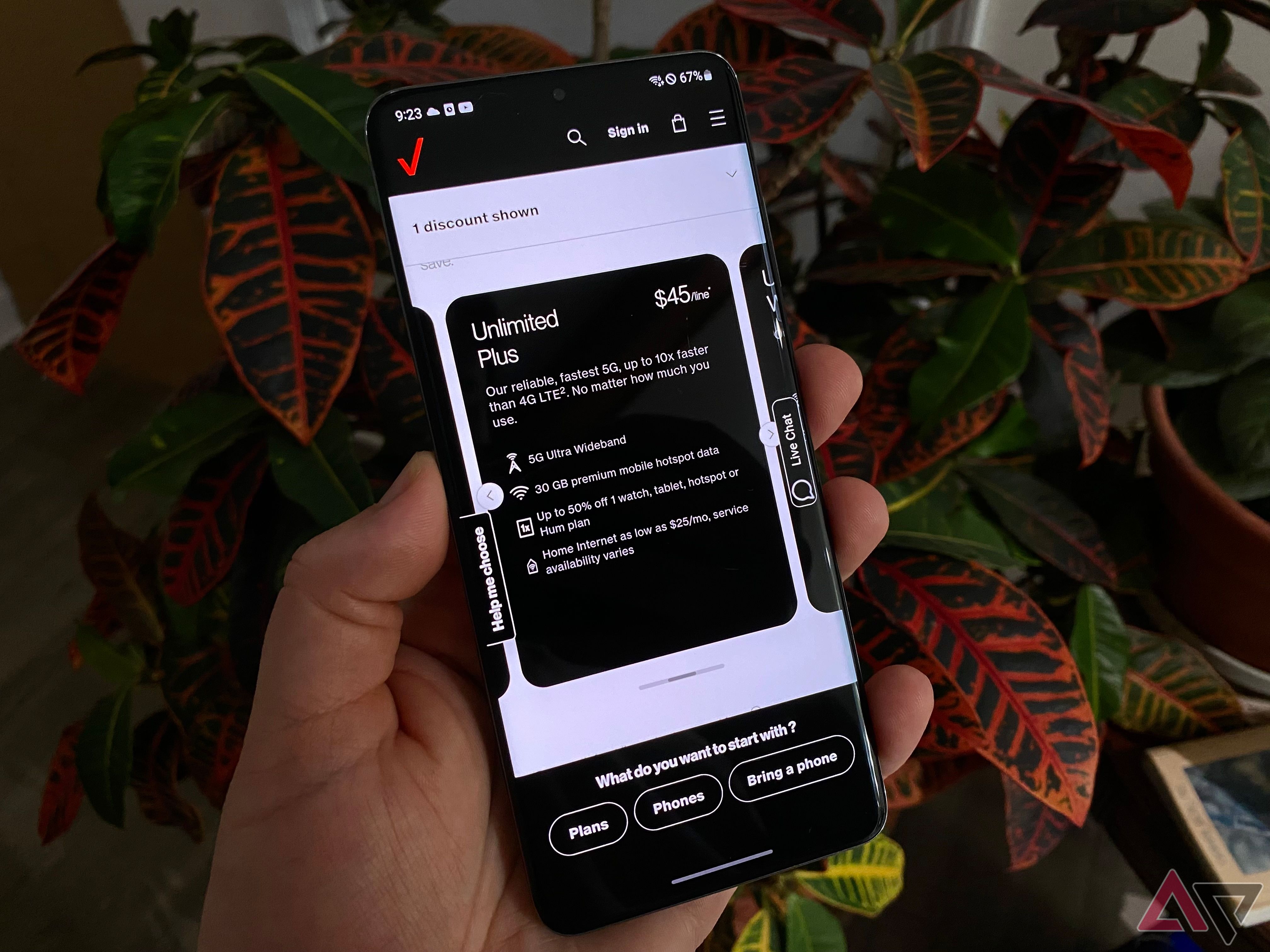
- Choose a Plan: Select from Verizon’s 2026 lineup, which typically includes "Unlimited Welcome," "Unlimited Plus," or "Unlimited Ultimate" tiers.
- Transfer Your Number: You will need your account number and a "Transfer PIN" from your current carrier. This process, known as "porting," usually takes between 10 minutes and 24 hours.
- Activate: If using an eSIM, follow the on-screen prompts on your device. If using a physical SIM, insert the card and restart the phone.
Frequently Asked Questions
Can I check compatibility for a used phone I want to buy?
Yes. You should always ask the seller for the IMEI before purchasing a used device. You can then run that number through the Verizon compatibility tool to ensure it isn't blacklisted or locked to another carrier. This is a critical step in avoiding "scam" listings for stolen or unpaid hardware.
Will an international phone work on Verizon?
It depends on the specific model. Many global "unlocked" versions of the iPhone or Samsung Galaxy series support most US bands. However, they may lack support for mmWave 5G (Verizon’s fastest 5G tier) or Band 13 LTE. If the tool says it is compatible but "unsupported," you may experience significantly degraded signal quality compared to a US-market device.
Does checking my IMEI affect my credit or current service?
No. Checking your device’s IMEI is a "read-only" action. It does not ping your current carrier, it does not affect your credit score, and it does not initiate a transfer of service. It simply checks the hardware specifications against Verizon’s internal database of supported equipment.
My phone is compatible, but my signal is poor. Why?
Compatibility only means the device can connect. Actual signal quality depends on your local tower proximity, the specific bands your phone supports, and environmental factors. If your phone is an older 5G model from 2020 or 2021, it may not support the newer 2026 network optimizations that newer hardware utilizes.
Do I need a new SIM card for 5G?
If you are moving from an older 4G-only Verizon phone to a 5G-compatible one, you likely need a "5G SIM" or an eSIM activation. Older SIM cards (pre-2020) often lack the secure elements required to authenticate on the 5G Ultra Wideband network.
Practical Recommendation
Before committing to a switch, perform a "Test Drive" if your device supports eSIM. Many carriers, including Verizon’s subsidiaries, offer 15-to-30-day free trials that allow you to run Verizon’s network alongside your current provider using a secondary eSIM. This provides a real-world compatibility check of both your hardware and the signal strength in the specific locations where you live and work.
Image Gallery