How to Find an Amazon Smart Thermostat Manual PDF
Finding an Amazon Smart Thermostat manual PDF involves navigating official manufacturer documentation portals, device companion applications, or authorized digital resource repositories to secure reliable operating, installation, and t...
Finding an Amazon Smart Thermostat manual PDF involves navigating official manufacturer documentation portals, device companion applications, or authorized digital resource repositories to secure reliable operating, installation, and troubleshooting instructions.
Contents
When you need to configure your HVAC wiring, understand advanced scheduling features, or troubleshoot an unexpected error code on your Amazon Smart Thermostat, having access to the official instruction manual in Portable Document Format (PDF) is indispensable. Because this device was designed in collaboration with Resideo and leverages Honeywell Home technology platforms, locating the precise documentation requires knowing where to look among various support ecosystems. This guide explains how to successfully track down, download, and utilize the official user and installation manuals for your Amazon Smart Thermostat, while outlining hardware prerequisites, wiring guidelines, and common troubleshooting solutions.
Understanding the Amazon Smart Thermostat Ecosystem
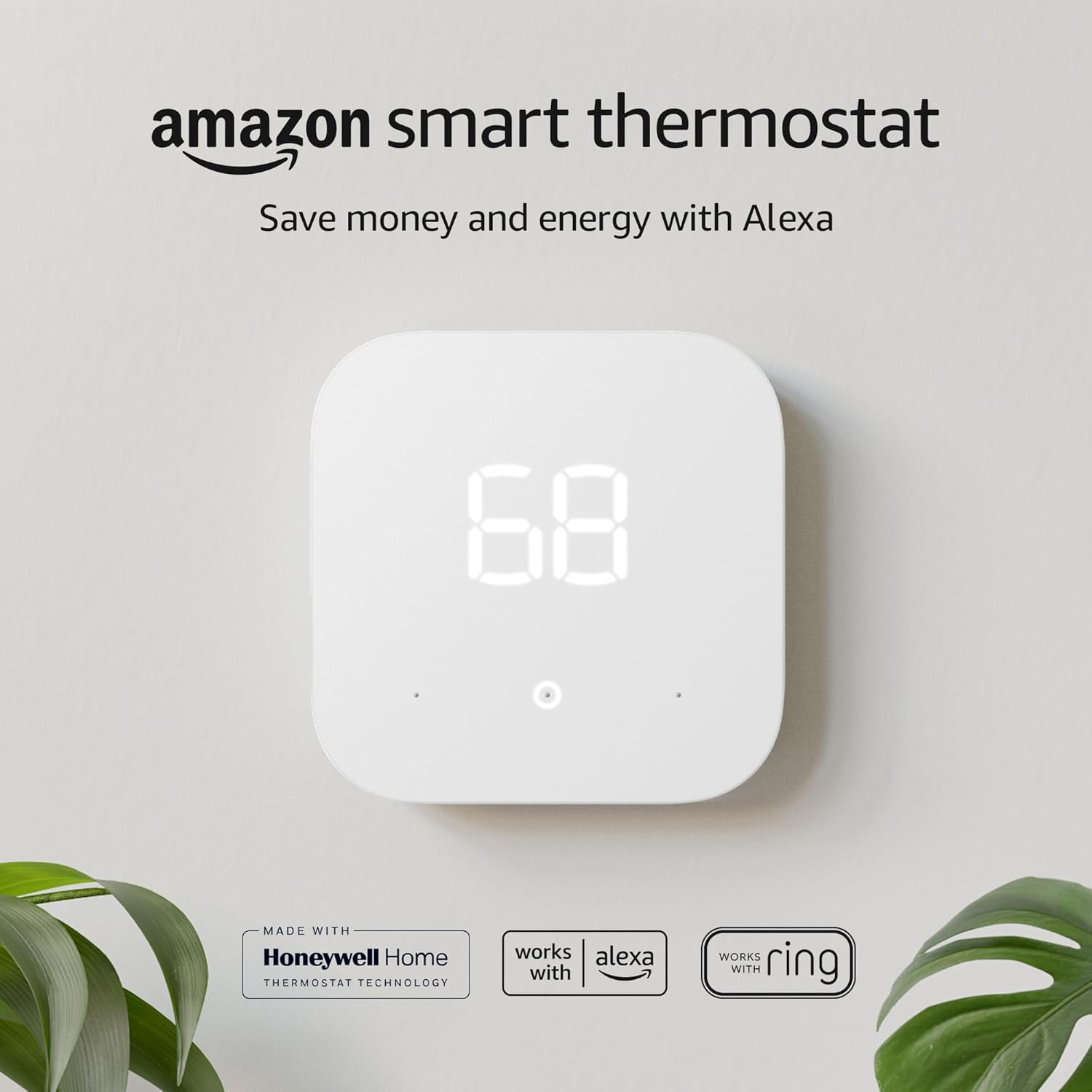
The Amazon Smart Thermostat represents a collaborative engineering effort between Amazon and Resideo, a global leader in home comfort solutions. While it carries the Amazon brand and integrates deeply with Alexa voice control, its underlying firmware, hardware architecture, and safety protocols mirror modern Honeywell Home thermostat designs.
Recognizing this partnership is critical when searching for documentation. Many generic thermostat troubleshooting steps, C-wire (common wire) requirements, and wiring nomenclature conventions found in Resideo or Honeywell documentation apply directly to the Amazon Smart Thermostat. The device operates on a 24VAC low-voltage system and requires a C-wire or a dedicated power adapter kit to function reliably without draining your HVAC system's transformer.
Before diving into manual searches, verify your specific hardware version. The standard model designed for residential split systems covers the vast majority of conventional gas, oil, electric, and heat pump systems (up to 2 heat / 2 cool stages for heat pumps, and up to 2 heat / 2 cool for conventional systems). It is not natively compatible with line-voltage systems (120V/240V baseboard heaters) or proprietary digital communicating systems without specialized adapters.
Primary Methods to Find and Download the Manual PDF
Securing a clean, unedited, and accurate manual PDF requires visiting official or verified hosting platforms. Avoid third-party document archives that may host outdated iterations or altered instructions that could compromise your HVAC system's safety.
1. The Official Amazon Device Support Portal
Amazon maintains dedicated help pages for all first-party and co-branded hardware products.
- Navigate to the Amazon Digital Services and Device Support hub.
- Search specifically for "Amazon Smart Thermostat support" or browse the smart home device directory.
- Look for downloadable resource links, which are frequently hosted as direct PDF attachments or formatted as comprehensive digital help articles that can be printed to PDF via your web browser.
2. The Resideo and Honeywell Home Document Libraries
Because Resideo manufactures the physical thermostat hardware, their professional resource library houses exhaustive technical documentation.
- Visit the official Resideo or Honeywell Home Pro support portals.
- Input the exact model specifications or the FCC ID found on the rear mounting plate of your thermostat.
- Download the professional installation guide, owner's manual, and wire-mapping reference sheets directly as standardized PDFs.
3. Browser Print-to-PDF Method for Web-Based Manuals
If a dedicated downloadable PDF link is temporarily unavailable on a support site, you can create your own high-fidelity PDF copy of the web-based instruction manual.
- Open the official Amazon Smart Thermostat online user guide in Google Chrome, Mozilla Firefox, or Microsoft Edge.
- Press
Ctrl + P(Windows) orCmd + P(Mac) to open the print dialog window. - Change the destination printer setting from a physical printer to Save as PDF.
- Adjust margins and layout scaling if necessary, then click save to store a permanent offline copy on your computer or mobile device.
| Resource Source | Document Type | Best For | Offline Accessibility |
|---|---|---|---|
| Amazon Device Support | Web Guide & PDF | General operation and Alexa setup | High (via Print-to-PDF) |
| Resideo / Honeywell Portal | Technical PDF | HVAC wiring, voltage specs, and staging | Immediate Download |
| Alexa App Help Section | In-App Digital Guide | Step-by-step mobile pairing assistance | Low (Requires Connection) |
| Third-Party Manual Repositories | Scanned PDF Archive | Out-of-print or legacy hardware reference | Variable (Verify Source) |
Prerequisites and Preparation Before Installation or Setup
Attempting to install or reconfigure an Amazon Smart Thermostat without reviewing the manual prerequisites can lead to blown furnace fuses or erratic HVAC behavior. Before opening your toolkit, ensure you have verified the following critical system parameters.
Power Safety and Circuit Interruption
Always turn off the master power switch to your furnace, air handler, or heat pump system at your home's main electrical breaker panel before touching any thermostat wiring. Low-voltage 24VAC circuits carry enough current to short out control boards if a bare wire touches the metal chassis during handling.
Existing Wiring Audit
Remove your old thermostat faceplate without disconnecting the wires and take a clear, well-lit digital photograph of the terminal block. Note every letter associated with each connected terminal (such as R, Rc, Rh, W, Y, G, and crucially, C). The Amazon Smart Thermostat requires a C-wire to deliver continuous electrical power to its internal Wi-Fi radio and display circuitry. If your home lacks a C-wire, you must either install an external 24V power adapter (often sold separately or bundled in specific kits) or repurpose an unused wire within the bundle.
Step-by-Step Guide: Using the Manual for Setup and Configuration
Once you have secured your manual PDF, follow a structured sequence to execute your installation and pairing process without error.
- Verify HVAC Compatibility: Consult the compatibility chart in the manual's introduction section. Cross-reference your old thermostat's wire designations with the approved configurations.
- Shut Down Power: Switch off the HVAC breaker. Double-check with a non-contact voltage tester if available.
- Label and Disconnect Wires: Apply the provided physical stickers to your existing wires corresponding to their terminal letters, then detach them from the old wall plate.
- Mount the Backplate: Level the Amazon Smart Thermostat backplate against the wall, pull the wire bundle through the center aperture, and secure it using the mounting screws and wall anchors provided.
- Insert Wires into Terminals: Push each labeled wire firmly into its corresponding spring-loaded terminal slot on the new backplate. Refer to the manual's wiring diagrams if you are transitioning from a complex multi-transformer setup.
- Attach the Faceplate and Restore Power: Snap the main thermostat unit onto the wall base, then restore power at the main electrical breaker panel.
- Complete Software Provisioning via Alexa App: Open the Amazon Alexa application on your smartphone. Follow the on-screen prompts to scan the setup barcode included in the quick-start guide or printed on the back of the manual, connecting the device to your 2.4 GHz Wi-Fi network.
Troubleshooting Common Thermostat Issues
Even with careful adherence to the instruction manual, users occasionally encounter operational hurdles. Reviewing these common failure points can save hours of diagnostic testing.
Device Will Not Power On or Loses Connection
If the display remains blank or frequently disconnects from Wi-Fi, the root cause is almost always inadequate power delivery. The Amazon Smart Thermostat does not use traditional alkaline batteries; it relies entirely on the R and C wires. If you installed the unit without a true C-wire and bypassed power delivery, the internal capacitor will deplete rapidly. Review the C-wire installation appendix in your manual PDF to install a power adapter kit.
Heating or Cooling Turns on Intermittently or Runs in Reverse
Incorrect wire mapping during installation is the primary driver of erratic HVAC cycling. For example, reversing the W (heating) and Y (cooling) wires will cause your air conditioner to blow hot air when cooling is requested. Consult the advanced wiring troubleshooting table in the manufacturer PDF to verify that your staging configurations match your specific furnace or heat pump type.
Wi-Fi Pairing Failures During Initial Setup
If the Alexa app fails to discover your thermostat during setup, ensure your mobile device is connected to a 2.4 GHz wireless network, as smart thermostats typically do not support 5 GHz frequency bands during the initial handshake protocol. Reset the thermostat's network settings by following the button-combination sequence outlined in the troubleshooting chapter of the manual.
Frequently Asked Questions
Can I run the Amazon Smart Thermostat without a C-wire?
No, the Amazon Smart Thermostat requires a common wire (C-wire) for continuous power. If your existing setup does not feature a C-wire, you must install an approved C-wire adapter kit or have a certified HVAC technician run an additional wire from your furnace control board.
Where is the serial number located on the device?
The serial number and MAC address are printed on a removable sticker on the back of the thermostat faceplate, inside the Alexa app device settings menu once paired, and on the exterior product packaging box.
Is professional installation required for this thermostat?
Professional installation is not strictly required for DIYers comfortable working with low-voltage home electrical systems and basic hand tools. However, if your system involves complex multi-stage boilers, zone panels, or high-voltage lines, consulting a licensed HVAC technician is strongly recommended.
Why does my thermostat screen say "Calibrating" or "Offline"?
The thermostat enters a calibration state shortly after boot-up or firmware updates. If it remains offline, check your home router status, ensure your Wi-Fi password has not changed, and perform a power cycle by detaching the faceplate for ten seconds before snapping it back into place.
How do I factory reset my Amazon Smart Thermostat?
You can perform a factory reset through the device settings menu by navigating to device preferences, or by holding down the physical button on the unit for approximately 10 to 12 seconds until the LED status indicator flashes amber or resets. Consult your downloaded manual PDF for model-specific button sequences.
Conclusion and Next Actions
Locating and utilizing the official Amazon Smart Thermostat manual PDF ensures your home climate control system operates safely, efficiently, and in full compliance with manufacturer guidelines. Begin by downloading an official copy from Resideo or Amazon support channels, verify your low-voltage wiring and C-wire status prior to installation, and rely on the companion Alexa app for seamless software integration. If you encounter persistent wiring discrepancies or system errors beyond the scope of standard troubleshooting, consult a licensed HVAC professional to inspect your furnace control board.
Image Gallery