How Accurate is Find My iPhone in Feet? Precision and Limitations Explained
Under optimal conditions, Find My iPhone is accurate to within 20 to 50 feet using standard GPS. However, for users with iPhone 15 or newer, "Precision Finding" utilizing Ultra-Wideband (UWB) technology can pinpoint a device to within...
Under optimal conditions, Find My iPhone is accurate to within 20 to 50 feet using standard GPS. However, for users with iPhone 15 or newer, "Precision Finding" utilizing Ultra-Wideband (UWB) technology can pinpoint a device to within 1 to 3 feet once you are in close range. Accuracy degrades significantly indoors or in dense urban areas, where it may only be accurate to within 100 to 500 feet.
Contents
Understanding the precision of Apple’s Find My ecosystem requires a look at the various technologies working behind the scenes. As of 2026, the integration of multi-band GPS, refined Ultra-Wideband chips, and a global network of over a billion Apple devices has made locating a lost device more reliable than ever, yet environmental variables still dictate the "feet" of error you can expect.
The Spectrum of Accuracy: Breaking Down the Numbers
The question of "how many feet" is not answered by a single number because your iPhone uses a tiered system of location technologies. Each tier offers a different level of precision based on the environment and the hardware version of your device.
Outdoor GPS Accuracy (20 to 50 Feet)
When your iPhone has a clear line of sight to the sky, it relies primarily on Global Navigation Satellite Systems (GNSS). This includes the US-based GPS, as well as international systems like GLONASS, Galileo, and QZSS. Most modern iPhones (specifically Pro models from the iPhone 14 Pro onwards) utilize dual-frequency GPS (L1 and L5 bands). This allows the device to filter out signals bounced off buildings, maintaining an accuracy of roughly 15 to 30 feet in open areas. Without dual-frequency support, standard GPS accuracy usually hovers around 30 to 50 feet.
Wi-Fi Trilateration Accuracy (100 to 300 Feet)
If you are indoors or in a "canyon" of tall buildings where satellite signals are blocked, the iPhone switches to Wi-Fi positioning. By scanning for nearby Wi-Fi networks and comparing their signal strengths against a massive database of known router locations, the device can estimate its position. While surprisingly effective, this method is less precise, typically landing within a radius of 100 to 300 feet.
Ultra-Wideband and Precision Finding (1 to 5 Feet)
The most significant advancement in "Find My" history is the Ultra-Wideband (UWB) chip. If you are searching for an iPhone 11 or newer (and especially the iPhone 15 through iPhone 17 series which feature second and third-generation UWB chips), you can use the "Precision Finding" feature. When you are within approximately 30 to 60 feet of the target device, your iPhone will provide an on-screen arrow and a specific distance countdown in feet. This is accurate to within inches or a few feet, making it the gold standard for finding a device hidden under a couch cushion or in a specific room.
Cellular Tower Triangulation (1,000+ Feet to Miles)
This is the "last resort" for location tracking. If GPS and Wi-Fi are unavailable, the iPhone uses the distance from the nearest cell towers to estimate a location. In rural areas with few towers, the accuracy can drop to a radius of several miles. Even in dense urban areas, cellular triangulation is rarely accurate to more than 1,000 feet, making it useful for finding a general neighborhood but useless for finding a specific house.
How the Find My Network Influences Precision
In 2026, the "Find My Network" is a mature, end-to-end encrypted mesh network. This is the technology that allows you to find an iPhone even if it is offline, in power-reserve mode, or has been "switched off" by a thief.
The accuracy of an offline iPhone depends entirely on the proximity of other Apple devices. When a lost iPhone is offline, it emits a secure Bluetooth LE (Low Energy) signal. Any passing iPhone, iPad, or Mac detects this signal and uploads its own GPS location to Apple’s servers, which is then relayed to the owner.
- In a Crowded City: Accuracy is high (30 to 60 feet) because there are likely dozens of Apple devices within Bluetooth range of your lost phone.
- In a Rural Area: Accuracy is low or non-existent. If no one with an Apple device walks within 50 feet of your lost phone, the location will not update.
Technical Factors That Affect "Find My" Precision
Several environmental and technical variables can cause the "blue circle" on your map to expand, indicating a decrease in accuracy.
1. Signal Multipath (The Urban Canyon Effect)
In cities like New York, Chicago, or London, satellite signals bounce off glass and steel skyscrapers before reaching the iPhone. This "multipath" error can trick the phone into thinking it is half a block away from its actual location. While dual-frequency GPS in newer iPhones mitigates this, it remains a primary reason for accuracy errors in feet.
2. Atmospheric Interference
GPS signals must travel through the Earth's ionosphere and troposphere. Changes in atmospheric density and solar activity can delay these signals by nanoseconds. While nanoseconds seem negligible, a delay of 30 nanoseconds can result in a location error of roughly 30 feet.
3. Hardware Versioning
The chipsets inside the phone matter immensely.
- Older Models (iPhone X and older): Lack UWB and dual-frequency GPS. Expect consistent errors of 50+ feet.
- Mid-Range Models (iPhone 11 to 14): Feature the U1 chip for Precision Finding but may lack the enhanced range of the 2026-era U3 chips.
- Latest Models (iPhone 15 to 17): Feature refined UWB and L1+L5 GPS, offering the highest possible "in feet" accuracy available to consumers.
Comparative Accuracy of Find My Technologies
The following table summarizes the expected accuracy based on the primary technology being used at the time of the location check.
| Technology | Typical Accuracy (Feet) | Range Limit | Best Use Case |
|---|---|---|---|
| Ultra-Wideband (UWB) | 1 – 5 feet | ~60 feet | Finding a phone inside a house or car. |
| Dual-Frequency GPS | 15 – 30 feet | Global (Outdoor) | Pinpointing a phone in a park or on a street. |
| Standard GPS | 30 – 50 feet | Global (Outdoor) | General outdoor tracking. |
| Wi-Fi Positioning | 100 – 300 feet | Router Range | Tracking a phone inside a mall or office. |
| Cellular Data | 1,000 – 5,000+ feet | Tower Range | Finding the general vicinity in rural areas. |
Why Does My Find My iPhone Show a Large Green Circle?
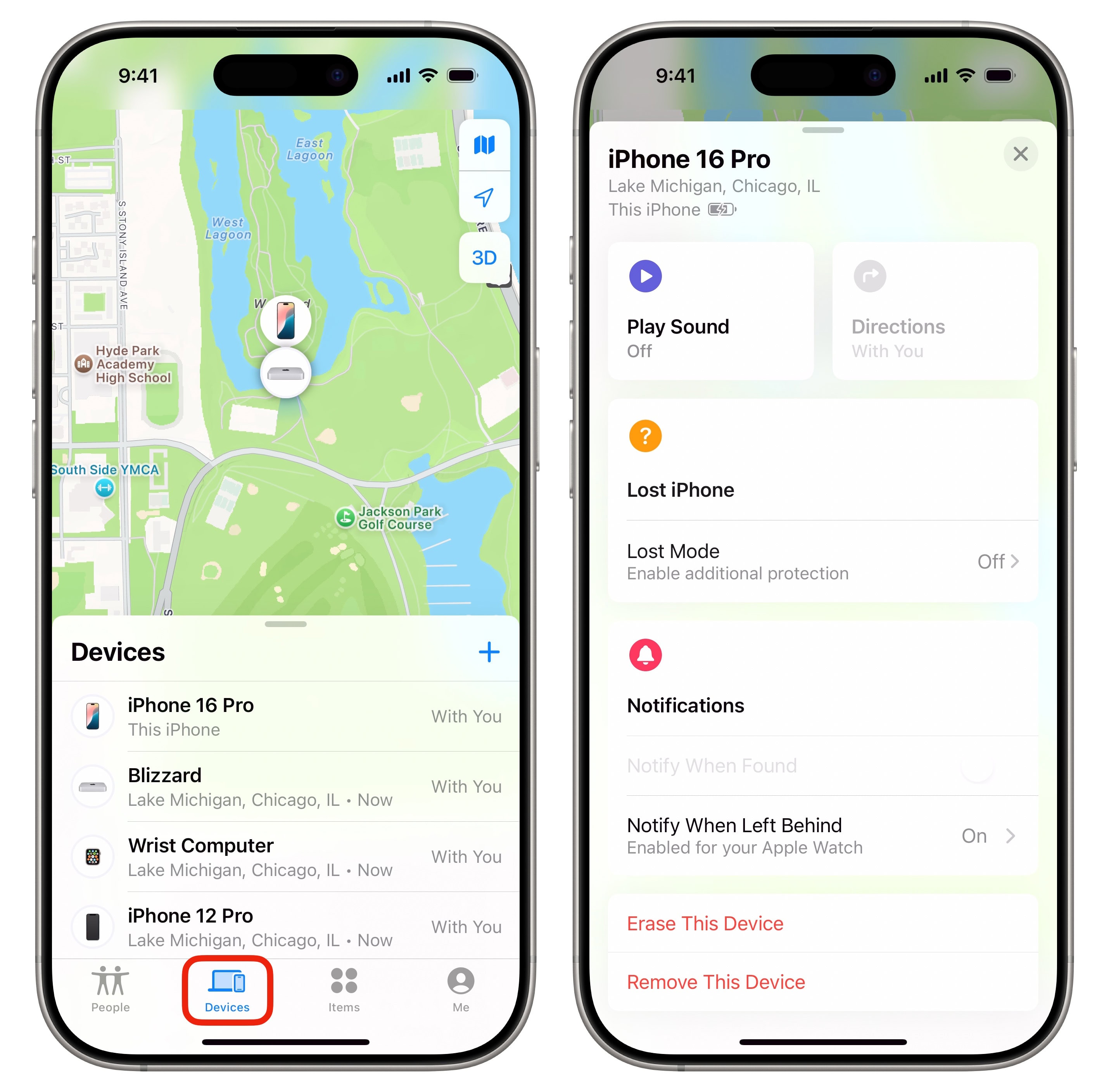
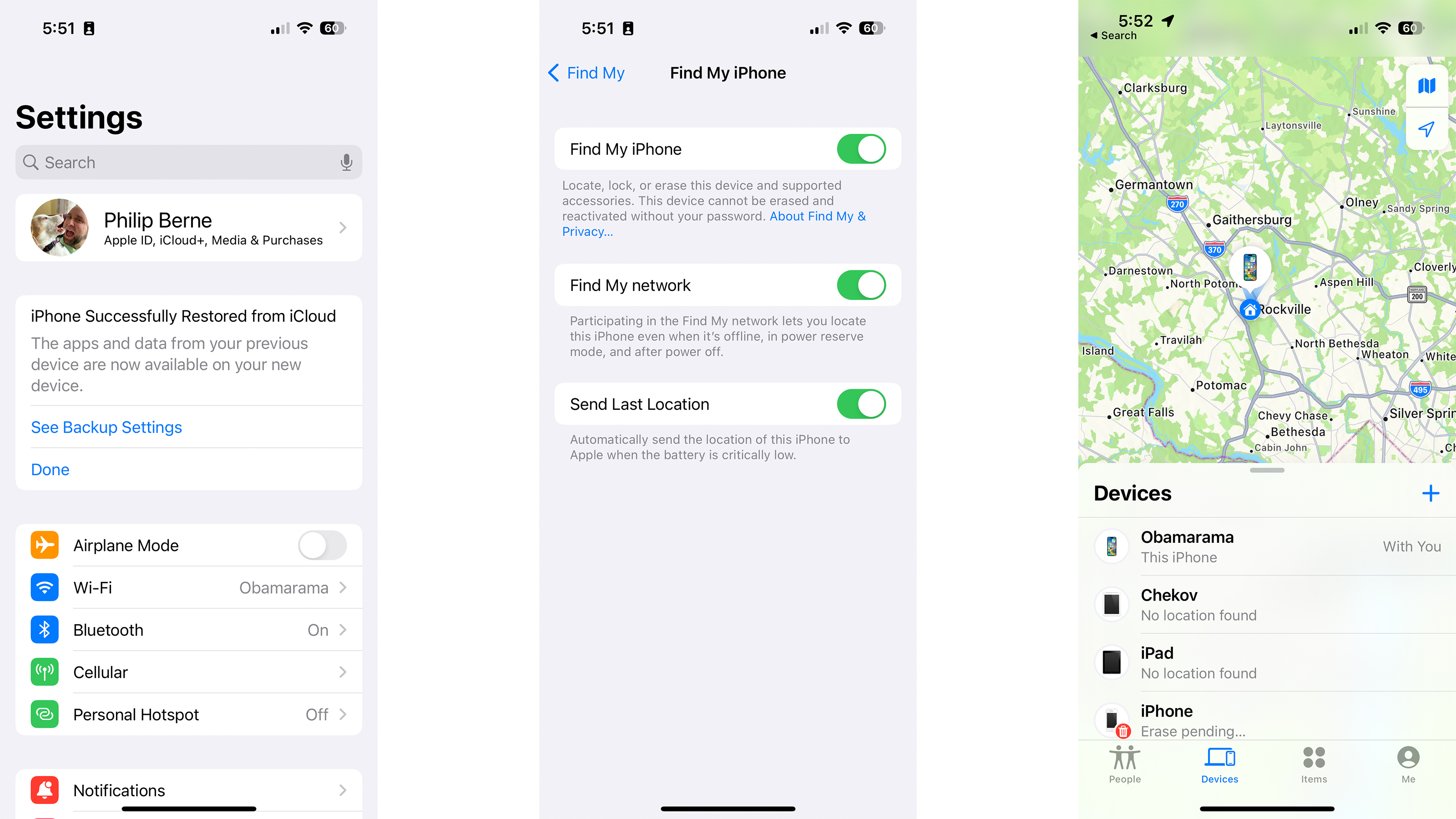
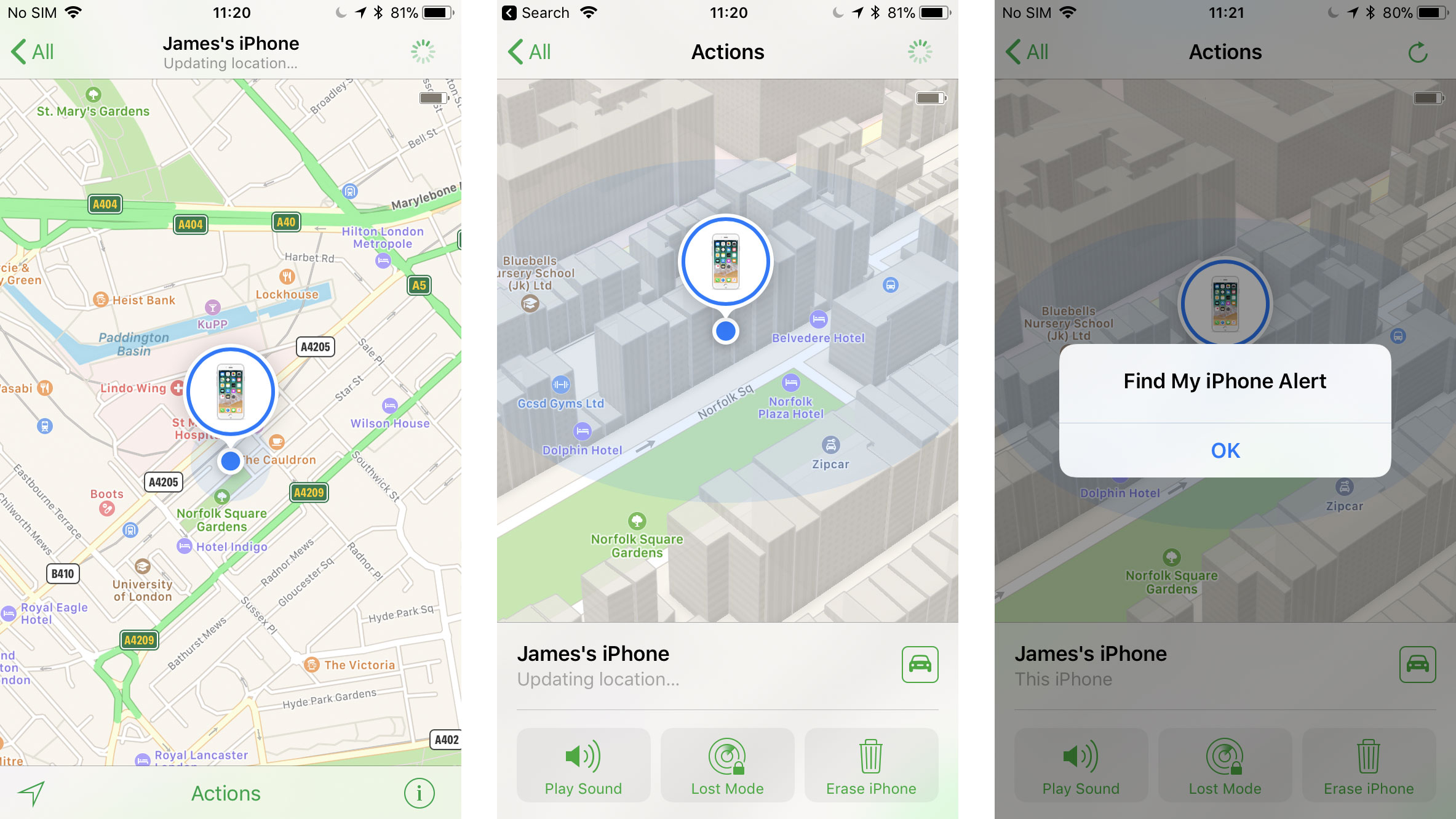
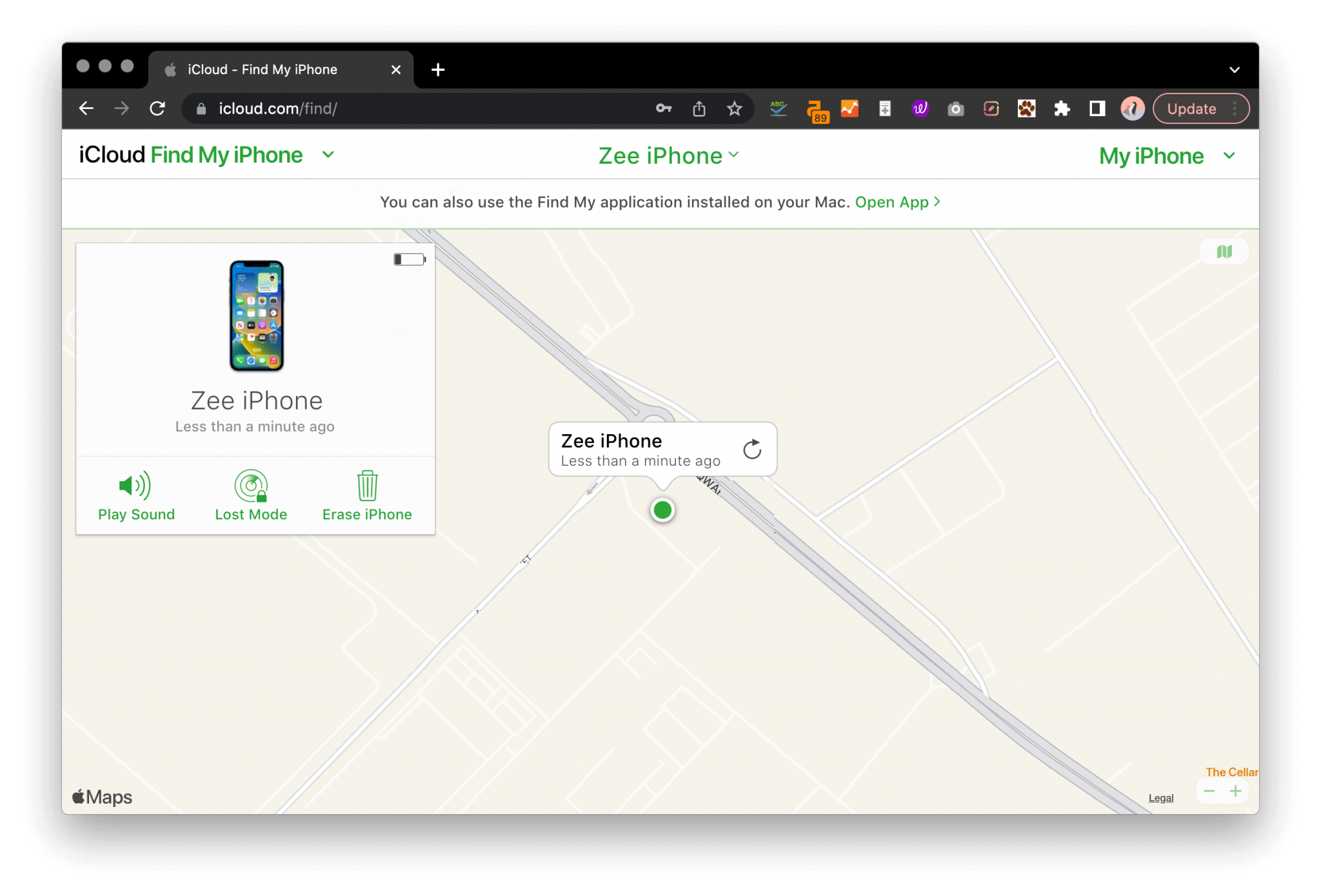
When you open the Find My app, you will often see a solid blue dot (the estimated location) surrounded by a light green or blue shaded circle. The size of this circle represents the uncertainty of the location.
If the circle is 200 feet wide, it means the system is only confident that the phone is somewhere within that 200-foot radius. This usually happens when the phone cannot get a clear GPS lock and is relying on Wi-Fi or cellular towers. As the phone gathers more data—perhaps by catching a brief glimpse of a satellite or connecting to a known Wi-Fi hotspot—the circle will shrink, indicating increased accuracy in feet.
Troubleshooting and Improving Location Accuracy
If your Find My iPhone is showing a location that is hundreds of feet off, you can often improve the precision by adjusting certain settings (provided you have the phone in hand and are testing) or understanding why a remote device is struggling.
Ensure "Precise Location" is Enabled
Apple allows users to toggle "Precise Location" for specific apps. If this is turned off for Find My, the app will only provide a general "coarse" location (usually accurate to about 0.5 to 1.2 miles).
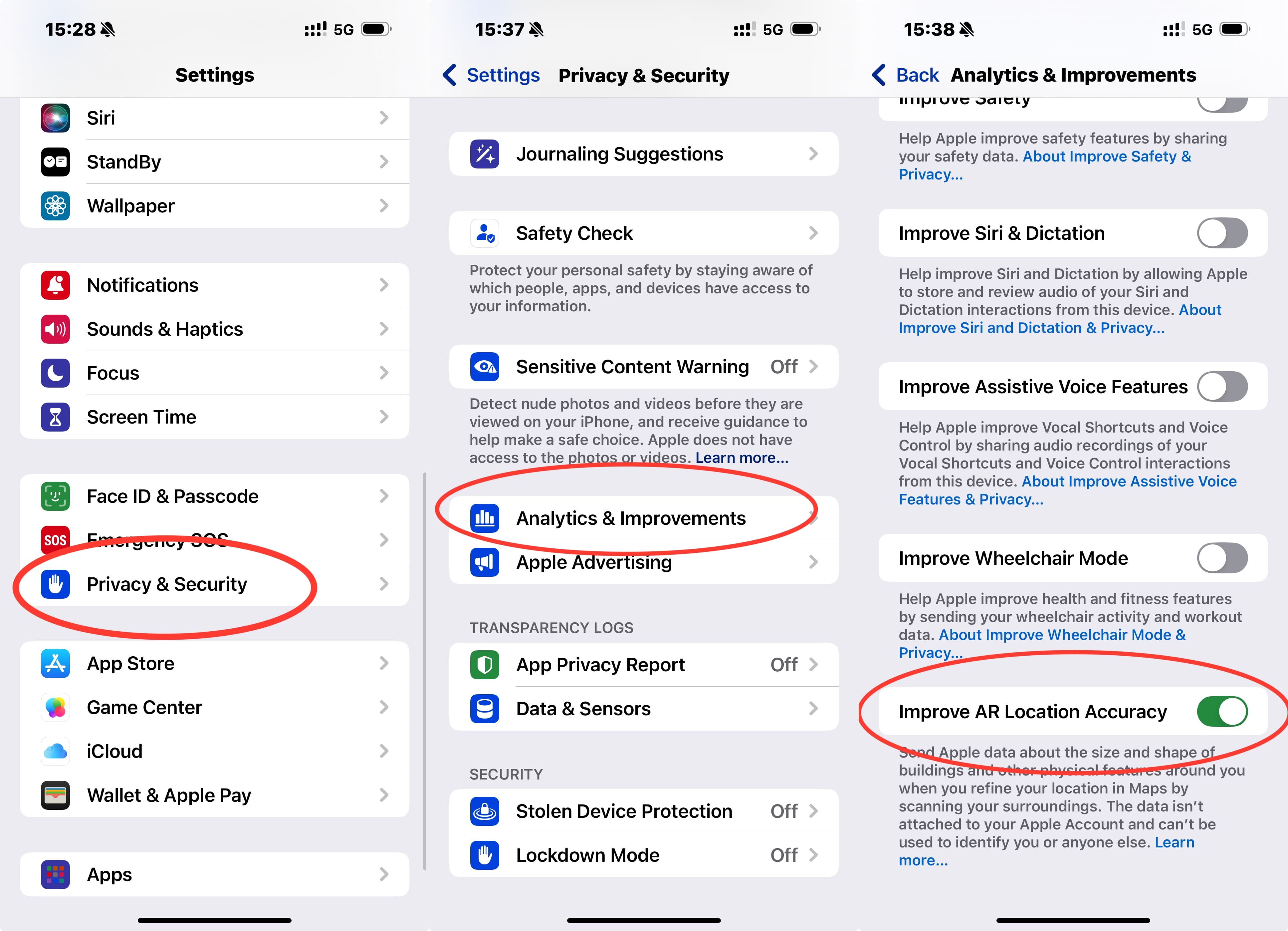
- Go to Settings > Privacy & Security.
- Select Location Services.
- Find Find My in the list and ensure Precise Location is toggled ON.
Check for Signal Obstructions
If you are tracking a device that is inside a metal drawer, a basement, or a thick concrete building, the GPS signal will be shielded. In these cases, the phone will fall back to Wi-Fi. If the Wi-Fi is also weak, the accuracy will drop to cellular levels (thousands of feet).
Keeping the Battery Above "Power Reserve"
While Find My works for several hours after a battery dies (on iPhone 11 and later), it does so using a low-power Bluetooth beacon. The accuracy during this phase is lower because the device can no longer actively scan for GPS or Wi-Fi. It depends entirely on the location of the other device that hears its "help" signal.
FAQ: Accuracy and Precision in Find My
Is Find My iPhone accurate enough to use for a police report?
Generally, yes, but with caveats. A GPS-based location (20-50 feet) is often enough for law enforcement to identify a specific building. However, it is rarely accurate enough to distinguish between Apartment 3A and Apartment 3B in a multi-story complex unless Precision Finding (UWB) is used on-site. You should always provide the "last updated" timestamp to police, as a location that is 2 hours old is far less useful.
Can Find My iPhone tell which floor a phone is on?
Not with high reliability. Standard GPS is poor at vertical (Z-axis) accuracy. While the iPhone has a barometer that can measure altitude changes, the Find My map is two-dimensional. If a phone is in a skyscraper, the app might show it at the correct street address but cannot definitively tell you if it is on the 4th or 40th floor.
Does "Find My" work if the phone is in Airplane Mode?
Yes, in 2026, Apple’s "Find My" network utilizes Bluetooth even if Airplane Mode is toggled on, provided the user hasn't manually disabled the Find My Network in settings. It will continue to ping nearby Apple devices to report its location within a 30-to-60-foot margin of error.
Why does the location keep jumping around?
This is known as "GPS drift." It occurs when the phone is receiving weak or reflected signals. The software tries to interpret these signals, but as different satellites come into view or signals bounce off different surfaces, the calculated "feet" from the source changes, causing the icon to jump on the map.
How accurate is Find My for a dead iPhone?
A dead iPhone (in power reserve) is accurate to the Bluetooth range of the device that finds it—roughly 30 to 80 feet. Since the dead phone cannot "see" its own location, it relies on the "reporter" device's GPS accuracy.
Summary of Practical Expectations
When using Find My iPhone in 2026, your expectations should be calibrated to your environment. If you are standing in an open parking lot looking for a dropped phone, expect it to be within 20 feet of the blue dot. If you are using an iPhone 15 or newer for a lost device in your own home, expect the app to guide you to within 1 or 2 feet using the UWB-powered Precision Finding.
However, if you are looking for a phone in a dense city or inside a large commercial building, do not be surprised if the location "drifts" or shows a radius of 300 feet or more. The technology is a marvel of modern engineering, but it remains subject to the laws of physics and the limitations of radio frequency travel.
Image Gallery