Using Google Translate as a Tutor in Spanish: Capabilities and Limitations
Google Translate is a powerful, free tool that can serve as a supplemental resource for learning Spanish, but it functions best as a reference and vocabulary aid rather than a primary tutor. While it offers advanced machine translation...
Google Translate is a powerful, free tool that can serve as a supplemental resource for learning Spanish, but it functions best as a reference and vocabulary aid rather than a primary tutor. While it offers advanced machine translation, text-to-speech, and image-based translation features, it lacks the interactive, pedagogical, and corrective capabilities of a human instructor or a structured language-learning program. To use it effectively for Spanish acquisition, you must understand how to leverage its features as a diagnostic tool while recognizing where its logic falls short of human nuance.
Contents
Understanding the Role of Machine Translation in Language Learning
Machine translation services, particularly those utilizing neural machine translation (NMT) like Google Translate, have evolved significantly. In 2026, the technology is adept at context-aware word substitution and grasping basic grammatical structures. For a student of Spanish, this means the tool can instantly bridge gaps in vocabulary and offer quick translations for phrases that might otherwise stall progress.
However, Google Translate does not possess a curriculum. It cannot assess your individual learning style, identify specific grammatical weaknesses, or provide feedback on your pronunciation beyond simple audio playback. Treating it as a "tutor" is a misconception of its purpose; it is effectively a dynamic dictionary and an on-demand translation assistant. For learners, the goal should be to use the tool to verify understanding or explore word variations rather than expecting it to structure a learning path or explain the complex socio-linguistic rules that often govern Spanish conversation.
Key Features for Spanish Learners
To maximize the utility of Google Translate, you should utilize features beyond simple text input. These tools can help bridge the gap between static text and active learning:
1. Instant Camera Translation
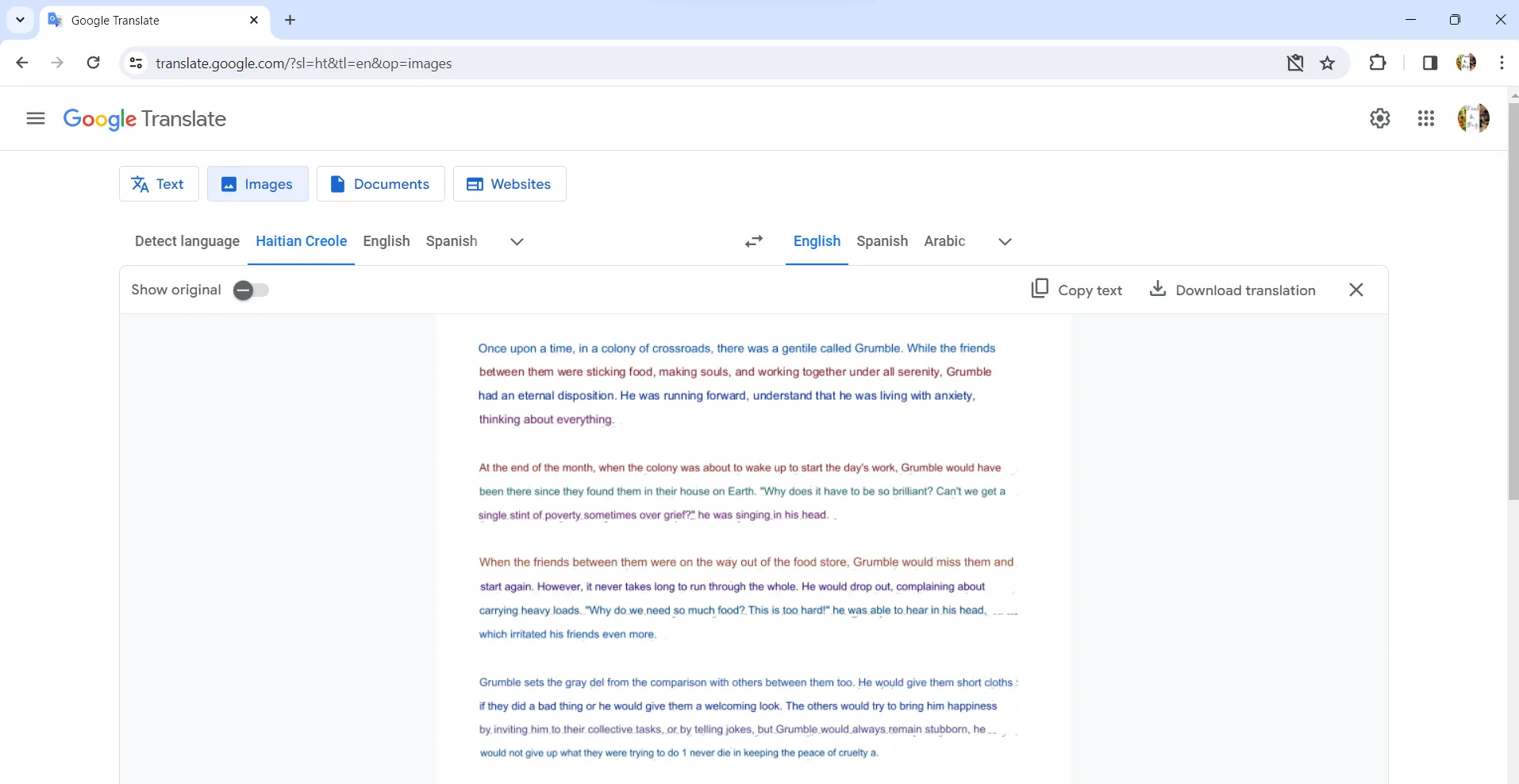
This feature is highly effective for vocabulary acquisition in real-world contexts. By pointing your camera at a menu, book, or sign, you can see real-time Spanish vocabulary in your target language. This is useful for identifying high-frequency nouns and verbs in an environment that is not pre-filtered for your skill level.
2. Audio and Pronunciation Playback
Google Translate’s text-to-speech engine provides a consistent, albeit sometimes robotic, pronunciation of Spanish words. You can use the "Listen" button to repeat phrases, helping you train your ear to the rhythm and intonation of Spanish.
3. Sentence Structure Verification
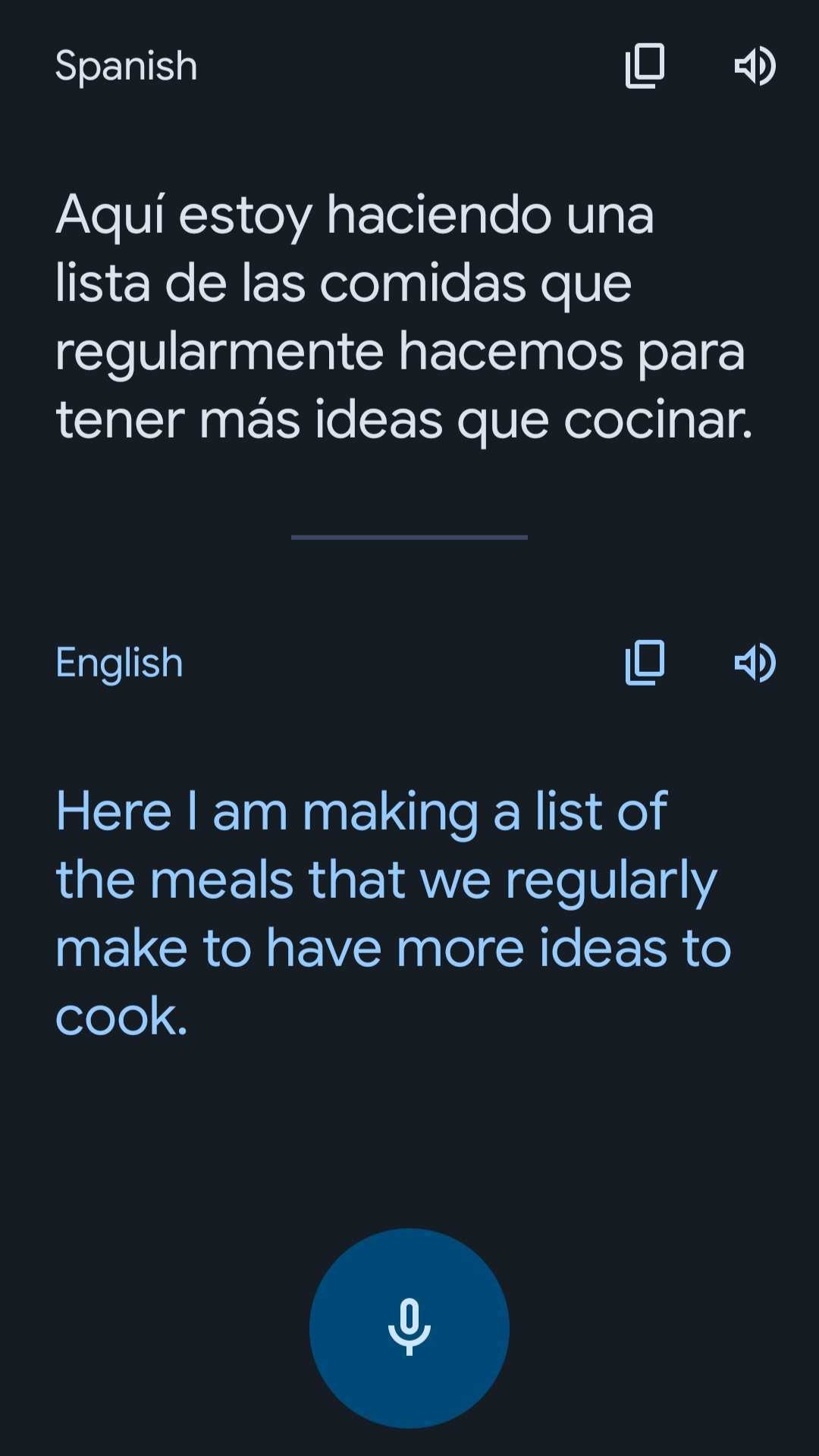
If you are drafting a sentence in Spanish, you can input your attempt and see how the system translates it back to your native language. If the output does not match your intended meaning, it is a strong indicator that your word order or conjugation is incorrect.
Comparison of Learning Support Tools
| Feature | Human Tutor | Google Translate | Language App (e.g., Duolingo) |
|---|---|---|---|
| Personalized Feedback | Excellent | None | Limited/Automated |
| Grammatical Explanations | In-depth | Minimal/None | Structured/Basic |
| Contextual Nuance | High | Low to Medium | Low |
| Availability | Scheduled | 24/7 | 24/7 |
| Cost | High | Free | Free/Subscription |
Common Pitfalls and Troubleshooting
The most frequent error learners make when using Google Translate is over-reliance. Because the software prioritizes the most statistically probable translation, it often fails to account for regional dialects, slang, or formal versus informal registers.
- Regional Variation: Spanish is spoken globally, and a term common in Mexico may be misunderstood in Spain or Argentina. Google Translate often defaults to neutral or peninsular Spanish, which may not be the variation you are studying.
- Idiomatic Expressions: Translation of idioms is rarely literal. If you input a complex figure of speech, Google Translate may produce a literal translation that makes little sense to a native speaker. Always cross-reference idioms with a dedicated Spanish dictionary like the Real Academia Española (RAE) website.
- Verb Conjugation Errors: While the tool is generally accurate, relying on it to conjugate irregular verbs can prevent you from learning the internal logic of Spanish verb patterns. If you use it to find a conjugation, take the time to look up the rule behind that verb pattern in a grammar guide.
How to Effectively Use Google Translate as a Supplemental Tool
To turn this utility into an effective study aid, follow these steps:
- Draft, Then Translate: Write your Spanish sentence first. Use the tool only to check if the software understands you. If it does not, analyze where your sentence structure deviated from the software’s output.
- Reverse Translation: Translate your English sentence to Spanish, copy the result, and translate that Spanish text back into English. If the final English output differs from your original input, there is a potential error or ambiguity in the machine-generated Spanish.
- Use it for Vocabulary, Not Syntax: Treat the tool as a digital glossary. Use it to find the word you need, then construct the sentence yourself based on the grammatical rules you are currently studying.
- Save Your History: Google Translate stores your recent history. Periodically review your search history to identify recurring vocabulary gaps. These "repeat lookups" are signs of words you have not yet internalized.
Managing Ambiguity and Context
Spanish is a language of gendered nouns and complex verb moods (specifically the subjunctive). A common limitation of automated tools is the inability to distinguish between the indicative and subjunctive moods based on complex emotional or hypothetical contexts.
If you are unsure about a translation, look for the "Other translations" or "See also" sections often found below the main output box. These offer alternative ways to phrase the request, providing a wider view of how a concept might be expressed. If you are preparing for a professional or academic interaction, never use a machine-generated translation as your final draft without having it reviewed by a native speaker or a qualified tutor.
Frequently Asked Questions
Can Google Translate help me improve my Spanish pronunciation? It provides an audio playback tool which is useful for modeling, but it does not provide feedback on your own speech. To improve your pronunciation, record yourself saying the same phrase and compare your audio against the software's output, focusing on vowel length and stress patterns.
Is Google Translate reliable for translating legal or formal documents? No. It should never be used for formal, legal, or medical translations. Machine translation often misses nuances in legal terminology that can lead to significant misunderstandings or loss of information. Always consult a certified human translator for professional documents.
Why does my translation sound unnatural to native speakers? Machine translations often focus on accuracy of word-for-word meaning rather than natural flow. They rarely capture the "register"—the level of formality—required for different social situations. Native speakers use filler words and specific phrasing that machines often deem redundant and therefore exclude.
Does Google Translate understand regional Spanish dialects? It has improved significantly, but it does not differentiate well between dialects such as Rioplatense, Caribbean, or Mexican Spanish unless the input contains regional-specific markers. If you are learning a specific regional dialect, you are better served by using regional dictionaries.
Should I stop using language learning apps if I use Google Translate? No. They serve different purposes. Language learning apps provide a roadmap and curriculum, while Google Translate is a tool for exploration. They are most effective when used in tandem: learn the rules in your app, and use the translator to explore real-world applications of those rules.
Recommendation for Next Steps
If you are serious about mastering Spanish, use Google Translate as a secondary reference rather than a primary learning source. Dedicate your main study time to structured grammar exercises, conversational practice, and listening to native-level media. Integrate Google Translate specifically for "troubleshooting" your own writing and expanding your vocabulary during active reading. If you find yourself needing to look up the same grammar point more than three times, supplement your tools with a formal textbook or a tutor who can explain the underlying linguistic structures.
Image Gallery