How Food Inventory Programs Work: A Deep Dive into Modern Kitchen Management Systems
Food inventory programs work by digitizing the lifecycle of ingredients, from procurement to consumption, through a centralized database integrated with Point of Sale (POS) systems. These programs automate the tracking of stock levels,...
Food inventory programs work by digitizing the lifecycle of ingredients, from procurement to consumption, through a centralized database integrated with Point of Sale (POS) systems. These programs automate the tracking of stock levels, calculate the Cost of Goods Sold (COGS), and identify variances by comparing theoretical depletion against actual physical counts to optimize restaurant profitability.
Contents
In the fast-paced food service environment of 2026, manual clipboards and error-prone spreadsheets have largely been replaced by sophisticated food inventory management software (FIMS). These platforms provide real-time visibility into the pantry, walk-in cooler, and dry storage, allowing operators to make data-driven decisions that reduce waste and protect slim margins. To understand how these programs function, one must look at the interplay between data entry, automated integrations, and mathematical valuation models.
The Digital Lifecycle of an Ingredient: How Data Flows
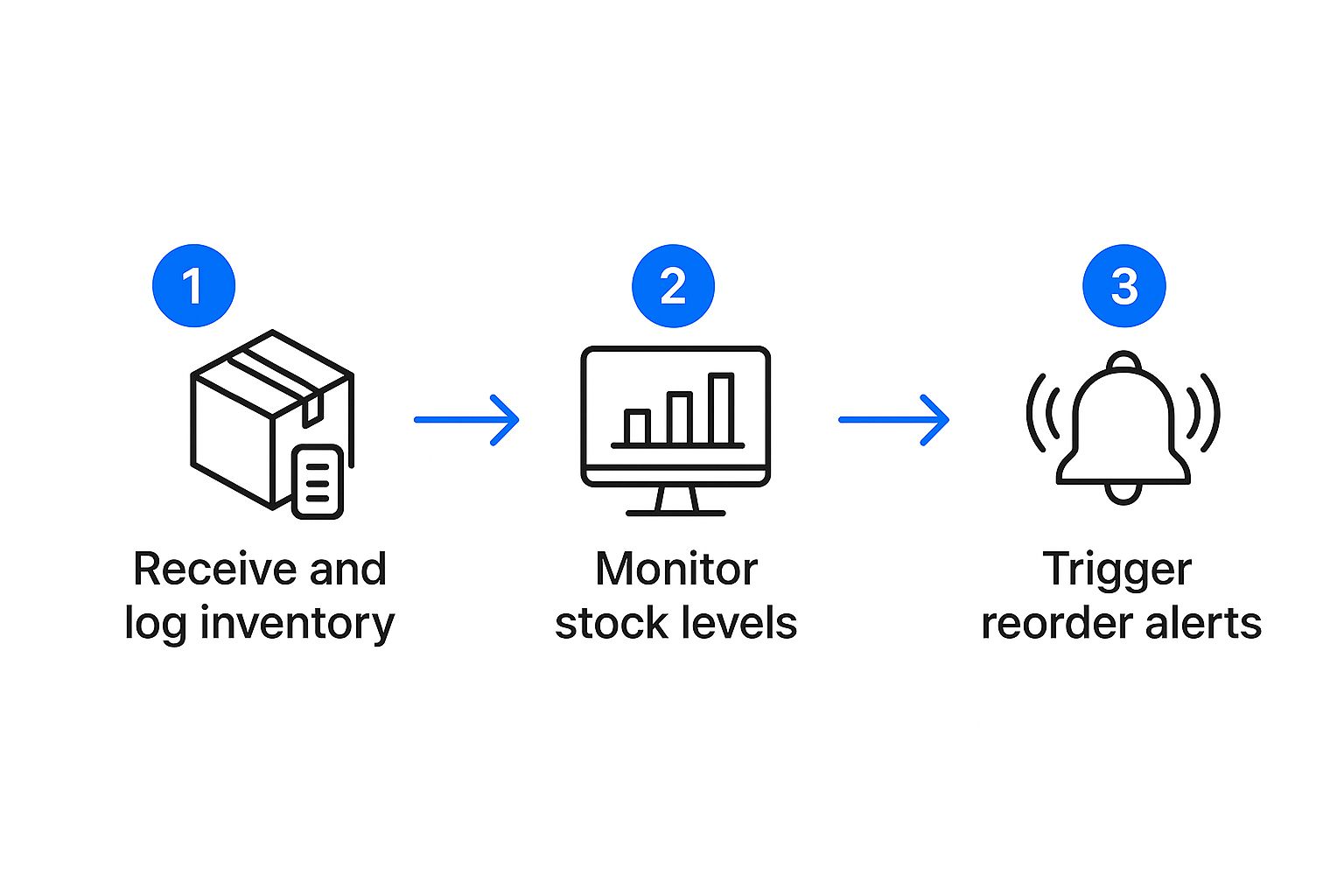
The core functionality of a food inventory program is built on the concept of tracking "In-flow" versus "Out-flow." Every item in a kitchen—from a bulk bag of flour to a high-end ribeye—is treated as a data point with specific attributes such as unit of measure, cost per unit, and shelf-life.
Procurement and Receiving (The In-flow)
The process begins when an order is placed with a vendor. Modern programs often use Electronic Data Interchange (EDI) or direct API integrations with major suppliers like Sysco, US Foods, or local specialty purveyors. When an order is placed, the program generates a digital purchase order.
Upon delivery, the receiving staff verifies the quantities. Once the invoice is marked as "received" in the system, the program automatically updates the on-hand stock levels and adjusts the average cost of the items if the vendor’s pricing has fluctuated. This automation eliminates the need for manual data entry, which is historically where most inventory errors occur.
Depletion and Sales (The Out-flow)
The most critical technical component of a food inventory program is its integration with the Point of Sale (POS) system. This is known as "Theoretical Depletion."
When a customer orders a "Classic Burger," the POS sends a signal to the inventory program. The program then looks at the "Recipe Link" or "Menu Engineering" module. If the recipe for that burger specifies 8 ounces of ground beef, one brioche bun, and two slices of tomato, the program subtracts exactly those amounts from the digital inventory. This happens instantaneously, providing a "theoretical" look at what should be on the shelves at any given moment.
The Technical Core: Recipe Costing and Sub-Recipes
A food inventory program is only as accurate as its recipe database. This is the "brain" of the system. For the software to work, every menu item must be broken down into its component parts.
- Raw Ingredients: The smallest unit of measure (e.g., grams of salt, fluid ounces of oil).
- Sub-Recipes: These are items prepared in-house that are used in multiple dishes, such as a house-made marinara sauce or a spice rub. The program calculates the cost of the sub-recipe based on its ingredients and then applies a portion of that cost to every dish that uses it.
- Yield Management: Programs must account for the fact that ingredients change volume during preparation. For example, a 10-pound brisket might only yield 6 pounds of sliced meat after trimming and smoking. High-end programs allow for "Yield Percentages" to ensure the inventory depletion reflects the actual amount of raw product required to produce the finished serving.
Inventory Valuation Methods
How a program calculates the value of the food on your shelves significantly impacts the financial reporting and tax liabilities of a business. Most food inventory programs allow operators to choose between three primary valuation methods, often dictated by Internal Revenue Service (IRS) guidelines and standard accounting practices.
First-In, First-Out (FIFO)
This is the most common method in the food industry. The program assumes that the oldest stock is used first. When calculating the value of the remaining inventory, it uses the most recent purchase prices. This mirrors the physical reality of food rotation (preventing spoilage) and is generally preferred for its accuracy in reflecting current market values.
Weighted Average Cost
The program calculates the total cost of all units of a specific item currently in stock and divides it by the total number of units. This smoothes out price volatility caused by seasonal fluctuations or temporary supply chain disruptions.
Last-In, First-Out (LIFO)
While rare in the fresh food sector due to the perishable nature of the products, LIFO assumes the most recently purchased items are sold first. This can be used in certain dry-good or non-perishable contexts for specific tax advantages, though it is less common in modern culinary operations.
The Role of Physical Audits and Variance Analysis
A common misconception is that food inventory programs replace the need for physical counts. In reality, they make physical counts more meaningful.
Theoretical vs. Actual (The Variance Gap)
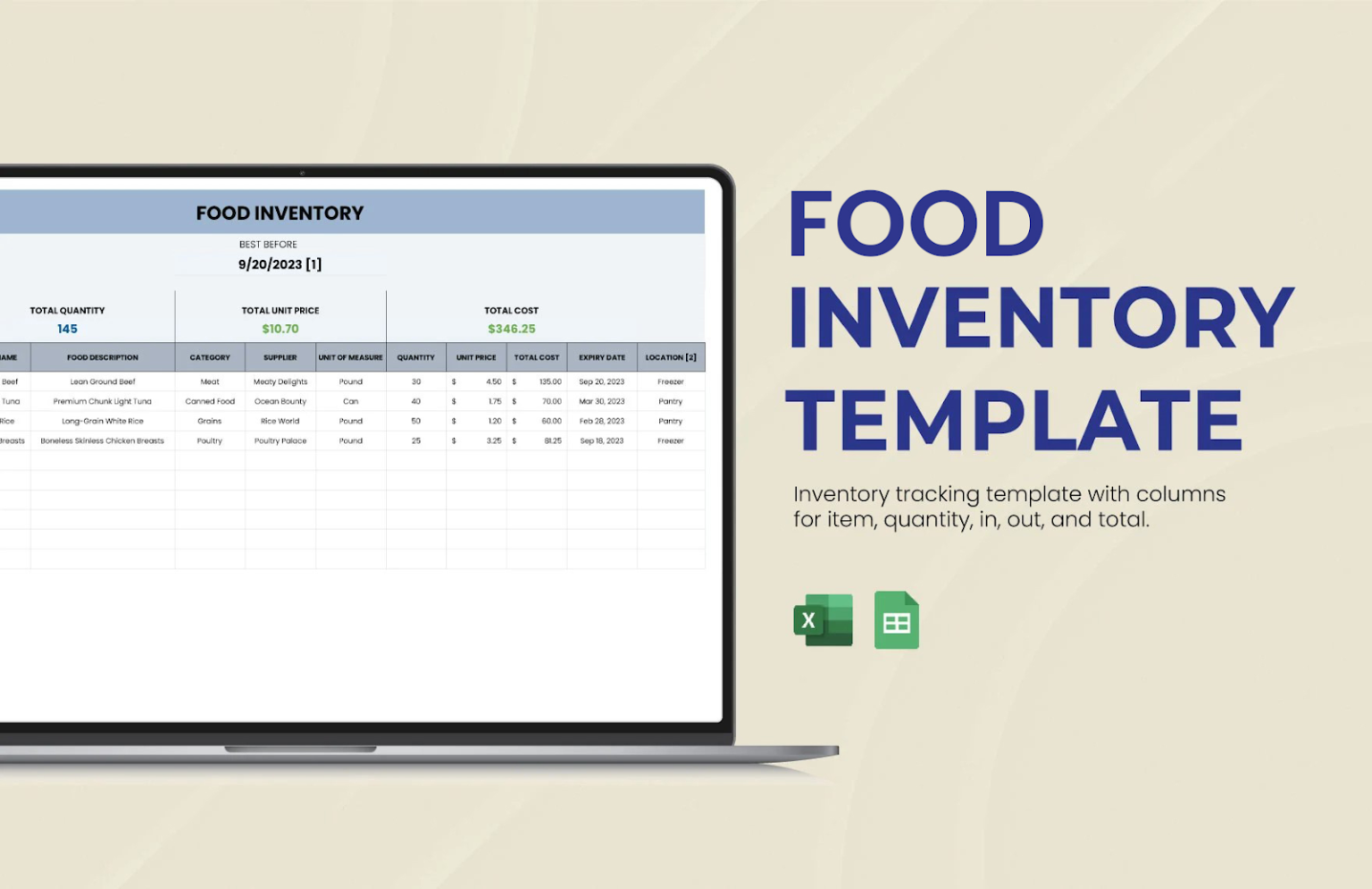
Periodically (weekly or monthly), staff must perform a physical count of all items. The software provides a "Count Sheet" organized by storage location (e.g., "Bar," "Walk-in," "Dry Storage").
Once the actual counts are entered, the program performs a Variance Analysis.
- Theoretical Inventory: What the computer says you should have (Starting + Purchases - Sales).
- Actual Inventory: What you actually found on the shelf.
- Variance: The difference between the two.
If the system says you should have 50 steaks but you only count 42, the program highlights an eight-unit variance. This allows management to investigate specific issues such as "phantom" waste, theft, unrecorded "comps," or portion control errors.
Waste Tracking
Modern programs include a dedicated "Waste Log" module. When a chef drops a tray of eggs or a server sends back a wrong order, these events are logged into the system. By categorizing waste (e.g., "Spoilage," "Kitchen Error," "Customer Return"), the program can subtract these items from the inventory without them being marked as a "sale," further refining the accuracy of the variance report.
Comparing Food Inventory Management Approaches
| Feature | Manual Spreadsheets | Basic POS-Linked Modules | Enterprise FIMS (SaaS) |
|---|---|---|---|
| Data Entry | Manual/Heavy | Semi-Automated | Fully Automated (EDI/API) |
| Real-Time Accuracy | None (Post-period only) | Moderate | High (Real-time) |
| Recipe Costing | Static/Difficult | Basic | Dynamic with Yield Adj. |
| Waste Tracking | Rare/Manual | Basic | Advanced/Categorized |
| Predictive Ordering | No | Minimal | Yes (AI-driven) |
| Initial Setup Cost | Low | Low to Moderate | High |
| Labor Requirement | High (Admin heavy) | Moderate | Low (After setup) |
Advanced Features in 2026: AI and IoT Integration
As we move through 2026, food inventory programs have evolved beyond simple databases into proactive management tools.
Predictive Analytics and Par Levels
By analyzing historical sales data, local weather patterns, and even community events, modern programs suggest "Par Levels"—the minimum amount of stock required to meet demand without over-ordering. If a software sees a 20% spike in wing sales every time a specific sports team plays, it will automatically suggest a higher purchase order for chicken wings the week prior.
IoT and Smart Sensors
Integration with Internet of Things (IoT) devices has become a standard feature. Smart scales in the bar area can track keg weights in real-time, sending data directly to the inventory program. Similarly, Bluetooth-enabled thermometers in refrigerators can alert the system if a cooling failure occurs, allowing the program to automatically flag the affected inventory as "spoiled" if temperatures exceed safety thresholds set by organizations like the U.S. Food and Drug Administration (FDA).
Implementation Prerequisites and Requirements
Successfully running a food inventory program requires more than just buying software. It requires a disciplined operational framework.
- Standardized Recipes: Every item on the menu must have a documented, gram-accurate recipe.
- Unit Conversion Logic: The system must know that 1 case of lettuce contains 24 heads, and each head yields approximately 12 ounces of usable product.
- Staff Training: Personnel must be trained on how to receive goods correctly and how to log waste in real-time.
- Clean Data: The initial "Static Inventory" (the first count) must be 100% accurate for the subsequent calculations to hold any value.
Common Challenges and Troubleshooting
Even the most advanced food inventory programs can fail if not managed correctly. The most frequent issue is Data Decay, where small errors in receiving or recipe logging accumulate over time, leading to wildly inaccurate theoretical numbers.
Another challenge is Unrecorded Transfers. In multi-unit operations, if a manager moves a case of tomatoes from Location A to Location B without logging it in the software, both locations' inventory data becomes useless. Most enterprise programs solve this with a "Transfer Module" that requires a digital "handshake" between the sending and receiving locations.
Frequently Asked Questions
Do food inventory programs work for small cafes?
Yes, though the complexity varies. Small cafes often benefit more from the "Waste Tracking" and "Par Level" features than from deep recipe costing. For a small operation, even a basic system can identify if the cost of coffee beans is rising faster than menu prices, allowing for timely adjustments.
How does the program handle seasonal price changes?
Most systems use a "Moving Average" or "Last Price Paid" model. When you upload a new invoice with a higher price for strawberries, the program automatically updates the food cost percentage for every recipe containing strawberries, alerting the chef if the dish is no longer meeting its margin goals.
Can these programs integrate with accounting software?
Yes. Professional-grade food inventory programs typically offer integrations with platforms like QuickBooks, Sage, or Xero. This allows the program to automatically push "Total Inventory Value" and "COGS" data to the general ledger, simplifying end-of-month financial reporting.
How long does it take to see a Return on Investment (ROI)?
Most restaurant operators report that a properly implemented inventory program pays for itself within 3 to 6 months. This ROI comes from a 2% to 5% reduction in food waste and the identification of "leakage" (theft or over-portioning) that was previously invisible.
Does the software track expiration dates?
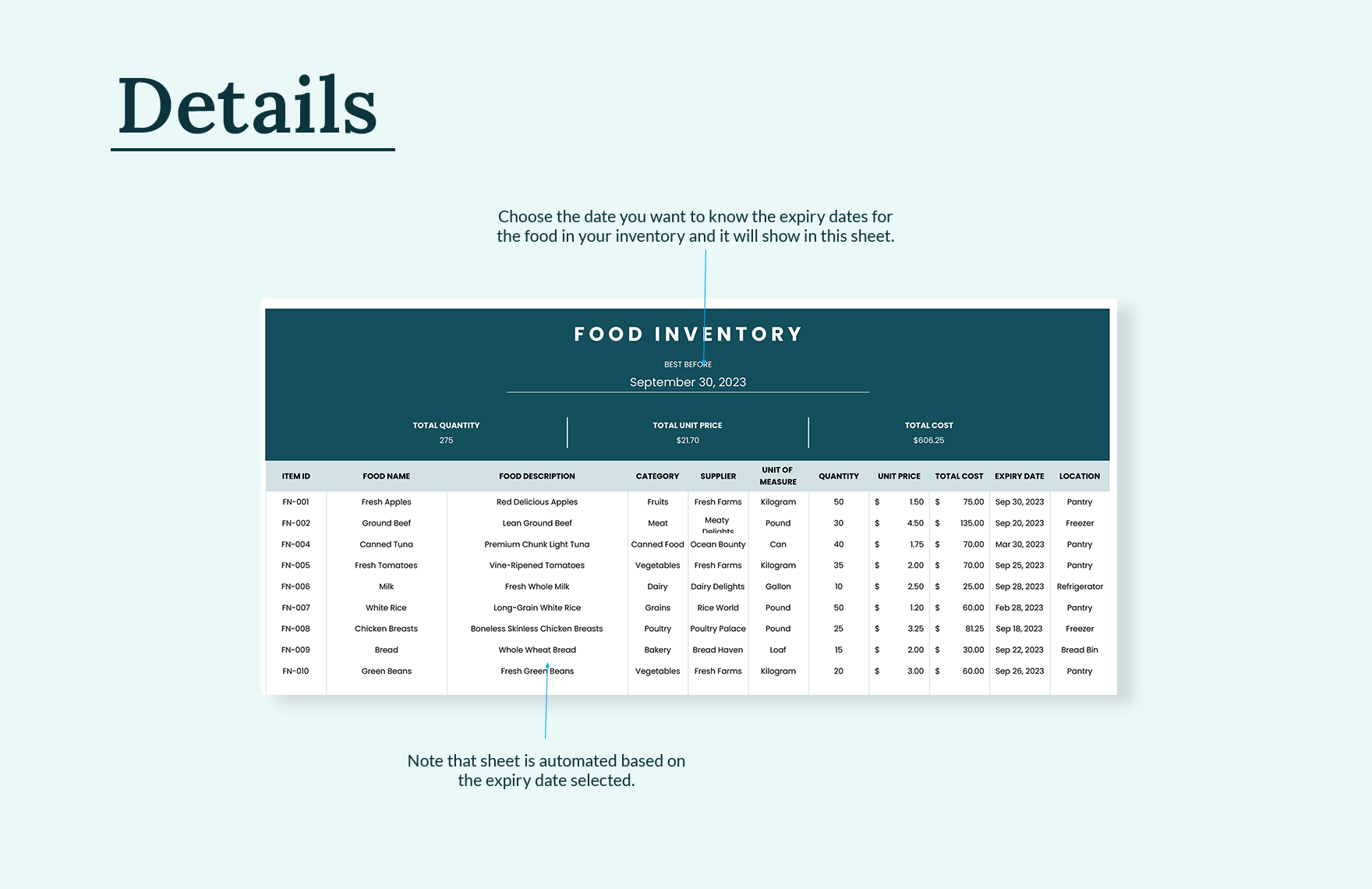
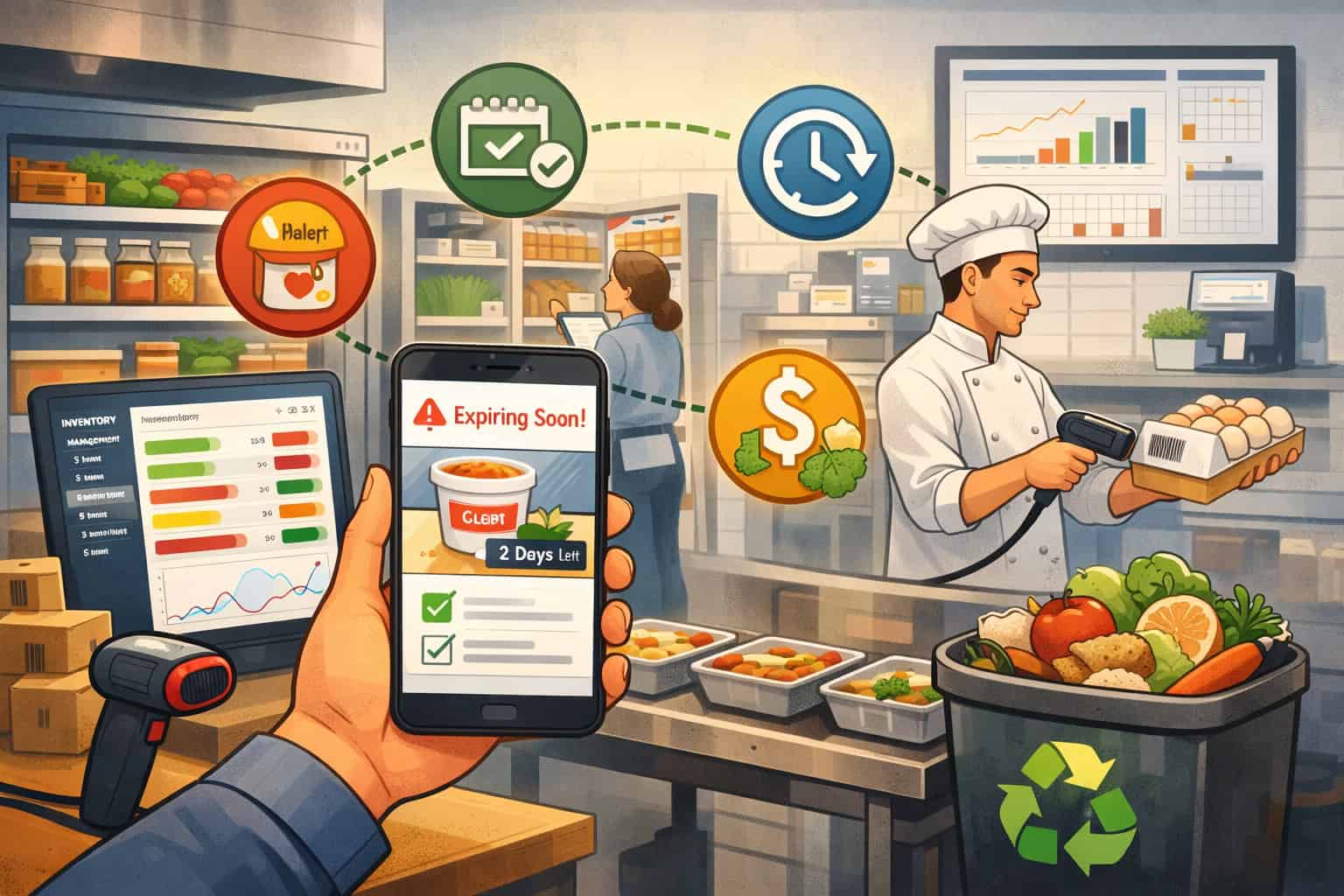
Yes, high-end systems include a "Shelf-Life" field for every ingredient. When an item is received, the system calculates its expiration date and can send alerts to the kitchen display system (KDS) to prioritize the use of older stock, adhering to strict food safety standards.
Practical Recommendation for 2026
To get the most out of a food inventory program, start by focusing on your "Top 20" items—the 20% of ingredients that represent 80% of your total food spend (usually proteins, dairy, and high-volume produce). Ensure these recipes and counts are perfect before expanding to low-cost items like salt or garnishes. By mastering the high-value items first, you capture the majority of the financial benefit with a fraction of the administrative effort. For long-term success, schedule a "System Audit" every quarter to ensure your recipe links still match what the chefs are actually plating in the kitchen.
Image Gallery