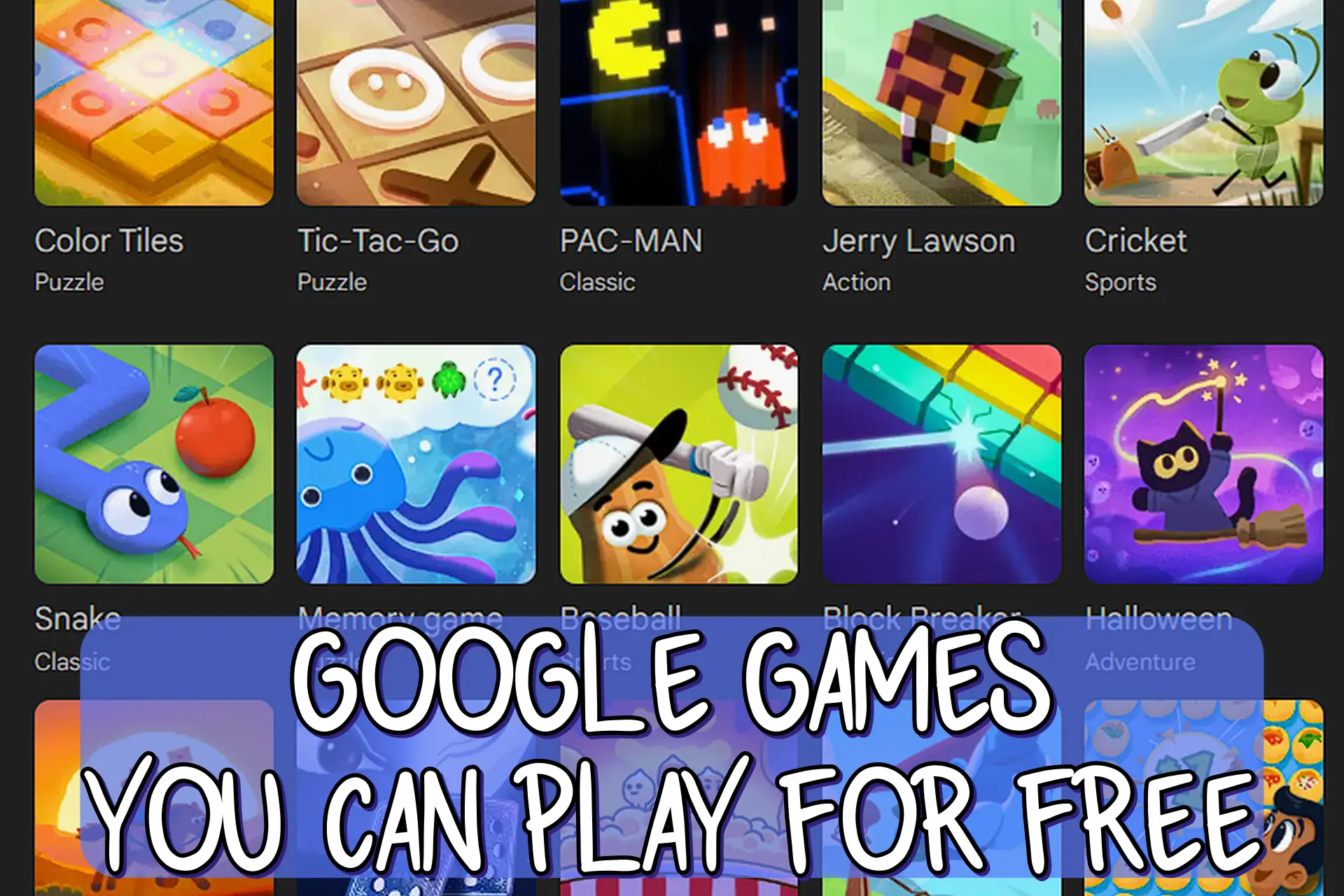
Enjoy Free Games That You Can Play Instantly: Your Complete Access Guide
To enjoy free games that you can play instantly, you can access browser-based gaming platforms, cloud gaming demo tiers, and lightweight web portals that require zero downloads, installations, or hardware upgrades. These titles utilize...
To enjoy free games that you can play instantly, you can access browser-based gaming platforms, cloud gaming demo tiers, and lightweight web portals that require zero downloads, installations, or hardware upgrades. These titles utilize modern web standards like HTML5 and WebGL to run directly inside desktop and mobile web browsers with minimal loading times.
Contents
The modern digital entertainment landscape offers endless avenues for quick entertainment, but searching for reliable ways to enjoy free games that you can play instantly can sometimes feel overwhelming. With thousands of web pages, app stores, and streaming applications competing for your attention, separating secure, high-performing gaming options from low-quality portals is essential. Instant-play gaming removes traditional barriers such as lengthy download bars, hardware compatibility restrictions, and complex installation wizards. Whether you are taking a brief break at a workstation, traveling with a mobile device, or seeking lightweight entertainment on an older laptop, understanding how to source and run these titles efficiently will transform your digital leisure time.
Understanding Instant-Play Gaming Technology
Instant-play gaming relies on advanced web technologies that shift the computational burden from your local machine's dedicated graphics processing unit (GPU) to your web browser's engine or a remote cloud server. Historically, playing video games required purchasing physical media or downloading multi-gigabyte files that demanded high-end processing hardware. Today, the convergence of open web standards has revolutionized this dynamic.
The Role of HTML5 and WebGL
The backbone of modern browser-based entertainment is HTML5, accompanied by cascading style sheets (CSS) and JavaScript. Unlike older technologies that relied on proprietary browser plugins like Adobe Flash—which suffered from severe security vulnerabilities and performance bottlenecks—HTML5 operates natively within all major modern web browsers.
WebGL (Web Graphics Library) further empowers developers by bringing hardware-accelerated 3D and 2D graphics to web pages without requiring standalone client software. When you load a title on a reputable web portal, your browser compiles the code locally, utilizing your device's multi-core processor and integrated or dedicated graphics chip to render complex visual assets on the fly. This means you can experience visually rich puzzle titles, arcade revivals, and fast-paced strategy options within seconds of clicking a link.
Cloud Gaming and Remote Rendering
Beyond local browser rendering, instant access has expanded through cloud gaming infrastructure. Services like Xbox Cloud Gaming, GeForce NOW, and specialized web portals stream compressed video feeds of titles running on powerful remote data centers while instantly transmitting your controller or keyboard inputs back to the server.
While full cloud gaming often requires stable, high-speed broadband connections and sometimes a paid subscription, many platforms offer free tier trials, playable demos, and lightweight web apps that let you jump straight into complex titles without local hardware limitations.
Essential Prerequisites and System Requirements
While instant-play titles demand far fewer resources than traditional installed software, meeting basic technical prerequisites ensures a smooth, stutter-free experience.
Browser Compatibility and Updates
Your web browser is your primary gaming console. To maximize compatibility with modern web standards, you should utilize an up-to-date version of popular browsers such as Google Chrome, Mozilla Firefox, Microsoft Edge, or Apple Safari.
Older browser iterations may lack support for crucial WebGL extensions, leading to graphical corruption, missing audio assets, or complete failure to load interactive elements. Regularly checking for browser updates keeps your software secure and optimizes memory management for active gaming sessions.
Hardware and Network Specifications
Even though games run locally via your browser, performance depends on your device's available random-access memory (RAM) and central processing unit (CPU) clock speed.
- RAM: A minimum of 4GB of system RAM is recommended for basic 2D browser titles, while 8GB or higher is ideal for heavy 3D WebGL applications or multi-tab multitasking.
- Display Resolution: Standard 1080p displays handle most browser layouts effortlessly, though high-DPI 4K screens may require scaling adjustments inside your browser settings to prevent performance drag.
- Network Stability: Instant-play relies on continuous data retrieval. A stable broadband connection with low latency (ping) ensures that asset streaming and multiplayer synchronization occur without frustrating interruptions.
| Feature / Requirement | 2D / Casual Browser Games | 3D WebGL & Cloud Streaming |
|---|---|---|
| Minimum RAM | 2 GB - 4 GB | 8 GB or higher |
| Recommended Browser | Chrome, Firefox, Edge, Safari | Latest Chrome, Edge, or Safari |
| Internet Speed | 5 Mbps - 10 Mbps | 25 Mbps+ (Stable Broadband) |
| Storage Space Required | 0 MB (Browser Cache Only) | 0 MB (Temporary Cache) |
| Hardware Acceleration | Optional but helpful | Mandatory |
Navigating and Selecting Reliable Gaming Platforms
Finding safe environments to enjoy free games that you can play instantly requires caution. The internet hosts numerous generic aggregators, but focusing on reputable portals protects your device from intrusive adware, malicious scripts, and excessive pop-up advertisements.
Characteristics of Safe Gaming Portals
Reputable instant-play platforms prioritize user safety and streamlined navigation. When evaluating a new portal, look for the following trust indicators:
- HTTPS Encryption: Ensure the URL begins with
https://, indicating that data transferred between your browser and the server is encrypted. - Transparent Privacy Policies: Legitimate sites clearly outline how they handle cookies, user analytics, and third-party advertising tracking.
- Clean Interface Design: High-quality platforms avoid deceptive banner ads that mimic system download buttons or error dialogs.
Categorizing Game Genres for Instant Play
Browser and web-based libraries cater to diverse tastes. Organizing your search by genre helps you find experiences tailored to your available time window:
- Arcade and Action: Fast-paced platformers, endless runners, and shoot-em-ups that require quick reflexes and offer immediate scoring loops.
- Puzzle and Strategy: Logic challenges, match-three variants, chess, and tower defense titles designed for thoughtful, relaxed progression.
- Card and Board Classics: Digital adaptations of solitaire, poker, mahjong, and checkers that scale effortlessly across mobile and desktop screens.
- Multiplayer .io Titles: Massively multiplayer browser games where dozens of participants compete in real-time arenas with zero registration barriers.
Step-by-Step Guide to Launching and Playing
Accessing instant-play entertainment is designed to be frictionless. Follow this systematic approach to ensure optimal performance during your gaming session.
- Open Your Preferred Browser: Launch an updated web browser on your PC, Mac, tablet, or smartphone.
- Navigate to a Trusted Portal: Enter the URL of a verified web-based gaming platform or select a featured title from an official developer page.
- Check Audio and Display Settings: Before starting, look at the corner of the game frame for native volume controls and a fullscreen toggle button. Maximizing the canvas enhances immersion.
- Review Input Controls: Most browser titles utilize standard keyboard commands (such as Arrow Keys or WASD for movement, and the Spacebar for action) or touch gestures on mobile devices. Review the on-screen tutorial or instruction panel.
- Clear Cache if Errors Occur: If a title freezes on a loading screen, clear your browser cache or open an incognito window to eliminate conflicting extension data.
Common Pitfalls and Troubleshooting Strategies
Even with advanced web architecture, users occasionally encounter technical hurdles. Recognizing common issues allows for rapid resolution without frustrating downtime.
Performance Lag and Frame Rate Drops
If a title stutters or experiences severe input delay, check your browser's hardware acceleration setting. Disabling or re-enabling hardware acceleration in your browser's advanced settings menu often resolves rendering bottlenecks. Additionally, closing resource-heavy background applications, such as video streaming services or unused browser tabs, frees up vital CPU cycles.
Audio Synchronization and Missing Assets
Sometimes audio tracks fail to play or become unsynchronized with visual action. Modern browsers enforce strict autoplay policies to prevent intrusive sound ads. If a game remains silent, click anywhere inside the game canvas to grant the browser permission to play audio, or check your system volume mixer to ensure the specific browser tab isn't muted.
Frequently Asked Questions
Do I need to create an account to enjoy free games that you can play instantly?
No. The primary advantage of instant-play gaming is anonymity and accessibility. Most platforms allow you to load and play titles immediately without registration. Accounts are typically optional and used solely for saving high scores, tracking progression, or participating in community leaderboards.
Are browser-based games safe from malware and viruses?
Reputable HTML5 and WebGL games run within a secure browser sandbox, meaning they cannot directly access your computer's operating system file structure or install unauthorized software. However, you should avoid clicking on suspicious external advertisements or downloading files from unverified third-party portals.
Can I play these instant games on my mobile smartphone or tablet?
Yes. Modern mobile browsers fully support HTML5 and touch input mapping. Many instant-play platforms feature responsive designs that automatically scale game interfaces to fit smaller portrait or landscape touchscreens without requiring dedicated mobile app store downloads.
Why do some instant games show advertisements before loading?
Advertisements serve as the primary revenue model for free web-based gaming platforms, enabling developers and publishers to maintain server infrastructure and offer content without subscription fees. Using reputable ad-blockers can sometimes block necessary game scripts, so adjusting blocklists for trusted sites may be required.
How do I save my progress if a game doesn't have an account system?
Most browser games utilize local storage (such as browser cookies or HTML5 Web Storage) to save your current level, score, or configuration settings directly on your device. Clearing your browser data or browsing history may erase these local save files, so check if the game supports cloud saving or export codes if long-term progression is important.
Conclusion and Next Actions
Enjoying free games that you can play instantly provides an efficient, low-barrier way to experience interactive entertainment across any modern device. By utilizing secure web browsers, choosing reputable gaming portals, and understanding basic hardware optimization, you can access a vast library of arcade, puzzle, and multiplayer titles within seconds. To begin your experience today, open an updated browser, select a verified platform matching your favorite genre, check your audio settings, and launch your first title directly in the browser window.
Image Gallery