The Comprehensive SVG Stripes Overview: Implementation, Patterns, and Optimization
SVG stripes are scalable vector graphics created using the pattern element or linear gradients to produce repeating linear motifs. In 2026, these are the preferred method for web backgrounds and UI accents because they offer infinite s...
SVG stripes are scalable vector graphics created using the pattern element or linear gradients to produce repeating linear motifs. In 2026, these are the preferred method for web backgrounds and UI accents because they offer infinite scalability, tiny file sizes, and the ability to be manipulated programmatically via CSS or JavaScript. Whether used for progress bars, decorative sections, or data visualization textures, SVG stripes provide a high-performance alternative to traditional raster image patterns.
Contents
The Fundamentals of SVG Striped Patterns
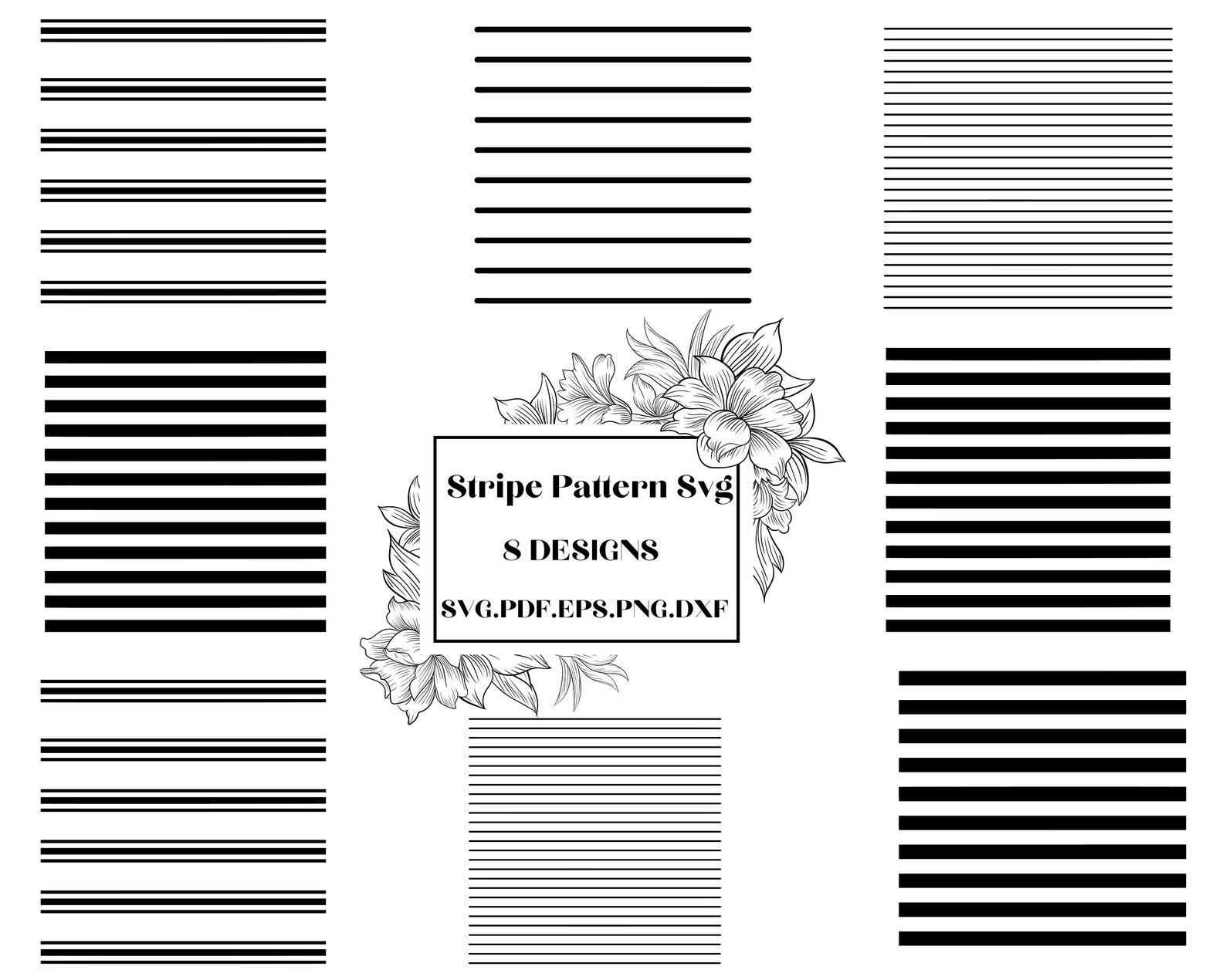
At its core, an SVG stripe is a repetitive visual element defined within a coordinate system. Unlike a standard image, an SVG (Scalable Vector Graphic) describes geometry. To create stripes, developers typically define a single "tile" or "cell" of the stripe and tell the browser to repeat that tile across a larger area.
The primary mechanism for this is the pattern element, which resides within the defs (definitions) section of an SVG file. The pattern acts as a blueprint. Once defined, it can be referenced by its unique ID in the fill attribute of any shape, such as a rectangle, circle, or complex path. This separation of the "paint" (the stripes) from the "canvas" (the shape) is what makes SVG stripes incredibly versatile for modern responsive design.
In the current 2026 design landscape, stripes are frequently used to provide tactile depth to flat interfaces. Because SVGs are XML-based, these stripes are accessible to screen readers when properly labeled and can be styled dynamically to match user preferences, such as dark mode or high-contrast accessibility settings.
Core Techniques for Creating SVG Stripes
There are three primary ways to generate stripes within an SVG environment, each suited for different technical requirements and performance profiles.
1. The Pattern Element Method
The pattern element is the most robust way to create stripes. You define a small square or rectangle, draw a single stripe inside it using a rect or path, and set the patternUnits to userSpaceOnUse. This ensures the stripes stay a consistent size regardless of the size of the object they are filling.
One of the most important attributes here is the width and height of the pattern tile. For vertical stripes, you might set a tile width of 10 pixels and a height of 10 pixels, with a single 5-pixel wide rectangle inside. When the browser renders this, it tiles the 5-pixel rectangle every 10 pixels, creating a perfect striped effect.
2. Linear Gradient Method
For simpler stripes, particularly those used in UI elements like progress bars, the linear-gradient is often more efficient. By using "hard color stops," you can create the appearance of stripes without the overhead of the pattern element.
A hard color stop occurs when two colors are assigned to the exact same percentage point (e.g., a blue stop at 50% and a white stop at 50%). This removes the transition gradient, resulting in a sharp line. When combined with the spreadMethod set to repeat, a simple gradient can fill a massive area with stripes using only a few lines of code.
3. Manual Pathing
In rare cases where stripes must follow a specific, non-repeating geometric flow or irregular spacing, developers may draw each stripe as an individual line or path element. While this increases the DOM (Document Object Model) size, it allows for total control over every individual stripe’s stroke-width, opacity, and position. This is common in high-end data visualizations where stripes might represent specific data density.
Mathematics of Diagonal Stripes
Diagonal stripes are notoriously more complex to implement than horizontal or vertical ones due to the requirements of "seamless tiling." For a diagonal stripe to look continuous as it repeats, the start and end points of the stripe must align perfectly on the edges of the pattern tile.
The most common approach is to use a square tile and draw a path that hits the corners or specific mid-points. For a 45-degree angle, the path often involves drawing a line from the top-left to the bottom-right, but also adding small "corner" pieces in the opposite corners to fill the gaps created when the tiles are stacked.
Mathematically, if the tile is W by H, the stripe must be calculated using the Pythagorean theorem to ensure the thickness (stroke-width) remains consistent across the diagonal. In 2026, most developers use specialized SVG generators to handle this geometry, as manual calculation can lead to "seam lines"—tiny 1-pixel gaps that appear if the coordinates are off by even a fraction of a unit.
Performance and Optimization Considerations
While SVG is generally lightweight, poorly optimized stripes can impact browser rendering performance, especially on mobile devices or lower-powered hardware.
- Minimize DOM Nodes: Using a single pattern element to fill a large rectangle is significantly faster than drawing 500 individual line elements. The browser treats the pattern as a single paint operation.
- Vector Precision: Limit the number of decimal places in your coordinates. Attributes like x="10.5555555" should be rounded to x="10.56" or even x="10" to reduce file size without a perceptible loss in visual quality.
- External vs. Inline: For stripes used across multiple pages, save the SVG as an external file. This allows the browser to cache the graphic, improving load times across the entire site. Inline SVGs are better for unique, one-off decorative elements that need to be manipulated by CSS on the fly.
- Shape Simplification: If your stripes are part of a complex background, ensure the underlying shape they are filling is as simple as possible. Filling a complex 5,000-point path with a pattern requires more CPU power than filling a simple rectangle.
Comparison of SVG Stripe Implementation Methods
The following table compares the most common methods for implementing stripes to help determine the best fit for your specific project requirements.
| Method | Best Use Case | Performance | Complexity | Responsiveness |
|---|---|---|---|---|
| SVG Pattern | Complex backgrounds, repeating textures | High | Moderate | Excellent (Scale-independent) |
| CSS Linear Gradient | Simple UI elements, progress bars | Very High | Low | Good (Fixed to element size) |
| Individual Paths | Data visualization, irregular patterns | Low | High | Poor (Heavy DOM load) |
| Stroke-Dasharray | Animated border stripes, loading states | High | Moderate | Moderate |
Troubleshooting Common Issues
When working with SVG stripes, several common issues can arise, particularly regarding how they render across different browsers.
Problem: Seams or Gaps between Tiles This usually occurs due to sub-pixel rendering. If your pattern tile has a width of 10.5 pixels, some browsers may struggle to align the tiles perfectly.
- Solution: Stick to integer values for tile dimensions whenever possible. Additionally, adding a tiny overlap (making the internal stripe slightly larger than the tile boundary) can mask these seams.
Problem: Stripes Disappearing on Zoom Some older rendering engines fail to recalculate pattern fills correctly when the user zooms in or out on a webpage.
- Solution: Ensure your viewBox is properly defined and that you are using userSpaceOnUse for the pattern units. This anchors the pattern to the coordinate system rather than the object's size.
Problem: Color Mismatch in Dark Mode Hard-coded hex values in an SVG pattern will not automatically change when a user switches to dark mode.
- Solution: Use currentColor as the fill or stroke value within your SVG. This allows the stripes to inherit the text color defined in your CSS, making them automatically responsive to theme changes.
Frequently Asked Questions
How do I make SVG stripes transparent?
Transparency in SVG stripes is achieved by adjusting the opacity attribute of the shapes within the pattern or by using RGBA/HSLA color values. If you want the background of the stripes to be transparent, simply do not include a background rectangle in the pattern definition. Only the stripes themselves will be rendered, allowing the element's underlying color to show through the gaps.
Are SVG stripes better for SEO than PNG patterns?
Yes, for two main reasons. First, SVG code can be indexed by search engines, and you can include title and desc tags for better accessibility and context. Second, because SVG stripes are significantly smaller in file size than high-resolution PNGs, they improve page load speed, which is a critical ranking factor in 2026 search algorithms.
How can I animate SVG stripes?
Animation is typically handled via CSS. You can animate the background-position of an element filled with an SVG pattern to create a "marching ants" effect or a scrolling background. Alternatively, you can use the animate tag inside the SVG itself to change the stripe width or color over time, though CSS is generally preferred for performance and ease of control.
Can I use SVG stripes in CSS backgrounds?
Absolutely. You can reference an SVG file as a background-image in your CSS. For even better performance, you can "data-URI" the SVG code directly into your CSS file. This reduces the number of HTTP requests the browser has to make, though it should be used sparingly for larger or more complex patterns to avoid bloating the CSS file.
Why are my diagonal stripes blurry?
Blurriness is often a result of not aligning the SVG coordinates to the pixel grid. While SVGs are vectors, the browser still has to map them to physical pixels. If a stripe starts at a fractional coordinate like 0.5, the browser will anti-alias the edge, resulting in a soft or blurry look. Using shape-rendering="crispEdges" on your SVG elements can force the browser to render sharp lines, though this may disable anti-aliasing on curves.
Practical Recommendation
For most web projects in 2026, the SVG Pattern method is the optimal choice. It provides the best balance between file size, render quality, and maintainability. If you are building a design system, create a standardized set of SVG pattern definitions in a single "sprite sheet" file. This allows you to maintain consistent stripe angles and weights across your entire application by referencing the same IDs. For simple decorative lines on buttons or headers, stick to CSS linear-gradients to keep your DOM clean and your implementation straightforward.
Image Gallery