How to Obtain and Verify Your Max Life Insurance Premium Receipt
Securing your Max Life Insurance premium receipt is a straightforward process that can be completed through the insurer’s digital customer portal, mobile application, or by visiting an official branch office. This documentation serves...
Securing your Max Life Insurance premium receipt is a straightforward process that can be completed through the insurer’s digital customer portal, mobile application, or by visiting an official branch office. This documentation serves as essential proof of payment for financial records, income tax filings under Section 80C of the Income Tax Act, and internal policy audits.
Contents
Understanding the Importance of Your Premium Receipt
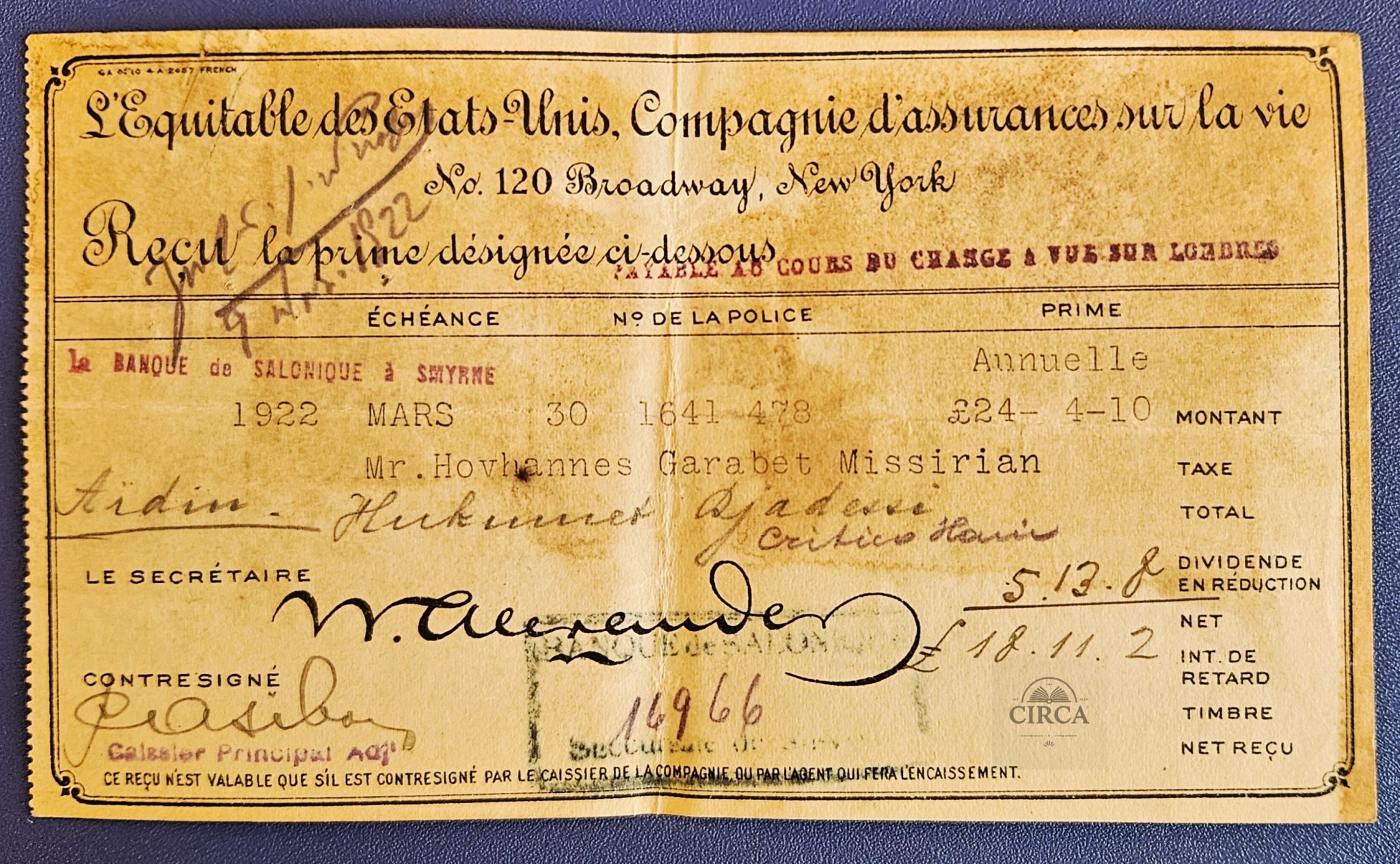
A premium receipt is the formal acknowledgment issued by an insurance company confirming that a policyholder has successfully remitted the payment required to maintain their coverage. For policyholders of Max Life Insurance, this document contains vital information, including the policy number, the specific period for which the premium has been paid, the transaction date, and the total amount credited.
Beyond simple confirmation, this document is a legal requirement for claiming tax deductions. In many jurisdictions, including India, where Max Life operates, premiums paid toward life insurance policies are eligible for tax benefits. The receipt acts as the primary evidence requested by tax authorities to verify that the policy remains in an active ("In-Force") state and that the payments align with the claimed deductions. Maintaining an organized digital or physical file of these receipts ensures that you can verify your policy status without delays during the claims process or annual tax assessment periods.
Digital Methods for Accessing Your Receipt
Max Life Insurance has centralized its services through a robust digital ecosystem. Most policyholders find that accessing their documents online is the most efficient method, as it eliminates the need for travel or physical mailing.
The Customer Portal
The primary digital gateway is the official Max Life Insurance customer portal. To download your receipt:
- Navigate to the official Max Life Insurance website and locate the "Customer Login" section.
- Enter your registered mobile number, email address, or policy number along with your password or a One-Time Password (OTP) sent to your registered device.
- Once logged in, navigate to the "My Policy" or "Payments" dashboard.
- Select the option labeled "Premium Payment Receipt" or "Statement of Accounts."
- Choose the specific financial year or premium installment for which you require the document.
- The receipt will typically be available as a downloadable PDF file, which you can save to your local device or print directly.
The Mobile Application
For users who prefer mobile accessibility, the Max Life Insurance mobile app offers a similar user experience. The application provides a streamlined interface for viewing payment history. Once logged into the app, you can usually find your receipts under the "Profile" or "Policy Services" tab. Digital receipts generated via the app carry the same legal weight as those printed from the desktop portal.
Manual and Offline Verification Procedures
While digital self-service is encouraged, some policyholders may require a hard copy stamped with an official company seal, or they may face issues with their digital registration. If you are unable to access the online portal, the following alternatives remain available:
- Visiting a Branch Office: You can visit the nearest Max Life Insurance branch office with your policy document and a valid form of identification. A customer service representative can print your premium receipt on official letterhead. This is often the preferred method for individuals who require certified copies for legal or dispute-resolution purposes.
- Requesting via Customer Support: You may contact the Max Life Insurance helpline. By verifying your identity through security questions, you can request that the company email a copy of your premium statement to your registered email address. Ensure that the email address on file is current to avoid the transmission of sensitive financial data to an unauthorized account.
- Email Correspondence: Sending a formal request to the official company support email address, quoting your policy number, is another way to receive documentation. Note that response times for email requests may vary, and you should ensure you are using the official, verified support address found on your policy bond.
Troubleshooting Common Receipt Issues
Policyholders occasionally encounter discrepancies or technical hurdles when attempting to retrieve their receipts. Identifying the root cause is the first step toward resolution.
| Issue | Potential Cause | Suggested Action |
|---|---|---|
| Receipt not found | Payment not processed | Verify bank statement for the debit; wait 24–48 hours for system reconciliation. |
| Login failure | Outdated credentials | Use the "Forgot Password" feature or update your contact details via a branch. |
| Incorrect details | Mismatched records | Contact support to ensure your contact information matches the policy database. |
| PDF download error | Browser cache or compatibility | Clear your browser cache or try an alternative browser/device. |
If you have made a payment and it does not reflect in your account after 72 hours, it is critical to contact Max Life Insurance support immediately. Keep your transaction reference number (UTR or transaction ID provided by your bank) ready, as this is the primary evidence needed to trace a missing payment.
Tax Implications and Documentation Standards
In the context of fiscal planning, the premium receipt is more than just a confirmation; it is a vital tax instrument. In India, premiums paid for yourself, your spouse, and your dependent children are deductible under Section 80C.
To maximize the utility of your receipts for tax purposes:
- Ensure Accuracy: Verify that your PAN (Permanent Account Number) is correctly linked to your insurance policy. This ensures that the premium details are correctly captured for your tax filings.
- Timing of Payment: Ensure the payment is made within the financial year for which you intend to claim the benefit. Payments made after the financial year concludes may not count toward that year's tax deduction.
- Keep Backups: Store digital receipts in a secure cloud folder. Relying solely on the insurer’s portal can be risky if you ever decide to discontinue online account management or if the portal undergoes significant structural changes.
Frequently Asked Questions (FAQ)
1. Can I download receipts for previous financial years? Yes, most insurance portals allow you to access the last several years of your payment history. Log into the portal and look for the "Premium Payment History" or "Statement" section, where you can select the specific fiscal year.
2. Does the digital receipt carry the same validity as a physical one? Yes. Digital receipts generated through the official Max Life Insurance portal or app are electronically signed and are legally recognized for tax purposes and audit requirements.
3. What should I do if my payment was deducted from my bank but the receipt is not generated? Do not panic. It can take up to three working days for a payment to be reconciled in the insurer's system. If the status remains "Pending" or "Not Found" after this period, contact customer service with your transaction ID.
4. Can I get a consolidated receipt for all policies I hold? Usually, receipts are generated per policy. If you have multiple policies, you will likely need to download a separate receipt for each one unless your portal offers a "Consolidated Statement" feature.
5. How can I ensure my receipt is genuine? Only download receipts from the official Max Life Insurance domain. Avoid sharing your policy details or login credentials with third-party sites claiming to provide "easy" access to insurance documents.
Next Steps for Policyholders
To maintain a clean financial record, perform a quarterly audit of your insurance payments. Log into the Max Life Insurance portal every three months to verify that all premium payments have been successfully credited to your policy account. If you discover a missing payment or an incorrect entry, resolving it immediately prevents complications during the annual renewal cycle or when filing your taxes. If you have not registered your email address with the insurer, do so as soon as possible, as it is the most reliable channel for receiving payment confirmations and official tax certificates directly from the company.
Image Gallery