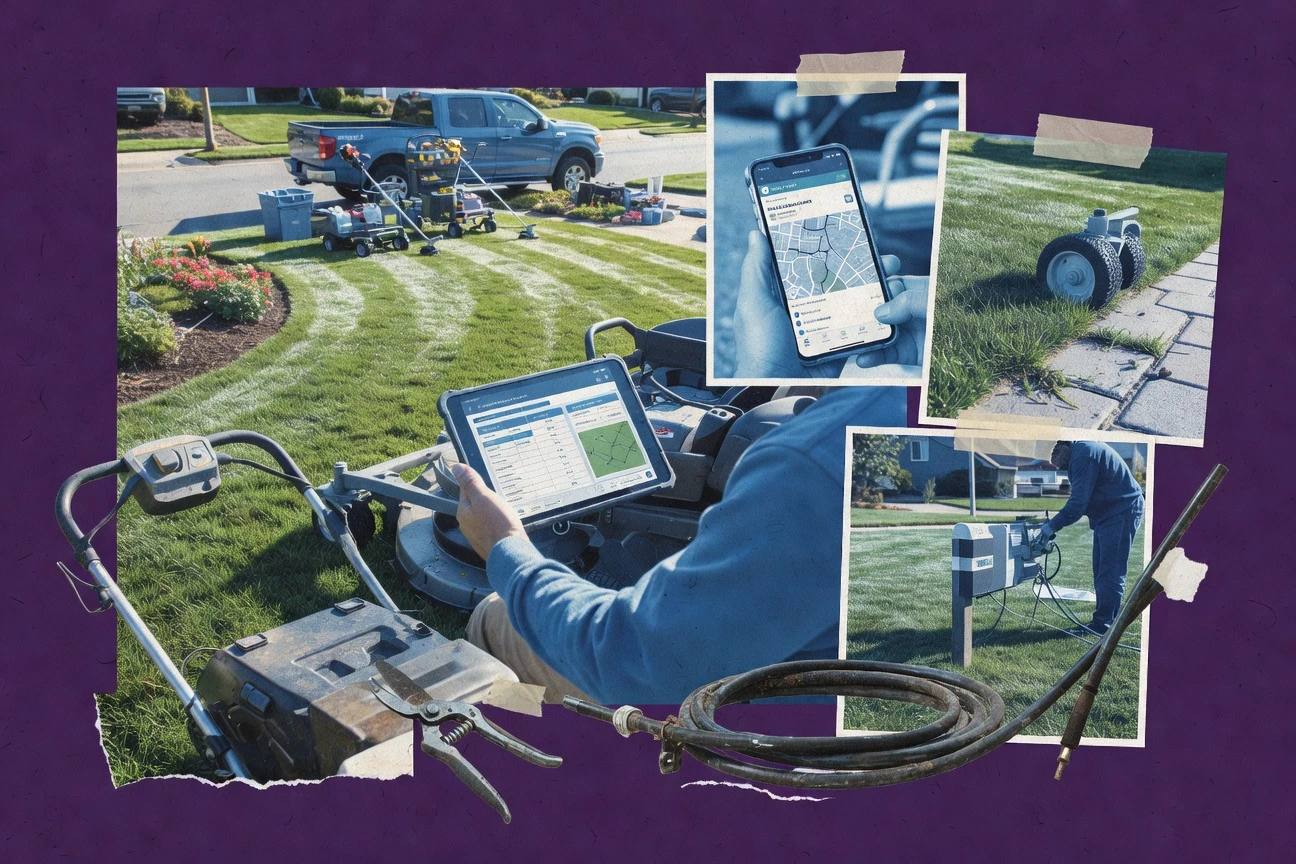
Comprehensive Guide to Lawn Care Software Plans and Features
In 2026, lawn care software plans typically range from $29 to over $500 per month, structured into starter, professional, and enterprise tiers. Core features include automated scheduling, GPS-optimized routing, integrated payment proce...
In 2026, lawn care software plans typically range from $29 to over $500 per month, structured into starter, professional, and enterprise tiers. Core features include automated scheduling, GPS-optimized routing, integrated payment processing, and chemical application tracking, all designed to centralize field operations and scale landscaping business profitability through data-driven management.
Contents
The Evolution of Lawn Care Management in 2026
The green industry has undergone a significant digital transformation, moving away from fragmented spreadsheets and manual whiteboards toward integrated Field Service Management (FSM) systems. By 2026, lawn care software is no longer a luxury but a fundamental requirement for maintaining competitiveness in a market defined by high fuel costs and increasing labor shortages. These platforms serve as the "digital nervous system" for a business, connecting the back office to the crew in the field and the customer at home.
Modern software plans are designed to solve the primary friction points of lawn maintenance: inefficient travel paths, delayed billing, and poor client communication. As we look at the current landscape, the focus has shifted from simple record-keeping to predictive analytics and automated workflows. This evolution ensures that even small solo-operator businesses can project the professional image of a much larger corporation while maintaining the lean overhead necessary for sustainable growth.
Core Features of Modern Lawn Care Software
To understand which plan fits your business, you must first evaluate the features that drive the most ROI. In 2026, these features are categorized into operational efficiency, financial management, and customer experience.
Advanced Scheduling and Dispatching
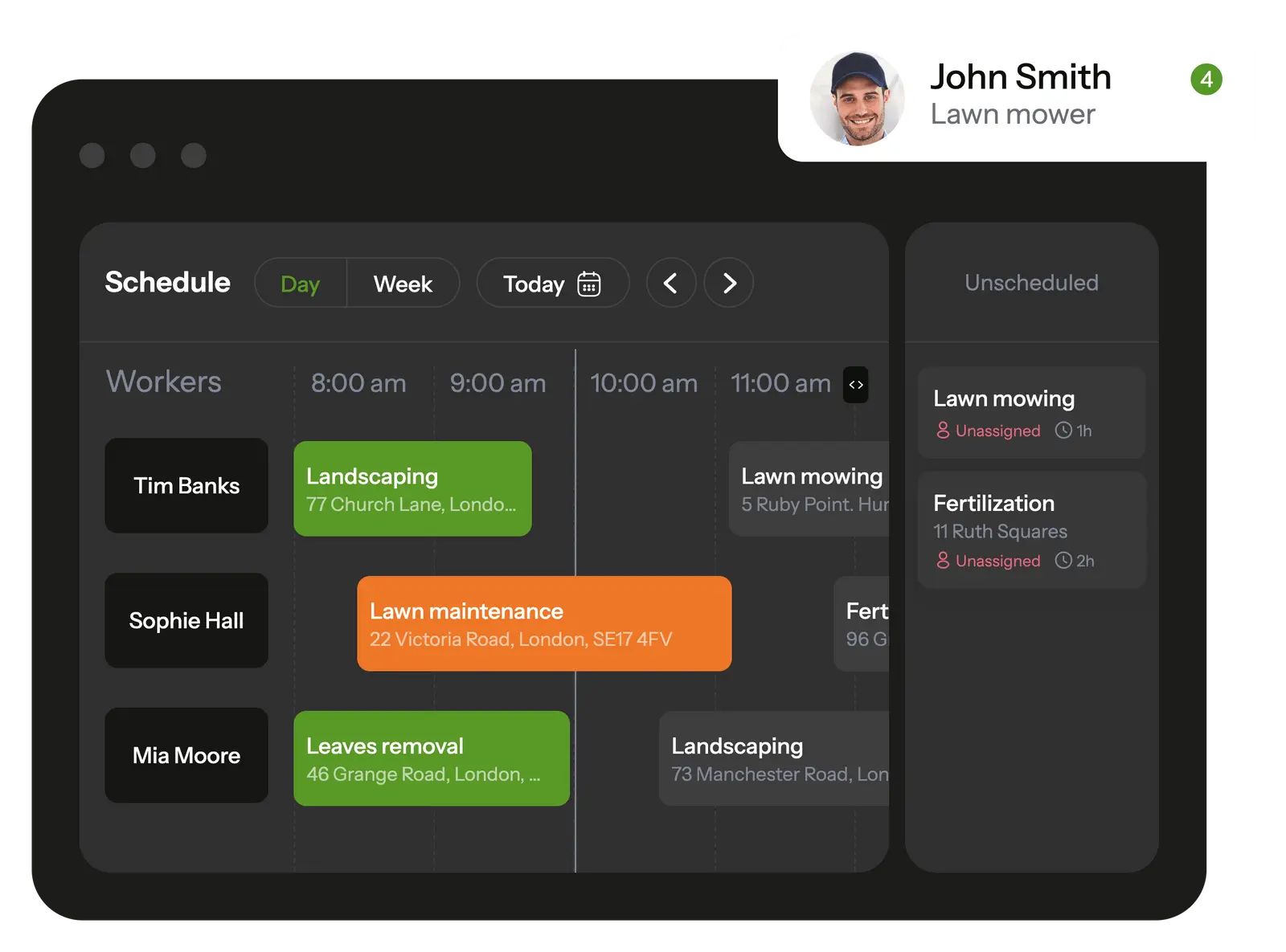
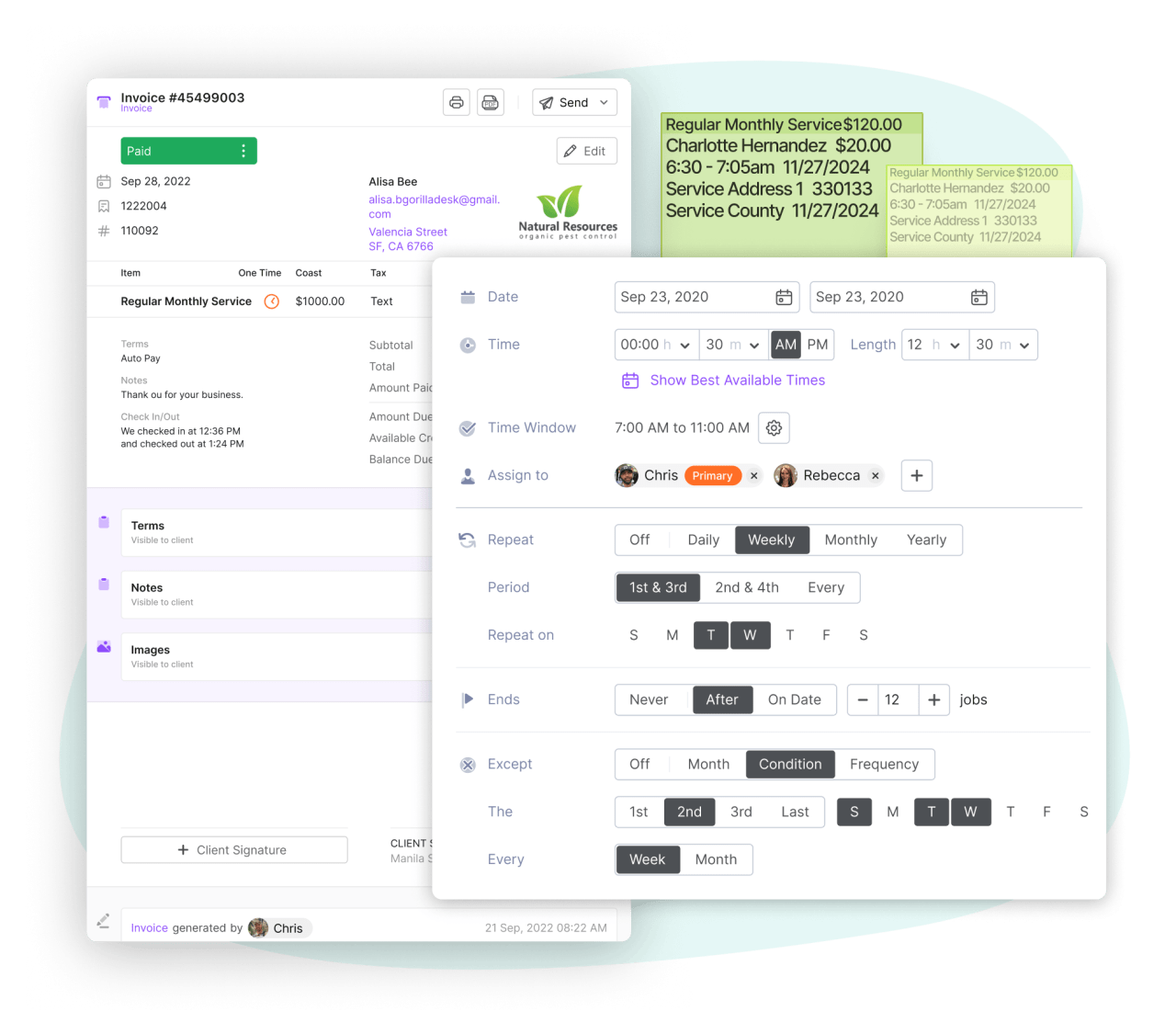
The heart of any lawn care platform is its scheduling engine. Unlike general calendar apps, specialized lawn care software accounts for recurring services, seasonal shifts, and "wait-list" management for weather-dependent tasks like fertilization or aeration.
Advanced plans now feature drag-and-drop dispatching boards that update in real-time. If a crew finishes a mow early, the office can instantly see their status via GPS and assign a nearby one-time task. This minimizes "windshield time"—the unpaid hours spent driving—and maximizes "wrench time" or "mow time," which directly impacts the bottom line.
Intelligent Route Optimization
With fuel prices remaining volatile in 2026, route optimization has become a critical feature. Basic plans might offer simple sequencing, but professional-grade tiers utilize multi-stop route optimization algorithms. These tools analyze traffic patterns, equipment requirements, and job density to create the most efficient path for every truck in the fleet.
By reducing total mileage by even 10-15%, a mid-sized lawn care company can save thousands of dollars annually. Furthermore, integrated GPS tracking provides proof of service, protecting businesses against "no-show" claims and helping managers verify that crews are adhering to the optimized routes.
Integrated CRM and Communication Portals
Customer Relationship Management (CRM) in 2026 goes beyond storing phone numbers. It includes a comprehensive Client Portal where homeowners can view their service history, approve estimates, and pay invoices.
Automated communication is a hallmark feature of higher-tier plans. This includes:
- On-the-way notifications: Automated SMS alerts when the crew is five minutes away.
- Service summaries: Post-job emails with photos of the finished lawn and notes on any issues found (e.g., "identified brown patch fungus").
- Automated follow-ups: System-generated reminders for seasonal services like fall cleanups or spring mulching.
Tiered Pricing Structures and Plan Comparisons
Software providers generally group their features into three or four distinct tiers to accommodate businesses at different stages of growth. Understanding these tiers is essential for selecting a plan that provides necessary tools without overpaying for unused complexity.
The Starter/Solo Tier
Designed for owner-operators or small teams with 1-2 crews, these plans focus on the basics.
- Typical Cost: $29–$80 per month.
- Key Features: Basic scheduling, invoicing, lead management, and a mobile app for the field.
- Limitations: Often limits the number of active customers or office users. Advanced reporting and automated marketing are usually excluded.
The Professional/Growth Tier
This is the most popular tier for established businesses looking to scale. It focuses on automation and team management.
- Typical Cost: $150–$300 per month.
- Key Features: Full route optimization, automated SMS/email marketing, QuickBooks/Xero two-way sync, and employee time tracking.
- Benefits: This tier often removes "per-user" caps, allowing the business to add more crews without a linear increase in software costs.
The Enterprise/Premier Tier
For multi-location companies or those with large fleets, enterprise plans provide deep customization and data control.
- Typical Cost: $500+ per month (often custom quoted).
- Key Features: Open API access for custom integrations, advanced job costing modules, dedicated account managers, and multi-branch reporting.
- Benefits: High-level data visualization helps owners identify which neighborhoods are most profitable and which crews are performing most efficiently.
Comparative Feature Matrix for 2026
| Feature | Starter Plan | Professional Plan | Enterprise Plan |
|---|---|---|---|
| User Limit | 1-2 Users | 5-15 Users | Unlimited |
| Route Optimization | Basic Sequencing | Full AI Optimization | Fleet-Wide Dynamics |
| Invoicing | Manual/Single | Batch/Automated | Multi-Entity Billing |
| Client Portal | View Only | Full Interaction | Custom Branded Portal |
| Chemical Logs | Manual Entry | Integrated Compliance | Automated Regulatory Reporting |
| QuickBooks Sync | One-Way | Two-Way Real-Time | Advanced ERP Integration |
| Marketing Automation | Not Included | Included (Email/SMS) | Full Campaign Management |
Specialized Features for Lawn and Landscape Professionals
While many field service apps exist, specific "Green Industry" features are what separate lawn care software from general plumbing or HVAC tools.
Property Intelligence and Measurement
In 2026, leading software integrates with high-resolution satellite imagery to allow for remote property measurements. Instead of driving to a site to measure square footage for a fertilization quote, estimators can use built-in tools to "draw" the turf area on their screen. This data is then used to calculate exactly how much product (seed, fertilizer, or mulch) is required, ensuring accurate bidding and material ordering.
Chemical Application Tracking and Compliance
For businesses offering fertilization and weed control, regulatory compliance is a major operational hurdle. Professional-grade software includes dedicated pesticide and herbicide log features. These tools automatically record the weather conditions, wind speed, and chemicals used at the time of application, as required by many state and federal environmental agencies like the Environmental Protection Agency (EPA). Having this data integrated into the job record protects the business during audits and provides transparency to the customer.
Job Costing and Profitability Analysis
High-tier plans offer real-time job costing. By combining data from employee time sheets (captured via the mobile app) and material costs (pesticides, fuel, and equipment depreciation), the software calculates the actual gross profit of every single visit. This allows owners to see if they are underbidding specific properties or if certain services are no longer viable due to rising labor costs in 2026.
Common Mistakes When Selecting a Plan
Choosing the wrong software or tier can lead to "shelfware"—expensive tools that your team never fully adopts.
- Over-complicating the Workflow: Smaller businesses often purchase an Enterprise-tier plan because they want "the best," only to find that the setup time and complexity overwhelm their staff. It is often better to start with a Professional tier and upgrade as your internal processes mature.
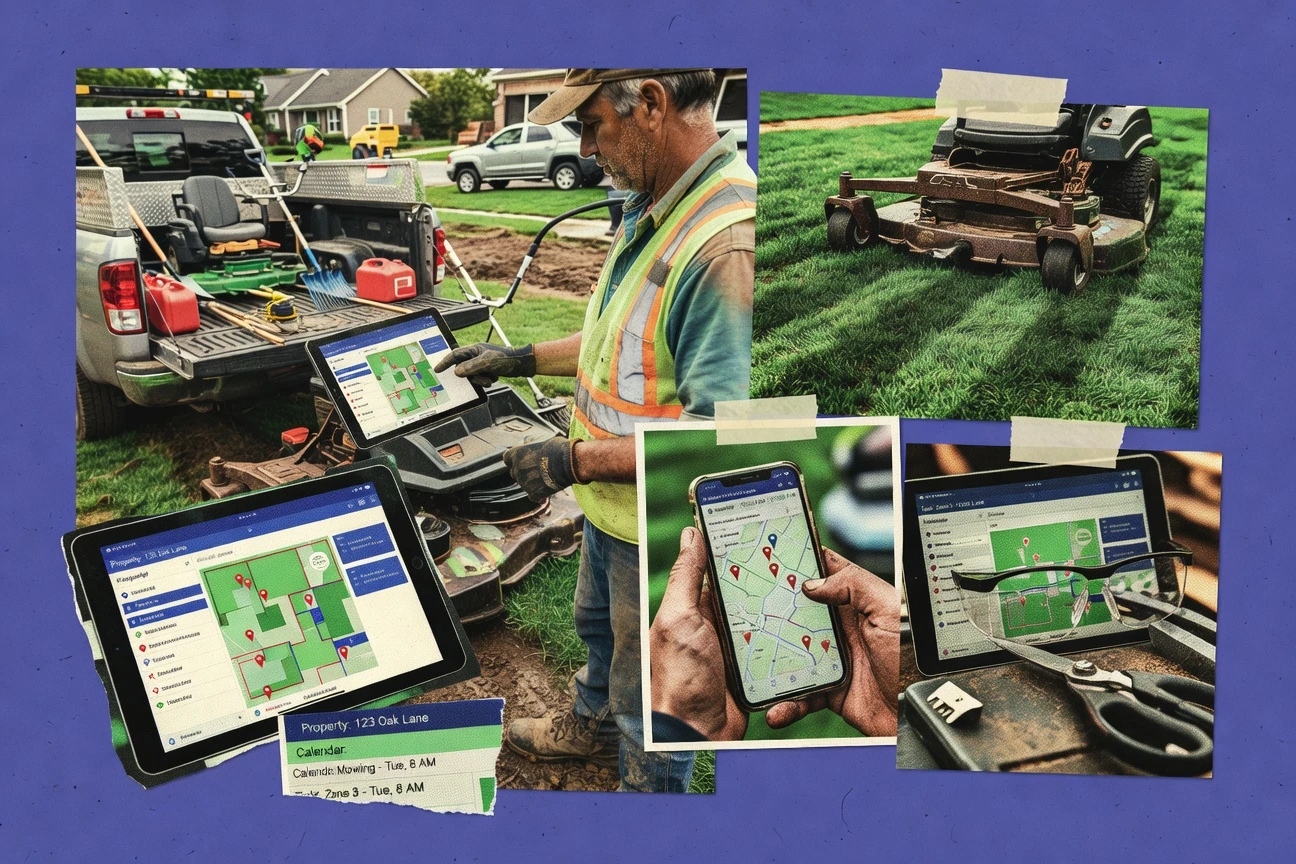
- Ignoring the Mobile Experience: Since the majority of your data is generated in the field, the crew's mobile app must be intuitive. If the app is buggy or requires too many clicks to complete a job, crews will revert to paper, and your data integrity will collapse.
- Underestimating Migration Time: Moving data from one system to another is rarely "instant." Ensure your chosen provider offers data migration services or a clear import pathway for your existing customer lists and service histories.
Frequently Asked Questions
Is there free lawn care software available in 2026?
There are "freemium" versions of certain platforms, such as Yardbook, which offer basic scheduling and invoicing for free. However, these usually charge a higher percentage for credit card processing or lack essential features like route optimization and automated reminders that are necessary for growth.
Do these plans include credit card processing fees?
No, software subscription fees are separate from payment processing fees. Most lawn care software integrates with processors like Stripe or Square, which typically charge between 2.5% and 3.5% per transaction. Many modern platforms allow you to automatically pass these fees to the customer as a "convenience fee" where legally permitted.
Can I track my equipment and mowers with this software?
Professional and Enterprise plans often include Asset Management modules. This allows you to track maintenance schedules for your zero-turns, blowers, and trucks based on hours used or miles driven, helping prevent expensive equipment failures during the peak season.
Does the software work without an internet connection?
Most high-quality lawn care apps in 2026 offer an "Offline Mode." This allows crews to clock in, take photos, and complete jobs in areas with poor cellular reception. The data then syncs automatically once the device re-establishes a connection.
How does the software handle rain delays?
Modern platforms include a "Bulk Reschedule" feature. If a rainstorm prevents work on a Tuesday, you can select all jobs for that day and shift them to Wednesday or the next available slot with a few clicks. The system can then automatically notify all affected customers of the change via SMS.
Final Recommendations for Business Owners
When selecting a lawn care software plan in 2026, prioritize scalability and integration. Start by auditing your current workflow: if you spend more than five hours a week on routing or billing, a Professional-tier plan will likely pay for itself in labor savings within the first month.
Before committing to a yearly contract, utilize 14-day free trials to test the mobile app in the field. Focus on how easily a crew member can start a job, record a chemical application, and upload a photo. In the green industry, the best software is the one that your team actually uses every day. Your next step should be to list your "must-have" features—such as QuickBooks sync or property measurement—and request demos from at least three providers to compare their interface and support levels.
Image Gallery