How Modern Operating Systems Benefit Everyday Users in 2026
An operating system serves as the essential intermediary between your computer hardware and your applications. For everyday users, it provides a user-friendly interface, manages file storage, ensures data security through encryption, a...
An operating system serves as the essential intermediary between your computer hardware and your applications. For everyday users, it provides a user-friendly interface, manages file storage, ensures data security through encryption, and coordinates hardware resources, allowing you to browse, create, and communicate without needing technical programming knowledge or manual hardware configuration.
Contents
Hardware Management: The Silent Foundation
One of the most significant benefits of a modern operating system (OS) is its ability to manage complex hardware components silently in the background. In 2026, the average personal computer contains billions of transistors, sophisticated Graphics Processing Units (GPUs), and specialized Neural Processing Units (NPUs) for artificial intelligence. Without an OS, a user would have to manually write code just to tell the computer how to display a single character on the screen or how to save a file to a Solid State Drive (SSD).
The OS uses drivers, which are small pieces of software that act as translators between the hardware and the OS. When you plug in a new printer or a web camera, the OS identifies the device and loads the appropriate driver. This "Plug and Play" functionality, which has reached near-perfection in 2026, ensures that everyday users can expand their workstation's capabilities without ever seeing a command prompt.
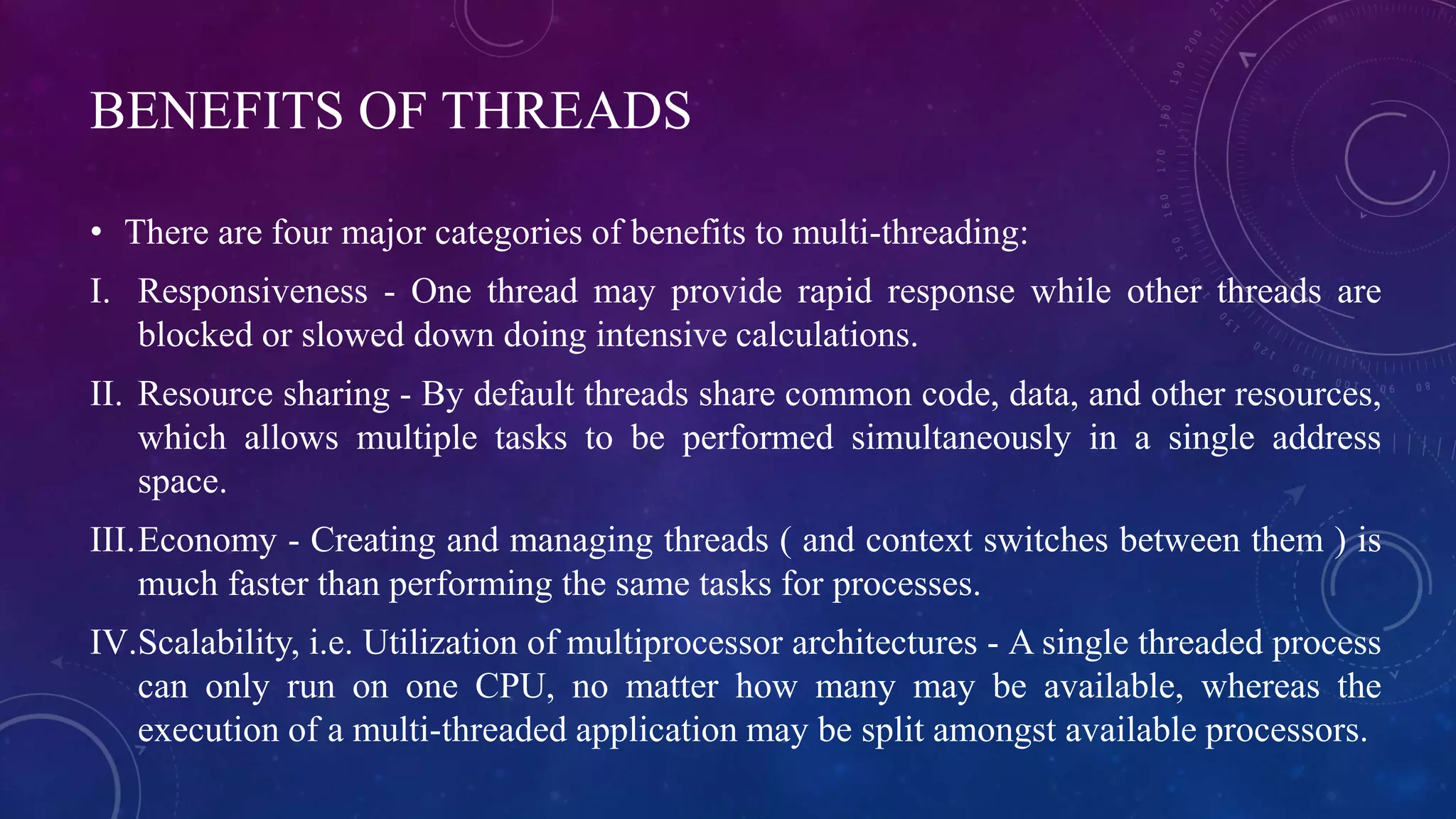
Furthermore, the OS handles resource allocation. When you have multiple browser tabs, a video call, and a word processor open simultaneously, the OS kernel decides how much Central Processing Unit (CPU) power and Random Access Memory (RAM) each task receives. This prevents a single "hungry" application from freezing the entire system, ensuring a smooth experience even on entry-level hardware.
User Interfaces and Digital Accessibility
The most visible benefit of an operating system is the Graphical User Interface (GUI). Modern systems like Windows 11, macOS, and various Linux distributions have evolved beyond simple windows and icons. In 2026, these interfaces are designed around "natural interaction," incorporating touch, voice, and even gesture control.
For the everyday user, the GUI removes the barrier of syntax. Instead of typing "mkdir /users/documents/work," a user simply right-clicks and selects "New Folder." This visual representation of data makes computing intuitive for all age groups, from children to seniors.
Accessibility features have also become a core OS benefit. Modern operating systems include built-in screen readers for the visually impaired, live captioning for the hearing impaired, and eye-tracking support for those with limited mobility. By integrating these tools directly into the system level, the OS ensures that every application—not just those specifically designed for accessibility—can be used by everyone. This inclusivity is a primary driver of digital equity in 2026.
Security and Privacy in the Modern Era
In 2026, cyber threats are more sophisticated than ever, making the security benefits of an OS indispensable. Modern operating systems employ sandboxing, a technique where applications are run in isolated environments. If a user accidentally downloads a malicious file through their browser, the sandbox prevents that file from accessing sensitive system files or personal photos.
Operating systems also provide robust identity protection through biometrics. Technologies such as Windows Hello or Apple's FaceID and TouchID use the OS's secure enclave to store biometric data locally. This means your password isn't just a string of characters that can be stolen in a data breach; it is a physical link to your identity that never leaves the hardware.
Additionally, background updates are a critical benefit. In 2026, OS vendors use "delta updates"—small, invisible patches that fix security vulnerabilities without requiring the user to restart their computer or even notice the download. This proactive defense keeps everyday users safe from "zero-day" exploits that target unpatched software.
Software Ecosystems and Seamless Compatibility
An operating system defines the software ecosystem available to a user. Whether you are a student needing Microsoft Office, a creative professional using the Adobe Creative Cloud, or a casual user playing games on Steam, the OS provides the Application Programming Interfaces (APIs) that allow these programs to run.
By 2026, the benefit of "ecosystem synergy" has become a major selling point. If you use a mobile device and a desktop with compatible operating systems (such as iOS and macOS or Android and Windows via "Link to Windows"), your OS manages a shared clipboard, synchronized notifications, and seamless file transfers. This level of integration means that your workflow is no longer tied to a single physical box but follows you across devices.
| OS Type | Primary Benefit for Everyday Users | Best For | Hardware Requirements |
|---|---|---|---|
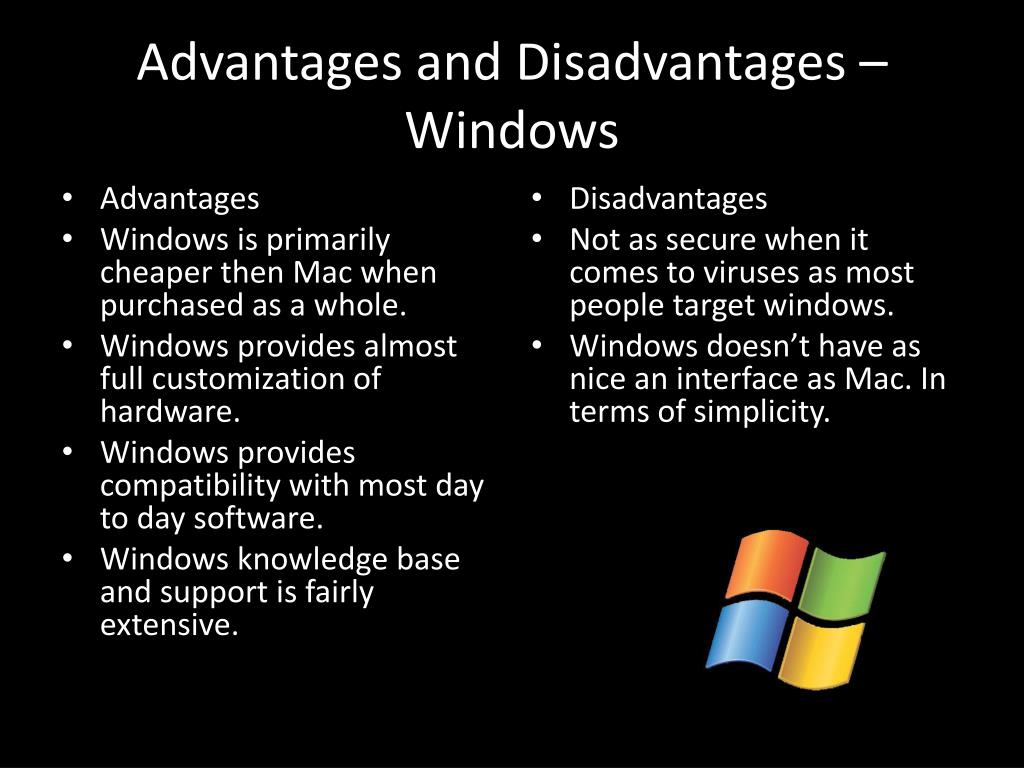
| Windows | Maximum software and gaming compatibility. | Students, Gamers, Business. | Moderate to High (TPM 2.0 required). |
| macOS | High stability and ecosystem integration. | Creatives, Students, iPhone users. | Specific Apple Silicon hardware. |
| ChromeOS | Simplicity, speed, and cloud-first design. | Seniors, Education, Light web use. | Low (runs well on budget hardware). |
| Linux (Mint/Ubuntu) | High privacy and zero cost. | Privacy advocates, Tech enthusiasts. | Very Low (recycles older computers). |
File Management and Cloud Integration
The way we store information has shifted, and the operating system has adapted to make this transition effortless. In 2026, the line between local storage (your hard drive) and cloud storage (OneDrive, iCloud, or Google Drive) is almost non-existent. The OS manages a File System (like NTFS or APFS) that organizes your data into a logical hierarchy of folders and files.
For the everyday user, the benefit is twofold: organization and recovery. Modern file explorers include powerful search indexing, allowing you to find a document by typing a single keyword found inside the file, rather than just the filename.
Furthermore, "File History" or "Time Machine" features provide automated backups. If you accidentally delete a wedding photo or a work presentation, the OS allows you to "roll back" the state of that folder to an earlier time. This safety net prevents the devastating data loss that was common in the early days of personal computing.
AI Integration: The New Frontier of OS Benefits
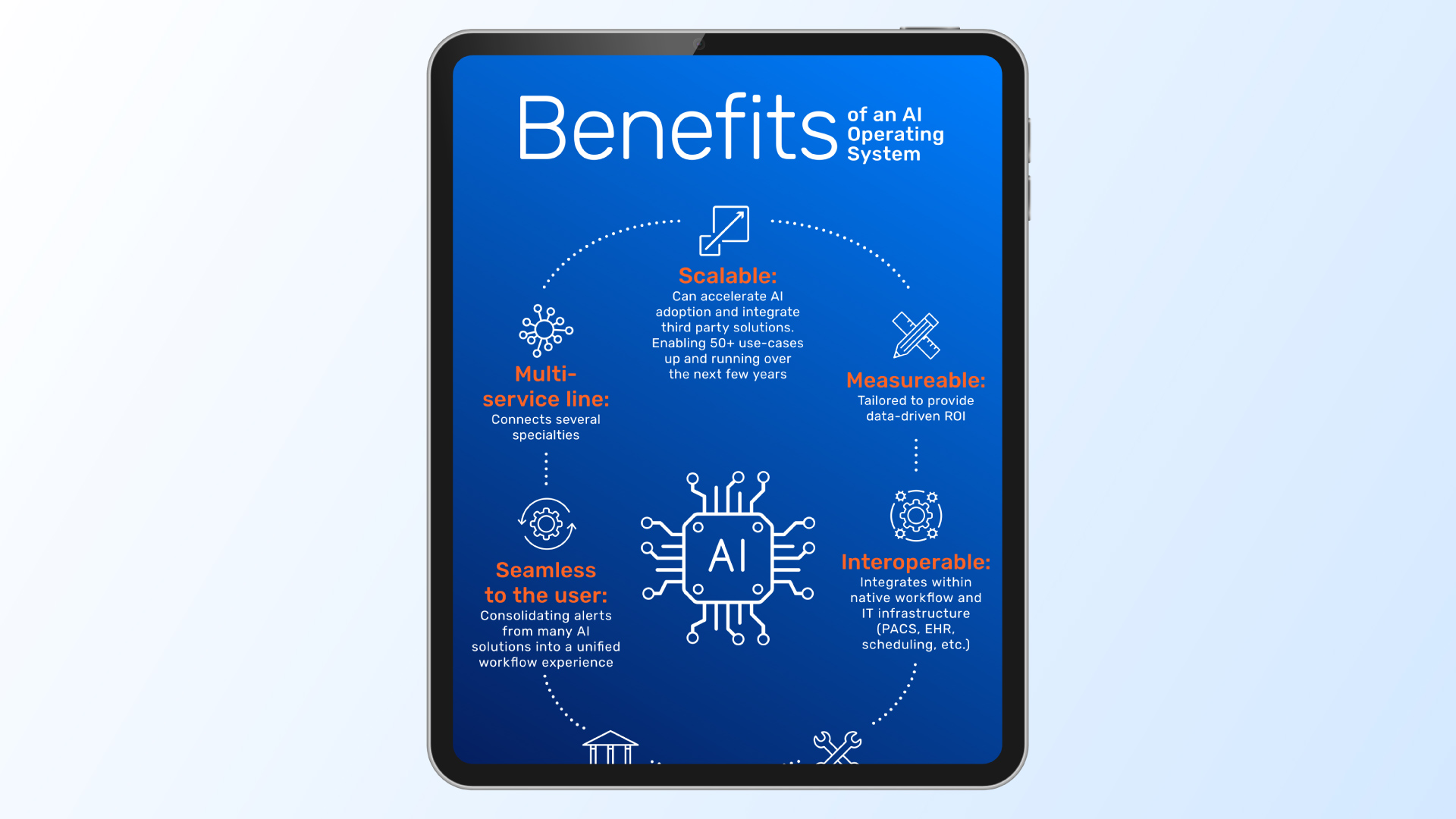
As of 2026, the defining feature of a modern operating system is integrated Artificial Intelligence. Unlike standalone chatbots, an OS-level AI (such as an evolved Microsoft Copilot or Apple Intelligence) has "contextual awareness." It understands what you are working on and can perform tasks across different apps.
For example, an everyday user can ask the OS to "summarize the last three emails from my landlord and add the rent due date to my calendar." The OS handles the communication between the email client and the calendar app. This automation of mundane tasks is perhaps the greatest productivity benefit for users today, as it reduces the number of clicks and mental energy required to manage a digital life.
Common Challenges and Troubleshooting
Despite the many benefits, operating systems are complex and can occasionally encounter issues. Understanding these common problems can help users maintain their systems more effectively.
- Software Bloat: Some systems come pre-installed with "bloatware"—unnecessary apps that consume resources. Users should periodically check their "Installed Apps" list to remove items they do not use.
- Update Interruptions: While updates are essential for security, they can occasionally cause compatibility issues with older printers or niche software.
- Storage Congestion: Even with cloud integration, local drives can fill up with temporary files. Modern OSs include "Storage Sense" or "Clean Up" utilities to help users reclaim space automatically.
- Driver Conflicts: Occasionally, a hardware update might cause a peripheral to stop working. The benefit of a modern OS is the "Roll Back Driver" feature, which allows users to return to a previously working state with one click.
Frequently Asked Questions
Why is an operating system necessary if I only use a web browser?
Even if you spend 100% of your time in a browser, you still need an OS to manage the connection to your Wi-Fi hardware, display the graphics on your monitor, and manage the battery life of your laptop. The browser itself is an application that relies on the OS to communicate with the internet and the computer's processor.
Do I have to pay for operating system updates in 2026?
For the vast majority of consumer operating systems like Windows 11, macOS, and ChromeOS, updates are provided at no additional cost for the supported life of the device. These updates are essential for security and to provide the AI features that are standard in 2026.
How does the OS protect my children online?
Most modern operating systems include "Family Safety" or "Screen Time" settings. These allow parents to set time limits on specific apps, filter adult content at the system level (regardless of which browser is used), and receive reports on digital activity. This built-in protection is often more effective than third-party parental control software.
Can I run a computer without an operating system?
Technically, no. Without an OS, a computer is just a collection of metal and silicon. It would power on, but you would be greeted by a black screen with no way to input commands or run software. The OS is the "soul" of the machine that makes the hardware useful.
Is Linux a viable option for a non-technical everyday user in 2026?
Yes. Distros like Linux Mint or Pop!_OS have become extremely user-friendly. They offer a "Software Center" that works just like an App Store, and for users who primarily use web-based tools (like Google Docs or Netflix), the experience is nearly identical to Windows or macOS, with the added benefit of better privacy and lower hardware requirements.
Practical Recommendation
To get the most out of your operating system in 2026, ensure that Automatic Updates are enabled and that you utilize the built-in Biometric Security options. For most users, Windows 11 remains the most versatile choice for general tasks and gaming, while macOS offers the best experience for those heavily invested in the Apple ecosystem. If your computing needs are strictly web-based, a Chromebook (ChromeOS) is the most cost-effective and low-maintenance option. Regardless of your choice, take the time to explore the Accessibility and Privacy settings to tailor the system to your specific needs and comfort levels.
Image Gallery