How to Listen to 610 WIP Online: A Complete Guide for Philadelphia Sports Fans
To listen to WIP Sports Radio online in 2026, the most reliable method is through the Audacy app or the official Audacy website. While the station historically broadcasted on 610 AM, the digital stream now primarily mirrors the 94.1 FM...
To listen to WIP Sports Radio online in 2026, the most reliable method is through the Audacy app or the official Audacy website. While the station historically broadcasted on 610 AM, the digital stream now primarily mirrors the 94.1 FM signal, providing 24/7 live Philadelphia sports talk, play-by-play coverage, and expert analysis.
Contents
The landscape of sports media has shifted significantly over the last decade, but for Philadelphia fans, the brand "610 WIP" remains synonymous with the pulse of the city's sports scene. Even though the station officially moved its primary FM home to 94.1 years ago, and the 610 AM frequency has seen various programming shifts, thousands of listeners still search for the legacy "610" digital connection. Accessing this stream in 2026 is simpler than ever, provided you know which platforms hold the exclusive broadcasting rights.
Understanding the Legacy of 610 WIP and Its Digital Transition
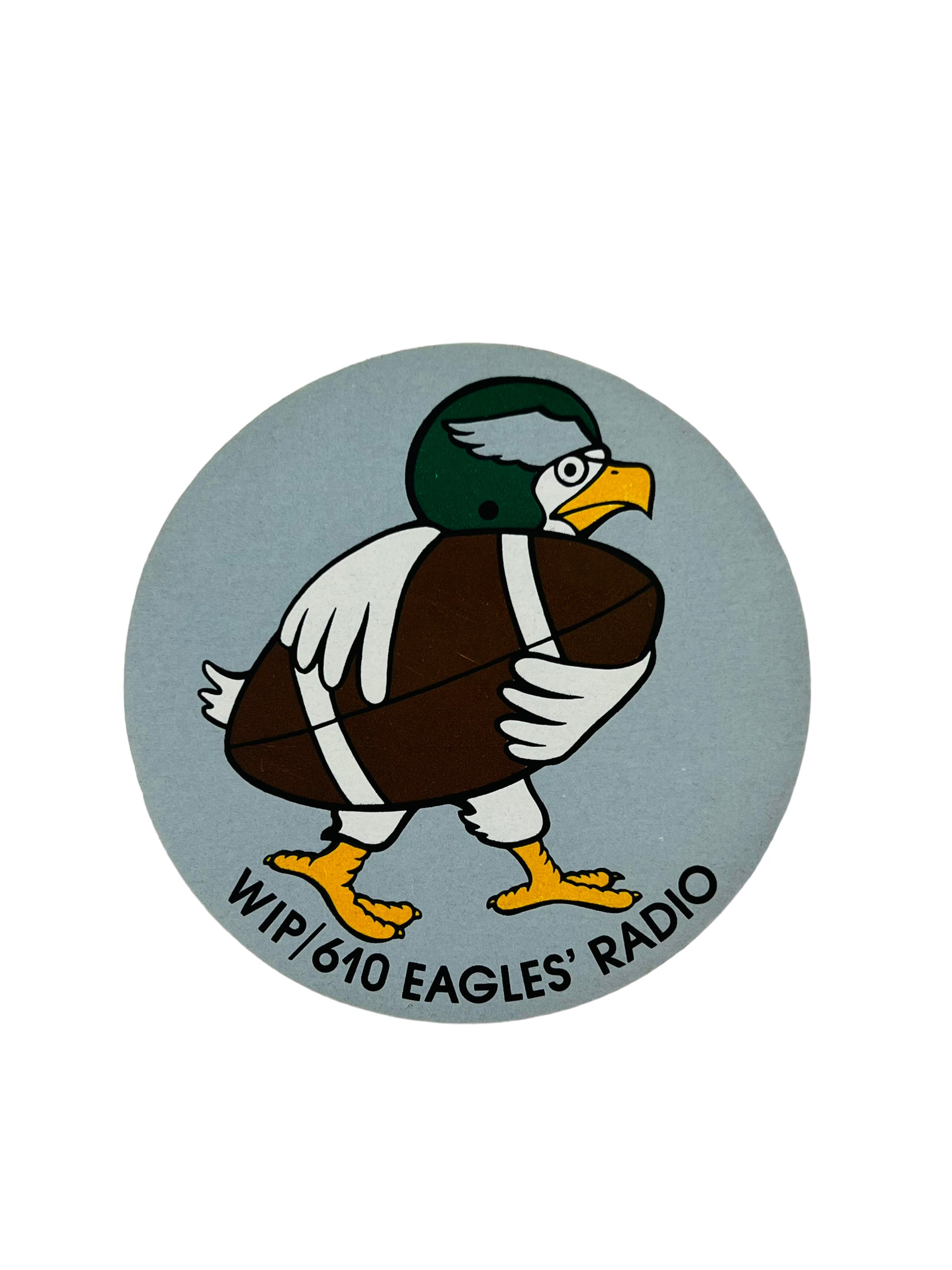
Before diving into the technical steps, it is important to clarify what "610 WIP" means in the current media environment. Historically, 610 AM was the home of legendary broadcasters and the primary source for Eagles, Phillies, Sixers, and Flyers talk. Today, the 610 AM frequency (WTEL) often carries national sports programming or specialized content, while the iconic "WIP" branding and its local daily hosts live on 94.1 FM and the digital landscape.
When you search for "how to listen to 610 WIP online," you are typically looking for the WIP Sports Radio stream. This stream includes the flagship local shows that have defined Philadelphia sports culture for generations. In 2026, all digital rights for this content are managed under the Audacy umbrella. Understanding this distinction is the first step toward a seamless listening experience, as searching for "610 AM" on some streaming apps may lead you to national feeds rather than the local Philadelphia personalities you expect.
The Primary Method: Using the Audacy Platform
As of 2026, Audacy is the exclusive digital home for WIP Sports Radio. Because Audacy owns the station, they provide the highest quality stream and the most stable connection. There are two main ways to access the stream through this platform: the mobile app and the desktop website.
Streaming via the Audacy App
The Audacy app is the preferred method for listeners who are on the go or using mobile devices like smartphones and tablets.
- Download the App: Visit the Apple App Store or Google Play Store and search for "Audacy." The app is free to download.
- Location Services: Upon opening the app, it will request permission to use your location. This is crucial because sports broadcasting rights (especially for live NFL or MLB games) are often restricted to certain geographic regions.
- Search for WIP: Use the search bar within the app and type "WIP" or "94.1 WIP." You will see the familiar station logo.
- Favorite the Station: Tap the heart icon or "Follow" button to add WIP to your home screen for one-tap access in the future.
One of the significant advantages of the Audacy app in 2026 is the "Rewind" feature. If you miss the start of a legendary rant or a breaking news segment, the app allows you to scrub back through the live broadcast up to several hours, a feature not available on traditional terrestrial radio.
Streaming via the Audacy Website
If you are working at a computer or prefer not to install an app, the web-based player is highly effective.
- Navigate to the official Audacy website.
- In the "Stations" or "Search" section, look for 94.1 WIP.
- Click the "Play" button at the bottom of the browser window.
The web player is compatible with all modern browsers, including Chrome, Safari, Firefox, and Microsoft Edge. It utilizes HTML5 streaming, which ensures low latency and high-fidelity audio without the need for outdated plugins like Flash.
Listening via Smart Speakers and Voice Commands
In 2026, voice-activated technology is one of the most popular ways to listen to sports talk radio at home or in the office. Devices like Amazon Echo (Alexa) and Google Nest (Google Home) integrate directly with the Audacy service.
Amazon Alexa Instructions
To listen on an Alexa-enabled device, you may need to enable the Audacy skill first. You can do this via the Alexa app on your phone or by saying, "Alexa, enable the Audacy skill." Once enabled, use the following commands:
- "Alexa, play WIP on Audacy."
- "Alexa, play Ninety-Four One WIP."
Tip: If you simply say "Play 610 WIP," Alexa may default to a national sports feed or an unrelated station on the 610 frequency. Always specify "on Audacy" to ensure you get the local Philadelphia stream.
Google Nest and Home Instructions
Google devices generally do not require a specific "skill" to be enabled. You can simply use the "Cast" feature from your phone or use voice commands:
- "Hey Google, play 94.1 WIP on Audacy."
- "Hey Google, stream WIP Sports Radio."
In-Car Streaming and Connectivity
While traditional AM/FM radio is still available in most vehicles in 2026, many listeners prefer the digital stream for its superior audio quality and lack of signal interference (especially the static often associated with the old 610 AM signal).
Apple CarPlay and Android Auto
If your vehicle supports CarPlay or Android Auto, the Audacy app will automatically appear on your car's dashboard interface once your phone is connected. This allows you to safely navigate shows and podcasts using your car's touchscreen or steering wheel controls.
Bluetooth Audio
For older vehicles, simply start the stream on your phone via the Audacy app and connect your phone to the car's audio system via Bluetooth. This is a reliable workaround for vehicles that do not have integrated smart apps.
Technical Specifications and Requirements
To ensure an uninterrupted listening experience, your internet connection and device settings must meet certain criteria. Streaming audio is less demanding than video, but "dead spots" in coverage can still cause frustrating buffering.
| Requirement | Specification | Notes |
|---|---|---|
| Minimum Bandwidth | 128 kbps | Stable 3G, 4G, 5G, or Wi-Fi is sufficient. |
| Data Consumption | ~60MB per hour | Important for users on limited mobile data plans. |
| Browser Support | HTML5 Compatible | Chrome 80+, Safari 13+, Edge 80+. |
| Mobile OS | iOS 15+ / Android 10+ | Required for the latest Audacy app versions in 2026. |
| Geofencing | Location-based | Certain live play-by-play may be restricted to the Philly market. |
Troubleshooting Common Connection Issues
Even with the best technology, you may encounter issues while trying to listen to WIP online. Here are the most common problems and their solutions:
1. The Stream Won't Load or Is Buffering
This is usually caused by a weak internet connection or a "hung" app. Try toggling your Wi-Fi off and back on to reset the connection. If that fails, clear the cache of your Audacy app in your phone's settings or refresh your browser page.
2. "Content Not Available in Your Region"
This error typically occurs during live game broadcasts (Eagles, Phillies, etc.). Professional sports leagues have strict territorial rights. If you are outside the Philadelphia market, the digital stream may be "blacked out" during the game, even if the pre-game and post-game talk shows are available. In these cases, you may need a league-specific subscription (like NFL+ or MLB.tv) to hear the play-by-play.
3. Audio Desync or Lag
Digital streams naturally have a delay of 30 to 60 seconds compared to a live transistor radio. This is normal and is due to the time required to encode, transmit, and buffer the audio data. If the delay is several minutes, pause the stream and hit "Play" again to jump to the "Live" point.
4. App Crashing on Startup
Ensure you are running the latest version of the Audacy app. Developers frequently release updates to fix bugs related to new phone operating system versions. Check the App Store or Play Store for pending updates.
Alternative Platforms: Are There Other Options?
While Audacy is the official home, you might wonder if other popular radio apps like TuneIn or iHeartRadio carry WIP. As of 2026, WIP is generally not available on iHeartRadio because it is a direct competitor to Audacy.
TuneIn may carry the station in some regions, but it often directs users back to the Audacy platform or carries a limited version of the feed. For the most consistent experience, including access to the full archive of local shows and podcasts like The Morning Show or The Marks & Reese Show, the official Audacy platforms remain the gold standard.
Why Listen Online Instead of via Radio?
In 2026, the shift toward digital listening is driven by more than just convenience. Digital streams offer High-Definition (HD) audio, which eliminates the "tinny" sound and static interference associated with AM radio and the signal fading that happens with FM when driving behind buildings or through tunnels.
Furthermore, the digital platform serves as a hub for On-Demand Content. Every major WIP show is recorded and uploaded as a podcast shortly after the live broadcast ends. If you missed a specific interview with an Eagles coach or a Phillies player, you can find the "best of" clips and full-hour segments within the same app you use for live streaming.
Final Recommendation for Philadelphia Sports Fans
To get the best "610 WIP" experience in 2026, download the Audacy app and create a free account. Creating an account allows you to sync your favorite stations across your phone, tablet, and smart speakers, and it enables the "Pick Up Where You Left Off" feature for podcasts. Whether you are listening for the heated post-game debates or the expert insights during the week, the digital stream ensures you stay connected to Philadelphia sports regardless of where you are located.
Image Gallery