Why Tweets Aren't Loading Right Now: Troubleshooting and Technical Analysis
When tweets fail to load, the issue typically stems from server-side outages, client-side application glitches, network connectivity barriers, or rate-limiting protocols enforced by the platform. Understanding these underlying triggers...
When tweets fail to load, the issue typically stems from server-side outages, client-side application glitches, network connectivity barriers, or rate-limiting protocols enforced by the platform. Understanding these underlying triggers helps users and administrators quickly diagnose whether the disruption is isolated to a local device or tied to a broader infrastructure event.
Contents
Understanding the Core Causes of Loading Failures
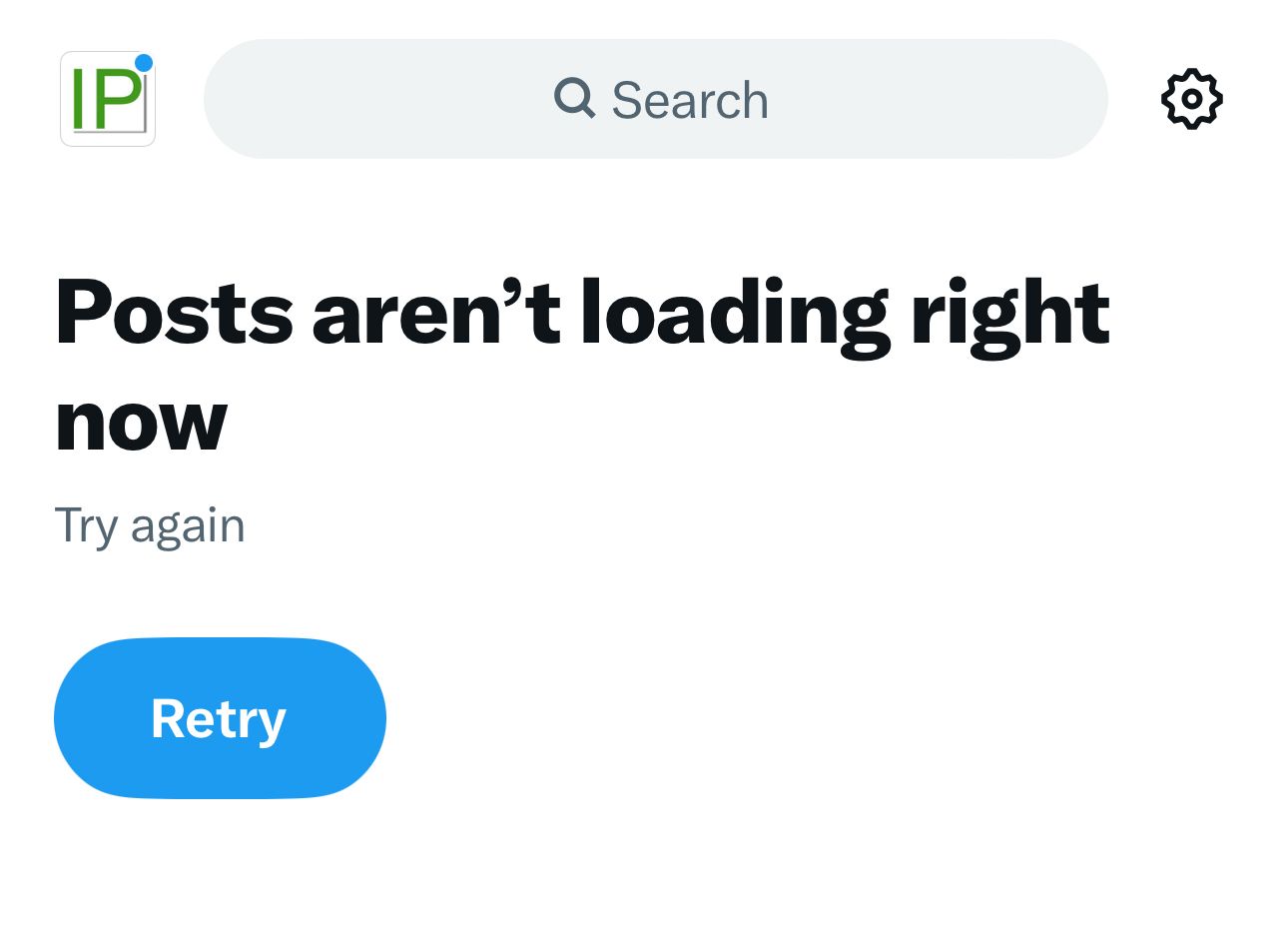
When accessing X (formerly Twitter) and encountering empty timelines, spinning loading icons, or error messages like "Something went wrong. Try reloading," it is easy to assume the entire service has completely collapsed. However, delivery pipeline failures usually happen at specific points in the data journey between the user's browser or mobile app, Content Delivery Networks (CDNs), and the core backend databases.
Pinpointing the root cause requires evaluating whether the problem originates from your immediate environment—such as a faulty Wi-Fi connection or an outdated app version—or from a global server outage. By systematically breaking down these failure points, you can determine the most efficient path toward restoring normal functionality.
1. Server-Side Outages and Infrastructure Failures
The most common reason for widespread loading failures is a disruption on the platform's servers. X relies on massive distributed data centers, cloud infrastructure providers, and global CDNs to serve millions of requests per second.
Database and API Bottlenecks
X handles high-frequency data streams, including real-time posts, direct messages, media uploads, and algorithmic timeline generation. When backend databases experience excessive traffic spikes, hardware failures, or software bugs, the application programming interfaces (APIs) responsible for fetching tweets time out before delivering data to your client device.
Scheduled Maintenance and Deployments
Platform engineers frequently roll out software updates, security patches, and database migrations. While major changes are designed to run seamlessly, minor deployment errors can temporarily disrupt timeline delivery or break specific features like media embedding and notifications.
2. Rate Limiting and Account Restrictions
Platforms frequently implement strict access thresholds to protect infrastructure from scraping, bot traffic, and distributed denial-of-service (DDoS) attacks. If you are experiencing sudden loading failures, your account or IP address may be affected by these protective measures.
Exceeding Reading Limits
X has historically enforced dynamic rate limits restricting the maximum number of posts an account can read per day. When a user surpasses this threshold—often triggered by aggressive scrolling or third-party automated tools—the platform temporarily blocks incoming data requests, resulting in blank feeds or the inability to fetch new tweets.
Suspension and Shadowbans
If an account has been flagged for violating platform terms of service, automated safety systems may restrict profile visibility, disable engagement features, or prevent the timeline from populating correctly. Logging into the account via a desktop web browser often reveals security alerts or verification prompts that mobile apps fail to display.
3. Client-Side and Application Issues
Sometimes the backend servers are fully operational, but your local device or application fails to render the incoming data correctly.
Corrupted Cache and App Data
Over time, mobile apps and web browsers accumulate cached data to accelerate loading times. If local cache files become corrupted, the application may fail to parse incoming JSON payloads from X's servers, causing infinite loading loops.
Outdated Software Versions
X regularly updates its API endpoints and underlying protocols. Running an outdated version of the iOS or Android mobile application can lead to compatibility conflicts, resulting in the dreaded "Can't retrieve tweets" error message.
Common Troubleshooting Steps and Solutions
Resolving tweet loading failures involves moving methodically from local checks to network diagnostics.
| Troubleshooting Step | Action Required | What It Resolves |
|---|---|---|
| Check Platform Status | Visit third-party monitoring sites like Downdetector or official status accounts. | Verifies whether the outage is global or isolated to your device. |
| Test Network Connectivity | Toggle Wi-Fi off and switch to cellular data, or restart your router. | Eliminates local internet service provider (ISP) packet loss or routing issues. |
| Clear App Cache & Data | Go to device settings, select X, and clear cache (or reinstall the app). | Removes corrupted local files interfering with data rendering. |
| Update the Application | Check the Apple App Store or Google Play Store for pending updates. | Ensures software compatibility with current backend API standards. |
| Try a Web Browser | Log into x.com using a private/incognito browser window. | Determines if the issue is restricted to the mobile app or your device. |
Network Restrictions and Regional Blocks
Local internet environments can also prevent tweets from loading properly. If you are operating behind a corporate firewall, school network, or public Wi-Fi hotspot, network administrators may have implemented rules that block specific social media ports or domains.
Furthermore, national governments and regulatory bodies occasionally order Internet Service Providers (ISPs) to restrict access to social media platforms during civil unrest, elections, or political disputes. If you suspect regional interference, testing your connection via a virtual private network (VPN) can help clarify whether access is being actively filtered by your network provider.
Frequently Asked Questions
Why does X say "Something went wrong" when I try to view tweets?
This generic error message usually indicates that the app or browser lost communication with the platform's servers. It can be caused by a momentary drop in your internet connection, a temporary API outage on X's end, or an expired authentication session requiring you to log back in.
How can I check if X is currently down for everyone?
You can check real-time user reports on independent service-monitoring platforms or look for trending hashtags on alternative social networks where users report platform outages. If thousands of reports surge simultaneously, the issue is almost certainly on the platform's side.
Why are only some tweets loading while others fail?
If your timeline loads partially or posts appear out of order, it often points to a partial server outage, database replication lag, or rate limiting. The application may successfully fetch user profile data but fail to retrieve media attachments or replies from secondary database nodes.
Does clearing my browser cookies help fix loading errors?
Yes. Corrupted cookies or outdated browser session data can disrupt authentication tokens. Clearing cookies and site data for x.com forces your browser to establish a fresh, authenticated connection with the platform's servers.
Can ad blockers or browser extensions prevent tweets from loading?
Aggressive ad blockers, script blockers, or privacy extensions can mistakenly flag essential JavaScript files required to render X's interface. Disabling these extensions temporarily can help verify if they are interfering with script execution.
Recommended Next Actions
If you have confirmed that X is operational and basic troubleshooting steps—such as clearing your cache, switching networks, and updating your app—have failed, the best course of action is to wait. Server-side scaling issues and database synchronization delays are typically resolved by engineering teams within minutes to a few hours. For account-specific access blocks, log into the desktop version of the platform to review any pending security checks or policy notifications.
Image Gallery