How to Unban Snapchat on iPhone
Unbanning Snapchat on an iPhone typically requires resolving the specific type of ban applied to your account or device, such as a temporary lockout or a permanent device ban, by submitting an appeal through official support channels o...
Unbanning Snapchat on an iPhone typically requires resolving the specific type of ban applied to your account or device, such as a temporary lockout or a permanent device ban, by submitting an appeal through official support channels or waiting out the suspension period.
Contents
Navigating a Snapchat account restriction on iOS can be frustrating, especially when you rely on the platform for daily communication and content sharing. Snapchat enforces strict community guidelines and terms of service, and violations often trigger automated or manual security responses. If you have recently opened your application to find an error message stating that your account or device has been locked, it is vital to understand the root cause of the restriction before attempting a resolution. Device bans, in particular, complicate the recovery process because they restrict access based on your iPhone's unique hardware identifier rather than just your login credentials.
Understanding Snapchat Ban Types on iOS
Before initiating any recovery steps, you must identify the exact nature of your suspension. Snapchat generally categorizes restrictions into three distinct types: temporary account locks, permanent account bans, and device bans (often referred to as error code SS06 or device restrictions). Recognizing which category applies to your iPhone will save you time and prevent you from taking counterproductive measures that might further jeopardize your standing with Snapchat support.
Temporary account locks usually occur when a user violates minor community guidelines or employs unauthorized third-party applications, plugins, or tweaks (such as Snapchat ++ or phantom modifications). These locks generally last for 24 hours. During this period, attempting to log in repeatedly can reset the timer or escalate the penalty to a permanent ban.
Permanent bans, conversely, indicate that Snapchat's moderation team has determined a severe or repeated breach of their terms of service. When an account is permanently banned, the data associated with it is scheduled for deletion, and standard login attempts will fail with a message indicating the account is deactivated.
Device bans represent the most challenging hurdle for iPhone users. In these scenarios, Snapchat blocks the physical device from accessing any account, even newly created ones. If you attempt to log into a brand-new account on a device-banned iPhone and immediately encounter a locked screen, your hardware identifier has been flagged by Snapchat's security systems.
Prerequisites for Attempting an Unban
Successfully appealing or bypassing a Snapchat restriction requires specific preparations. Whether you are contacting support or troubleshooting a device restriction, gathering the necessary information ensures a smoother process.
You will need access to the email address and phone number associated with the locked Snapchat account. If you attempt to submit an appeal, Snapchat support will require identity verification to ensure you are the legitimate owner of the account. Furthermore, if you are using unofficial modifications, you must remove them entirely from your iPhone before taking any further action. Keeping modified software installed while trying to recover an account guarantees immediate re-banishment.
| Ban Type | Typical Duration | Primary Cause | Recovery Method |
|---|---|---|---|
| Temporary Lock | 24 to 48 Hours | Third-party apps, spam behavior | Wait out timer, remove unauthorized apps |
| Permanent Ban | Indefinite / Permanent | Severe terms of service violations | Official appeal through support portal |
| Device Ban (SS06) | Indefinite | Repeated violations on hardware | Appeal or device replacement/factory reset (varies) |
Step-by-Step Guide to Appealing a Snapchat Ban
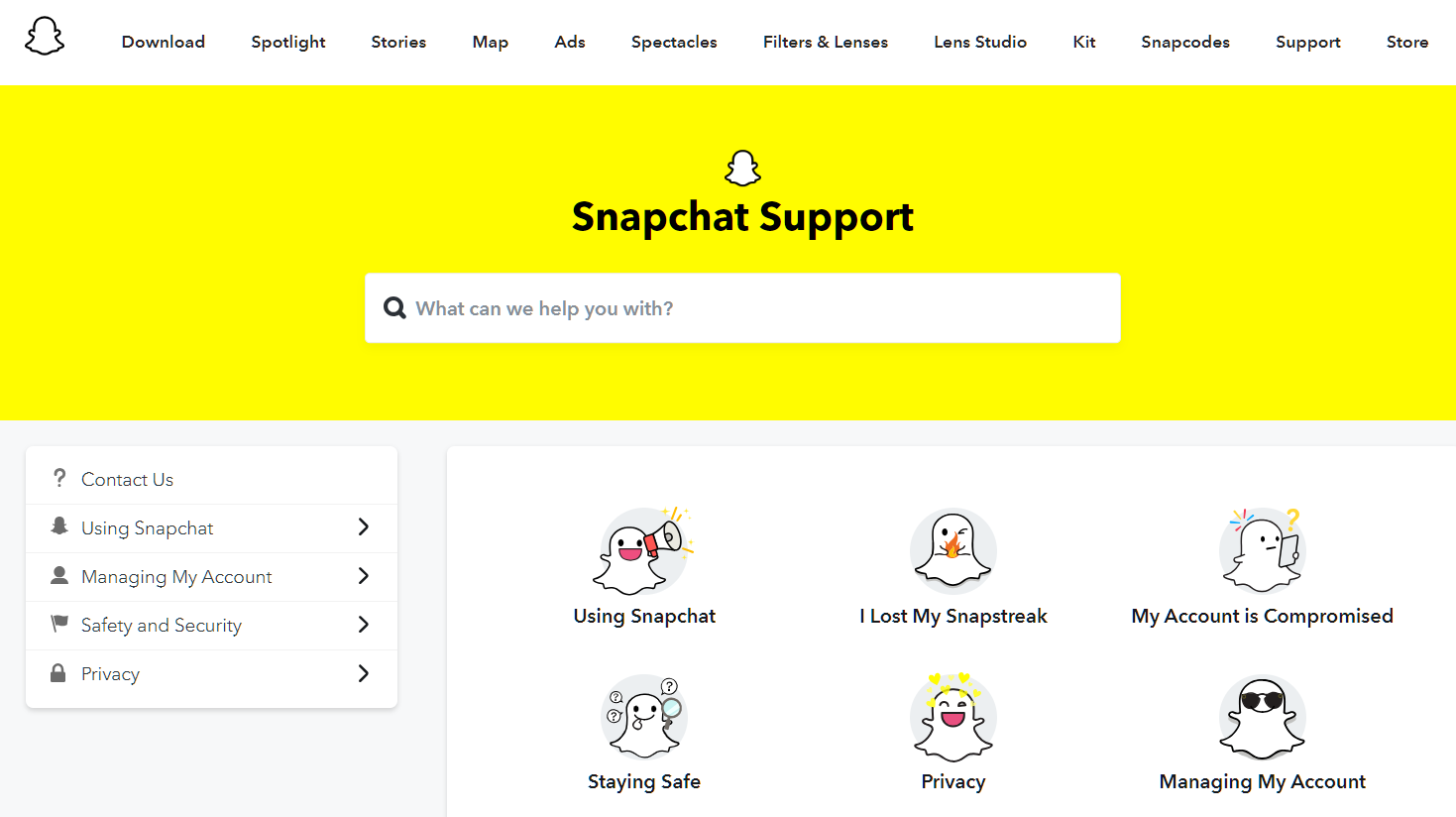
If your account is locked or permanently banned, the most legitimate and effective path to recovery is submitting an appeal directly through the official Snapchat Support website. Automated systems occasionally issue false positives, and human review agents can overturn incorrect bans.
1. Access the Official Support Portal
Open a web browser on your iPhone or computer and navigate to the official Snapchat Support page. Avoid third-party websites claiming to offer instant unban tools, as these are invariably scams designed to steal your credentials or compromise your device security.
2. Navigate to the Account Access Section
Select the category related to account access and login issues. Choose the option that states your account has been locked or disabled.
3. Submit the Appeal Form
Fill out the required fields accurately. You will need to provide:
- Your exact Snapchat username.
- The email address linked to your account.
- A current phone number where you can be reached.
- A detailed, polite explanation of your situation.
When writing your explanation, maintain a respectful and objective tone. If your account was compromised by a hacker who posted violating content, state that clearly. If you inadvertently used a third-party application without realizing it violated the terms of service, acknowledge the mistake and confirm that you have uninstalled the software.
4. Wait for Support Review
Once submitted, Snapchat support will review your appeal. Response times vary widely, ranging from a few hours to several days. Check the email inbox associated with your support request regularly for updates from the safety team.
Addressing Device Bans and Error Codes on iPhone
iPhone users facing device bans frequently encounter specific error codes, such as SS06, which prevent any login attempts on that specific hardware. Because these restrictions target the phone itself, standard account appeals may not resolve the underlying hardware block immediately.
When a device ban is active, clearing the application cache, reinstalling Snapchat, or simply restarting your iPhone will not lift the restriction. Snapchat records specific hardware parameters upon connection. Consequently, resolving a device ban historically required waiting for Snapchat to lift the hardware restriction over time—which can take several months—or utilizing the device strictly through web-based interfaces if available, though mobile app functionality remains restricted.
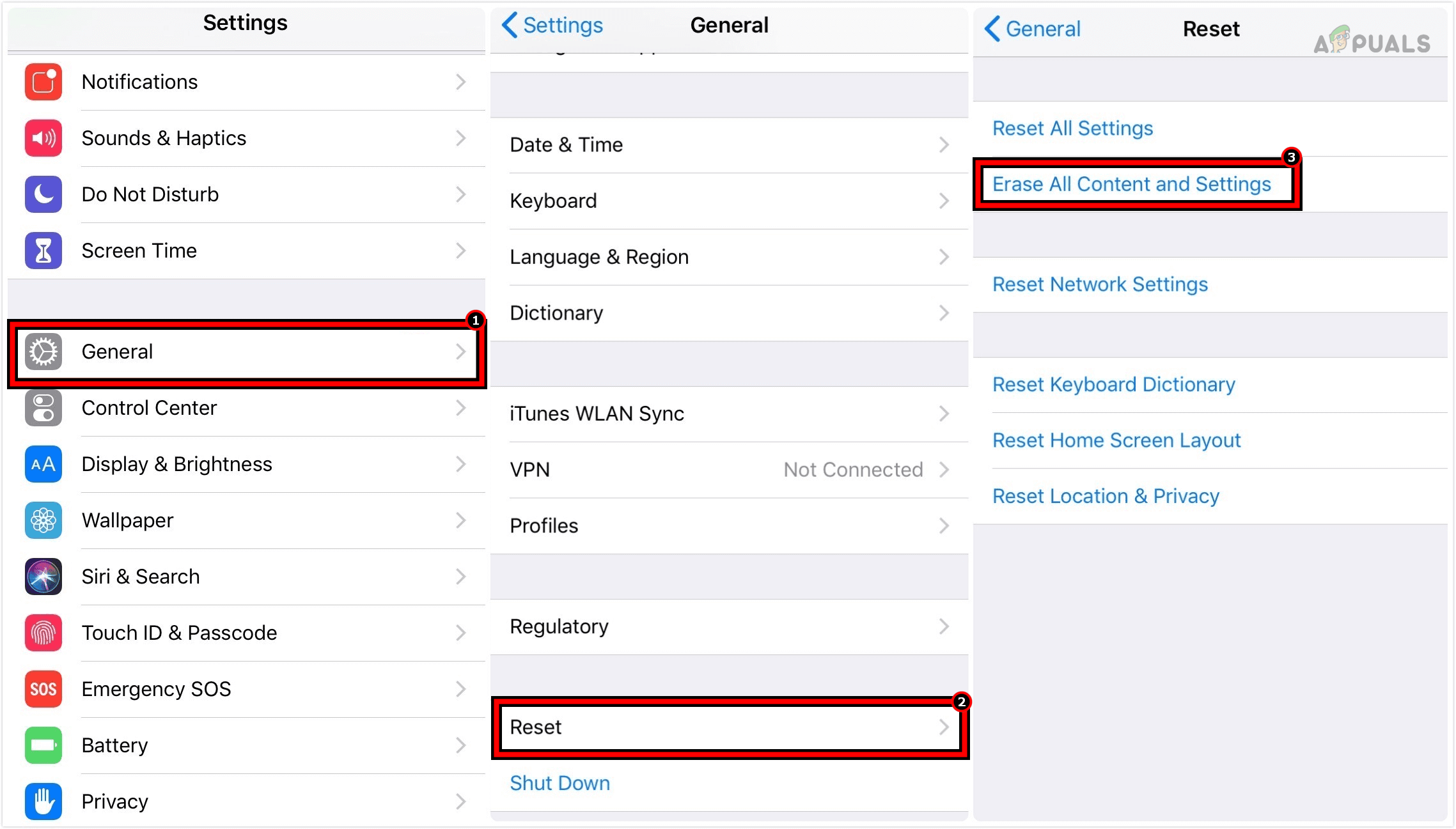
Factory resetting an iPhone rarely removes a Snapchat device ban on its own because the hardware identifier remains consistent unless the device's internal configurations or motherboard components are changed, which is impractical for software restrictions. Therefore, patience and adherence to official appeal channels remain the most reliable strategy for device-level restrictions.
Common Mistakes to Avoid
When attempting to recover a banned Snapchat account, users often fall into traps that permanently eliminate their chances of restoration. Avoiding these pitfalls protects your digital footprint and keeps your data secure.
- Using Unverified Third-Party Unban Services: Numerous websites and applications advertise instant Snapchat unbans for a fee. These are fraudulent operations designed to harvest personal information or deliver malware to your iPhone. Snapchat does not use external intermediaries for account recovery.
- Spamming Support Tickets: Submitting dozens of identical appeals in a short window does not accelerate the review process. In fact, it often flags your submissions as spam, resulting in automated rejections.
- Creating New Accounts While Device Banned: If your iPhone has an active device ban, creating new accounts from the same phone will cause those new accounts to be automatically banned as well, compounding the issue.
Frequently Asked Questions
Can I use a VPN to bypass a Snapchat device ban on my iPhone?
No. Virtual Private Networks (VPNs) alter your IP address and geographical location, but they do not change the hardware identifiers or device signatures that Snapchat uses to enforce device bans. A device ban is tied to the physical phone, not your internet connection.
How long do temporary Snapchat locks last?
Most temporary locks expire automatically after 24 hours. During this period, you must keep the Snapchat application closed and avoid attempting to log in, as failed attempts can reset the countdown timer.
Is it safe to use third-party Snapchat clients like Snapchat++?
No. Using modified clients, unauthorized tweaks, or third-party applications violates Snapchat's terms of service. Detection algorithms flag these applications instantly, leading to swift temporary locks and eventual permanent bans.
What should I do if my appeal is rejected by Snapchat support?
If Snapchat support denies your appeal after a manual review, the decision is typically final. Continuing to submit duplicate requests will not alter the outcome. At this stage, you must create a new account using a different email address on an unrestricted device, ensuring full compliance with community guidelines moving forward.
Why did I get banned from Snapchat without warning?
Snapchat's automated security systems monitor for suspicious activities, sudden spikes in messaging frequency, use of unauthorized software, or reports from other users. Severe violations of safety policies regarding harassment, illegal goods, or explicit content result in immediate, zero-tolerance permanent bans without prior warnings.
Final Recommendations
Unbanning Snapchat on an iPhone requires patience, adherence to official channels, and strict avoidance of fraudulent third-party recovery services. If your account is temporarily locked, wait out the designated cooling period while removing any unauthorized software. If you face a permanent ban or a hardware restriction, submit a polite, accurate appeal through the official Snapchat Support portal and await their determination. Moving forward, strictly adhere to Snapchat's community guidelines and terms of service to maintain uninterrupted access to your account.
Image Gallery