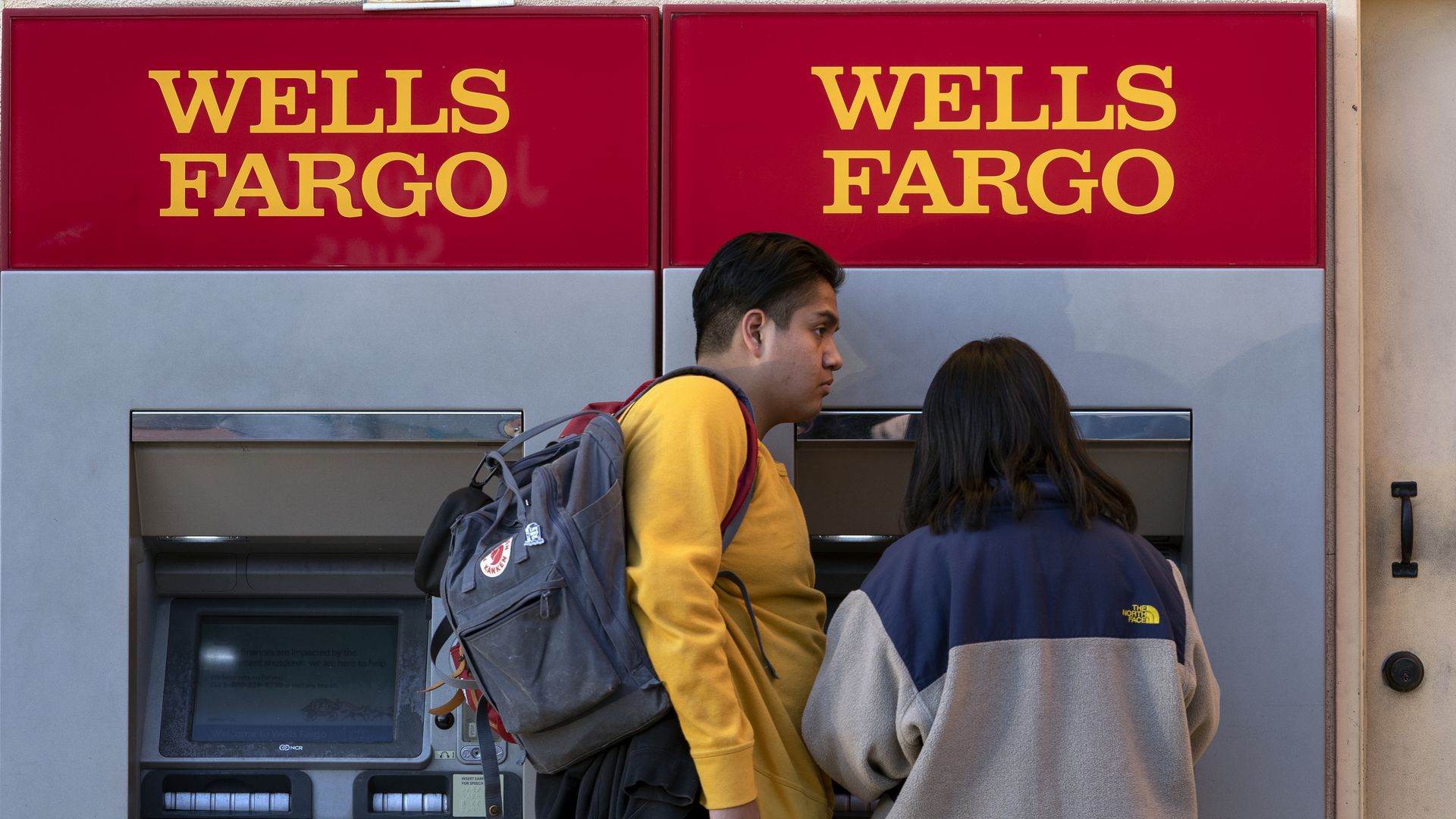
How to Successfully Use a Wells Fargo ATM in Indianapolis
Using a Wells Fargo ATM in Indianapolis allows customers to manage their financial needs—including cash withdrawals, deposits, and account balance inquiries—at convenient locations across the city. Whether you are a local resident, a s...
Using a Wells Fargo ATM in Indianapolis allows customers to manage their financial needs—including cash withdrawals, deposits, and account balance inquiries—at convenient locations across the city. Whether you are a local resident, a student at an area university, or a visitor navigating the capital of Indiana, accessing these machines requires following standard security protocols, ensuring you have your valid debit or credit card, and understanding the specific operational capabilities of the machines located throughout the metropolitan area.
Contents
Understanding ATM Accessibility and Distribution in Indianapolis
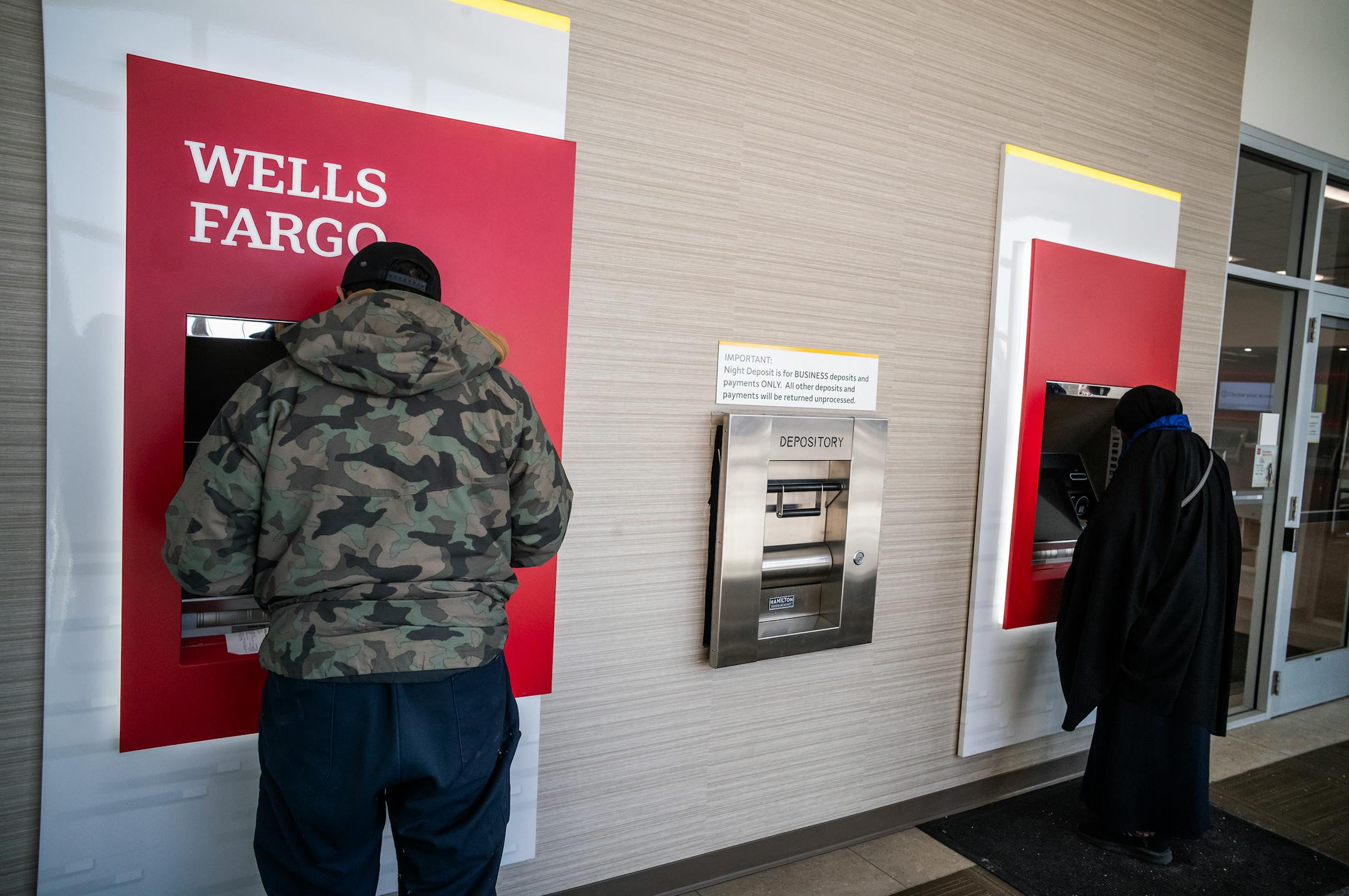
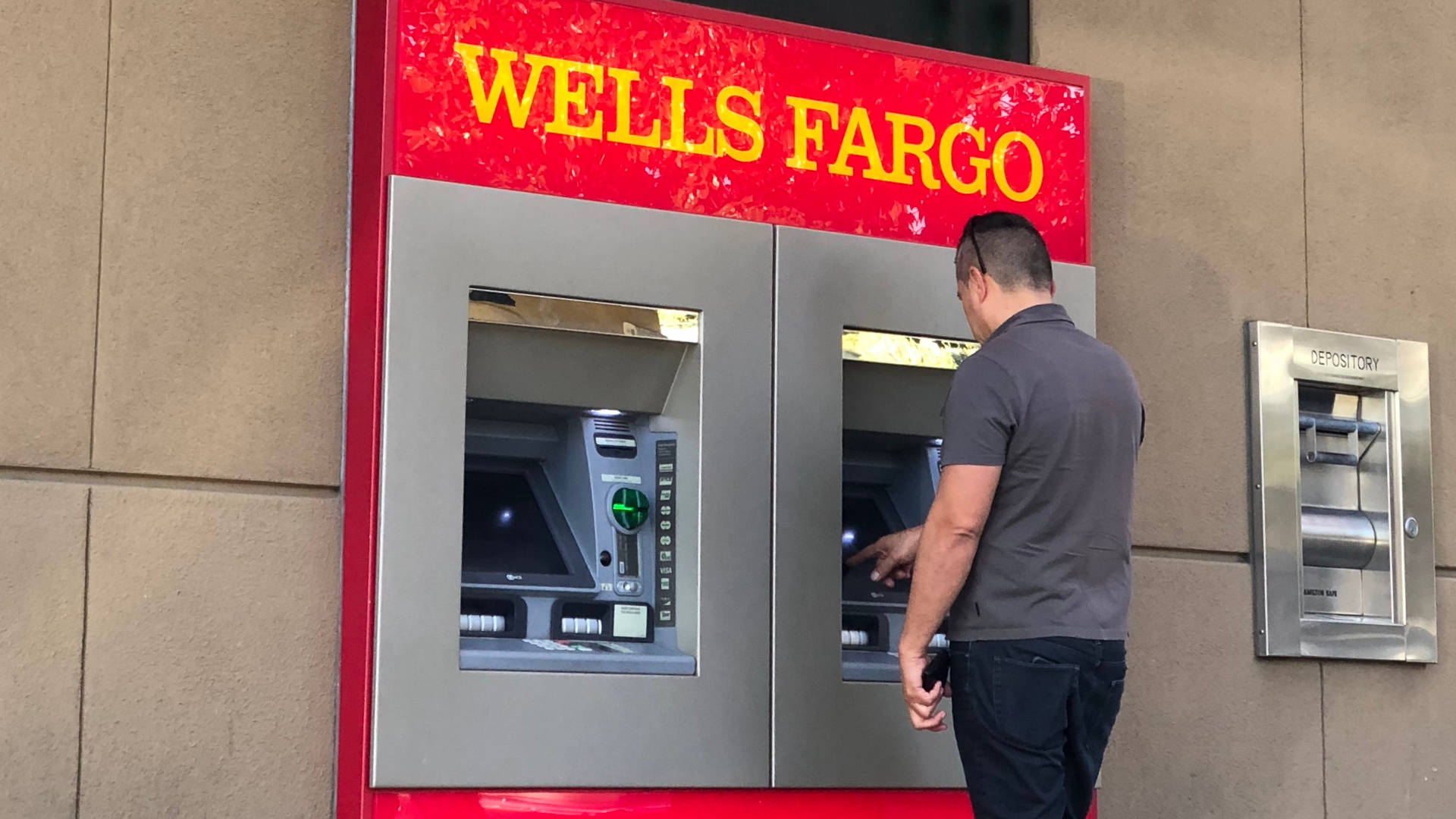
Wells Fargo maintains an extensive network of automated teller machines (ATMs) throughout Indianapolis and the surrounding Marion County area. These machines are typically located at bank branches, but many are also positioned in high-traffic commercial zones, such as grocery stores, shopping centers, and major transit hubs.
When searching for a machine, it is important to distinguish between "full-service" ATMs—which accept cash and check deposits—and "cash-dispensing" ATMs, which are often found in third-party retail locations and may only offer basic withdrawal services. In Indianapolis, the highest concentration of full-service machines is found at established Wells Fargo branch locations. To maximize the utility of your visit, prioritize finding a site that offers the specific transaction types you require.
Prerequisites for ATM Usage
Before you approach an ATM, ensure you have the necessary documentation and access tools. To use a Wells Fargo ATM effectively, you must possess:
- A Valid Wells Fargo Debit or ATM Card: Your card must be active and not expired. If you have recently requested a replacement card, ensure that it has been activated according to the instructions provided in your welcome packet.
- A Personal Identification Number (PIN): Never share your PIN with anyone. If you have forgotten your PIN, you must reset it through the official Wells Fargo mobile application, online banking portal, or by visiting a local branch in person with a valid government-issued photo ID.
- Sufficient Account Funds: Before initiating a withdrawal, verify your available balance using the Wells Fargo mobile app to avoid overdraft fees or transaction declines.
- Secure Access Environment: Always check the ATM for suspicious devices, such as card skimmers attached to the card reader or unusual attachments over the keypad.
Step-by-Step Guide to Using the ATM
Once you have located an ATM in Indianapolis and verified that you have your credentials, follow these standardized steps to conduct your transaction safely and efficiently:
1. Card Insertion and Authentication
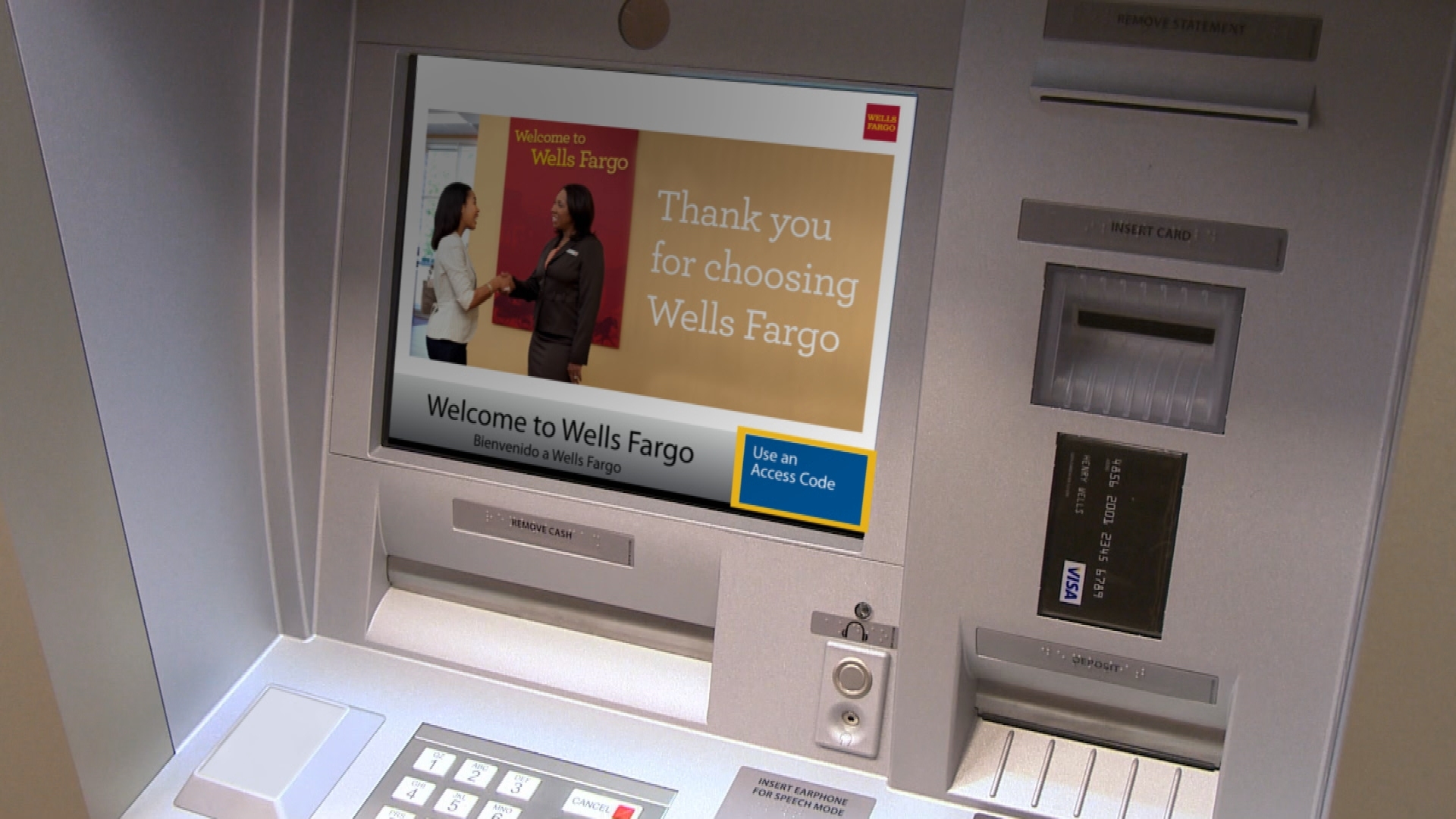
Insert your card into the machine’s card reader with the chip facing up and toward the machine. Wait for the screen to prompt you to enter your PIN. Using the physical keypad, enter your 4-digit PIN. As you enter these numbers, shield the keypad with your other hand to prevent unauthorized observation.
2. Selecting Your Transaction
The main menu will display several options. Common selections include:
- Withdrawal: Allows you to take cash from your checking or savings account.
- Deposit: Enables you to insert cash or checks into the machine.
- Balance Inquiry: Shows the current available balance for your linked accounts.
- Transfer: Moves funds between your own Wells Fargo accounts.
3. Executing the Transaction
If you are making a withdrawal, select the amount. The machine will count the bills and dispense the cash through the slot at the bottom. For deposits, the machine will prompt you to insert your bills or checks into the designated intake slot. Follow the on-screen prompts carefully to confirm the amount and finalize the deposit.
4. Retrieving Your Card and Receipt
Once the transaction is complete, the machine will ask if you wish to perform another action. If you are finished, select "No." The machine will eject your card. Always take your card and your receipt before leaving the area. Check your receipt against your records to ensure the transaction was successful.
Common ATM Transaction Types and Capabilities
Not all ATMs offer the same level of service. The following table provides a comparison of what you can expect from different types of Wells Fargo ATM environments in Indianapolis.
| Transaction Type | Full-Service Branch ATM | Retail/Off-Site ATM |
|---|---|---|
| Cash Withdrawal | Yes | Yes |
| Cash Deposit | Yes | No |
| Check Deposit | Yes | No |
| Balance Inquiry | Yes | Yes |
| PIN Change | Yes | No |
| Multiple Denominations | Yes | Limited |
Safety and Security Best Practices
Security remains the most critical aspect of using any financial kiosk. In a busy city like Indianapolis, maintain situational awareness. If you feel uncomfortable at any location—for instance, if the lighting is poor or if someone is loitering near the machine—do not complete your transaction. Move to another location or find an ATM inside a secure lobby.
Furthermore, ensure you monitor your account activity regularly. If you notice any unauthorized withdrawals or if you suspect your card has been compromised at a specific Indianapolis ATM location, contact Wells Fargo Customer Service immediately to freeze your account and dispute the transactions.
Troubleshooting Common Issues
Despite the reliability of modern banking technology, users may occasionally encounter technical difficulties. Common issues and their resolutions include:
- The ATM retains your card: If the machine keeps your card, stay at the machine and contact the bank via the phone number listed on the ATM immediately. Do not leave the machine until you have spoken to a representative.
- Incomplete deposit: If you deposit cash and the machine experiences a malfunction before the transaction is credited, document the time, date, and exact location of the ATM. Contact customer support to initiate a research request.
- Incorrect dispense amount: If you requested $100 but only received $80, note the error and report it to the bank. Wells Fargo will conduct a balancing audit of the machine to rectify the discrepancy.
Frequently Asked Questions
Does Wells Fargo charge fees for using its own ATMs in Indianapolis? No. Wells Fargo does not charge its own customers fees for using ATMs that are branded with the Wells Fargo logo. However, if you use a non-Wells Fargo ATM, the owner of that machine may charge a surcharge, and Wells Fargo may charge an out-of-network fee.
Can I deposit checks at any Wells Fargo ATM in the city? Only specific "deposit-enabled" ATMs accept checks. When you arrive at the machine, check the screen to see if "Deposit" is an available option. If the option is grayed out or missing, that machine does not accept deposits.
How do I find the nearest Wells Fargo ATM? You can use the official Wells Fargo online branch and ATM locator tool on their website or mobile application. By entering your Indianapolis zip code or current street address, the tool will provide a list of the closest locations, including their operating hours.
What happens if I forget my PIN at the machine? You cannot reset a forgotten PIN at the ATM itself for security reasons. You must use the Wells Fargo Mobile app or the bank’s online portal to initiate a reset. If you enter the wrong PIN three times, the machine may block your card to prevent unauthorized access.
Are there limits on how much cash I can withdraw in one day? Yes. Your daily withdrawal limit is determined by your specific account type and your customer profile. You can view your current daily limit within the Wells Fargo mobile app under your card settings.
Final Recommendation
To ensure a smooth experience when using a Wells Fargo ATM in Indianapolis, always use the bank's official locator tool to find a machine that matches your specific needs, such as a full-service branch ATM if you need to deposit checks. Prior to arriving, ensure your card is active and your PIN is memorized. By staying aware of your surroundings and using official banking channels for assistance, you can manage your finances securely and efficiently throughout the city.
Image Gallery