How to Find My PayPal Address: A Complete Guide to Your Profile Identifiers
Finding your PayPal address is a straightforward process, though the platform uses several interchangeable terms like your profile name, email alias, @username, and payment link to help others send you money. Depending on whether you a...
Finding your PayPal address is a straightforward process, though the platform uses several interchangeable terms like your profile name, email alias, @username, and payment link to help others send you money. Depending on whether you are using a mobile device or a desktop browser, locating these identifiers requires navigating to your account settings or profile dashboard.
Contents
Understanding Your PayPal Identifiers
Before attempting to share your payment coordinates, it is critical to understand that PayPal does not rely on a single, standardized alphanumeric account string like a traditional bank routing number. Instead, the platform utilizes multiple layers of personal identification to facilitate secure transactions between buyers and sellers globally. Recognizing the differences between these identifiers prevents confusion during financial exchanges and ensures funds reach the correct destination.
The primary identifier for nearly every PayPal user is the primary email address registered to the account. When someone asks for your "PayPal address," they are almost always requesting this email. However, modern account structures also incorporate personalized handles and direct URLs. Reviewing the core components of a PayPal account reveals how these elements interact.
Primary Email Address and Aliases
Your primary email address functions as the foundational anchor of your PayPal account. When you open an account, the email you use to register becomes the primary string that payers type into the search bar. PayPal allows users to add multiple email addresses—often up to eight—to a single account. Any of these confirmed secondary email addresses can also receive funds, routing them directly to your main balance without requiring a separate login.
The @Username (PayPal.Me)
To simplify peer-to-peer payments and reduce typing errors associated with long email addresses, PayPal introduced personalized handles known as PayPal.Me links. Your username is a custom-branded moniker preceded by the "at" symbol (e.g., @YourName). When paired with the custom URL domain, it creates a clickable link like paypal.me/YourName. Senders can click this link or type it into a browser to land directly on a payment page designated specifically for your account.
Account ID and Merchant Numbers
For business accounts or advanced users utilizing application programming interfaces (APIs), PayPal generates a secure Account ID or Merchant Account ID. These strings consist of randomized letters and numbers. While everyday users rarely need to share these technical identifiers, they are occasionally required for third-party platform integrations, shopping cart plugins, or customer service verifications.
| Identifier Type | Format Example | Primary Use Case | Security Exposure |
|---|---|---|---|
| Primary Email | user@example.com | General invoicing, shopping, and peer transfers | Moderate (reveals email) |
| PayPal.Me Link | paypal.me/username | Quick mobile sharing and social media profiles | Low-Moderate (exposes handle) |
| @Username | @username | Direct search within the PayPal app | Low |
| Merchant ID | 16-character alphanumeric | API integrations and platform syncing | High (keep confidential) |
How to Find Your Details on the Desktop Website
Navigating the desktop interface provides a comprehensive view of all linked emails, usernames, and profile configurations. Desktop dashboards offer expansive menus that make managing multiple email aliases and viewing profile details efficient.
To locate your primary email address and username on a computer, follow these structured steps:
- Open a web browser and navigate to the official PayPal website. Click the Log In button in the top right corner and enter your login credentials, completing any two-factor authentication prompts required.
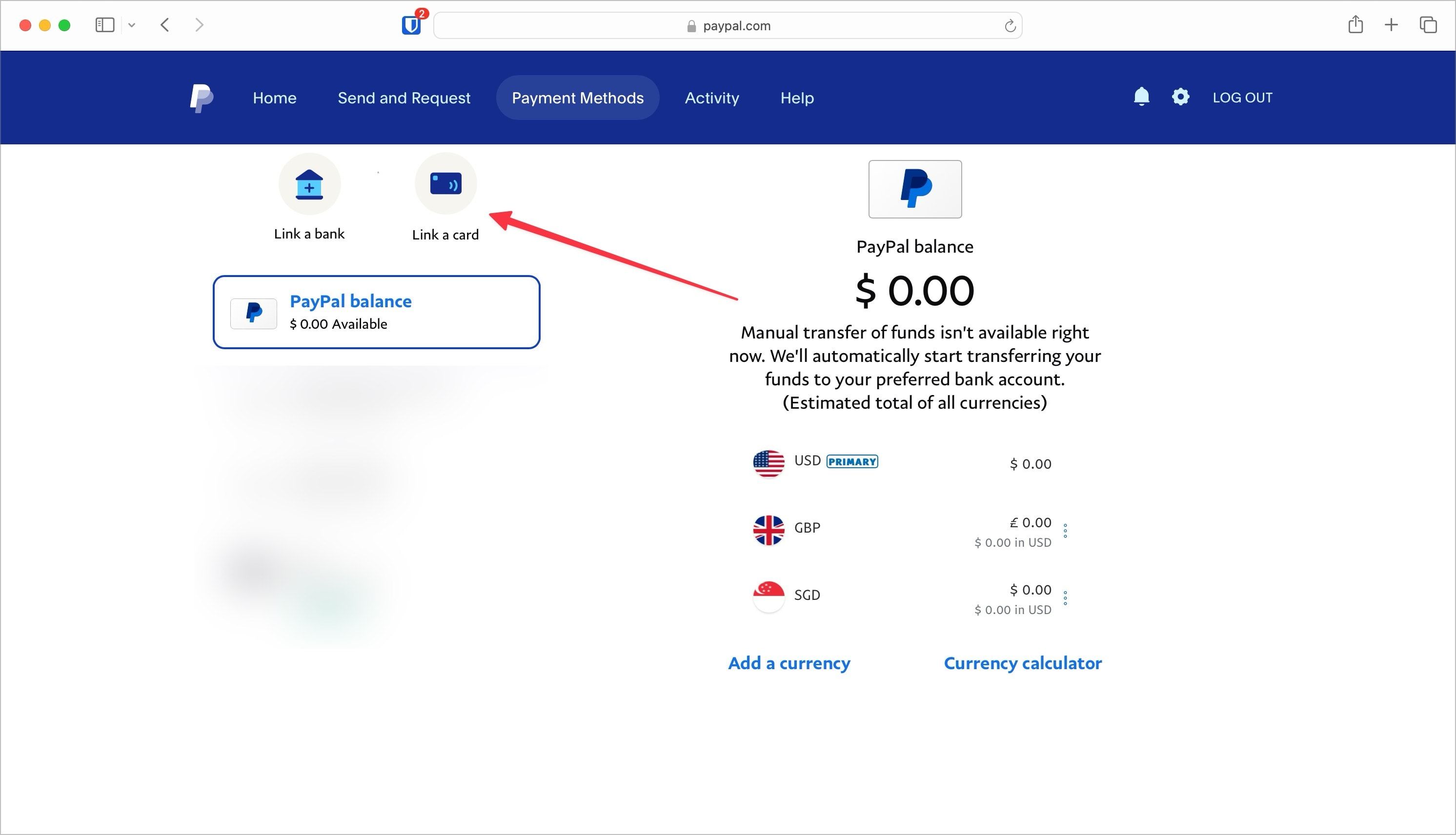
- Upon reaching your account summary page, look toward the top right corner of the navigation bar and click the Gear Icon, which represents your Account Settings.
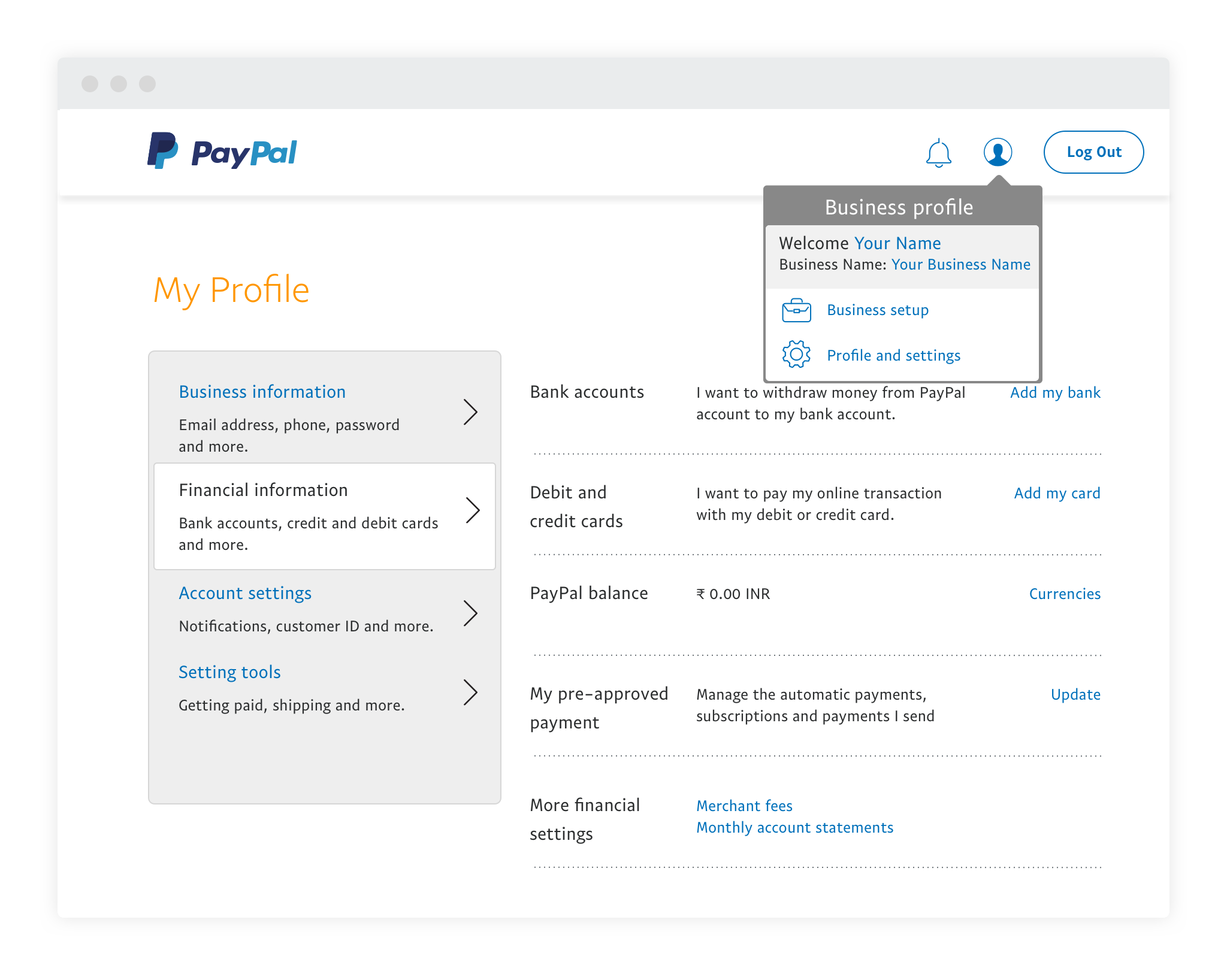
- Within the Account Settings dashboard, navigate to the Profile section near your display name. Here, you will see your legal name, physical address, phone numbers, and your listed email addresses.
- Locate the Email section. The email marked as "Primary" is your main PayPal address. If you have unconfirmed emails, you will need to verify them before they can accept incoming funds reliably.
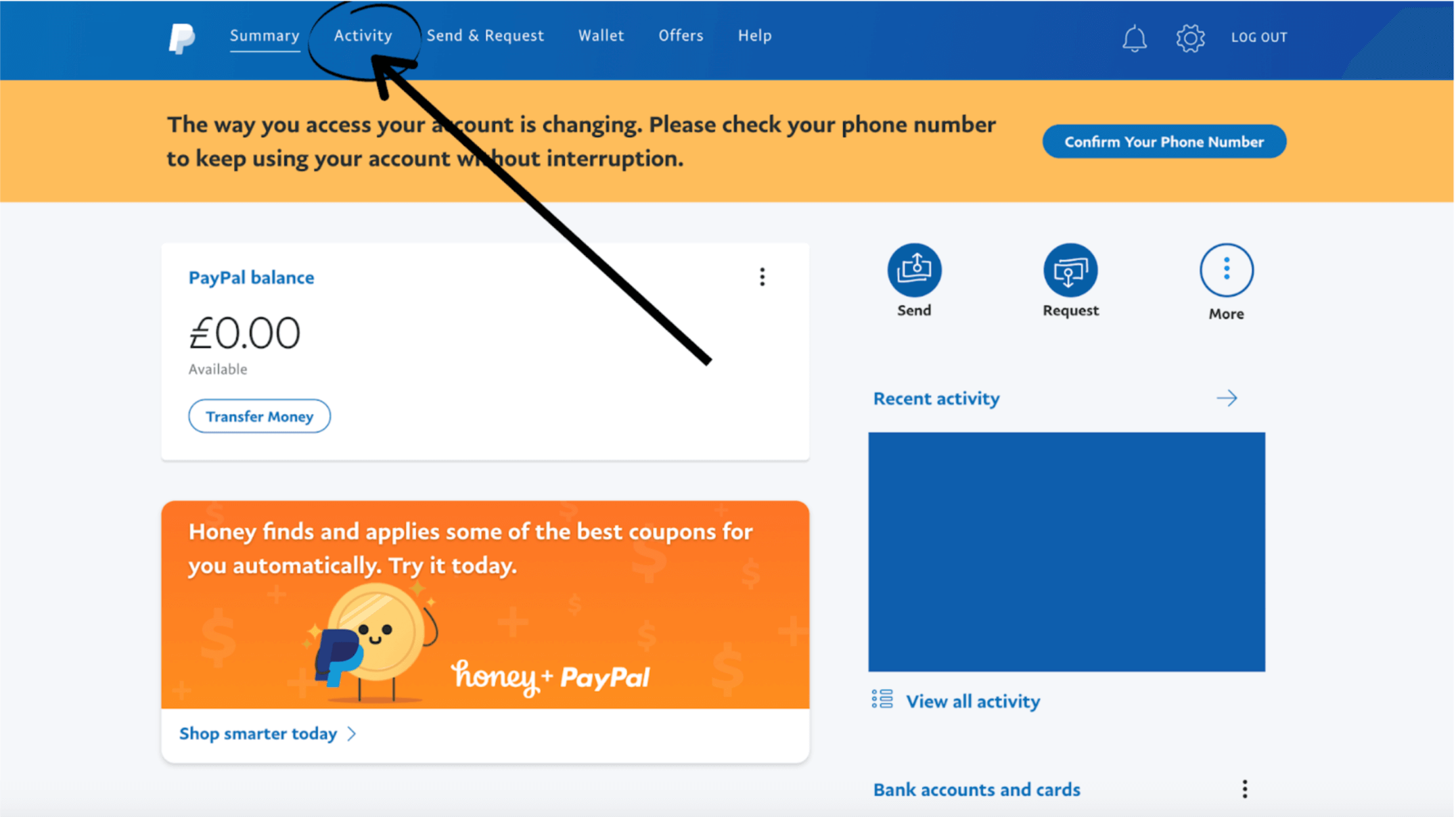
- To check for a PayPal.Me handle, look for the profile summary widget on the summary page or navigate to the "Send & Request" tab to see if a custom payment link has already been established.
How to Find Your Details on the Mobile App
The PayPal mobile application for iOS and Android simplifies account management for users on the go. Because mobile interfaces prioritize streamlined navigation, accessing your receiving identifiers takes only a few taps.
Executing this process on a smartphone requires accessing your profile hub:
- Launch the PayPal app on your mobile device and log in using your personal PIN, pattern, or biometric authentication (Face ID or fingerprint).
- Tap on your Profile Icon or initials located in the top left or top right corner of the screen to open the main settings menu.
- On the profile screen, your primary email address and your custom
@username(if configured) are displayed directly beneath your profile picture and legal name. - To copy your direct payment link, tap on the Get Paid or PayPal.Me banner within the menu. This action reveals a shareable button that allows you to copy your URL to your device's clipboard and send it directly via text message, email, or messaging apps.
Setting Up or Customizing Your PayPal.Me Link
If you discover that you do not have a custom @username or payment link, creating one enhances your ability to receive funds quickly. A PayPal.Me link eliminates the need for payers to guess which of your email addresses is active or make typos that could send money to an unintended recipient.
To create or modify your payment link, you must use a web browser or the mobile app while logged into an active, verified account. The process involves selecting a unique alphanumeric string that has not been claimed by another user.
Guidelines for Creating a Custom Handle
- Uniqueness: Your handle must be entirely unique across the entire global PayPal ecosystem. If a common name is already taken, you may need to add numbers or descriptive terms (e.g.,
@JaneDoeDesign). - Permanence: Once chosen, your primary PayPal.Me link cannot be easily changed or deleted without contacting customer support. Choose a handle that reflects your personal identity or business name accurately.
- Branding: For business accounts, matching your social media handles or official company name builds trust and reduces friction during customer checkout.
Troubleshooting Common Issues
Users attempting to locate or share their PayPal address occasionally encounter hurdles related to account status, unverified information, or interface updates. Resolving these issues ensures uninterrupted transaction capabilities.
Unconfirmed Email Addresses
If a sender attempts to transfer funds to an email address linked to your account but marked as "Unconfirmed," the transaction may remain pending until you access your settings and complete the verification link sent by PayPal. Always ensure your primary receiving email is verified and marked as active.
Restricted Accounts
Accounts experiencing temporary limitations or security reviews may hide certain profile sharing features until the account holder submits requested documentation, such as proof of identity or utility bills. Resolving resolution center flags restores full access to your profile settings and payment links.
Frequently Asked Questions
Can someone hack my account if I give them my PayPal email address?
Sharing your primary PayPal email address carries a low risk for basic transactions, as payers need this information to send you money. However, you should only share your email with trusted individuals or verified merchants. Avoid posting your primary login email publicly on unsecure forums to protect against targeted phishing attempts.
What is the difference between my PayPal email and my @username?
Your PayPal email is the physical address used to log into your account and receive funds. Your @username (such as @YourName) is a public-facing handle tied to your PayPal.Me link, designed to make peer-to-peer transfers faster without exposing your actual login email to strangers.
Can I have multiple PayPal addresses on one account?
Yes. PayPal allows you to add up to eight different email addresses to a single account profile. You can designate any of these confirmed emails to receive funds, and all money routes directly into your central account balance.
Why can't I find my PayPal.Me link in the app?
If your account is a new registration, restricted, or operating under specific regional commercial compliance laws, the PayPal.Me feature may not be available. Ensure your app is updated to the latest version and check your web browser dashboard if the mobile interface does not display the link option.
What should I do if someone sent money to the wrong email address?
If a payer accidentally sent funds to an email address that is not linked to your account, the money will remain unclaimed in a holding status. You must add that exact email address to your PayPal profile and confirm it. Once confirmed, the transaction will clear and appear in your balance.
Image Gallery