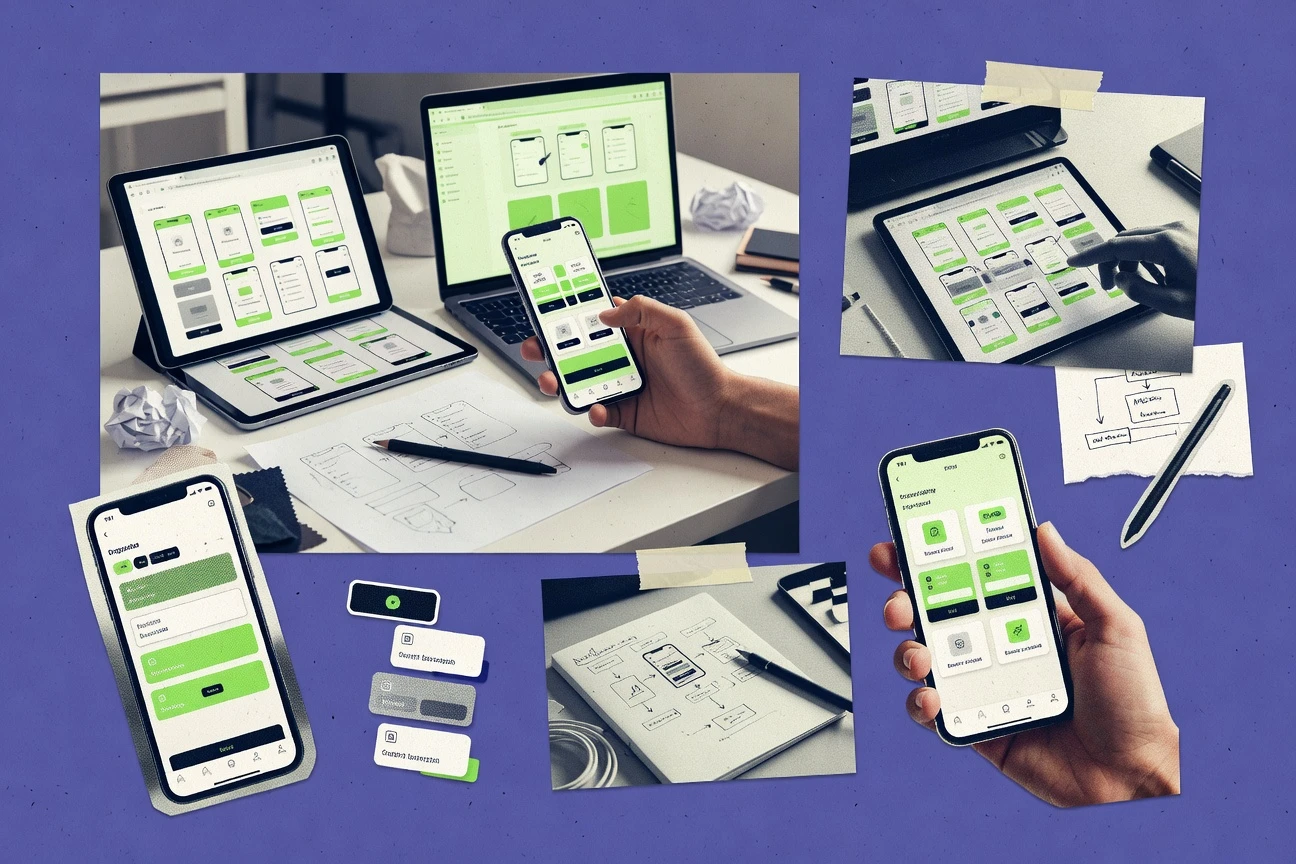
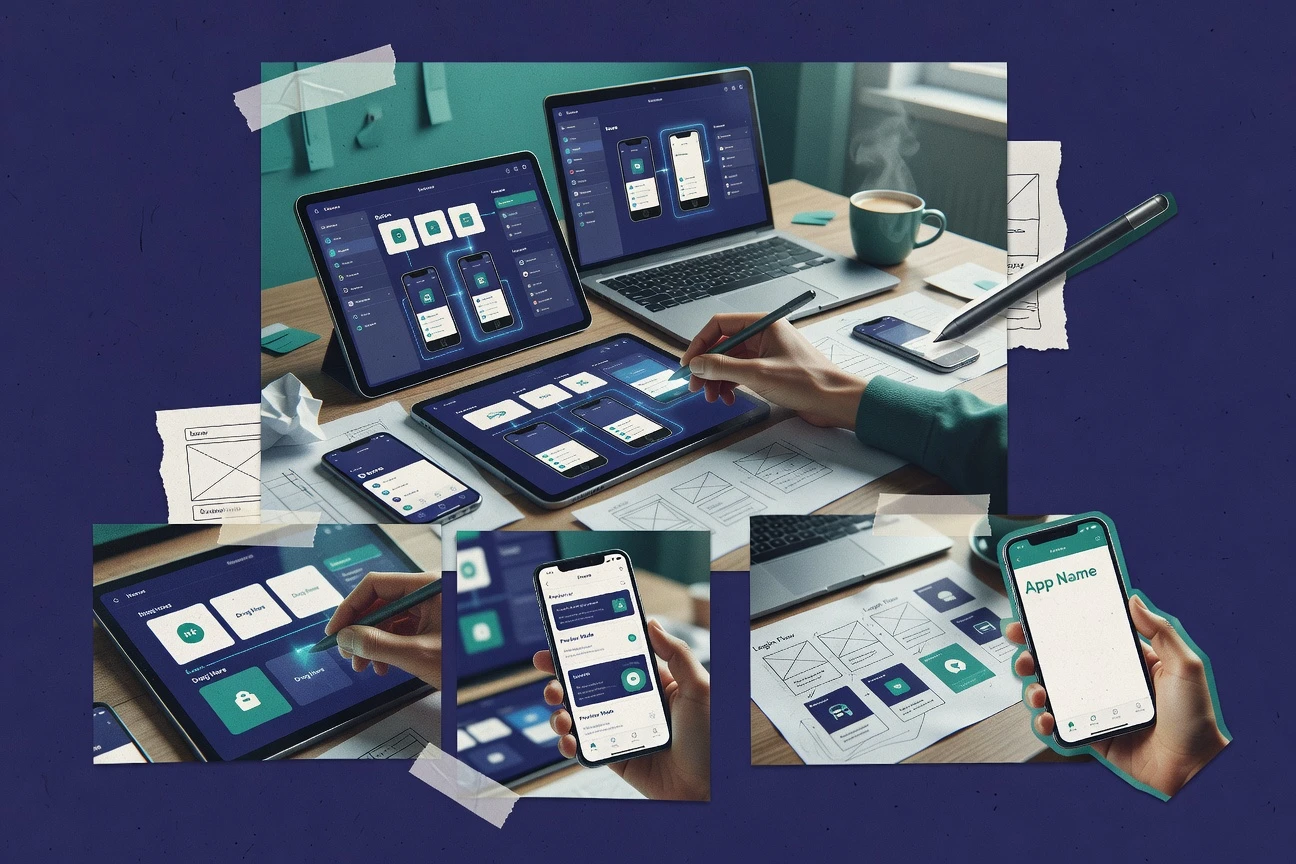
The Best App Maker Software for Creators
Choosing the best app maker software for creators enables digital entrepreneurs, artists, educators, and influencers to launch custom mobile applications without writing code. These platforms provide drag-and-drop builders, monetizatio...
Choosing the best app maker software for creators enables digital entrepreneurs, artists, educators, and influencers to launch custom mobile applications without writing code. These platforms provide drag-and-drop builders, monetization tools, and push notification systems that help creators build direct relationships with their audiences while bypassing traditional platform fees.
Contents
Building an independent mobile application has transitioned from a complex, enterprise-level engineering project into an accessible operational strategy for modern digital creators. Whether you run a fitness coaching business, publish premium subscription content, or manage an engaged community, relying entirely on social media algorithms exposes your business to sudden policy shifts and visibility drops. Utilizing no-code app builders or low-code development platforms allows content creators to take total ownership of their digital distribution channels.
Selecting the right app creation software requires evaluating technical skill levels, budget constraints, scaling capabilities, and specific monetization frameworks. Understanding these criteria ensures that creators invest their time and capital into a platform that supports sustainable long-term growth.
Understanding Creator App Maker Software
App maker software designed for creators generally falls into the category of no-code or low-code development platforms. These tools abstract away the complexities of native programming languages like Swift (for iOS) or Kotlin (for Android), replacing them with visual interfaces, pre-built templates, and modular components.
For creators, the primary goal of launching an app is twofold: consolidating audience engagement and establishing a reliable revenue stream. Traditional web-based membership sites often suffer from friction, slower load times, and lower retention rates compared to native mobile apps. Mobile applications grant direct access to smartphone hardware features, including push notifications, offline content viewing, and biometric authentication, which drastically improve user retention and lifetime value.
However, creators must understand the fundamental trade-offs between different categories of app makers. Some platforms offer white-label solutions where your app is published under your own developer accounts on the Apple App Store and Google Play Store, while others host your community or content inside a branded "container" app managed by the software provider.
Core Criteria for Evaluating Creator App Platforms
Before committing to a monthly subscription or investing hours into building an application layout, creators must rigorously assess software options against several operational metrics.
1. Ownership and Deployment Models
The deployment model dictates how your audience accesses your application.
- White-Label Apps: Your application is submitted to the app stores under your personal or corporate developer credentials. Users see your icon, your brand name, and your publisher account. This offers maximum professional credibility.
- Container Apps: Your content lives inside a parent app provided by the platform (e.g., Mighty Networks or Kajabi apps). Users download the parent app first and then navigate to your specific community. While faster to launch, this model dilutes brand ownership.
2. Monetization and Payment Processing
How a software platform handles transactions directly affects profit margins. Some app makers integrate seamlessly with Stripe, Apple Pay, and Google Play Billing, charging low transaction fees. Others impose heavy platform cuts on every subscription, course sale, or in-app purchase you make. Creators must calculate the total cost of ownership, combining monthly subscription fees with transaction percentages.
3. Customization and Scalability
A robust app builder should grow alongside your creator business. Initial launches might only require a video player and a basic chat forum, but future phases may demand automated email triggers, custom user profiles, gated resource libraries, or API integrations with external marketing tools. Evaluate whether the platform allows CSS styling, custom code injections, and database expansion.
Comparison of Leading App Maker Options for Creators
To help clarify the marketplace, the following table compares prominent app development environments utilized by digital creators, highlighting their primary deployment styles, target use cases, and monetization structures.
| Platform | Primary Deployment Style | Best Suited For | Monetization Options | Technical Barrier |
|---|---|---|---|---|
| FlutterFlow | Custom White-Label (Native Code Export) | Advanced creators wanting bespoke UI and total database control | Integrates with Stripe, RevenueCat, custom gateways | High (Visual low-code, requires logic understanding) |
| Glide | Progressive Web Apps (PWA) / Native Wrappers | Data-heavy directories, resource libraries, simple membership hubs | Stripe integrations, subscription paywalls | Low (Spreadsheet or Airtable backend) |
| Bubble | Web App + Native Wrappers (e.g., Median) | Complex multi-sided platforms, custom creator marketplaces | Flexible payment processors, tiered subscriptions | High (Full-stack visual programming) |
| Mighty Networks | Container App (Upgrade to Branded Apps available) | Community builders, educators, cohort-based courses | Built-in subscriptions, events, and course fees | Very Low (Template-driven setup) |
| Adalo | White-Label (App Store & Google Play) | Standard content apps, booking systems, simple social feeds | In-app purchases, Stripe, external APIs | Medium (Visual drag-and-drop builder) |
Deep Dive into Top Creator App Software Choices
Different creator niches demand vastly different technical architectures. A fitness creator streaming daily workouts requires robust video hosting and offline caching, whereas a business consultant needs seamless scheduling integrations and document downloads.
FlutterFlow: Best for Advanced Customization and Scalability
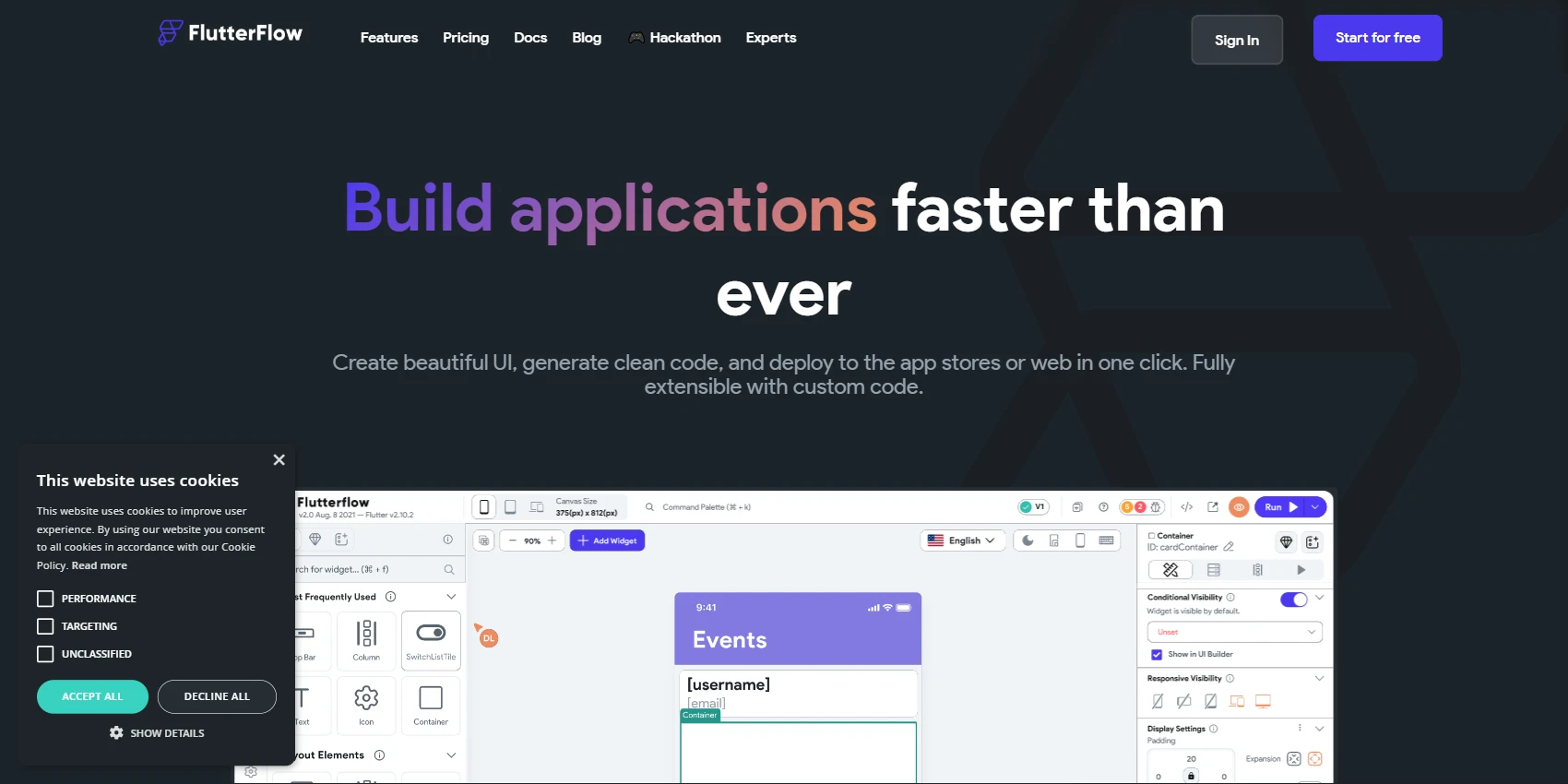
FlutterFlow is a powerful visual low-code builder built on top of Google's Flutter framework. It bridges the gap between rigid template builders and expensive custom software development agencies.
- How it works: Creators design custom user interfaces by dragging and dropping widgets onto a canvas. Behind the scenes, the platform generates clean, production-ready source code that can be exported at any time.
- Pros: Complete design freedom, native device feature access (camera, GPS, push notifications), and direct integration with backend databases like Firebase and Supabase.
- Cons: Steeper learning curve. Creators without a basic grasp of relational databases, API endpoints, and conditional logic may find the platform challenging to master.
Glide: Best for Rapid Deployment and Data-Driven Apps
Glide transforms spreadsheets and databases—such as Google Sheets, Airtable, or Excel—into functional mobile applications with minimal effort.
- How it works: You connect your existing database containing your content, member lists, or product catalogs, and Glide automatically generates a responsive interface optimized for mobile devices.
- Pros: Extremely fast setup times, effortless content updates by simply editing your underlying spreadsheet, and clean, modern user interfaces out of the box.
- Cons: Limited styling flexibility compared to dedicated design tools; heavy reliance on database structures can constrain complex community features.
Adalo: Best for Traditional Drag-and-Drop App Building
Adalo occupies a middle ground, offering a visual design environment similar to Canva or Webflow combined with app database management.
- How it works: Creators build screens visually, establish database relationships between users, posts, and products, and publish directly to the Apple App Store and Google Play Store through the platform's deployment wizard.
- Pros: Visual clarity makes it easy to understand user journeys; extensive component marketplace for adding maps, forms, and payment buttons.
- Cons: Performance can degrade on large-scale applications with heavy data queries; native app store approval processes still require compliance with Apple and Google developer guidelines.
Prerequisites and App Store Compliance
Launching an independent mobile application involves navigating administrative and legal requirements established by major technology gatekeepers. Creators cannot simply build an app and release it instantly to the public without adhering to specific regulatory steps.
- Developer Accounts: To publish white-label apps under your own brand, you must register as an organization or individual developer with Apple ($99 USD annual fee) and Google ($25 USD one-time fee). Apple strictly requires businesses to enroll using a D-U-N-S number if registering as a corporate entity.
- Content Moderation Policies: Both Apple and Google enforce strict guidelines regarding user-generated content, digital purchases, and data privacy. If your app features community forums or user posts, you must implement reporting mechanisms, user blocking tools, and clear terms of service to avoid app store rejection.
- In-App Purchase Rules: Historically, platforms heavily penalized apps selling digital goods if they bypassed the official in-app purchase systems (which take up to a 30% commission). Modern regulatory pressures and platform updates have introduced more flexibility, but creators must carefully verify how their chosen app maker handles digital transactions to avoid policy violations.
Common Mistakes Made by Creators Building Apps
Many creators dive into app development with high enthusiasm but stumble on avoidable operational hurdles. Recognizing these pitfalls saves considerable time and financial resources.
- Building an App Too Early: Launching an app before validating your audience size or monetization model is a frequent misstep. If your audience is not actively engaging on your existing web channels, an app will not magically generate new traffic.
- Ignoring Maintenance and Updates: Mobile operating systems update annually, breaking deprecated code, third-party plugins, or UI layouts. Creators must budget time and resources for ongoing maintenance, bug fixes, and feature updates.
- Overcomplicating the First Version (MVP): Trying to build a feature-rich super-app on the first iteration leads to delayed launches and bloated software. Successful creators start with a Minimum Viable Product—such as a clean content feed and direct messaging—and expand based on direct user feedback.
Frequently Asked Questions
Do I need to know how to code to use creator app maker software?
No. Modern no-code platforms utilize visual drag-and-drop interfaces, pre-built templates, and modular components designed specifically for non-technical users. However, understanding basic digital logic, database structures, and workflow automation significantly accelerates the development process.
What is the difference between a container app and a white-label app?
A container app houses your content inside a third-party platform's branded mobile application, meaning your users download the provider's app to access your space. A white-label app is custom-branded with your icon and name, and it is published directly to the app stores under your own developer accounts.
How much does it cost to build and maintain an app using these platforms?
Costs vary widely based on platform tiers. No-code software subscriptions typically range from $40 to over $200 per month. Additionally, you must factor in annual Apple developer fees ($99), Google developer fees ($25), and potential third-party transaction fees charged by payment processors like Stripe.
Can I sell digital courses and memberships through my own app?
Yes. Most creator-focused app makers include built-in paywalls, subscription management tools, and integrations with payment gateways like Stripe and Apple Pay to facilitate seamless monetization of digital products, courses, and communities.
How long does it take to launch an app with a no-code builder?
Depending on the complexity of your application and your familiarity with the platform, simple content or community apps can be launched in a few days or weeks. More complex applications requiring custom logic, external API integrations, and database architectures can take several months to design, test, and pass app store review.
Conclusion and Next Actions
Selecting the best app maker software for creators depends heavily on your technical proficiency, budget, and business model. Creators seeking rapid community deployment without deep customization should explore template-driven community solutions, while those requiring complete design freedom and custom database architecture should investigate low-code visual environments like FlutterFlow or Glide.
Your immediate next action should be to outline a minimalist feature list for your first version, map out your core revenue channels, and test two or three platform trial environments to evaluate which interface aligns best with your operational workflow.
Image Gallery