How Scanning Credit Cards Impacts Everyday Purchases: Technology, Speed, and Security
Scanning credit cards—whether through mobile camera Optical Character Recognition (OCR) for web checkouts or Near Field Communication (NFC) contactless terminals in retail stores—transforms everyday purchases by eliminating checkout fr...
Scanning credit cards—whether through mobile camera Optical Character Recognition (OCR) for web checkouts or Near Field Communication (NFC) contactless terminals in retail stores—transforms everyday purchases by eliminating checkout friction, reducing manual entry errors, and accelerating transaction processing times. However, this convenience alters consumer spending psychology and relies on robust network tokenization to protect underlying financial credentials.
Contents
Understanding Card Scanning Technologies: OCR vs. NFC
To understand how scanning credit cards affects daily commerce, consumers and merchants must first distinguish between the two primary technologies involved: optical image scanning and radio-frequency contactless scanning. While both are commonly referred to as "scanning," they operate on distinct technical layers and serve different purchase environments.
- Credit Card Scanning
- Optical Camera Scanning (OCR)
- Environment: Mobile E-Commerce
- Mechanism: Video Frame Capture
- Output: Autofilled PAN/Expiry
- Contactless Field Scanning (NFC)
- Environment: Point-of-Sale (POS)
- Mechanism: 13.56 MHz Radio Waves
- Output: Dynamic Cryptogram / Token
- Optical Camera Scanning (OCR)
Optical Character Recognition (OCR) Mobile Scanning
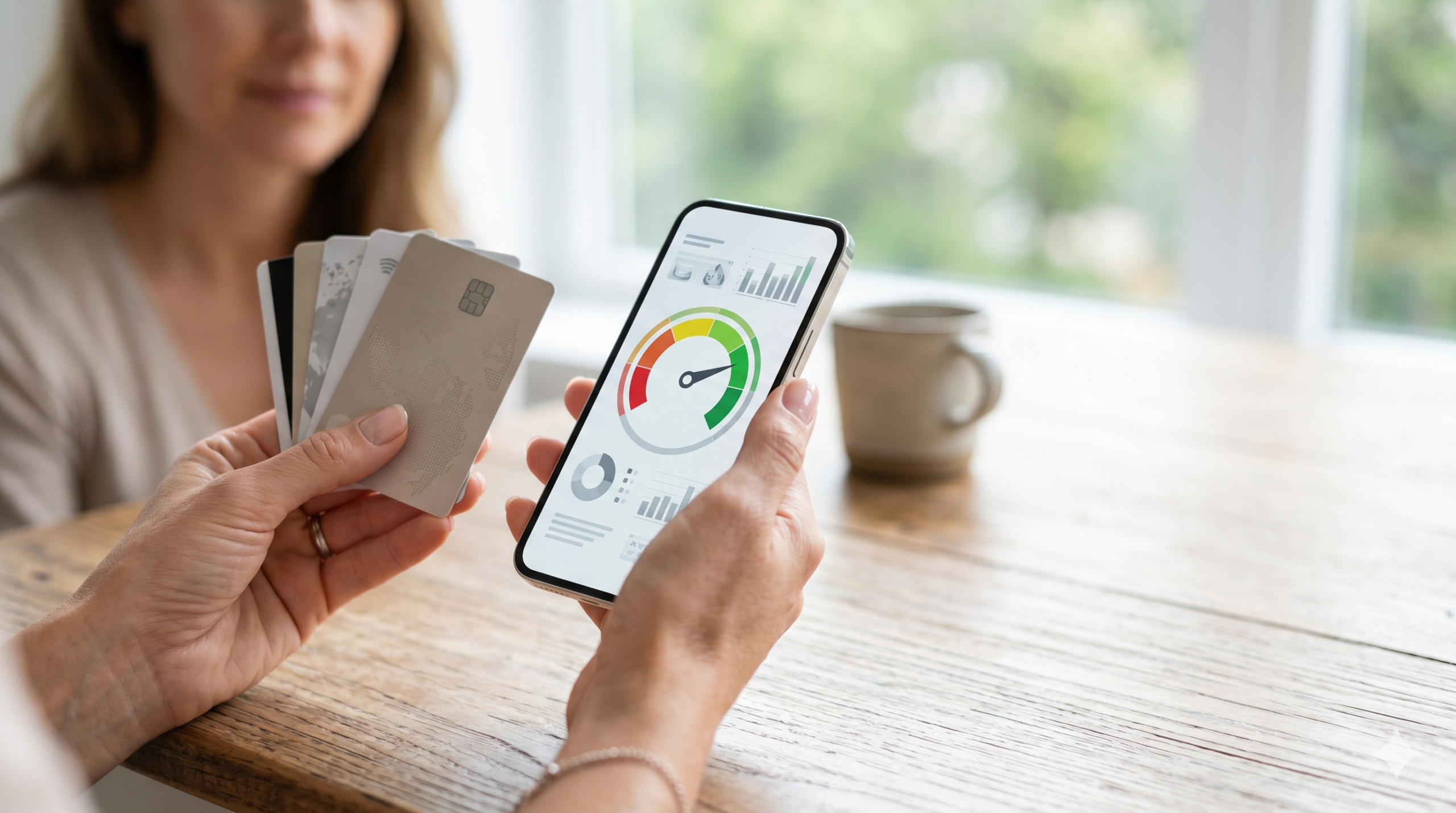
Optical scanning occurs primarily in web browsers and mobile applications. When a user selects "Scan Card" during an online checkout, the application activates the device camera to capture visual frames of the physical card. Machine learning engines—such as Apple’s Vision framework or Google’s ML Kit—analyze the image in real time to locate the card's boundary, extract the raised or printed 16-digit Primary Account Number (PAN), and isolate the expiration date.
Modern implementations process this data entirely on-device within isolated memory spaces. The camera feed is analyzed in RAM and immediately discarded once the text is parsed into form fields. This prevents raw card images from being stored in the device’s photo library or uploaded to unencrypted cloud servers, minimizing security exposure during online checkouts.
Near-Field Communication (NFC) and Tap-to-Pay
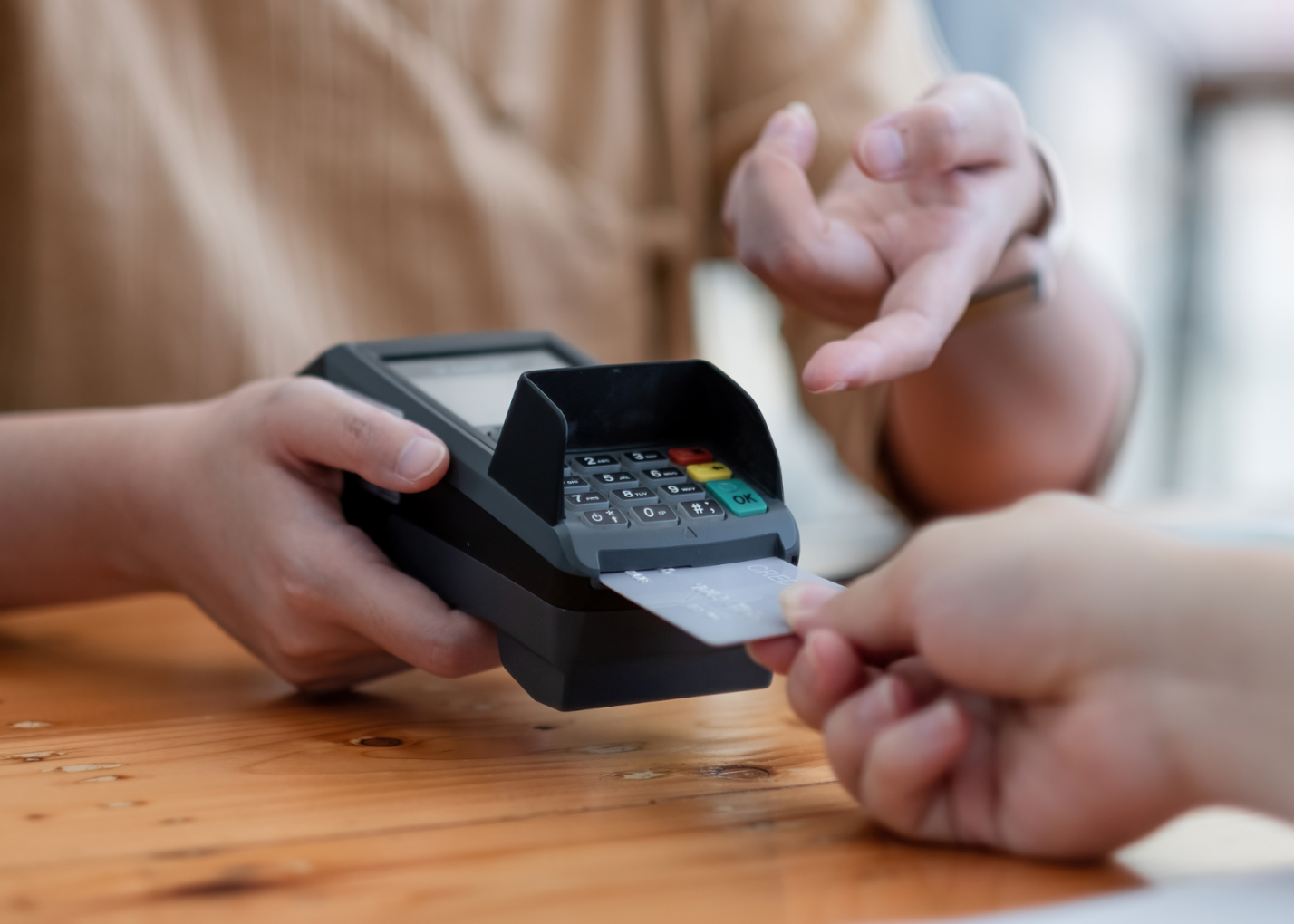
In physical retail environments, "scanning" typically refers to reading a card or digital wallet via Near-Field Communication (NFC). Operating on the 13.56 MHz frequency band under the ISO/IEC 14443 standard, an NFC point-of-sale (POS) terminal emits an electromagnetic field. When a physical contactless card or smartphone (Apple Pay, Google Wallet) passes within four centimeters of the reader, induction powers the card's microchip or wakes the phone’s payment app.
Instead of transmitting the static 16-digit PAN over the air, NFC scans exchange an encrypted, single-use token accompanied by a dynamic cryptogram generated by the chip (EMV standard). This ensures that even if an unauthorized party intercepts the wireless signal during scanning, the captured data cannot be reused for subsequent transactions.
Transaction Speed, Checkout Friction, and Consumer Behavior
The shift from manual card entry and traditional magnetic stripe swipes to modern card scanning has reshaped retail operations and consumer spending patterns. Reducing the physical and cognitive effort required to pay directly influences transaction throughput and purchasing decisions.
Reducing Cart Abandonment in E-Commerce
For mobile e-commerce merchants, cart abandonment has historically presented a major operational hurdle. Studies in digital checkout performance consistently show that typing a 16-digit card number, expiration date, billing address, and security code on a small smartphone keyboard introduces significant friction.
Integrating camera-based card scanning reduces the data-entry phase from roughly 45 seconds down to under 5 seconds. By capturing card details in a single frame, mobile scan features lower checkout drop-off rates, particularly for guest checkouts where consumer financial details are not saved in a merchant database.
Speed of Service at Physical Terminals
In high-volume retail environments—such as grocery stores, quick-service restaurants, and public transit systems—contactless NFC scanning dramatically increases customer throughput.
- Magnetic Stripe Swipe & Signature: 8 to 12 seconds per transaction.
- EMV Contact Chip Insertion (Dip): 5 to 9 seconds (requiring the card to remain in the terminal until authorization completes).
- Contactless NFC Scan (Tap): 1 to 2 seconds.
Saving several seconds per customer compounding over hundreds of daily transactions allows merchants to process longer queues quickly during peak business hours, reducing operational bottlenecks and minimizing store labor costs.
Psychological Shift Toward Frictionless Spending
Eliminating physical payment friction changes how consumers evaluate small, discretionary purchases. Behavioral economics research suggests that handling physical cash creates a psychological "pain of paying," where the physical act of handing over currency reinforces budget awareness.
Swiping or inserting a card creates a minor pause, but scanning a card via NFC or camera scanning reduces payment to an effortless gesture. While this increases convenience for daily routines—such as buying morning coffee or tapping through transit turnstiles—it can lead to increased impulse spending and higher overall monthly credit balances for consumers who do not actively track digital receipts.
Technological Comparison of Payment Entry Methods
The operational characteristics of card scanning differ markedly from legacy payment methods in terms of speed, error rate, security architecture, and underlying technology.
| Entry Method | Average Processing Time | Primary Failure Cause | Security Architecture | Relative Fraud Risk |
|---|---|---|---|---|
| Manual Key Entry (Online) | 30–45 seconds | Human typo / input fatigue | SSL/TLS in transit; static PAN vulnerability | High (Card-Not-Present baseline) |
| Optical Camera Scan (OCR) | 3–5 seconds | Poor lighting / worn card text | On-device frame extraction; temporary RAM usage | Moderate (Mitigated by 3D Secure/CVV) |
| Magnetic Stripe Swipe | 8–12 seconds | Demagnetized tape / head read error | Unencrypted static track data | Very High (Vulnerable to overlay skimmers) |
| EMV Chip Insertion (Dip) | 5–9 seconds | Premature card removal / dirty contacts | Dynamic cryptogram (EMV standard) | Low (Protects against physical cloning) |
| NFC Contactless Scan (Tap) | 1–2 seconds | Poor alignment / metallic phone cases | EMV tokenization + dynamic single-use cryptogram | Lowest (Protects against cloning and interception) |
Security, Fraud Mitigation, and Risk Factors
While card scanning streamlines everyday transactions, it introduces unique security considerations. The mechanics of risk differ between optical scanning applications and wireless NFC terminal interactions.
- Card Scanning Security Model
- Optical Scanning Risk Mitigation
- On-device local RAM execution
- 3D Secure 2.0 verification
- Application isolation/sandbox
- NFC Contactless Risk Mitigation
- Dynamic tokenization (No PAN)
- 13.56 MHz short range (< 4 cm)
- Cryptographic ARQC generation
- Optical Scanning Risk Mitigation
Network Tokenization vs. Raw Card Data Storage
The primary security feature backing modern card scanning—particularly when scanning physical cards into digital wallets—is network tokenization. Managed by card networks like Visa, Mastercard, and American Express under EMVCo standards, tokenization replaces the actual 16-digit card number with a surrogate value (a token).
When a card is scanned into a smartphone wallet:
- The camera captures the PAN and expiration date.
- The data is encrypted and sent to the card issuing bank's authorization server.
- The bank validates the account and issues a Device Primary Account Number (DPAN) stored securely in the hardware's isolated Secure Element chip.
- During subsequent tap-to-pay scans at retail terminals, the DPAN and a dynamic cryptogram are transmitted, meaning the merchant's point-of-sale system never stores or sees the real card number.
Even if a merchant's database experiences a data breach, the stolen tokens cannot be used to execute purchases on another terminal or website.
Addressing Threat Vectors: Skimming vs. Unauthorized Scans
Public perception around the safety of card scanning often involves two distinct risks: physical skimming and unauthorized wireless reading.
- Physical Skimmers: Traditional card readers at gas pumps and ATMs remain vulnerable to physical skimmers—fraudulent overlays installed over magnetic stripe readers. Scanning cards via NFC eliminates this risk entirely because contactless readers do not require inserting the card into a physical slot where hardware skimmers hide.
- Unauthorized RFID Scanning: A common concern is whether malicious actors equipped with portable RFID readers can scan credit cards directly from pockets or purses in crowded places. While technically possible to read static data off older contactless cards, modern cards require a dynamic cryptographic response (Authorization Request Cryptogram, or ARQC) for approval. A scanned signal captured silently in public cannot be replayed at a checkout terminal to complete a valid purchase.
- Optical Scanning Malware: For mobile optical scanning, the primary risk involves malicious third-party mobile applications requesting camera permissions. If a compromised application gains access to the device camera, it could capture screen data or camera feeds. Operating systems strictly isolate camera frameworks, and reputable financial apps perform processing locally without transmitting raw video off the device.
Operational and Financial Impacts for Merchants
Implementing card scanning capabilities alters a business's operational workflow, fraud liabilities, and transaction cost structures.
Point-of-Sale (POS) Throughput and Labor Costs
For brick-and-mortar retailers, customer throughput directly affects sales capacity. By upgrading legacy chip-and-PIN terminals to support instant NFC tap-to-pay scanning, businesses shorten checkout lines during peak hours. High-speed transactions lower cashier idle time and allow fewer checkout lanes to handle a higher volume of customers, directly reducing retail labor overhead.
Chargeback Liabilities and Card-Not-Present (CNP) Rates
Payment processors charge different fees depending on how card data is captured. Transactions are categorized broadly into two security tiers:
- Card-Present (CP): Occurs when a card is scanned via NFC at a physical terminal. Because the transaction uses EMV chip technology or tokenized digital wallets, the merchant receives lower payment processing rates (interchange fees) and benefits from an automatic liability shift. If a stolen card is tapped at the register, the issuing bank, rather than the merchant, typically absorbs the fraud loss.
- Card-Not-Present (CNP): Occurs when a customer uses optical camera scanning to complete an online transaction. Even though an optical scanner reads a physical card visually, credit card networks still classify this as a Card-Not-Present transaction because no chip-based cryptogram was generated directly by a terminal. Consequently, merchants pay higher CNP interchange fees and retain liability for fraudulent transactions unless additional authentication, such as 3D Secure 2.0 (3DS) or multi-factor identity verification, is integrated into the checkout flow.
Best Practices for Consumers and Merchants
To maximize transaction speed while keeping financial data secure, consumers and merchants should adopt clear operational security steps.
Guidance for Consumers
- Enable Biometric Authentication: Ensure that all mobile wallets and web browsers require Face ID, Touch ID, or passcode confirmation before auto-filling scanned card credentials.
- Audit App Camera Permissions: Periodically review device settings to ensure only trusted, verified financial and merchant applications have permission to access the device camera.
- Use Digital Wallets Over Browser Autofill: When scanning a physical card, save it into a native digital wallet (such as Apple Wallet or Google Wallet) rather than saving static card details into web browser form-fill tools. Digital wallets generate secure network tokens, whereas browser autofill stores static card numbers.
- Monitor Account Statements: Enable instant purchase notifications through issuing bank applications to verify every NFC scan or optical checkout in real time.
Guidance for Merchants
- Upgrade to EMV Contactless Standards: Maintain POS hardware certified for EMVCo contactless operations to minimize terminal processing latency and benefit from card-present liability protections.
- Deploy Local OCR Processing: If building a custom mobile shopping app, utilize native operating system APIs (such as iOS Vision Framework or Android ML Kit) to process optical card scanning locally in device memory rather than uploading video frames to remote servers.
- Implement 3D Secure for Web Checkouts: Couple mobile camera optical scanning features with 3D Secure 2.0 protocol checks to reduce Card-Not-Present fraud and lower processing dispute costs.
Frequently Asked Questions
Does optical camera scanning store photos of my credit card on my phone?
No. Standard web browsers and reputable financial apps process the camera feed in real time using local device memory (RAM) to recognize numbers and text. Once the credit card fields are populated, the camera frame is permanently discarded without saving an image file to your device's photo storage or uploading raw footage to external servers.
Can someone steal my credit card details by walking past me with an NFC scanner?
While an unauthorized handheld reader held extremely close (less than four centimeters) might read basic card metadata from unshielded physical cards, it cannot extract the dynamic cryptographic code required to execute a real-world transaction. Furthermore, contactless payments executed through smartphones require biometric unlocking, rendering unauthorized remote scanning impossible for digital wallets.
Why is tapping a card to scan faster than inserting the EMV chip?
Inserting an EMV chip requires the physical card to remain seated in the terminal slot while the reader supplies electrical power, establishes a hardware connection, and executes a complex bidirectional cryptographic handshake. NFC contactless scanning uses high-frequency radio waves to transfer tokenized transaction data instantaneously, completing the exchange in under two seconds.
Is camera-based card scanning considered a Card-Present transaction for online stores?
No. Even though a customer holds the physical card in front of a device camera, payment networks categorize all web and app transactions as Card-Not-Present (CNP). This is because the optical scan reads printed text rather than interacting directly with the card’s secure cryptographic EMV chip.
What should I do if a mobile app fails to scan my credit card correctly?
If an optical scan fails or captures wrong numbers, common causes include glare on glossy card surfaces, low ambient lighting, or flat non-embossed card text. Ensure your card is placed on a flat, contrasting background under bright light. If issues persist, manual entry remains the standard backup method.
Next Steps for Secure Everyday Transactions
To balance speed and financial security in daily spending, transition physical payment habits toward tokenized scanning methods. Adding physical cards to native mobile wallets provides the fastest checkout experience at physical stores while replacing static account numbers with dynamic, single-use security tokens. For online shopping, rely on system-level camera scanning features within trusted apps, and ensure two-factor authentication is active across all financial accounts to maintain robust protection against unauthorized account access.
Image Gallery