How to Write a User Story in Jira: A Comprehensive Guide for Agile Teams
Writing a user story in Jira involves distilling customer requirements into a standardized format—typically "As a [persona], I want to [action], so that [benefit]"—and capturing these within an issue type. By mapping these stories to J...
Writing a user story in Jira involves distilling customer requirements into a standardized format—typically "As a [persona], I want to [action], so that [benefit]"—and capturing these within an issue type. By mapping these stories to Jira’s workflow, teams ensure that development remains aligned with user value, tracked through clear statuses, and prioritized within the project backlog.
Contents
Understanding the Purpose of User Stories in Jira
In Agile development, the user story is the primary mechanism for expressing requirements from the perspective of the end user. Unlike traditional technical specifications that often focus on "how" a system should function, a user story focuses on "what" the user needs and "why" they need it. When you input these into Jira, you are not merely creating a task; you are documenting a piece of value that can be estimated, refined, and eventually shipped to production.
Jira provides a robust framework for managing these stories through issue types, custom fields, and linkable relationships. By using Jira as your system of record, you shift the conversation from technical implementation details to user-centered outcomes. This shift is critical for maintaining velocity in modern development environments, where cross-functional teams rely on shared visibility to coordinate complex product roadmaps.
Prerequisites: Setting Up Your Jira Project for Success
Before writing your first story, ensure your Jira environment is configured to support Agile practices. Whether you are using a Scrum or Kanban template, verify the following prerequisites:
- Issue Type Configuration: Ensure "Story" is enabled in your project’s Issue Type Scheme. If it is missing, a Jira Administrator can add it via the Project Settings.
- Prioritization Access: Ensure you have the necessary permissions (usually "Create Issues" and "Edit Issues") to add content to your team’s backlog.
- Backlog View: Familiarize yourself with the "Backlog" view rather than the "Board" view. The backlog is where user stories are refined, estimated, and ranked before they enter active development.
Anatomy of an Effective User Story
A high-quality user story in Jira should provide enough context for developers to understand the task without dictating the technical architecture. The industry-standard format, popularized by Mike Cohn, is the most effective way to structure your summary field in Jira:
- The Persona (Who): Who is the user? Be specific (e.g., "Frequent Buyer" instead of "User").
- The Action (What): What feature or function are they attempting to use?
- The Benefit (Why): What is the value they derive from this?
Adding Acceptance Criteria
The "Description" field in Jira is the home for your Acceptance Criteria. Without these, a user story is incomplete. Acceptance criteria act as the definition of "Done." Use bullet points to list the specific conditions that must be met for the story to be considered functional. For example:
- The system must validate user input for email format.
- The error message must appear in red text.
- The transaction must complete in under two seconds.
Step-by-Step: Adding a User Story to Jira
Follow this standardized workflow to create and manage your stories:
- Navigate to the Backlog: Open your project in Jira and click on "Backlog" in the left-hand navigation pane.
- Create the Issue: Click the "+ Create" button in the top navigation bar or the "Create issue" button at the bottom of the backlog list.
- Select Issue Type: Ensure the dropdown is set to "Story."
- Enter the Summary: Use the "As a... I want to... So that..." format. Keep it concise, as this is what will appear on your board cards.
- Add Description and Criteria: Use the description box to provide context, screenshots, or design links. Use a checklist or bulleted list for your acceptance criteria.
- Set Priority and Estimates: Use the "Priority" field to signal importance and the "Story Points" field (if using an estimation scheme) to quantify the complexity.
- Save: Once saved, the story appears in your backlog, ready for your team’s next refinement session.
Comparison: Jira Fields vs. Agile Concepts
| Feature | Jira Field | Agile Purpose |
|---|---|---|
| Summary | Title/Heading | The "As a... I want to... So that..." statement |
| Description | Long-form text | Acceptance criteria, context, and edge cases |
| Priority | Priority Field | Rank in the backlog based on business value |
| Story Points | Estimation Field | Relative complexity or effort involved |
| Labels | Labels Field | Tagging by theme, feature area, or version |
Best Practices for Refining Stories in Jira
Writing a story is only half the battle. Maintenance and refinement are essential for a healthy project.
Keep It "INVEST"
Apply the INVEST mnemonic to every story you create in Jira:
- Independent: Can it be developed separately from other stories?
- Negotiable: Is the exact solution still open for team discussion?
- Valuable: Does it deliver tangible benefit to the end user?
- Estimable: Does the team have enough info to guess its size?
- Small: Can it fit into a single iteration?
- Testable: Can a QA engineer verify it?
Link Dependencies
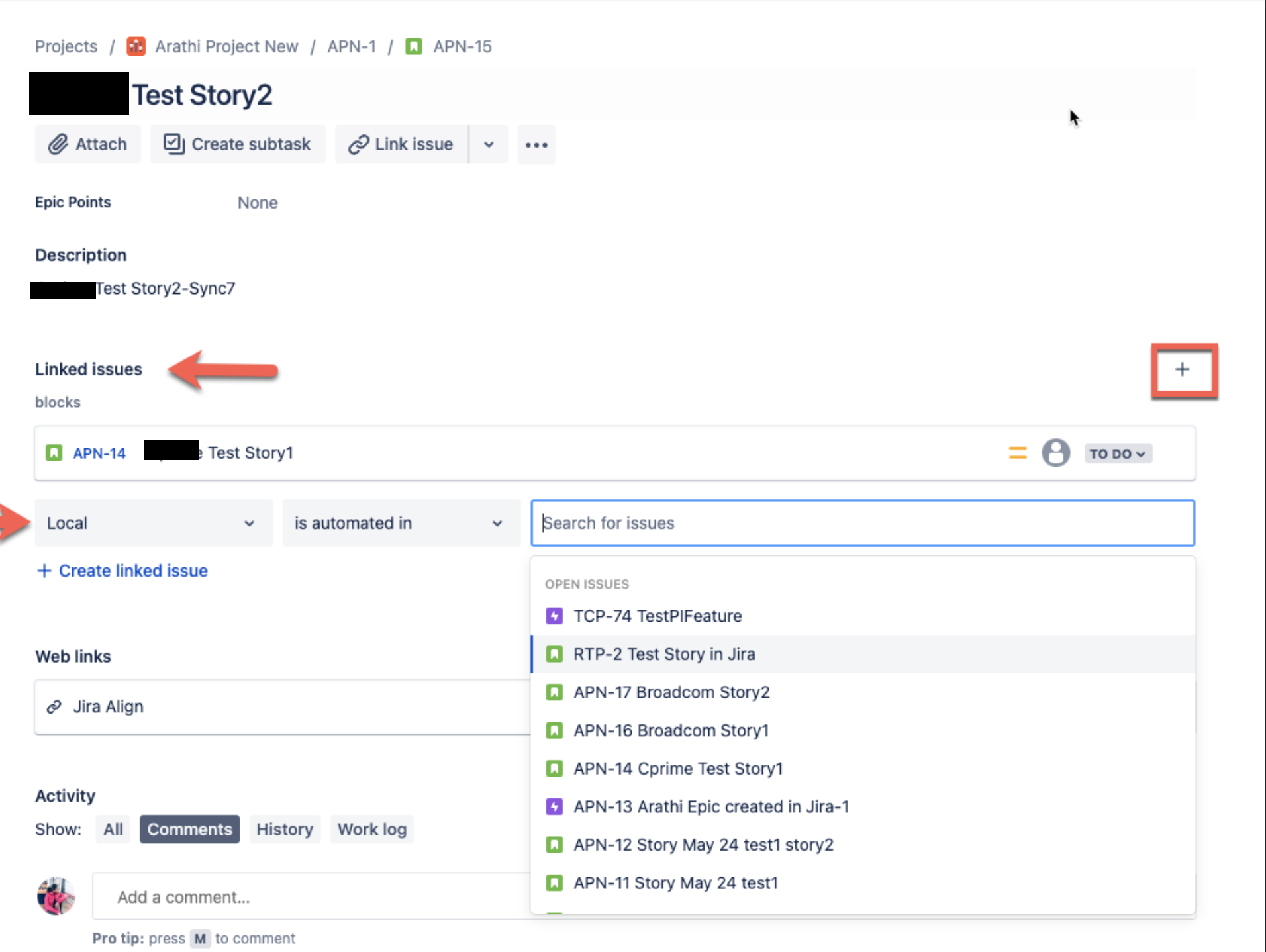
Use Jira’s "Issue Linking" feature to connect your story to parent Epics. An Epic acts as a container for related user stories, providing a hierarchy that helps stakeholders understand how individual tasks contribute to larger project goals. If your user story depends on another piece of work, use the "is blocked by" link type to alert your team to potential bottlenecks.
Common Mistakes to Avoid
- Vague Summaries: Avoid titles like "Update login." Instead, use "As a user, I want to reset my password via email, so that I can regain account access if I forget my credentials."
- Over-Engineering: Avoid putting code-level implementation details into the story description. The story should define the need, not the code.
- Ignoring Attachments: Jira supports drag-and-drop for images and files. Always attach UI/UX wireframes or architectural diagrams directly to the issue to prevent "tribal knowledge" siloing.
- Forgotten Acceptance Criteria: If you don't define what success looks like at the start, you will inevitably face scope creep during the development cycle.
Frequently Asked Questions
1. Should I use "Story" or "Task" in Jira?
Use "Story" when you are describing a requirement from a user’s perspective that delivers business value. Use "Task" for technical work that does not have an end-user impact, such as refactoring, updating dependencies, or setting up a testing environment.
2. Can I change the format of a user story in Jira?
Yes. Jira allows you to customize the "Create Issue" screen. You can add custom fields for specific metadata, such as "Business Owner" or "Regulatory Compliance ID," to ensure every story aligns with your organization's internal reporting needs.
3. How do I split a large story in Jira?
If a story is too large to fit in a sprint, right-click the issue in the backlog and look for the "Split" functionality (available in Jira Software projects). This allows you to break one large story into two smaller, more manageable issues while preserving the history of both.
4. Who is responsible for writing user stories?
In a typical Scrum team, the Product Owner is responsible for the content of the user story. However, the refinement of that story is a collaborative effort between the Product Owner and the development team.
Next Actions
To improve your team's throughput, perform a "Backlog Audit" this week. Review your current Jira backlog and identify any stories that lack clear acceptance criteria or are missing an assigned Epic. During your next team meeting, prioritize clarifying these "at-risk" stories to ensure that your upcoming sprints are built on a solid foundation of well-defined requirements.
Image Gallery