Next Month’s PlayStation Plus Games: Release Schedule and Tier Guide for 2026
The lineup for next month’s PlayStation Plus games is typically officially revealed on the last Wednesday of the current month at 4:30 PM GMT / 11:30 AM EDT. Once announced, the games become available for download on the first Tuesday...
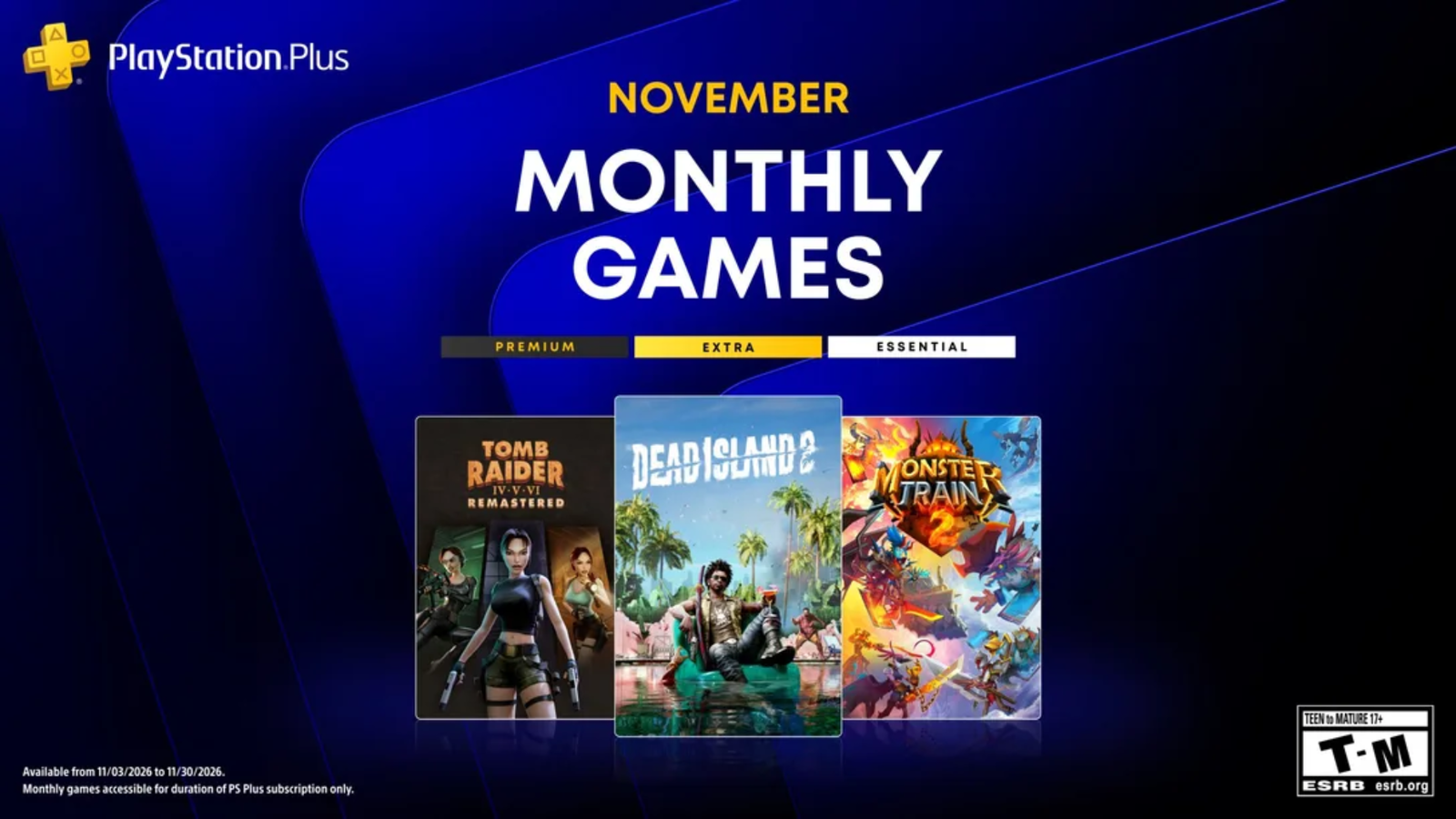
The lineup for next month’s PlayStation Plus games is typically officially revealed on the last Wednesday of the current month at 4:30 PM GMT / 11:30 AM EDT. Once announced, the games become available for download on the first Tuesday of the following month, replacing the previous month's titles.
Contents
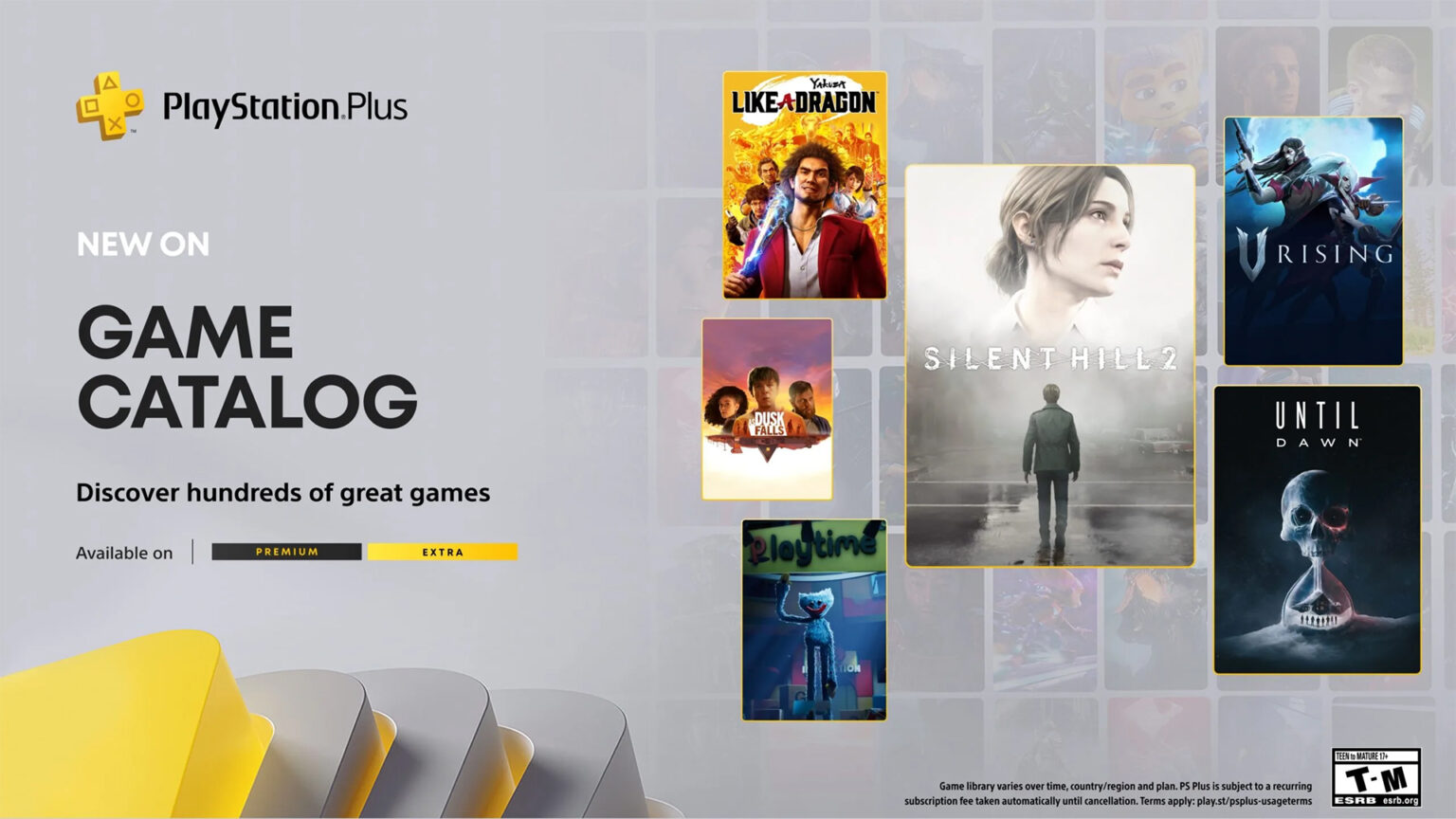
Since the major service overhaul in 2022, PlayStation Plus has functioned as a three-tier system: Essential, Extra, and Premium. Each tier offers a different level of access to monthly content. While the "Monthly Games" (available to all tiers) are revealed late in the month, the "Game Catalog" updates for Extra and Premium members are usually announced a week later. Understanding this staggered release cycle is vital for subscribers looking to maximize their value and manage their console storage effectively.
The PlayStation Plus Reveal Cycle and Schedule
Sony Interactive Entertainment (SIE) follows a remarkably consistent pattern for its subscription service. To plan your gaming schedule, you must distinguish between the "Monthly Games" reveal and the "Game Catalog" update.
The Essential Reveal (Monthly Games)
The Essential tier provides three to four games that any subscriber can add to their library. These are yours to keep as long as your subscription remains active.
- Announcement Day: The last Wednesday of the month.
- Release Day: The first Tuesday of the following month.
For example, if you are looking for the games for June 2026, the announcement would typically occur on Wednesday, May 27, 2026, with the games becoming available on Tuesday, June 2, 2026.
The Extra and Premium Reveal (Game Catalog)
The Extra and Premium tiers include a rotating library of hundreds of PS4 and PS5 games. Unlike the Essential games, these can leave the service (similar to how movies leave Netflix).
- Announcement Day: Usually the Wednesday following the Essential release (the second Wednesday of the month).
- Release Day: The third Tuesday of the month.
Why Does the Schedule Sometimes Shift?
While the "last Wednesday" rule is the standard, it is not a legal guarantee. Occasionally, if the first Tuesday of the month falls very early (such as the 1st or 2nd), Sony may move the announcement up or back by one week to ensure the marketing window aligns with the PlayStation Store update cycle. Major industry events, such as a "State of Play" or a "PlayStation Showcase," can also result in surprise "shadow drops" where games are revealed and released simultaneously.
Breaking Down the PlayStation Plus Tiers in 2026
To understand what you are eligible for next month, you must verify your current subscription level. In 2026, the features for these tiers remain distinct in terms of library depth and technical capabilities.
PlayStation Plus Essential
This is the base tier required for online multiplayer in most non-free-to-play games.
- Monthly Games: Access to 3+ games across PS4 and PS5.
- Cloud Storage: 100GB of space for save files.
- Discounts: Exclusive member-only pricing during seasonal sales.
- Online Multiplayer: Necessary for titles like Call of Duty or EA Sports FC.
PlayStation Plus Extra
This tier includes all Essential benefits plus the Game Catalog.
- Game Catalog: A library of up to 400 PS4 and PS5 titles.
- Ubisoft+ Classics: Access to a curated selection of Ubisoft titles, including major franchises like Assassin’s Creed and Far Cry.
- Downloadable Only: Games in this catalog must be downloaded to the console (unless you also have the Premium tier for streaming).
PlayStation Plus Premium
The highest tier is designed for enthusiasts and legacy fans.
- Classics Catalog: Access to games from the original PlayStation (PS1), PS2, and PSP.
- PS3 Cloud Streaming: Due to the complex Cell architecture of the PS3, these games remain available only via cloud streaming rather than local emulation.
- Cloud Streaming: The ability to stream most games in the catalog to your PS5, PS4, or PC. As of 2024 and through 2026, this includes 4K streaming capabilities for supported PS5 titles.
- Game Trials: Time-limited demos (usually 2–5 hours) of major new releases. Progress and trophies carry over if you purchase the full game.
| Feature | Essential | Extra | Premium |
|---|---|---|---|
| Monthly Games (Keep forever) | Yes | Yes | Yes |
| Online Multiplayer | Yes | Yes | Yes |
| Game Catalog (PS4/PS5) | No | Yes | Yes |
| Ubisoft+ Classics | No | Yes | Yes |
| Classics Catalog (PS1/PS2/PSP) | No | No | Yes |
| PS3 Cloud Streaming | No | No | Yes |
| Cloud Streaming (PS4/PS5/PC) | No | No | Yes |
| Limited Game Trials | No | No | Yes |
How to Claim and Manage Your Games
Many users mistakenly believe that if they don't download the game immediately, they lose it. This is not the case for the Essential "Monthly Games."
Claiming vs. Downloading
To "own" the monthly games, you must add them to your library during the month they are featured. You do not need to download the full file immediately. Once added to your library, the game is tied to your account. You can delete it to save space and redownload it months or years later, provided you have an active PS Plus subscription at that time.
The "Expired License" Issue
A common troubleshooting problem occurs when a user lets their subscription lapse. When you resubscribe, you may occasionally see a "padlock" icon on your previously claimed monthly games.
- Solution: Go to Settings > Users and Accounts > Other > Restore Licenses. This syncs your local console permissions with the PlayStation Network servers and usually unlocks your catalog.
Storage Considerations for PS5
Next-gen games (PS5 versions) must be played from the console's internal SSD or a certified M.2 NVMe SSD expansion. You can store these games on an external USB HDD, but you cannot play them directly from it. If next month's lineup includes large AAA titles (often 80GB–150GB), ensure you have cleared sufficient space or moved older titles to external storage.
Predicting Next Month's Lineup: Trends and Leaks
While Sony keeps the official list under wraps, several reliable patterns and sources have emerged over the last few years.
The Role of "Dealabs" and Leakers
Historically, a user known as "billbil-kun" on the French site Dealabs has accurately leaked the PS Plus lineup days before the official announcement for several consecutive years. While SIE has tightened security, these community-driven leaks remain the most accurate source of pre-announcement information.
Seasonal Trends
Sony often aligns game genres with the season or major upcoming releases:
- October: Frequently features horror or "spooky" games (e.g., Resident Evil, Dead Space, or The Callisto Protocol).
- December/January: Usually sees high-profile AAA titles to coincide with the influx of new console owners during the holiday season.
- Synergy Drops: If a major sequel is launching (e.g., Horizon 3), Sony may put the previous game (Horizon Forbidden West) on the service a month or two prior to build hype.
Eligibility and Regional Differences
It is important to note that the PS Plus lineup is not always identical globally.
- Regional Variations: In some territories, specifically in Asia (HK, JP, SG), the lineup may substitute a title if the primary global game is not localized or has licensing restrictions.
- PS Plus Deluxe: In regions where cloud streaming is not supported, the "Premium" tier is replaced by "PS Plus Deluxe." This tier is slightly cheaper and includes the Classics Catalog but excludes PS3 streaming.
Troubleshooting Common Access Problems
If you cannot see the "next month" games once they are announced, check the following:
- Time Zone Lag: The PlayStation Store updates at different times depending on your region. The UK/EU store typically updates in the morning, while the US store (East Coast) updates around noon.
- Tier Restrictions: Ensure the game you are trying to download is part of your specific tier. "Extra" members cannot access "Premium" classic titles.
- Active Subscription Status: Verify your subscription hasn't expired. You can check this under Settings > Account Management > Subscriptions.
Frequently Asked Questions
Can I play PS Plus games if I cancel my subscription?
No. For the Essential Monthly Games, the licenses are "frozen" when your subscription ends. They remain in your library, but you cannot play them until you resubscribe. For Extra and Premium Game Catalog titles, they are removed from your access immediately upon the subscription's expiration.
What happens if a game leaves the Extra/Premium catalog?
If a game is removed from the Extra or Premium Game Catalog, you lose access to it even if it is already downloaded to your console. This is different from the Essential Monthly Games, which stay in your library forever as long as you remain a member. Sony usually provides a "Last Chance to Play" section in the PS Plus hub on the console.
Do PS Plus games include DLC?
Generally, no. The versions offered on PS Plus are typically the "Standard Edition." If you want expansions or DLC, you usually have to purchase them separately from the PlayStation Store. However, occasionally "Complete Editions" or "Game of the Year Editions" are included, which do feature the DLC.
Can I claim PS5 games if I only own a PS4?
Yes. You can claim the PS5 monthly games via the PlayStation App on mobile or through the web-based PlayStation Store. This allows you to build a library of PS5 games so that they are waiting for you whenever you decide to upgrade your hardware.
Is cloud streaming available on PS4?
Yes, but only for users with the Premium tier. PS4 owners can stream certain PS4 and PS3 games, allowing them to play titles that might otherwise require more powerful hardware or backward compatibility.
Final Recommendation for Subscribers
To ensure you never miss out, set a calendar reminder for the last Wednesday of every month. Even if you don't plan on playing the monthly games immediately, adding them to your library is a "zero-cost" way to build a massive permanent collection over time. For the Extra and Premium tiers, always prioritize playing games in the "Leaving Soon" category, as those titles are typically removed on the third Tuesday of the month.
Image Gallery