Understanding the Latest Software Version: A Comprehensive Update Guide
As of early 2026, the current version release cycle across most major enterprise and consumer platforms has shifted toward prioritizing stability, integrated AI-driven security, and cross-platform ecosystem continuity. When users ask w...
As of early 2026, the current version release cycle across most major enterprise and consumer platforms has shifted toward prioritizing stability, integrated AI-driven security, and cross-platform ecosystem continuity. When users ask what is going on with the new version, they are typically seeking clarification on whether to upgrade immediately, how the latest features impact their existing workflows, and what hardware or subscription prerequisites are required to maintain performance.
Contents
Defining the Current Version Landscape
Software development in 2026 is defined by a transition away from radical user-interface overhauls toward "invisible" architecture updates. Unlike the software eras of the early 2020s, which were characterized by rapid, disruptive feature deployment, current releases focus on performance optimization, reduction of memory bloat, and the integration of local machine-learning models that run on-device rather than in the cloud.
If you are evaluating a new version release, it is essential to distinguish between a "Feature Update" and a "Security Patch." Feature updates usually contain structural changes that might require your current software integrations—such as plugins or third-party APIs—to undergo their own compatibility verification. Security patches, conversely, are rarely optional and should be applied across enterprise environments as soon as they pass internal regression testing.
Prerequisites Before Updating
Before initiating any major version update, you must verify that your environment meets the new baseline requirements. In 2026, the most common barriers to a successful update are not raw CPU power, but rather RAM availability and OS-level security architecture compatibility.
- System Backup: Ensure you have an off-site or disconnected local backup of your core databases and configuration files. Do not rely on cloud-sync services as your sole recovery point during an OS or kernel-level update.
- Compatibility Audit: Check your essential third-party software vendors. Many enterprise applications publish "compatibility matrices" that detail which versions of their software support the newest platform releases.
- Firmware Alignment: In many instances, the "new version" of software is deeply tethered to specific firmware versions for your hardware (e.g., SSD controllers, GPU drivers, or network interface cards). Ensure these are updated in the correct order to avoid "boot-looping" or driver conflicts.
- License Verification: Confirm that your subscription or perpetual license status is active. Some vendors have moved to "version-locked" licensing in 2026, meaning your current license may not grant access to the newest release without an additional upgrade fee or renewal.
The Impact of Modern Updates on Workflow
The primary goal of the 2026 software update cycle is the optimization of user efficiency. Most new versions incorporate "Contextual Automation," which suggests shortcuts or automates repetitive data entry based on your historical patterns.
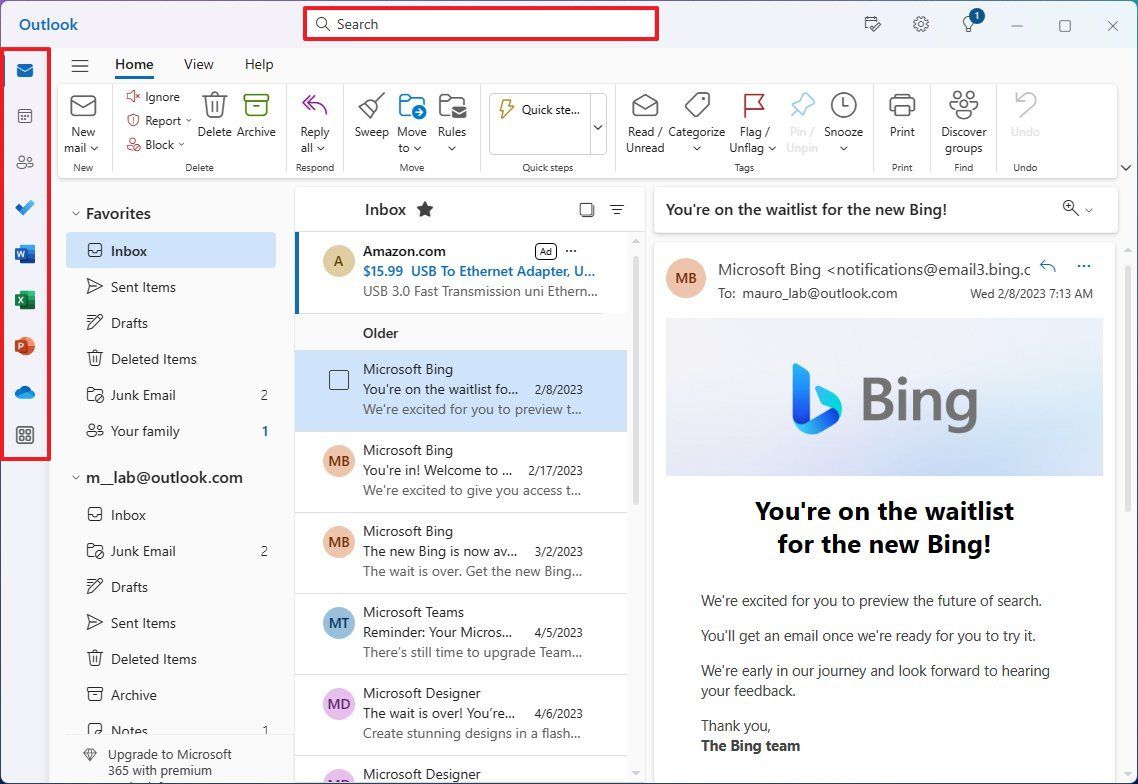
However, these features often come with a learning curve. Users often report that the most significant change in a new version is not the presence of new tools, but the reorganization of existing ones. Navigation menus that have been static for years are frequently condensed into "adaptive ribbons," which hide rarely used tools to minimize clutter. While this increases the workspace area, it often leads to initial productivity losses as veteran users must "re-learn" the location of specific functions.
Comparative Analysis: Should You Upgrade?
The decision to upgrade depends heavily on your tolerance for change versus your need for the latest security protocols. The following table provides a decision-making framework for determining your update strategy.
| Factor | Early Adopter (Update Immediately) | Stable Environment (Wait 3–6 Months) |
|---|---|---|
| Security Risk | High (Requires immediate patching) | Managed (Layered security in place) |
| Workflow | Flexible/Experimental | Mission-critical/High-uptime |
| Hardware | Latest generation (2025/2026) | Legacy/Validated hardware |
| Integrations | Minimal/Native-only | Complex/Interdependent systems |
For organizations, the "Stable Environment" approach remains the industry standard. By waiting for the first major "Point-One" (e.g., v.1.1) release, users avoid the inevitable bugs present in the "dot-zero" initial public release.
Addressing Common Troubleshooting Issues
When a new version introduces unexpected behavior, the problem is rarely the software's core logic; it is almost always a conflict with legacy cached data or outdated configuration files. If you have recently updated and are encountering issues, follow this logical progression:
- Clear Local Cache: Delete temporary configuration files and application caches. Modern software often stores "UI state" information that is not compatible with the new version’s memory architecture.
- Safe Mode Verification: Run the software in a restricted or "safe" mode to determine if a third-party plugin or extension is causing the crash.
- Dependency Check: Reinstall core runtime environments (such as updated Visual C++ libraries, Java Runtime, or language-specific engines) that the new software version relies upon.
- Log Analysis: Every professional-grade application generates error logs. Locate the log folder in the installation directory; these files typically provide a "StackTrace" that pinpoints exactly which service or file triggered the failure.
Frequently Asked Questions
Does the new version require a subscription fee if I already own the previous version? Most vendors now utilize a subscription model. If you are on a perpetual license, you may be required to purchase a "Version Upgrade" key. If you have a recurring subscription, the new version is typically included at no additional cost, though some premium features may be gated behind higher-tier subscription plans.
Can I downgrade if the new version is incompatible with my workflow? Rolling back is possible, but it is rarely seamless. Before updating, always create a system image. Reverting involves more than just uninstalling the new version; you must also roll back your data files, as these are often permanently converted into a format that older versions cannot read or interpret.
Why does the new version feel slower on my existing machine? "Software bloat" is a common perception, but in 2026, performance degradation is usually due to the new version enabling background telemetry or AI-indexing processes that consume CPU cycles. Review the "Settings" or "Preferences" menu to disable unnecessary background features immediately after installation.
How do I verify if a patch is legitimate and not a security threat? Only download updates from the vendor's official domain or authorized repository mirrors. Verify the cryptographic hash (SHA-256) of the installer against the checksum provided on the official release notes page. If the hashes do not match, the file is corrupted or malicious.
Is it safe to update if I am in the middle of a major project? No. Never perform a major version upgrade while in the middle of a project with a pending deadline. Always wait until a natural "gap" in your workload, giving yourself at least 48 hours of recovery time in case of unforeseen software incompatibilities.
Recommendation and Next Actions
The most effective strategy for managing the "new version" phenomenon is a measured, scheduled rollout. If you are an individual user, prioritize security patches immediately but reserve feature-set upgrades for periods of low activity. If you are managing an enterprise environment, designate a "test group" of hardware to receive the update first, monitor their logs for seven days, and only then proceed to a company-wide deployment. By treating software updates as a structured infrastructure project rather than a spontaneous task, you preserve the integrity of your production environment.
Image Gallery