How to Watch MLB Games on Roku
Watching Major League Baseball games on a Roku streaming device or Roku TV is straightforward once you understand how local blackouts, national broadcasts, and regional sports networks affect your streaming options. You can easily acce...
Watching Major League Baseball games on a Roku streaming device or Roku TV is straightforward once you understand how local blackouts, national broadcasts, and regional sports networks affect your streaming options. You can easily access live games by downloading official sports applications like MLB.TV, subscribing to live TV streaming services such as Fubo or YouTube TV, or using authenticated TV Everywhere apps provided by cable and satellite providers.
Contents
Understanding MLB Broadcasting Restrictions and Blackouts
Before purchasing any subscription to watch Major League Baseball on your Roku device, you must understand how MLB broadcasting rights work. Major League Baseball utilizes a complex system of national exclusivity and regional blackouts designed to protect local television stations and regional sports networks (RSNs).
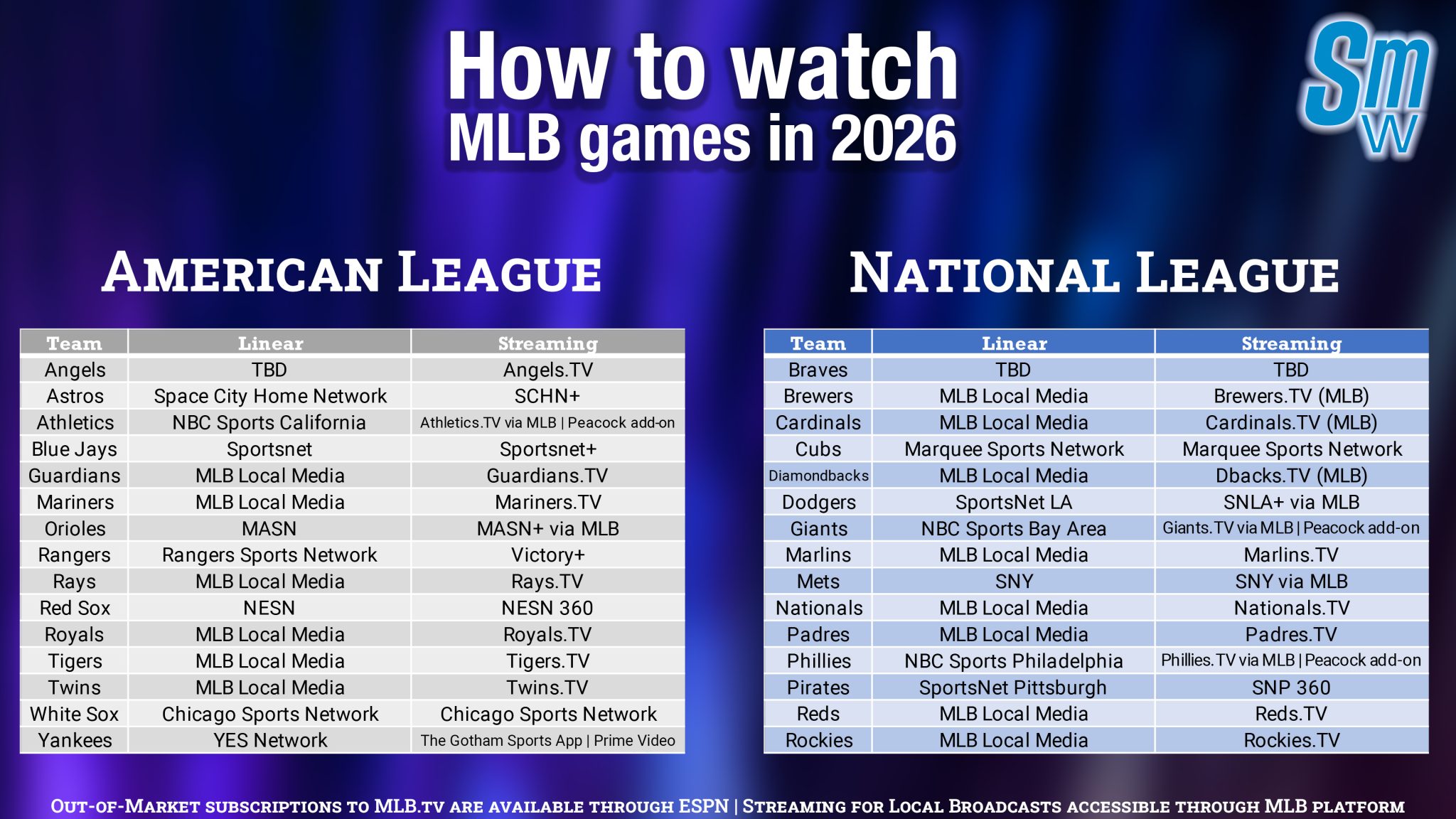
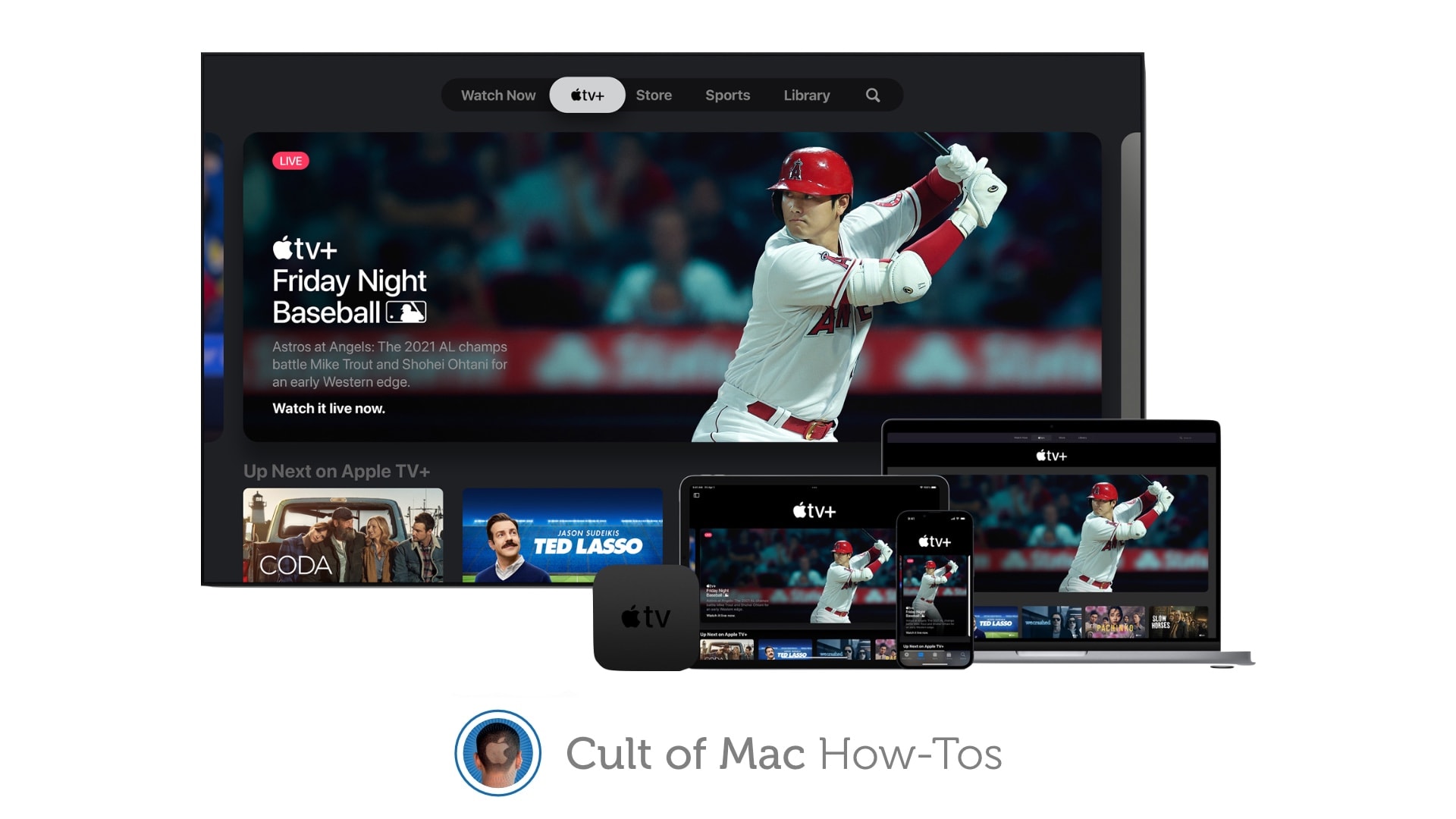
National broadcasts—such as those on ESPN, Fox, FS1, TBS, and exclusive streaming partners like Apple TV+ or Roku's own Sunday Leadoff package—are generally available to fans across the entire country, subject to minor exceptions. However, regional games are subject to strict geographic blackouts. If you live within a team's designated home television territory, you cannot watch that team's live games via the out-of-market MLB.TV streaming service. Instead, local fans must rely on a traditional cable subscription, a live TV streaming service that carries their local RSN, or an independent team-specific streaming pass where available.
Recognizing these boundaries saves you from purchasing an incompatible subscription. If your goal is to follow your hometown team, your Roku setup must include access to the specific network holding local broadcast rights. Conversely, if you live out-of-state and want to follow a team across the country, out-of-market packages provide a comprehensive solution.
Official MLB Apps and Out-of-Market Streaming
The primary method for watching baseball on Roku is the official MLB app, which houses the MLB.TV subscription service. This option is ideal for out-of-market fans who want to watch games involving teams outside their local broadcast region.
Setting Up MLB.TV on Roku
- Turn on your Roku device and ensure it is connected to the internet.
- Navigate to the Streaming Store from the Roku home screen.
- Search for "MLB" using the on-screen keyboard or voice search.
- Select the official MLB application and click Add channel.
- Once installed, open the app from your home screen and sign in with your MLB account credentials. If you have an active MLB.TV subscription linked to your account, you will immediately gain access to available live and archived games.
MLB.TV offers two primary subscription tiers: a single-team pass and an all-team yearly pass. Both options give you access to spring training games, regular-season out-of-market broadcasts, and the choice of home or away audio feeds. Audio-only options are also available for users who prefer radio broadcasts. However, remember that live games featuring your local team remain blacked out for the duration of the broadcast window, though archived versions typically become available shortly after the game concludes.
Live TV Streaming Services for Local and National Games
If you want to watch local games affected by blackouts alongside national broadcasts, you will need a live television streaming service that carries local network affiliates and Regional Sports Networks. Several major streaming providers offer native apps for the Roku platform, allowing you to replace traditional cable boxes entirely.
| Streaming Service | Roku App Available | RSN Support | Local Channels (ABC, CBS, FOX, NBC) | ESPN / TBS / FS1 |
|---|---|---|---|---|
| Fubo | Yes | Extensive (varies by market) | Yes | Yes (select channels) |
| YouTube TV | Yes | Limited | Yes | Yes |
| DirecTV Stream | Yes | Extensive (varies by market) | Yes | Yes |
| Hulu + Live TV | Yes | Limited | Yes | Yes |
Choosing the Right Streaming Service
- Fubo and DirecTV Stream: These services are heavily favored by baseball fans because they maintain carriage agreements with many Regional Sports Networks, such as Bally Sports affiliates (where available via bankruptcy restructurings and regional distributor deals), NBC Sports RSNs, and NESN. Always check your specific zip code on the provider's website before subscribing to confirm local channel and RSN availability.
- YouTube TV and Hulu + Live TV: These platforms offer robust lineups for national broadcasts (ESPN, Fox, TBS) and local network affiliates, making them excellent for national games and postseason coverage. However, their inclusion of local RSNs is limited, meaning local blackouts may still restrict your access to your home team unless you supplement with alternative regional packages.
Using TV Everywhere Apps with Existing Pay-TV Credentials
If you or a family member still maintain a traditional cable, satellite, or fiber television subscription, you do not necessarily need to pay for an additional streaming service to watch baseball on Roku. Major sports networks and broadcast partners offer dedicated Roku channels that utilize a "TV Everywhere" authentication model.
To use these apps, follow these steps:
- Add the specific network app to your Roku device (e.g., ESPN, Fox Sports, TBS, or local sports network apps where supported).
- Open the app and attempt to watch a live broadcast or restricted event.
- The app will prompt you to activate your device by visiting a specific web URL on a computer or mobile phone and entering a unique activation code.
- Select your traditional television provider from the drop-down menu and log in using your primary account username and password.
- Once authenticated, the Roku app will unlock live streaming access based on your standard television channel lineup.
This method bridges the gap between traditional home theater setups and modern streaming hardware without incurring duplicate subscription fees, provided your pay-TV tier includes the channels broadcasting the games you want to watch.
Troubleshooting Common Roku Streaming Issues
Even with a stable internet connection and active subscriptions, you may occasionally encounter playback errors, authentication loops, or location-verification failures on your Roku device. Systematic troubleshooting resolves most common issues quickly.
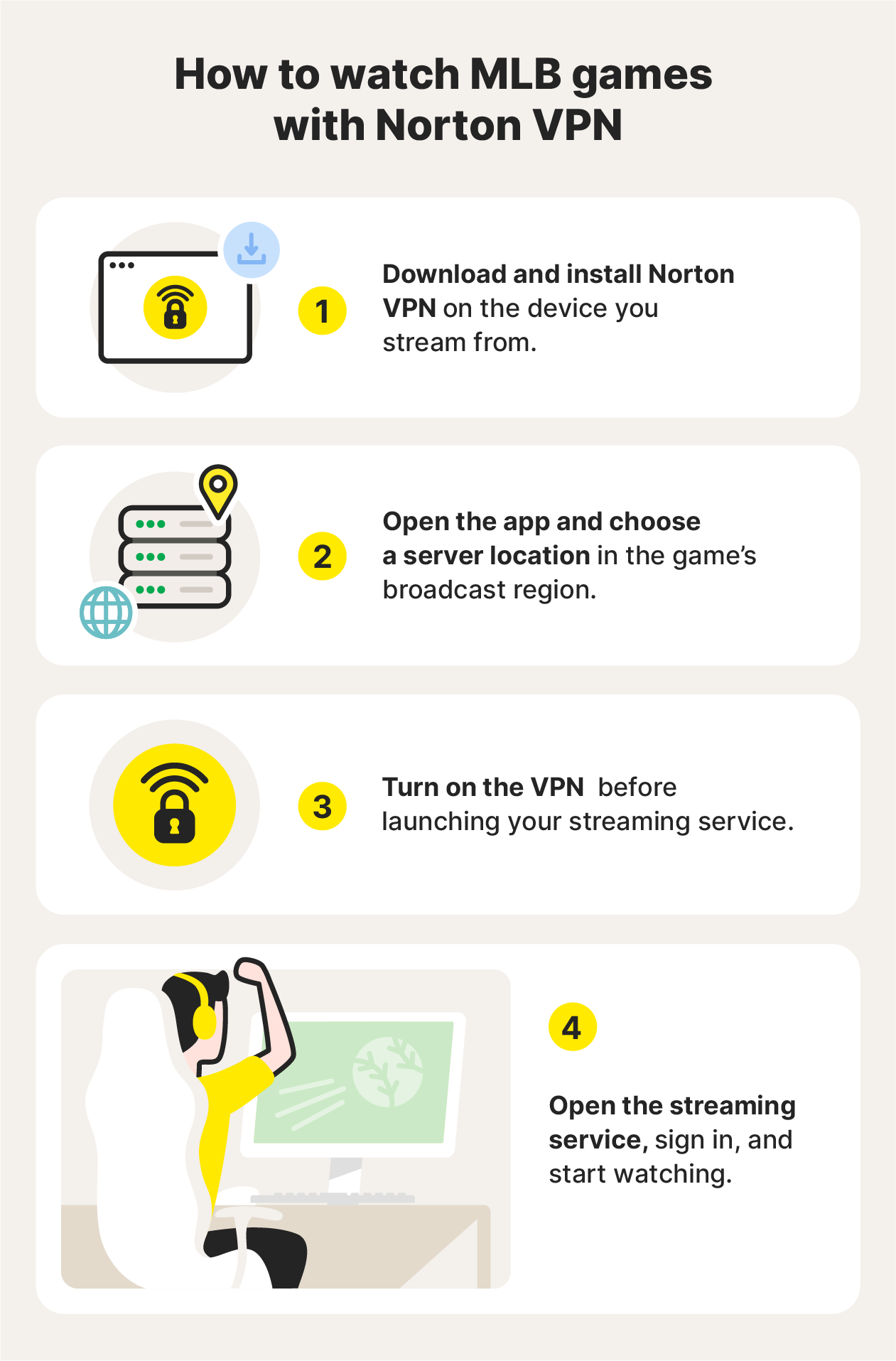
- Location Verification Errors: MLB.TV and live TV streaming services rely on your internet connection's IP address to determine your geographic location for blackout enforcement. If you use a Virtual Private Network (VPN) or Smart DNS service configured at the router level, streaming apps may flag the connection and block access. Disable routing modifications to ensure accurate location reporting.
- App Freezing or Crashing: If the MLB app or a live streaming service freezes on your Roku, restart the application by navigating away from it, or perform a system restart by going to Settings > System > Power > System restart (or unplugging the device for ten seconds).
- Buffering and Low Video Quality: Live sports require consistent bandwidth. Ensure your Roku device is connected to a strong Wi-Fi signal or use an Ethernet adapter if you are using a Roku Ultra model. Clearing background apps and restarting your home router can also alleviate network congestion.
Next Actions for Seamless Baseball Viewing
To secure the best possible setup for watching Major League Baseball on your Roku device, start by mapping out which teams you want to watch and checking your local zip code against available streaming providers. Out-of-state fans should subscribe directly to MLB.TV through the official Roku channel store, while local fans should verify which live TV streaming service or cable package carries their regional sports network. By aligning your subscriptions with your geographic broadcasting restrictions, you can enjoy a full season of uninterrupted baseball directly from your Roku home screen.
Image Gallery