Understanding the PayPal Glitch: Impacts, Risks, and Solutions for Users in 2026
PayPal glitches typically signal temporary server outages, API synchronization errors, or scheduled maintenance disruptions. For users, this means potential delays in accessing funds, processing payments, or seeing accurate account bal...
PayPal glitches typically signal temporary server outages, API synchronization errors, or scheduled maintenance disruptions. For users, this means potential delays in accessing funds, processing payments, or seeing accurate account balances. While these technical hiccups rarely compromise the underlying security of funds, they can cause significant operational friction for personal and business accounts.
Contents
Technical disruptions within the PayPal ecosystem are not a monolith; they range from minor interface lag to total service blackouts that prevent millions from accessing their capital. As we navigate the financial landscape of 2026, the reliance on digital wallets has made these "glitches" more than just a nuisance—they are critical business risks. Understanding what these errors mean, how to differentiate between a system failure and a security threat, and how to maintain financial continuity is essential for every modern user.
The Anatomy of a PayPal Glitch: Why the System Fails
When users refer to "PayPal glitching," they are usually witnessing the external symptoms of complex backend failures. PayPal’s infrastructure is a massive web of microservices, third-party bank integrations, and global currency conversion engines. A failure in any one of these nodes can ripple through the user experience.
Server-Side Outages and Latency
The most common cause of a glitch is server-side latency or a complete "down" state. This often occurs during high-traffic events—such as major holiday shopping windows—or when a global Content Delivery Network (CDN) experiences an outage. When the servers cannot handle the request volume or the handshake between your device and the PayPal data center fails, you encounter the dreaded "Something went wrong on our end" message.
API Synchronization Errors
For business users and freelancers, glitches often manifest through API (Application Programming Interface) failures. If you use PayPal as a checkout option on a site like Shopify or WooCommerce, the glitch might be a failure in the communication between the two platforms. The customer may pay, but the merchant's dashboard fails to reflect the transaction, leading to "ghost" orders where money has moved but the service has not been triggered.
Database Propogation Delays
Occasionally, PayPal undergoes "maintenance" that doesn't fully take the site offline but slows down database updates. This results in balance discrepancies. You might transfer money from your bank, see the bank balance drop, but find your PayPal wallet remains unchanged for several hours. This is rarely a loss of funds; rather, it is a delay in the ledger's ability to reflect the most recent state of the database.
What the Glitch Means for Your Financial Security
The primary concern for any user during a technical disruption is the safety of their capital. It is important to distinguish between a functional glitch and a security breach.
Is My Money Safe?
In almost all documented cases of platform-wide glitches, user funds remain secure. PayPal uses redundant ledgers, meaning your balance is recorded in multiple physical and digital locations simultaneously. Even if the front-facing "User Interface" (UI) shows an incorrect balance or fails to load, the core accounting systems remain intact. In 2026, the encryption and redundancy protocols used by major fintech firms are designed specifically to prevent data loss during system crashes.
The Rise of "Glitch-Exploitation" Phishing
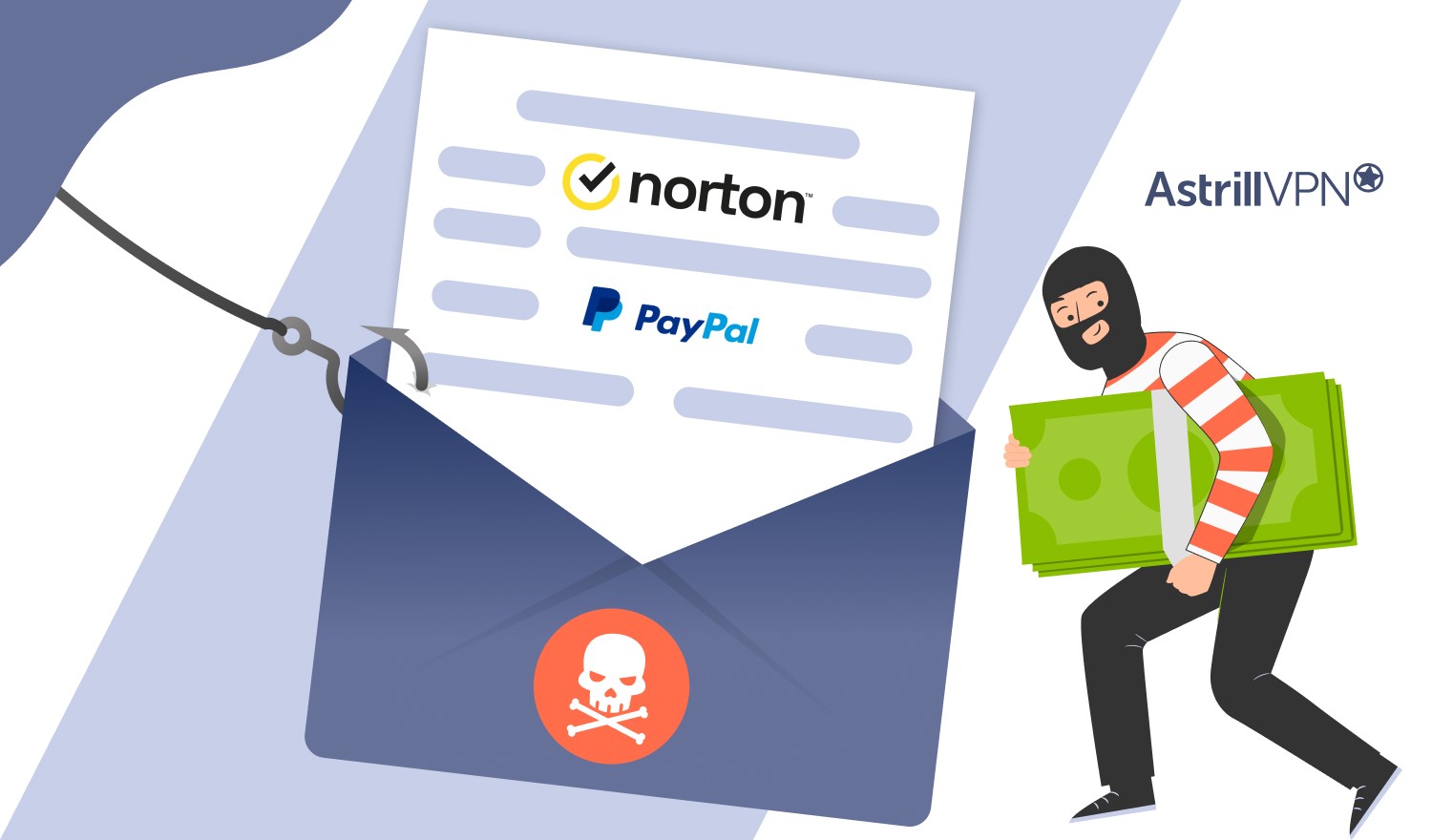
The real danger during a PayPal glitch is not the system failure itself, but the opportunistic behavior of cybercriminals. When users are frustrated and looking for answers, they often turn to social media or search engines. Scammers monitor "PayPal down" hashtags to send fraudulent "support" links. These links claim to help you "recover your stuck funds" but are actually designed to harvest your login credentials. If the system is glitching, the safest course of action is to wait rather than clicking on unsolicited help links.
Direct Impacts on Different User Categories
A system-wide error affects a casual shopper differently than it affects a high-volume merchant. Understanding these nuances helps in planning for future disruptions.
Individual Consumers and Peer-to-Peer Users
For the average user, a glitch usually means an inability to send money to friends or pay for a retail purchase. The most significant risk here is the "double charge." If a user clicks "Pay" and the screen freezes due to a glitch, they may click it again, potentially triggering two authorized payments. While these are usually reversible through PayPal’s dispute center, they can tie up liquid cash in your bank account for several business days.
Freelancers and Gig Workers
For those who rely on PayPal for their primary income, a glitch is a productivity killer. Glitches in the "Instant Transfer" feature are particularly common. Users may find that their funds are "stuck" in the PayPal ecosystem, unable to be moved to a traditional bank account. In 2026, as the gig economy continues to expand, these delays can result in missed rent payments or late fees on other bills.
E-commerce Merchants and Small Businesses
Merchants face the highest stakes. A PayPal glitch can lead to:
- Cart Abandonment: Customers who see an error at checkout rarely return to complete the purchase later.
- Shipping Delays: If the "Paid" status doesn't sync with the shipping software, packages don't go out on time.
- Customer Support Overload: Merchants must field hundreds of inquiries about why payments aren't appearing or why orders are still marked as "Pending."
Troubleshooting Common PayPal Glitch Symptoms
Before assuming the entire global network is down, users should perform a series of "isolation tests" to see if the issue is local or systemic.
| Symptom | Likely Cause | Recommended Immediate Action |
|---|---|---|
| Login Loop / Access Denied | Expired Browser Cookies or Cache | Clear browser cache/cookies or try Incognito mode. |
| "Internal Server Error" | PayPal Backend Outage | Check PayPal Status Page or DownDetector. |
| Balance Shows $0.00 | API Sync Delay | Wait 2 hours; do not attempt to "re-add" funds. |
| Payment "Pending" Forever | Bank Verification Glitch | Check your email for "Action Required" or contact the bank. |
| App Freezes on Load | Outdated Software Version | Force-close the app and check for updates in the App Store/Google Play. |
How to Handle a Glitch: A Step-by-Step Recovery Guide
If you are currently experiencing issues with the platform, follow these steps to protect your account and minimize frustration.
- Verify the Scope: Check third-party sites like DownDetector or social media feeds to see if other users are reporting similar issues. If it's a global issue, your only option is to wait.
- Avoid Repeat Transactions: If a payment failed mid-process, check your "Activity" log before trying again. If you see the transaction listed as "Pending" or "Initiated," do not attempt to pay again, as this will likely result in a double charge.
- Use the Web Interface: Often, the PayPal mobile app will glitch while the desktop website remains functional. Log in via a secure browser on a laptop to see if your balance and history are visible there.
- Document Everything: If you are a merchant, take screenshots of error messages. This documentation is vital if you need to file a claim for lost revenue or if a customer disputes a transaction later.
- Check Your Linked Funding Source: Sometimes the "PayPal glitch" is actually a failure at your local bank. Log into your bank app to ensure there isn't a "hold" on your account or a block on digital wallet transactions.
Managing Future Risks: Beyond the Glitch
The 2026 financial environment demands a "multi-rail" approach to payments. Relying solely on one platform is no longer a viable strategy for those who depend on digital transactions.
Redundancy for Merchants
Businesses should implement at least two payment gateways. If PayPal is glitching, having Stripe, Adyen, or a direct credit card processor as a secondary option ensures that your storefront remains open. Most modern e-commerce platforms allow for multiple active payment methods simultaneously.
Diversifying Personal Funds
For individuals, it is wise to keep "emergency" digital cash in an alternative wallet like Wise, Revolut, or a traditional high-yield savings account. Treat your PayPal balance as a transactional tool, not a long-term storage unit for your primary capital. By keeping your PayPal balance low and transferring funds to a bank regularly, you reduce the impact of any single platform outage.
Frequently Asked Questions
Why does PayPal say my balance is zero when I know I have money?
This is usually a display glitch caused by a failure in the communication between the database and the user interface. Your money is still there; the website is simply failing to "fetch" the current number. Wait 30 to 60 minutes and refresh the page. If the issue persists for more than 24 hours, contact PayPal support through their official portal.
Can a glitch cause me to lose my money permanently?
It is extremely rare for a technical glitch to result in the permanent loss of funds. PayPal uses sophisticated "transactional integrity" protocols. If a transaction doesn't complete successfully on both ends (sender and receiver), the system is designed to "roll back" the transaction to its previous state.
How do I know if PayPal is down or if I've been hacked?
If you can still log in but things are slow or showing errors, it is likely a glitch. If you cannot log in at all and receive a message saying your password is incorrect (and you haven't changed it), this is a sign of a potential security compromise. Check your email for any "Password Changed" notifications and use the "Recover Account" feature immediately.
Will PayPal reimburse me for business losses during an outage?
According to PayPal’s User Agreement, they generally do not offer compensation for "indirect" losses, such as lost business opportunities or profit, resulting from technical outages. Their service is provided on an "as-is" and "as-available" basis, which is why having a secondary payment processor is critical for business continuity.
Why is the PayPal app glitching while the website works?
Apps require specific API calls and version-matching that websites do not. If your app is glitching, it might be due to an uninstalled update or a conflict with your phone's operating system (iOS or Android). Websites use standard HTTPS protocols that are often more stable during minor server hiccups.
Practical Recommendation: Your Next Steps
If you are currently facing a PayPal glitch, do not panic and do not re-send payments. Your first action should be to check the official PayPal Status Page. If a systemic issue is acknowledged, simply step away from the platform for 2 to 4 hours.
For long-term protection, merchants should integrate an alternative payment processor today to ensure that the next glitch doesn't lead to a total shutdown of revenue. For individuals, verify that your "Backup Funding Source" is up to date in your settings so that if your PayPal balance is inaccessible, your linked debit or credit card can still fulfill your immediate payment needs.
Image Gallery