Choosing a Cash Register for a Small Business
Choosing a cash register for a small business requires evaluating your transaction volume, inventory tracking needs, budget, and payment processing preferences to balance upfront costs with long-term operational efficiency. Selecting t...
Choosing a cash register for a small business requires evaluating your transaction volume, inventory tracking needs, budget, and payment processing preferences to balance upfront costs with long-term operational efficiency.
Contents
Selecting the right point-of-sale (POS) hardware and software setup is a critical milestone for any small enterprise. Whether you are opening a boutique retail shop, a neighborhood cafe, or a service-oriented storefront, the equipment you choose acts as the operational heartbeat of your daily transactions. Modern small business owners face a wide spectrum of options, ranging from traditional electronic cash registers (ECRs) to sophisticated tablet-based POS systems that integrate inventory management, customer relationship management (CRM), and employee tracking. Understanding the nuances of these systems ensures that you invest in technology that scales with your business rather than creating bottlenecks at the checkout counter.
Assessing Your Business Model and Transaction Volume
Before evaluating specific hardware models or software features, you must closely examine your operational workflows and customer volume. A high-volume coffee shop that processes hundreds of fast-paced orders every morning requires vastly different capabilities than a high-end furniture showroom that handles a handful of complex, high-value transactions each day.
Analyze your peak hours and average ticket sizes. If your business relies heavily on inventory management with hundreds of distinct Stock Keeping Units (SKUs), a basic electronic cash register with limited programmable keys will quickly become inadequate. Conversely, if your business operates entirely on cash or simple card transactions without the need for detailed inventory tracking, a traditional, standalone cash register may offer a simpler, more cost-effective solution with zero monthly subscription fees.
Traditional Electronic Cash Registers vs. Modern Tablet POS Systems
The modern market for checkout technology is broadly divided into two categories: traditional electronic cash registers and modern tablet- or terminal-based POS systems. Each category serves distinct operational philosophies and budgetary requirements.
Traditional Electronic Cash Registers (ECRs)
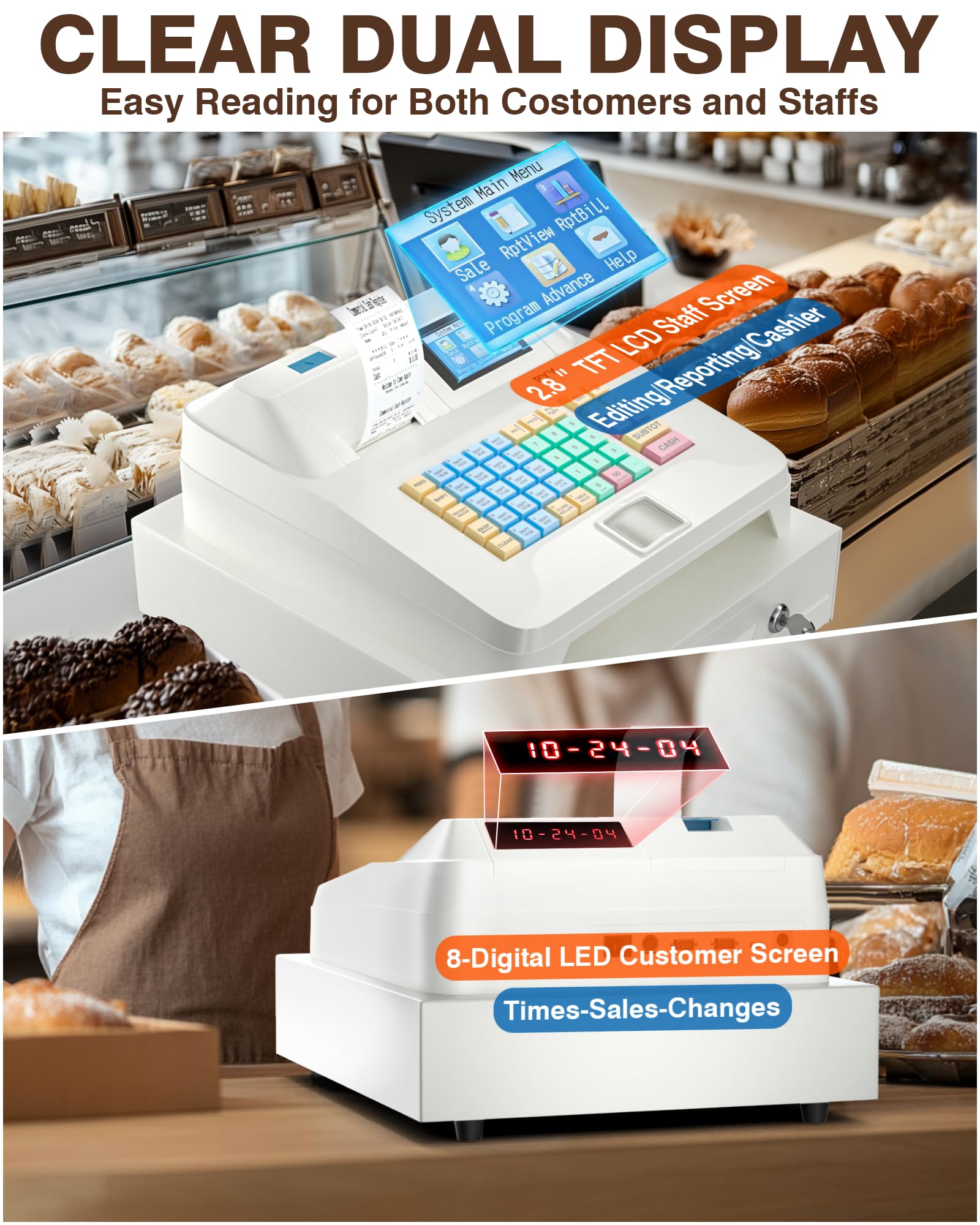
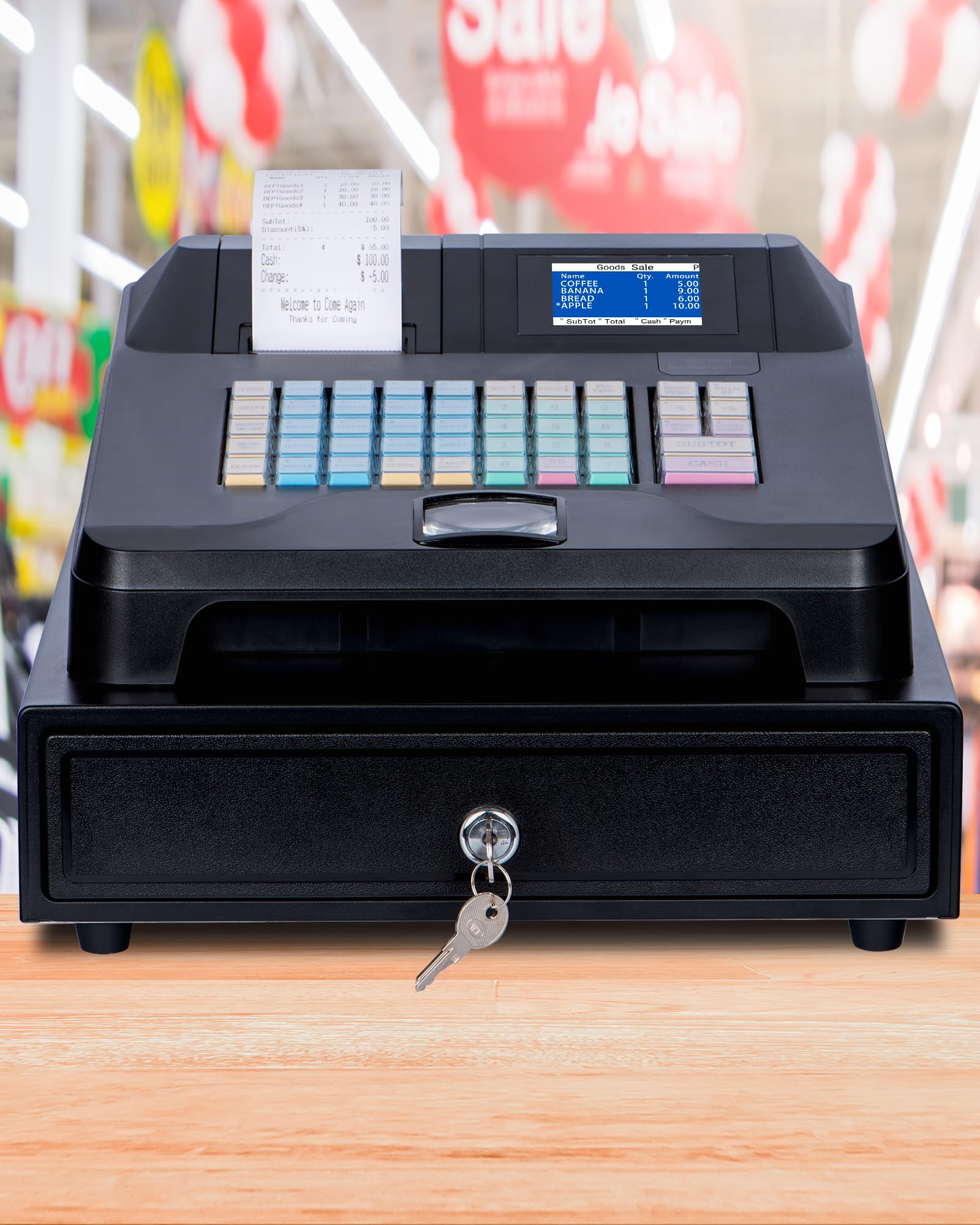
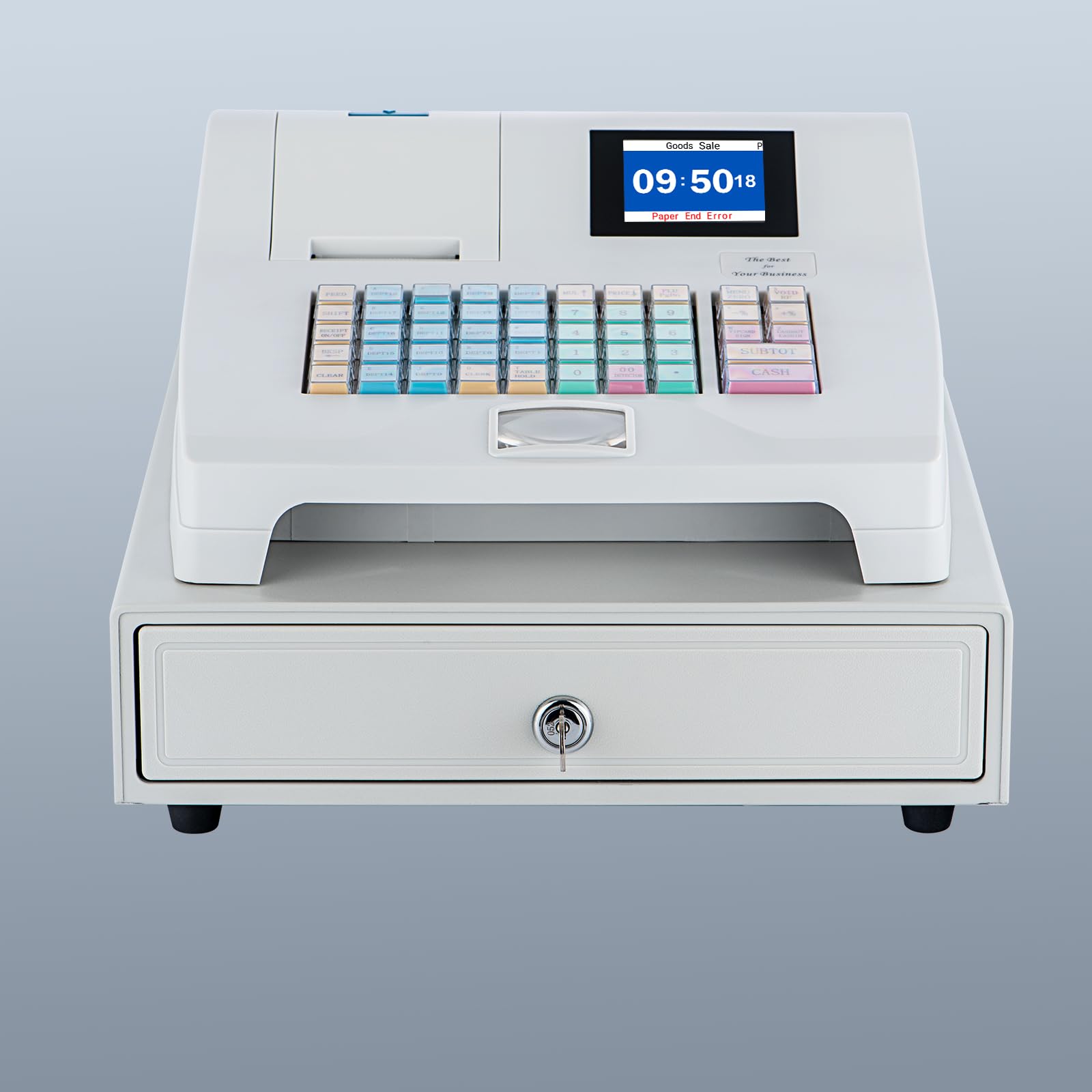
Traditional cash registers are standalone hardware units featuring a physical numeric keypad, a cash drawer, a receipt printer, and a small customer display.
- Pros: They are generally inexpensive to purchase upfront, require no internet connection to operate, involve zero monthly software subscription fees, and are straightforward to set up and maintain.
- Cons: They offer very limited reporting capabilities, make inventory management cumbersome or impossible, and often require separate, standalone credit card terminals that do not integrate seamlessly with the register tape.
Modern Tablet and Smart POS Systems
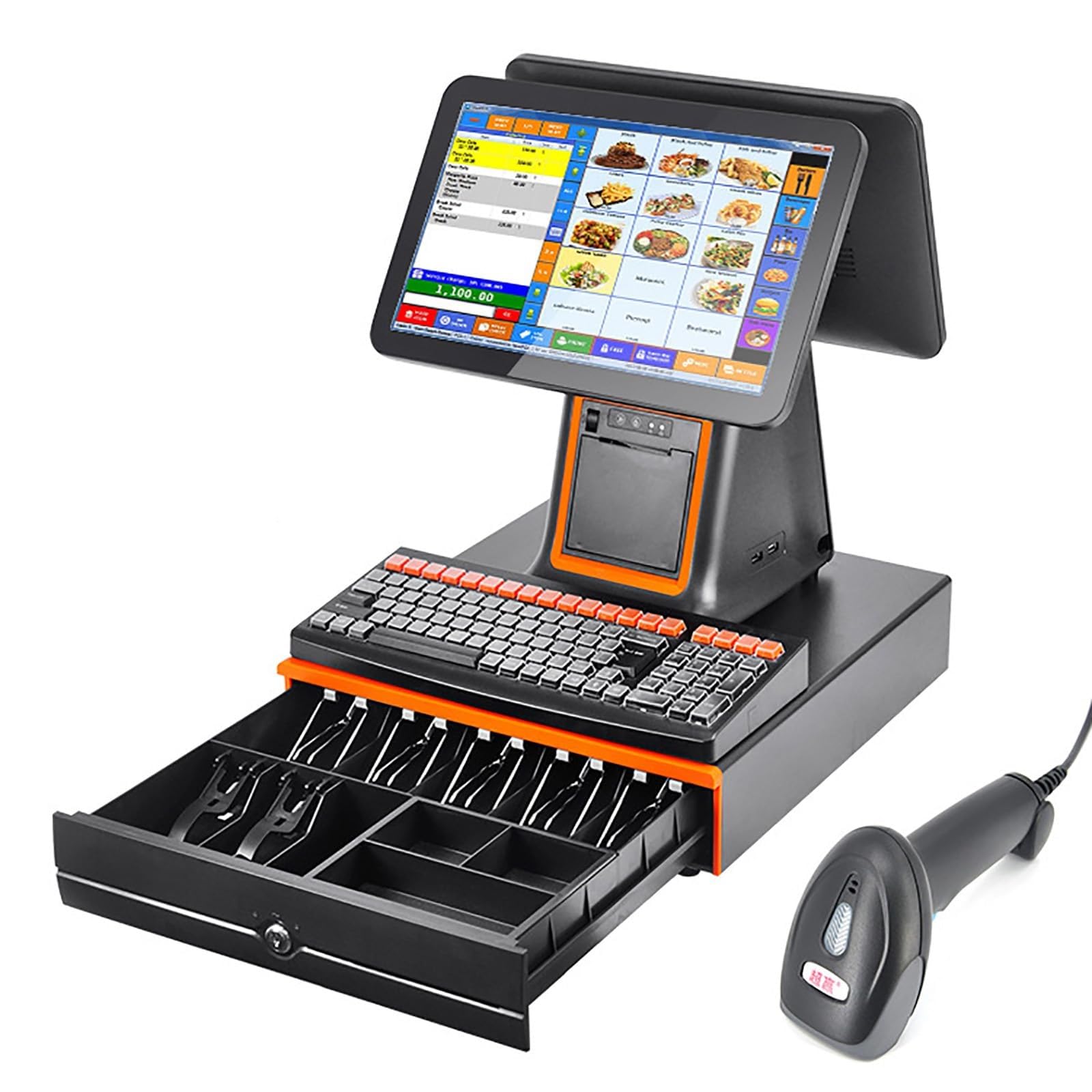
Modern POS systems typically consist of a tablet (such as an iPad or Android device) or a dedicated smart terminal running specialized cloud-based software, paired with connected peripherals like barcode scanners, receipt printers, and integrated card readers.
- Pros: They provide robust, real-time inventory tracking, detailed sales analytics, employee time-tracking, and seamless integration with e-commerce platforms and payment processors.
- Cons: They often require recurring monthly software subscription fees, depend on a stable internet connection for full functionality, and carry a higher initial hardware investment.
| Feature / Consideration | Traditional Electronic Cash Register | Modern Tablet-Based POS System |
|---|---|---|
| Upfront Hardware Cost | Low to Moderate ($150 - $500) | Moderate to High ($500 - $1,500+) |
| Ongoing Monthly Fees | None | Yes (Software subscriptions vary) |
| Inventory Management | Basic or Non-existent | Advanced, real-time SKU tracking |
| Payment Processing | Separate terminal or integrated basic | Fully integrated EMV, contactless, and mobile pay |
| Reporting & Analytics | End-of-day Z-reports (paper rolls) | Cloud-based dashboards, remote access |
| Internet Dependency | None (Operates offline) | High (Requires internet for cloud sync) |
Key Features to Prioritize
When narrowing down your options, focus on the specific features that directly impact your daily efficiency and customer satisfaction. Avoid paying for enterprise-grade features that your small business will never utilize, but ensure you do not compromise on essential operational needs.
Payment Processing Integration
Modern consumers expect to pay via contactless cards, mobile wallets (such as Apple Pay and Google Pay), and traditional chip cards. Ensure that whichever register or POS system you choose supports secure EMV compliance and integrates smoothly with your payment processor. Transparent processing rates prevent unexpected overhead costs from eating into your profit margins.
Inventory and SKU Management
If you sell physical goods, tracking stock levels in real time prevents overselling and automates reordering processes. Look for systems that allow you to import product catalogs via CSV files, categorize items by department, and track low-stock alerts.
Hardware Durability and Peripheral Compatibility
Consider the physical environment of your business. A restaurant register requires spill-resistant touchscreens and kitchen receipt printers, whereas a retail store needs reliable barcode scanners and cash drawers connected via robust cabling. Check whether the system allows you to attach third-party peripherals or locks you into proprietary hardware ecosystems.
Understanding Total Cost of Ownership
When budgeting for a cash register, focusing solely on the sticker price can lead to hidden financial surprises. The total cost of ownership (TCO) encompasses several recurring and incidental expenses that must be factored into your business plan.
- Software Subscriptions: Cloud-based POS platforms typically charge monthly fees per terminal or per user location, which can accumulate over time.
- Payment Processing Fees: Interchange fees, flat per-transaction rates, and monthly gateway fees vary significantly between providers. Always read the fine print of merchant processing agreements.
- Consumables: Receipt paper, printer ink ribbons or thermal rolls, and replacement keys or cables represent ongoing operational expenses.
- Customer Support and Warranties: Premium support tiers, hardware replacement warranties, and software update plans often carry additional annual costs.
Common Mistakes to Avoid
Choosing the wrong checkout equipment often stems from common pitfalls during the evaluation phase. Being aware of these missteps can save your business time and money.
- Purchasing Based Solely on Lowest Price: Buying the cheapest register available often leads to operational bottlenecks, lack of support, and premature replacement costs when your business grows.
- Ignoring Future Scalability: Failing to anticipate growth means you might outgrow a basic register within months, forcing an expensive and disruptive hardware migration.
- Overlooking Payment Lock-In: Some POS providers force you to use their proprietary payment processing service, which may carry higher transaction fees than independent merchant accounts.
- Neglecting Staff Usability: A system with a steep learning curve slows down checkout lines and increases training time for new seasonal employees.
Frequently Asked Questions
Do I need internet access to run a small business cash register?
Traditional electronic cash registers operate entirely offline and do not require an internet connection. However, modern cloud-based tablet POS systems require a reliable internet connection to sync inventory, process credit card transactions securely, and back up sales data in real time, though many offer limited offline transaction modes.
Can I connect a barcode scanner to a traditional cash register?
Some advanced electronic cash registers feature scanner ports that allow basic barcode scanning for pre-programmed items. However, compatibility is often restricted to proprietary brand scanners, whereas tablet POS systems support a wide variety of standard USB and Bluetooth barcode scanners.
What is the difference between a POS system and a cash register?
A traditional cash register is primarily designed to calculate totals, store physical cash, and print basic receipt rolls. A Point of Sale (POS) system is a computerized platform that handles transactions while simultaneously managing inventory, customer data, employee performance, and advanced business analytics.
Are there hidden fees associated with tablet POS systems?
Yes. Beyond the initial hardware purchase and monthly software subscriptions, tablet POS systems often involve credit card processing fees, charges for advanced add-on modules (such as advanced loyalty programs or accounting integrations), and costs for proprietary accessories.
How do I know if a system complies with payment security standards?
Ensure that any hardware or software solution you select is Payment Card Industry Data Security Standard (PCI-DSS) compliant and supports secure EMV chip card encryption to protect your business and your customers from fraud liability.
Next Actions for Small Business Owners
Begin your selection process by auditing your current sales volume, inventory requirements, and budget constraints. Make a definitive list of must-have features—such as mobile payment acceptance or detailed employee tracking—and compare at least three vendor options against your criteria. Request live demonstrations or trial periods for software-based systems to test user interface responsiveness before committing capital to a multi-year hardware investment.
Image Gallery