Common Signs of a Computer Virus: How to Detect and Respond to Infections in 2026
Identifying a computer virus involves monitoring for sudden performance drops, unexpected system crashes, unauthorized file changes, and intrusive pop-up advertisements. While modern malware is often stealthy, these behavioral red flag...
Identifying a computer virus involves monitoring for sudden performance drops, unexpected system crashes, unauthorized file changes, and intrusive pop-up advertisements. While modern malware is often stealthy, these behavioral red flags serve as critical indicators that your device's security has been compromised, requiring immediate diagnostic action and remediation to prevent data loss.
Contents
In the computing landscape of 2026, the term "computer virus" is often used as a catch-all for various types of malicious software (malware), including trojans, worms, ransomware, and spyware. While their delivery methods vary—ranging from sophisticated social engineering to zero-day exploits—the physical and digital "symptoms" they manifest on a machine remain the primary way users can detect an intrusion before significant damage occurs. Understanding these signs is the first step in maintaining digital hygiene and protecting sensitive personal or corporate data.
The Core Indicators: Identifying Performance Instability
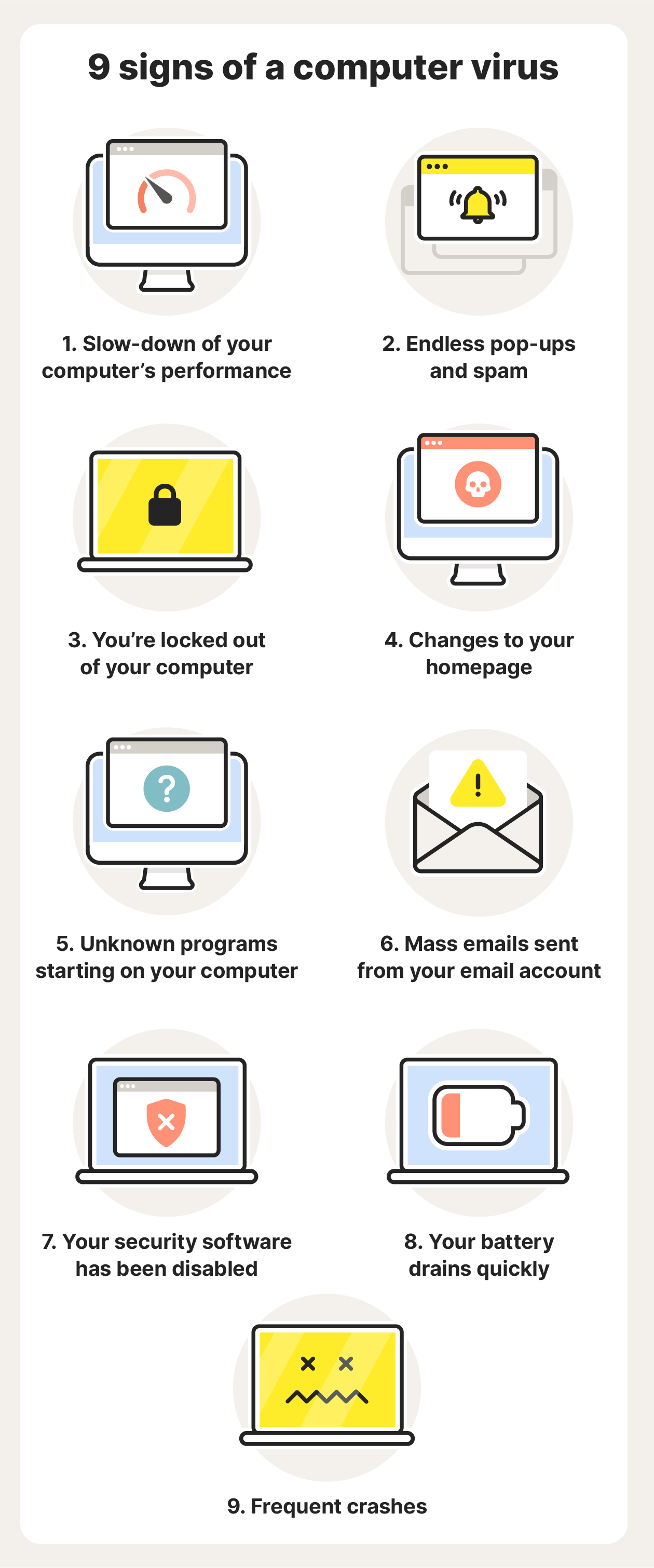
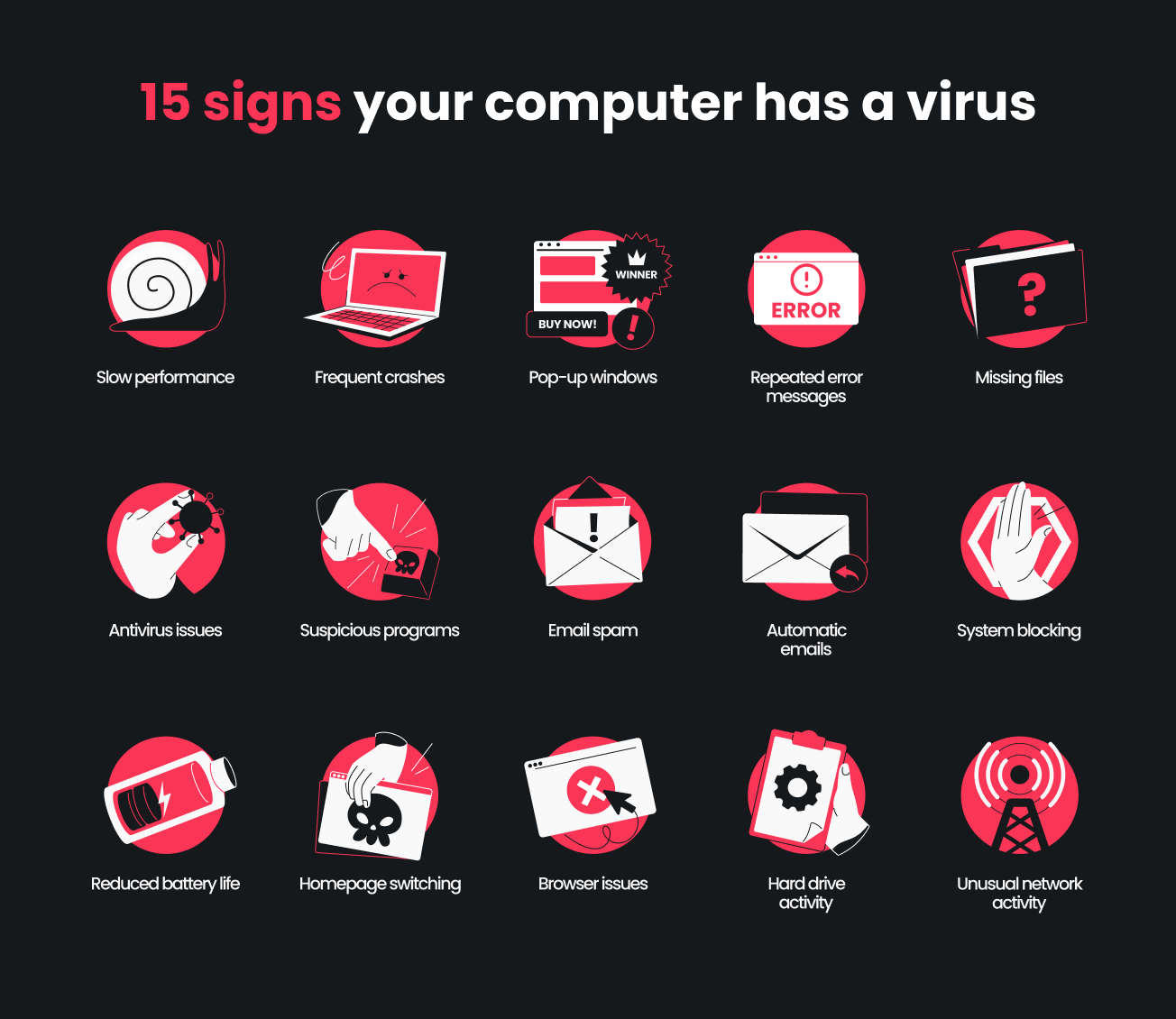
One of the most frequent signs of a computer virus is a sudden and inexplicable decline in system performance. While hardware aging and software bloat can cause gradual slowdowns, malware-induced performance issues usually appear abruptly.
Unexplained CPU and RAM Spikes
When a virus infects a system, it rarely sits idle. It often runs background processes to scan for data, encrypt files, or communicate with a Command and Control (C2) server. If you notice your computer’s cooling fans spinning at maximum speed while you are only performing basic tasks like word processing, this is a major red flag. By opening your system's resource monitor (Task Manager on Windows or Activity Monitor on macOS), you may see unfamiliar processes consuming 90% or more of your CPU or memory.
Frequent System Crashes and the "Blue Screen of Death"
While operating systems have become significantly more stable by 2026, a virus that interacts poorly with system drivers or attempts to overwrite protected memory areas can cause frequent crashes. If you encounter the "Blue Screen of Death" (BSOD) or spontaneous reboots multiple times a week without having installed new hardware or major OS updates, the integrity of your system files may be compromised.
Unexpected System and Application Behavior
Malware often modifies the way an operating system functions to facilitate its own survival or to execute its payload. These behavioral anomalies are often the most visible signs of an active infection.
Disappearing or Modified Files
Ransomware is perhaps the most destructive form of malware currently active. A primary sign of an early-stage ransomware infection is the inability to open specific files or noticing that file extensions have changed (e.g., .docx files becoming .docx.encrypted). Similarly, some viruses delete or move files to hide their presence or to disrupt the user's ability to use security tools.
Self-Executing Applications and Pop-ups
If programs launch themselves without user intervention, or if your browser suddenly opens to a website you did not request, your system likely has a "browser hijacker" or a "downloader" virus. Despite the advanced ad-blocking technologies available in 2026, persistent pop-up advertisements that appear on the desktop—rather than just within a browser window—are a definitive sign of adware infection.
Network Anomalies and Unauthorized Data Transmission
Modern viruses are increasingly focused on data exfiltration or using your machine as part of a botnet. These activities leave a trail in your network traffic.
Surges in Data Usage
If your internet service provider (ISP) reports that you have exceeded your data cap, or if you notice massive uploads occurring while you are not actively using the web, a virus may be "phone home" with your private data. Spyware and keyloggers work in the background to capture keystrokes and screenshots, which are then batched and sent to remote servers.
Unauthorized Communication and Spam
A classic sign of a worm or a botnet infection is when your contacts report receiving emails or social media messages from you that you did not send. These messages often contain malicious links or attachments designed to spread the infection to your network. Checking your "Sent" folder across various platforms can reveal if an automated script is using your identity to propagate.
Security Software and Administrative Disruptions
Advanced malware is designed to protect itself from detection and removal. It often targets the very tools meant to stop it.
Disabled Antivirus and Firewall
If you find that your antivirus software has been turned off and you cannot reactivate it, or if your firewall settings have been altered to allow all incoming traffic, a virus has likely gained administrative privileges. This is a critical state, as it leaves the system "blind" to further stages of the attack.
Loss of Administrative Control
In some cases, users find they are locked out of specific system settings. You might receive "Access Denied" messages when trying to open the Registry Editor, Terminal, or Task Manager. This is a deliberate tactic used by malware authors to prevent savvy users from manually killing malicious processes or identifying the source of the infection.
The Evolution of Stealth: Fileless Malware and Cryptojacking
As we navigate 2026, not all viruses leave heavy footprints. Two specific types of modern threats require more nuanced detection.
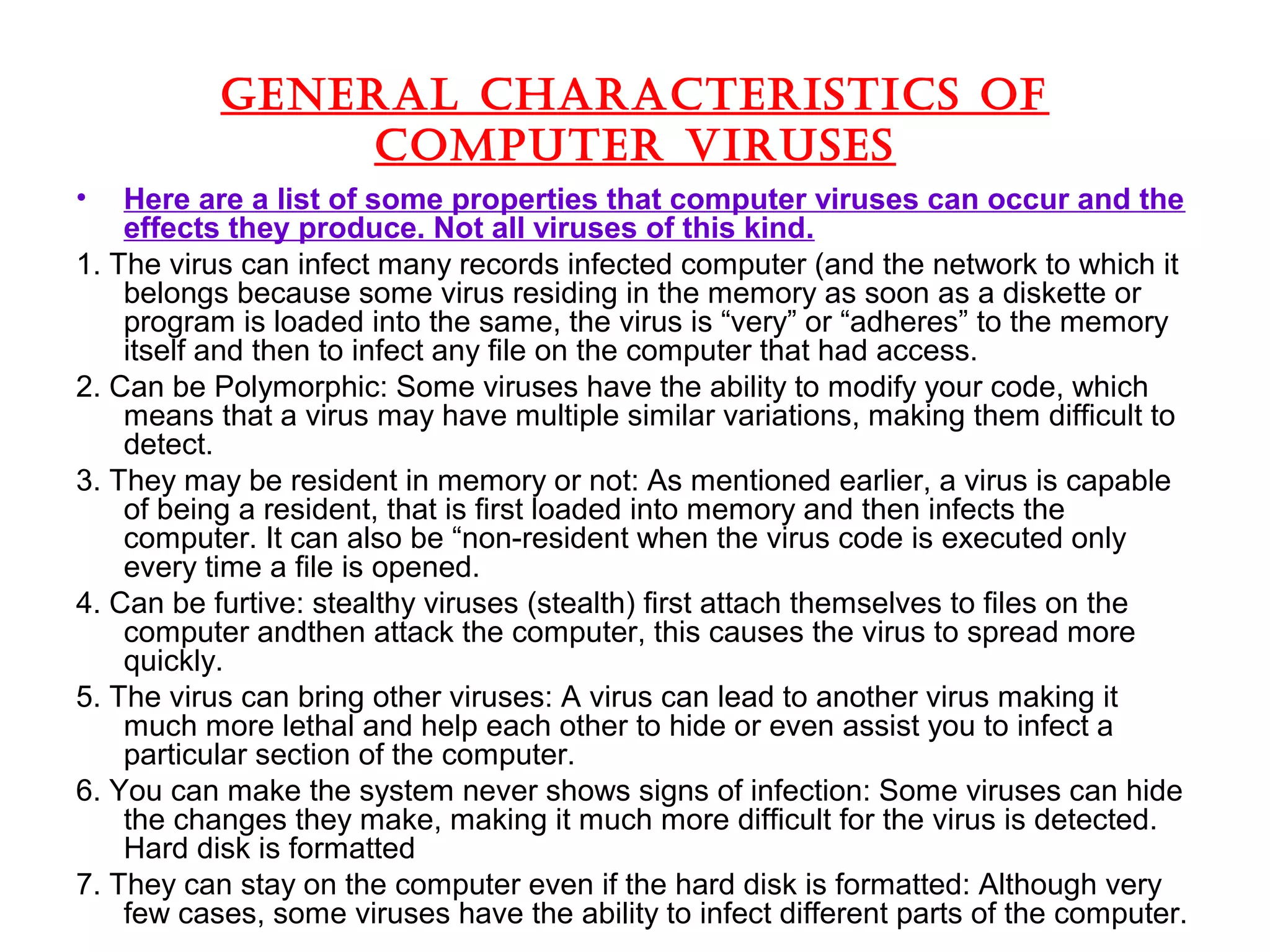
- Fileless Malware: This type of infection resides entirely in the computer's RAM (Random Access Memory) rather than on the hard drive. It uses legitimate system tools (like PowerShell or WMI) to execute malicious commands. Because it doesn't leave a file for traditional scanners to find, the only sign might be unusual command-line activity or slight memory irregularities.
- Cryptojacking: This involves a virus using your hardware to mine cryptocurrency for the attacker. Unlike ransomware, which wants to be noticed, cryptojacking scripts try to remain hidden. The primary sign is a consistently warm laptop or a sluggish UI, as the malware throttles back just enough to avoid causing a total system crash while still maximizing mining output.
Diagnostic Comparison: Malware vs. Hardware Failure
It is essential to distinguish between a virus and a failing hardware component, as the solutions are vastly different.
| Symptom | Potential Malware Cause | Potential Hardware/Software Cause |
|---|---|---|
| Sudden Slowdown | Resource-heavy background processes (Botnets/Miners) | Failing Hard Drive (HDD/SSD) or overheating CPU |
| Random Reboots | System file corruption or kernel-level interference | Failing Power Supply Unit (PSU) or faulty RAM |
| Missing Files | Ransomware encryption or file-deletion logic | Directory structure corruption or disk sector failure |
| Internet Lag | Large data uploads to Command & Control servers | Faulty router, ISP throttling, or bad Ethernet cable |
| Loud Fan Noise | High CPU usage from malware execution | Dust buildup in fans or dried-out thermal paste |
Immediate Actions: How to Respond to a Suspected Infection
If your system exhibits several of the signs mentioned above, you should take immediate action to mitigate the risk.
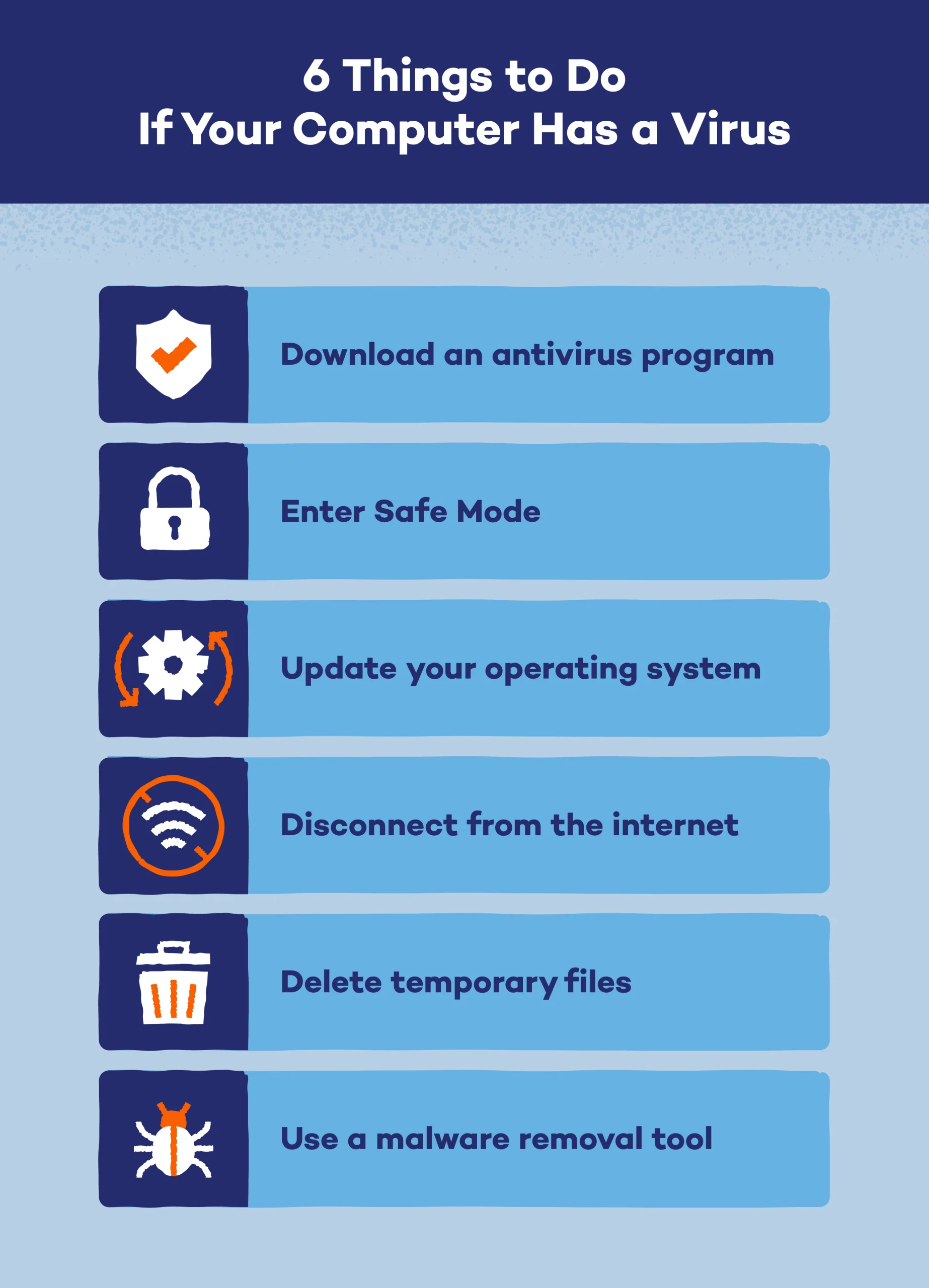
- Disconnect from the Internet: Pull the Ethernet cable or disable Wi-Fi. This prevents the virus from sending data to the attacker or receiving new instructions.
- Enter Safe Mode: Booting into Safe Mode (on Windows) or a similar diagnostic state (on macOS/Linux) prevents most non-essential programs—including many viruses—from starting automatically.
- Run a Boot-Time Scan: Use a reputable antivirus tool to perform a scan before the operating system fully loads. This is often necessary for removing rootkits that hide while the OS is active.
- Audit Your Accounts: Change passwords for sensitive accounts (banking, email, work) from a different, clean device. Do not change passwords on the infected machine until it has been fully remediated.
- Reinstall the OS (The "Nuclear Option"): If the infection is deep-seated or involves ransomware, the safest route is a clean wipe of the drive and a fresh installation of the operating system from a known-good source.
Frequently Asked Questions
Can my computer have a virus even if I use a Mac? Yes. While macOS has robust built-in security features like Gatekeeper and XProtect, the platform is not immune. In recent years, there has been a significant increase in macOS-specific adware and sophisticated trojans targeting creative professionals.
Can a virus survive a factory reset? Most standard viruses are removed by a factory reset. However, some advanced threats, such as firmware rootkits (which infect the BIOS/UEFI) or "living off the land" attacks that hide in recovery partitions, can survive. For high-security environments, a total drive wipe and firmware re-flash are sometimes necessary.
Is my smartphone susceptible to these same signs? Yes, though the signs differ slightly. On a smartphone, look for rapid battery drain, excessive data usage, and the appearance of unfamiliar apps on your home screen. Mobile "viruses" are usually the result of side-loading compromised apps or clicking malicious links in SMS messages.
Does a slow internet connection always mean I have a virus? No. Most internet slowdowns are caused by network congestion, hardware issues with the router, or ISP service interruptions. However, if your internet is only slow on one specific device while others on the same network perform normally, you should investigate that device for malware.
Can a computer virus damage physical hardware? While rare, it is possible. Malware can theoretically damage hardware by disabling thermal safeguards and forcing the CPU or GPU to run at extreme temperatures for extended periods. Historically, some viruses were designed to "brick" specific components by overwriting the firmware (BIOS).
Practical Recommendation
To stay protected in 2026, rely on a multi-layered security approach. Ensure your operating system and all applications are set to automatic updates, as these often contain critical security patches. Use a non-administrator account for daily tasks to limit the damage a virus can do, and always maintain a 3-2-1 backup strategy: three copies of your data, on two different media types, with one copy kept offline or off-site. If you suspect an infection, run a scan with a dedicated malware removal tool such as Malwarebytes or a specialized bootable rescue disk from an established security vendor.
Image Gallery