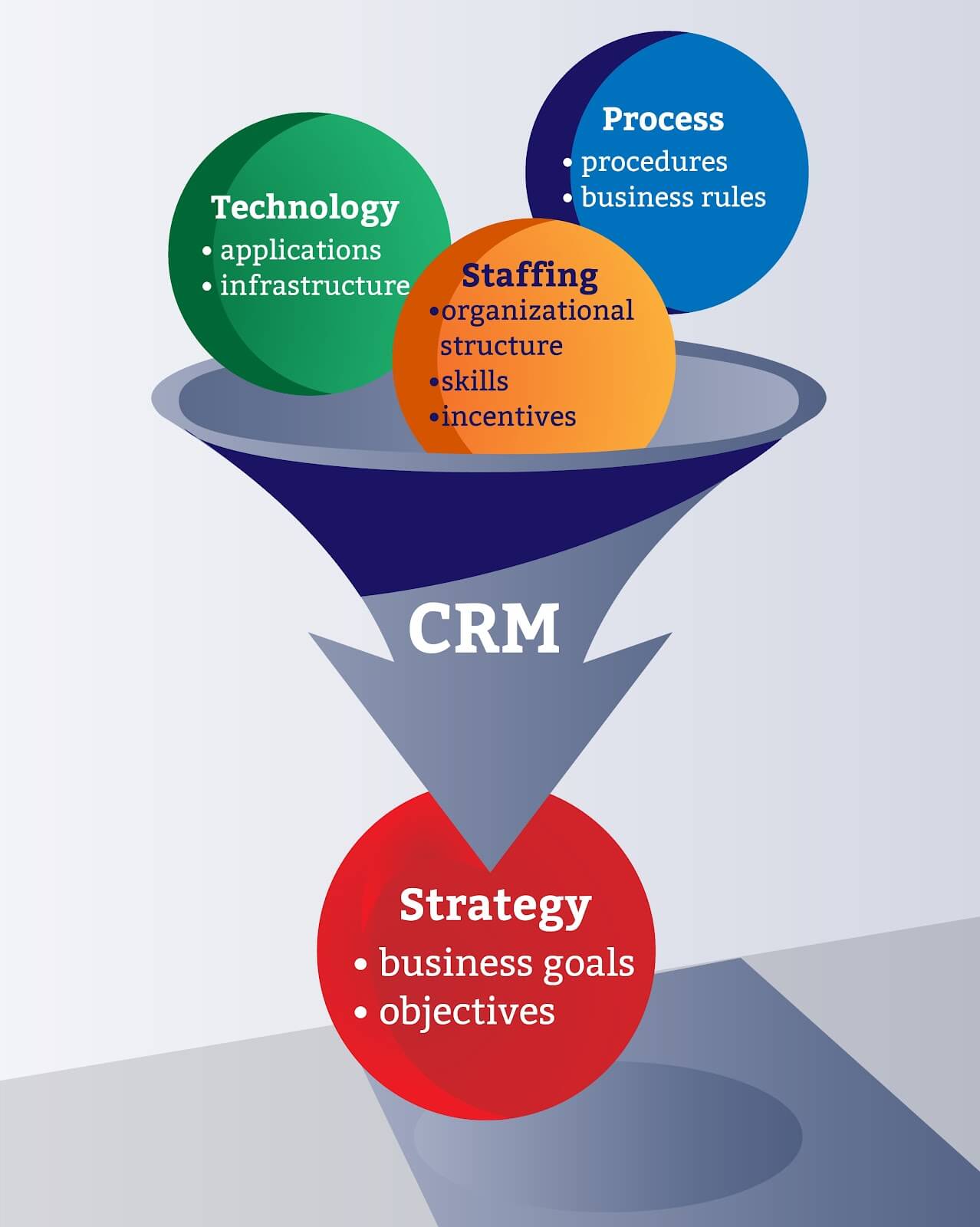
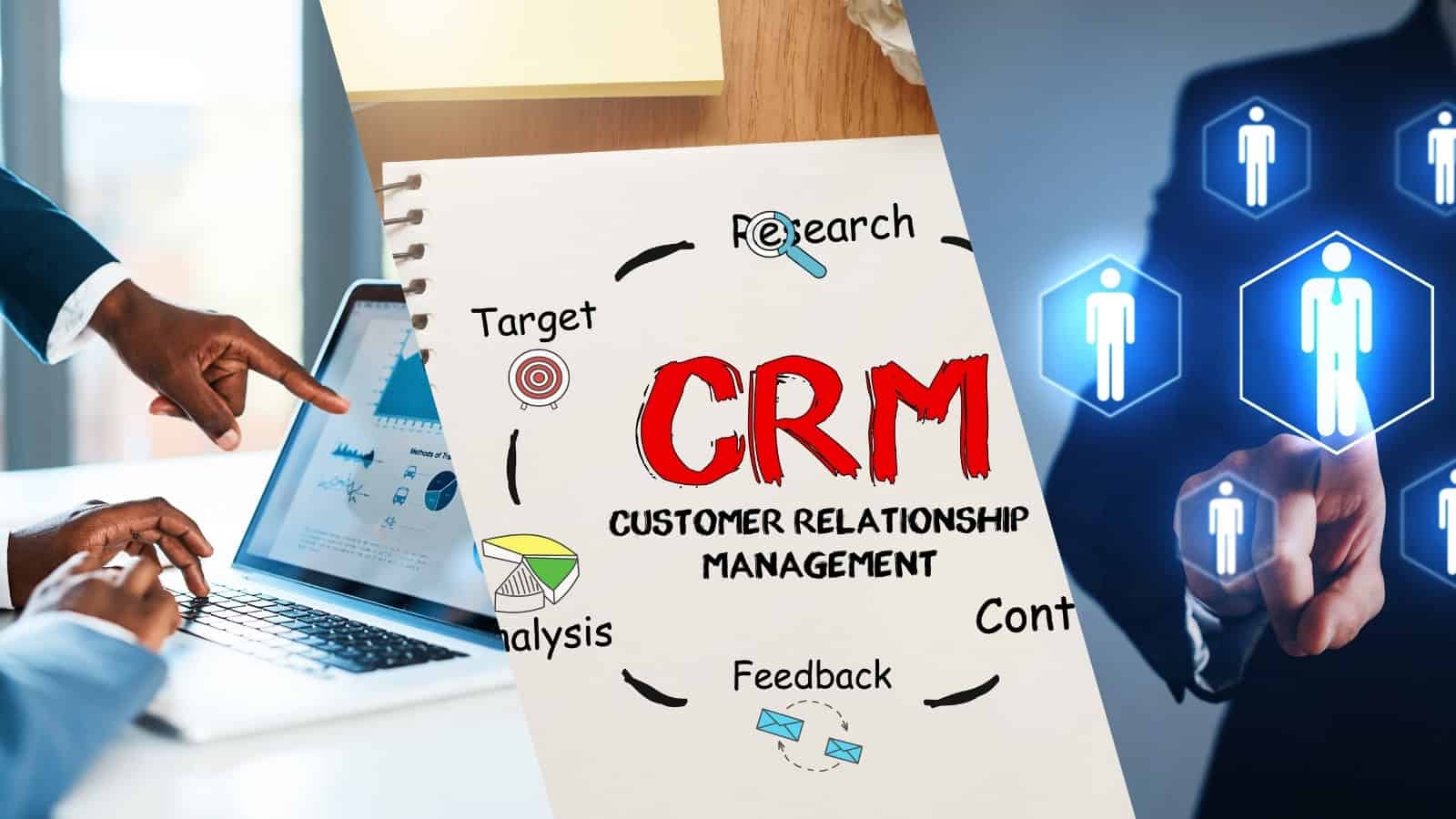
Understanding the Role of CRM Messaging Software in Modern Business Communications
Understanding the role of CRM messaging software requires examining how modern enterprises unify communication channels—such as SMS, WhatsApp, and live chat—within a centralized customer relationship management system. By consolidating...
Understanding the role of CRM messaging software requires examining how modern enterprises unify communication channels—such as SMS, WhatsApp, and live chat—within a centralized customer relationship management system. By consolidating interaction histories, automated workflows, and customer data into a single platform, organizations can eliminate operational silos, improve response times, and deliver context-aware, personalized messaging at scale across the entire buyer journey.
Contents
Evolution of Customer Communications and the Shift Toward Unified CRM
Customer communication has undergone a profound transformation over the past two decades. Historically, businesses relied on disconnected channels: emails handled by one department, phone calls managed by a call center, and physical mail processed separately. As digital channels proliferated, organizations quickly adopted standalone tools for live chat, SMS marketing, and various messaging applications. However, this fragmented approach created significant blind spots. Sales representatives often lacked context regarding what a customer discussed with a support agent via a chat widget, leading to repetitive questions, frustrated buyers, and lost revenue opportunities.
The integration of messaging capabilities directly into Customer Relationship Management (CRM) platforms resolved these friction points. Instead of treating messaging as an isolated outreach channel, modern businesses use specialized CRM messaging software to anchor every text, chat, and direct message to a specific contact profile. This architectural shift ensures that communication history travels with the lead or customer through every stage of the pipeline. When a customer shifts from browsing a website's live chat to receiving an automated SMS delivery update, every interaction is logged in real-time, providing an unbroken audit trail for human agents and automated systems alike.
Core Capabilities and Technical Architecture of CRM Messaging Platforms
At its technical core, CRM messaging software functions as a bridge between proprietary communication protocols (such as telecommunications carrier networks for SMS or API endpoints for instant messaging apps) and the database structure of a CRM system. Understanding how these components interact helps technical buyers evaluate software stability, data latency, and scalability.
Omnichannel Message Routing and Unified Inboxes
The primary architectural feature of a robust messaging CRM is the unified inbox. Rather than forcing agents to log into separate dashboards for SMS, Facebook Messenger, WhatsApp Business, and web chat, a unified inbox aggregates incoming messages into a single operational queue.
- Queue Distribution: Incoming messages are automatically routed based on predefined business rules, such as skill-based routing, geographic territory, or account ownership.
- Contextual Pop-ups: When a message arrives, the system queries the CRM database to instantly display the contact's history, past purchases, open support tickets, and lifecycle stage.
- Thread Persistence: Conversations persist across sessions, allowing a customer to start a chat on a mobile device and continue it later via SMS without losing context.
Automated Workflows and Trigger-Based Messaging
Manual message dispatching limits operational scale. CRM messaging software leverages event-driven architecture to trigger outgoing communications automatically based on database changes or user behavior.
- Behavioral Triggers: Abandoned shopping carts, form submissions, or specific milestone achievements (e.g., reaching a loyalty tier) can instantly fire an automated SMS or chat message.
- Time-Zone Management: Enterprise systems incorporate scheduling engines that ensure automated messages respect local time zones, preventing late-night disruptions that damage brand reputation and violate compliance frameworks.
- Drip Campaigns: Multi-channel sequences combine email and messaging to nurture leads through complex onboarding or sales funnels with minimal manual intervention.
Comparing Standalone Messaging Tools Versus Integrated CRM Messaging Solutions
Organizations frequently debate whether to use standalone, best-of-breed messaging point solutions or fully integrated CRM messaging features. The optimal choice depends on organizational complexity, data privacy requirements, and existing technical infrastructure.
| Evaluation Metric | Standalone Messaging Tools | Integrated CRM Messaging Software |
|---|---|---|
| Data Synchronization | Requires custom API integrations or periodic batch syncing; prone to data latency. | Native, real-time data flow within the same database architecture. |
| Contextual Visibility | Agents see only messaging history; lack deep purchasing or billing context. | Agents view full customer profile, financial history, and support tickets in one view. |
| Reporting & Analytics | Isolated analytics focused solely on message delivery, open rates, and chat duration. | Comprehensive pipeline attribution, revenue impact, and end-to-end customer journey metrics. |
| Compliance Management | Managed independently per tool, increasing administrative overhead. | Centralized consent management, opt-out tracking, and unified data governance. |
Operational Benefits and Strategic Advantages
Implementing CRM messaging software directly impacts key performance indicators across sales, marketing, and customer support departments. By optimizing how organizations communicate, these platforms drive measurable efficiency and revenue growth.
Accelerated Response Times and Lead Conversion
In digital sales, speed-to-lead is a primary determinant of conversion success. Studies consistently show that contacting an inbound lead within minutes drastically increases the likelihood of qualification. CRM messaging software utilizes automated instant acknowledgments and instant-routing protocols to connect warm leads with available agents while interest is peak. Because agents have immediate access to the prospect's profile, they can skip discovery questions that are already logged in the system, cutting down handling time and accelerating deal velocity.
Enhanced Customer Retention and Proactive Support
Customer support is no longer strictly reactive. Businesses leverage CRM messaging to shift toward proactive engagement—such as sending automated maintenance reminders, service outage alerts, or shipping updates via SMS. Because these messages originate from the CRM, customers can reply directly to the text message to ask questions, opening a bi-directional support channel that feels natural and frictionless compared to traditional ticketing systems.
Compliance, Security, and Data Governance Considerations
Deploying messaging capabilities at scale exposes organizations to strict regulatory frameworks. Because SMS and instant messaging involve direct outreach to personal devices, compliance missteps can result in severe financial penalties and reputational damage.
Regulatory Frameworks: TCPA, GDPR, and CASL
- Telephone Consumer Protection Act (TCPA): In the United States, automated text messaging is heavily regulated by the TCPA. Organizations must secure explicit prior written consent before sending automated marketing texts and must maintain clear, functioning opt-out mechanisms.
- General Data Protection Regulation (GDPR): For organizations operating in or serving residents of the European Union, messaging data is classified as personal data. Users retain the right to data access, rectification, and erasure, meaning the CRM must be capable of wiping messaging logs upon valid request.
- Consent Management Integration: Modern CRM messaging software includes built-in consent tracking fields that log how, when, and where a user opted in to receive messages, creating an immutable compliance audit trail.
Common Implementation Pitfalls and How to Avoid Them
Even with sophisticated software, poor deployment strategies can derail messaging initiatives. Organizations should proactively guard against several recurring mistakes:
- Over-Automation and Lack of Human Fallbacks: Relying entirely on chatbots without a clear, seamless escalation path to human agents creates extreme user frustration. Every automated flow should feature an intuitive exit strategy to live support.
- Ignoring Opt-Out Signals: Failing to process "STOP" or "UNSUBSCRIBE" requests automatically leads to immediate compliance violations. The CRM messaging system must be configured to parse incoming semantic variations of opt-out commands and instantly revoke messaging permissions.
- Data Silos and Fragmented Ownership: Assigning messaging software management exclusively to the marketing department often leads to uncoordinated sales and support outreach. Successful implementations require cross-functional governance involving sales operations, IT security, and customer success leadership.
Frequently Asked Questions
What is the primary difference between email marketing and CRM messaging software?
Email marketing is traditionally optimized for asynchronous, batch-and-blast or long-form sequenced communication with lower immediate open rates. CRM messaging software focuses on high-engagement, synchronous or near-synchronous channels like SMS, WhatsApp, and live chat, which feature significantly higher open rates and faster response times.
Can CRM messaging software integrate with existing legacy databases?
Yes, most enterprise-grade platforms offer robust REST APIs and pre-built connectors. However, legacy systems may require custom middleware to handle real-time event streaming and data synchronization without creating performance bottlenecks.
How do CRM messaging platforms handle customer opt-outs?
Configured correctly, the software automatically scans incoming messages for keywords such as "STOP," "CANCEL," or "UNSUBSCRIBE." Upon detection, the system immediately updates the contact's consent status in the CRM database, blocking future automated outreach while logging the event for compliance reporting.
Is specialized technical staff required to maintain CRM messaging software?
While initial setup and complex API integrations require developer or systems administrator expertise, day-to-day operations, workflow building, and message template creation are generally designed for non-technical marketing, sales, and support operations teams.
How does CRM messaging software impact sales pipeline attribution?
Because the messaging module is natively integrated with the CRM database, every interaction can be tracked against deal stages. Analysts can run attribution reports to see exactly how specific messaging campaigns, chat interactions, or SMS follow-ups contributed to closed-won revenue.
Conclusion and Next Actions
Understanding the role of CRM messaging software reveals its function as a vital infrastructural component for modern enterprise communication, bridging the gap between raw customer data and real-time engagement. To begin implementation, organizations should audit their current communication channels, map out existing compliance procedures regarding consent, and evaluate platform interoperability with their current tech stack. Prioritizing a unified inbox and robust automated workflows ensures that future messaging initiatives scale securely while delivering exceptional, context-driven customer experiences.
Image Gallery