How to Delete a Flo Account: A Complete Guide to Data Removal and Privacy
To delete your Flo account in 2026, open the app, tap your Profile avatar, navigate to Help, select Contact us, and choose Delete my account. Alternatively, you can send a formal request to support@flo.health. Remember that uninstallin...
To delete your Flo account in 2026, open the app, tap your Profile avatar, navigate to Help, select Contact us, and choose Delete my account. Alternatively, you can send a formal request to support@flo.health. Remember that uninstalling the app or canceling a subscription does not automatically delete your personal health data from Flo’s servers.
Contents
Understanding the Difference Between Deletion and Uninstallation
Before initiating the deletion process, it is vital to distinguish between removing the application from your smartphone and permanently erasing your account. Many users mistakenly believe that long-pressing the Flo icon and selecting "Remove App" terminates their relationship with the service. This is not the case.
When you uninstall the app, your account remains active on Flo’s cloud servers. Your cycle history, symptoms, and personal identifiers continue to exist in their database. For users concerned about data privacy or those who no longer wish to track their reproductive health through this platform, a formal account deletion is the only way to ensure the "right to be forgotten" is exercised. In 2026, privacy regulations such as the GDPR in Europe and the CPRA in California have made these distinctions legally significant, requiring companies to provide clear paths for total data erasure.
Prerequisites Before Deleting Your Flo Account
Deletion is an irreversible action. Once the process is finalized, you cannot recover your cycle history, pregnancy logs, or symptoms. Therefore, several steps should be taken to ensure you do not lose important medical information or continue to be charged for premium services.
1. Export Your Health Data
If you have used Flo for several years, the app contains a significant repository of your hormonal health history. This data can be invaluable for future medical consultations. Navigate to the "Menu" or "Insights" section to generate a report of your cycle history. Save this as a PDF or print it before proceeding with deletion, as Flo will not be able to retrieve this information once the account is purged.
2. Cancel Active Subscriptions
This is the most common pitfall for users. Deleting an account does not cancel a Flo Premium subscription purchased through the Apple App Store or Google Play Store. These financial transactions are managed by the platform providers, not Flo itself. If you delete your account without canceling the subscription first, you may continue to be billed annually or monthly.
- iOS Users: Go to Settings > [Your Name] > Subscriptions > Flo > Cancel Subscription.
- Android Users: Open Google Play > Profile Icon > Payments & Subscriptions > Subscriptions > Flo > Cancel.
3. Disconnect Third-Party Integrations
If you have linked Flo to Apple Health, Google Fit, or a Fitbit account, it is advisable to revoke these permissions within your phone's privacy settings. While deleting the Flo account should stop the data sync, manually disconnecting these services ensures no "ghost" data packets are attempted to be sent during the cooling-off period of the deletion.
How to Delete Your Flo Account via the App
As of 2026, Flo has streamlined the in-app deletion process to comply with global transparency standards. Follow these steps to initiate a permanent deletion:
- Open the Flo App: Ensure you are logged into the specific account you wish to remove.
- Access Your Profile: Tap the Avatar or profile icon located in the top-left corner of the main screen.
- Navigate to Help: Scroll down until you find the Help section.
- Contact Support: Within the Help menu, tap on Contact us.
- Select Deletion Request: You will typically see a categorized list of issues. Choose My Account and then Delete my account.
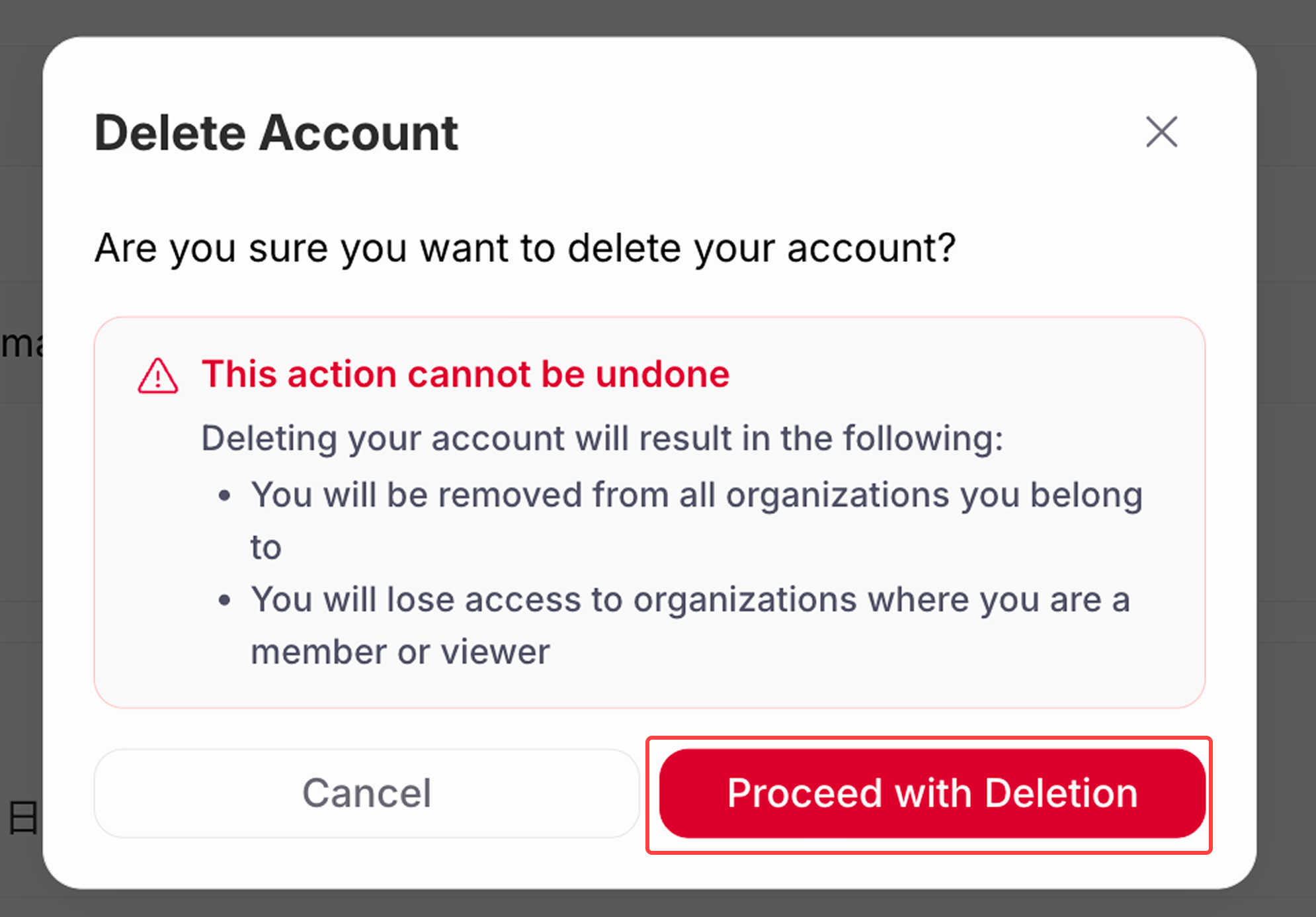
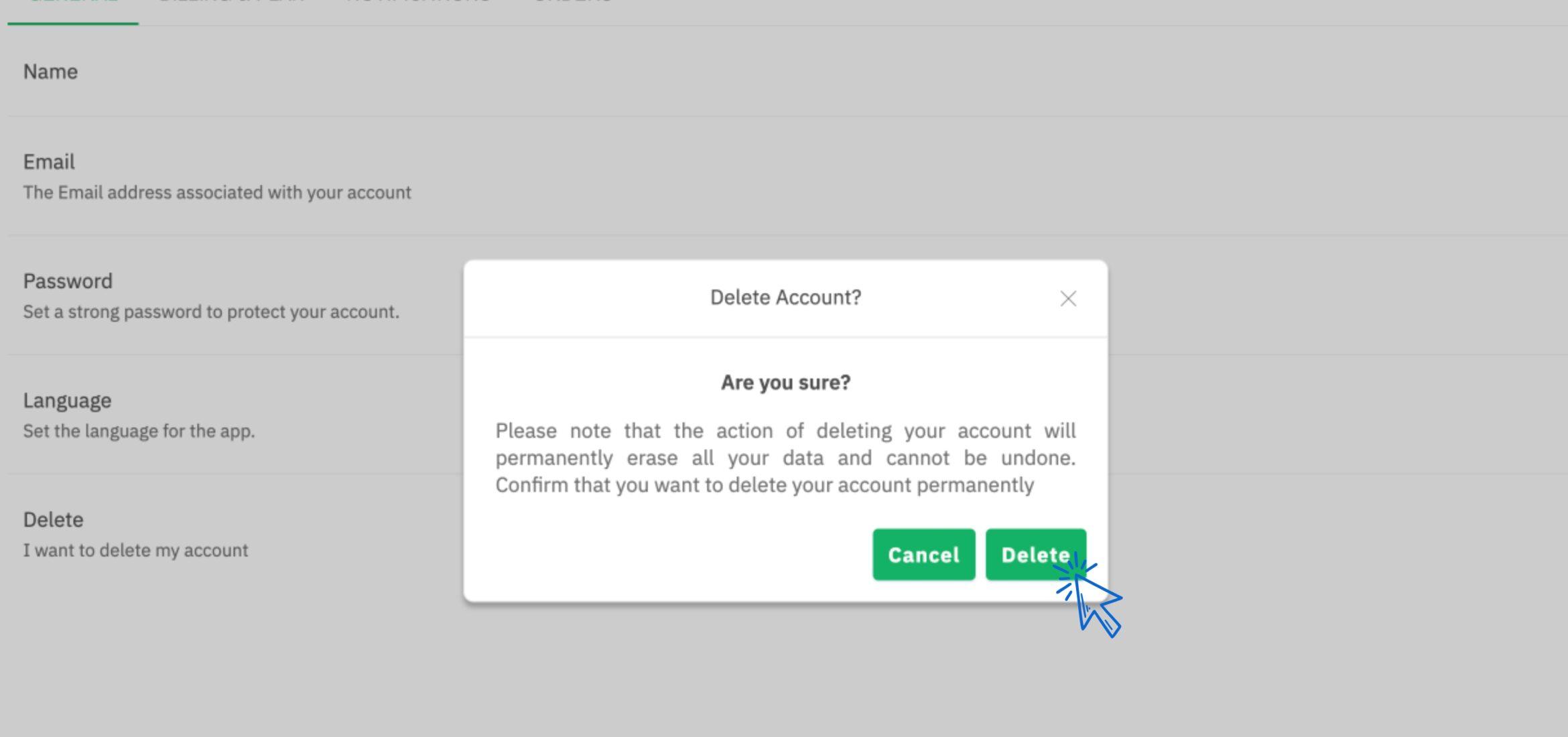
- Confirm Your Decision: The app will prompt you with a warning regarding the loss of data. Confirm that you understand that this action is permanent.
- Final Verification: Depending on your security settings, you may be asked to enter your password or a verification code sent to your registered email address to finalize the request.
Deleting Your Flo Account via Email
If you have already uninstalled the app or are having trouble accessing the interface, you can exercise your data rights by contacting Flo’s privacy team directly. This method is often preferred by users who want a paper trail of their deletion request.
- Email Address: support@flo.health or dpo@flo.health (Data Protection Officer).
- Subject Line: Request for Permanent Account Deletion and Data Erasure.
- Required Information: State clearly that you wish to delete your account and all associated data. Include the email address associated with the account. You do not need to provide a reason for leaving, though the company may ask for feedback.
Under various international privacy laws, Flo is generally required to process these requests within 30 days. You should receive a confirmation email once the erasure is complete.
Comparison of Privacy Actions within Flo
Users often confuse "Anonymous Mode" with account deletion. The following table clarifies the differences between the various ways to manage your presence on the platform in 2026.
| Feature | Deleting the App | Anonymous Mode | Deleting the Account |
|---|---|---|---|
| Data on Servers | Remains intact | Remains (but de-identified) | Permanently removed |
| Cycle History | Saved for future login | Saved within the app | Erased forever |
| Subscription Status | Remains active | Remains active | Remains active (must cancel manually) |
| Reversibility | Fully reversible | Fully reversible | Irreversible |
| Email Association | Linked to your identity | Identity link removed | Account record destroyed |
Data Retention and Post-Deletion Privacy
When you hit "delete," what actually happens to your data? In 2026, Flo adheres to a data retention policy that aligns with the General Data Protection Regulation (GDPR) and the California Consumer Privacy Act (CCPA).
Once the deletion request is verified, Flo moves your data into a "deletion queue." While it disappears from the user-facing interface immediately, it may take up to 30 days for the data to be purged from all backup systems and server logs. This delay is a technical necessity to ensure system integrity.
It is important to note that Flo may retain certain anonymized, aggregated data that cannot be linked back to an individual for research and statistical purposes. However, any "Personally Identifiable Information" (PII)—such as your name, email, IP address, and specific health logs—must be scrubbed.
Troubleshooting Common Deletion Issues
I didn't receive the verification email
If the app asks for a code to confirm deletion and it doesn't arrive, check your spam folder. If you used "Sign in with Apple" and chose to hide your email, the verification code will be sent to the private relay address created by Apple, which forwards to your primary inbox. Ensure your relay settings are active.
I forgot my password
You cannot delete an account without authenticating. If you have forgotten your password, use the "Forgot Password" link on the login screen to reset it first. Once you regain access, you can proceed with the deletion steps outlined above.
The app says I have an active subscription
If the deletion process is blocked by an active subscription, you must visit the Apple App Store or Google Play Store to cancel it. Even if you have a "free trial" active, the system may require it to be canceled or expired before the account can be fully closed.
Why Users Choose to Delete Flo in 2026
While Flo remains a leader in the femtech space, several factors drive users to delete their accounts:
- Privacy Concerns: Following significant shifts in reproductive rights legislation globally over the last few years, many users prefer to move their data to "local-only" apps that do not store information in the cloud.
- Transition to New Life Stages: Users who have reached menopause or those who have completed their family-building journey may find the app's features no longer relevant.
- App Fatigue: The transition toward minimalist digital health tracking has led some users to switch to basic calendar tracking or hardware-based solutions like smart rings that offer native tracking without a secondary app account.
- Cost of Premium Features: As subscription models evolve, some users find the cost of Flo Premium no longer aligns with the value they receive, prompting a total exit from the ecosystem.
Final Recommendation
If you are deleting Flo due to privacy concerns but still need to track your cycle, consider a "privacy-first" alternative. In 2026, several apps offer end-to-end encryption where the decryption key is stored only on your physical device, meaning the app developer cannot access your health data even if subpoenaed. Before deleting your Flo account, ensure you have a backup of any cycle patterns you might need for your doctor, and always double-check your App Store subscriptions to avoid unwanted charges.
Image Gallery