What Azure Resource Manager Does: Core Capabilities and How It Works
Azure Resource Manager (ARM) serves as the central management and deployment service for Microsoft Azure. It provides a unified management layer that allows administrators and developers to create, update, organize, and delete cloud re...
Azure Resource Manager (ARM) serves as the central management and deployment service for Microsoft Azure. It provides a unified management layer that allows administrators and developers to create, update, organize, and delete cloud resources within an Azure subscription using consistent interfaces, granular access controls, and declarative automation tools.
Contents
Understanding Azure Resource Manager as the Azure Control Plane
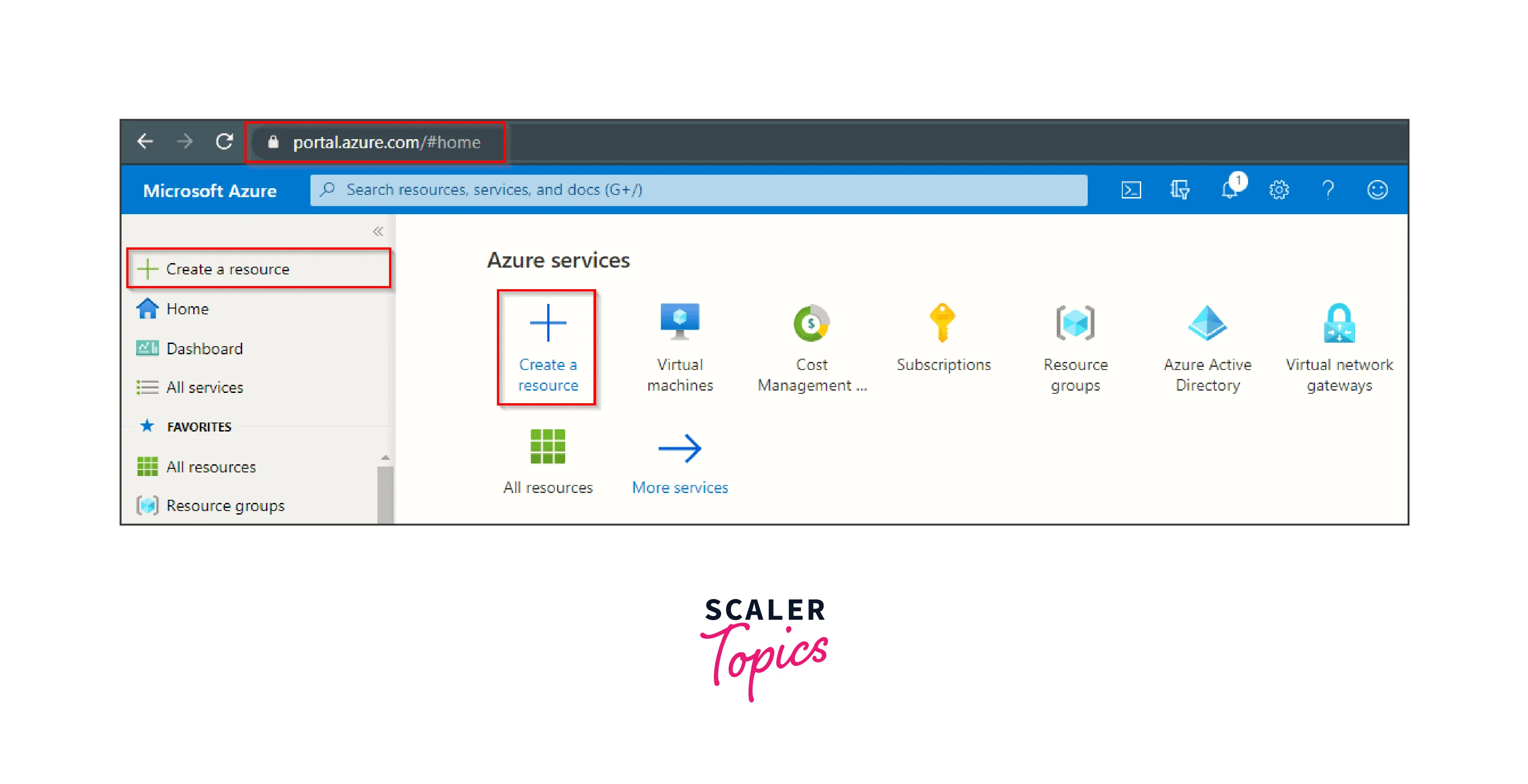
Azure Resource Manager functions as the primary control plane for Microsoft Azure. Every interaction with Azure infrastructure—whether initiated through the Azure Portal, Azure Command-Line Interface (Azure CLI), Azure PowerShell, Software Development Kits (SDKs), or direct REST APIs—passes through ARM before reaching individual underlying services.
Prior to the introduction of ARM, Azure relied on the Azure Classic Deployment model (also known as the Service Management model). Under the classic model, resources were managed individually, which made orchestrating multi-tier applications complex and fragmented. ARM resolved these operational bottlenecks by introducing a unified management layer that treats application infrastructure as a cohesive lifecycle unit rather than isolated components.
When a user or automated pipeline issues a command to create or modify a resource, ARM receives the request, performs security and policy checks, and then routes the command to the appropriate Azure Resource Provider (such as Microsoft.Compute for virtual machines or Microsoft.Storage for storage accounts). Because ARM acts as a universal gateway, every management interface delivers identical security, compliance, and auditing behavior across the entire enterprise cloud estate.
Primary Functions of Azure Resource Manager
Azure Resource Manager provides several critical operational features that simplify infrastructure governance, automation, security, and financial tracking across enterprise cloud environments.
1. Unified REST API and Consistent Tooling
ARM exposes a standardized REST API interface that acts as the single entry point for all administrative tasks. Whether an engineer provisions a virtual network using a web browser in the Azure Portal or deploys an entire architecture through a Continuous Integration and Continuous Deployment (CI/CD) pipeline, ARM processes the API calls using identical authentication mechanisms and operational logic. This uniformity ensures that scripts, pipelines, and administrative tools operate predictably without requiring unique integrations for different services.
2. Infrastructure as Code (IaC) with Declarative Templates
One of ARM's most powerful capabilities is support for declarative infrastructure deployment. Instead of writing complex, step-by-step imperative scripts to provision resources, organizations define their desired state using JSON-based ARM templates or Bicep (Azure's domain-specific language). ARM analyzes the declared state, determines the required provisioning steps, manages dependencies between resources, and deploys everything in the correct sequence.
Declarative deployment through ARM guarantees idempotency. Running the same deployment template multiple times results in the exact same environment state without creating duplicate resources or causing accidental configuration drift.
3. Logical Organization via Resource Groups and Management Groups
ARM enforces a structured hierarchy for organizing cloud assets:
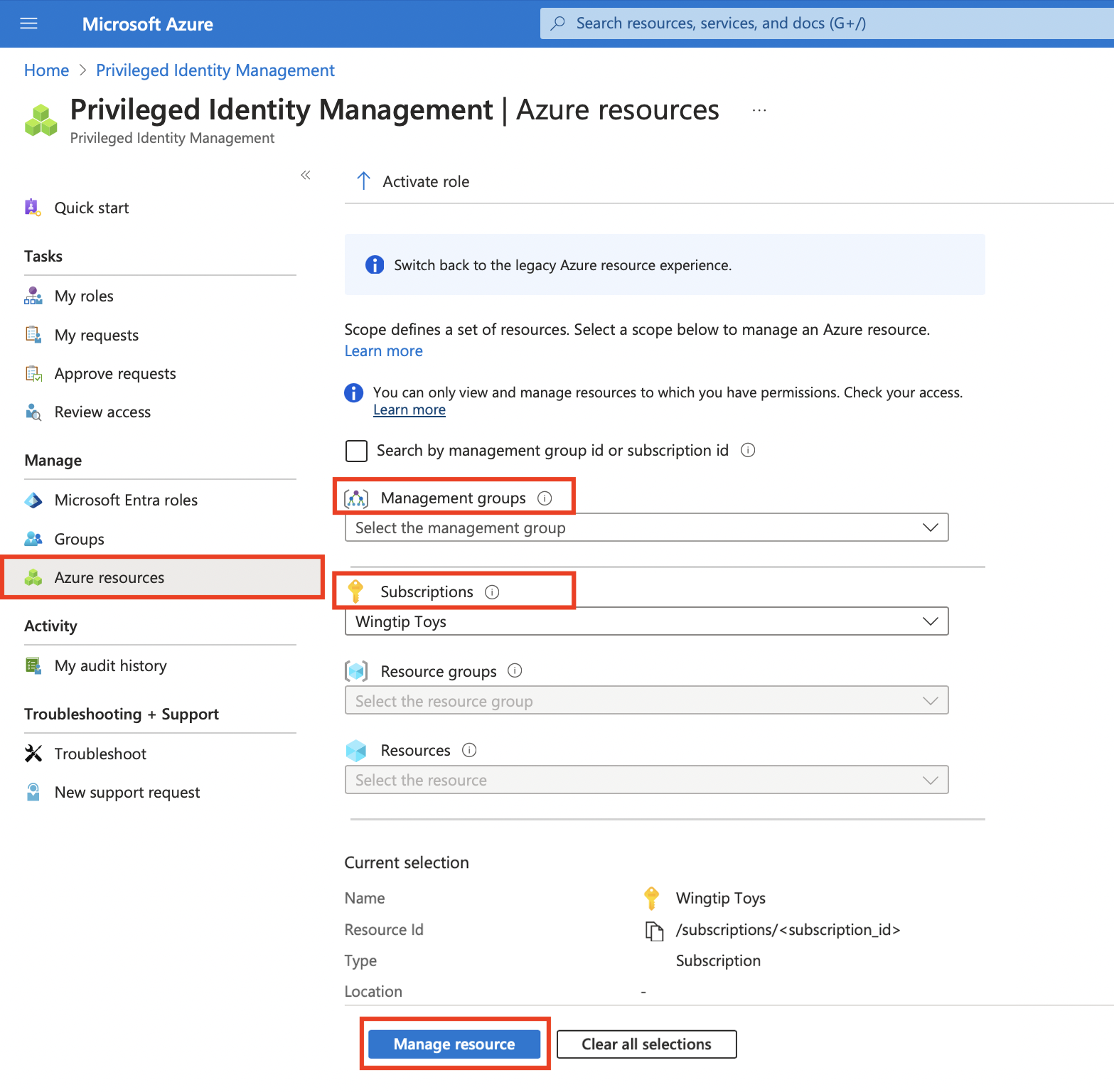
- Management Groups: Containers that help manage access, policy, and compliance across multiple Azure subscriptions.
- Subscriptions: Billing and administrative boundaries that group related resource collections.
- Resource Groups: Logical containers that hold related Azure resources sharing the same operational lifecycle.
Resource groups allow administrators to deploy, monitor, manage, and delete all resources associated with a specific project, application, or environment (such as Production or Staging) as a single operational unit.
4. Enterprise Access Control via Azure RBAC
ARM integrates directly with Microsoft Entra ID (formerly Azure Active Directory) to enforce Azure Role-Based Access Control (Azure RBAC). Security teams can assign fine-grained permissions at various scope levels—management group, subscription, resource group, or individual resource. For example, a developer can be granted permission to restart virtual machines in a development resource group without receiving permission to modify networking configurations or read production databases.
5. Policy Enforcement and Compliance Management
Through integration with Azure Policy, ARM automatically evaluates resource deployment requests against enterprise governance rules before provisioning occurs. If an administrator attempts to deploy a storage account without encryption or provision a virtual machine in an unapproved geographic region, ARM intercepts and blocks the deployment request based on policy rules. This prevents non-compliant resources from ever being created in the cloud environment.
6. Protection Against Accidental Deletion via Resource Locks
ARM allows administrators to apply management locks to subscription, resource group, or resource scopes. Locks prevent unauthorized or accidental modifications and deletions. The two primary lock levels are:
- CanNotDelete: Authorized users can read and modify a resource, but cannot delete it.
- ReadOnly: Authorized users can read a resource, but cannot update or delete it.
7. Cost Attribution and Management via Metadata Tagging
ARM enables organizations to attach custom key-value pairs, called tags, to resources and resource groups. Tags allow financial analysts and system administrators to categorize resources by cost center, department, environment, owner, or business project. Azure Cost Management uses these ARM tags to generate granular billing reports and track spending patterns across complex cloud environments.
How Azure Resource Manager Processes Operations
Understanding how ARM processes an incoming administrative request illustrates why it serves as the foundation for security, governance, and reliability in Azure.
- Request Initiation: A user, service principal, or automated script submits an operational request (such as provisioning a database) via Azure CLI, PowerShell, SDK, or the Azure Portal.
- API Routing: The request is converted into an HTTPS REST API call directed to the ARM endpoint (
management.azure.com). - Authentication and Authorization: ARM authenticates the requester's token via Microsoft Entra ID and verifies their role permissions using Azure RBAC.
- Policy and Lock Evaluation: ARM checks whether any active Azure Policies or Resource Locks conflict with the requested action.
- Resource Provider Dispatch: If authorized and compliant, ARM routes the request payload to the designated Azure Resource Provider (e.g.,
Microsoft.Sql). - Provisioning and Response: The Resource Provider carries out the actual infrastructure deployment or configuration change and returns the execution status back through ARM to the client.
Comparing Azure Management Methods
Organizations can manage Azure infrastructure using various techniques through ARM. The table below compares the primary approaches for defining and deploying resources.
| Feature / Dimension | JSON ARM Templates | Bicep Files | Azure CLI / PowerShell |
|---|---|---|---|
| Deployment Paradigm | Declarative | Declarative | Imperative / Scripted |
| Syntax Complexity | High (verbose JSON syntax) | Low (clean, concise DSL) | Variable (scripting logic) |
| State Management | Handled automatically by ARM | Handled automatically by ARM | Manual checking required |
| Idempotency | Native built-in support | Native built-in support | Must be coded into scripts |
| Primary Use Case | Legacy IaC pipelines & export | Modern Azure-native IaC | Ad-hoc tasks & automation |
| Azure Day-Zero Support | Immediate full API support | Immediate full API support | Dependent on module releases |
Key Architectural Components of Azure Resource Manager
To effectively utilize ARM, engineers must understand its underlying structural entities:
Resource
A manageable item available through Azure. Examples include virtual machines, storage accounts, web apps, virtual networks, and database instances. Every resource exists within exactly one resource group.
Resource Group
A logical container that holds related resources for an Azure solution. A resource group can store all the resources for a solution, or only those resources that administrators wish to manage as a group. Typically, resources that share the same lifecycle are placed in the same resource group so they can be deployed, updated, or decommissioned together.
Resource Provider
A backend service that supplies Azure resources. For example, Microsoft.Compute provides virtual machine resources, and Microsoft.Network supplies networking components. Each provider exposes REST API operations for working with its resources. Before using a specific Azure service in a subscription, its corresponding resource provider must be registered.
Management Groups
A scope level above subscriptions designed to manage access, policies, and compliance across multiple subscriptions. Management groups form a flexible hierarchy to apply organizational policies and access controls across an enterprise's entire Azure subscription estate.
Best Practices for Using Azure Resource Manager
Adopting proper management techniques ensures that an organization maximizes security, repeatability, and operational efficiency when interacting with ARM.
- Standardize on Bicep for Infrastructure as Code: Transition from legacy JSON ARM templates or custom imperative scripts to Bicep. Bicep offers simpler syntax, first-class authoring support in code editors, and immediate support for new Azure features without state-file management overhead.
- Organize Resource Groups by Lifecycle: Group resources based on shared deployment and decommissioning lifecycles rather than resource type. Avoid placing all storage accounts or all virtual networks into a single monolithic resource group unless they are managed and deleted together.
- Enforce Governance Early with Azure Policy: Apply policies at higher scopes (such as management groups) to enforce compliance automatically across all child subscriptions and resource groups.
- Apply Resource Locks to Critical Infrastructure: Protect non-replaceable core assets—such as virtual network hubs, key vaults, and central production databases—with
CanNotDeletelocks to prevent operational missteps. - Implement a Strict Tagging Strategy: Establish required tags for cost center, owner, environment, and critical project names, enforcing them automatically via Azure Policy.
Frequently Asked Questions
What is the difference between Azure Resource Manager and Classic Azure?
Azure Resource Manager is the modern deployment model that organizes resources logically into resource groups, supports declarative IaC templates, and enforces unified access control via RBAC. Classic Azure (Azure Service Management) was the original deployment model, which managed resources as separate, unlinked entities with limited deployment automation and centralized security features.
Does Azure Resource Manager cost extra to use?
No, Azure Resource Manager is a core control plane service provided at no additional cost. Users pay only for the actual Azure resources provisioned through ARM (such as virtual machines, storage, or SQL databases) based on standard service pricing.
What is a Resource Provider in Azure Resource Manager?
A Resource Provider is a REST-based backend service that defines and manages specific Azure resources. For example, Microsoft.KeyVault handles key vaults, while Microsoft.Storage handles storage accounts. ARM routes operational requests directly to the corresponding provider to complete administrative actions.
Can a resource belong to multiple Resource Groups simultaneously?
No, an individual Azure resource can exist in only one resource group at any given time. However, many resources can be moved between resource groups or subscriptions without requiring redeployment or incurring downtime, provided the resource type supports relocation operations.
How does ARM enforce security and access permissions?
ARM enforces security by requiring valid authentication tokens from Microsoft Entra ID for every REST API request. It then checks these requests against Azure RBAC assignments, Azure Policy rules, and management locks before authorizing the request payload to execute against the target resource.
Practical Next Steps
To build a secure and manageable Azure footprint using Azure Resource Manager, start by designing a clean subscription and resource group hierarchy based on application lifecycle boundaries. Next, define a baseline governance strategy using Azure Policy to enforce naming conventions, required cost-allocation tags, and restricted cloud regions. Finally, migrate all manual infrastructure provisioning workflows to declarative Infrastructure as Code using Bicep files maintained in a version-controlled repository.
Image Gallery