How the 6 Panel Comic Strip Template PDF Evolved for Creators
The 6-panel comic strip template PDF has evolved from a rigid, physical print layout into a dynamic, cross-platform digital asset that accommodates diverse storytelling pacing, multi-software compatibility, and collaborative creator wo...
The 6-panel comic strip template PDF has evolved from a rigid, physical print layout into a dynamic, cross-platform digital asset that accommodates diverse storytelling pacing, multi-software compatibility, and collaborative creator workflows in modern independent publishing.
Contents
Introduction to the 6-Panel Layout Paradigm
The comic strip format has long served as a fundamental unit of visual storytelling, balancing brevity with narrative depth. Among the various grid configurations available to artists, the 6-panel layout occupies a unique position. It offers enough structural complexity to establish a setting, develop a conflict, and deliver a punchline or resolution, while remaining concise enough to consume in seconds. Historically, creators sketched these panels by hand on blue-line paper or relied on static print templates distributed in cartooning manuals.
As the publishing industry transitioned into the digital era, the physical page blueprint migrated into the digital domain, most commonly taking the form of the Portable Document Format (PDF). The 6-panel comic strip template PDF eliminated the need for manual grid calculations, ensuring precise measurements for print bleed, digital resolution, and panel gutters. Over time, these files evolved from simple vector outlines into interactive, layer-supported documents that integrate seamlessly with modern illustration software, vector editors, and print-on-demand services. Understanding this evolution reveals how digital document formats continue to shape the efficiency and creative freedom of independent cartoonists, graphic novelists, and webcomic creators.
The Analog Era: Foundational Layouts and Mechanical Drafts
Before digital templates dominated the creative workflow, cartoonists relied on physical production boards and specialized non-reproducing blue pencils. The 6-panel grid was traditionally constructed by hand using a T-square, triangle, and drawing board. Publishers and newspaper syndicates enforced strict column widths and gutter specifications, meaning every creator had to map out their panels meticulously to meet exact mechanical requirements.
Publishers occasionally provided physical layout sheets—often heavy cardstock pre-printed with light blue grids—to standardize submissions. These physical blue-lines allowed artists to ink directly over guidelines that would disappear during the photographic plate-making process. However, this analog method left little room for structural iteration. Moving a panel border or altering the aspect ratio of a tier required tedious erasing, redrawing, or pasting physical paper patches over mistakes.
The introduction of desktop publishing software in the late 1980s and 1990s began to bridge the gap between analog drafting and digital file distribution. Creators started scanning their manual grids or building basic vector lines in early design software. This laid the groundwork for standardized digital documents that could be printed infinitely at home or in studios, ultimately giving birth to the downloadable template PDF.
The Digital Transition: Standardization and the Rise of the PDF
The widespread adoption of the PDF format in the late 1990s and 2000s revolutionized how artists shared and utilized design blueprints. Unlike proprietary image formats or word processor documents, the PDF preserved vector scaling, precise dimensions, and font integrity across different operating systems. This made it the ideal vehicle for comic templates.
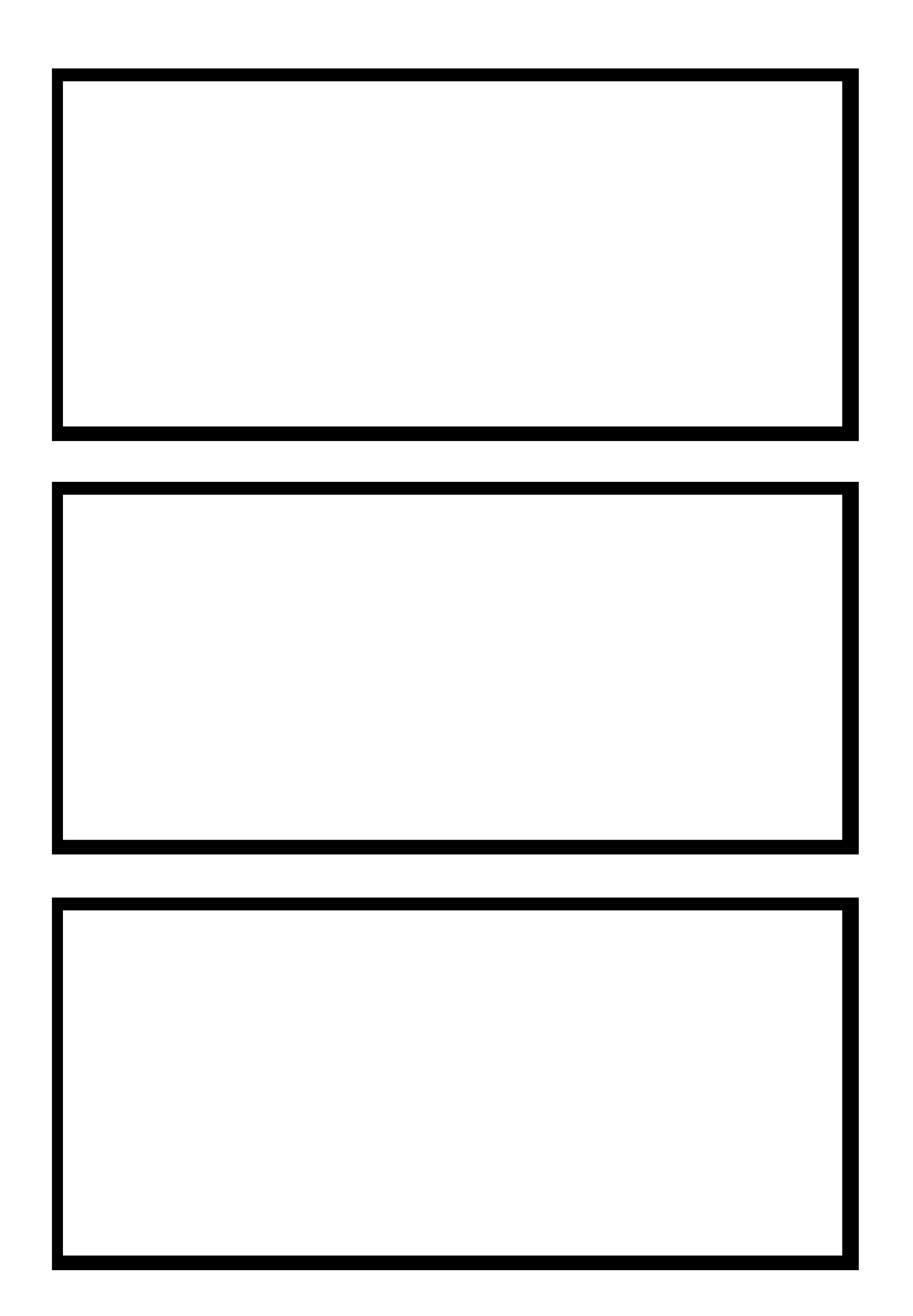
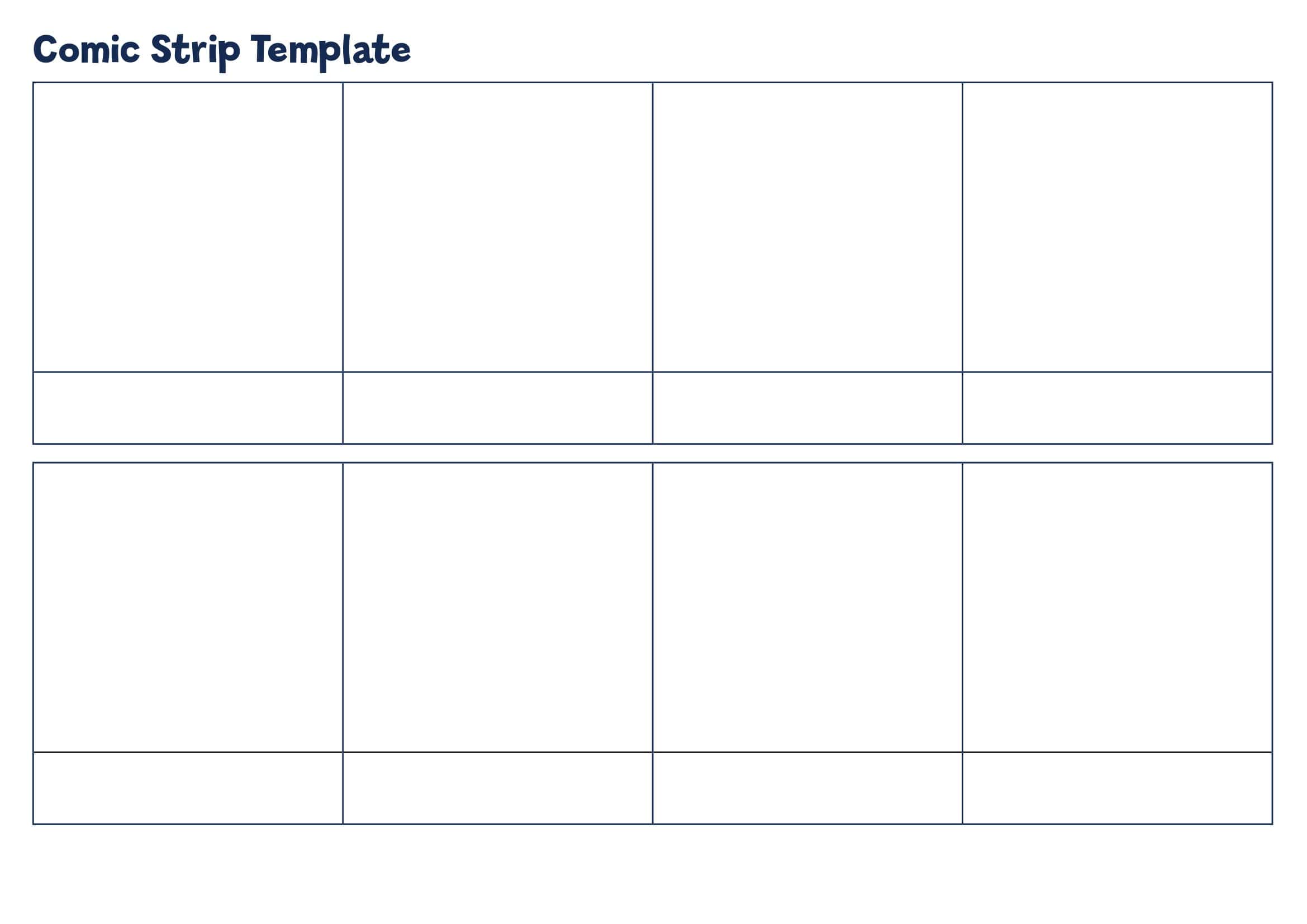
During this transition, early web resources and digital cartooning communities began offering downloadable 6-panel comic strip template PDF files. These initial digital templates were simple: a black-line border defining the page boundary, divided evenly into six rectangular cells separated by standard white gutters. Creators could download the file, print it out on standard printer paper or Bristol board, and use it as a light-table underlay or a direct drawing surface.
This era introduced several distinct advantages for creators:
- Dimensional Consistency: Every printed copy shared identical panel dimensions, eliminating manual measuring errors.
- Accessibility: Templates could be downloaded instantly from online archives, removing the cost barrier of purchasing specialized physical layout pads.
- Archival Stability: Digital master files did not degrade over time, unlike physical blue-line pads exposed to light and humidity.
| Template Generation | Primary Medium | Layout Flexibility | Software Integration |
|---|---|---|---|
| Analog Era | Physical Paper & Blue-Line Boards | Rigid; difficult to modify | None (Manual drafting tools) |
| Early Digital PDF | Static Printable Vectors | Fixed 6-panel grid | Print-and-scan workflow |
| Modern Interactive PDF | Vector-Editable & Multi-Layer Files | High; customizable gutters and tiers | Native support in vector and raster apps |
Modern Enhancements: From Static Outlines to Interactive Workflows
Today, the 6-panel comic strip template PDF is no longer viewed merely as something to print out and draw on with physical ink. Modern creators frequently import PDF templates directly into digital painting software such as Clip Studio Paint, Adobe Photoshop, Procreate, or vector editors like Affinity Designer and Inkscape.
This shift required developers and template designers to upgrade the technical specifications of their PDF files. Contemporary templates often incorporate vector data rather than rasterized pixels, ensuring that when an artist zooms in to ink fine details, the panel borders remain razor-sharp. Furthermore, advanced PDFs now include structural metadata, non-printing guidelines for safe zones, trim lines, and bleed margins required by modern print-on-demand (POD) book manufacturers.
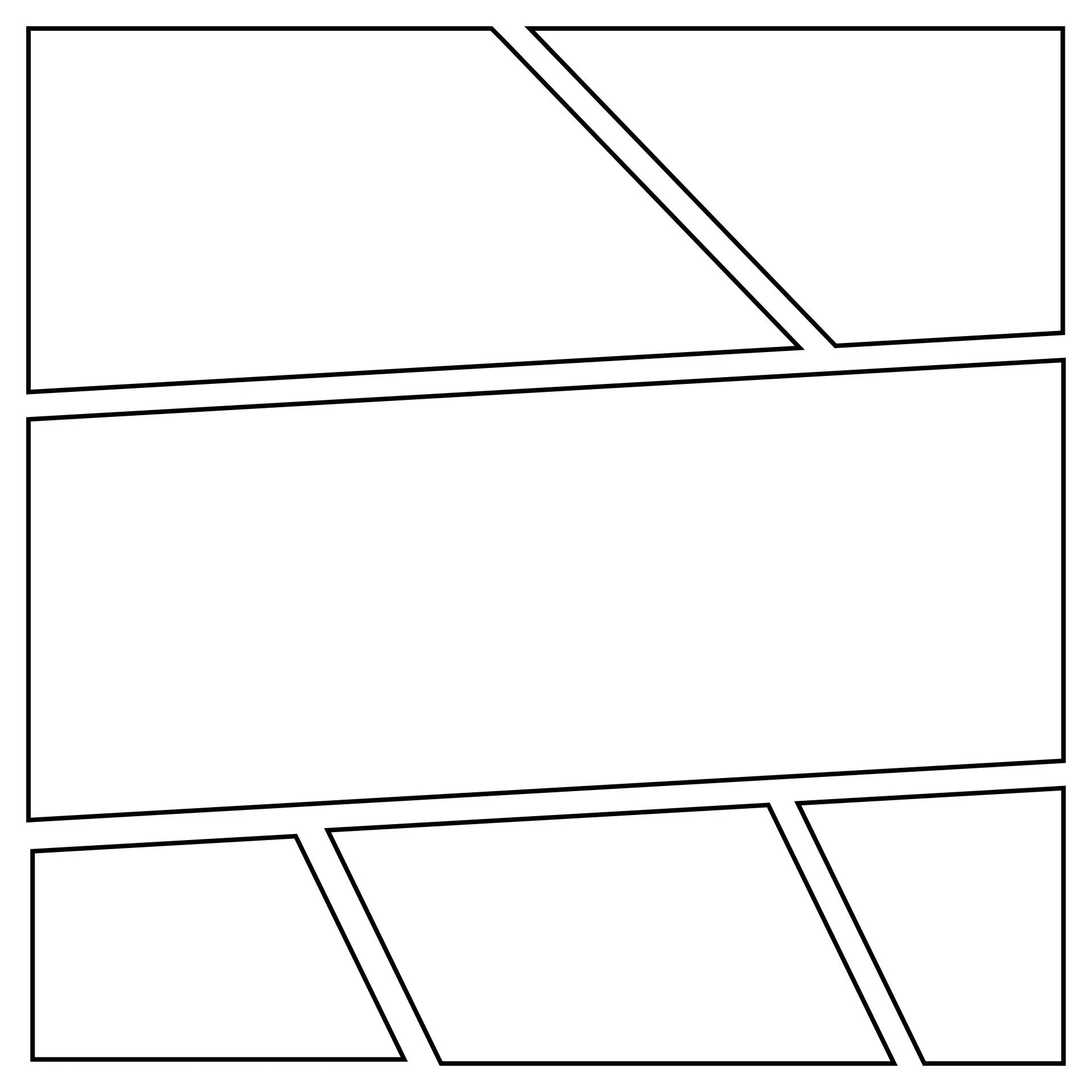
Another major evolution is the incorporation of non-uniform grid variations within PDF packages. While the traditional 6-panel layout consists of a symmetrical 2x3 or 3x2 grid, modern templates often feature dynamic variations—such as splash panels, inset boxes, and varying tier heights—all packaged within a multi-page PDF document. This allows creators to select a pacing structure that matches their narrative beat while maintaining professional publishing standards.
Technical Specifications and Best Practices for Creators
Utilizing a 6-panel comic strip template PDF effectively requires an understanding of digital resolution, color spaces, and file handling. When downloading or designing a template for professional output, creators must verify several technical parameters to avoid print errors or digital scaling artifacts.
- PAGE TRIM BOX
- BLEED AREA
- PANEL 1, PANEL 2
- PANEL 3, PANEL 4
- PANEL 5, PANEL 6
- SAFE ZONE
- BLEED AREA
Resolution and Color Management
For print production, a template PDF must support high-resolution rendering, typically set at 300 DPI (dots per inch) or higher at actual print size. For webcomics destined for digital screens, a 72 or 150 DPI workflow is often sufficient. Additionally, creators must pay attention to the color profile:
- CMYK: Essential for physical offset printing and POD services to prevent unexpected color shifts.
- RGB: Ideal for web publication, social media distribution, and digital reading platforms.
Managing Layers in Vector-Compatible PDFs
When opening a modern PDF template in software like Illustrator or Affinity Designer, creators should examine the layer hierarchy. Well-constructed templates separate elements into distinct layers:
- Dialogue and Lettering Layer: Kept at the top to ensure text remains legible and uninhibited by artwork.
- Ink/Lineart Layer: Houses the primary panel borders and character outlines.
- Flat Color / Rendering Layer: Positioned beneath the inks to allow easy bucket-fill operations and shading.
- Template Guide Layer: Contains blue or red non-printing layout lines that can be toggled off before export.
Common Mistakes When Using Comic Templates
Even with advanced PDF templates, creators frequently encounter pitfalls that compromise the quality of their work. Recognizing these common errors helps streamline production and ensures a professional final product.
- Ignoring Bleed and Trim Margins: Placing crucial dialogue bubbles or panel art too close to the edge of a print template can result in important elements being sliced off during the book trimming process. Always keep vital content within the designated safe zone.
- Failing to Lock Template Layers: Accidental brush strokes or line adjustments made directly on the template border layer can distort the grid structure. Locking the template layer upon import prevents unwanted alterations.
- Using Low-Resolution Raster PDFs: Relying on low-quality scanned PDFs results in pixelated, blurry lines when scaled up for print, destroying the crisp aesthetic expected in professional comic art.
- Neglecting Gutter Consistency: While breaking the grid is a valid artistic choice, inconsistent gutter spacing across panels without narrative justification can make the reading flow disjointed and confusing for the audience.
Frequently Asked Questions
Can I edit a 6-panel comic strip template PDF in vector graphic software?
Yes. Most modern template PDFs are built with vector paths rather than flat raster images. You can open them in applications like Adobe Illustrator, Inkscape, or Affinity Designer to modify panel shapes, adjust gutter widths, or resize the entire layout without losing image quality.
What is the standard resolution required for a printable comic template?
For professional print output, templates and final artwork must be set to a minimum of 300 DPI at actual physical dimensions. For web-only distribution, 72 to 150 DPI is standard to keep file sizes manageable while maintaining screen clarity.
How do bleed lines affect my comic strip layout?
Bleed lines indicate the extra margin of artwork that extends past the actual edge of the paper. When a comic book is printed and trimmed, slight mechanical shifts can occur. Extending your background artwork to the bleed line ensures that no unsightly white borders appear along the edges of the published page.
Are 6-panel templates suitable for vertical scrolling webtoons?
Traditional 6-panel templates are optimized for horizontal print pages or square digital viewports. For vertical scrolling webtoons, creators typically use infinite-canvas layouts or long-form strip templates rather than a standard multi-panel PDF grid.
How do I prevent my line art from interfering with template borders?
The best practice is to separate your work into distinct digital layers. Import the PDF template on a locked background layer, create your inked panel artwork on a middle layer, and place all dialogue text on a top layer.
Conclusion and Next Actions
The evolution of the 6-panel comic strip template PDF highlights how foundational design tools adapt to technological innovation. By moving from rigid physical blueprints to flexible, layer-supported digital files, creators gain unprecedented control over pacing, composition, and multi-platform publishing. To incorporate these tools into your next project, download a vector-compatible PDF template matching your target output format, verify your software's resolution and color settings, and establish a clean layer hierarchy before beginning your first rough sketches.
Image Gallery