Understanding Input Devices in Everyday Computing: A Comprehensive Guide for 2026
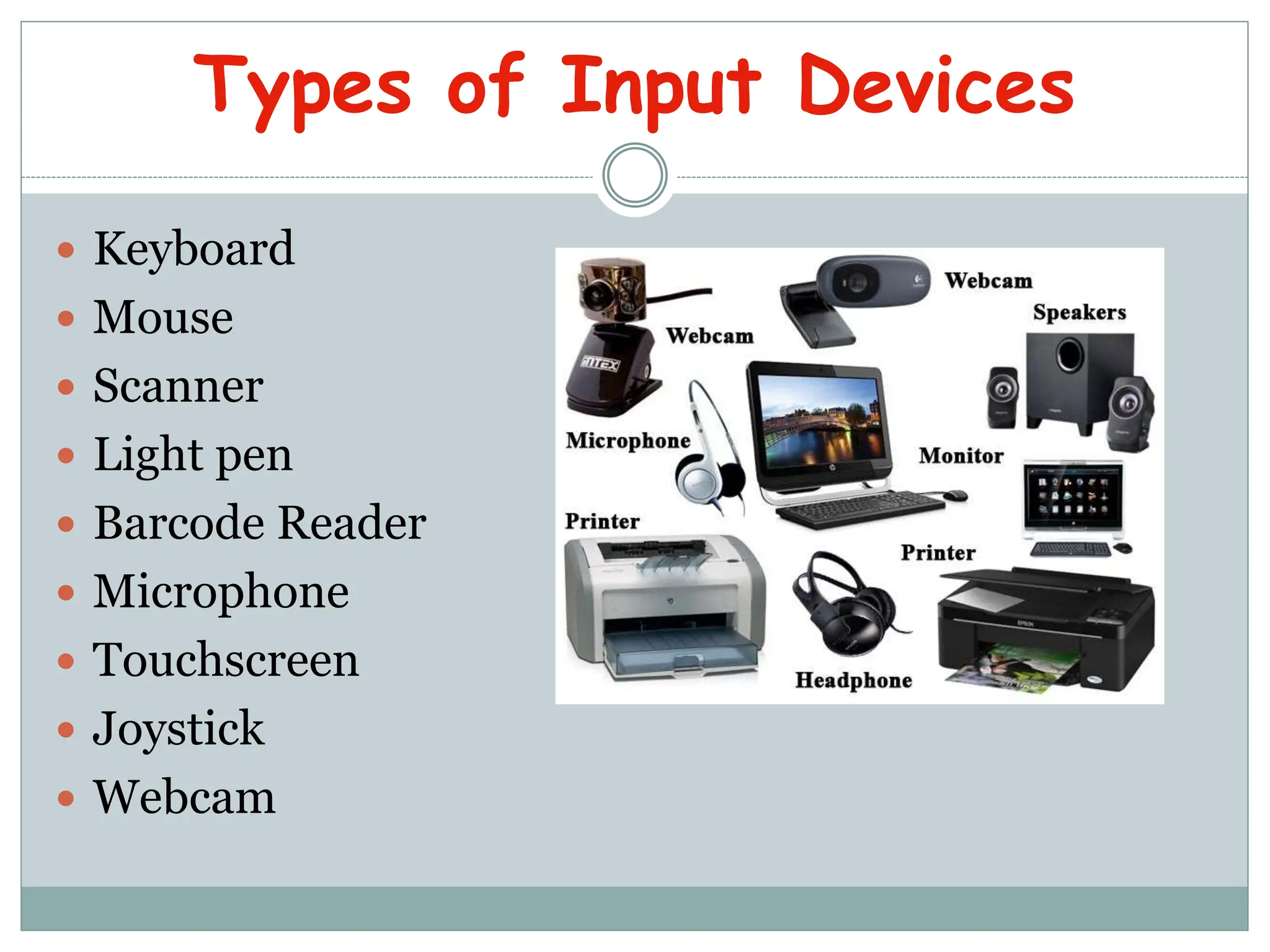
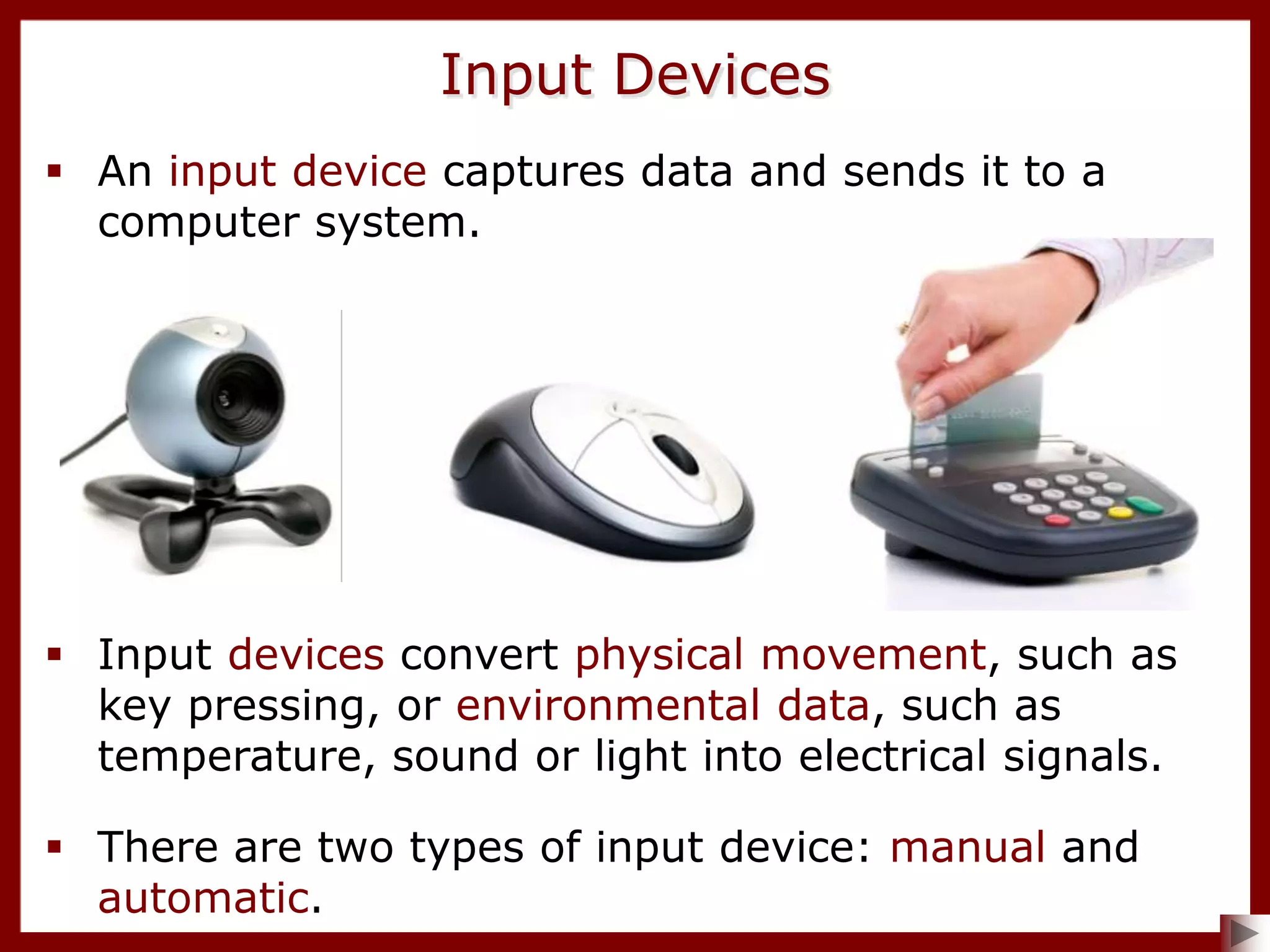
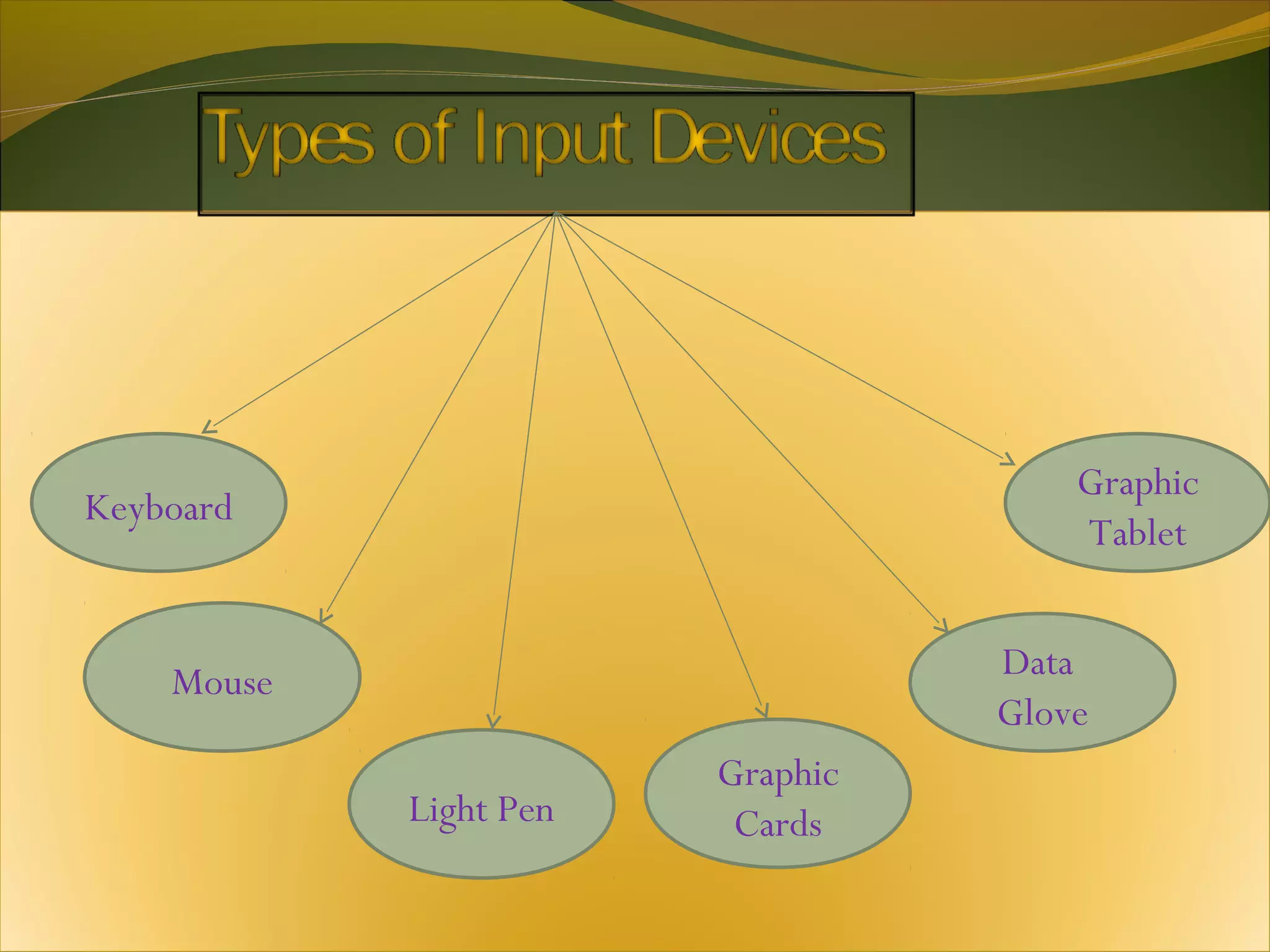
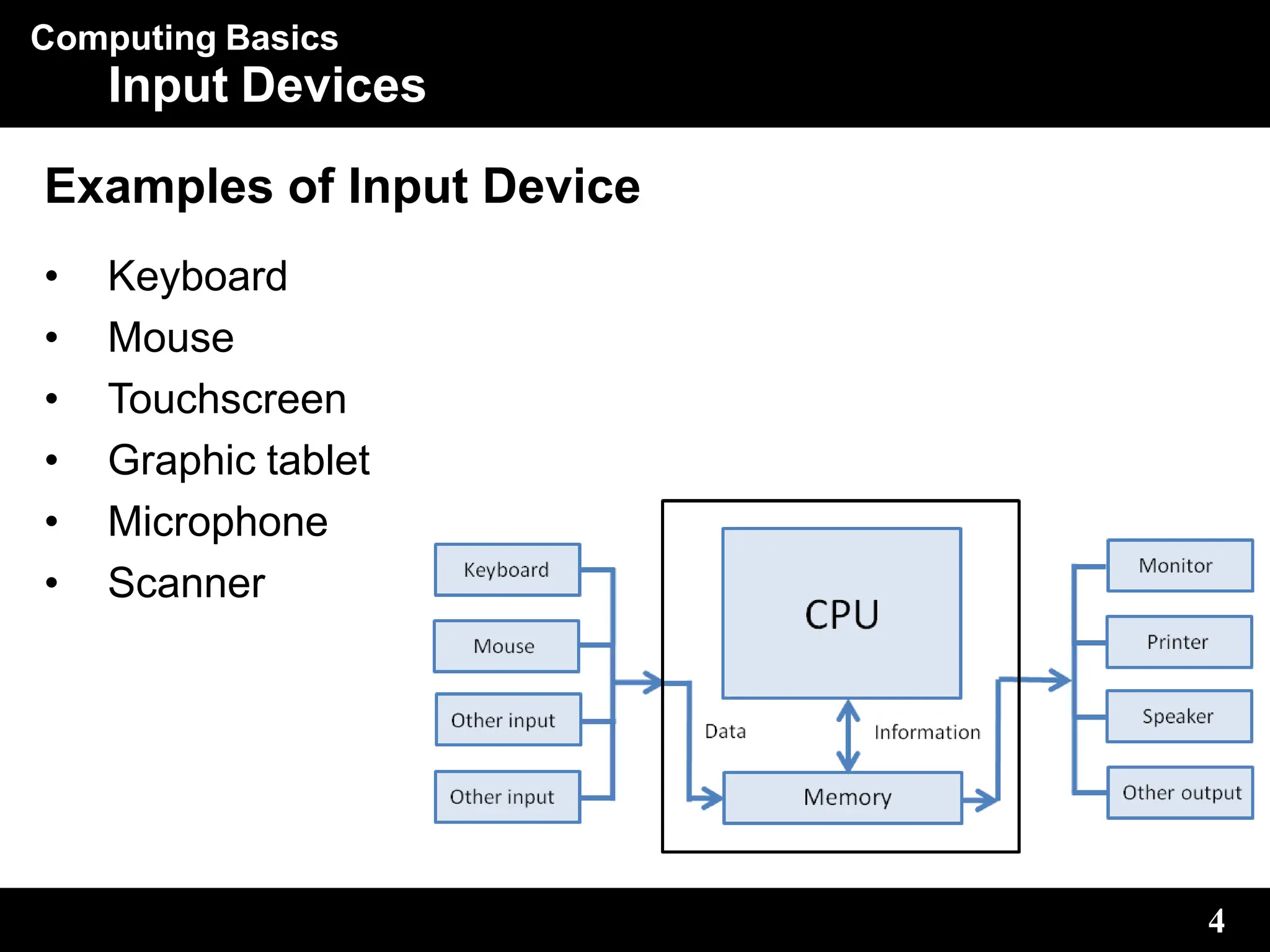
Input devices are the essential hardware components that allow users to communicate with a computer, providing the data and control signals necessary for interaction. In 2026, these devices have evolved beyond simple peripheral tools i...
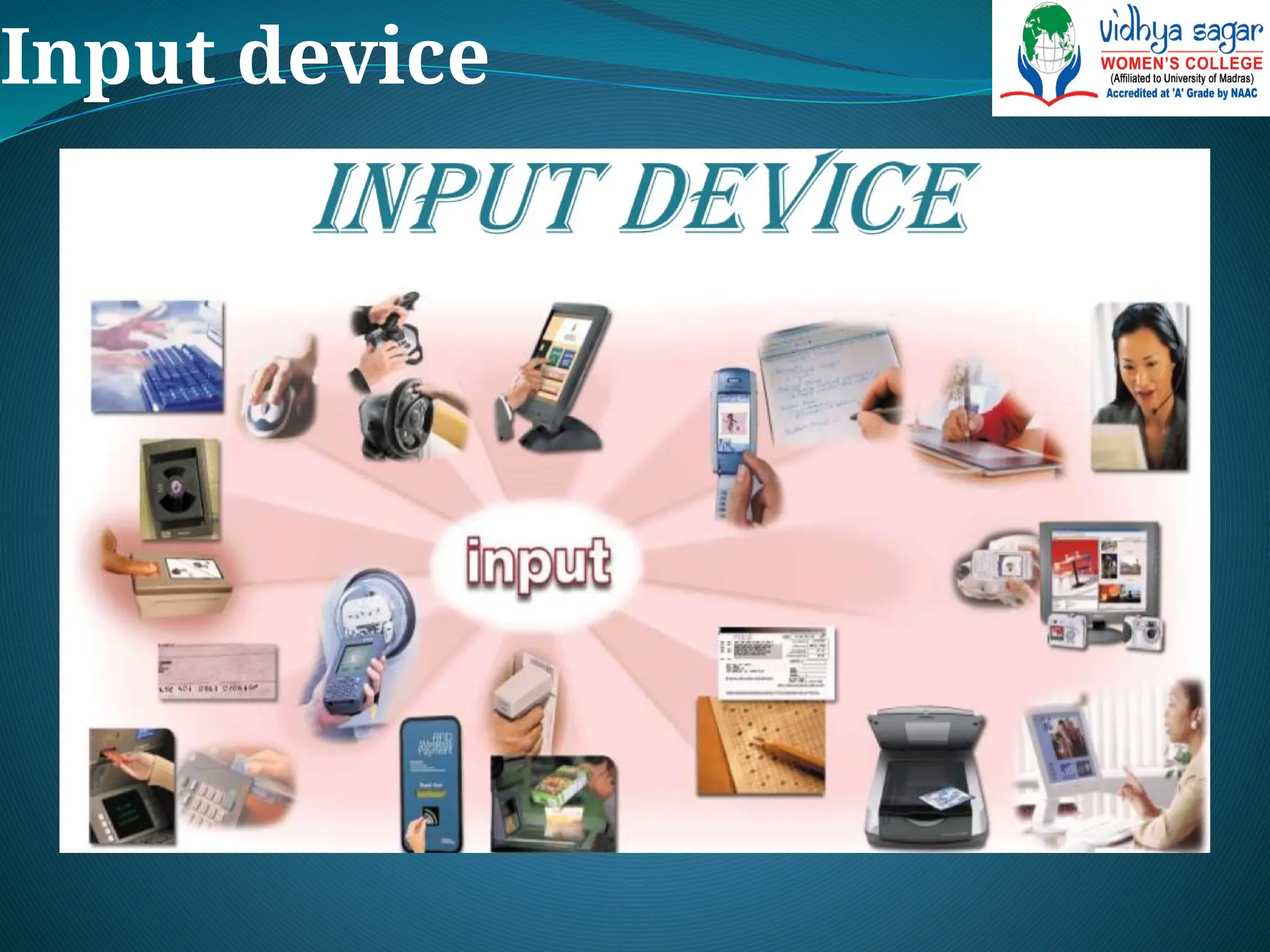
Input devices are the essential hardware components that allow users to communicate with a computer, providing the data and control signals necessary for interaction. In 2026, these devices have evolved beyond simple peripheral tools into sophisticated interfaces—ranging from high-precision mechanical keyboards and ergonomic mice to advanced biometric sensors and voice-command arrays—that define the efficiency and comfort of our modern digital workflows.
Contents
The relationship between a user and their digital environment is entirely dictated by the quality and type of input devices employed. Whether you are a creative professional navigating a complex 3D workspace, a data analyst processing massive spreadsheets, or a casual user browsing the web, the hardware you touch (or speak to) transforms physical intent into digital action. Understanding the nuances of these devices is the first step toward optimizing personal productivity and reducing the physical strain associated with long-term computing.
The Foundation of Interaction: Keyboards in 2026
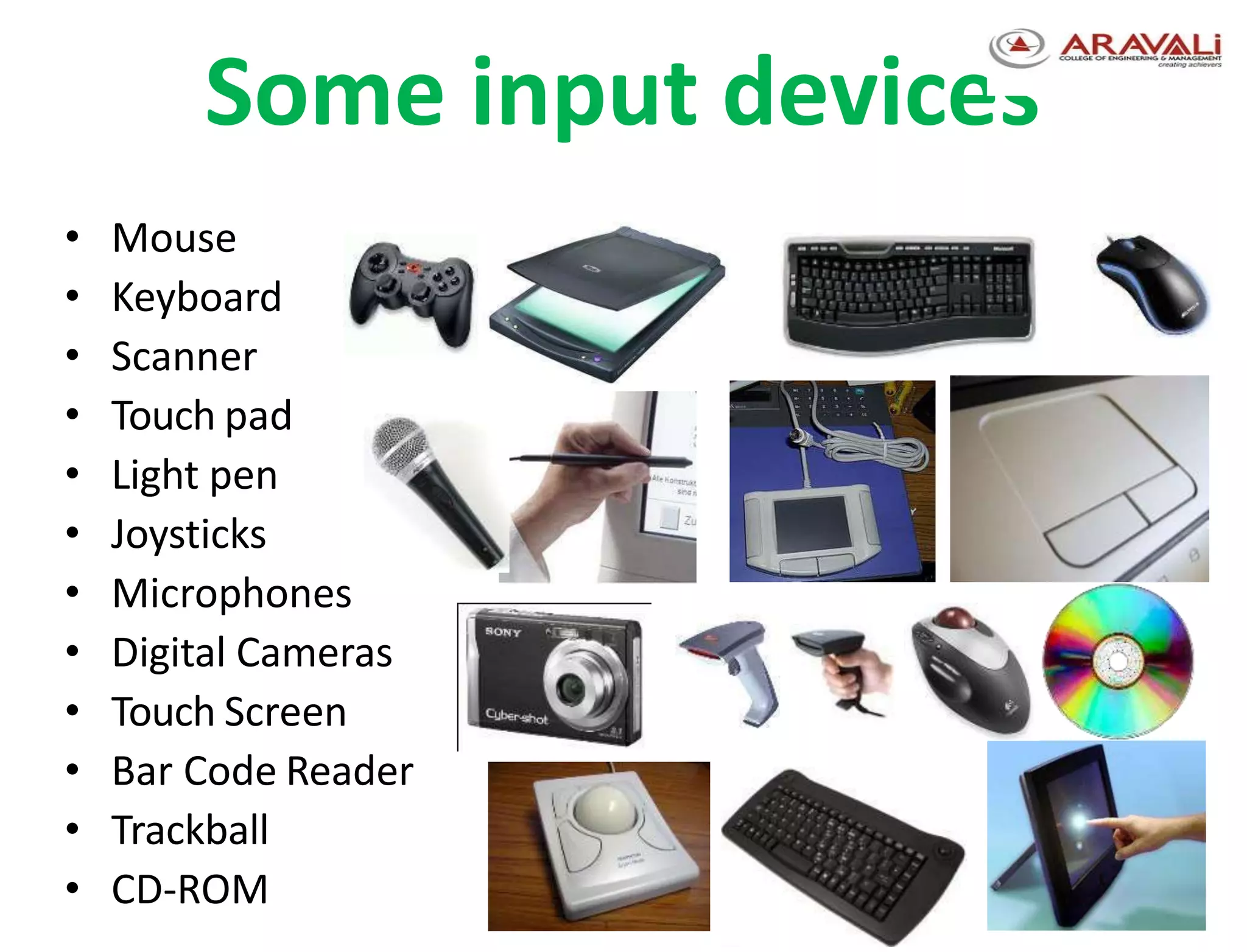
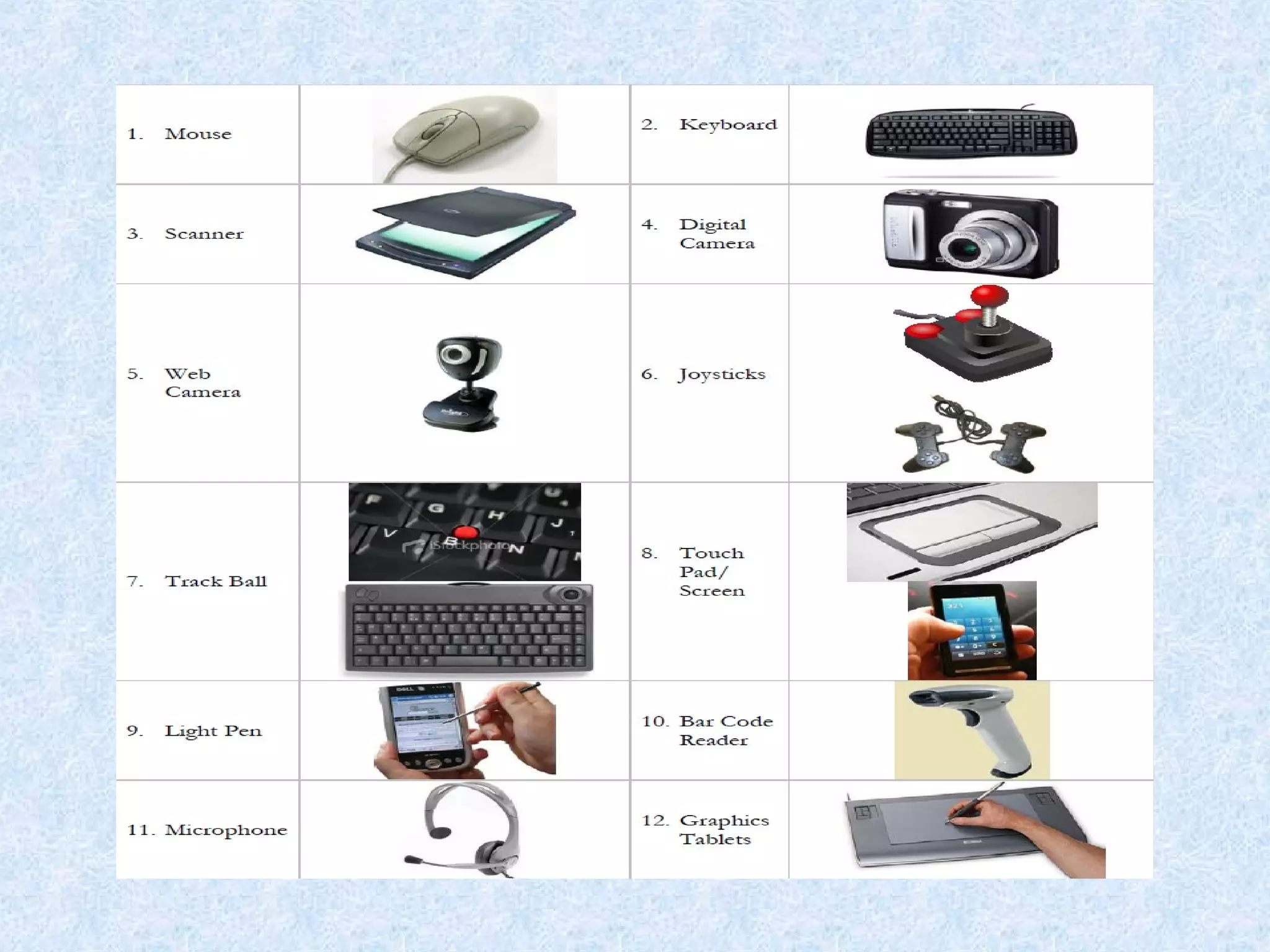
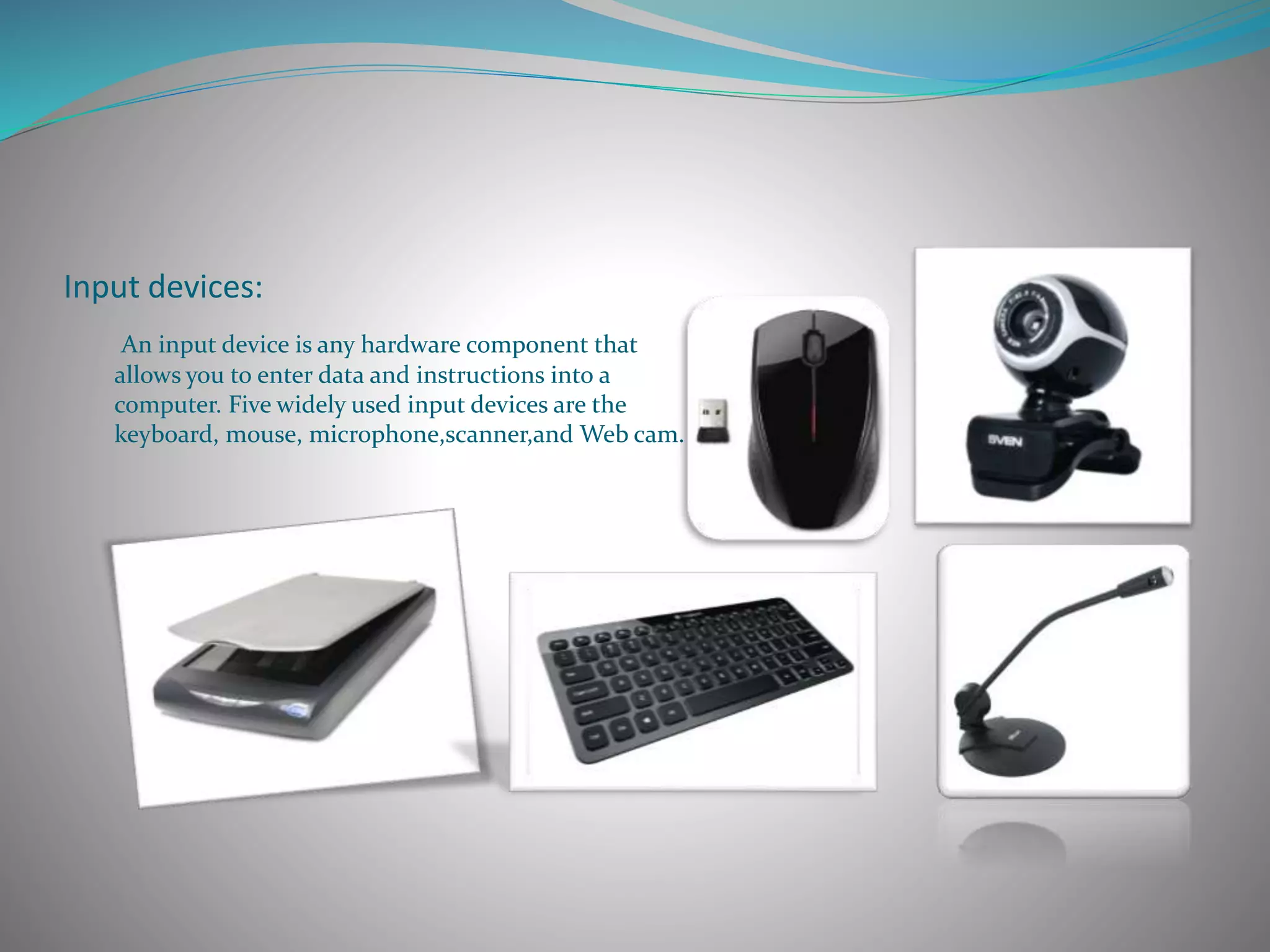
The keyboard remains the primary data entry tool for the vast majority of computing tasks. While touchscreens and voice recognition have seen significant adoption, the tactile feedback and speed of a physical keyboard are still unmatched for long-form writing, coding, and complex shortcut execution. In 2026, the market has split into two dominant categories: the refinement of the membrane laptop keyboard and the widespread "prosumer" adoption of mechanical switches.
Mechanical vs. Membrane Technology
Traditional membrane keyboards, common in budget laptops and slim office peripherals, use a pressure-sensitive rubber dome under the keys. While cost-effective and quiet, they often lack tactile clarity. Conversely, mechanical keyboards utilize individual physical switches for every key. By 2026, mechanical switches have moved beyond the niche gaming community into the general office space due to their superior durability and "hot-swappable" nature, which allows users to replace individual switches without soldering.
Key metrics for selecting a keyboard include:
- Actuation Force: Measured in centinewtons (cN) or grams (g), this is the pressure required to register a keystroke.
- Travel Distance: The depth a key moves before hitting the bottom.
- Polling Rate: The frequency (measured in Hz) at which the keyboard reports its state to the computer. For standard office work, 125Hz is sufficient, but high-performance users often look for 1,000Hz or higher to minimize latency.
Ergonomics and Layouts
Repetitive Strain Injury (RSI) remains a primary concern for heavy users. To combat this, split keyboards and columnar layouts (where keys are aligned in vertical columns rather than staggered rows) have become mainstream. These designs encourage a neutral wrist position, reducing the risk of carpal tunnel syndrome. Furthermore, the 2026 standard for high-end keyboards often includes integrated palm rests and adjustable tenting, allowing the keyboard to be tilted at an angle that matches the natural slope of the hands.
Precision Control: Mice and Pointing Devices
The mouse has undergone a radical transformation from its early ball-tracking days. Modern pointing devices utilize high-resolution optical or laser sensors to track movement across a surface. In 2026, the focus is on sensor accuracy and wireless reliability.
Optical Sensors and DPI
The performance of a mouse is often judged by its Dots Per Inch (DPI) or Counts Per Inch (CPI). This measures the sensitivity of the sensor. High-DPI mice allow the cursor to move across a high-resolution 4K or 8K monitor with minimal physical movement of the hand. While gamers might utilize 20,000+ DPI, everyday computing usually requires a range between 800 and 2,400 DPI for controlled, precise movements.
Form Factors and Ergonomics
Standard horizontal mice are being challenged by vertical mice, which are held in a "handshake" position. This design prevents the forearm from twisting, which significantly reduces muscle fatigue. For those with limited desk space, trackballs remain a powerful alternative. Instead of moving the entire device, the user manipulates a stationary ball with their thumb or fingers, providing a high level of precision while remaining completely static on the desk.
The Rise of Natural User Interfaces (NUI)
Natural User Interfaces represent the shift toward interacting with computers in ways that mimic human-to-human communication. In 2026, this category has expanded from simple touchscreens to sophisticated voice and gesture recognition systems integrated into everyday workstations.
Touchscreens and Stylus Input
Touch input is no longer limited to mobile phones and tablets. Most 2026-era laptops and "all-in-one" desktop monitors feature multi-touch capabilities. For creative professionals, the active stylus (or digital pen) is the primary input device. These pens utilize electromagnetic resonance (EMR) or active electrostatic technology to provide thousands of levels of pressure sensitivity and tilt detection, making digital painting and PDF annotation as natural as using physical paper.
Voice and Audio Input
Voice-to-text technology, powered by advanced Large Language Models (LLMs), has achieved nearly 99% accuracy in 2026. Microphones are now categorized as essential input devices. High-quality MEMS (Micro-Electro-Mechanical Systems) microphone arrays are standard in modern devices, capable of beamforming—a process that focuses the microphone's sensitivity on the user’s voice while digitally cancelling out background noise like typing or fans.
Biometrics and Security Inputs
Input devices are also the gatekeepers of our digital security. We no longer rely solely on alphanumeric passwords; instead, biometric input devices provide a more secure and faster way to authenticate.
- Fingerprint Scanners: Often integrated into power buttons or under-display sensors, these use capacitive or ultrasonic imaging to map the ridges of a finger.
- Facial Recognition: Systems like Windows Hello or Apple’s FaceID use infrared cameras and dot projectors to create a 3D map of the user's face, functioning even in low-light conditions.
- FIDO2 Security Keys: Physical tokens that act as a "something you have" input, providing the highest level of multi-factor authentication (MFA) against phishing attacks.
Connectivity Standards and Power Management
The way these devices connect to our computers determines their latency and convenience. In 2026, the industry has largely converged on two standards:
- USB-C: The universal wired standard, providing both data and power.
- Bluetooth 6.0 and 2.4GHz Wireless: While Bluetooth is excellent for power efficiency and multi-device pairing, professional-grade mice and keyboards often use a dedicated 2.4GHz USB dongle to achieve sub-1ms latency and a more stable connection in environments crowded with wireless signals.
Power Sustainability: By 2026, many wireless input devices have moved away from disposable batteries. High-end peripherals now utilize energy harvesting (solar panels for keyboards) or long-life solid-state batteries that can last months on a single charge via USB-C.
Comparison of Common Input Devices
The following table compares the most popular input devices used in everyday computing based on their primary function and ideal use cases.
| Device Type | Primary Connection | Precision Level | Best Use Case |
|---|---|---|---|
| Mechanical Keyboard | Wired/2.4GHz Wireless | High (Tactile) | Heavy typing, coding, gaming |
| Vertical Mouse | Bluetooth/2.4GHz | High (Ergonomic) | General office work, RSI prevention |
| Active Stylus | Bluetooth/Inductive | Very High | Graphic design, digital note-taking |
| Trackpad/Touchpad | Integrated/Bluetooth | Medium | Gesture-based navigation, travel |
| MEMS Mic Array | Integrated/USB | N/A (Audio) | Voice dictation, video conferencing |
| Biometric Scanner | Integrated | N/A (Security) | Secure login, payment authorization |
Selecting the Right Devices for Your Workflow
Choosing the correct input devices requires an assessment of your daily tasks. If your work involves heavy data entry, investing in a high-quality mechanical keyboard with a dedicated number pad is essential. If you spend your day in video meetings, a dedicated microphone or a headset with a high-quality condenser mic will significantly improve how you are perceived by colleagues.
For a balanced "Everyday Computing" setup in 2026, experts recommend:
- A wireless mechanical keyboard for a clutter-free desk and tactile comfort.
- An ergonomic mouse (vertical or contoured) to protect long-term joint health.
- A high-definition webcam with a built-in microphone array for seamless communication.
- A biometric sensor (integrated or external) to streamline security workflows.
Frequently Asked Questions
How do I clean and maintain my input devices?
For keyboards, use compressed air to remove debris from between the keys and a lightly dampened microfiber cloth with 70% isopropyl alcohol for the keycaps. For mice, ensure the optical sensor lens is clear of dust by using a dry cotton swab. Regularly cleaning these surfaces not only improves hygiene but also ensures sensor accuracy and prevents keys from sticking.
Is wireless latency a problem for everyday office work?
In 2026, no. Modern wireless protocols like Bluetooth 6.0 and proprietary 2.4GHz "Bolt" or "Hyperspeed" technologies have reduced latency to levels imperceptible to the human eye. While wired connections are still preferred for competitive gaming or high-frequency trading, wireless is perfectly sufficient for 99% of everyday computing tasks.
Why are mechanical keyboards so much louder than membrane ones?
The sound comes from the physical impact of the plastic parts and, in some cases, a "click" mechanism designed to provide auditory feedback. However, in 2026, many "silent" mechanical switches exist that use internal dampeners to be even quieter than traditional membrane keyboards, making them suitable for open-office environments.
Do I need a high-DPI mouse for a laptop?
It depends on your screen resolution. If you are using a 13-inch 1080p laptop screen, a standard 800-1200 DPI mouse is fine. If you plug that laptop into a large 4K or 5K monitor, you will want a mouse with higher DPI (at least 2,000) so you can move the cursor across the vast screen area without needing to lift and reset your mouse multiple times.
Can voice commands replace a keyboard entirely?
Not yet for all tasks. While voice is excellent for drafting emails or searching the web, it struggles with precise formatting, complex coding syntax, and privacy in shared spaces. It is best used as a complementary input method rather than a total replacement for the keyboard and mouse.
Recommendation for Next Actions
To optimize your daily computing experience, begin by auditing your current peripherals. If you experience any wrist or finger discomfort at the end of the day, prioritize replacing your mouse with an ergonomic vertical model or switching to a mechanical keyboard with lighter switches. Additionally, ensure your firmware is updated via the manufacturer's software (such as Logitech Options+, Razer Synapse, or Corsair iCUE) to take advantage of the latest power-saving and latency-reduction features available in 2026.
Image Gallery