Mazda CX-3 Warning Lights: What They Mean and How to Respond
When a warning light illuminates on your Mazda CX-3 dashboard, it serves as a critical communication channel between your vehicle’s onboard computer and you, the driver. These lights are categorized by color—typically green or blue for...
When a warning light illuminates on your Mazda CX-3 dashboard, it serves as a critical communication channel between your vehicle’s onboard computer and you, the driver. These lights are categorized by color—typically green or blue for operational status, yellow or amber for cautionary warnings requiring attention soon, and red for immediate safety concerns that necessitate stopping the vehicle safely at the earliest opportunity. Understanding these indicators allows you to distinguish between routine notifications and urgent mechanical or electrical failures, ensuring both your safety and the longevity of your vehicle.
Contents
Understanding Dashboard Light Colors
The Mazda CX-3 instrument cluster uses a standardized color-coding system to communicate the severity of a detected issue. Familiarizing yourself with these colors is the first step in responding appropriately.
- Green/Blue: These are informational lights. They confirm that a system, such as your cruise control, turn signals, or high-beam headlights, is currently active. They do not indicate a fault.
- Yellow/Amber: These indicators signify a condition that requires attention. While you can typically continue driving, you should address the issue promptly. Examples include a low tire pressure warning, a maintenance reminder, or a fault in a driver-assistance system.
- Red: These are priority warnings. They indicate a serious malfunction or a safety-critical condition that requires you to pull over and stop the vehicle safely. Continuing to drive with a red warning light illuminated can result in catastrophic engine damage, loss of braking ability, or total system failure.
Common Mazda CX-3 Warning Lights and Responses
Not all warning lights represent a total vehicle breakdown. Many are related to sensors or routine service milestones. The following list outlines the most frequent indicators encountered by Mazda CX-3 owners.
The Master Warning Light
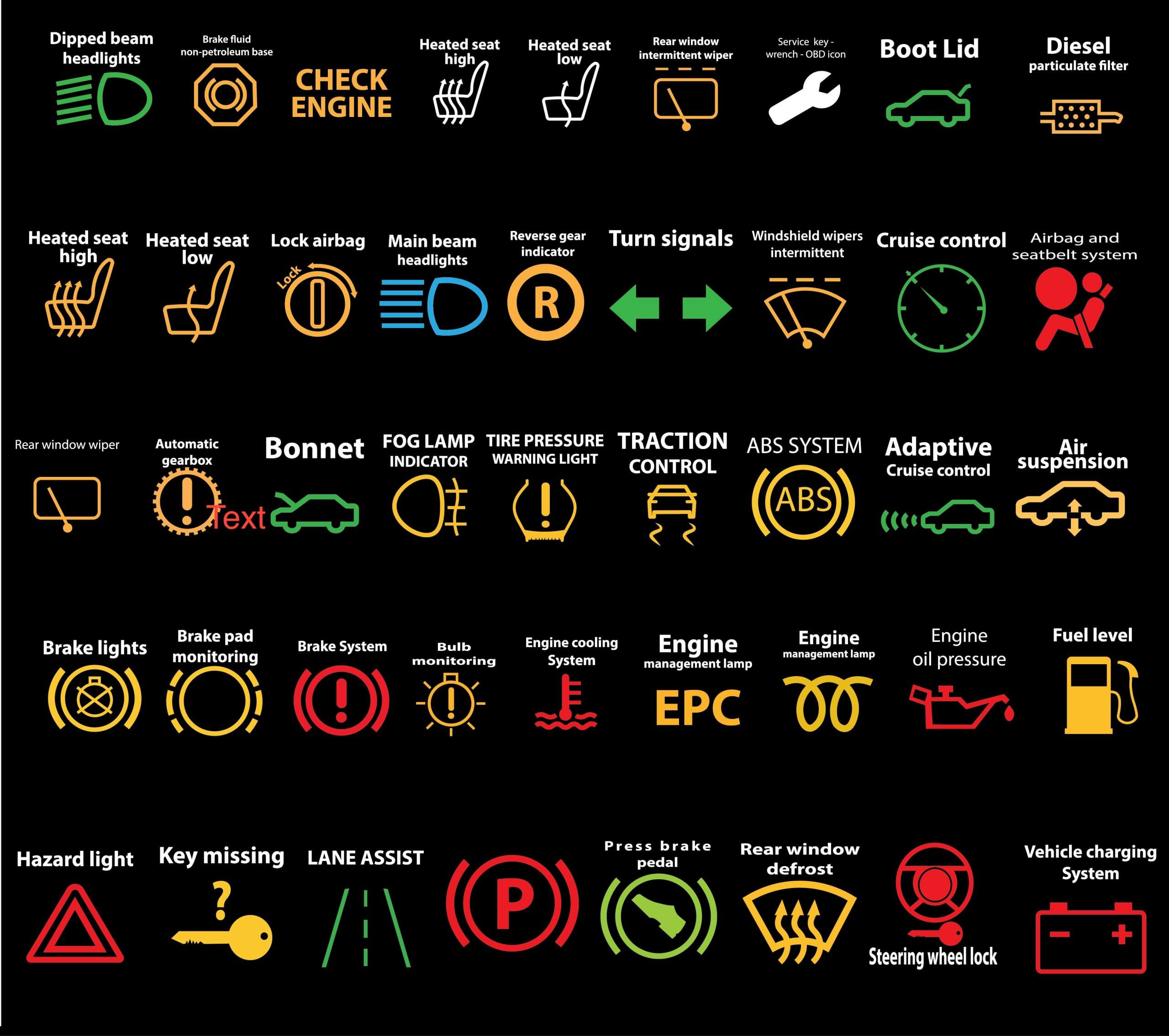
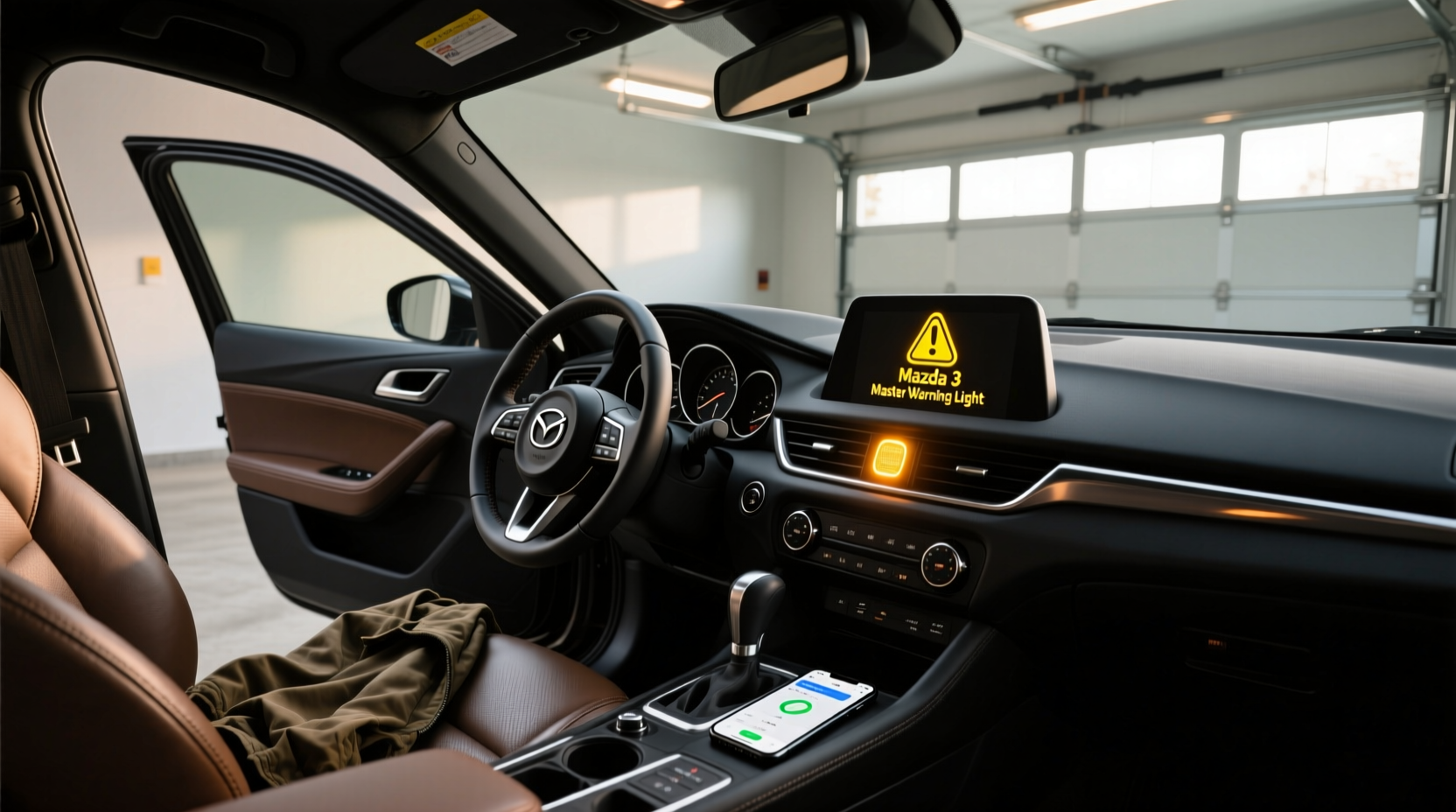
If you see a red triangle with an exclamation point inside, this is the Master Warning Light. It acts as an umbrella indicator, signaling that one or more systems in the vehicle have detected a problem. When this illuminates, check the multi-information display in your instrument cluster; it will typically provide a text message or a specific code explaining which system requires attention.
Tire Pressure Monitoring System (TPMS)
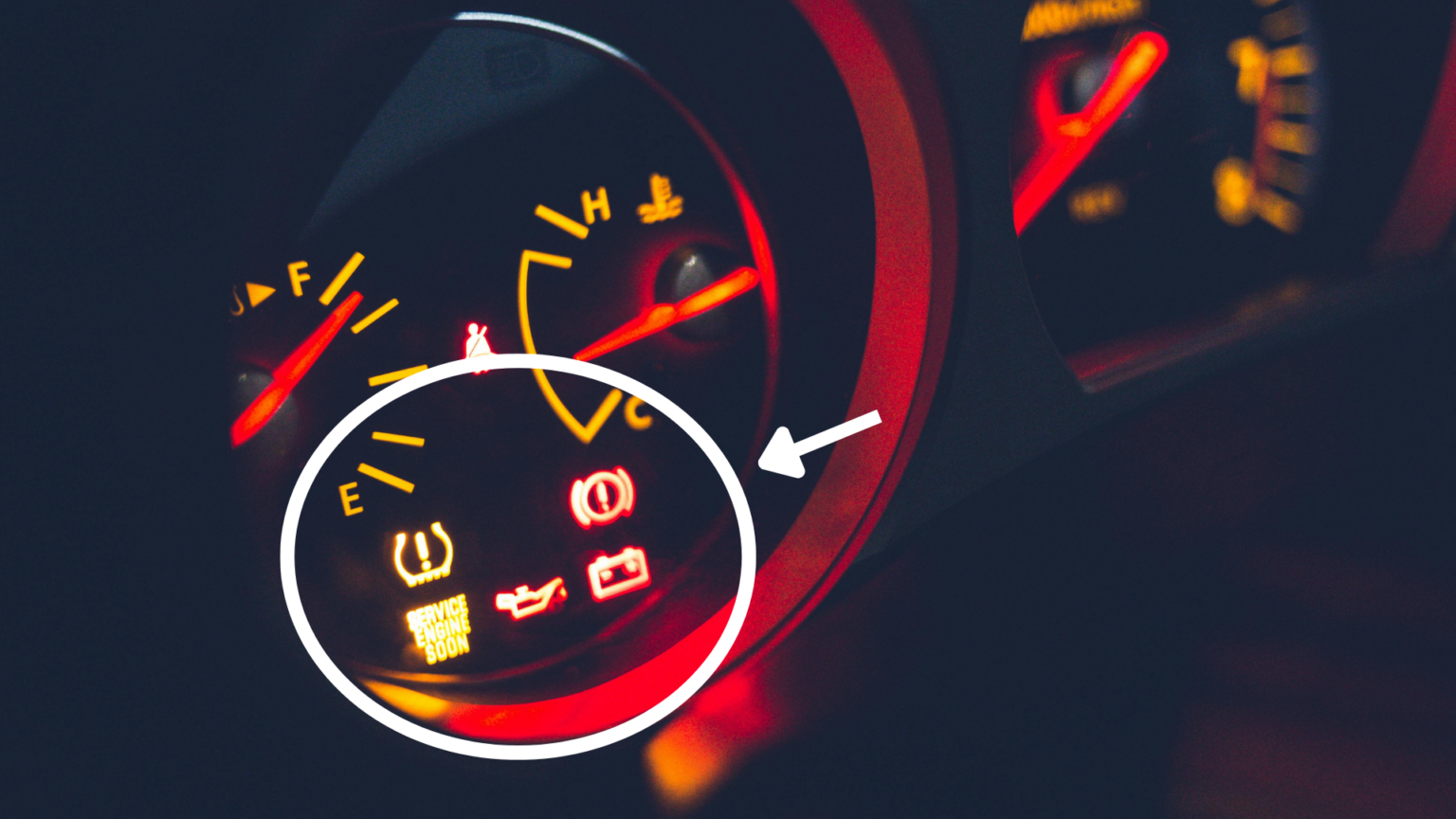
The TPMS light—a horseshoe shape with an exclamation point—will light up if one or more of your tires are significantly under-inflated. In the Mazda CX-3, this light can also trigger if you have recently changed tires or adjusted pressures without resetting the system. After ensuring all tires are inflated to the manufacturer’s recommended PSI (found on the driver’s side door jamb), you may need to navigate to the "Vehicle Status Monitor" in your Mazda Connect infotainment system to reset the TPMS settings.
Check Engine Light (Malfunction Indicator Light)
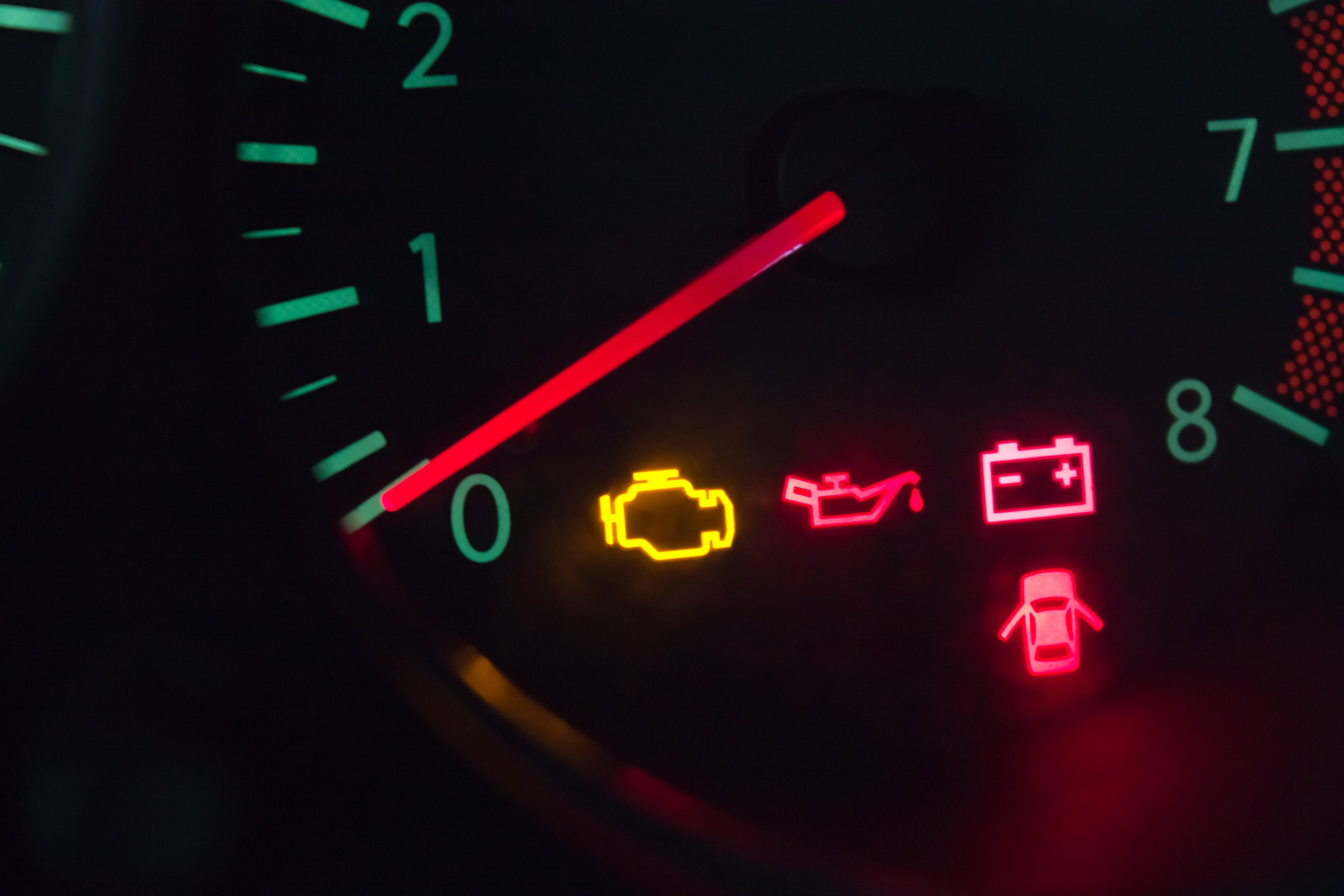
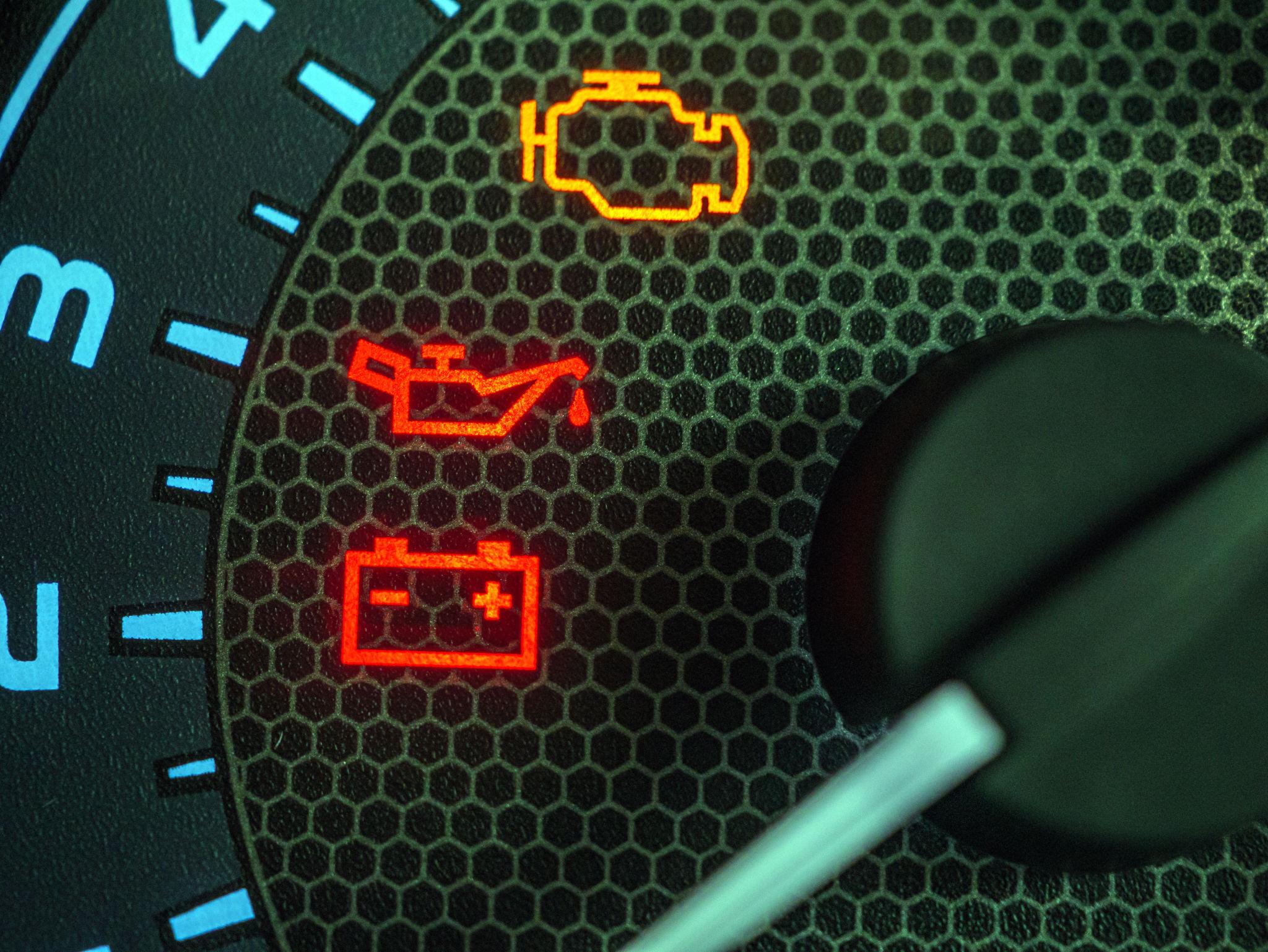
The outline of an engine, colored yellow, indicates an issue with the emissions control system or the engine’s performance. This light can be triggered by something as simple as a loose gas cap, which allows fuel vapors to escape, or as complex as a failed oxygen sensor or ignition coil. If the light is steady, schedule a diagnostic appointment soon. If the light is flashing, it indicates a severe engine misfire; in this case, pull over immediately to prevent permanent damage to your catalytic converter.
Brake System Warning
A red "BRAKE" light indicates either that the parking brake is engaged or that your brake fluid level is critically low. First, ensure your electronic parking brake is fully released. If the light remains, it is a sign of a hydraulic failure or severe brake pad wear. Do not ignore this light, as it directly impacts your ability to stop the vehicle.
Comparison of Critical Warning Indicators
| Light Symbol | Color | Meaning | Recommended Response |
|---|---|---|---|
| Engine Outline | Yellow | Emissions/Engine Fault | Schedule diagnostic scan; check fuel cap. |
| BRAKE | Red | Parking Brake / Low Fluid | Verify parking brake release; check fluid levels. |
| Thermometer | Red | Engine Overheating | Pull over, stop engine, allow to cool. |
| Oil Can | Red | Low Oil Pressure | Stop engine immediately; check oil level. |
| Horseshoe / ! | Yellow | Low Tire Pressure | Inspect tires and adjust PSI; reset monitor. |
Diagnostic Prerequisites and Troubleshooting
Before assuming the worst, perform a basic "pre-flight" check. Many modern vehicles, including the 2026 Mazda CX-3, are highly sensitive to sensor inputs.
- Check for Obvious Faults: If you see an engine light, ensure your fuel filler cap is tightened until it clicks.
- Verify Fluid Levels: For oil pressure or brake lights, use the dipstick or reservoir check points under the hood to ensure fluid levels are within the specified marks.
- Environmental Factors: Extremely cold or hot weather can affect sensor accuracy. If a warning light appears immediately after a cold start but vanishes after a few miles of driving, it may be a temporary sensor calibration error.
- Electronic Glitches: Occasionally, the infotainment or instrument cluster software may experience a transient fault. Turning the ignition off and waiting for at least 60 seconds before restarting the vehicle can often clear a false-positive code.
When to Seek Professional Assistance
While DIY troubleshooting covers minor issues, any persistent red warning light or a yellow light accompanied by noticeable changes in vehicle behavior—such as shaking, loss of power, or unusual noises—requires immediate professional evaluation.
Using an On-Board Diagnostic (OBD-II) scanner is a common way for owners to identify the specific error code associated with a check engine light. These scanners plug into the port located under the dashboard on the driver’s side. While this tool can provide the "P-code" (e.g., P0300), it does not tell you exactly which part to replace, only which system is reporting the fault. If you are not experienced with automotive mechanics, use the code as a starting point for a conversation with a service advisor rather than as a definitive repair guide.
Frequently Asked Questions
Why does my tire pressure light stay on even after I filled the tires? The Mazda CX-3 TPMS system often requires a manual reset. Simply filling the tires does not inform the computer that the work has been completed. You must enter the "Settings" or "Vehicle Status" menu in your center display and select the "TPMS Reset" function while the vehicle is stationary.
Is it safe to drive with a yellow warning light? Generally, yes, for short distances. A yellow light indicates a non-emergency fault. However, ignoring these can lead to "cascading failures," where a minor issue puts undue stress on other parts of the vehicle, leading to a much more expensive repair down the road.
What should I do if the engine temperature light starts flashing? A flashing or solid red thermometer icon means your engine is overheating. This is an emergency. Turn off your heater, pull over in a safe location, and turn off the engine. Do not attempt to open the radiator cap while the engine is hot, as it is pressurized and can cause severe burns.
Can I ignore the maintenance reminder light? The maintenance light is a mileage-based reminder. While your car will physically continue to run if you ignore it, you risk voiding warranty coverage or causing long-term mechanical wear by neglecting necessary oil changes and inspections.
Why does the Master Warning Light stay on after I fix the primary issue? In some cases, the vehicle's computer stores the fault in its history memory. It may require a specific drive cycle (a period of driving that allows the sensors to re-verify the system) or a technician to manually clear the code using a professional scan tool.
Next Steps for Owners
If you encounter a warning light, document the exact symbol, note any accompanying messages on the instrument display, and consult your owner’s manual. The manual provided with your specific model year contains a comprehensive index of every icon. Should the indicator persist, document the circumstances under which it appeared—such as heavy rain, cold weather, or while accelerating—and contact your authorized service center to schedule an inspection. Maintaining a record of these events is essential for warranty claims and ensuring your service technician can diagnose the root cause efficiently.
Image Gallery