Comprehensive Guide to Verizon Business Phone Repair and System Troubleshooting
To repair a Verizon business phone or service in 2026, you must first identify if the issue is physical hardware damage or a service-level outage. For mobile devices, repairs are primarily handled through Verizon’s partnership with Asu...
To repair a Verizon business phone or service in 2026, you must first identify if the issue is physical hardware damage or a service-level outage. For mobile devices, repairs are primarily handled through Verizon’s partnership with Asurion via insurance claims or manufacturer warranties. For landline and VoIP systems like One Talk, troubleshooting and technician dispatch are managed through the Verizon My Business portal or by contacting the dedicated business technical support line.
Contents
Maintaining operational communication lines is critical for any enterprise. Whether your organization relies on a fleet of smartphones or a complex Voice over Internet Protocol (VoIP) infrastructure, downtime equates to lost revenue. In 2026, Verizon Business has streamlined its repair processes, integrating AI-driven diagnostics and rapid-response hardware replacement programs to minimize these disruptions. This guide provides a detailed roadmap for navigating physical repairs, warranty claims, and system-level troubleshooting for business clients.
Identifying the Scope of Repair: Mobile vs. Fixed Systems
Before initiating a repair request, it is essential to categorize the failure. Verizon Business distinguishes between "Device Repairs" (physical hardware) and "Service Repairs" (connectivity and software).
Mobile Device Hardware Issues
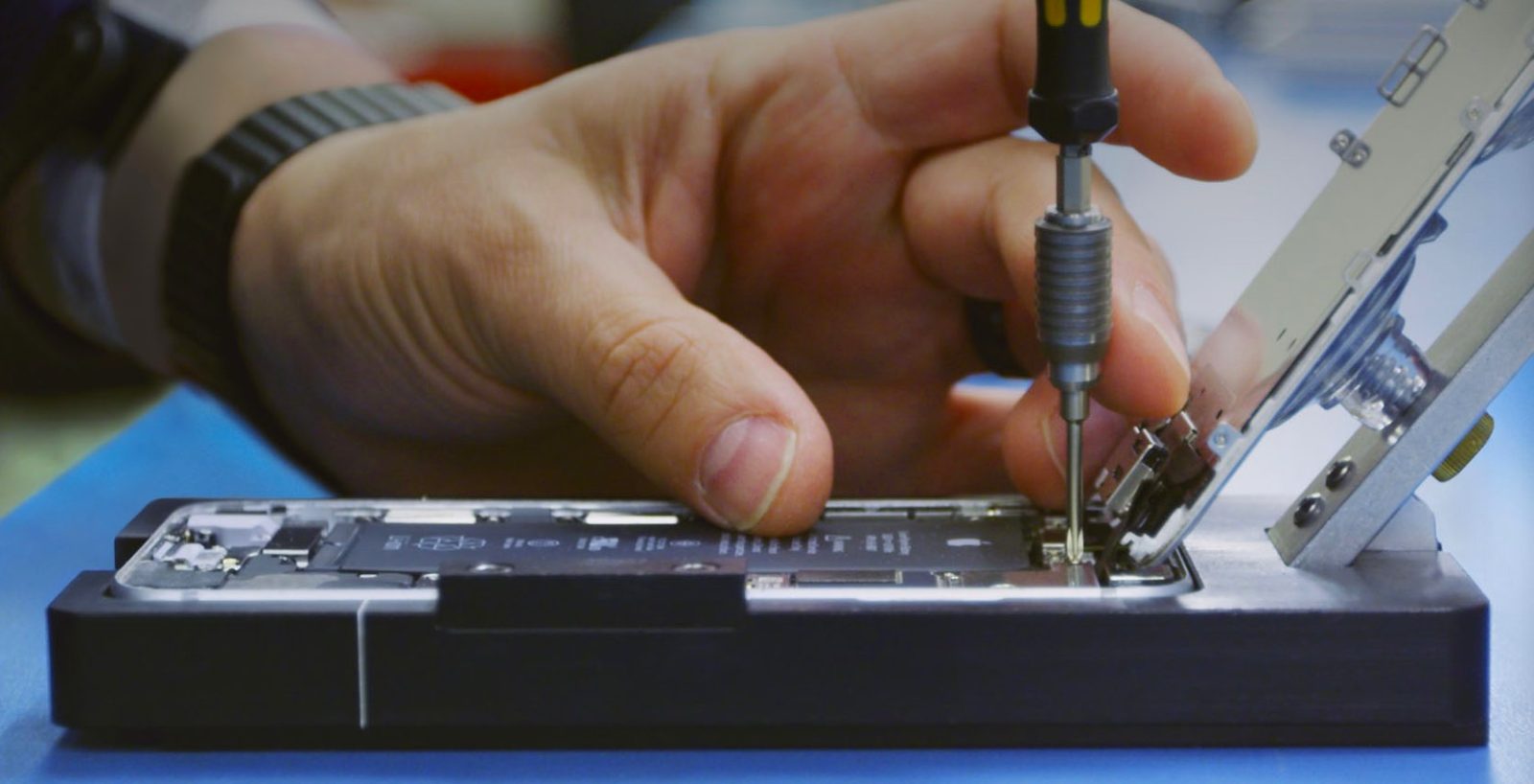
If a company-issued smartphone or tablet has a cracked screen, battery failure, or port damage, the repair path depends on your protection plan. Verizon offers several tiers of insurance, typically branded under the "Business Protect" or "Total Mobile Protection for Business" umbrellas. In 2026, these plans often include on-site repair where a technician visits your place of business to fix screens or replace components.
Fixed Business Voice and VoIP Systems
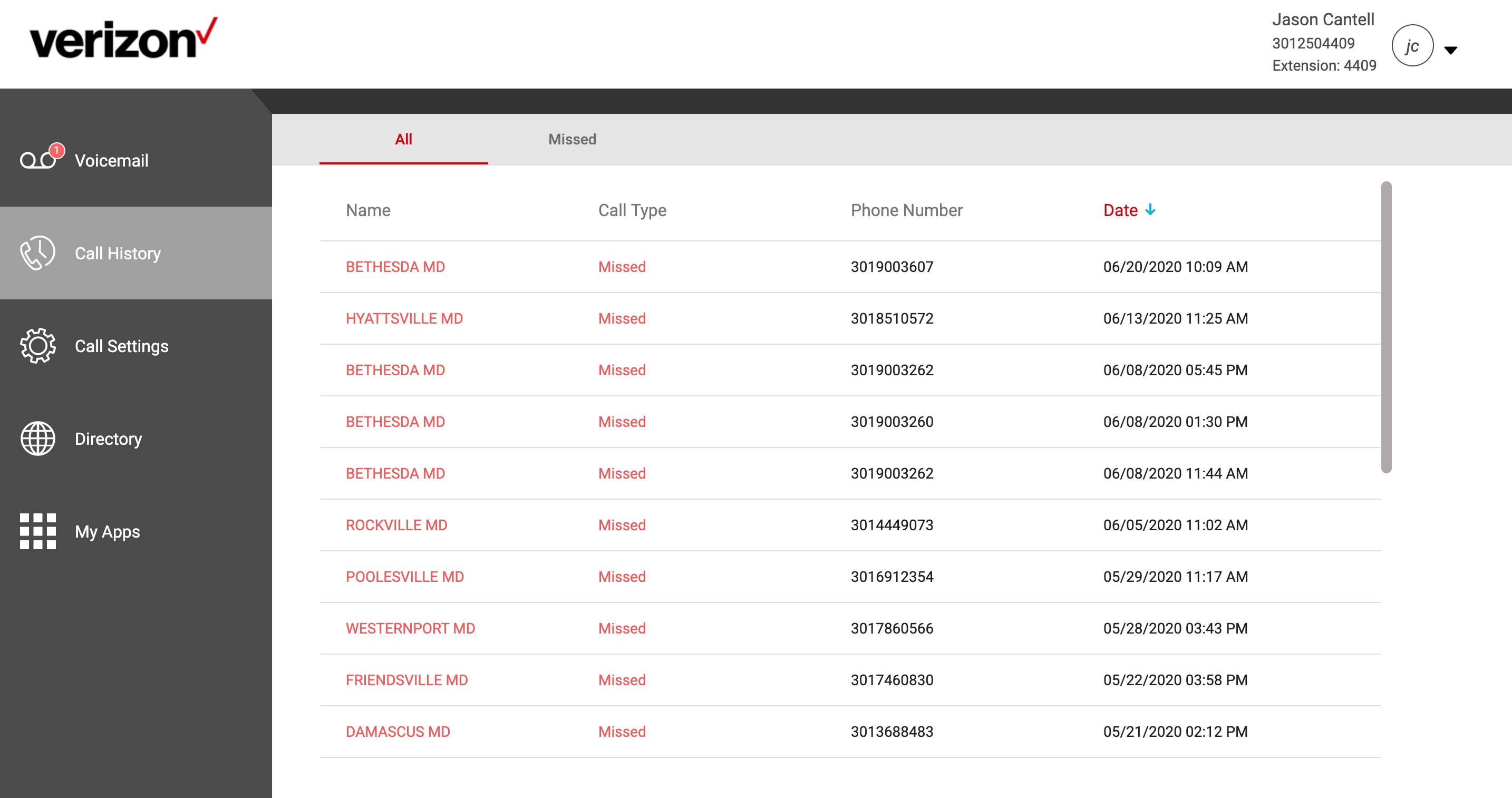
For businesses using Verizon One Talk, Business Digital Voice, or traditional PRI/SIP trunking, "repair" often refers to restoring dial tones or fixing call routing. These issues are frequently resolved through the My Business digital interface, though physical hardware like desk phones or routers may occasionally require replacement.
Managing Mobile Device Repairs Through Insurance
Most Verizon Business accounts carry some form of device protection. As of 2026, the claims process is centralized to ensure that enterprise users do not face the same wait times as consumer accounts.
Filing a Claim with Asurion
Verizon partners with Asurion to facilitate hardware repairs and replacements. If a device is damaged, lost, or stolen, the administrator must file a claim.
- Log in to the My Business Portal: Navigate to the "Manage Devices" section.
- Select the Affected Line: Identify the specific user and device requiring repair.
- Initiate Claim: You will be redirected to the Verizon-Asurion business portal.
- Choose Repair Method: Depending on the location and device type, you may choose between a local "uBreakiFix" (an Asurion company) location, a mail-in repair, or a technician visit to your office.
Repair Costs and Deductibles
In 2026, deductibles for business accounts remain tiered based on the device's retail value. Screen repairs often carry a lower deductible (sometimes as low as $0 to $29 under premium plans), while full device replacements for flagship 5G models may require a higher flat fee.
| Protection Tier | Screen Repair Cost | Full Replacement | On-Site Support |
|---|---|---|---|
| Business Protect | $0 - $29 | $99 - $249 | Included |
| Total Mobile Protection | $29 | $149 - $299 | Available in select areas |
| Manufacturer Warranty | $0 (Defects only) | N/A | No |
| Out-of-Warranty | Full Market Price | Full Market Price | No |
Troubleshooting Verizon One Talk and VoIP Hardware
For businesses utilizing One Talk—Verizon’s mobile-first business phone system—repairing the "phone" often means fixing the software synchronization or the physical desk phone hardware.
Common One Talk Hardware Issues
If a One Talk desk phone is not functioning, the issue is often related to the Power over Ethernet (PoE) source or the firmware.
- Power Cycles: Unplug the device for 30 seconds. In 2026 models, a soft reset can often be triggered via the My Business app.
- Firmware Updates: Ensure the device is on the latest software version. Verizon frequently pushes updates to improve security and 5G integration.
- E911 Address Verification: If the phone is moved to a new office location, it may "lock" until the E911 address is updated in the portal for regulatory compliance.
Connectivity and Network Repairs
If the entire office system is down, the "repair" is likely network-related. Verizon Business Digital Voice relies on a stable internet connection. In 2026, most businesses use a 5G Business Internet gateway as a primary or failover connection. If the phone system fails, check the gateway status. If the gateway shows a red or blinking light, the issue is with the Verizon signal or the local hardware, not the individual phone handsets.
The Manufacturer Warranty vs. Verizon Protection
It is a common mistake to confuse a manufacturer’s warranty with Verizon’s repair services. Understanding the difference is vital for cost management.
The 12-Month Limited Warranty
All new devices sold by Verizon Business come with a standard 1-year manufacturer warranty (e.g., from Apple, Samsung, or Google). This covers:
- Internal hardware defects.
- Software malfunctions not caused by the user.
- Battery degradation (if it falls below a certain percentage within the first year).
The warranty does not cover accidental damage, such as water exposure or dropped devices. For warranty claims, Verizon can often act as a facilitator, providing a refurbished replacement device while the defective unit is sent back to the manufacturer.
Extended Warranty and Protection
Beyond the first year, unless you have a Verizon protection plan, you are responsible for the full cost of the repair. Verizon’s "Extended Warranty" service (often bundled in Business Protect) covers mechanical and electrical failures for as long as the line remains active on the plan.
Step-by-Step Technical Support Contact Process
When remote troubleshooting fails, you must engage with Verizon’s technical support team. For business clients, this is a distinct channel from consumer support to ensure faster escalation to Tier 2 and Tier 3 technicians.
- Gather Information: Have your account number, the MDN (Mobile Directory Number), and the device IMEI ready.
- Call Verizon Business Support: The primary line for 2026 remains 800-837-4966.
- Use the "Live Assistant": The My Business portal now features an AI-driven diagnostic tool that can "ping" your devices to check for signal strength and hardware health before you even speak to a human.
- Request a Ticket Number: Always ensure a trouble ticket is generated. This allows you to track the status of the repair and provides a paper trail for any service-level agreement (SLA) credits you may be owed due to downtime.
Preparing Your Device for Physical Repair
If a device must be sent in for repair or replaced, data security is the top priority for business users. Federal and state privacy laws in 2026 have increased the liability for businesses regarding data breaches on lost or repaired hardware.
- Backup Data: Use a secure cloud service (Verizon Cloud for Business or a third-party MDM like Workspace ONE) to ensure all corporate data is backed up.
- Factory Reset: If the screen is functional, perform a factory reset to wipe all credentials and local data.
- Remove the SIM/eSIM: While many 2026 devices use eSIM exclusively, if yours has a physical SIM, remove it. For eSIMs, ensure the profile is deactivated so it can be transferred to the replacement device.
- Disable Tracking: Turn off "Find My" features (for iOS) or "Find My Device" (for Android), as these features can prevent technicians from being able to service the hardware.
Frequently Asked Questions
How long does a Verizon business phone repair typically take?
For mobile devices, if you use an authorized local repair center, screen fixes can often be completed within 2–4 hours. For mail-in replacements, Verizon typically provides overnight shipping for business accounts, meaning a replacement device arrives the next business day after the claim is approved.
Does Verizon provide loaner phones for business customers?
Verizon generally does not offer "loaner" phones in the traditional sense. Instead, their business protection plans are designed to provide a permanent replacement device immediately. For critical roles, it is recommended that businesses keep a "buffer stock" of two or three unassigned devices that can be quickly activated via the My Business portal.
Can I repair my business phone at a third-party shop?
While you can use any repair shop, doing so may void your manufacturer warranty or your Verizon protection plan. It is always safer to use an authorized service provider like uBreakiFix or an Apple Store. If you have Verizon insurance, third-party repairs are usually not reimbursable unless they are part of the Asurion network.
What should I do if my One Talk desk phone shows "Network Error"?
This usually indicates a configuration issue rather than a hardware failure. Check your router's firewall settings to ensure that the necessary ports for VoIP traffic are open. If the hardware is indeed faulty and under a service contract, Verizon will ship a replacement unit, which can be provisioned by scanning a QR code on the new device's screen.
Are there on-site repair options for complex business phone systems?
Yes. For businesses with "Private 5G" setups or large-scale "Business Digital Voice" installations involving physical PBX integration, Verizon can dispatch a Field Technician. This service is typically managed through the "Support" tab in the My Business portal, where you can schedule a window for an on-site visit.
Practical Recommendation
To minimize the impact of hardware failure, business administrators should audit their "Device Protection" status quarterly within the My Business portal. Ensure that all high-value devices used by field personnel or executives are covered under a plan that includes next-day replacement. For VoIP systems, always maintain a documented map of your network topology, which will allow Verizon’s remote technicians to identify if a "repair" is actually a local network configuration issue rather than a hardware defect.
Image Gallery