How the CRM Software WordPress Plugin Landscape Has Shifted
The WordPress CRM ecosystem has transitioned from a collection of simple contact management extensions to a robust landscape of integrated business intelligence hubs. Driven by the demand for API-first architecture, deeper marketing au...
The WordPress CRM ecosystem has transitioned from a collection of simple contact management extensions to a robust landscape of integrated business intelligence hubs. Driven by the demand for API-first architecture, deeper marketing automation, and native data portability, site owners now prioritize platforms that function as independent operational engines rather than mere lead-capture forms.
Contents
The Evolution of WordPress Customer Relationship Management
Historically, WordPress CRM plugins were viewed as lightweight database wrappers. Their primary purpose was to store contact names, email addresses, and perhaps a rudimentary note-taking field. These early iterations relied heavily on the site’s database to handle tasks that were often better suited for dedicated external software.
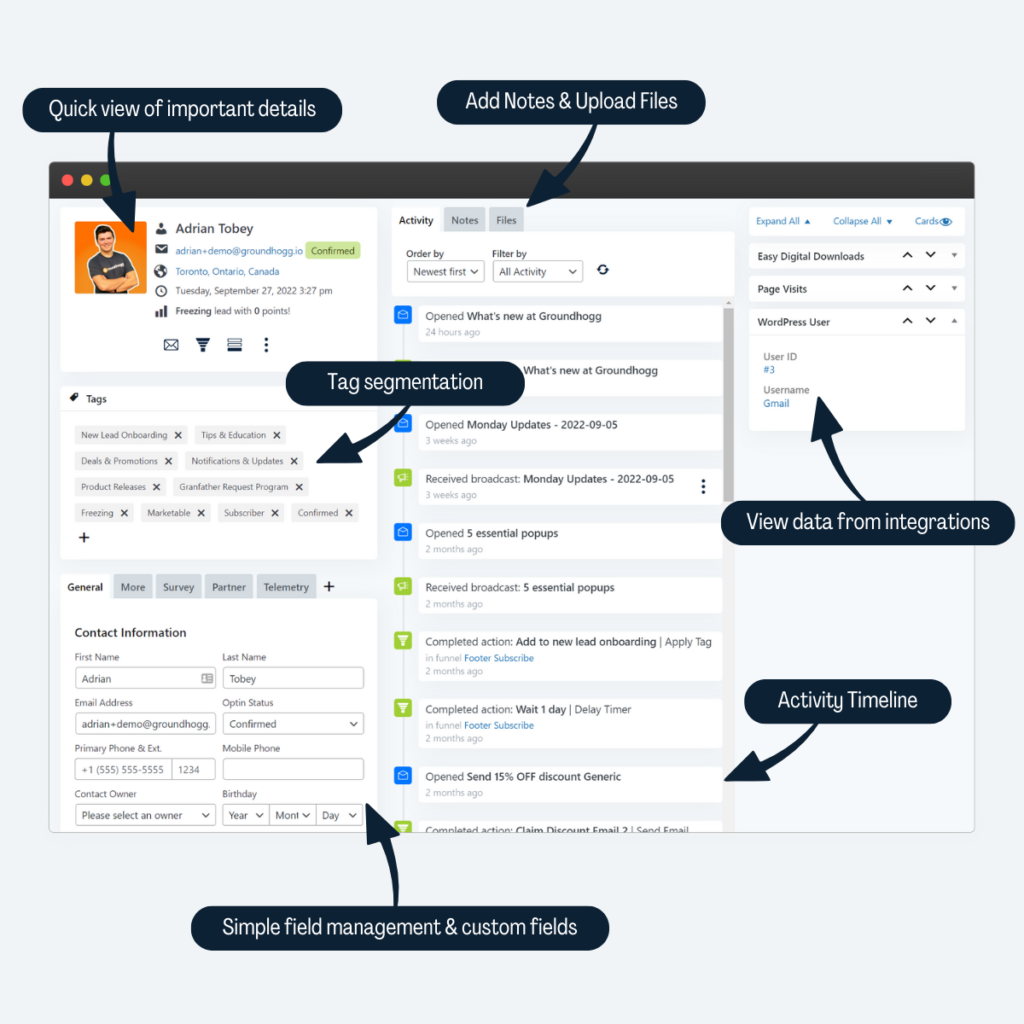
However, as the WordPress ecosystem matured toward 2026, the requirements for data privacy, compliance (such as GDPR and CCPA), and multi-channel synchronization forced a significant shift. The modern CRM landscape for WordPress is no longer defined by simple storage, but by the ability to ingest data from diverse sources—such as e-commerce checkouts, webinar registrations, and helpdesk tickets—and map those touchpoints into a unified customer profile.
Architectural Shifts: From Plugin to Integrated Service
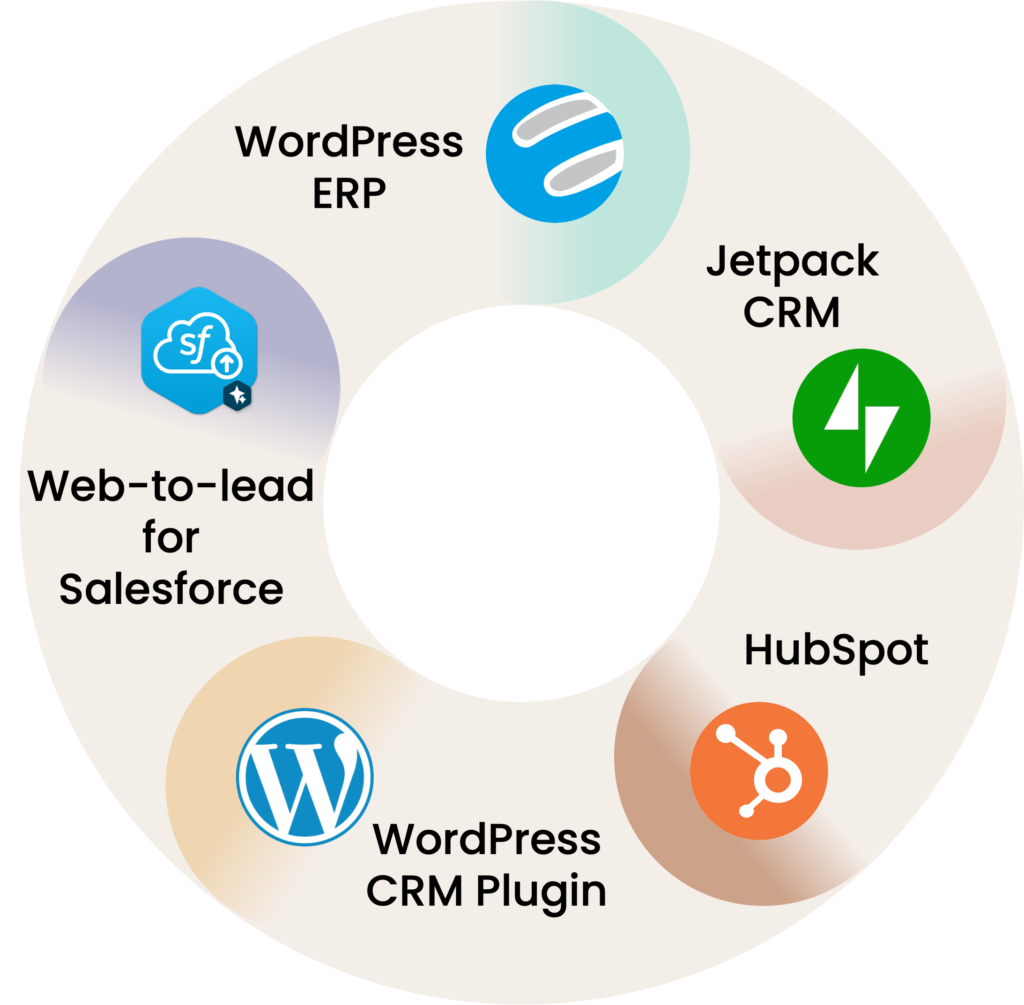
One of the most consequential changes in this landscape is the move toward "decoupled" or "hybrid" CRM models. In the past, users expected their CRM to live entirely within their WordPress dashboard. Today, many high-performing WordPress sites utilize plugins that act as high-speed bridges to professional-grade CRM platforms.
This shift occurred for several technical reasons:
- Database Overhead: Storing tens of thousands of customer records directly inside the WordPress
wp_postsor custom table structures can lead to significant site performance degradation. - External Reliability: By offloading lead-scoring and automated email workflows to an external infrastructure, the WordPress site remains lightweight and fast, even under heavy traffic.
- Data Redundancy: Modern business leaders prioritize data that is accessible outside of a single content management system. If a WordPress site is compromised or undergoes a migration, the CRM data must remain secure and accessible independently.
Criteria for Modern CRM Selection
When selecting a plugin in 2026, the evaluation process has become more technical. Site owners must now account for how these plugins integrate with the broader MarTech (Marketing Technology) stack.
Data Portability and API Access
Ensure that any CRM plugin you consider offers comprehensive REST API access. You must be able to export your full customer history in a structured format (JSON or CSV) without restriction. If a plugin locks your data behind a proprietary format, it creates a significant technical risk for your enterprise.
Performance Impact
Before installing a CRM solution, test the database query impact on your staging environment. Monitor the number of queries added to the page load time. A well-optimized CRM plugin should use asynchronous background processing for data syncing to avoid blocking the front-end user experience.
Compliance and Consent Management
The modern landscape demands that CRM plugins natively handle user consent. This includes features like "Right to be Forgotten" tools, which automate the deletion of PII (Personally Identifiable Information) across the entire WordPress database, including custom fields and lead history logs.
Comparison of CRM Integration Strategies
| Strategy | Primary Benefit | Best For | Potential Drawback |
|---|---|---|---|
| Native WordPress CRM | Full data ownership | Small, data-sensitive teams | Higher server resource usage |
| Bridge/API Sync | Offloaded performance | High-traffic e-commerce | Dependent on third-party APIs |
| SaaS Middleware | Extreme scalability | Large enterprise setups | Recurring subscription costs |
Navigating the Current Market
The market has bifurcated into two distinct categories: plugins designed for the "Small-to-Medium Business" (SMB) that want an all-in-one feel, and plugins built for the "Power User" who needs professional, enterprise-grade capabilities.
If your primary focus is list building and simple follow-up, native plugins that provide built-in visual builders for customer journeys remain highly effective. These tools have improved their UI/UX significantly, moving away from archaic forms to modern, drag-and-drop workflow visualizers that rival standalone SaaS platforms.
Conversely, if your site generates complex transaction data—such as multiple membership levels, course completions, or digital product downloads—look toward plugins that focus on "Webhooks" and "Event Triggers." These are less about storing the data and more about routing the data to where it adds the most value in your sales funnel.
Common Pitfalls and Troubleshooting
As the landscape has become more complex, so have the potential points of failure. The most frequent issue encountered in 2026 involves "API sync lag." When a user fills out a form, the data must travel from your WordPress site to the external CRM. If your server is misconfigured or if you have rate-limiting issues on your API keys, records may fail to sync.
Actionable Troubleshooting Steps:
- Check Logs: Almost all reputable CRM plugins maintain internal error logs. Review these first to see if the API is returning 401 (Unauthorized) or 429 (Too Many Requests) errors.
- Verify Cron Jobs: Many plugins rely on WordPress Cron to process data in the background. If your site’s traffic is low, the cron jobs may not fire frequently enough. You may need to replace the default WordPress WP-Cron with a true system-level cron job.
- Validate Field Mapping: A common failure occurs when a plugin’s custom field type does not match the CRM’s expected data format (e.g., sending a text string to a date field). Always re-verify mappings after updating either the plugin or the CRM software.
Future-Proofing Your Business Operations
The trajectory of the WordPress CRM landscape suggests that future updates will focus heavily on AI-driven segmentation. As you evaluate your current setup, consider if your plugin of choice is positioning itself to support automated segmentation based on visitor behavior, rather than static demographic data.
The shift we have witnessed is ultimately a move toward professionalization. Site owners no longer accept "good enough" for their customer data. They expect professional, secure, and performant systems that scale with their business. By focusing on data portability and performance, you ensure that your WordPress site remains the central, reliable core of your digital operations.
Frequently Asked Questions
Does a CRM plugin slow down a WordPress site? It depends on the architecture. Plugins that process data synchronously during a page load can cause significant latency. Seek plugins that utilize background queues or async processing to maintain optimal speed.
Is it safer to store CRM data inside WordPress or externally? Storing data externally is generally considered safer for enterprise setups, as it isolates sensitive customer information from the vulnerabilities inherent to the public-facing WordPress codebase.
How do I migrate CRM data from one plugin to another? Most professional CRM plugins offer CSV export features. If migrating, prioritize mapping your "Unique Identifiers"—such as email addresses—to ensure that customer records remain linked to their historical activity during the transfer.
Do I need a paid plugin for professional CRM features? While many free versions exist, professional features like automated behavioral tagging, advanced API integrations, and dedicated support are typically gated behind paid licenses. Determine if the time saved via automation justifies the annual cost.
How does GDPR impact WordPress CRM choices? GDPR mandates data portability and the ability to delete user information. Ensure your chosen plugin has built-in tools for data export and PII removal; avoid plugins that store data in obscured, non-accessible database tables.
Next Steps for Implementation
If your current CRM solution feels outdated, begin by auditing your data. Identify which fields are essential for your sales process and which are simply adding bloat. Once identified, evaluate if your current plugin supports a "clean sync" to your external destination. If you are struggling with database performance, perform a test migration of your data to a staging environment and measure the impact of switching to an API-based bridge plugin. Your goal is to simplify the architecture while retaining the integrity of your customer insights.
Image Gallery