Choosing the Best CRM Mobile App for Sales Teams on the Go
The best CRM mobile app for sales teams on the go provides seamless offline synchronization, intuitive data entry through voice-to-text or document scanning, and a simplified dashboard that prioritizes urgent tasks. By reducing the fri...
The best CRM mobile app for sales teams on the go provides seamless offline synchronization, intuitive data entry through voice-to-text or document scanning, and a simplified dashboard that prioritizes urgent tasks. By reducing the friction of logging calls and updating deal stages, mobile-first CRM solutions ensure that field teams spend more time selling and less time on administrative data management.
Contents
The Evolution of Mobile CRM for Remote Productivity
In 2026, the definition of a mobile CRM has evolved from a secondary "viewer" of desktop data into a primary command center for field operations. Historically, sales professionals were tethered to their laptops to update client records or draft complex proposals. Today, the most effective CRM mobile apps are built with "mobile-first" architecture, meaning features are designed for touch-first navigation and intermittent connectivity.
For a sales professional, the "on the go" environment implies a series of constraints: limited time between appointments, unstable network coverage in commercial buildings or transit, and the need for quick retrieval of historical communication before entering a meeting. A high-performing mobile app addresses these by prioritizing local caching of essential records, allowing for offline updates that push to the cloud as soon as a connection is reestablished.
Critical Capabilities for Field Sales Operations
When selecting a mobile CRM, you must look beyond basic contact management. The utility of the application hinges on its ability to support the sales lifecycle in a non-desk environment.
Data Input Automation
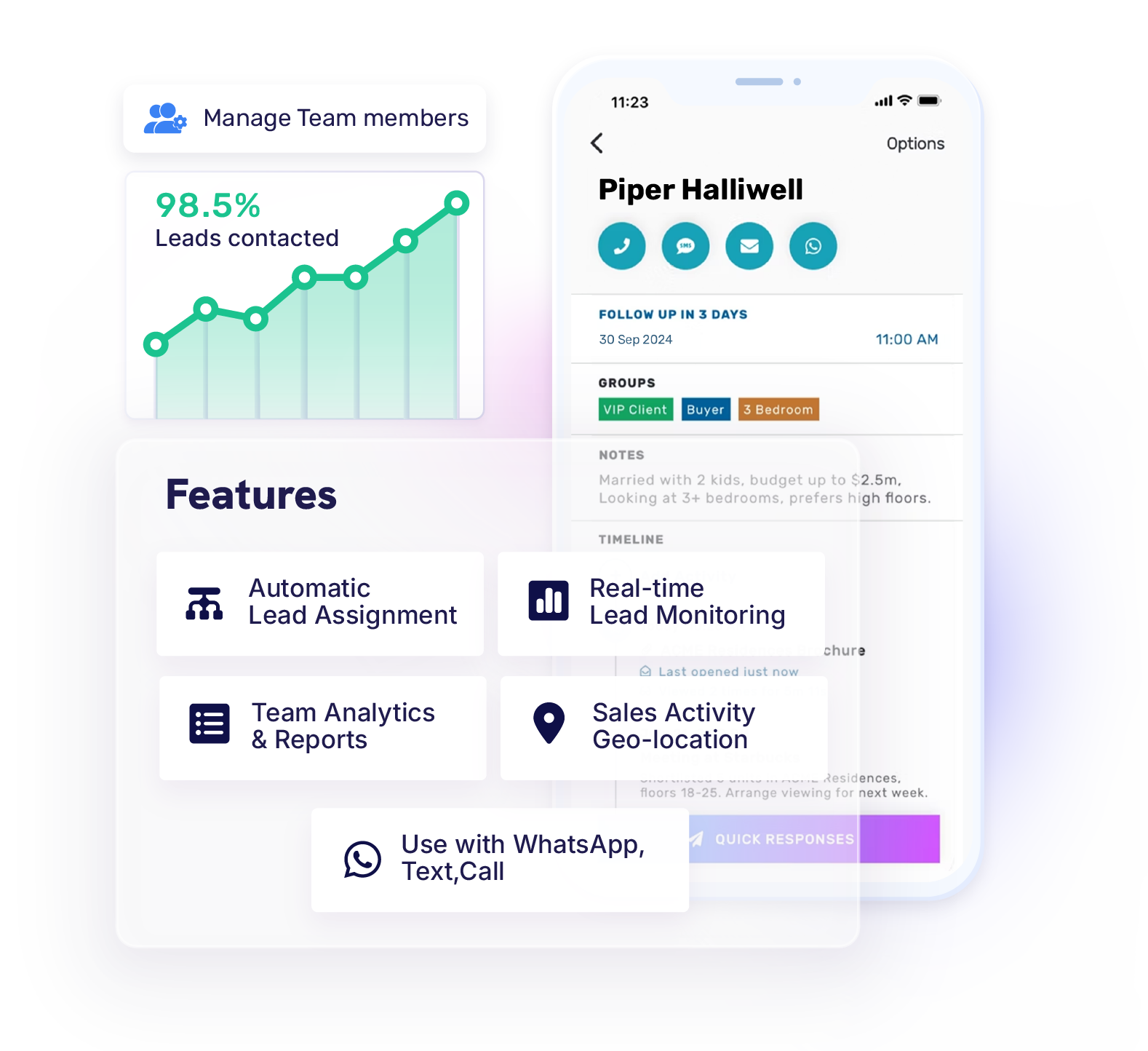
Manual data entry is the primary reason for poor CRM adoption among field teams. The best applications for 2026 incorporate AI-driven features such as business card scanners, email-to-lead auto-parsing, and voice-command logging. When a representative finishes a site visit, they should be able to dictate notes directly into the record, which the CRM then categorizes into the appropriate activity log.
Geo-Location and Routing
For teams that manage physical territories, integration with mapping software is essential. Advanced mobile CRM apps now offer proximity search features, allowing representatives to pull up a map of nearby leads or existing customers. This enables "gap-filling" in schedules, where a salesperson can turn a canceled appointment into an opportunity for an ad-hoc visit to a neighboring prospect.
Role-Based Dashboards
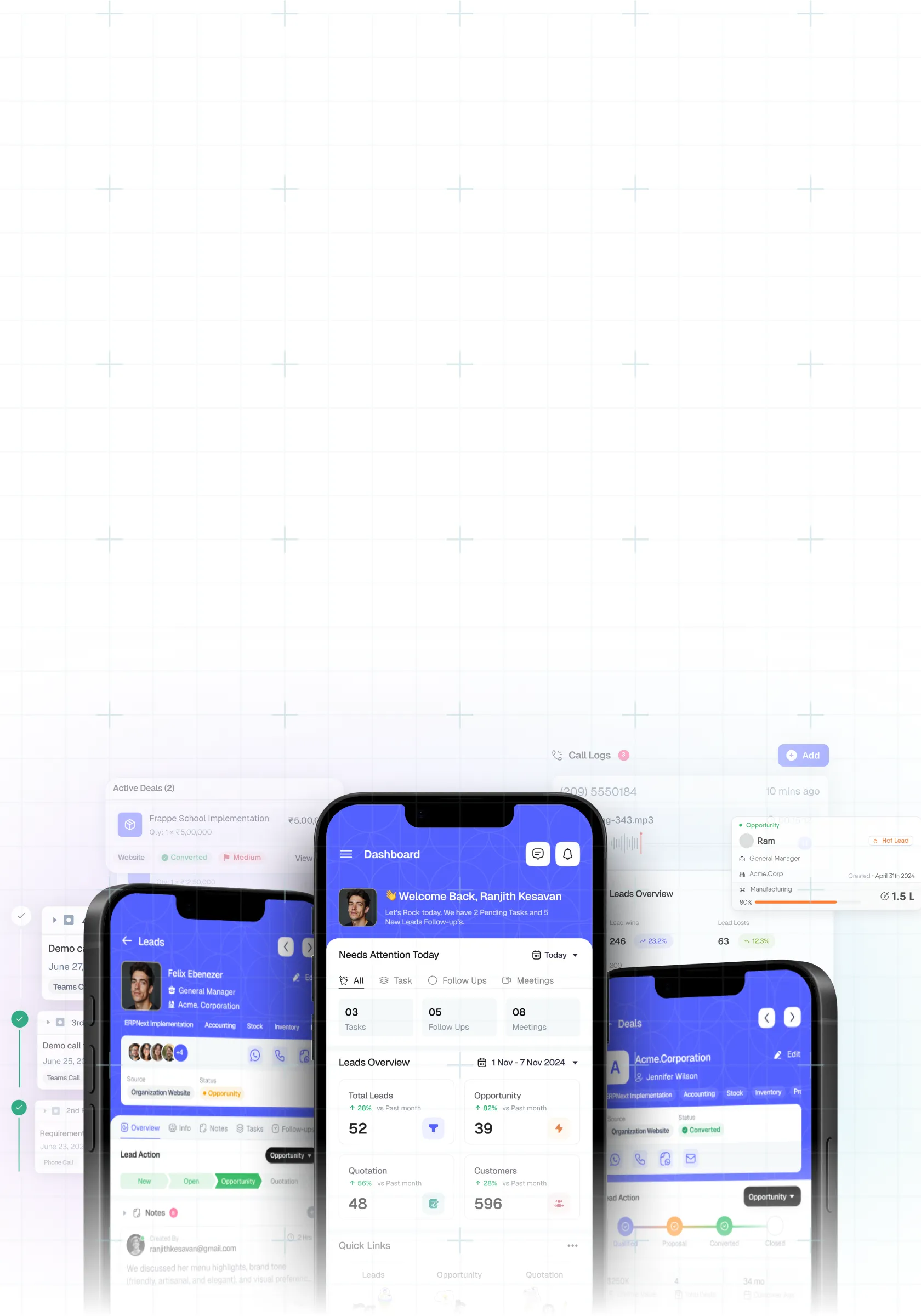
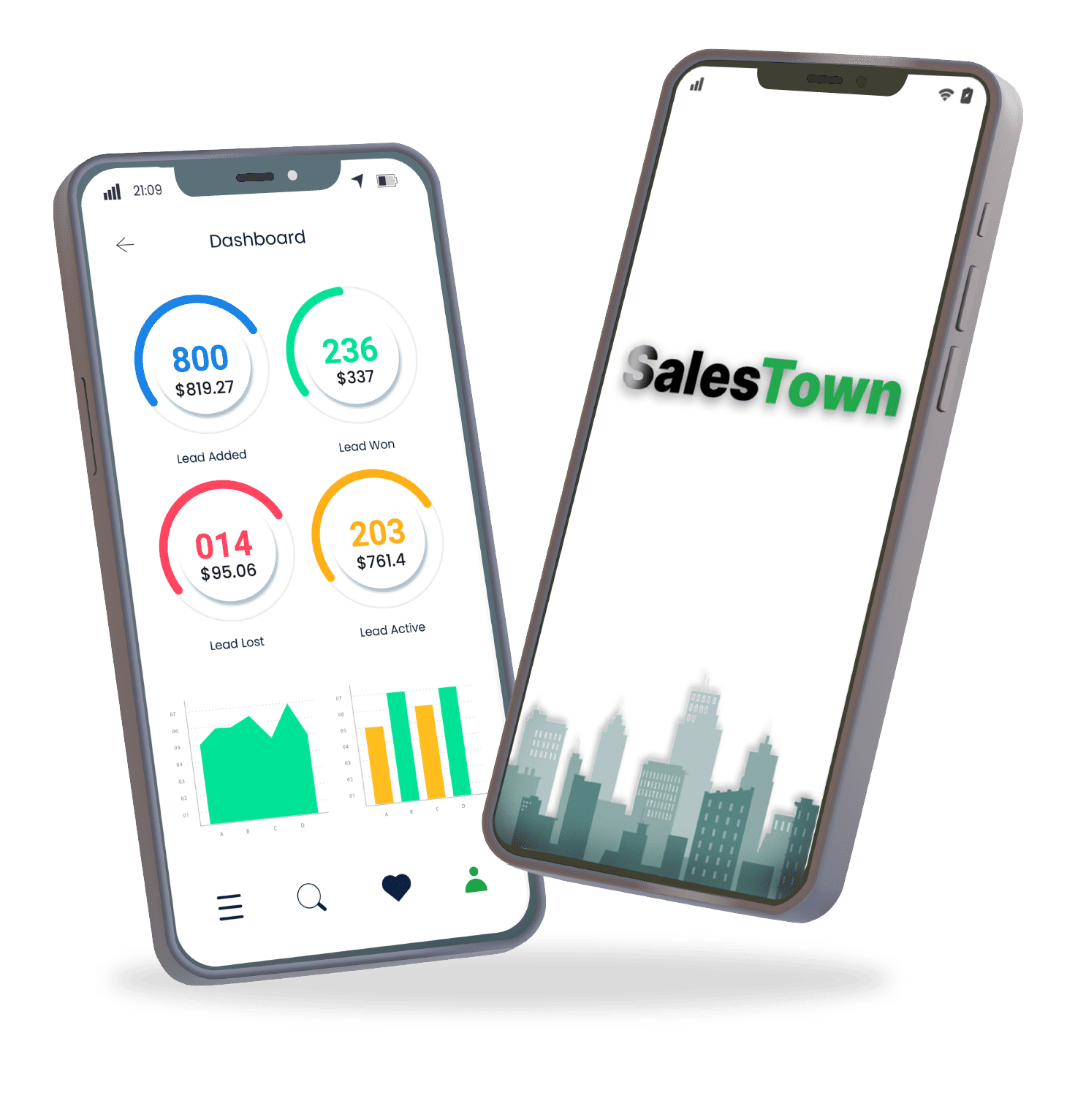
The mobile user interface (UI) should differ significantly from the desktop version. While a desktop user needs complex forecasting charts and deep-dive analytical reports, a mobile user needs a concise "Day at a Glance" summary. This view should highlight overdue tasks, pending approvals, and imminent meeting reminders.
Comparison of Leading CRM Mobile Architectures
The following table categorizes the core strengths of major enterprise CRM mobile platforms frequently utilized by mobile sales teams.
| CRM Platform | Primary Mobile Strength | Best For | Offline Capabilities |
|---|---|---|---|
| Salesforce | Highly customizable workflows | Enterprise/Complex Teams | Full mobile sync |
| HubSpot | User experience and speed | SMB/Fast-paced teams | Partial (Action queues) |
| Zoho CRM | Feature-to-cost efficiency | Budget-conscious teams | Robust offline mode |
| Pipedrive | Visual deal pipeline focus | SMB/Direct sales | Basic sync |
Prerequisites for Successful Implementation
Before deploying a mobile CRM across a sales team, organizations must address infrastructure and security requirements. Mobile devices pose a greater risk of data loss or unauthorized access compared to office workstations.
- Mobile Device Management (MDM): Ensure that the company’s IT department has an MDM policy in place to remotely wipe sensitive client data if a device is lost or stolen.
- Standardized Input Protocols: Simply giving teams an app is insufficient. Organizations must define clear procedures for how fields are populated. For example, mandate that every client meeting must have a "Call Outcome" tag added within two hours of the interaction to ensure data hygiene.
- Connectivity Testing: Before full-scale rollout, simulate field conditions. If your sales team operates in basements or rural areas with poor cellular reception, verify the app’s ability to queue background tasks without failing.
Overcoming Common Adoption Challenges
A common failure point in mobile CRM adoption is the "desktop-mirroring" trap. If a development team simply shrinks the desktop view to fit a mobile screen, the resulting UI is typically cluttered and prone to user error. If your current provider offers a version of this, your team will likely struggle with accidental data entry errors or frustration with slow load times for unnecessary background processes.
Another significant issue is the lack of internal integration. A mobile CRM is only as valuable as the data it pulls from other systems. If the mobile app does not reflect the latest inventory status or pricing tiers present in your ERP (Enterprise Resource Planning) software, the salesperson cannot provide accurate information to a prospect. Always verify that the mobile app’s API calls are refreshing in real-time or via a robust push-notification system.
Troubleshooting Frequent Mobile CRM Issues
When the mobile app does not perform as expected, follow these standard diagnostic steps before escalating to technical support:
- Cache Clearing: If data is appearing outdated, the local application cache may be corrupted. Navigate to the app settings and perform a cache clear/hard refresh.
- Permission Verification: Most mobile CRM issues stem from disabled location services or restricted background data usage. Ensure the app has persistent permissions to access cellular data.
- Sync Conflicts: If two users edit the same record offline, a "version conflict" may occur. Establish a rule that the most recent sync to the primary server takes precedence, and train the team to review alert notifications when sync errors occur.
Expert Guidance: Maximizing Field Performance
To maximize the return on investment for your mobile CRM, move toward "contextual selling." Use the mobile app to push notifications to the sales rep when a prospect visits the company website or opens a document, rather than just using the app as a digital rolodex. This turns the mobile app into a proactive lead-generation tool.
When evaluating a vendor in 2026, request a trial that includes the specific mobile workflows your team uses most frequently. Do not accept a demo based solely on the desktop environment. If a vendor is unable to provide a sandbox version of their mobile interface, it is often an indicator that the mobile experience is not a primary product priority.
Ultimately, the best CRM mobile app for your team is one that disappears into the background of the workflow. The objective is for the salesperson to be present with the customer, using the device as a support mechanism rather than the center of attention.
Frequently Asked Questions
Does offline mode in a mobile CRM allow for full data entry? Yes, most top-tier mobile CRMs support offline data entry. The app caches your inputs—such as notes, meeting logs, or contact updates—and creates a "pending" queue that automatically syncs to the server as soon as the device detects a stable Wi-Fi or cellular signal.
Is it secure to access company CRM data on a personal phone? It can be secure if managed via a containerized mobile application. Using an app that supports SSO (Single Sign-On) and MFA (Multi-Factor Authentication) ensures that even if the physical phone is compromised, the data remains encrypted and isolated from the user's personal applications.
How do I train my sales team to use the mobile CRM more often? The most effective strategy is to eliminate desktop alternatives for specific tasks. Require all post-meeting notes to be entered via the mobile app within a specific timeframe. When the mobile app is integrated into the daily compensation and performance review cycle, adoption naturally increases.
What is the impact of mobile CRM on data accuracy? When used correctly, mobile CRMs improve accuracy by reducing the time lag between an event (a sale or a meeting) and the documentation of that event. Reducing the delay significantly lowers the risk of memory-based errors in recording deal values or client feedback.
Can I use a mobile CRM app to scan physical documents? Modern mobile CRMs feature built-in OCR (Optical Character Recognition) tools. These allow you to scan contracts, invoices, or business cards directly into the app, which then converts the image into text fields, significantly reducing administrative overhead for field sales.
Next Action: Begin by auditing your current sales workflow. Identify the top three tasks your team performs while traveling (e.g., call logging, map-based route planning, or contract drafting) and test these specific functions in a free trial version of the platforms listed in the comparison table to ensure they match your team's real-world needs.
Image Gallery